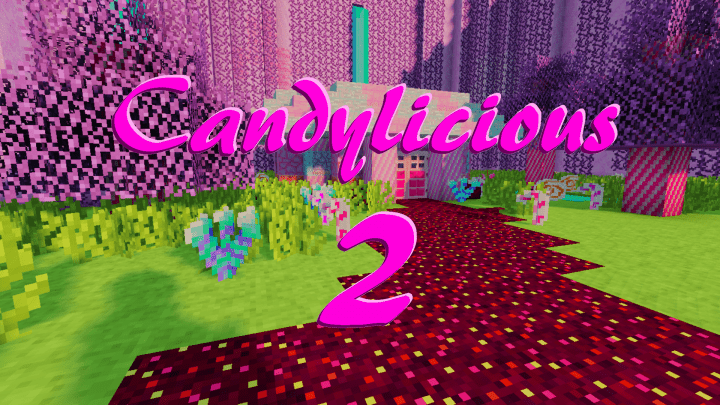
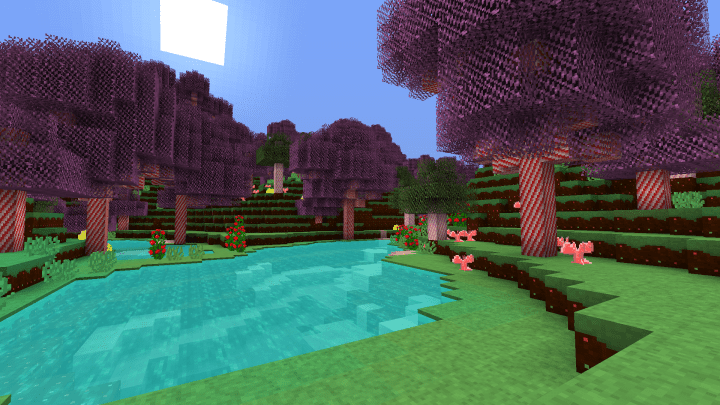
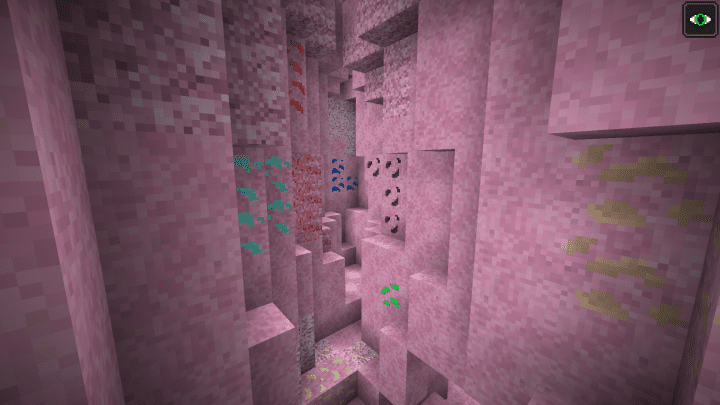
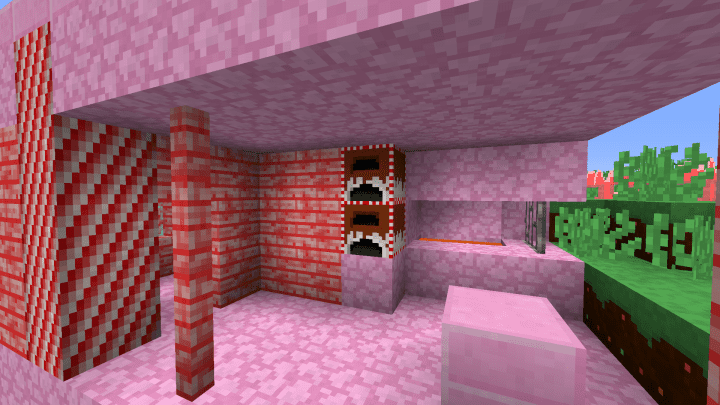
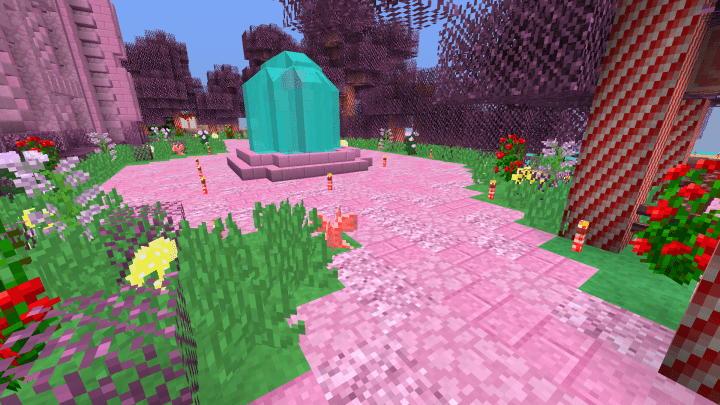
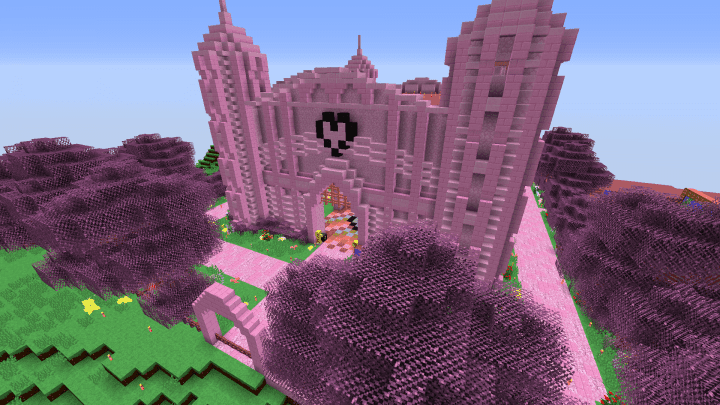
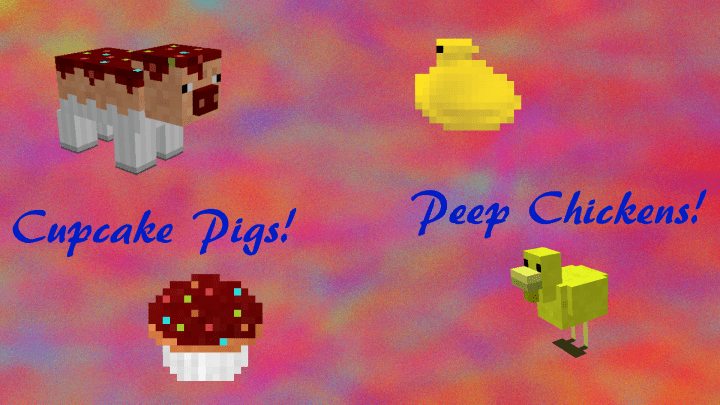
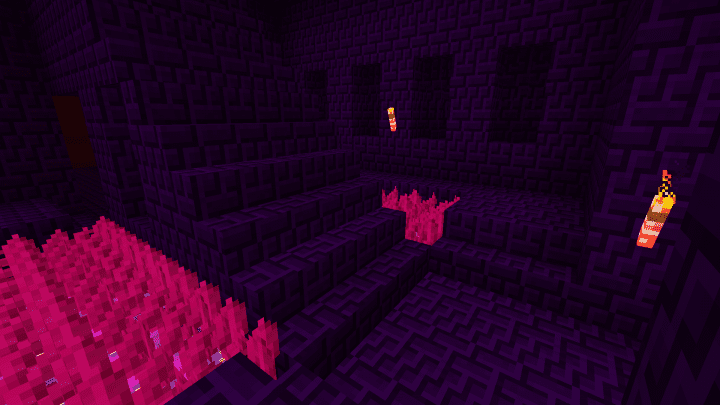
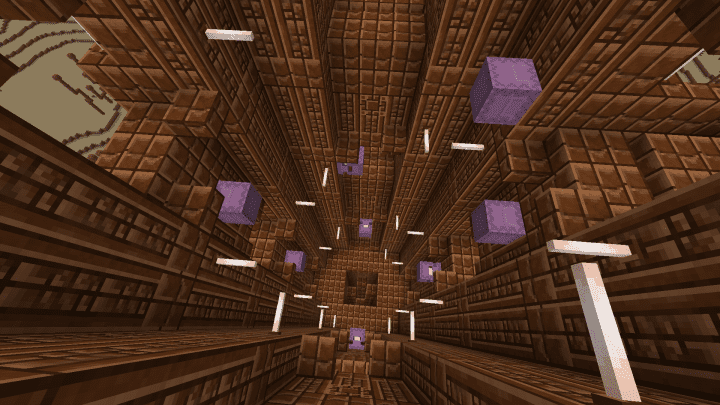
After a two-year hiatus, the incredible Candylicious 2 resource pack has arrived as the long-awaited successor to the original Candylicious pack! While the first version aimed to make Minecraft gaming truly one-of-a-kind by incorporating candy-themed texture variants into the gameplay, this new release brings entirely fresh functionalities and features to the table. It genuinely makes your playtime much more enjoyable with unique visuals that its predecessor completely lacked. I noticed immediately that the texture of this new pack is exceptionally bright, and its vibrant color palette allows the textures to enhance brightness perfectly suited to the core theme of this resource pack. It completely transforms your world and gives Minecraft an extraordinary visual style. The pack substitutes the majority of its old features with peculiar textures, cleverly making wonderful use of milkshakes and mints to replace most of the standard items and blocks in the game.
Nearly all existing textures in this new resource pack have been swapped out for sugary alternatives that produce extraordinary images, though this specific stylistic choice might not appeal to every single player who tries it out. It goes without saying that Candylicious 2 has its own unique set of challenges, because nothing in this world is truly perfect. Interestingly, the major drawback associated with the original pack was that many of its textures tended to exhibit some visual noise, and this new resource pack unfortunately inherits some of those same characteristics. While this barrier isn’t the most visually attractive and holds the pack back from reaching its absolute highest potential, you will love the technical accessibility. The resolution of this new resource pack is 16×16, making it exceptionally convenient for players who use lower-end personal computers, as it allows your machine to operate smoothly and effectively without any frustrating frame rate issues. I definitely recommend trying out the delightful Minecraft gaming experience this new pack has to offer!
Candylicious 2 should be compatible with all of these Minecraft versions: 1.14.4 – 1.14.3 – 1.14.2 – 1.14 – 1.13.2 – 1.13.1 – 1.13 – 1.12.2 – 1.12
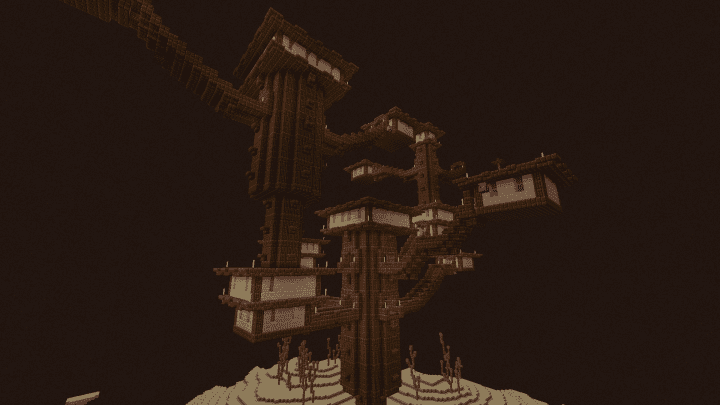
Screenshots
How to Install Texture Pack (Simple 10 Steps)
- Download OptiFine: Most of the texture packs and shaders need OptiFine. That’s why, first download and install OptiFine for the version of Minecraft you want to play.
- Download the Texture Pack: Get the texture pack you want from the download section. Choose the version that works with your Minecraft and your PC’s performance.
- Open Minecraft Launcher: Start Minecraft using the official game launcher — or even TLauncher, if you use that.
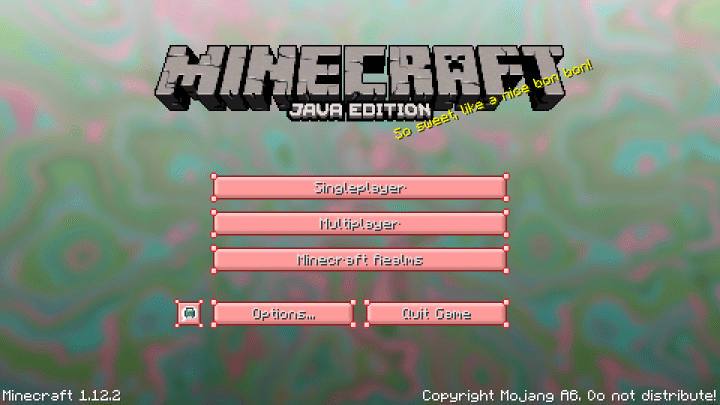
- Go to Options: From the main menu, click on the “Options” button.
- Open Resource Packs: Inside Options, click on “Resource Packs…”.
- Open the Resource Pack Folder: Click on “Open Resource Pack Folder” — this will open a folder named “resourcepacks”.
- Move the Pack File: Copy or move the .zip file you downloaded into that “resourcepacks” folder. (Don’t unzip the file — Minecraft uses it as-is!)
- Go Back and Refresh: Close the folder and click “Done”, then go back into “Resource Packs…” again.
- Activate the Pack: You’ll see the pack on the left side. Hover over it and click the arrow to move it to the right (active side).
Tip: If you get a message that the pack is for a different version, just click “Yes” — it usually works fine. - Click Done and Enjoy: Click “Done” again. Now your pack is ready to use in-game. It’s that easy!
Credits
Credits to oOpunchwoodOo01 for creating Candylicious 2. We do not own or modify this resource pack, and all rights belong to the original creator. We strongly encourage supporting the creator by downloading from official links.
Download Instructions
Curseforge: download starts automatically after a few seconds;
Mediafire: click the big blue button with the text “DOWNLOAD”;
Google Drive: in the top right corner you will see a small download icon (down arrow), click it and the download should start;


