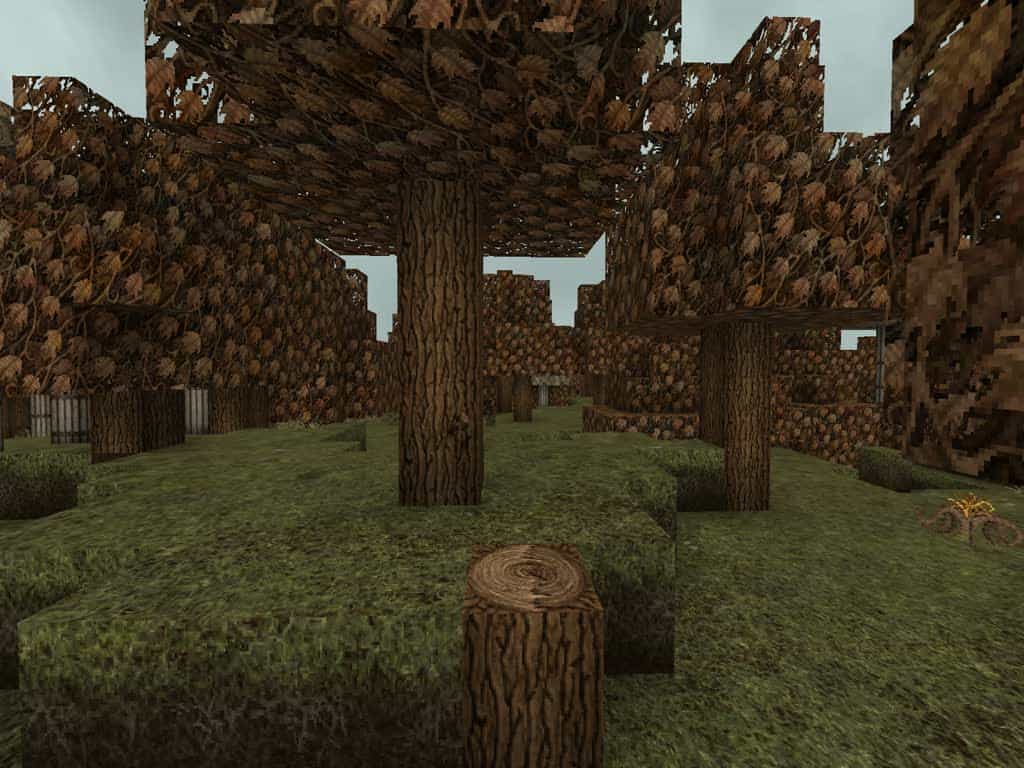
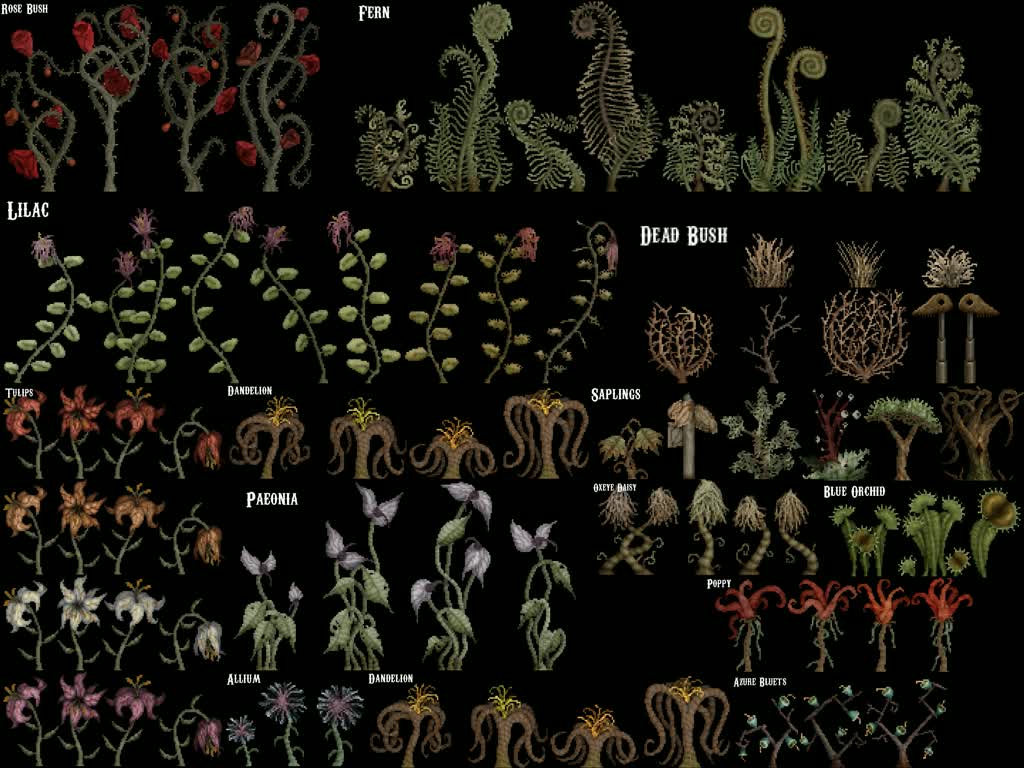
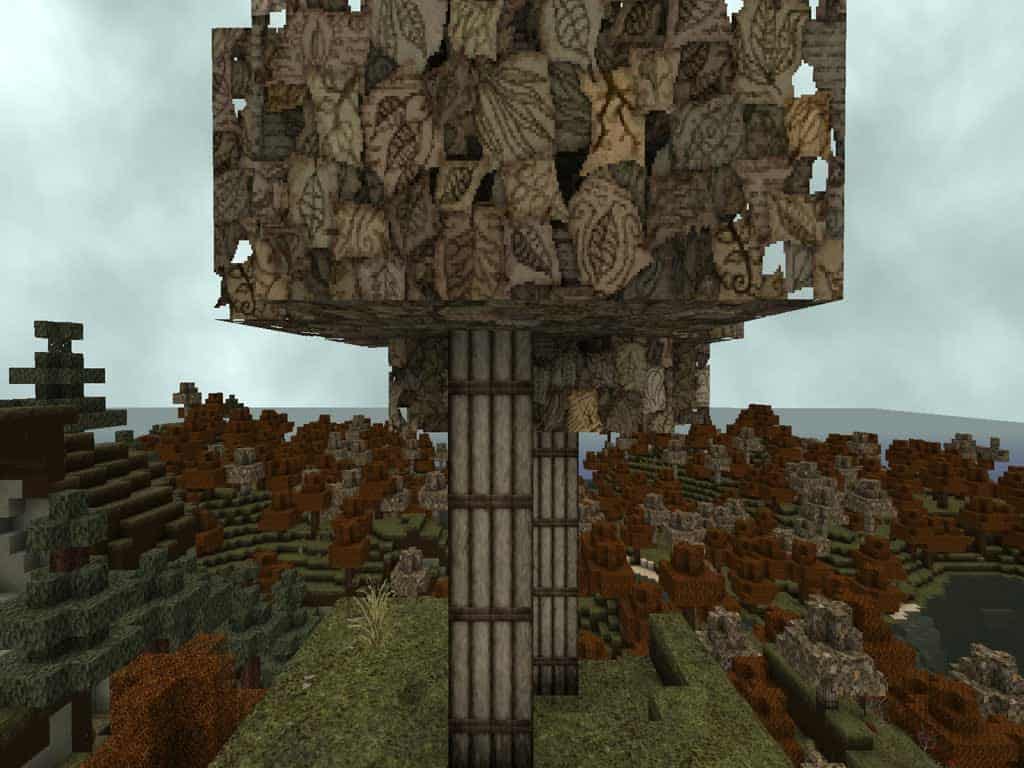
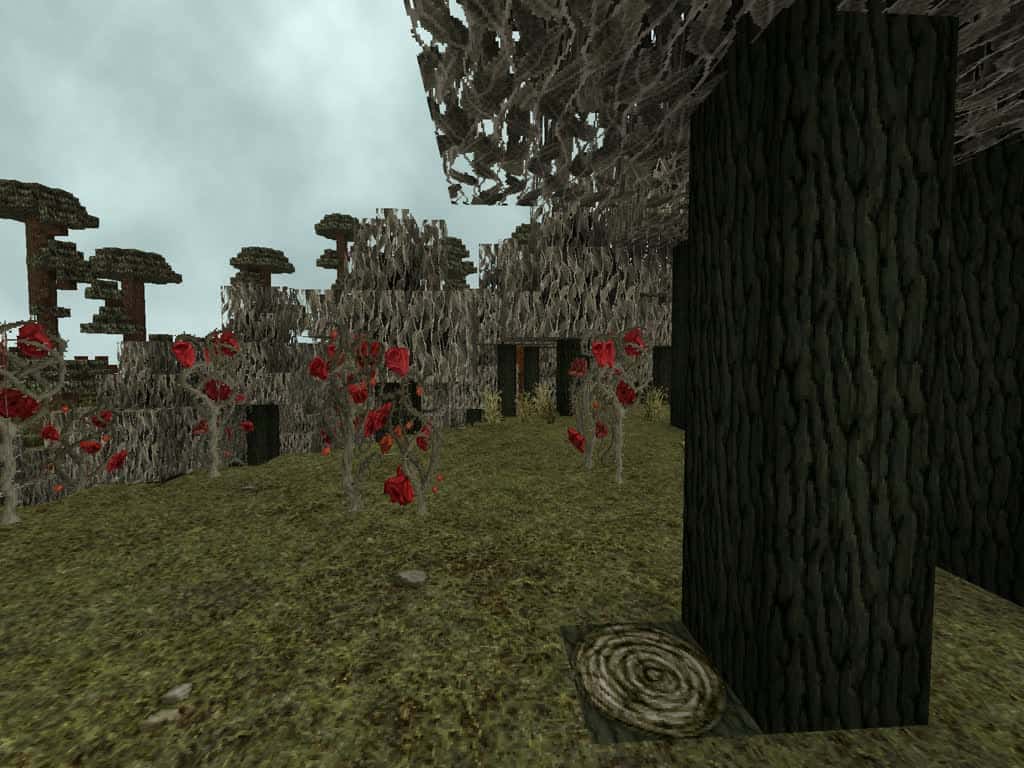
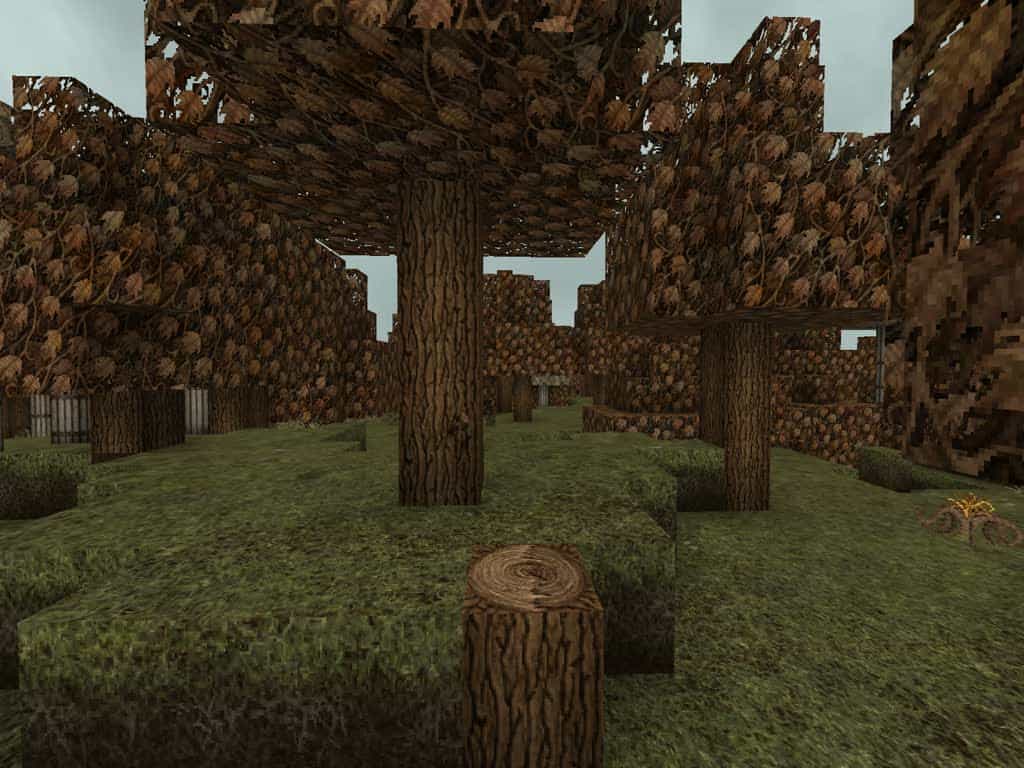
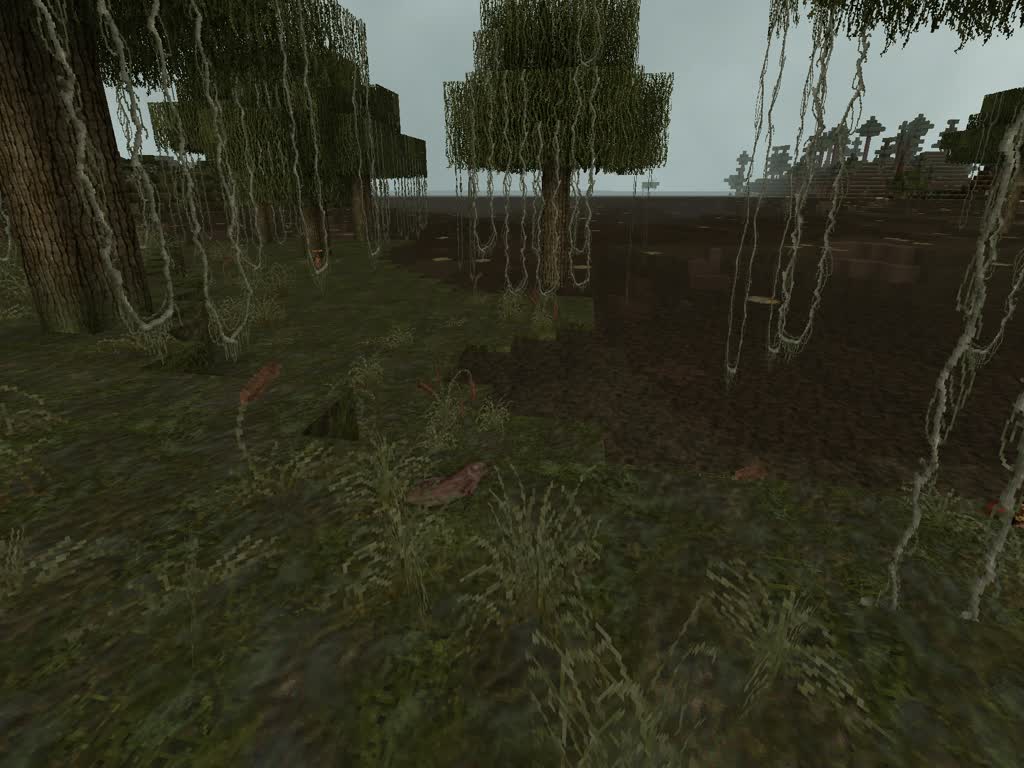
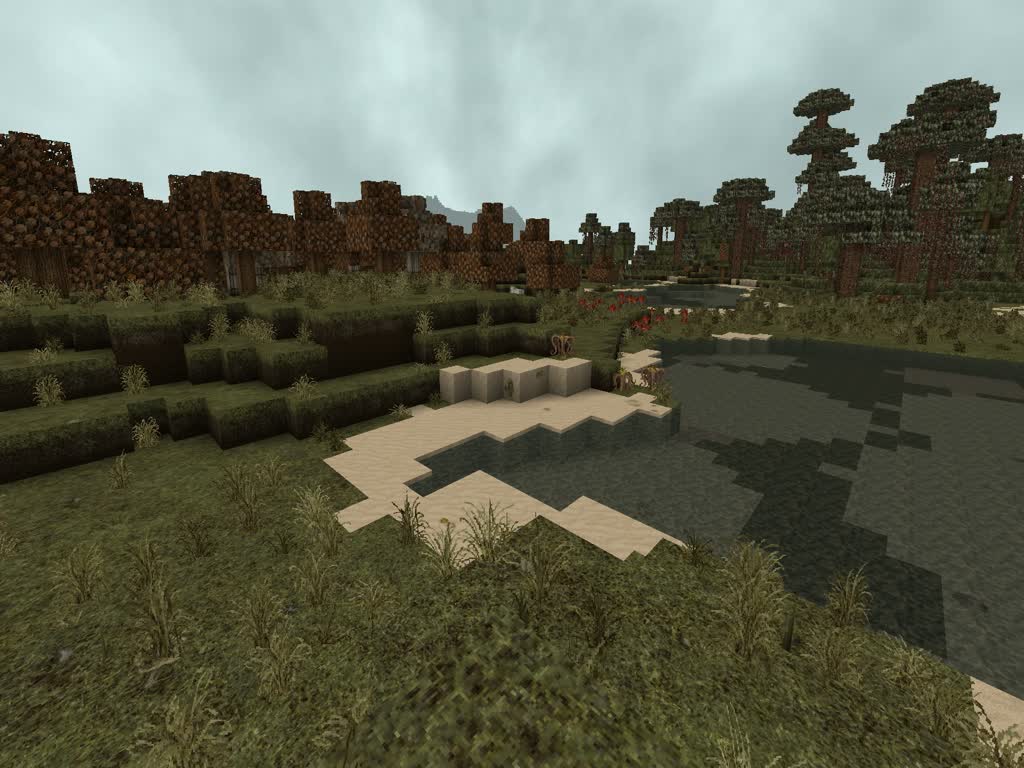
Oh man, you really have to check out the Broken Anachronism Resource Pack! It is an absolute masterpiece featuring a truly mystical style mixed with just the right amount of steampunk flair. The brilliant developer behind this pack has put in an incredible amount of work, completely overhauling many new things and reworking a massive number of textures compared to the older releases. Running at a 64x resolution, I honestly think it is the absolute perfect sweet spot for this specific art style, delivering crisp details without losing that classic Minecraft charm. As soon as you step into the world, get ready to be amazed because you will encounter all sorts of strange-looking trees and equally bizarre mushrooms that really sell the vibe. It offers exceptionally interesting textures packed with striking elements of steampunk and surrealism, which in my opinion is something everyone should experience at least once.
Broken Anachronism should be compatible with all of these Minecraft versions: 1.7.10 – 1.7.9 – 1.7.4 – 1.7 – 1.6.4 – 1.6.2
Screenshots
How to Install Texture Pack (Simple 10 Steps)
- Download OptiFine: Most of the texture packs and shaders need OptiFine. That’s why, first download and install OptiFine for the version of Minecraft you want to play.
- Download the Texture Pack: Get the texture pack you want from the download section. Choose the version that works with your Minecraft and your PC’s performance.
- Open Minecraft Launcher: Start Minecraft using the official game launcher — or even TLauncher, if you use that.
- Go to Options: From the main menu, click on the “Options” button.
- Open Resource Packs: Inside Options, click on “Resource Packs…”.
- Open the Resource Pack Folder: Click on “Open Resource Pack Folder” — this will open a folder named “resourcepacks”.
- Move the Pack File: Copy or move the .zip file you downloaded into that “resourcepacks” folder. (Don’t unzip the file — Minecraft uses it as-is!)
- Go Back and Refresh: Close the folder and click “Done”, then go back into “Resource Packs…” again.
- Activate the Pack: You’ll see the pack on the left side. Hover over it and click the arrow to move it to the right (active side).
Tip: If you get a message that the pack is for a different version, just click “Yes” — it usually works fine. - Click Done and Enjoy: Click “Done” again. Now your pack is ready to use in-game. It’s that easy!
Credits
This resource pack was created by 13thMurder. We do not claim ownership of any original assets and do not host modified versions of this pack. All rights belong to the original creator. We highly encourage you to support the author by downloading the files directly from their official release pages.
Download Instructions
Curseforge: download starts automatically after a few seconds;
Mediafire: click the big blue button with the text “DOWNLOAD”;
Google Drive: in the top right corner you will see a small download icon (down arrow), click it and the download should start;


