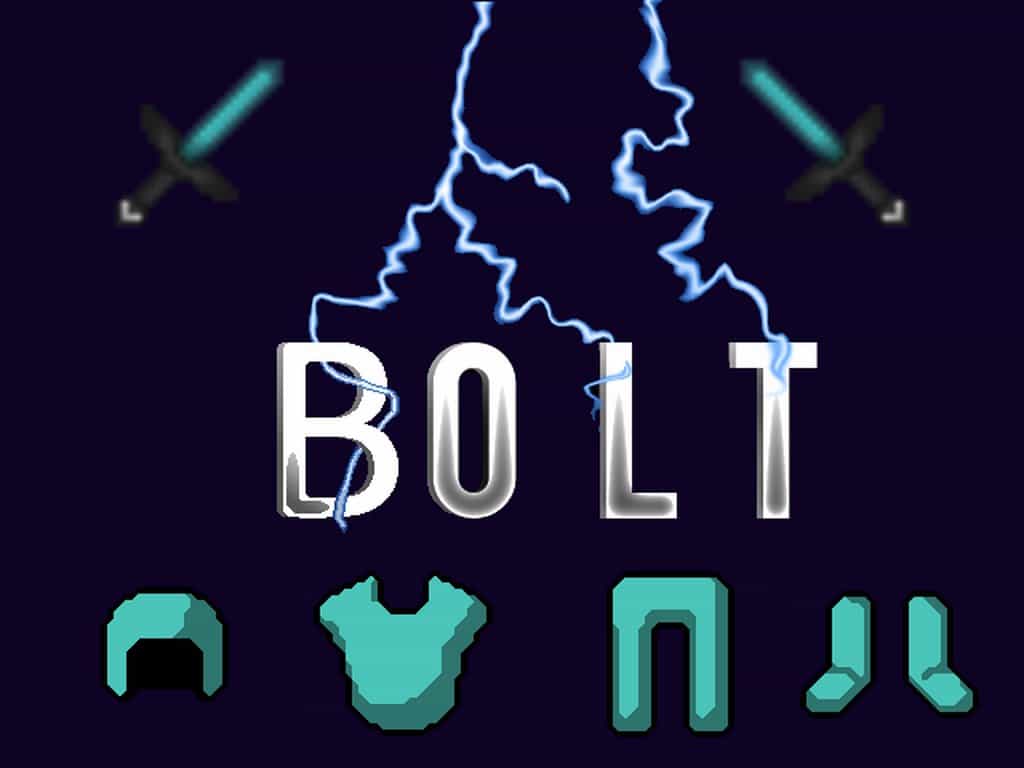
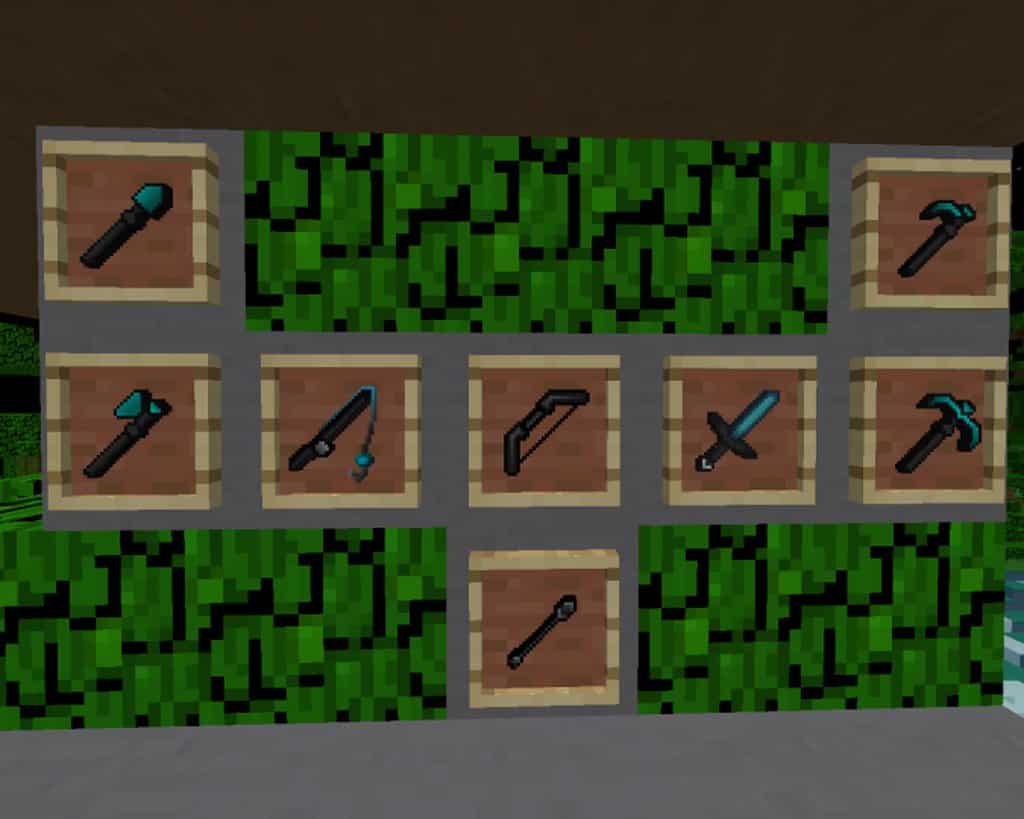
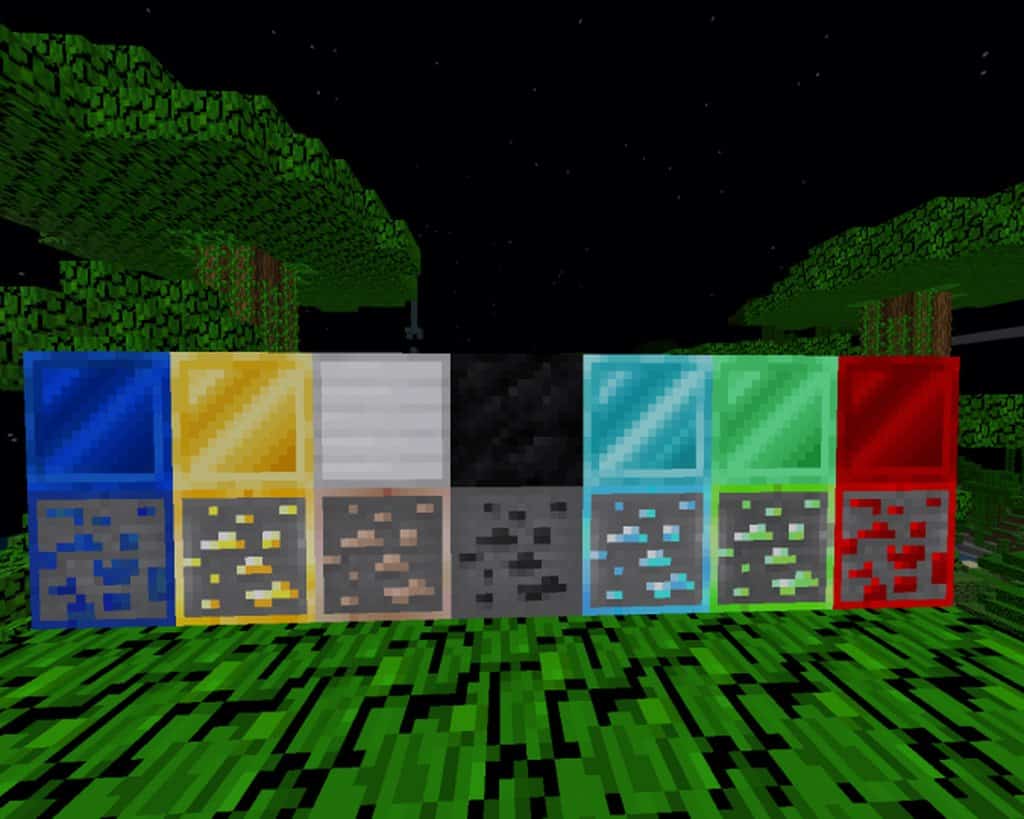
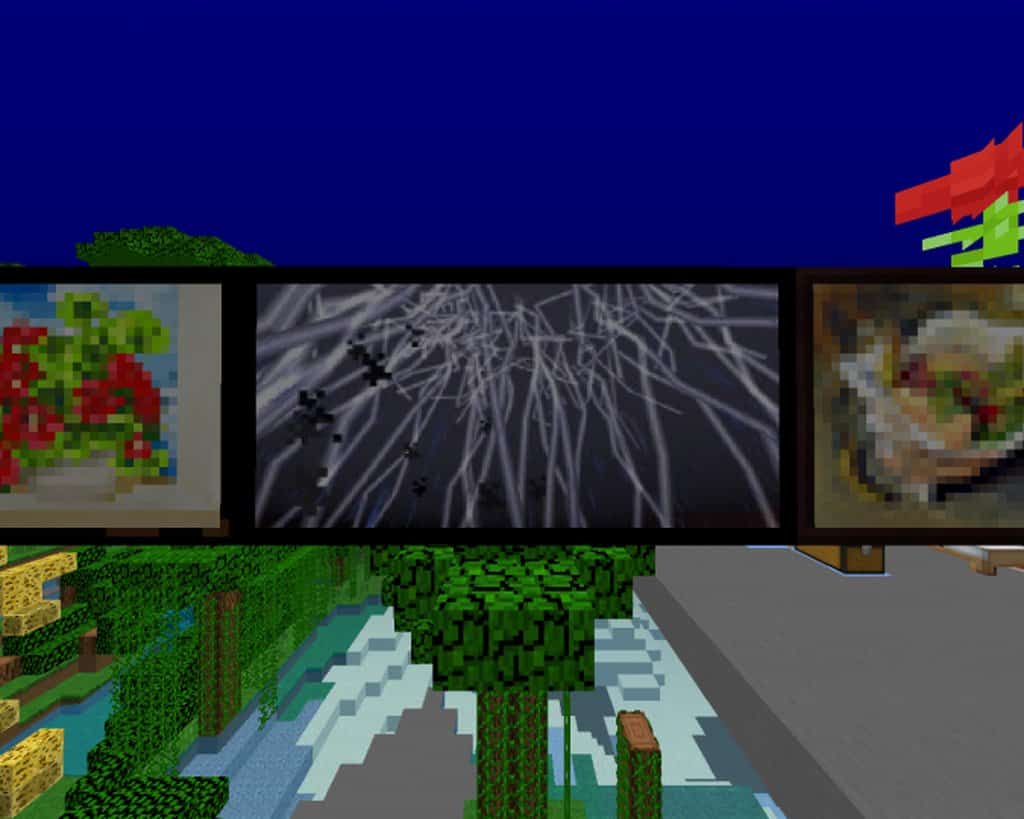
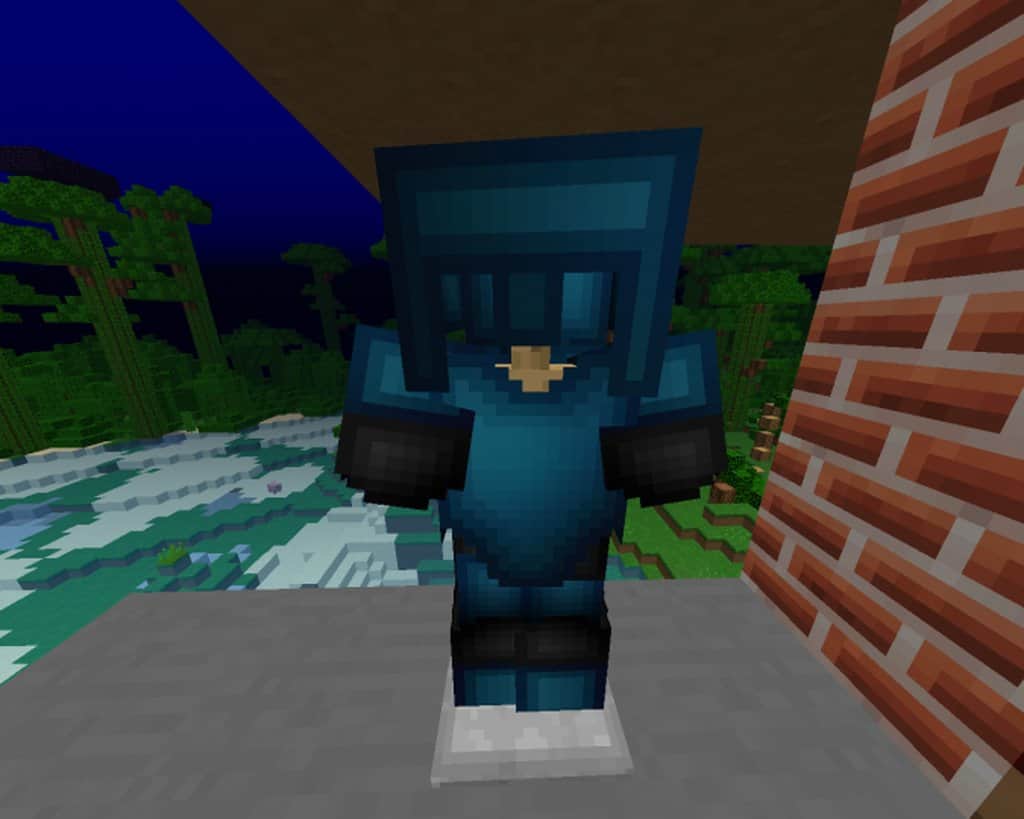
The BOLT Resource Pack for Minecraft is an absolute joy to use, staying wonderfully true to the traditional vanilla look while introducing some truly unique changes crafted by AglowOwl456. I found that this resource pack was brilliantly designed to preserve the default aesthetic and the nostalgic general feeling of Minecraft. Because of this thoughtful approach, it delivers some fresh, unprecedented changes to vital features in the game’s overall design without ever impacting the traditional Minecraft gameplay negatively. It is really great that this pack is compatible with a wide range of older and newer versions of Minecraft, running smoothly from the 1.8 up to the 1.12 versions. Even though there might be a few missing textures and features, I noticed that the resource pack still works nicely on newer versions too. For example, the pack is surprisingly compatible with the 1.14 version, though you will notice that specific features like the animated clock and compass displays are missing.
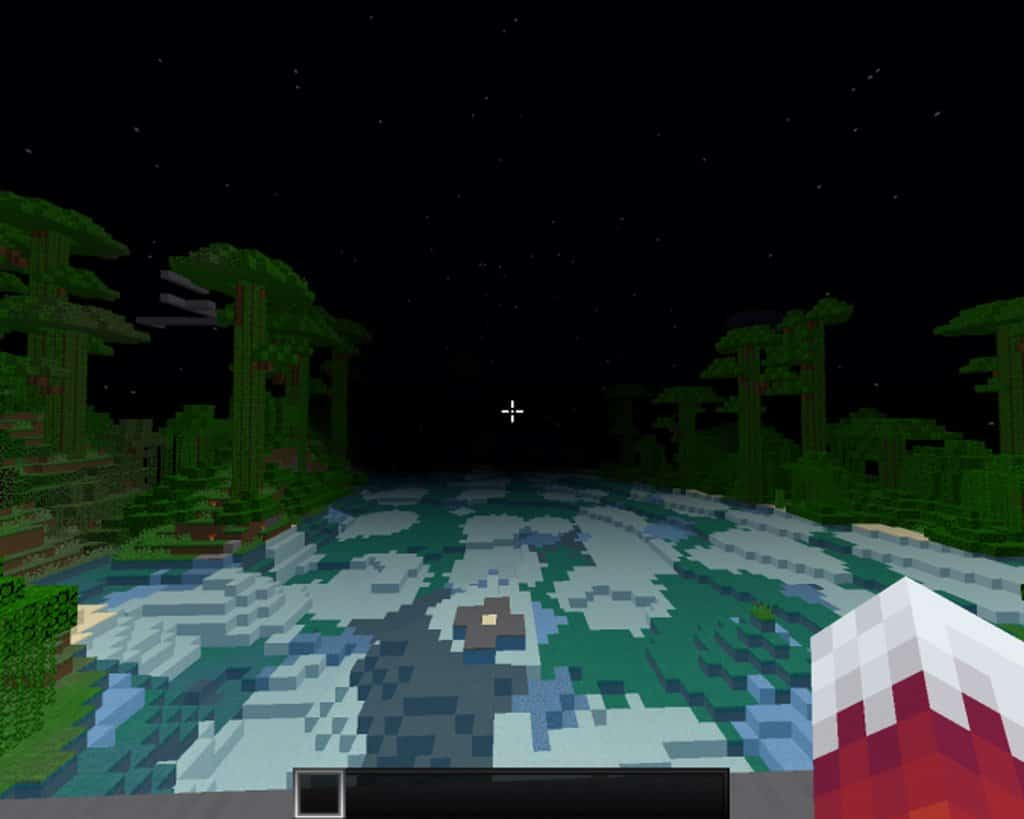
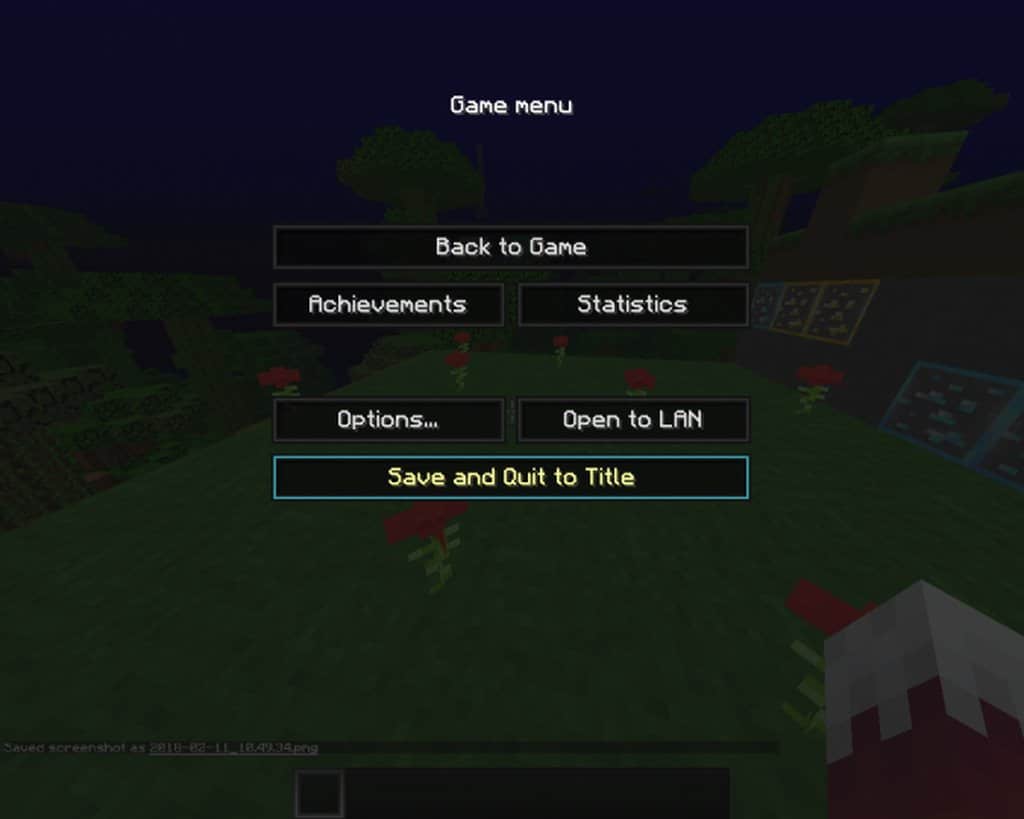
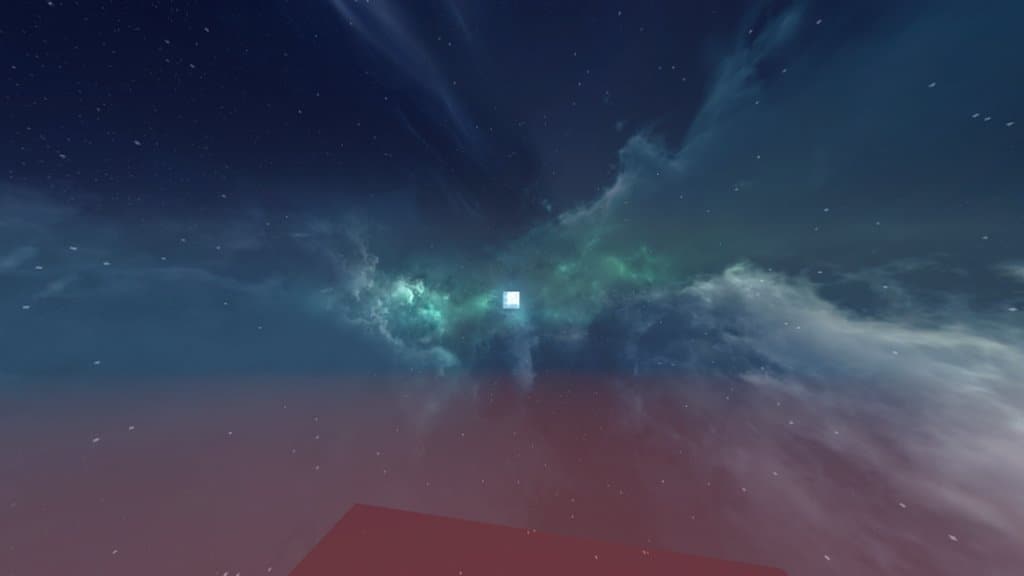
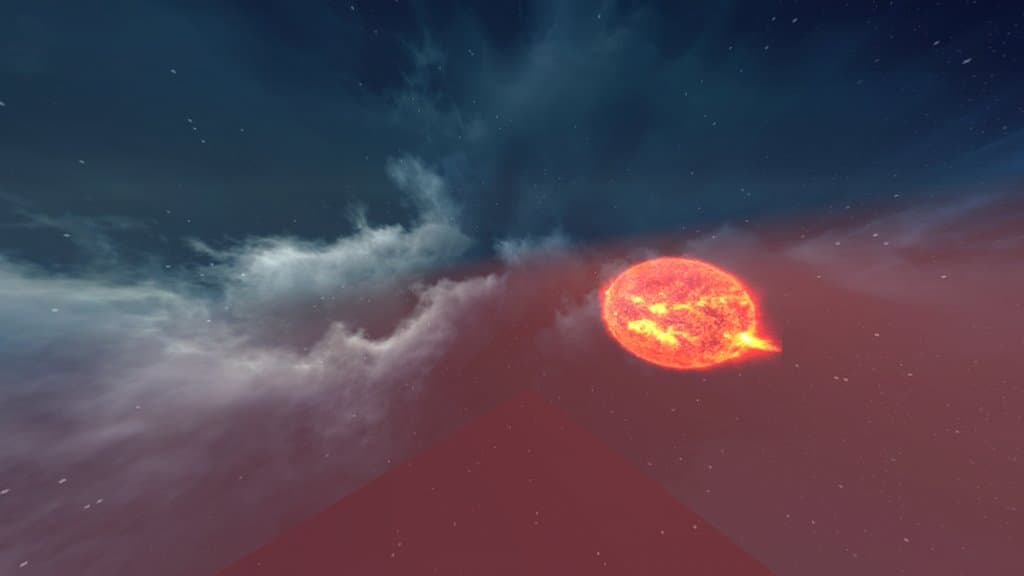
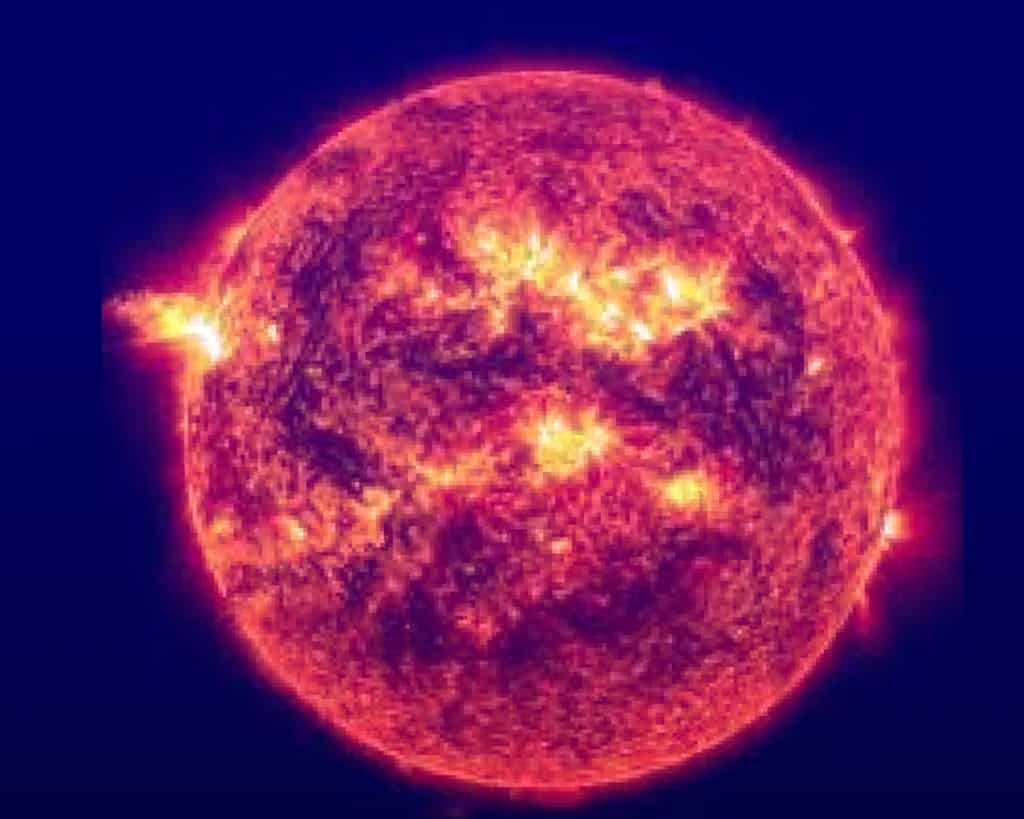
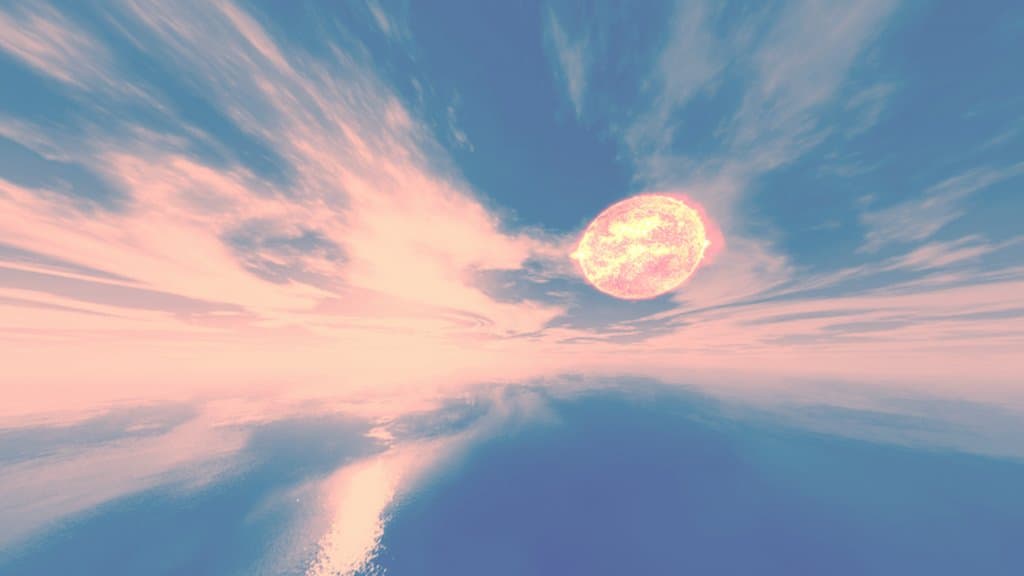
I really love how this resource pack is beautifully designed with excellent features that give players the fantastic ability to genuinely improve their daily Minecraft experience. It features a wonderfully user-friendly interface that has been custom-tailored to provide a lovely, polished impression from the moment you open your inventory. Some of the visual changes made have greatly enhanced the overall look, making everything feel much simpler and cleaner. Additionally, you will quickly notice the gorgeous changes made to the sun, moon, and sky. There is simply no doubt about the exceptional look of the celestial bodies, and while the surprising look of the blue flame is somehow unusual and weird, I found it to be surprisingly impressive in practice. The sky, moon, and sun are easily some of the most useful features in the entire pack, proving to be extremely practical and detailed during gameplay. The sun features amazing, lively rays, and the North star remains visible both day and night, which is super handy for navigation. The sunrises and sunsets also look fantastic and honestly look better than those found in almost any other pack I have tried. In fact, this is definitely one of those resource packs that is well worth giving a try and testing out for yourself because the visual upgrades are simply amazing.
BOLT should be compatible with all of these Minecraft versions: 1.14.4 – 1.14.3 – 1.14.2 – 1.14 – 1.13.2 – 1.13.1 – 1.13 – 1.12.2 – 1.12 – 1.11.2 – 1.11 – 1.10.2 – 1.10 – 1.9.4 – 1.9 – 1.8.9 – 1.8.8 – 1.8.1 – 1.8.6 – 1.8
Screenshots

How to Install Texture Pack (Simple 10 Steps)
- Download OptiFine: Most of the texture packs and shaders need OptiFine. That’s why, first download and install OptiFine for the version of Minecraft you want to play.
- Download the Texture Pack: Get the texture pack you want from the download section. Choose the version that works with your Minecraft and your PC’s performance.
- Open Minecraft Launcher: Start Minecraft using the official game launcher — or even TLauncher, if you use that.
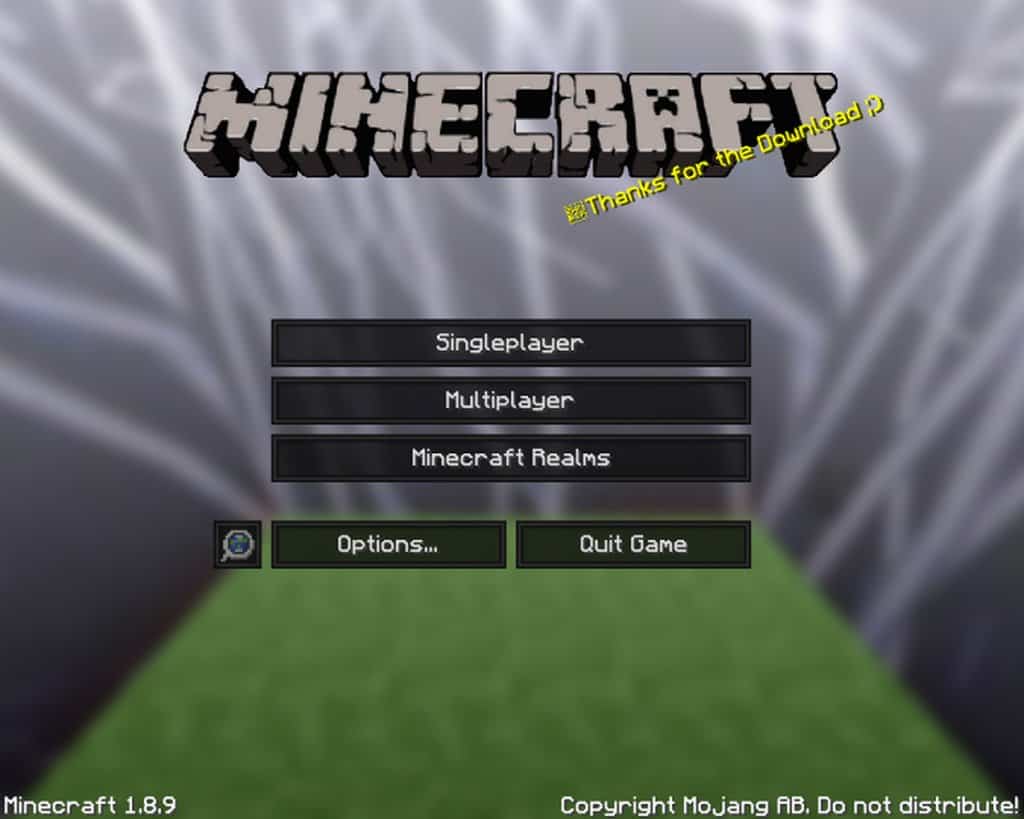
- Go to Options: From the main menu, click on the “Options” button.
- Open Resource Packs: Inside Options, click on “Resource Packs…”.
- Open the Resource Pack Folder: Click on “Open Resource Pack Folder” — this will open a folder named “resourcepacks”.
- Move the Pack File: Copy or move the .zip file you downloaded into that “resourcepacks” folder. (Don’t unzip the file — Minecraft uses it as-is!)
- Go Back and Refresh: Close the folder and click “Done”, then go back into “Resource Packs…” again.
- Activate the Pack: You’ll see the pack on the left side. Hover over it and click the arrow to move it to the right (active side).
Tip: If you get a message that the pack is for a different version, just click “Yes” — it usually works fine. - Click Done and Enjoy: Click “Done” again. Now your pack is ready to use in-game. It’s that easy!
Credits
Credits: The BOLT Resource Pack was created by AglowOwl456. We acknowledge and respect that the original ownership and rights belong to the creator. We do not claim ownership of this content, nor do we host modified versions of the files. We strongly encourage players to support the original creator by visiting their official source links.
Download Instructions
Curseforge: download starts automatically after a few seconds;
Mediafire: click the big blue button with the text “DOWNLOAD”;
Google Drive: in the top right corner you will see a small download icon (down arrow), click it and the download should start;


