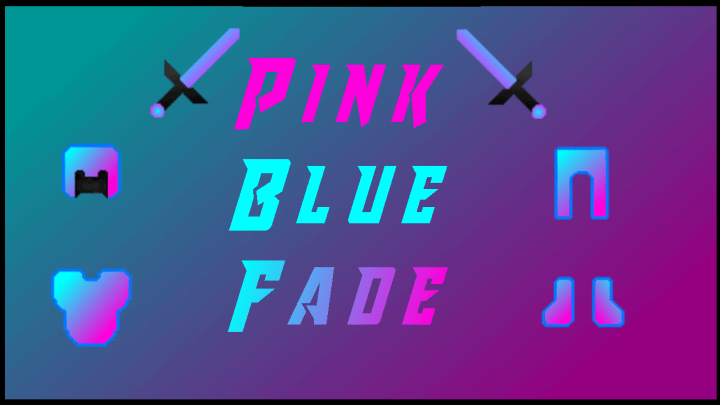
If you are looking into improving your PvP Minecraft’s levels of performance and not necessarily compromising looking keenly at the game visuals, you should take into consideration the Blue Pink Fade resource pack as your absolute best option for this. You will genuinely achieve a lot by making use of it in many different ways during your intense matches. One feature that has been noticed with many packs is their tendency of bringing about a high performance by severely downgrading the game visuals. But however, this frustrating trend has been totally curbed with the help of this particular pack, which I found to be a massive relief. This pack not only enhances your performance nicely, but it also produces some genuinely appealing images so that at the end of the day, you will thoroughly enjoy it all. It features some remarkably distinct schemes of colors just as its name so fittingly states.
This aesthetic looks upon a dim combination of two gorgeous colors of pink and blue. These two colors can sometimes seem to be quite strange for this game on a hard copy piece of paper, but when you load it up, this pack usually makes all of them work closely together to help produce high and quality images that truly pop. Usually, the world feels just like the vanilla game, but then the difference comes all along with the distinct specks and textures in this particular pack. Here, they behold a magnificent sight simply because of the way they are meticulously crafted. You honestly should not get surprised by the resolution power of this pack sitting at 64×64, which is actually a little on the higher side. Even with this crisp resolution, it is still remarkably capable of performing in a remarkably smooth manner on PCs that feature low-end hardware. You are very unlikely to encounter any trouble with this resource pack as long as your machine is capable of operating the standard vanilla game without encountering any problems whatsoever.
Blue Pink Fade should be compatible with all of these Minecraft versions: 1.12.2 – 1.12 – 1.11.2 – 1.11 – 1.10.2 – 1.10 – 1.9.4 – 1.9 – 1.8.9 – 1.8.8 – 1.8.1 – 1.8.6 – 1.8
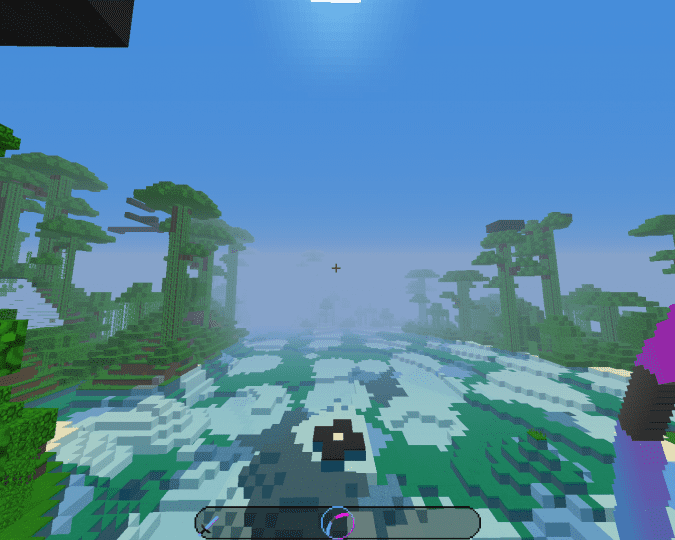
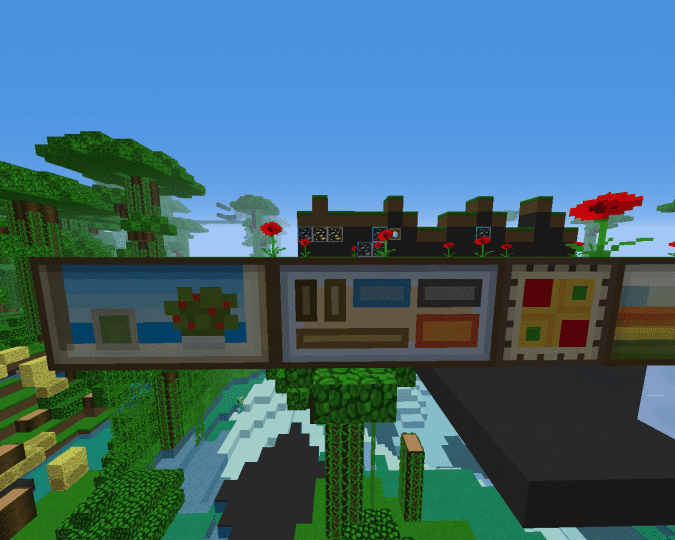
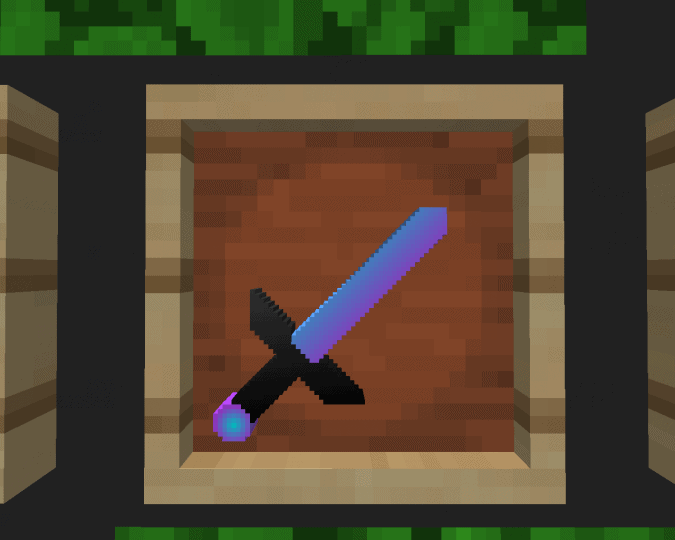
Screenshots
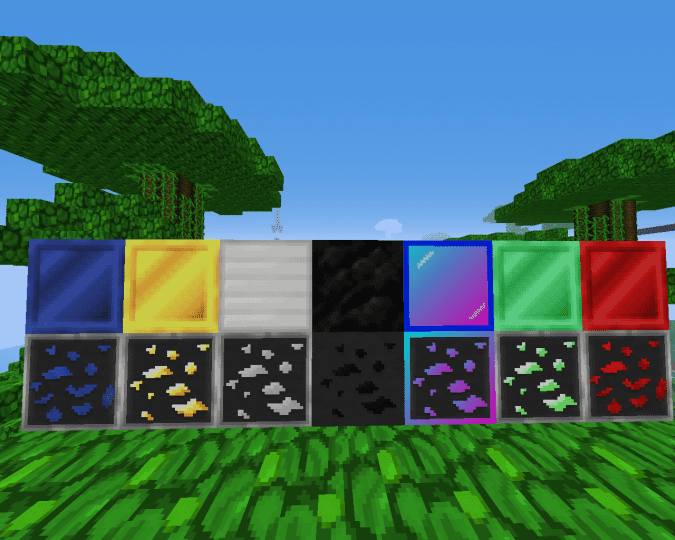
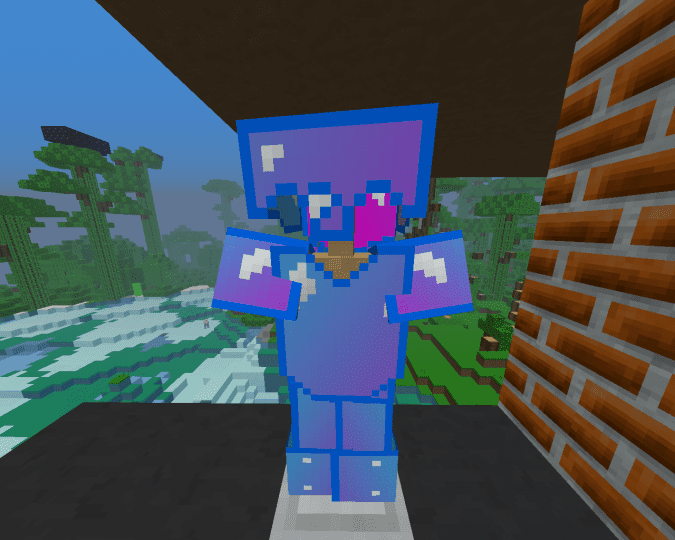
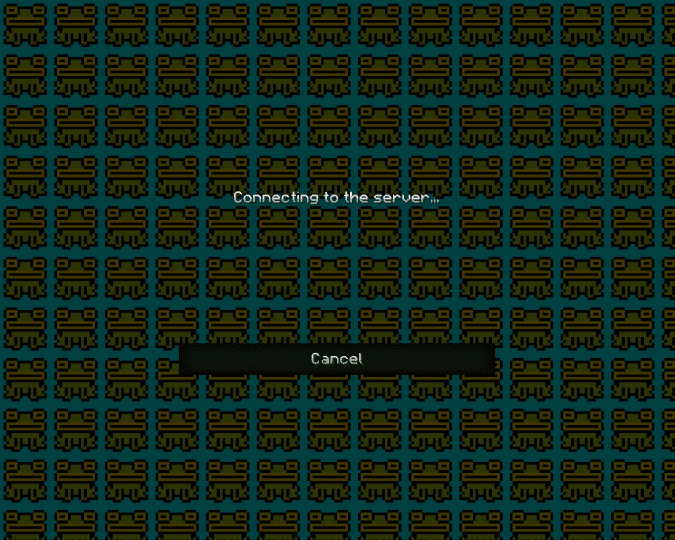
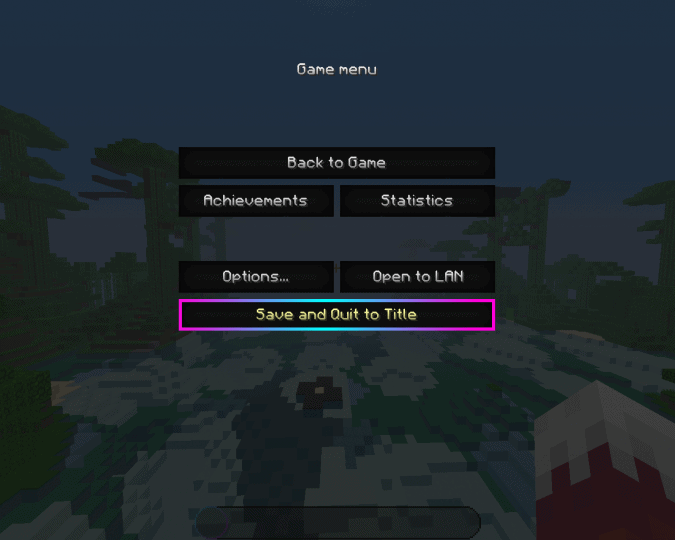
How to Install Texture Pack (Simple 10 Steps)
- Download OptiFine: Most of the texture packs and shaders need OptiFine. That’s why, first download and install OptiFine for the version of Minecraft you want to play.
- Download the Texture Pack: Get the texture pack you want from the download section. Choose the version that works with your Minecraft and your PC’s performance.
- Open Minecraft Launcher: Start Minecraft using the official game launcher — or even TLauncher, if you use that.
- Go to Options: From the main menu, click on the “Options” button.
- Open Resource Packs: Inside Options, click on “Resource Packs…”.
- Open the Resource Pack Folder: Click on “Open Resource Pack Folder” — this will open a folder named “resourcepacks”.
- Move the Pack File: Copy or move the .zip file you downloaded into that “resourcepacks” folder. (Don’t unzip the file — Minecraft uses it as-is!)
- Go Back and Refresh: Close the folder and click “Done”, then go back into “Resource Packs…” again.
- Activate the Pack: You’ll see the pack on the left side. Hover over it and click the arrow to move it to the right (active side).
Tip: If you get a message that the pack is for a different version, just click “Yes” — it usually works fine. - Click Done and Enjoy: Click “Done” again. Now your pack is ready to use in-game. It’s that easy!
Credits
This resource pack was created by AglowOwl456. We do not claim ownership of this modification, nor do we host or alter any files. All rights and intellectual property remain with the original author. We strongly encourage you to support AglowOwl456 by downloading the project directly from their official links and checking out their other works.
Download Instructions
Curseforge: download starts automatically after a few seconds;
Mediafire: click the big blue button with the text “DOWNLOAD”;
Google Drive: in the top right corner you will see a small download icon (down arrow), click it and the download should start;


