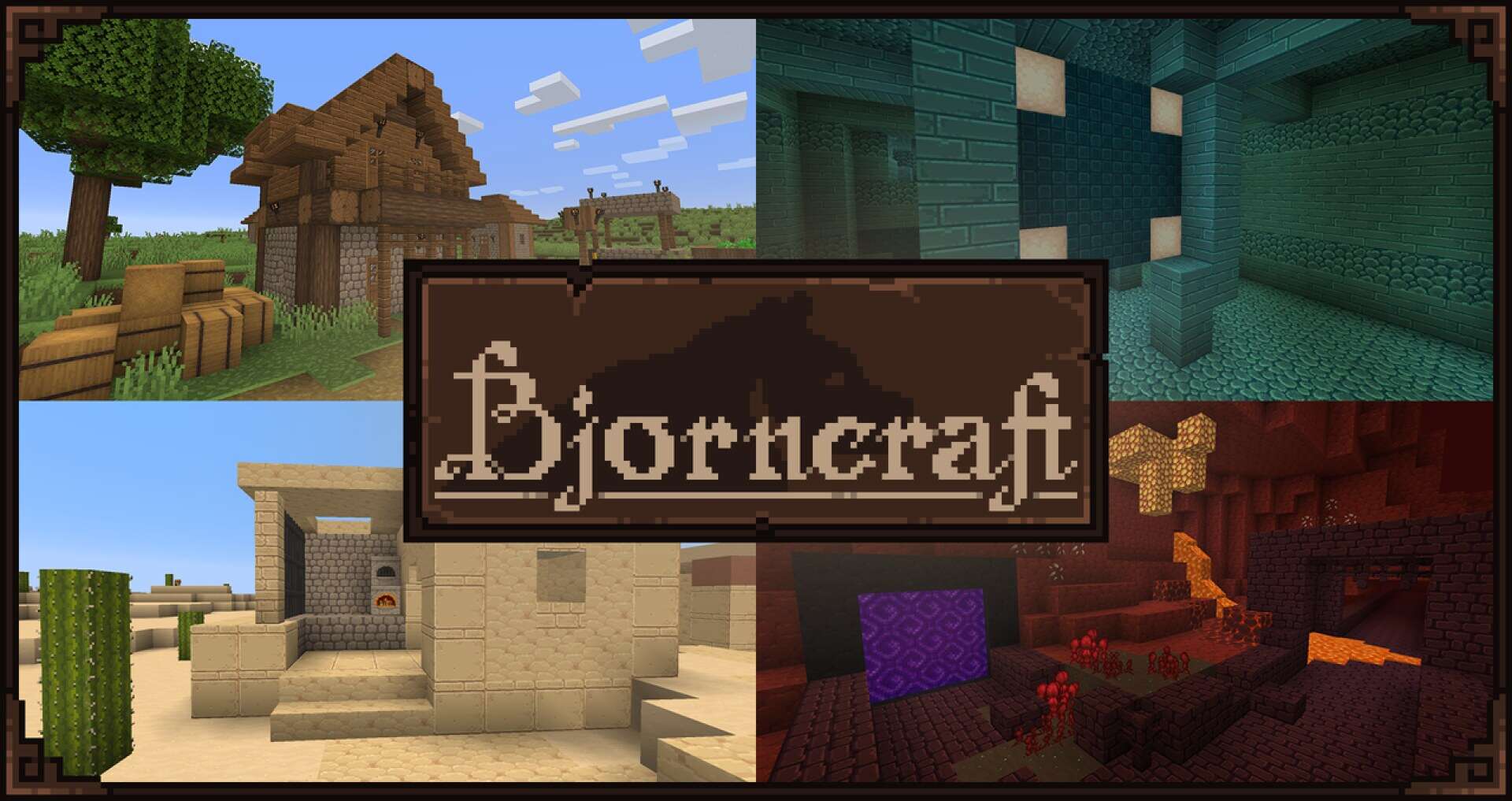
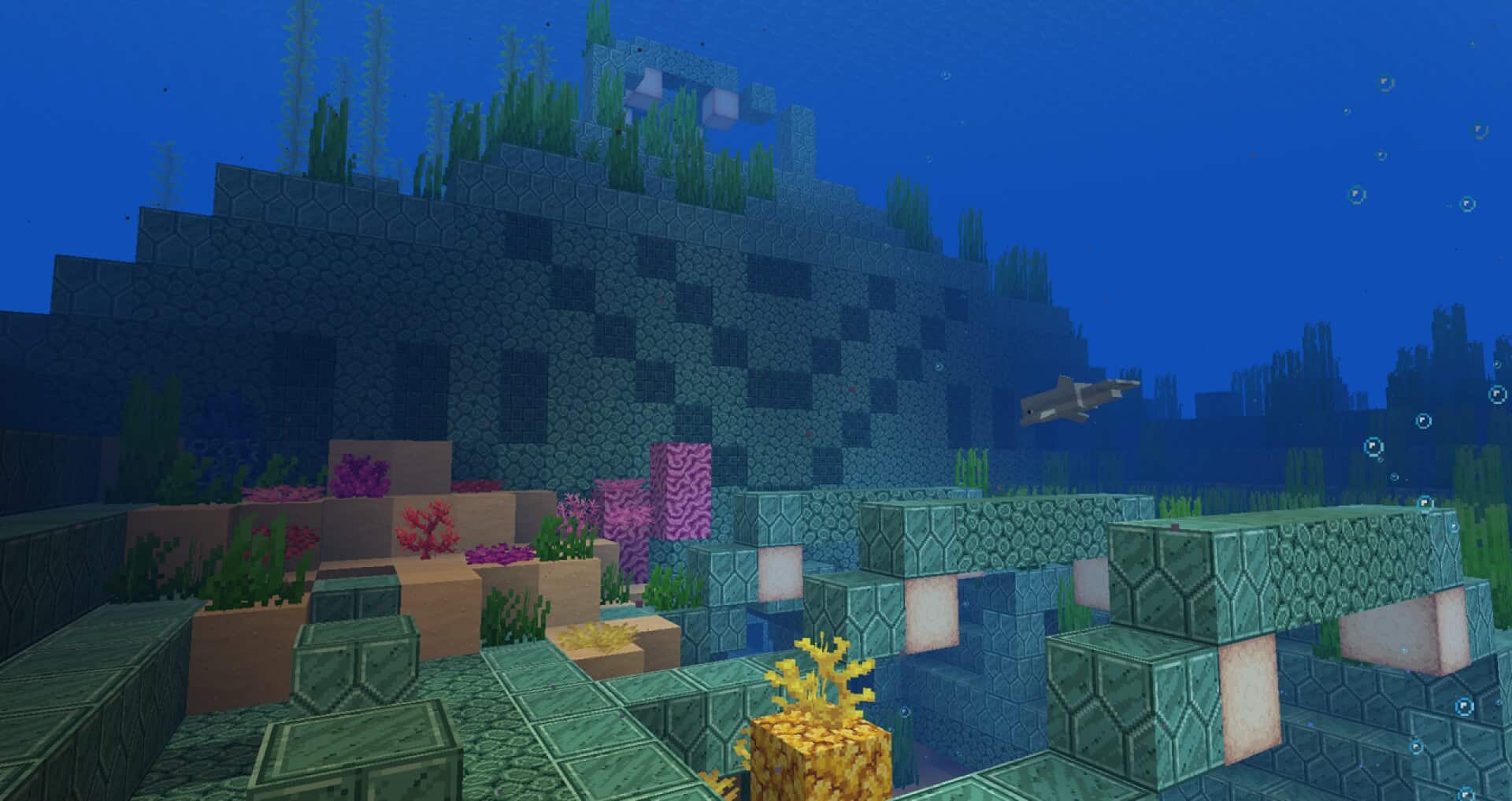
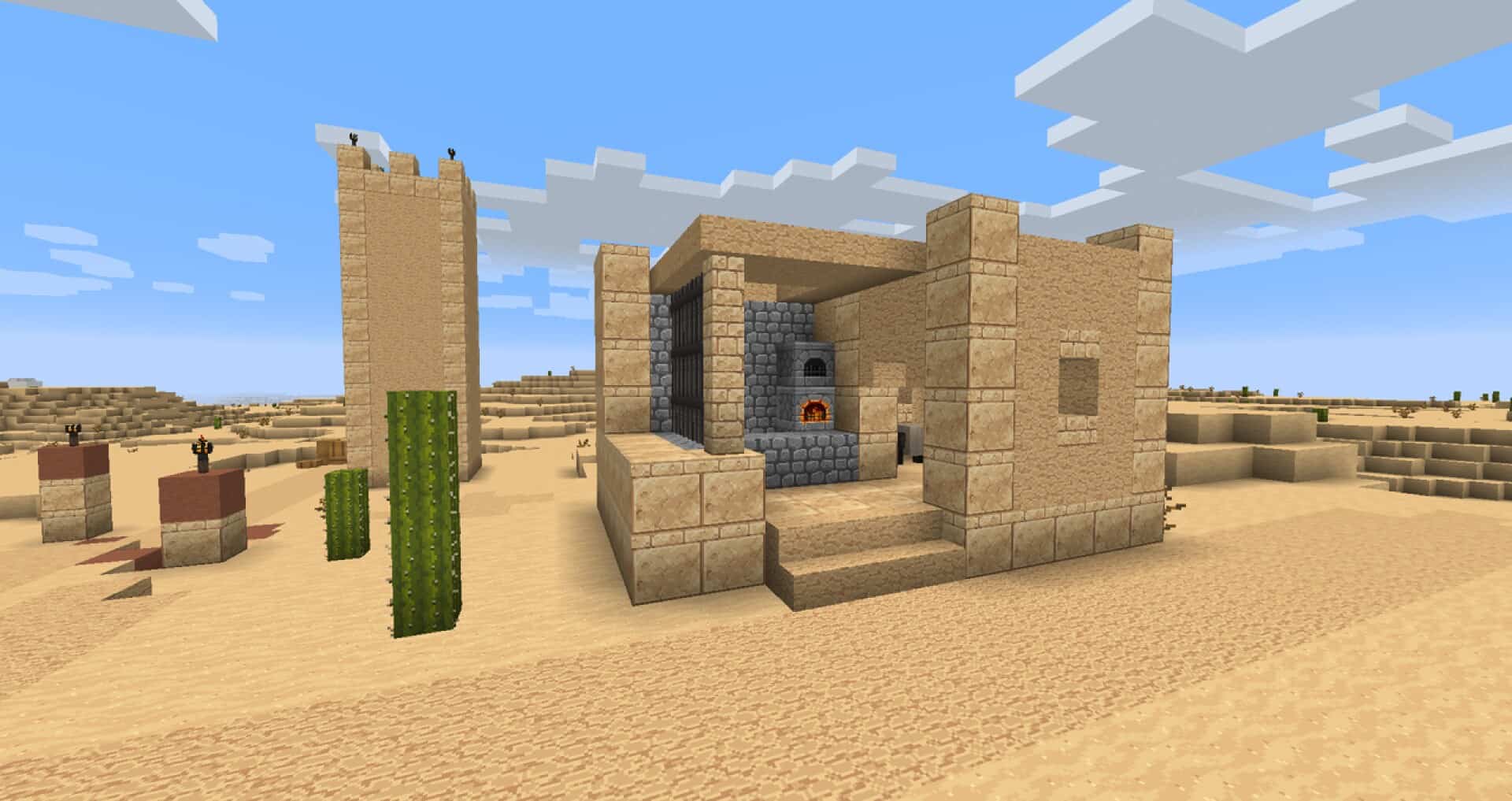
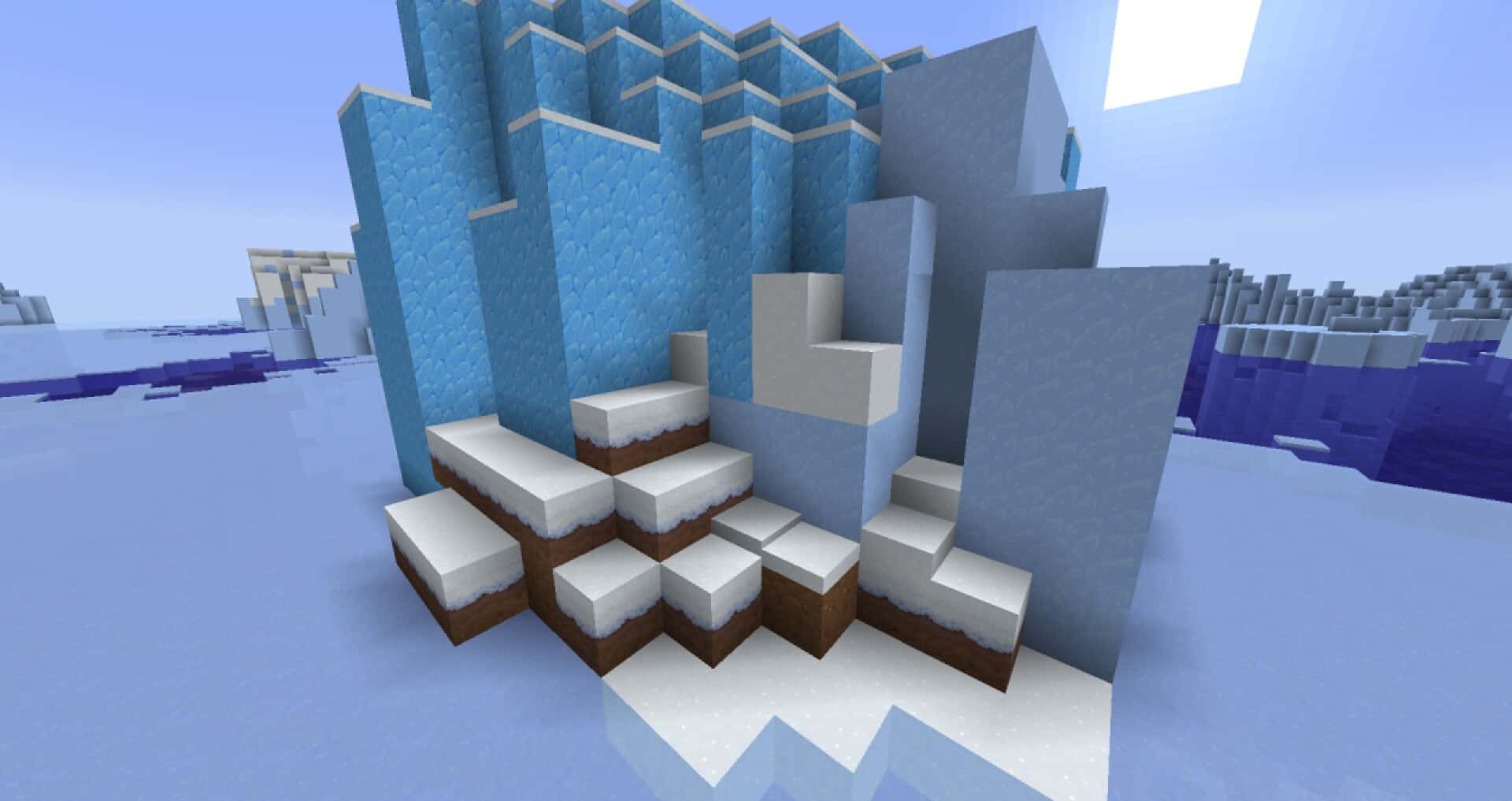
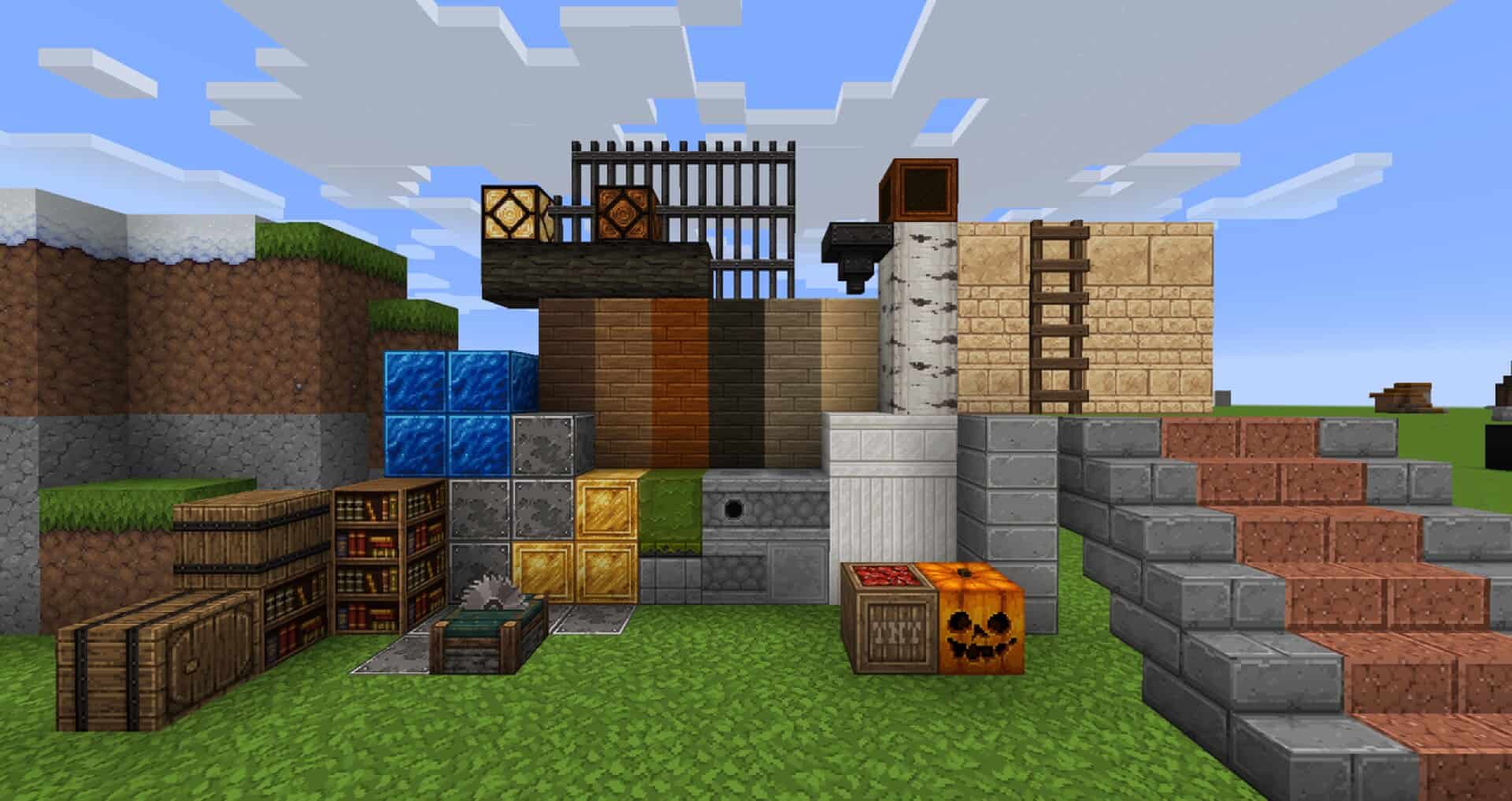
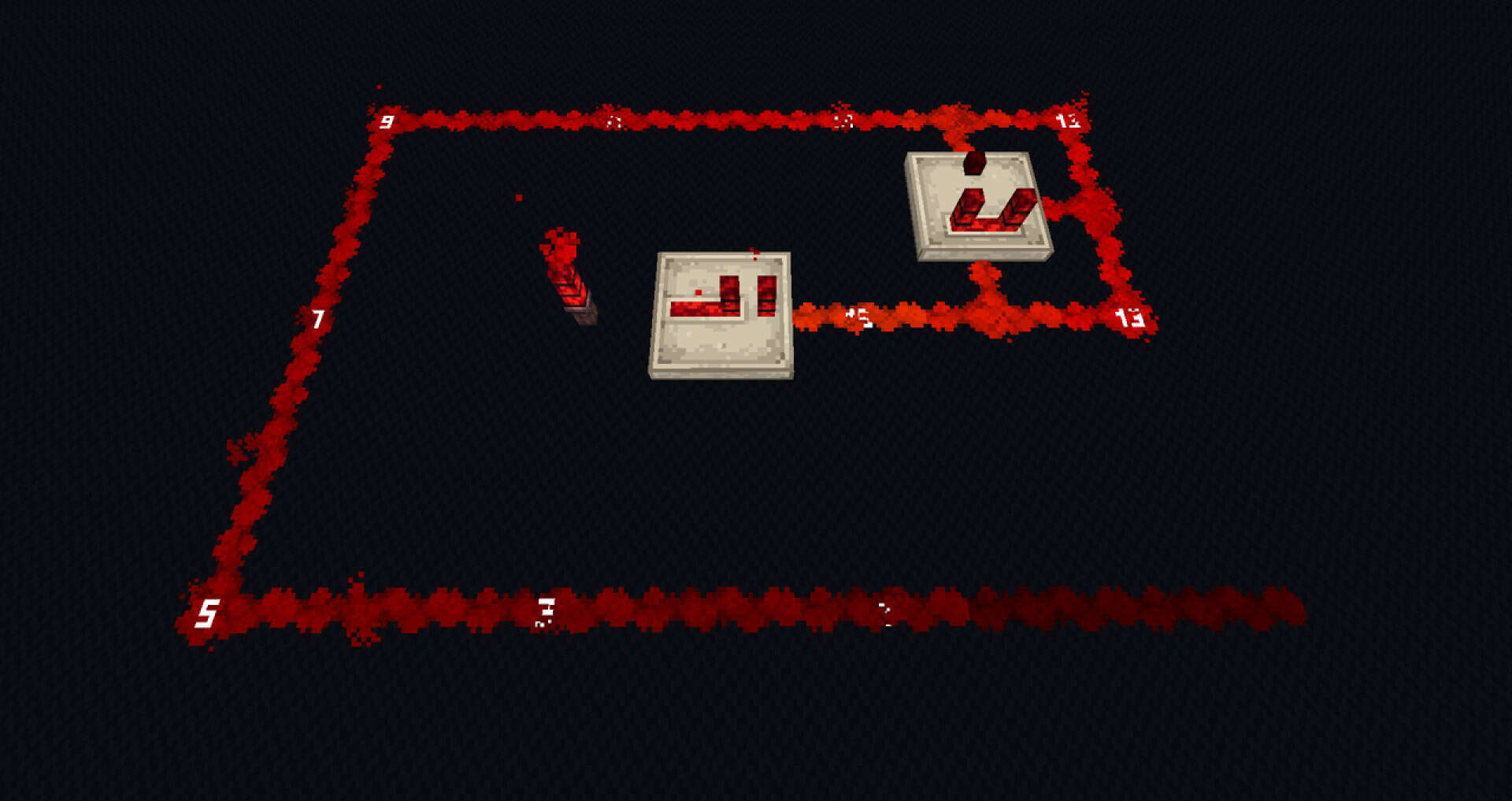
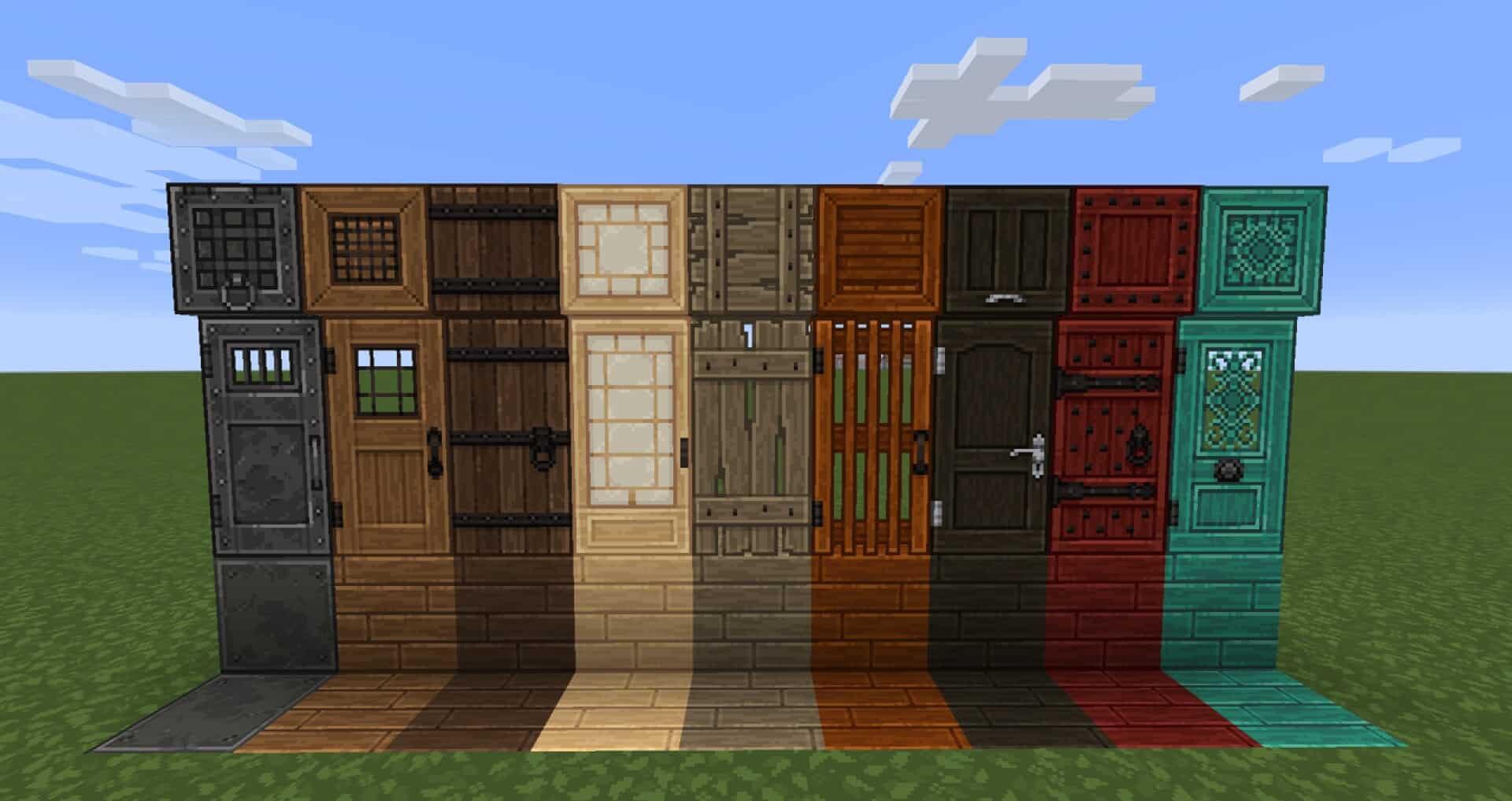
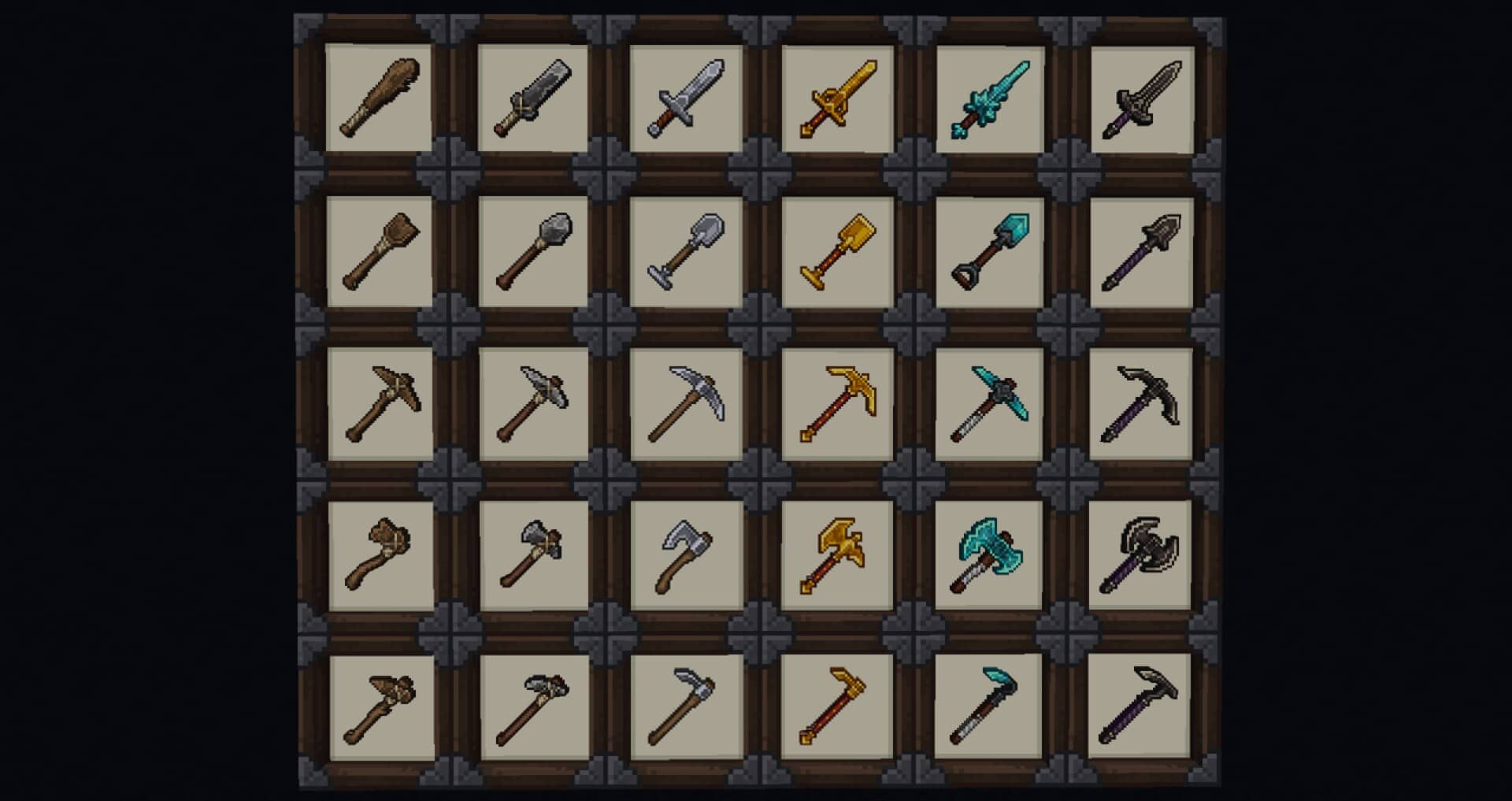
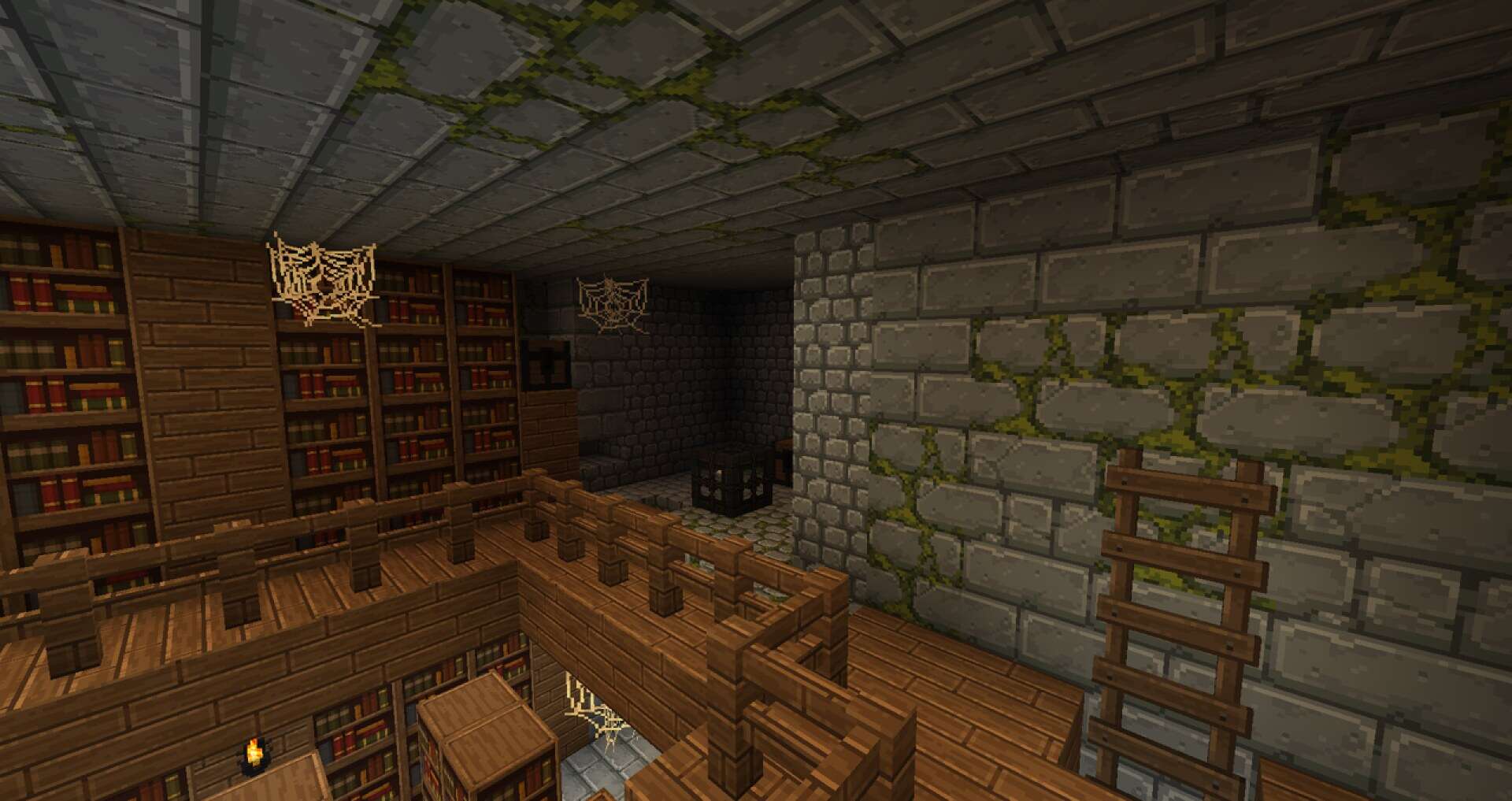
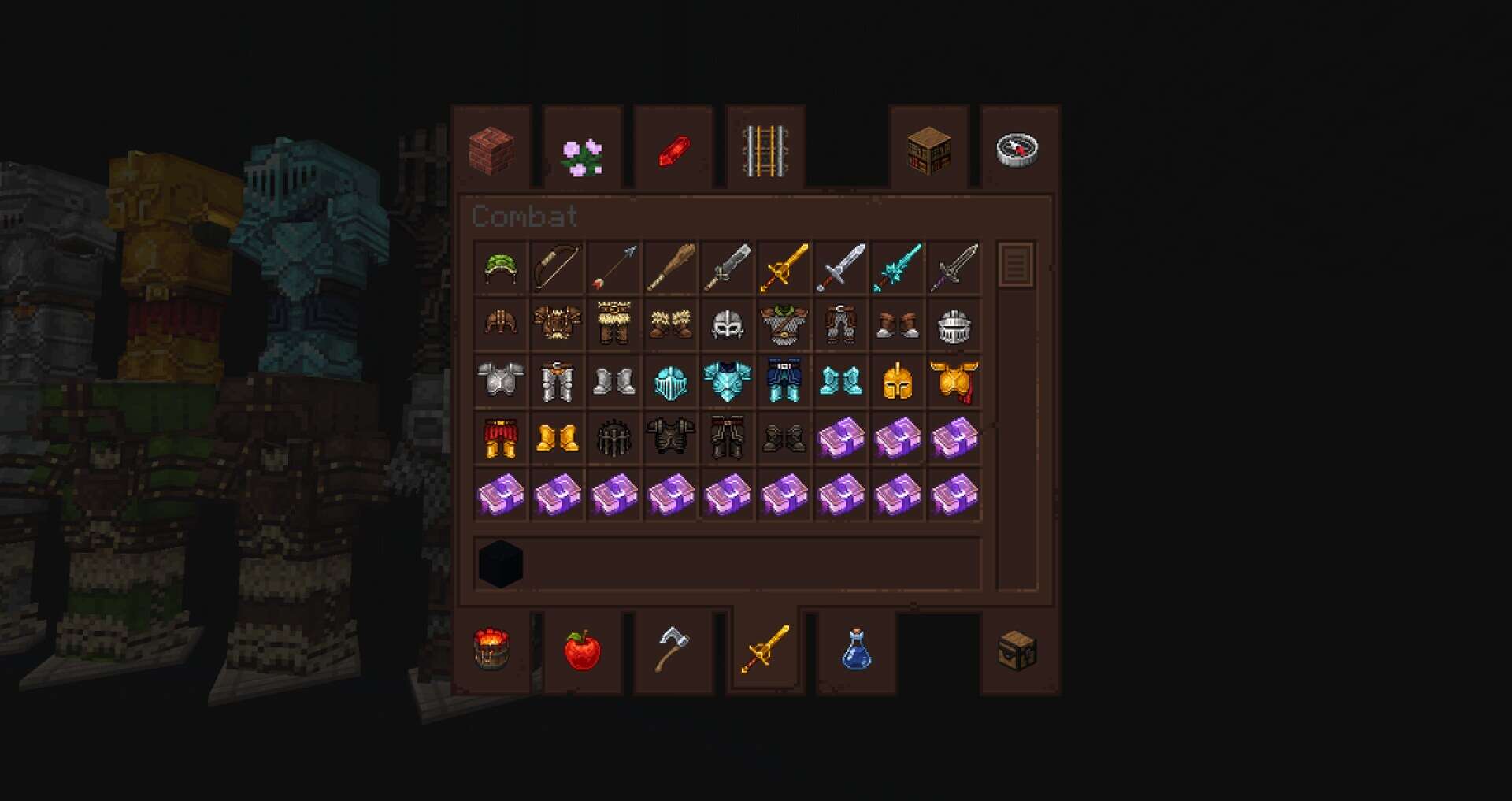
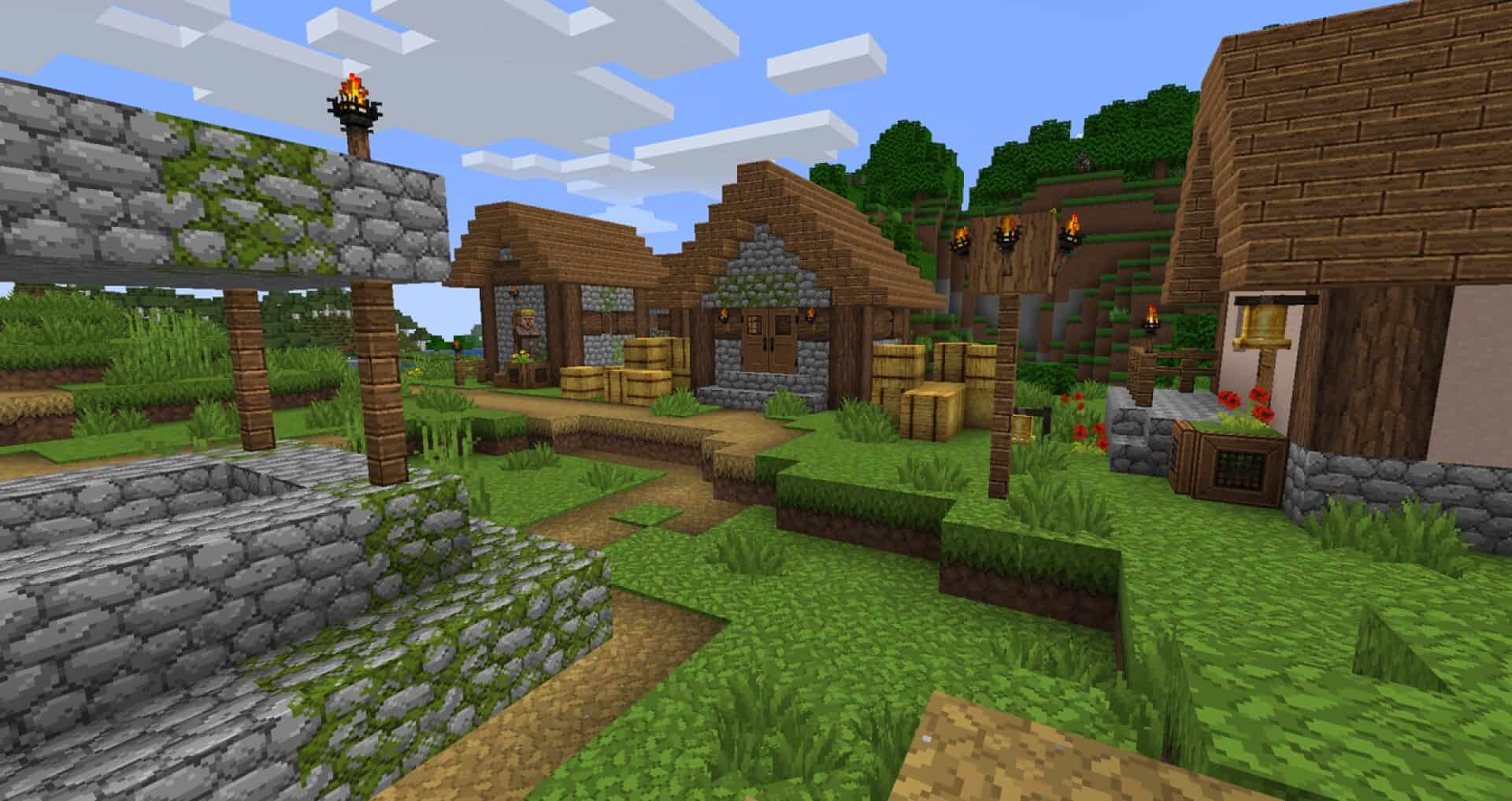
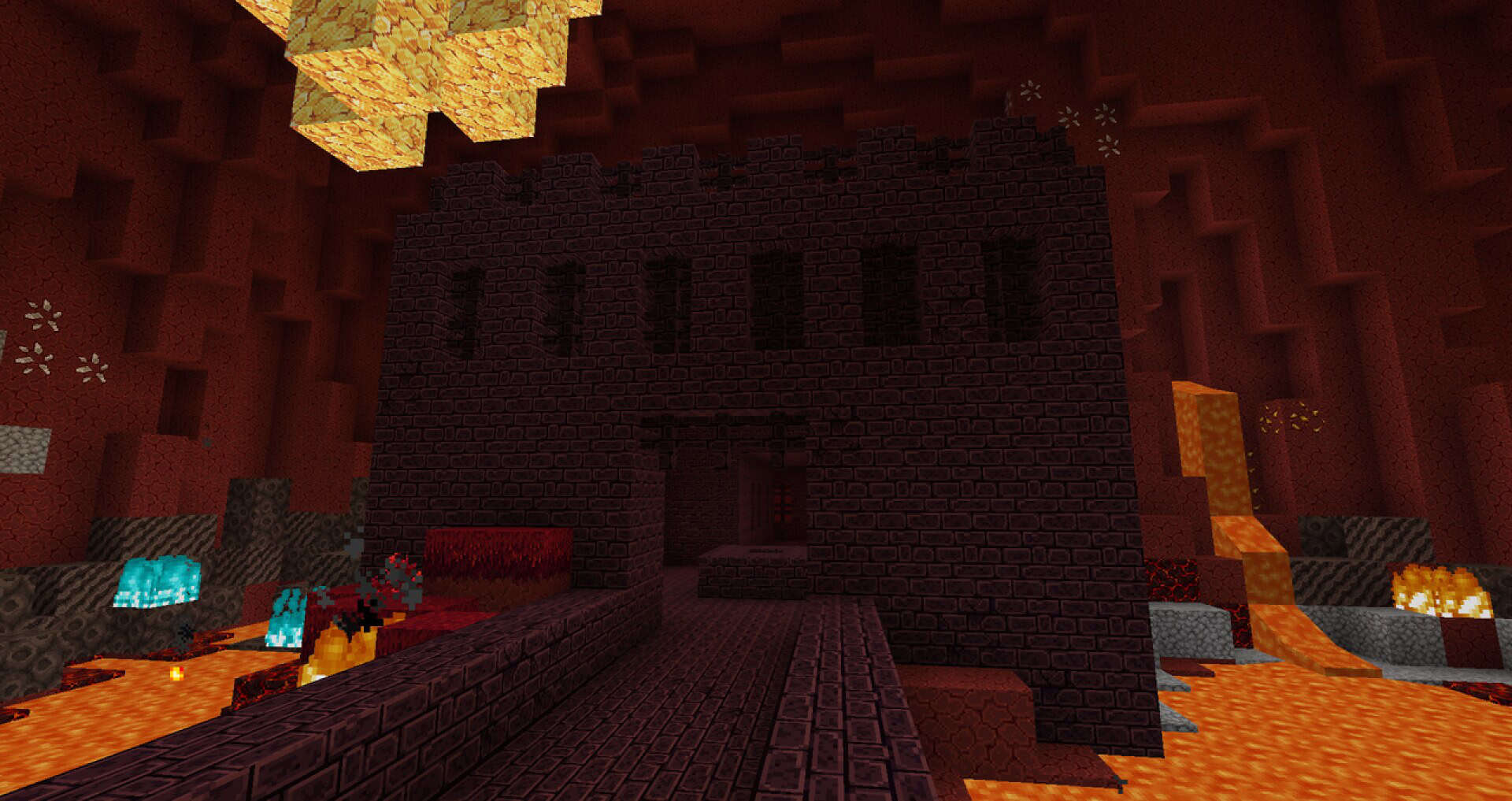
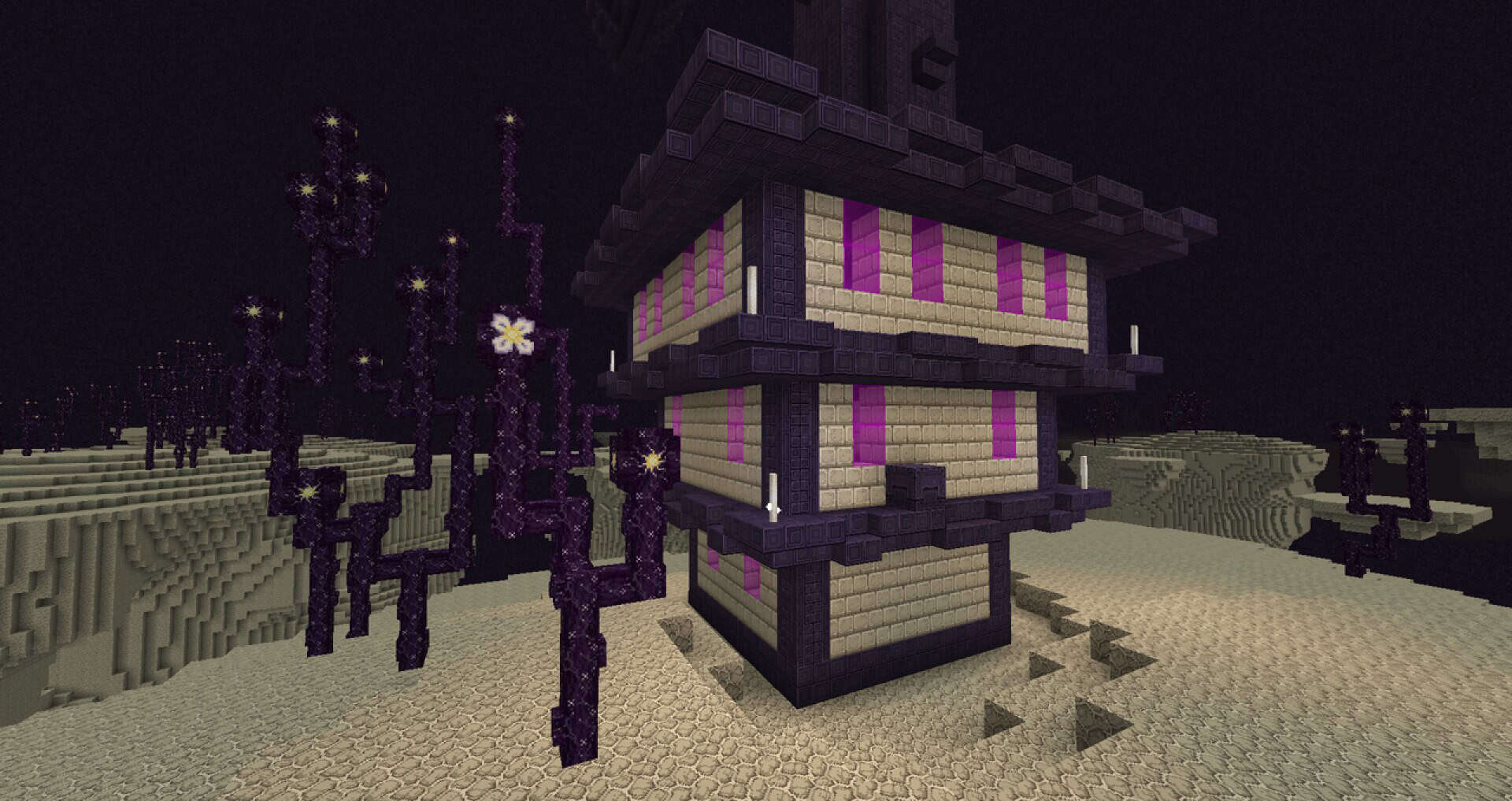
BjornCraft is a fantastic and recently launched resource pack that is already turning heads all across the Minecraft community. This stunning BjornCraft resource pack features an incredible structure and looks genuinely innovative right from the start. The brilliant creator mentioned that they spent the past several years developing this pack, putting an immense and admirable amount of work into shaping it into its current form. The creator has also shared that players can look forward to several upcoming modifications designed to make the user experience even better. We are currently enjoying the fourth version of the pack, and its future genuinely could not look more promising. Even in its present form, BjornCraft offers truly ravishing graphics and stands out as a highly recommended resource pack that you can download today. If you have been searching for a wonderful resource pack that offers a fresh and exclusive design, you should definitely check this pack out. These textures were specially crafted to give the entire Minecraft universe a polished, dynamic, and classy feel that you will instantly fall in love with.
While the pack does not lean heavily on any single specific craft pattern, it focuses its efforts exceptionally well. This clever approach allows the pack to dedicate all of its strength to stripping away redundant specifics from standard patterns while making everything look wonderfully attractive. You will also notice that the BjornCraft pack draws heavy inspiration from classic Zelda games alongside several other memorable titles from past generations. If you have spent time playing those legendary games, you will feel right at home and won’t be surprised to spot wonderful graphical similarities. BjornCraft comes in a 64×64 resolution which, while not excessively high, provides a massive and noticeable step up from the standard 16×16 resolution. Because of this added detail, if you want to enjoy this gorgeous resource pack at a smooth and reliable frame rate, you will want to make sure you are playing on a device with better-than-average hardware specifications to keep everything running seamlessly without any stuttering.
BjornCraft should be compatible with all of these Minecraft versions: 1.16.5 – 1.16.4 – 1.16.3 – 1.16.2 – 1.16.1 – 1.16 – 1.15.2 – 1.15.1 – 1.15 – 1.14.4 – 1.14.3 – 1.14.2 – 1.14 – 1.13.2 – 1.13.1 – 1.13
Screenshots
How to Install Texture Pack (Simple 10 Steps)
- Download OptiFine: Most of the texture packs and shaders need OptiFine. That’s why, first download and install OptiFine for the version of Minecraft you want to play.
- Download the Texture Pack: Get the texture pack you want from the download section. Choose the version that works with your Minecraft and your PC’s performance.
- Open Minecraft Launcher: Start Minecraft using the official game launcher — or even TLauncher, if you use that.
- Go to Options: From the main menu, click on the “Options” button.
- Open Resource Packs: Inside Options, click on “Resource Packs…”.
- Open the Resource Pack Folder: Click on “Open Resource Pack Folder” — this will open a folder named “resourcepacks”.
- Move the Pack File: Copy or move the .zip file you downloaded into that “resourcepacks” folder. (Don’t unzip the file — Minecraft uses it as-is!)
- Go Back and Refresh: Close the folder and click “Done”, then go back into “Resource Packs…” again.
- Activate the Pack: You’ll see the pack on the left side. Hover over it and click the arrow to move it to the right (active side).
Tip: If you get a message that the pack is for a different version, just click “Yes” — it usually works fine. - Click Done and Enjoy: Click “Done” again. Now your pack is ready to use in-game. It’s that easy!
Credits
This resource pack was originally created by Terrowin_deGrey. We do not claim ownership of this content, nor do we host modified files on our servers. All rights remain with the original creator, and we strongly encourage supporting their work directly through their official release channels.
Download Links
Java Edition
Download Instructions
Curseforge: download starts automatically after a few seconds;
Mediafire: click the big blue button with the text “DOWNLOAD”;
Google Drive: in the top right corner you will see a small download icon (down arrow), click it and the download should start;


