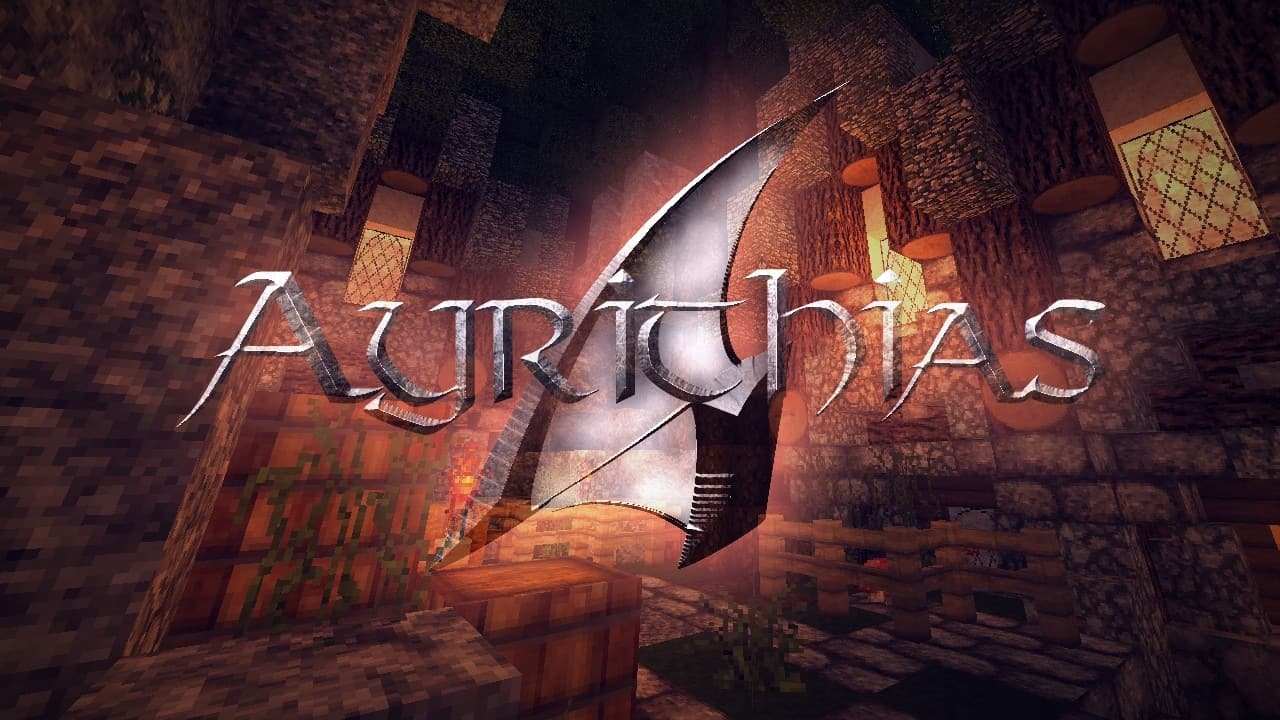
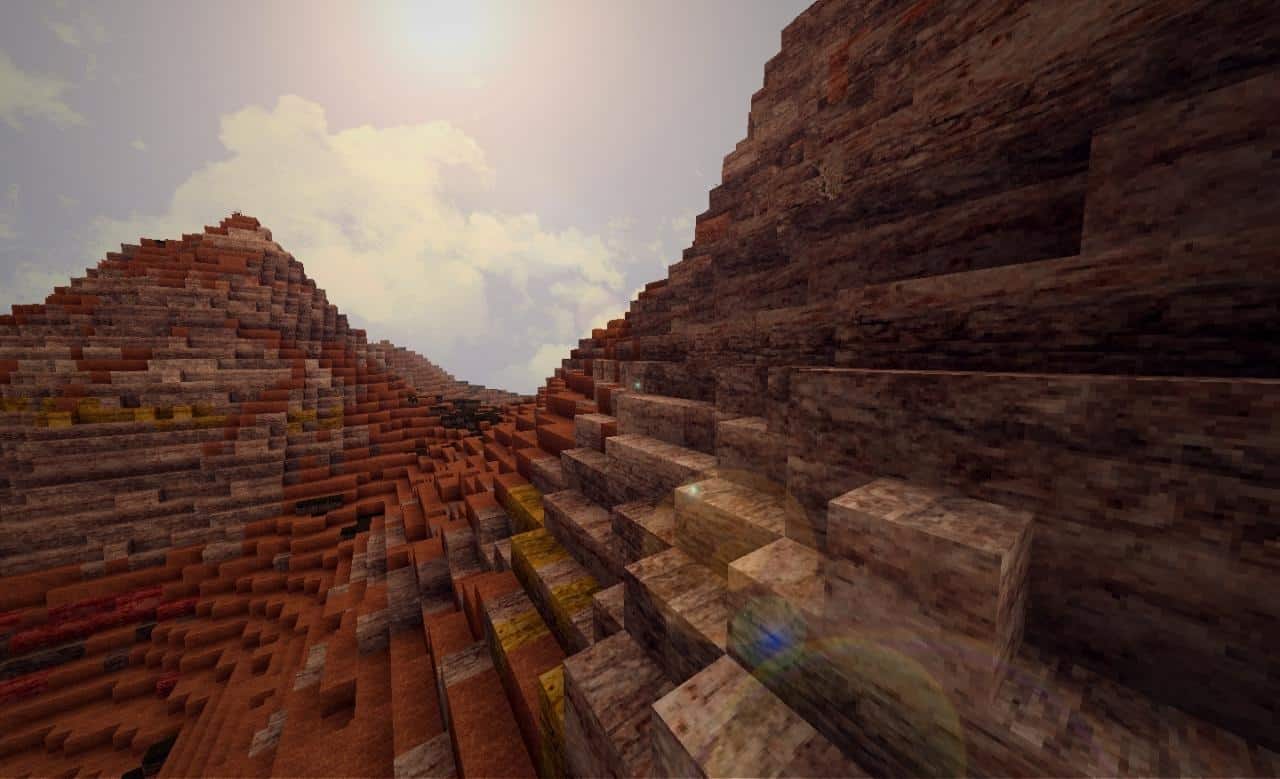
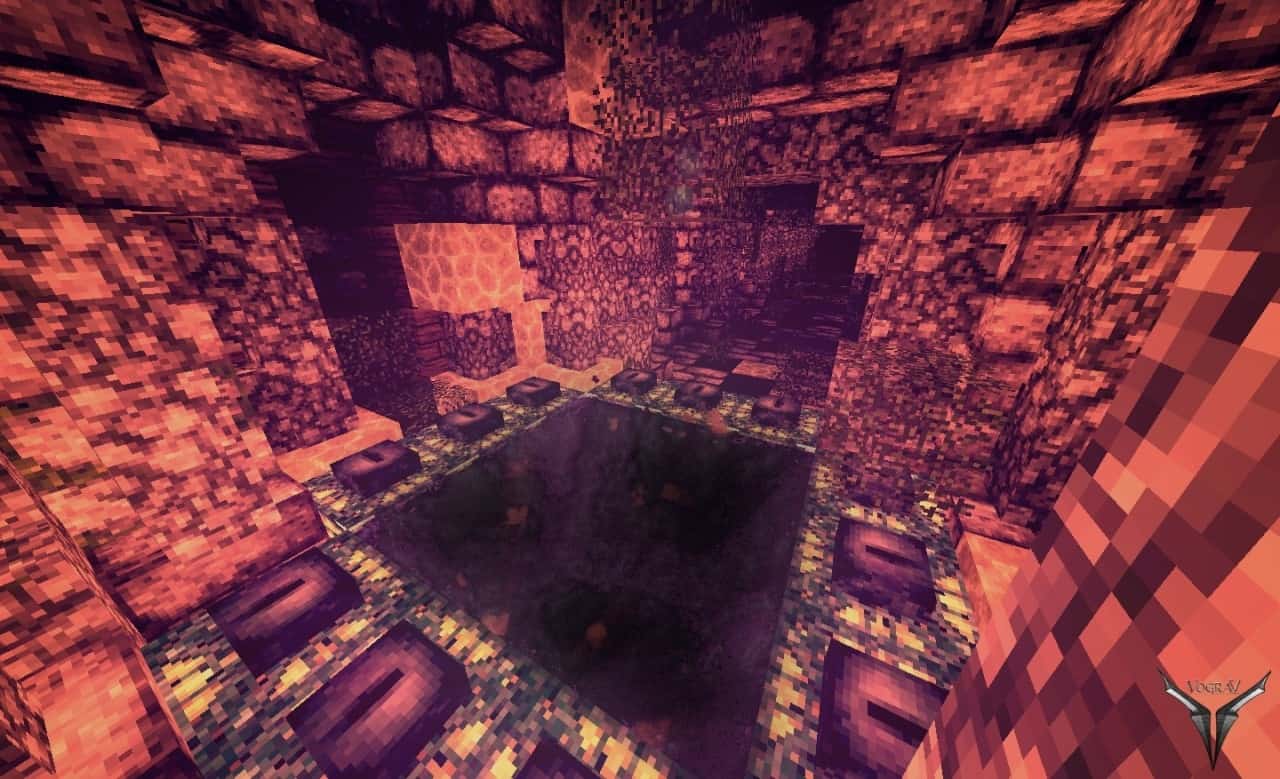
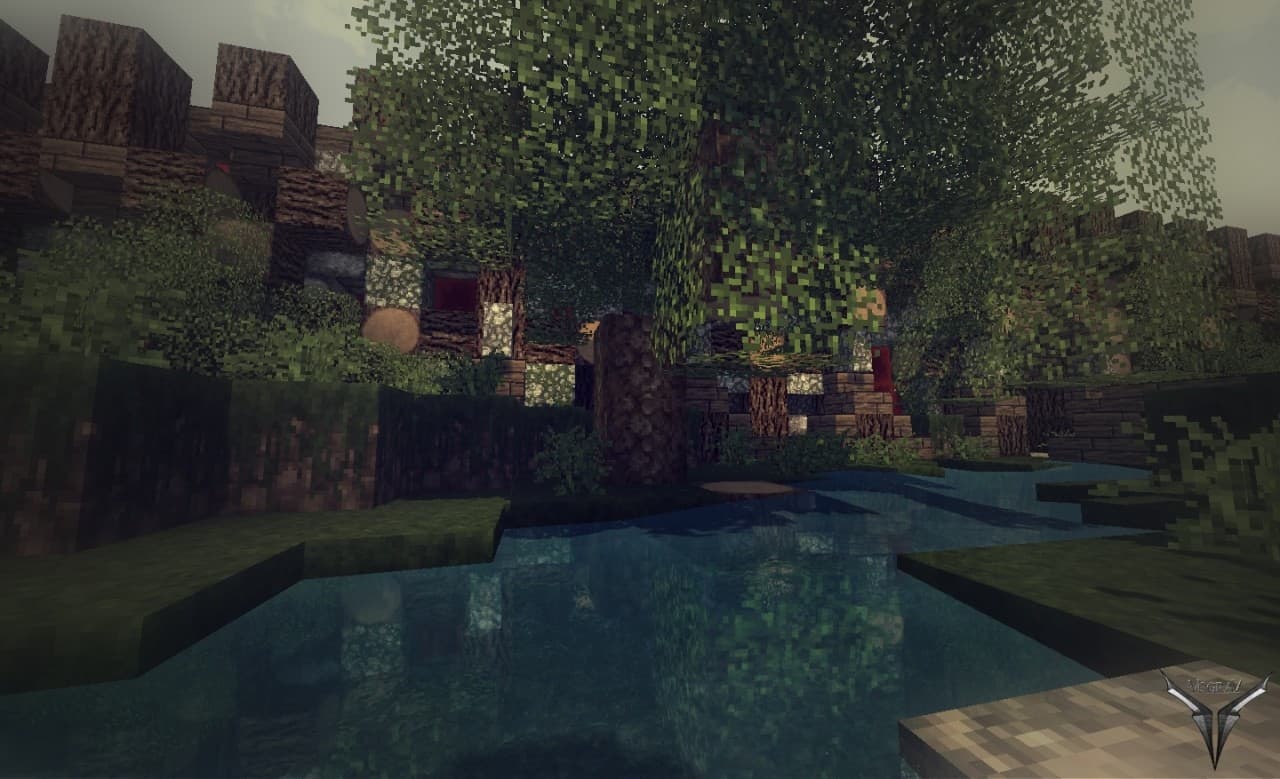
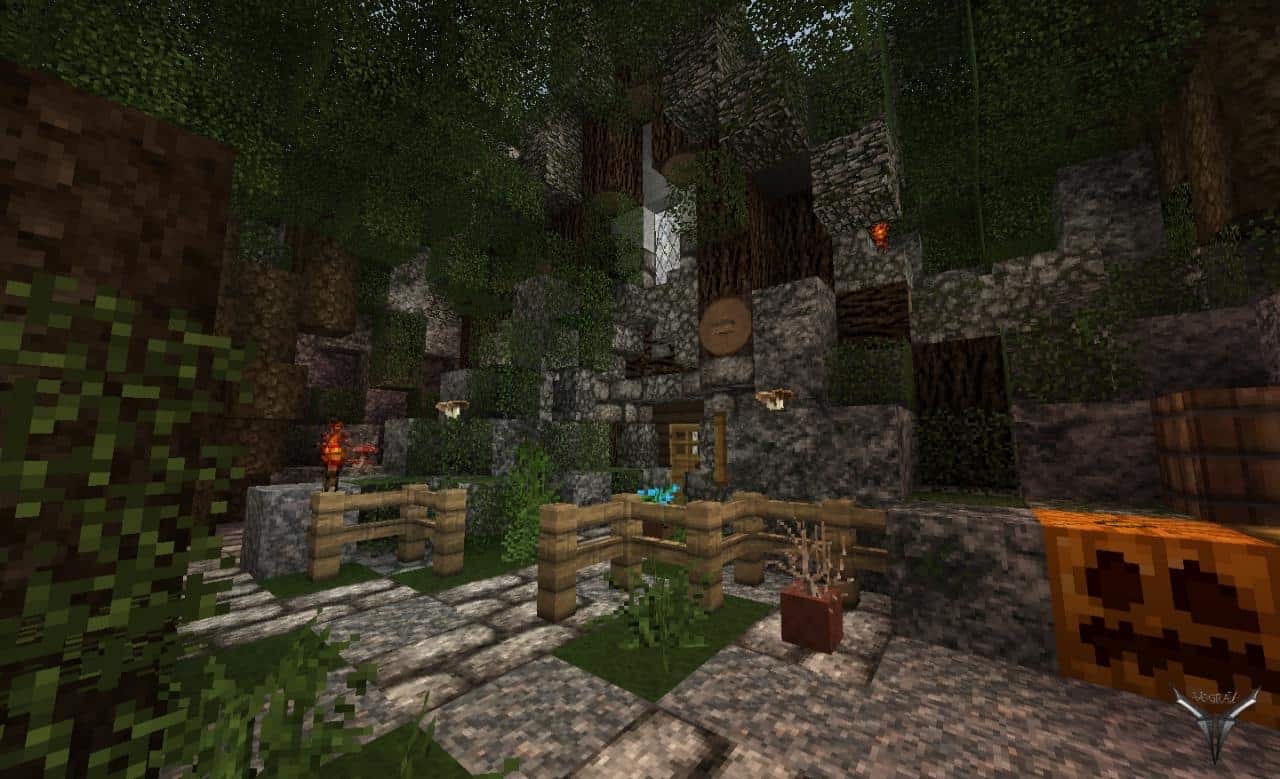
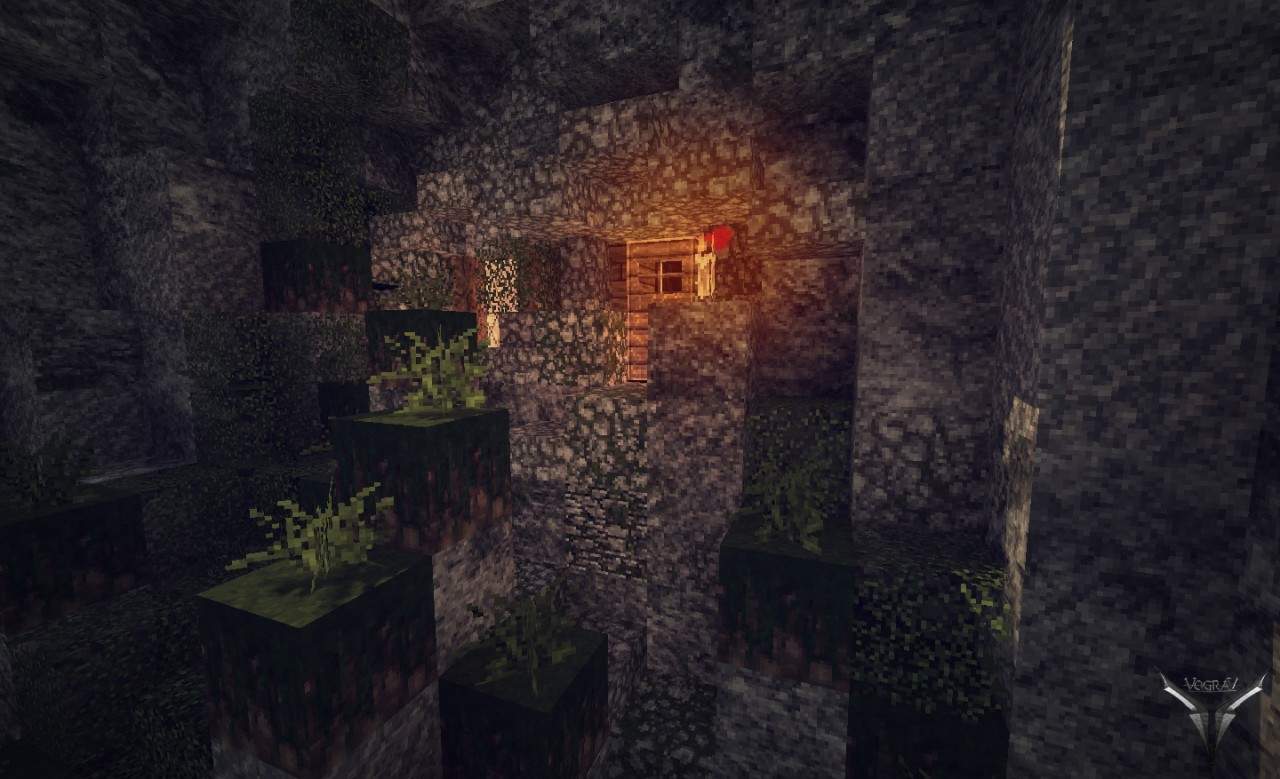
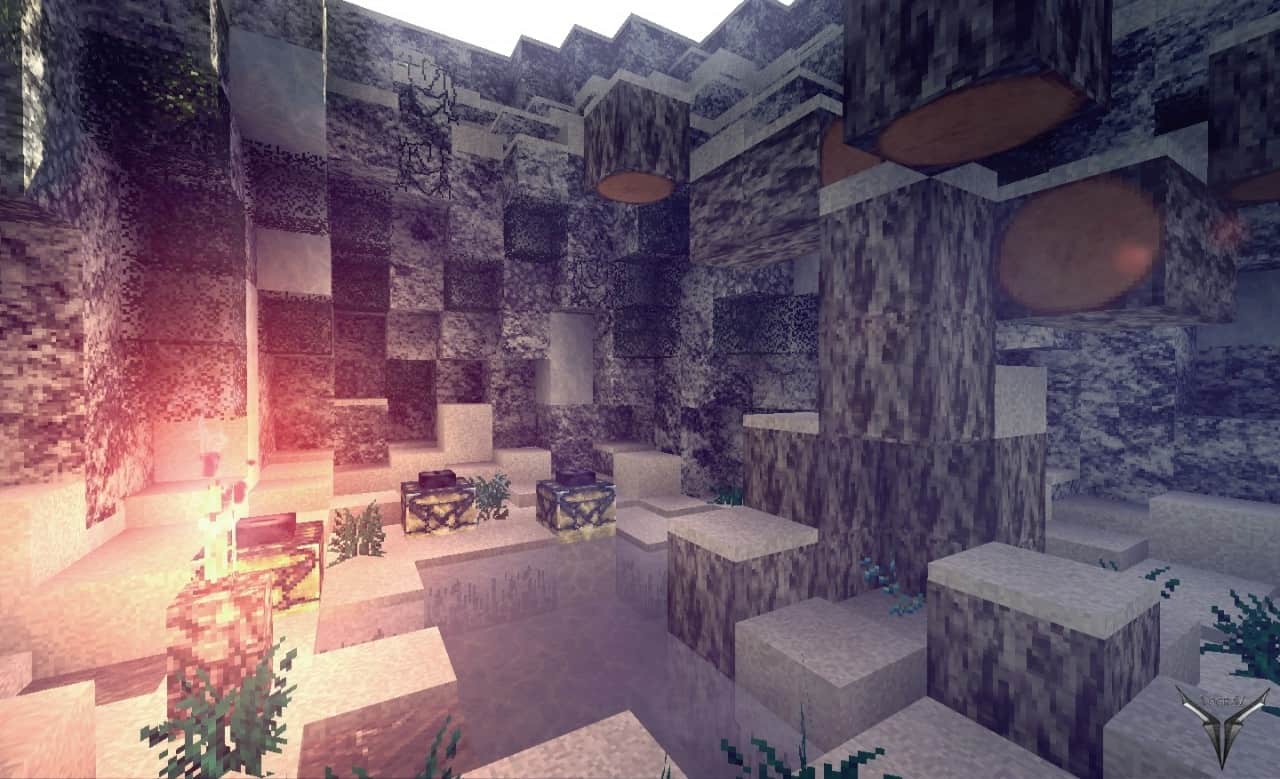
The Ayrithias resource pack transforms Minecraft into a captivating fantasy world packed with stunningly realistic textures. Crafted by Vograv back in 2014, it might not receive updates anymore, but I found that it is still wonderfully compatible with older 1.7.x and 1.8.x versions of Minecraft. You can safely ignore any incompatibility warnings that pop up upon launching your game, though keep in mind you will run into several unfinished textures. This happens because Minecraft has received countless updates since the 1.8.x era, introducing many new items and blocks that simply did not exist when the pack was originally designed. If you do not mind stumbling upon the occasional untextured block in your new fantasy realm, I definitely recommend downloading the Ayrithias texture pack. The visual changes it brings to the game are truly incredible, as I will break down in greater detail throughout this article. Vograv truly succeeded at crafting a fantasy-inspired aesthetic blended with realistic textures, delivering an astonishing pack for anyone who loves that specific style. Players who are constantly hunting for fantasy-themed resource packs featuring rich RPG-esque details will immensely enjoy this addition, as that forms the very foundation of Ayrithias. Although I have had the absolute joy of testing out other packs that aim for a similar vibe, the Ayrithias resource pack genuinely outclasses most of them thanks to its exemplary execution. It is definitely worth a shot for any players who adore the fantasy genre. Personally, I firmly believe that the Ayrithias texture pack draws heavy inspiration from the classic tabletop game Dungeons and Dragons. While I cannot officially prove it, the undeniable evidence is right there in the pack’s intricate textures. Even though it may not feature the absolute most detailed or photorealistic textures out there, the pack remains stunningly beautiful, largely thanks to the exceptional artistic vision that Vograv applied.
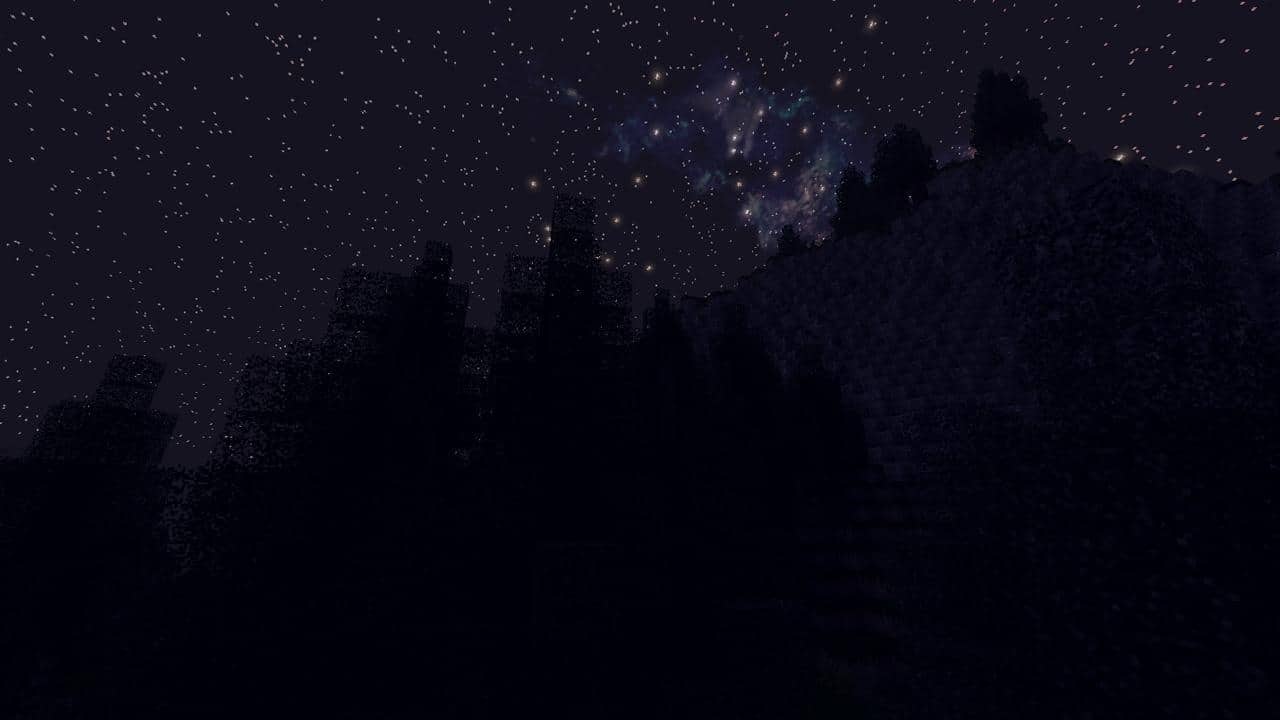
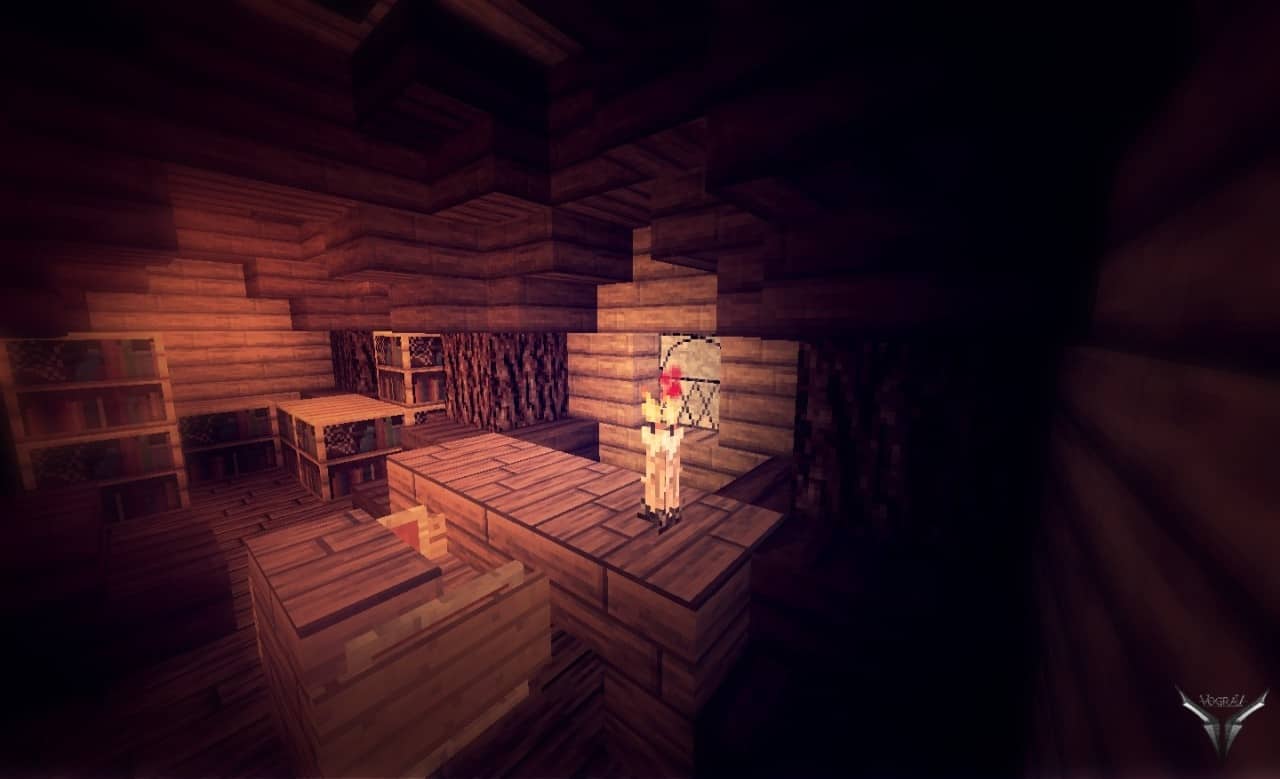
A massive highlight of the pack’s textures is their total lack of distracting noise, resulting in a remarkably smooth and flawless appearance that you are bound to fall in love with. The color palette is wonderfully subdued compared to other packs, which strongly reinforces the moody, immersive fantasy-themed art style. This design choice draws you far deeper into your gameplay sessions, which is an absolute blessing for players who love roleplaying in Minecraft. The Ayrithias texture pack boasts some of the most striking and original textures that I have laid eyes on in a long time. They are genuinely gorgeous to look at and instill a wonderful sense of realism and serenity. The blend of realistic and fantasy textures in this resource pack creates an absorbing Minecraft world that you simply will not want to stop exploring. Do not be surprised if you find yourself slowing down to take in the scenery or admiring how breathtaking the environment looks all around you. Between the painstakingly detailed textures and the gorgeous vistas, you will find yourself surrounded by wondrous and captivating sights. Despite its many phenomenal qualities, the Ayrithias resource pack remains an unfinished beauty. It unfortunately looks like it will not receive any further updates moving forward, meaning the list of untextured blocks will only continue to expand as Minecraft marches on with new updates. Ayrithias features a 32 by 32 resolution, which is a nice step up from the standard 16 by 16 of vanilla Minecraft. Even so, thanks to how brilliantly optimized the textures are, you will not experience any noticeable performance drops or frustrating FPS issues. As long as your computer can comfortably run unmodded Minecraft, this pack will run efficiently and smoothly without missing a beat.
Ayrithias should be compatible with all of these Minecraft versions: 1.8.9 – 1.8.8 – 1.8.1 – 1.8.6 – 1.8 – 1.7.10 – 1.7.9 – 1.7.4 – 1.7 – 1.6.4 – 1.6.2
Screenshots

How to Install Texture Pack (Simple 10 Steps)
- Download OptiFine: Most of the texture packs and shaders need OptiFine. That’s why, first download and install OptiFine for the version of Minecraft you want to play.
- Download the Texture Pack: Get the texture pack you want from the download section. Choose the version that works with your Minecraft and your PC’s performance.
- Open Minecraft Launcher: Start Minecraft using the official game launcher — or even TLauncher, if you use that.
- Go to Options: From the main menu, click on the “Options” button.
- Open Resource Packs: Inside Options, click on “Resource Packs…”.
- Open the Resource Pack Folder: Click on “Open Resource Pack Folder” — this will open a folder named “resourcepacks”.
- Move the Pack File: Copy or move the .zip file you downloaded into that “resourcepacks” folder. (Don’t unzip the file — Minecraft uses it as-is!)
- Go Back and Refresh: Close the folder and click “Done”, then go back into “Resource Packs…” again.
- Activate the Pack: You’ll see the pack on the left side. Hover over it and click the arrow to move it to the right (active side).
Tip: If you get a message that the pack is for a different version, just click “Yes” — it usually works fine. - Click Done and Enjoy: Click “Done” again. Now your pack is ready to use in-game. It’s that easy!
Credits
This resource pack was created by Vograv. We do not claim ownership of this content, nor have we modified the original files. All rights and intellectual property belong strictly to Vograv. We encourage players to support the original creator and their work.
Download Instructions
Curseforge: download starts automatically after a few seconds;
Mediafire: click the big blue button with the text “DOWNLOAD”;
Google Drive: in the top right corner you will see a small download icon (down arrow), click it and the download should start;


