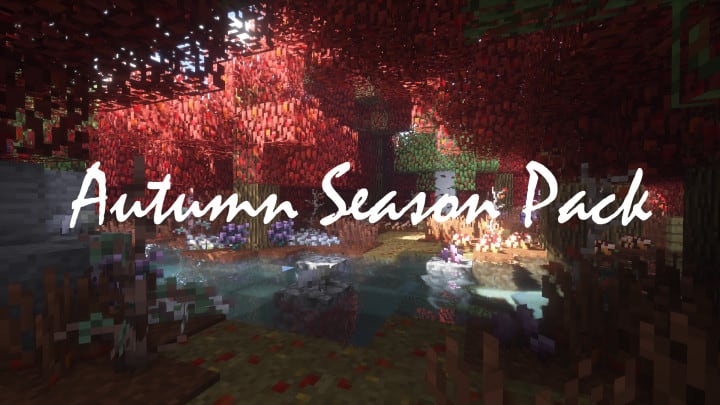
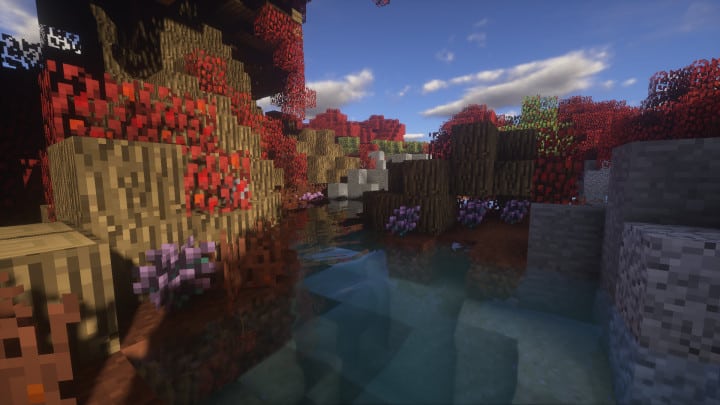
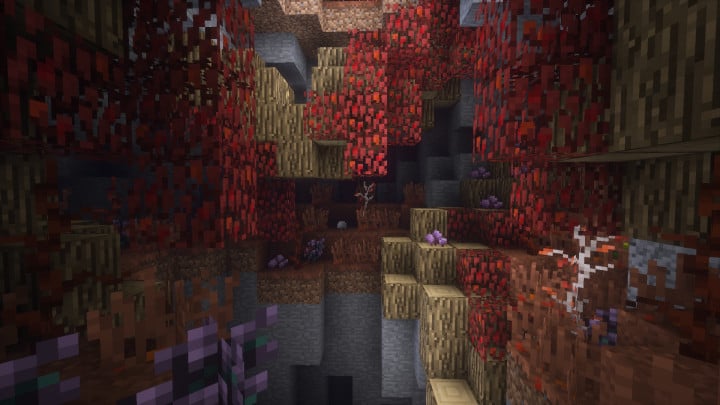
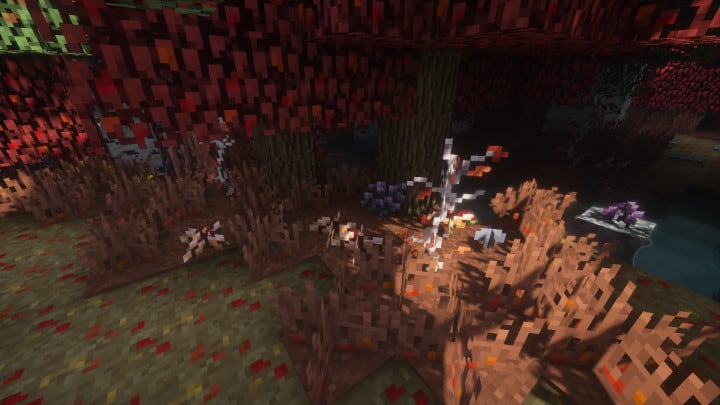
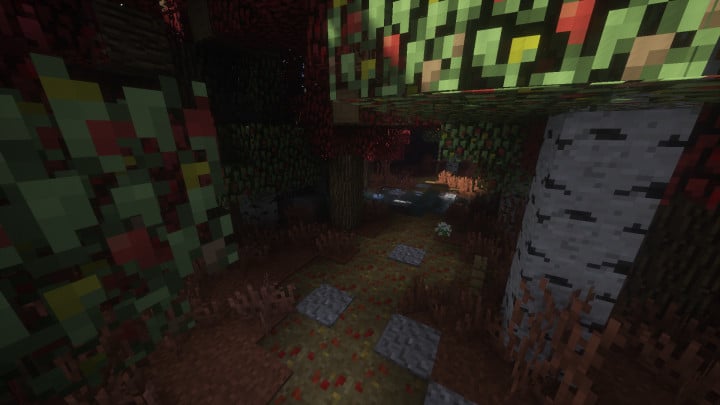
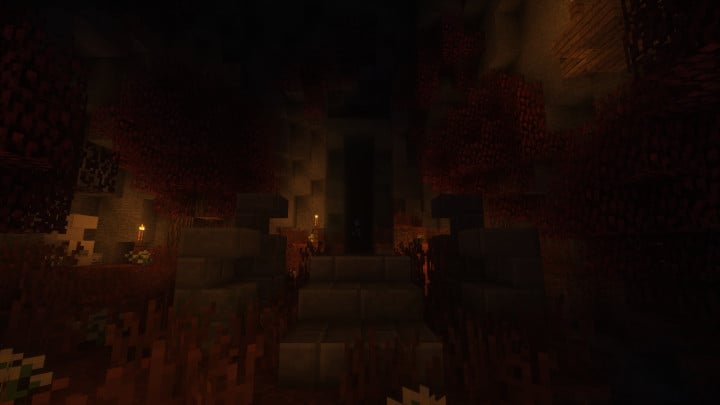
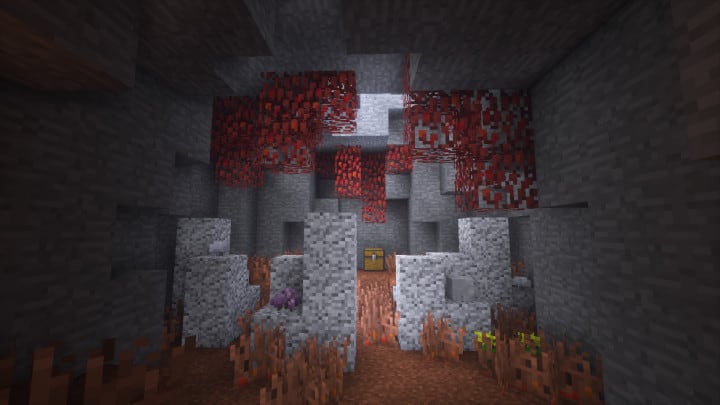
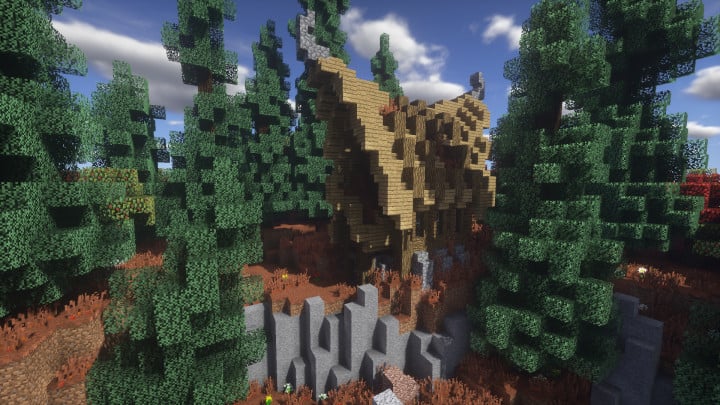
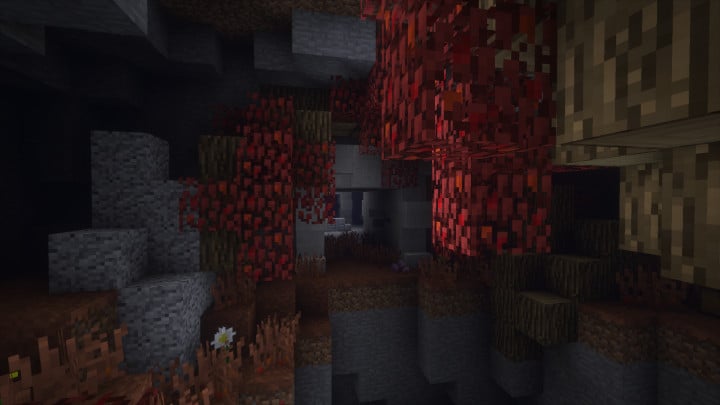
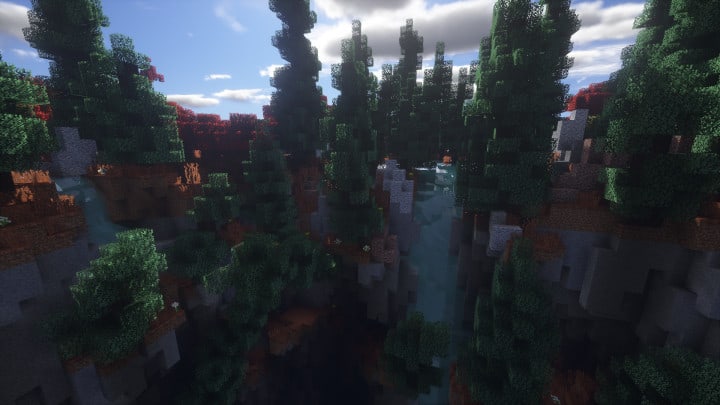
Autumn Seasons is an absolute must-try resource pack that completely captures the cozy atmosphere of fall in Minecraft! You might have explored other seasonal packs in the past that promised a cozy transformation but ultimately fell short. Many of those alternative options lack the polished finishing touches needed to feel truly unique and immersive. Fortunately, Autumn Seasons completely avoids those pitfalls. This pack is brilliantly designed and carefully managed to make sure it delivers an experience that satisfies every player. It lets you witness the shifting mood of the Minecraft world as it transitions into a gorgeous autumn landscape. Instead of the familiar vibrant green grass we are all so used to seeing, Autumn Seasons brilliantly overhauls the entire environment, transforming both the grasslands and the undergrowth into stunning, warm reddish hues.
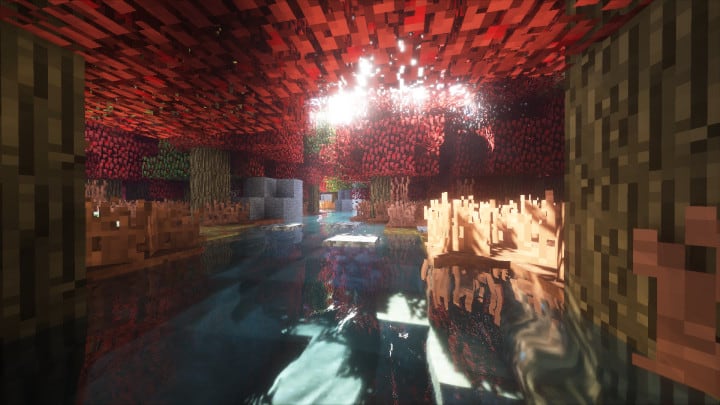
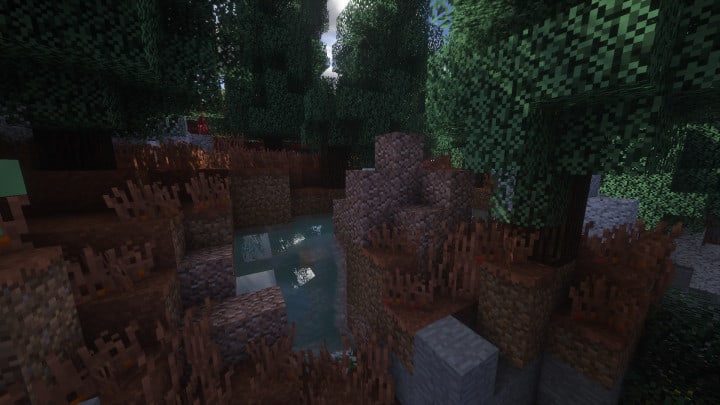
The rich red color palette really brings out that classic autumn aesthetic throughout the entire world. On top of that, the pack upgrades several features of the trees, leaves, and various other in-game plants so you can enjoy a genuinely reliable and immersive gameplay session. The careful detailing on the leaves, plants, and trees actually increases overall visual depth while successfully reducing annoying texture noise, making the game look breathtakingly spectacular. These new textures also create a much denser forest appearance, helping you truly feel the arrival of a vibrant, colorful autumn season. Sticking to a standard 16x resolution, it is no surprise that the main goal here is not to completely overhaul the vanilla game style, but rather to let players feel the genuine essence of autumn right inside their Minecraft worlds. Best of all, the pack boasts a 100% completion rate, meaning you will not run into annoying missing textures while exploring. If you are a dedicated fan or a realistic player looking for the ultimate seasonal experience, you definitely need to check this out!
Autumn Season should be compatible with all of these Minecraft versions: 1.12.2 – 1.12 – 1.11.2 – 1.11
Screenshots


How to Install Texture Pack (Simple 10 Steps)
- Download OptiFine: Most of the texture packs and shaders need OptiFine. That’s why, first download and install OptiFine for the version of Minecraft you want to play.
- Download the Texture Pack: Get the texture pack you want from the download section. Choose the version that works with your Minecraft and your PC’s performance.
- Open Minecraft Launcher: Start Minecraft using the official game launcher — or even TLauncher, if you use that.
- Go to Options: From the main menu, click on the “Options” button.
- Open Resource Packs: Inside Options, click on “Resource Packs…”.
- Open the Resource Pack Folder: Click on “Open Resource Pack Folder” — this will open a folder named “resourcepacks”.
- Move the Pack File: Copy or move the .zip file you downloaded into that “resourcepacks” folder. (Don’t unzip the file — Minecraft uses it as-is!)
- Go Back and Refresh: Close the folder and click “Done”, then go back into “Resource Packs…” again.
- Activate the Pack: You’ll see the pack on the left side. Hover over it and click the arrow to move it to the right (active side).
Tip: If you get a message that the pack is for a different version, just click “Yes” — it usually works fine. - Click Done and Enjoy: Click “Done” again. Now your pack is ready to use in-game. It’s that easy!
Credits
This Resource Pack was originally created by Light Drifter. We do not claim ownership of this modification and do not modify the original files. We encourage all players to support the original creator by downloading from official sources.
Download Instructions
Curseforge: download starts automatically after a few seconds;
Mediafire: click the big blue button with the text “DOWNLOAD”;
Google Drive: in the top right corner you will see a small download icon (down arrow), click it and the download should start;


