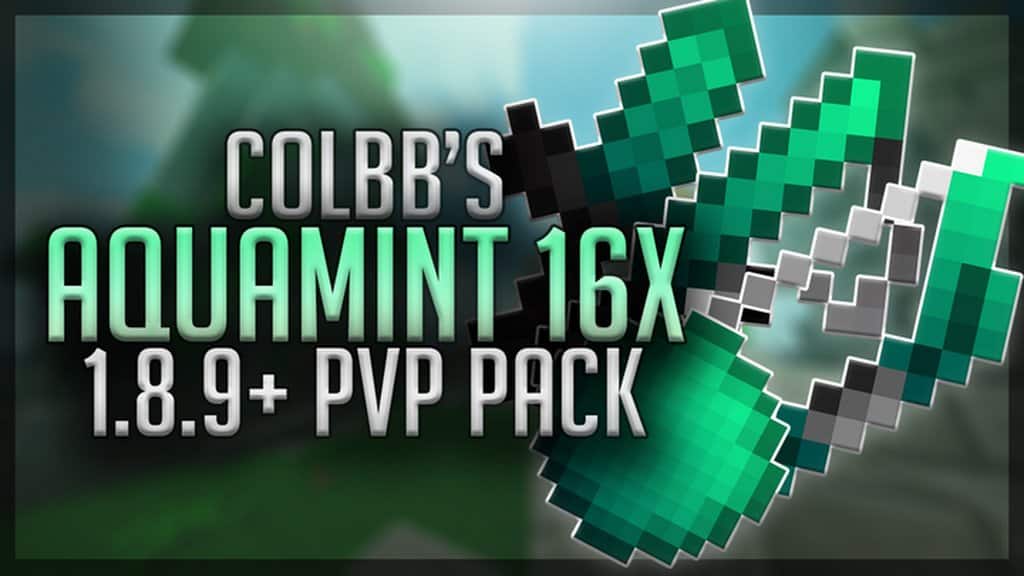
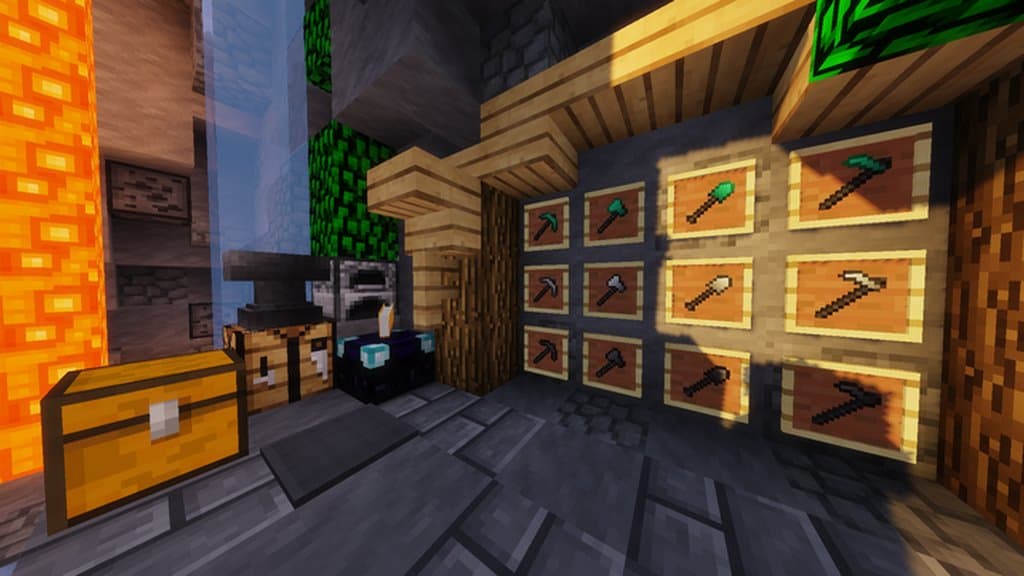
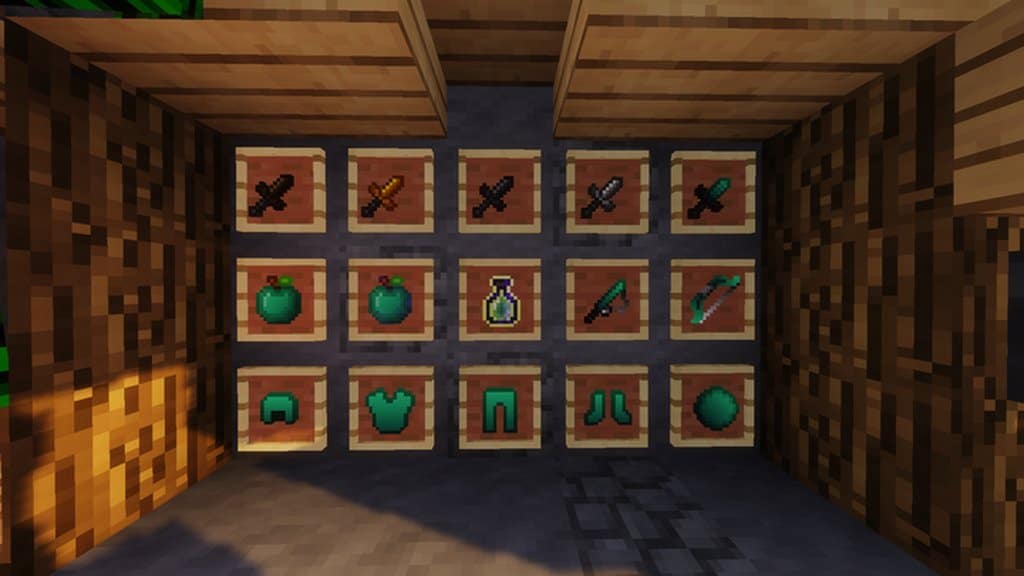
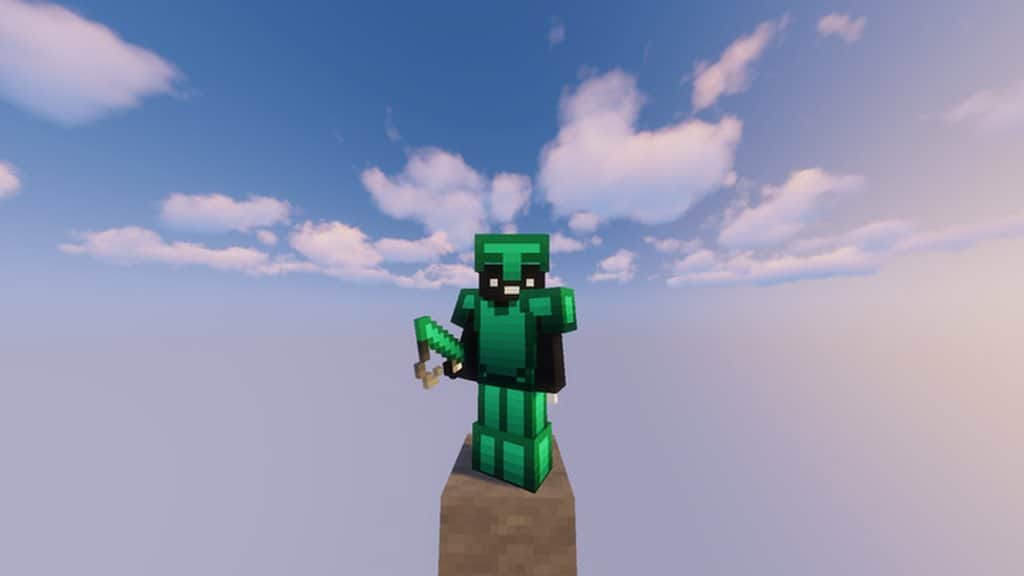
Aqua Mint PvP is an incredible and refreshing resource pack crafted by the renowned pack maker CLBNTR. If you love playing Minecraft in PvP modes, you are definitely in for an absolute treat. CLBNTR has always been brilliant at creating fascinating PvP packs with unique gameplay elements, and Aqua Mint PvP sits comfortably right at the top of the must-play list. Even though the resource pack is fairly new and has gathered only around a thousand downloads so far, I truly believe every die-hard PvP fan should jump in and give Aqua Mint PvP a try. The pack has a wonderfully intriguing title, but things get even better the moment you download it and hop into a game! As soon as you enter the world, the very first things that catch your eye are the gorgeous mint and aqua fade colors that surprisingly blend together remarkably well in a fast-paced free-for-all setting. This clever color palette keeps everything exceptionally clear no matter how far away your opponents are. Players who prefer keeping their distance and staying ranged will not experience any sight issues whatsoever, and the exact same goes for when you are engaging in frantic melee combat or equipping your favorite weapon. Speaking of weapons, Aqua Mint PvP introduces a handful of subtle yet brilliant changes, most notably featuring a cool fade effect and compact small swords, among other neat tweaks. At first glance, reading through the what is new list might not seem entirely groundbreaking, but once you load onto a map and start playing, you will genuinely appreciate the remarkably clean environment and how smooth, visceral, and uncluttered actual PvP combat feels. Aqua Mint PvP runs at a standard 16×16 combined with 32×32 resolution, making these fantastic cosmetic changes and optimizations a huge blessing for anyone playing Minecraft on less-capable hardware. If you are searching for fast-paced PvP action, this is definitely the resource pack you need to get. It runs wonderfully smooth and maintains a rock-solid frame rate even on older machines, allowing players to focus entirely on what truly matters: outsmarting the competition and completely dominating the battlefield!
Aqua Mint PvP should be compatible with all of these Minecraft versions: 1.8.9 – 1.8.8 – 1.8.1 – 1.8.6 – 1.8
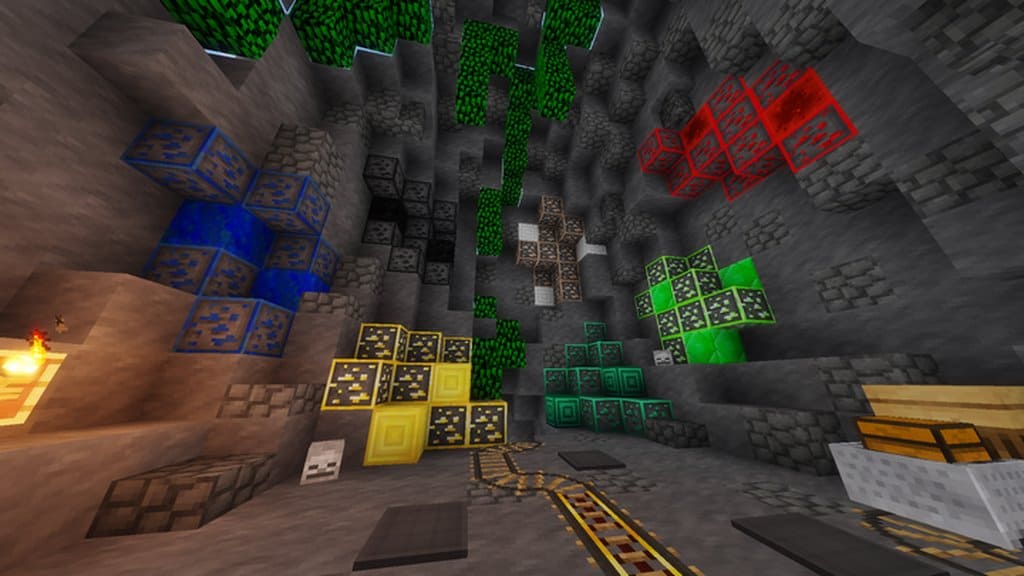
Screenshots
How to Install Texture Pack (Simple 10 Steps)
- Download OptiFine: Most of the texture packs and shaders need OptiFine. That’s why, first download and install OptiFine for the version of Minecraft you want to play.
- Download the Texture Pack: Get the texture pack you want from the download section. Choose the version that works with your Minecraft and your PC’s performance.
- Open Minecraft Launcher: Start Minecraft using the official game launcher — or even TLauncher, if you use that.
- Go to Options: From the main menu, click on the “Options” button.
- Open Resource Packs: Inside Options, click on “Resource Packs…”.
- Open the Resource Pack Folder: Click on “Open Resource Pack Folder” — this will open a folder named “resourcepacks”.
- Move the Pack File: Copy or move the .zip file you downloaded into that “resourcepacks” folder. (Don’t unzip the file — Minecraft uses it as-is!)
- Go Back and Refresh: Close the folder and click “Done”, then go back into “Resource Packs…” again.
- Activate the Pack: You’ll see the pack on the left side. Hover over it and click the arrow to move it to the right (active side).
Tip: If you get a message that the pack is for a different version, just click “Yes” — it usually works fine. - Click Done and Enjoy: Click “Done” again. Now your pack is ready to use in-game. It’s that easy!
Credits
This resource pack was originally created by CLBNTR (Colbb). We do not claim ownership of this content, nor have we modified the original files. All rights and intellectual property remain with the original creator. We encourage you to support CLBNTR by downloading the pack through the official links provided below.
Download Instructions
Curseforge: download starts automatically after a few seconds;
Mediafire: click the big blue button with the text “DOWNLOAD”;
Google Drive: in the top right corner you will see a small download icon (down arrow), click it and the download should start;


