
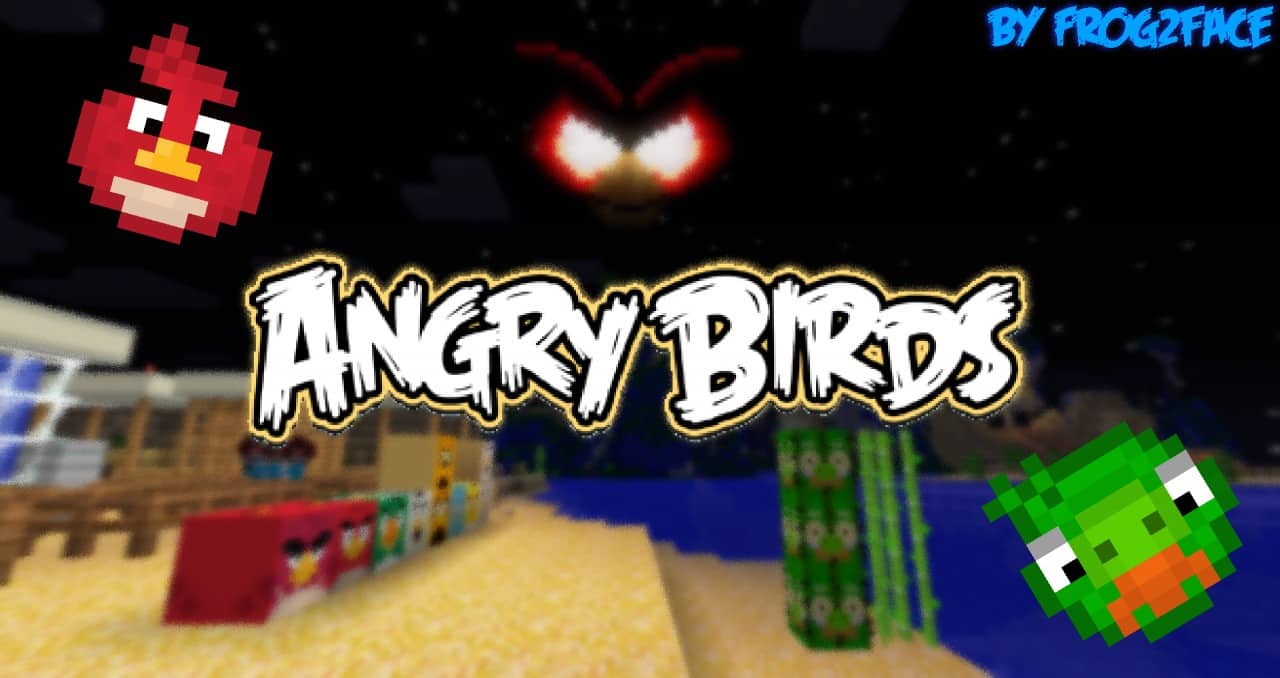
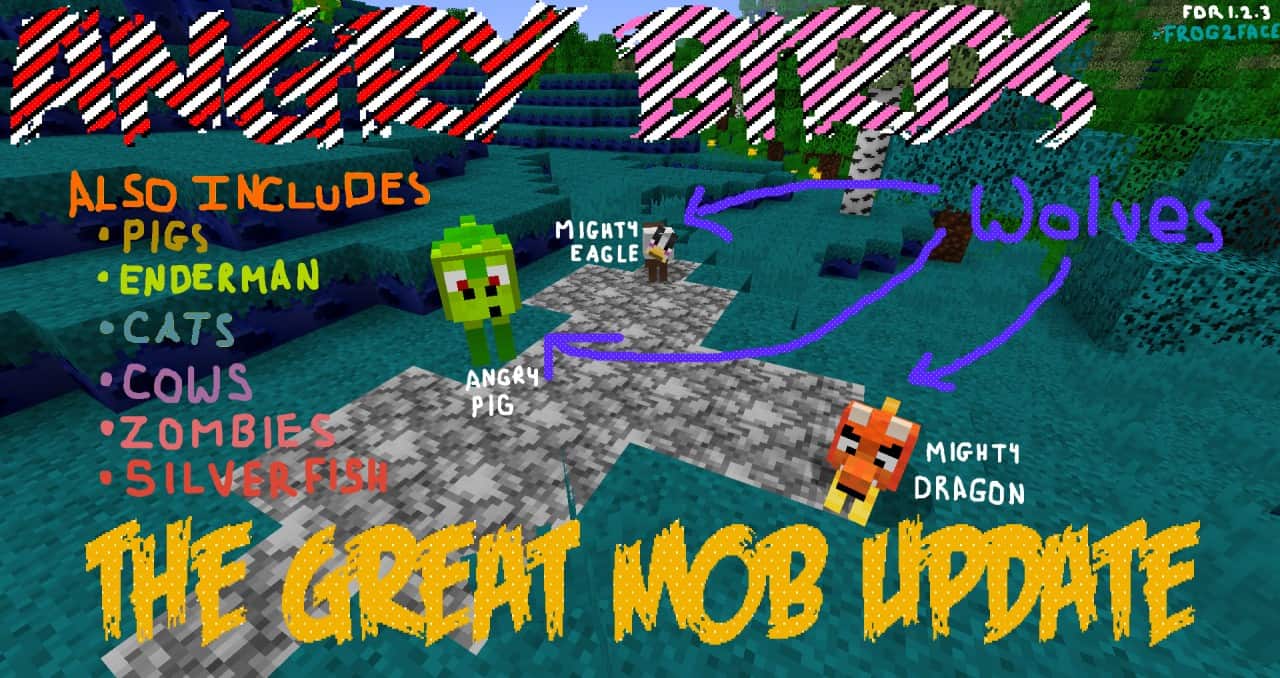
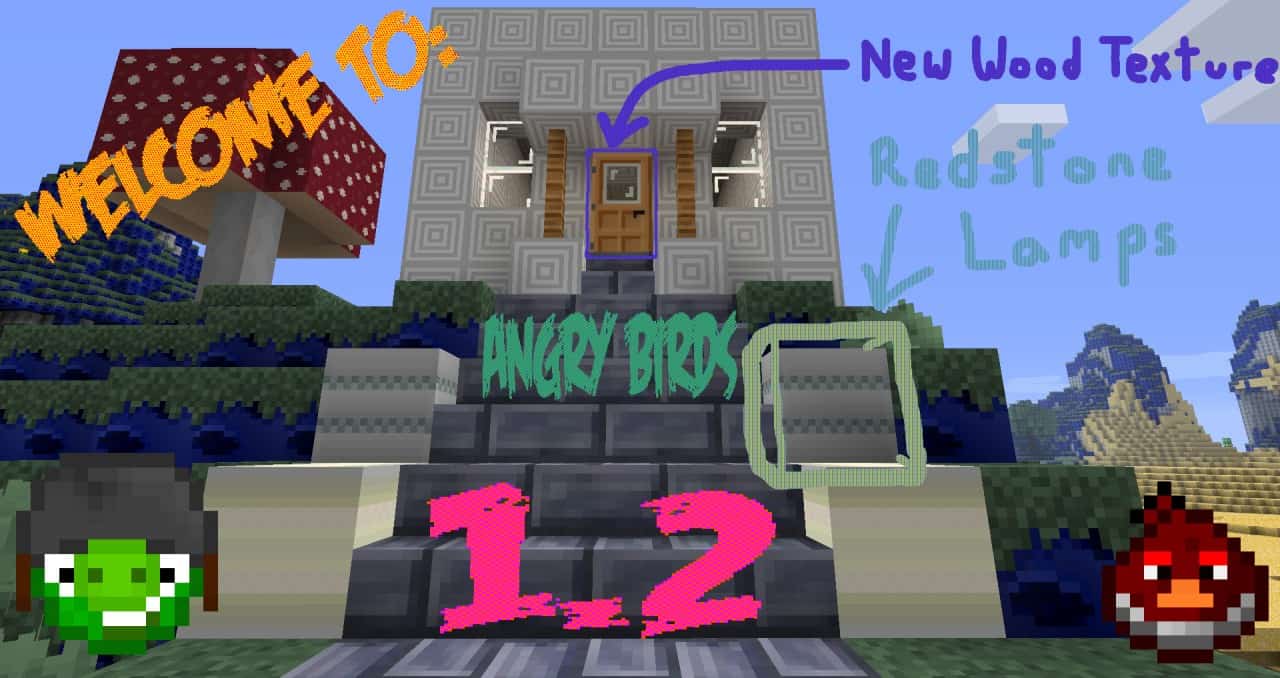
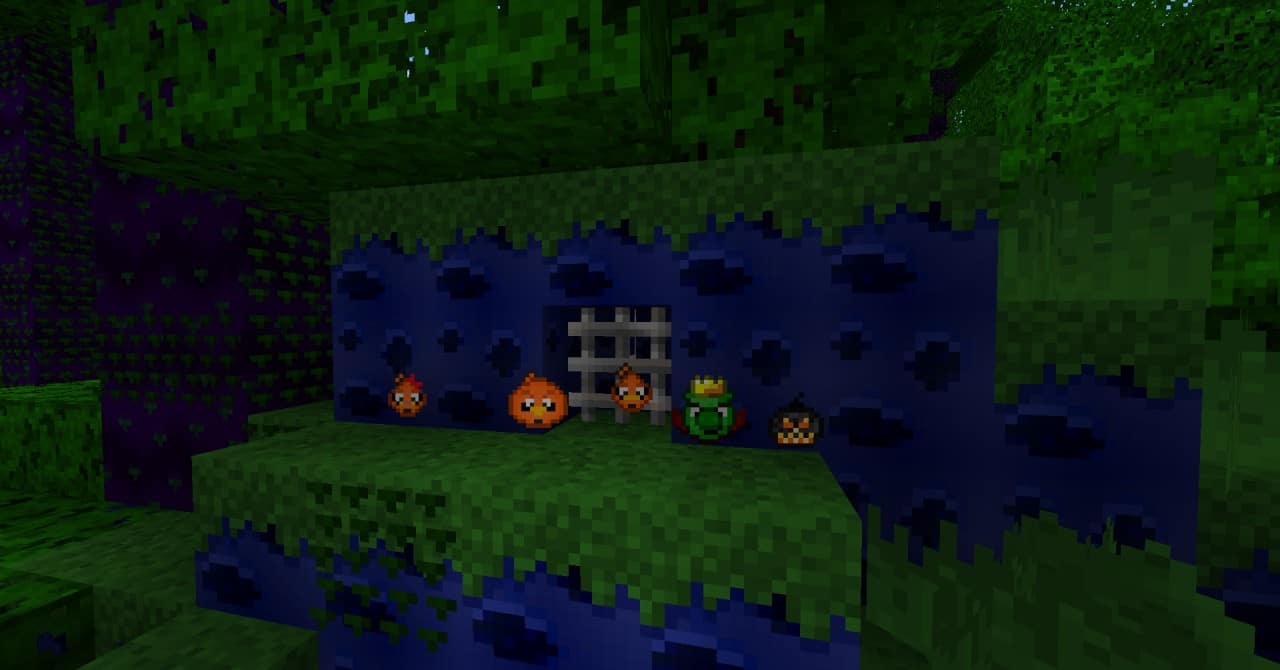
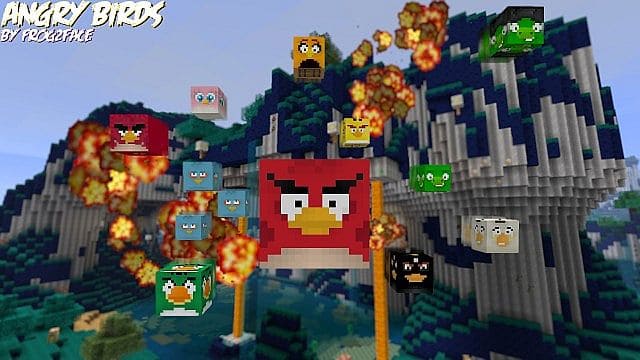
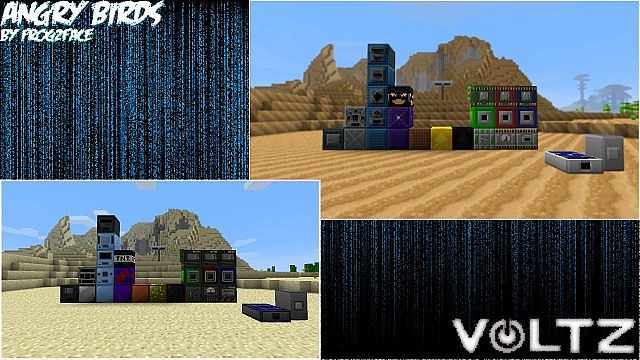
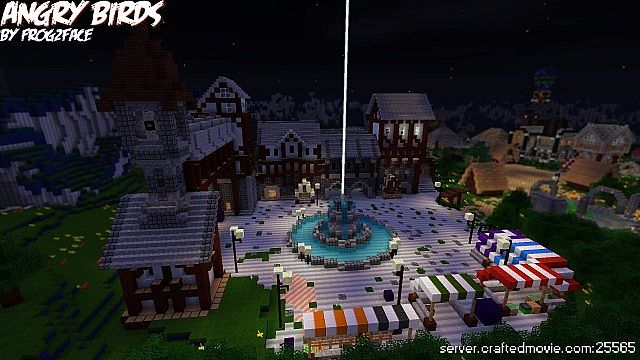
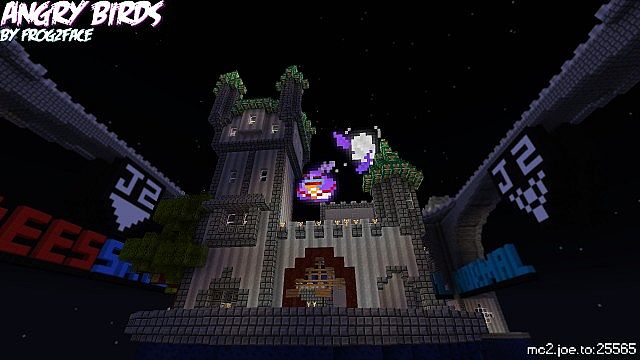
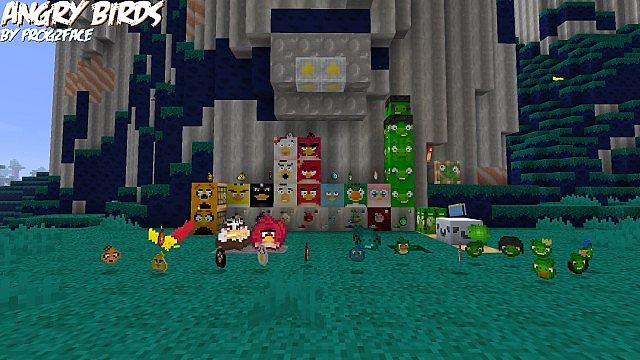
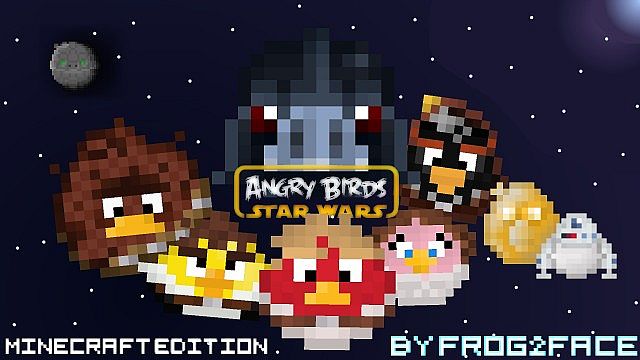
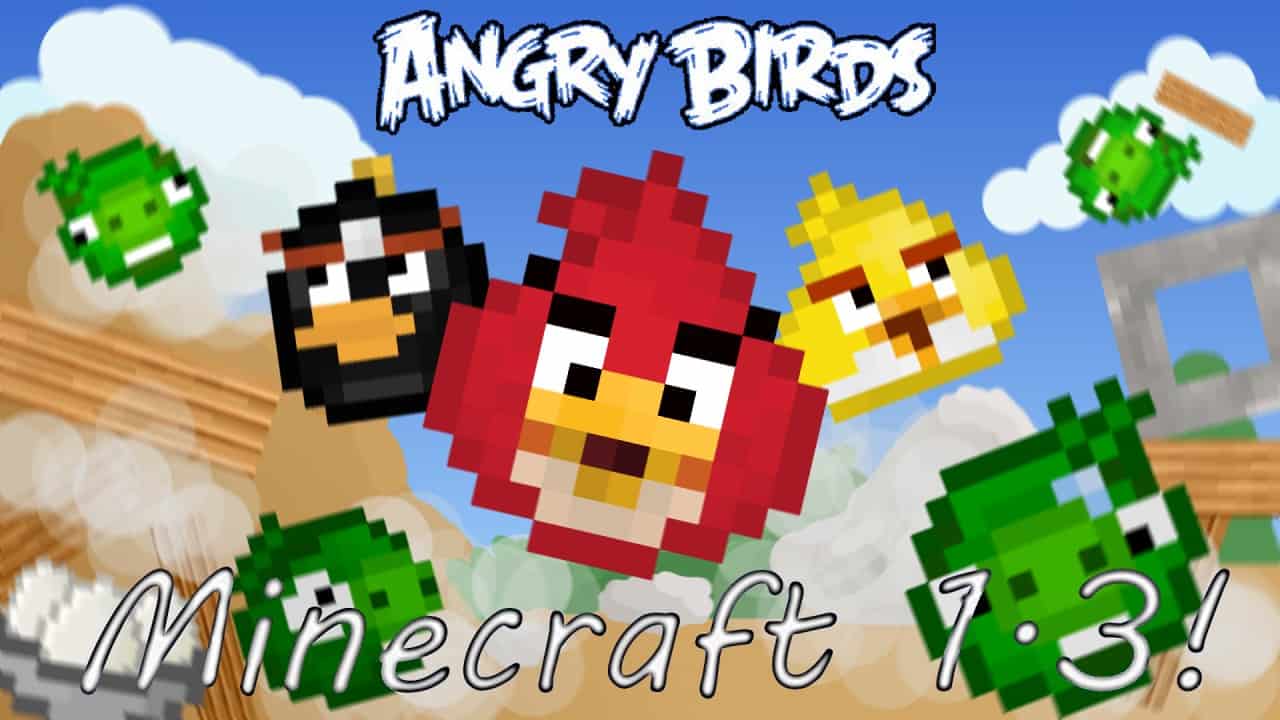
The Angry Birds Resource Pack is brilliantly based on the universally well-known and wildly popular game, Angry Birds. Crafted directly on the thematic basis of this iconic game, it truly stands out as a remarkably interesting and unique pack that you just have to try out for yourself. In addition, if you decide to use an Angry Birds mod alongside this pack together, you are guaranteed to get an absolute ton of fun out of it, especially if you happen to be a dedicated fan of the Angry Birds franchise. It is honestly pretty hilarious and fun to see the classic birds from Angry Birds running around inside the world of Minecraft. I would strongly advise you to search for and download any good Angry Birds Minecraft mod out there and pair it up by grabbing this pack as well. You will get an incredible amount of enjoyment playing through your worlds with this setup! Enjoy every single moment of it!
Angry Birds should be compatible with all of these Minecraft versions: 1.8.1 – 1.8.6 – 1.8 – 1.7.10 – 1.7.9 – 1.7.4 – 1.7 – 1.6.4 – 1.6.2
Screenshots
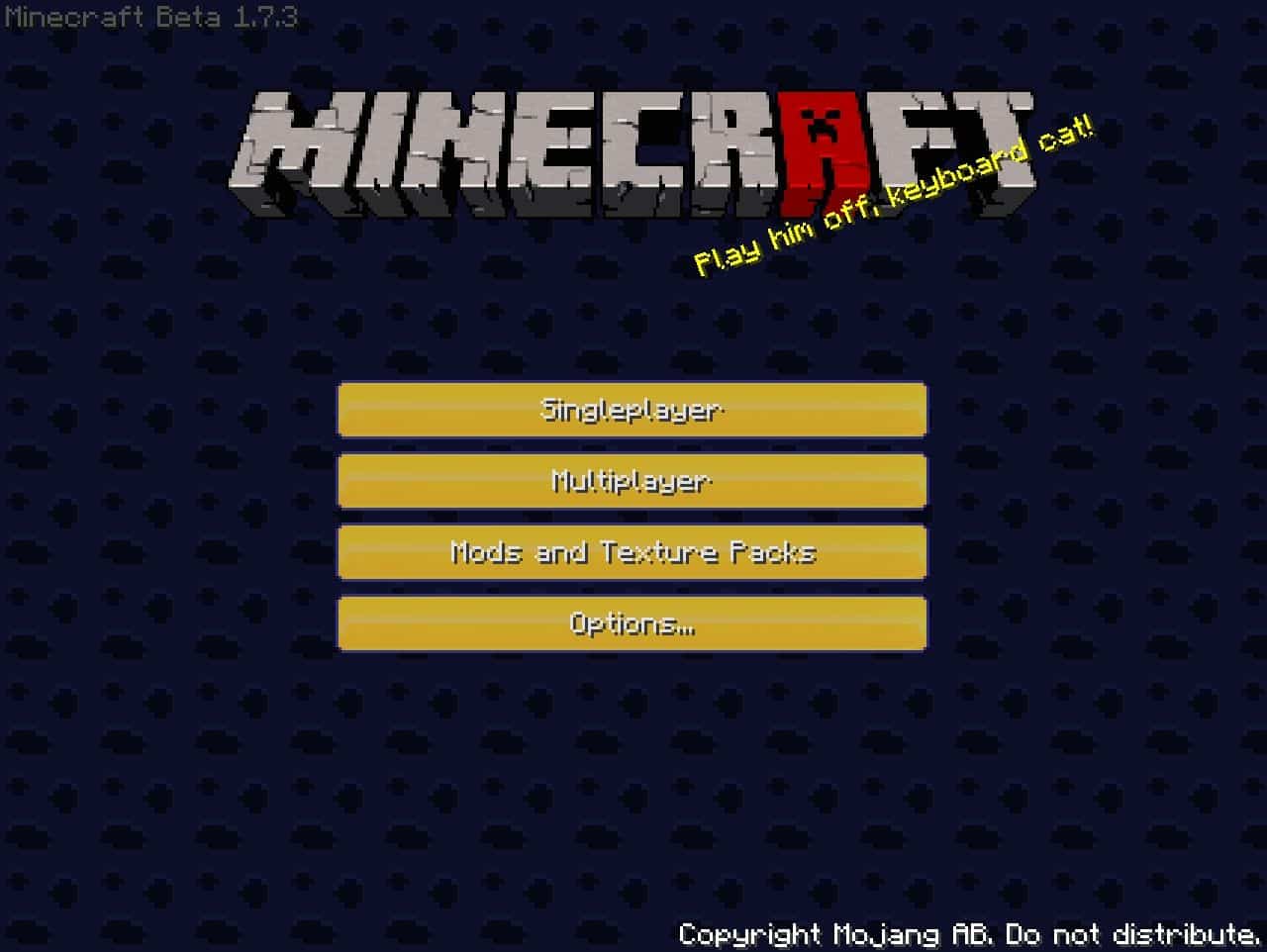
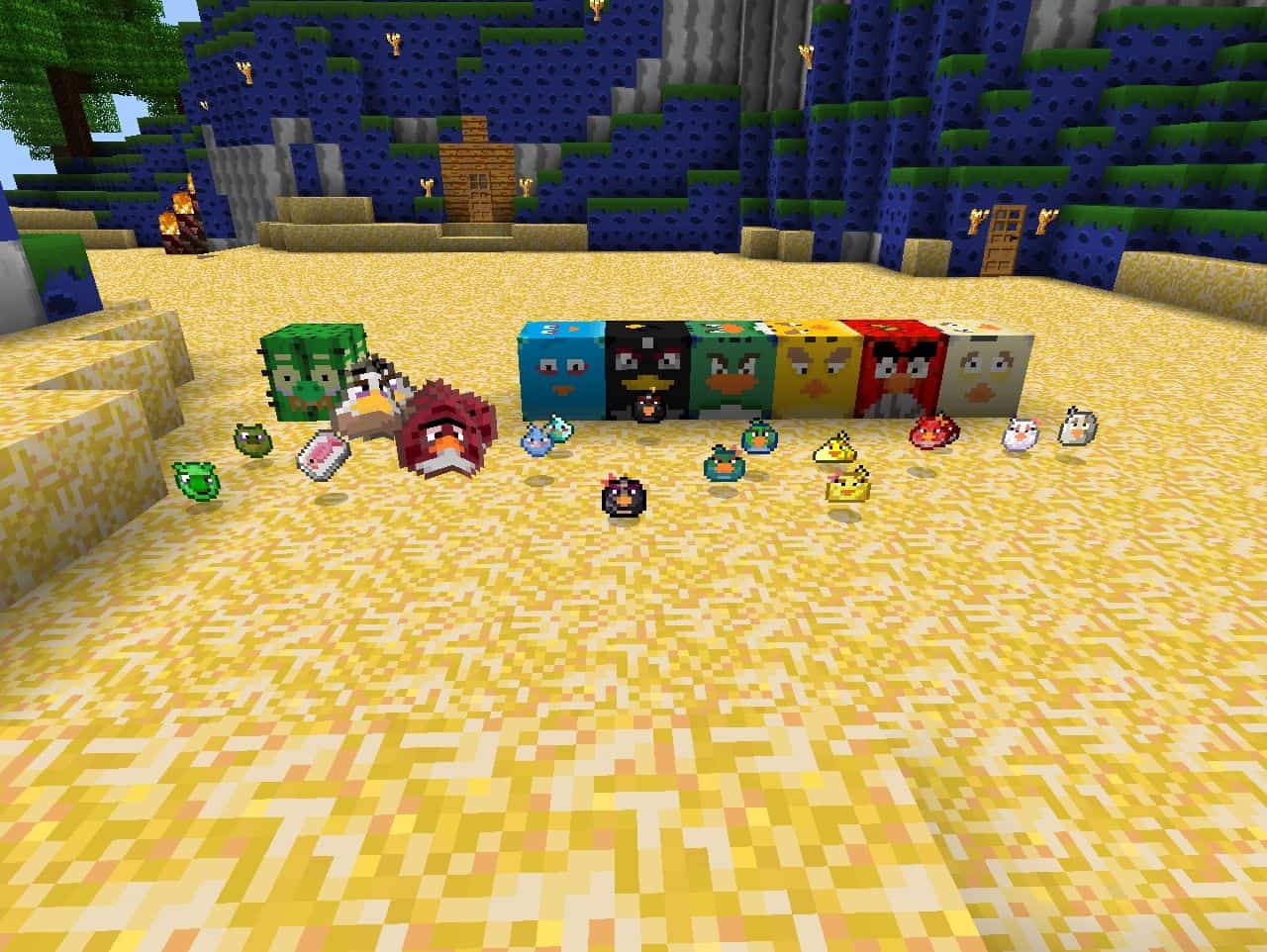
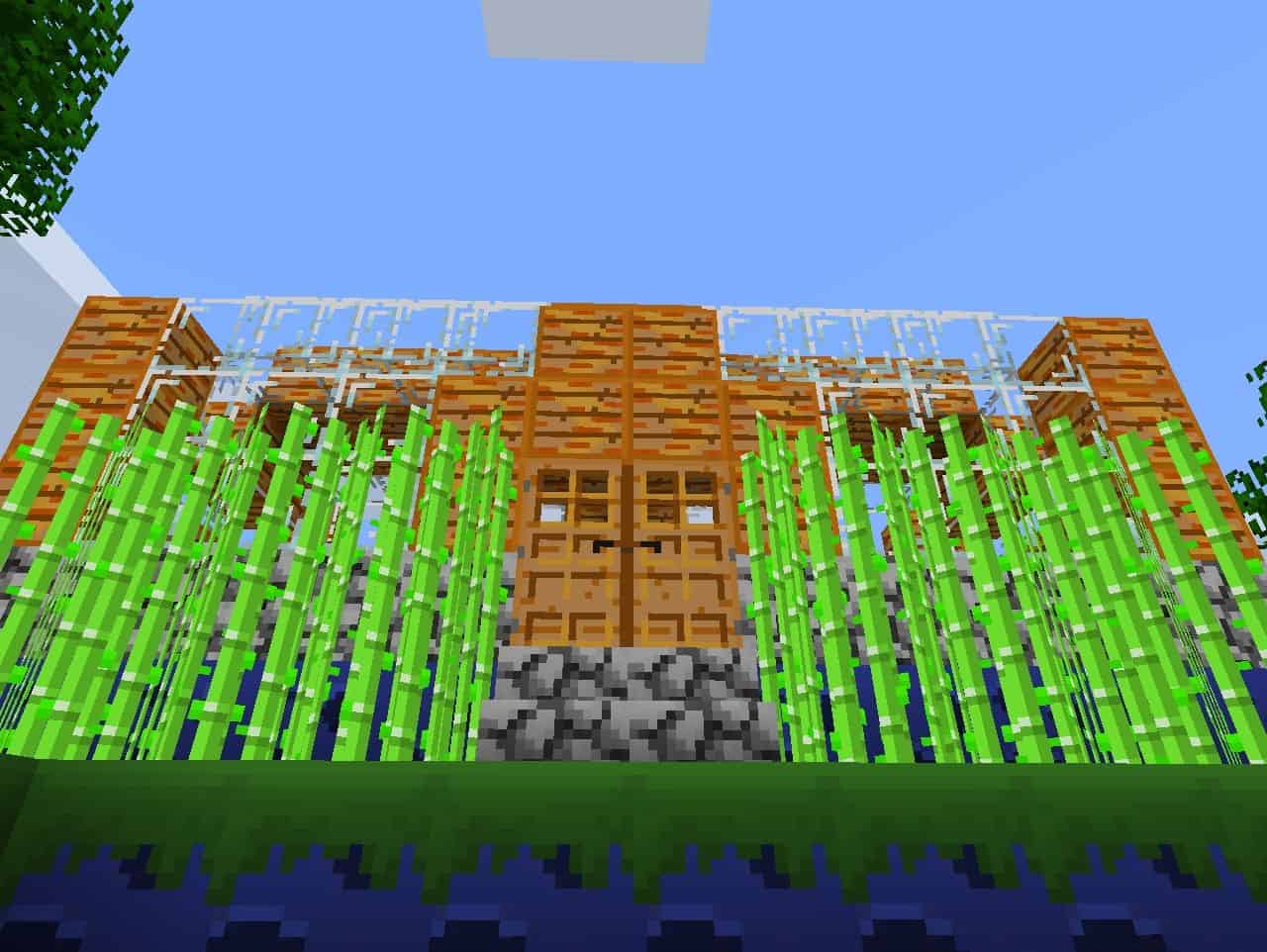
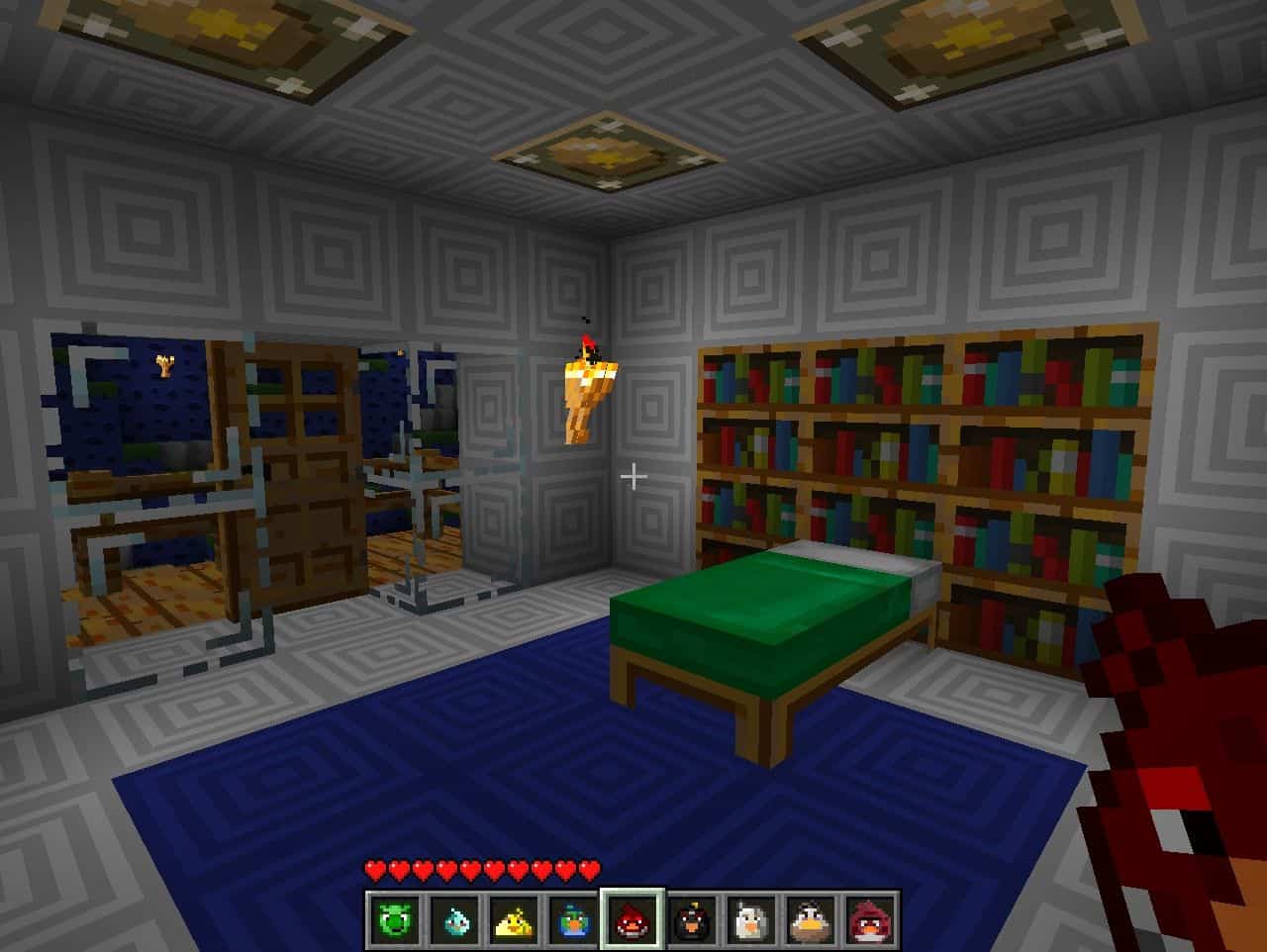

How to Install Texture Pack (Simple 10 Steps)
- Download OptiFine: Most of the texture packs and shaders need OptiFine. That’s why, first download and install OptiFine for the version of Minecraft you want to play.
- Download the Texture Pack: Get the texture pack you want from the download section. Choose the version that works with your Minecraft and your PC’s performance.
- Open Minecraft Launcher: Start Minecraft using the official game launcher — or even TLauncher, if you use that.
- Go to Options: From the main menu, click on the “Options” button.
- Open Resource Packs: Inside Options, click on “Resource Packs…”.
- Open the Resource Pack Folder: Click on “Open Resource Pack Folder” — this will open a folder named “resourcepacks”.
- Move the Pack File: Copy or move the .zip file you downloaded into that “resourcepacks” folder. (Don’t unzip the file — Minecraft uses it as-is!)
- Go Back and Refresh: Close the folder and click “Done”, then go back into “Resource Packs…” again.
- Activate the Pack: You’ll see the pack on the left side. Hover over it and click the arrow to move it to the right (active side).
Tip: If you get a message that the pack is for a different version, just click “Yes” — it usually works fine. - Click Done and Enjoy: Click “Done” again. Now your pack is ready to use in-game. It’s that easy!
Credits
This resource pack was created by Frog2face. We acknowledge and respect the original creator and own no rights to this modification. All intellectual property remains with Frog2face, and we encourage users to support the author by visiting their official download channels and community pages.
Download Instructions
Curseforge: download starts automatically after a few seconds;
Mediafire: click the big blue button with the text “DOWNLOAD”;
Google Drive: in the top right corner you will see a small download icon (down arrow), click it and the download should start;


