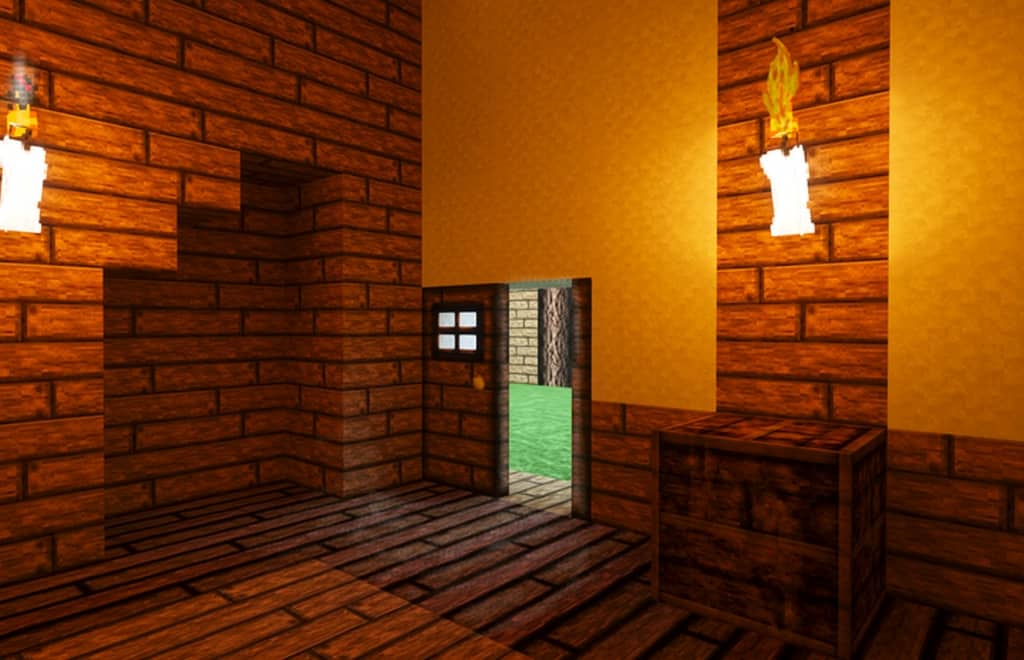
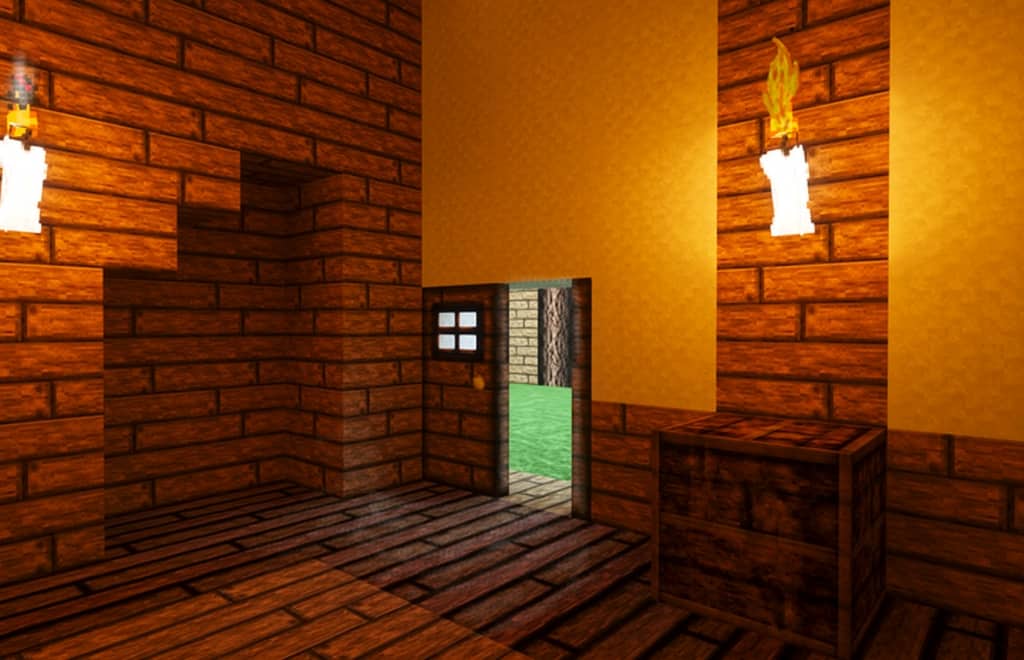
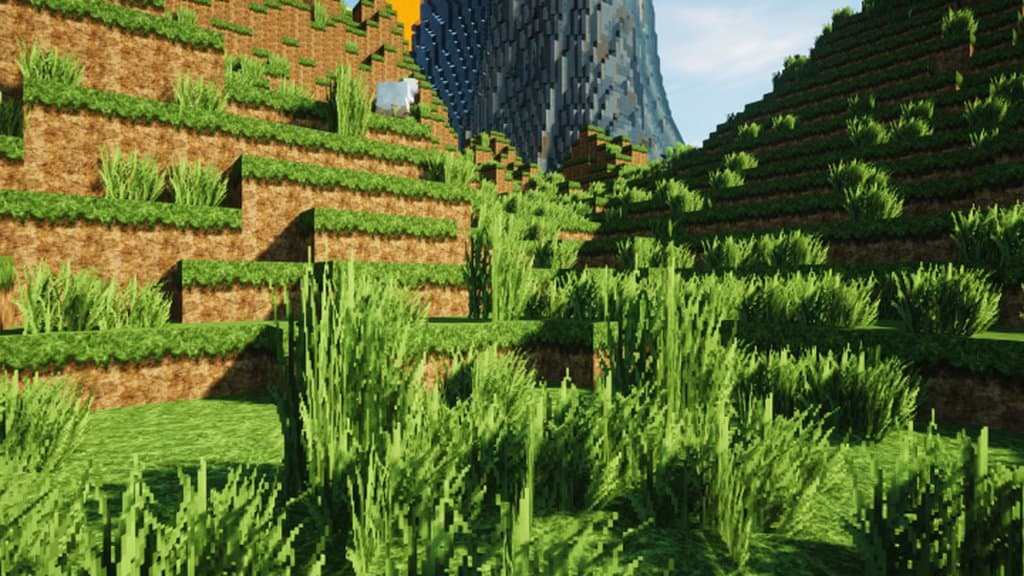
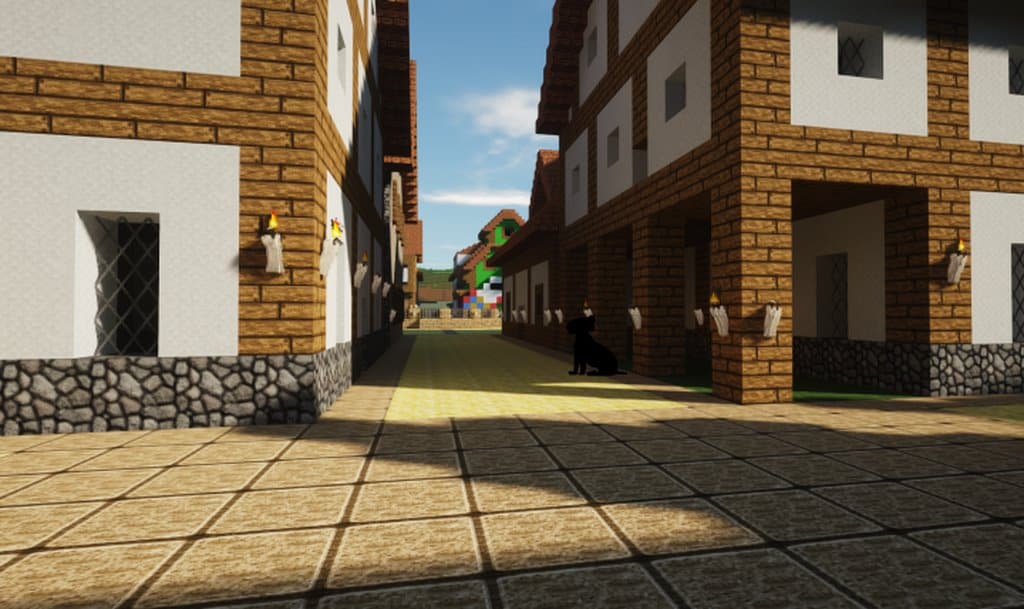
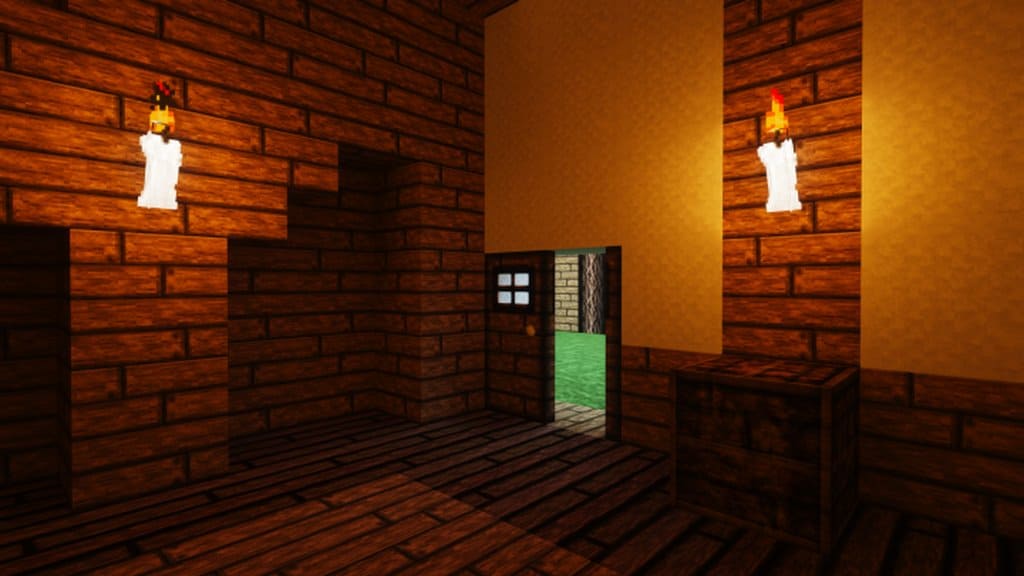
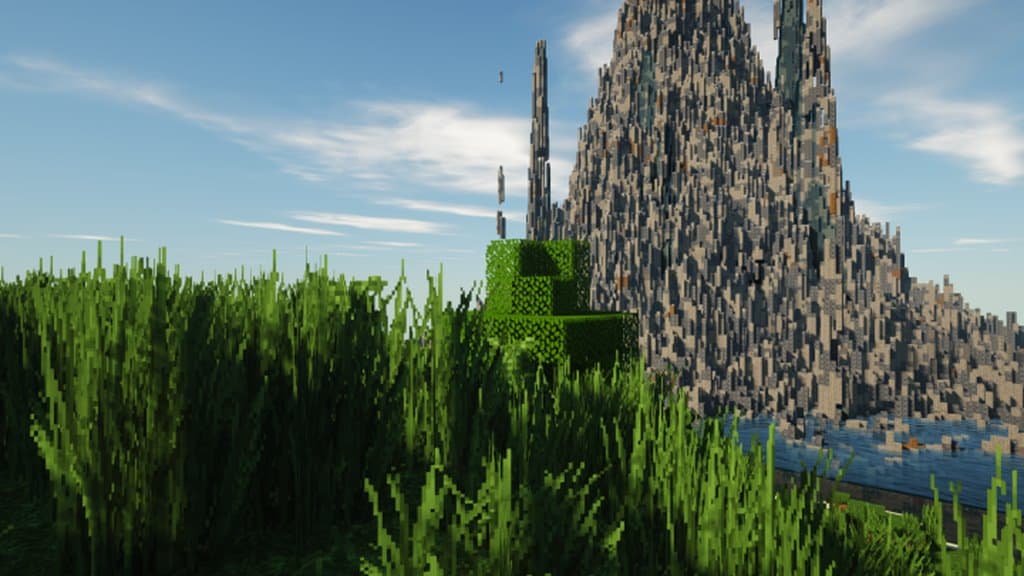
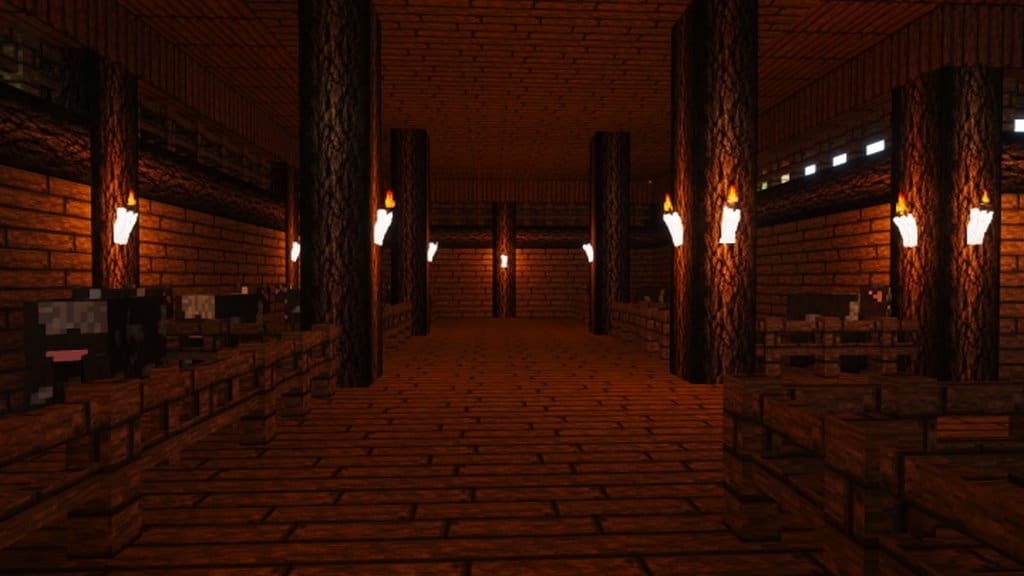
Due to overwhelmingly favorable reviews, focused particularly on its quality, minecraft’s recent realistic texture pack named Andorhal HD resource pack has already been downloaded over six thousand times. It achieved this number of downloads in less than few days of release. The resource pack isn’t a downloadable mod that adds new content in its traditional sense, it offers no new gameplay mechanics or items to assist players and is purely cosmetic. What it does do however is upgrade the quality of the game visuals, smoothing out textures and adding graphical enhancements that were simply unobtainable prior to release. It comes highly recommended. Minecraft is known for its unique, blocky, retro style, which is what made the series so addictively endearing to begin with.
Although it has never been associated with cutting edge visuals, the Andorhal HD resource pack changes this and the difference really is startling. The developer of this resource pack really have managed to add a new level of detail to Minecraft, while still managing to retain what makes the game so appealing in the first place. It’s rare such an upgrade manages to attain the best of both worlds, but in this case that is exactly what has been accomplished. With the colors now more vibrant than ever, the resolution after installation of the Andorhal HD resource pack is a fixed 64×64. While this isn’t considered high when compared to most realistic packs, we do need to remember that this is minecraft. Therefore such resolution being achieved is nice since it also adds the benefit of a consistent a frame-rate. This is excellent news to anybody using an older computer or dated software to run their games. They will still be able to benefit from the upgrade without making any changes to their set up, which is always welcome.
Andorhal HD should be compatible with all of these Minecraft versions: 1.16.5 – 1.16.4 – 1.16.3 – 1.16.2 – 1.16.1 – 1.16 – 1.15.2 – 1.15.1 – 1.15 – 1.14.4 – 1.14.3 – 1.14.2 – 1.14 – 1.13.2 – 1.13.1 – 1.13
Screenshots


How to Install Texture Pack (Simple 10 Steps)
- Download OptiFine: Most of the texture packs and shaders need OptiFine. That’s why, first download and install OptiFine for the version of Minecraft you want to play.
- Download the Texture Pack: Get the texture pack you want from the download section. Choose the version that works with your Minecraft and your PC’s performance.
- Open Minecraft Launcher: Start Minecraft using the official game launcher — or even TLauncher, if you use that.
- Go to Options: From the main menu, click on the “Options” button.
- Open Resource Packs: Inside Options, click on “Resource Packs…”.
- Open the Resource Pack Folder: Click on “Open Resource Pack Folder” — this will open a folder named “resourcepacks”.
- Move the Pack File: Copy or move the .zip file you downloaded into that “resourcepacks” folder. (Don’t unzip the file — Minecraft uses it as-is!)
- Go Back and Refresh: Close the folder and click “Done”, then go back into “Resource Packs…” again.
- Activate the Pack: You’ll see the pack on the left side. Hover over it and click the arrow to move it to the right (active side).
Tip: If you get a message that the pack is for a different version, just click “Yes” — it usually works fine. - Click Done and Enjoy: Click “Done” again. Now your pack is ready to use in-game. It’s that easy!
Credits
The Andorhal HD Resource Pack was created by Daviales. We do not claim ownership of this content, nor do we host or modify any files on our servers. All rights remain with the original creator. We strongly encourage you to support Daviales by visiting their official source and download links.
Download Instructions
Curseforge: download starts automatically after a few seconds;
Mediafire: click the big blue button with the text “DOWNLOAD”;
Google Drive: in the top right corner you will see a small download icon (down arrow), click it and the download should start;


