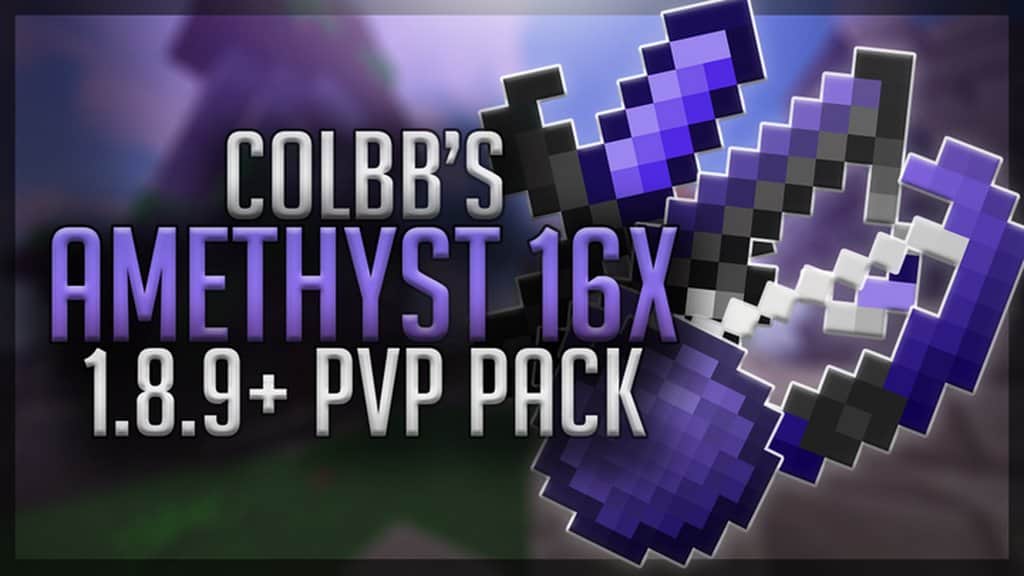
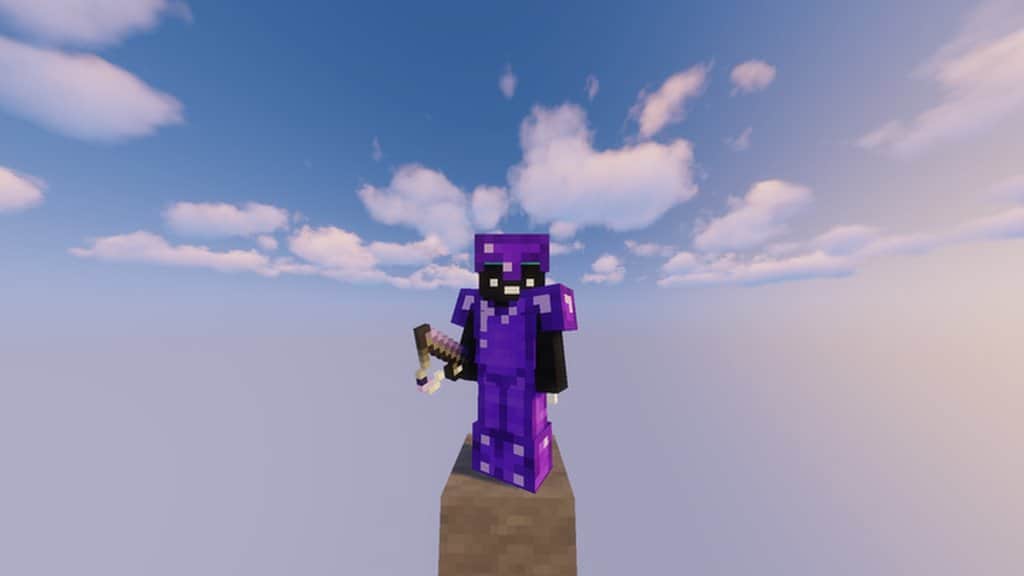
If you are looking to improve the PvP in Minecraft, you need to stop looking, because the Amethyst resource pack is an absolute must-have. I personally tested this texture pack, and I can confirm it will not only improve your game performance but will also significantly boost your game visuals as well. Right now, there are dozens, if not hundreds of Player vs Player resource packs out there, but Amethyst truly stands out from most of them thanks to its solid visuals and performance improvements that turn this resource pack into a game-changer for Minecraft. This resource pack is extremely well designed, and you can really tell it is the product of CLBNTR, someone who is already well known for a wide variety of other top-notch Player vs Player resource packs. If it is made by CLBNTR, you know quality is an absolute guarantee. The main protagonist in the Amethyst resource pack is the gorgeous dark shade of purple that is primarily used across the color palette.
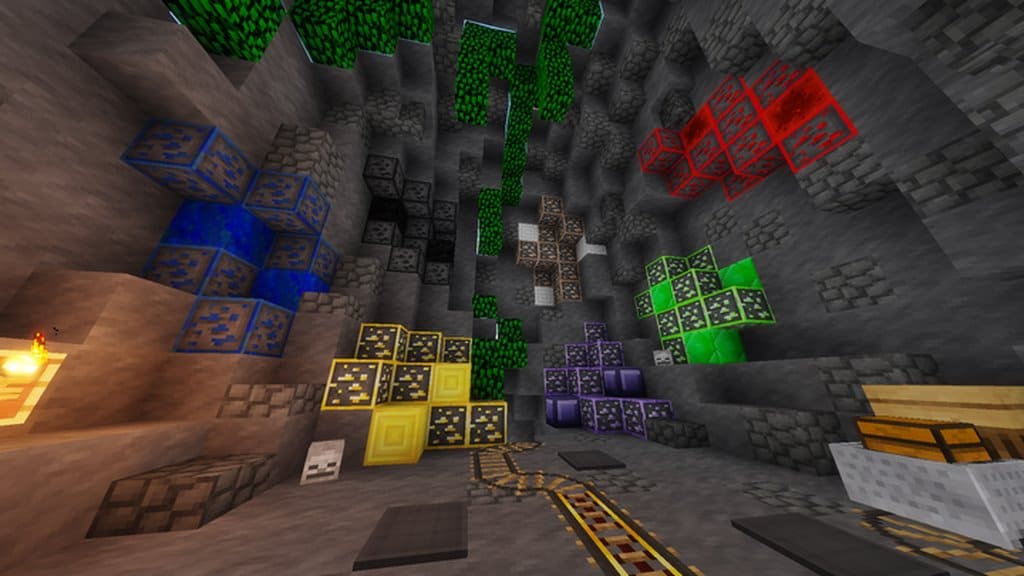
Purple takes front and center in the design, as most swords and other weapons turn to this striking color in this resource pack. The Amethyst pack will not only change the weaponry in Minecraft, but it will also redesign certain elements of the terrain to ensure a smoother and cleaner look, granting the players a much more immersive experience. Even though most colors used in this resource pack are dark, the result is an incredibly immersive and clean look that I completely fell in love with. The Amethyst resource pack is not only about visual changes and major improvements, as it also guarantees its players an incredible FPS boost thanks to the top-notch optimization done to the textures and the x16 resolution. This type of resolution works best for people with a low-end PC, and I found it runs buttery smooth. With that in mind, the Amethyst resource pack guarantees even people with low-end PCs can fully enjoy the great visuals the resource pack provides with zero performance drops.
Amethyst PvP should be compatible with all of these Minecraft versions: 1.8.9 – 1.8.8 – 1.8.1 – 1.8.6 – 1.8
Screenshots


How to Install Texture Pack (Simple 10 Steps)
- Download OptiFine: Most of the texture packs and shaders need OptiFine. That’s why, first download and install OptiFine for the version of Minecraft you want to play.
- Download the Texture Pack: Get the texture pack you want from the download section. Choose the version that works with your Minecraft and your PC’s performance.
- Open Minecraft Launcher: Start Minecraft using the official game launcher — or even TLauncher, if you use that.
- Go to Options: From the main menu, click on the “Options” button.
- Open Resource Packs: Inside Options, click on “Resource Packs…”.
- Open the Resource Pack Folder: Click on “Open Resource Pack Folder” — this will open a folder named “resourcepacks”.
- Move the Pack File: Copy or move the .zip file you downloaded into that “resourcepacks” folder. (Don’t unzip the file — Minecraft uses it as-is!)
- Go Back and Refresh: Close the folder and click “Done”, then go back into “Resource Packs…” again.
- Activate the Pack: You’ll see the pack on the left side. Hover over it and click the arrow to move it to the right (active side).
Tip: If you get a message that the pack is for a different version, just click “Yes” — it usually works fine. - Click Done and Enjoy: Click “Done” again. Now your pack is ready to use in-game. It’s that easy!
Credits
Credits to CLBNTR (Colbb) for creating the Amethyst PvP Resource Pack. We do not claim ownership of this content, nor do we modify the original files. All rights belong to the original creator. We highly encourage visiting and supporting the creator.
Download Instructions
Curseforge: download starts automatically after a few seconds;
Mediafire: click the big blue button with the text “DOWNLOAD”;
Google Drive: in the top right corner you will see a small download icon (down arrow), click it and the download should start;


