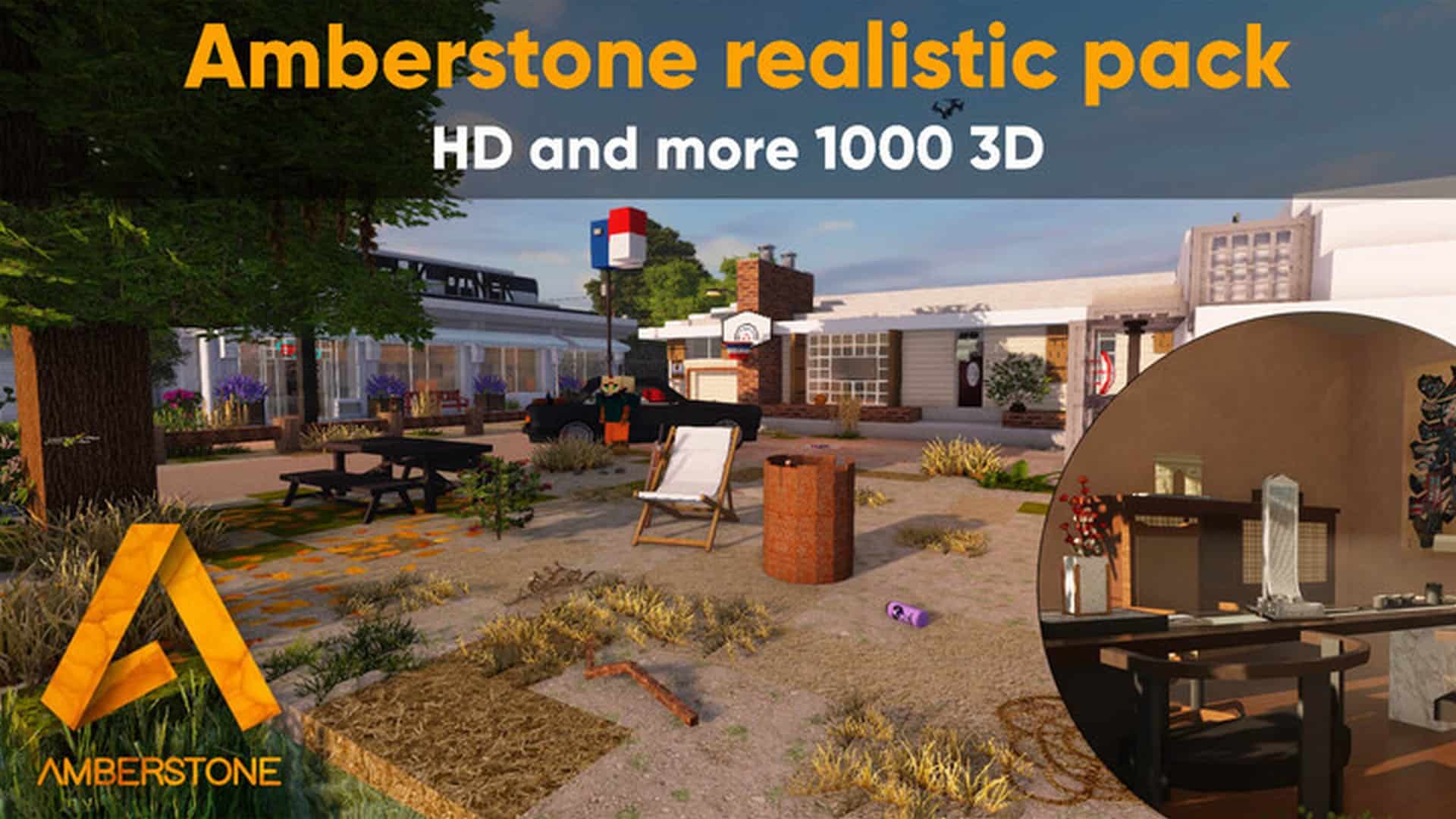
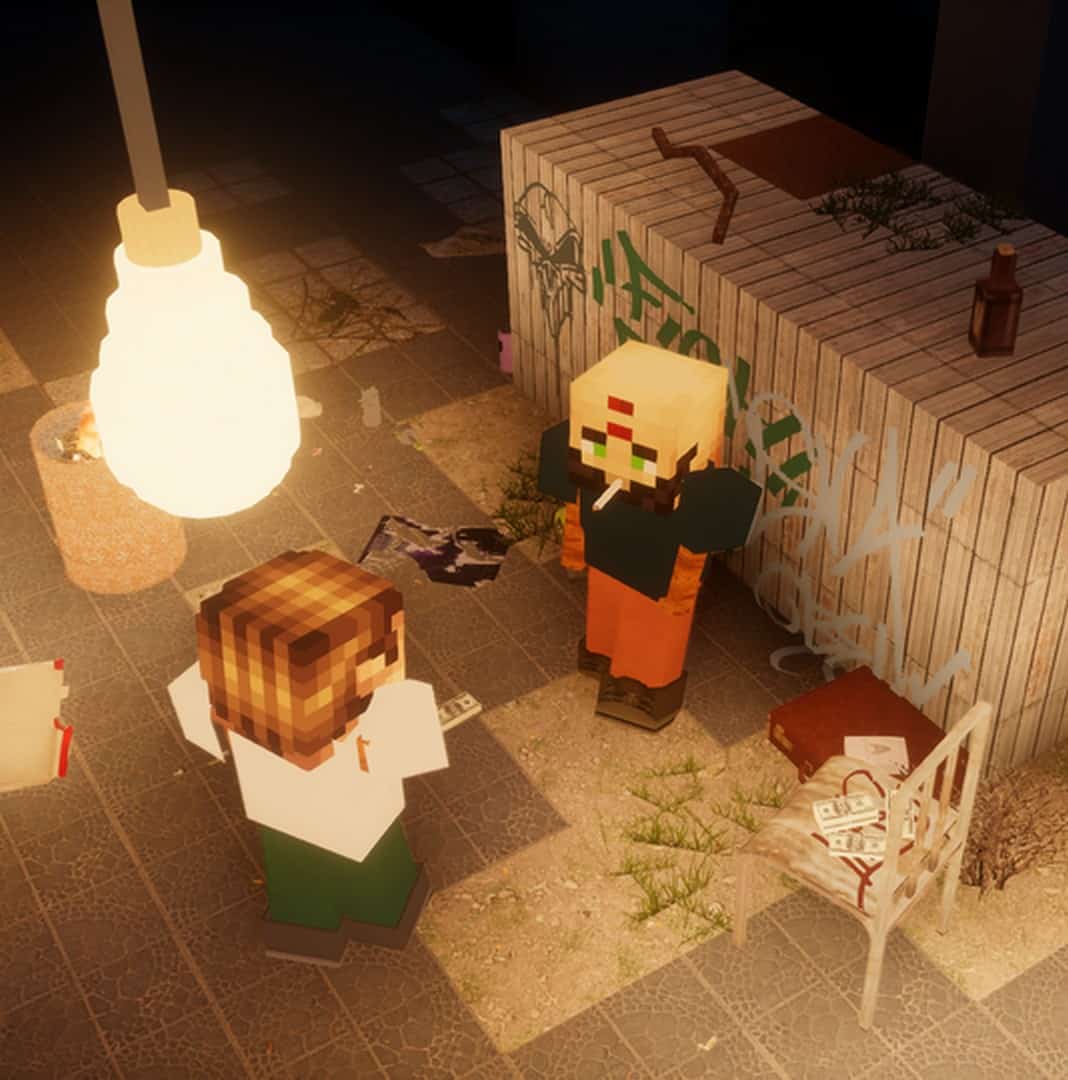
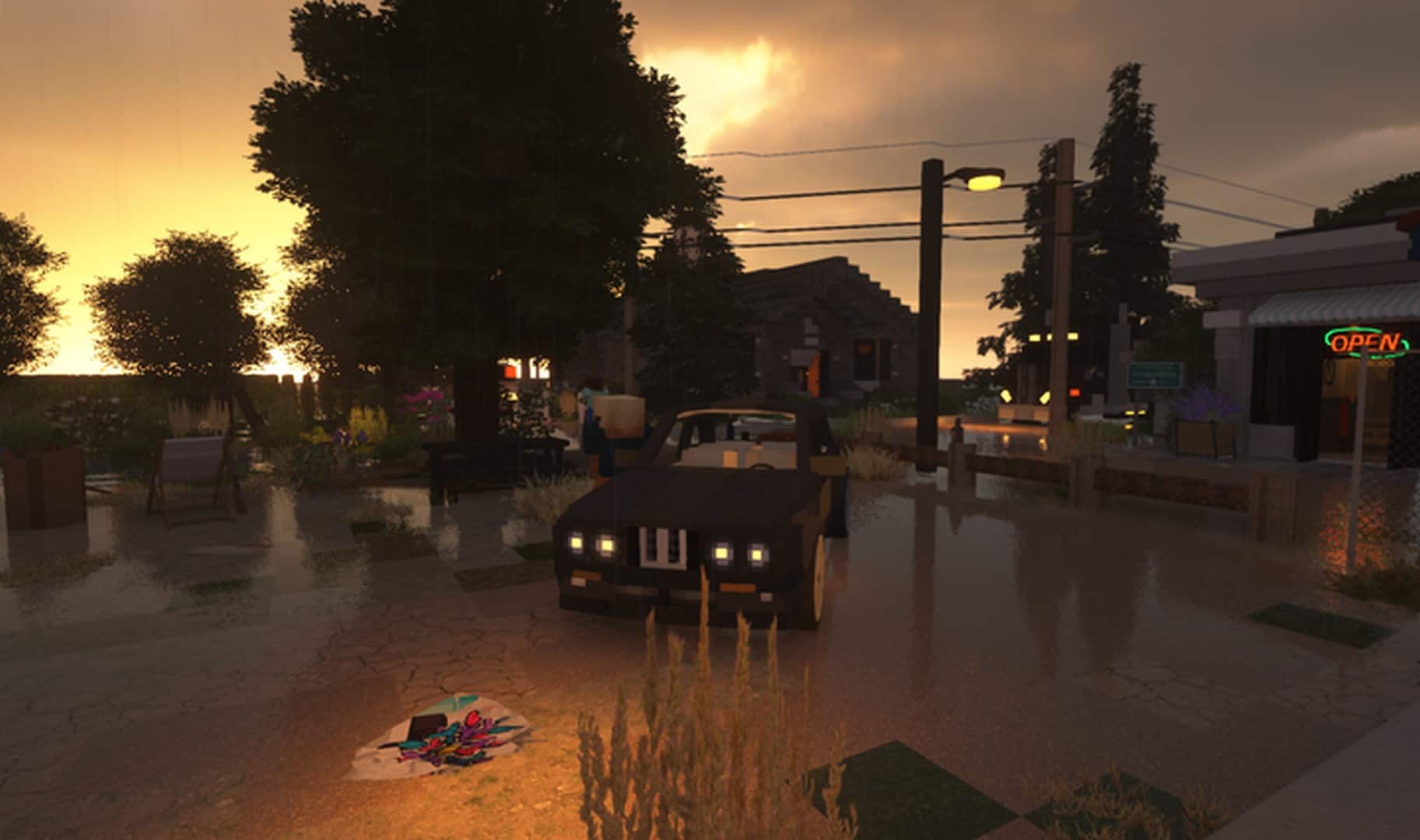
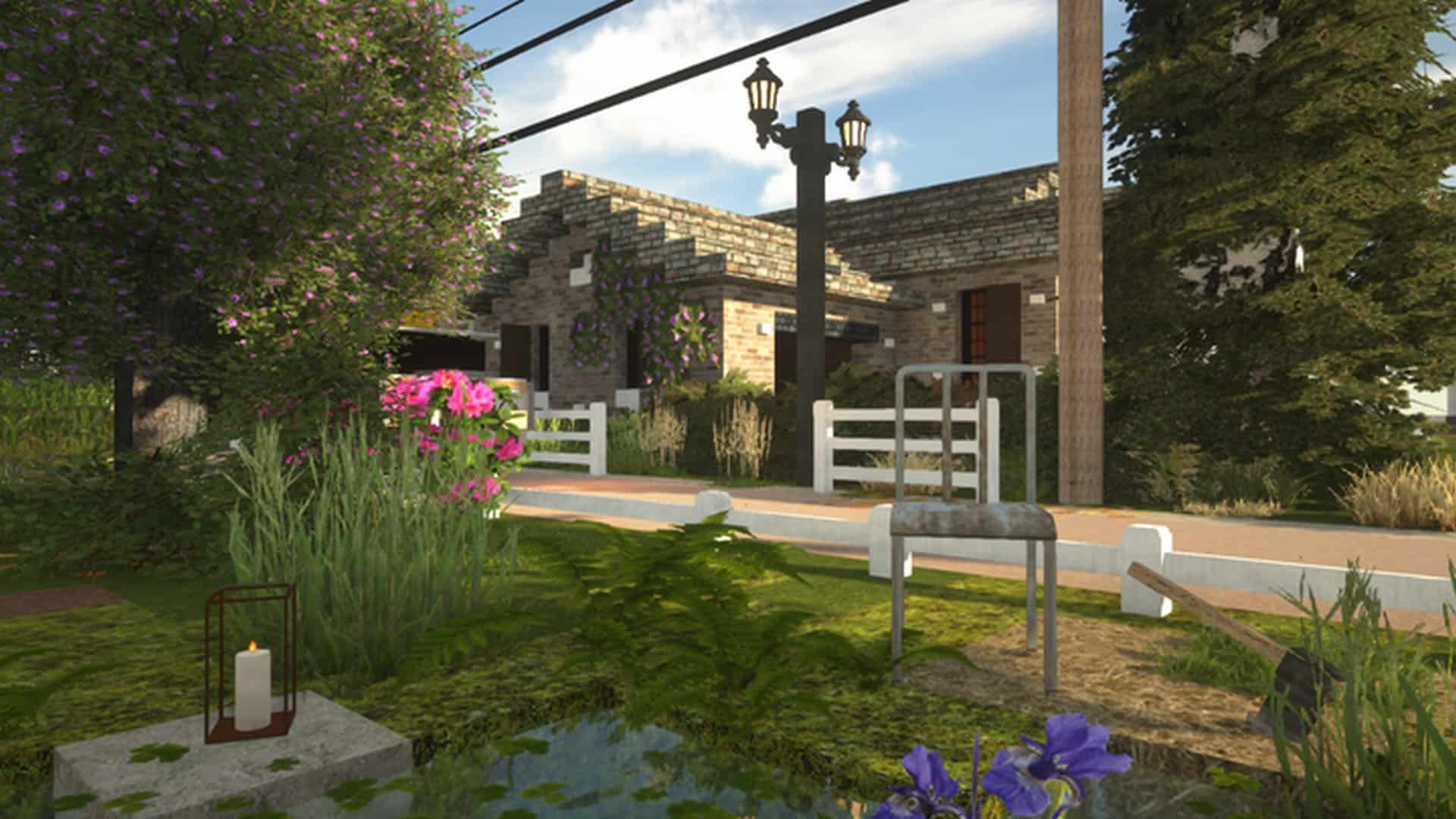
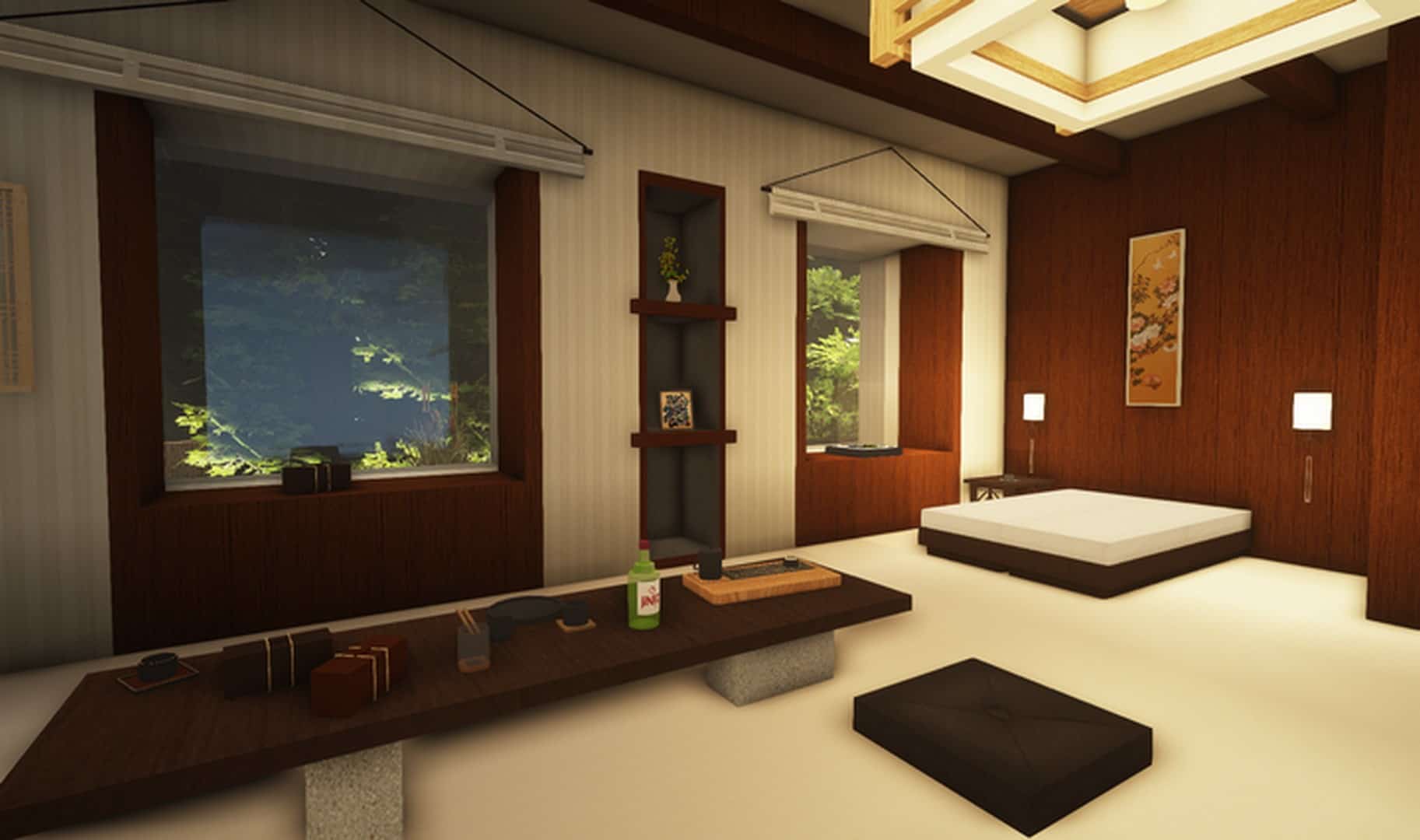
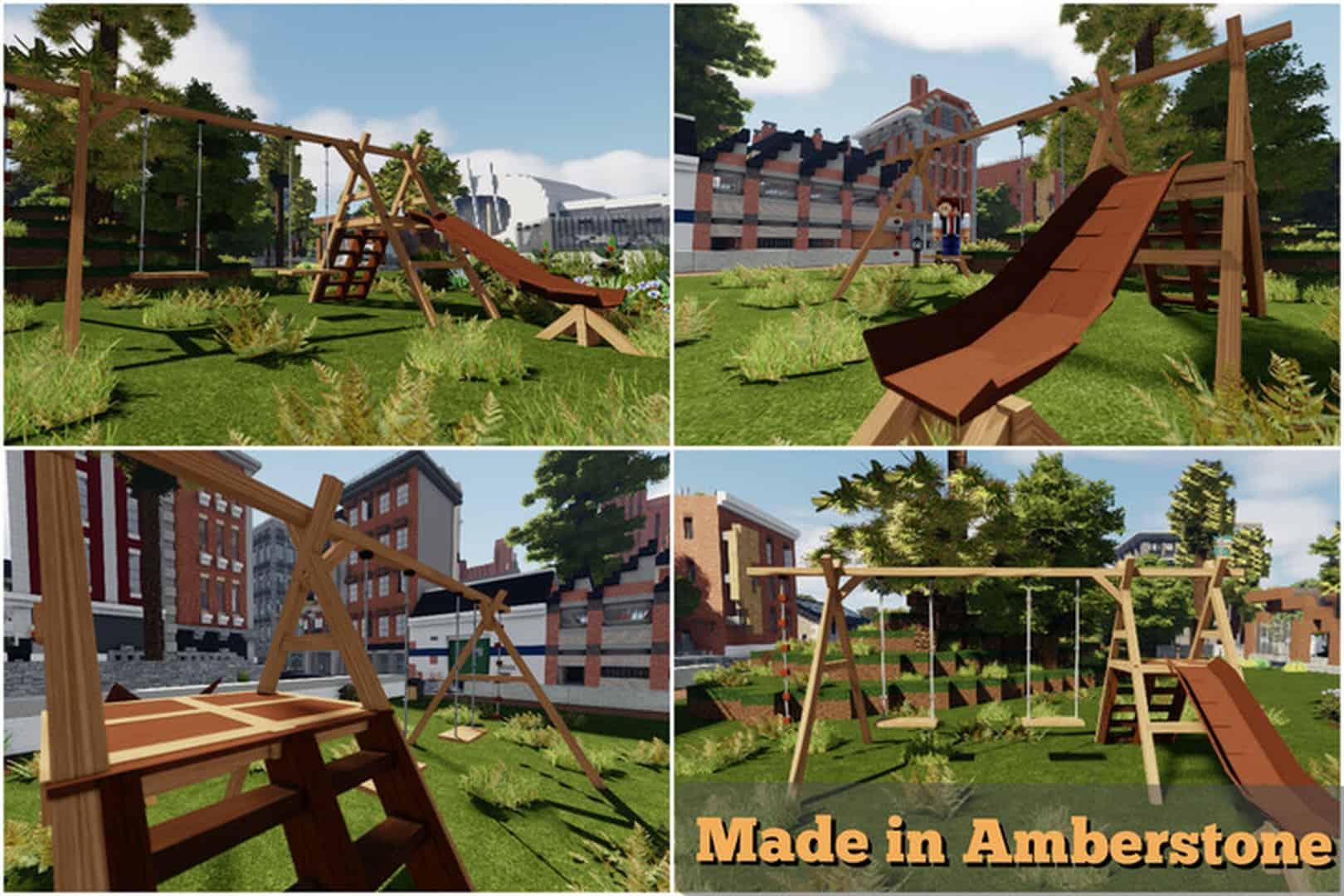
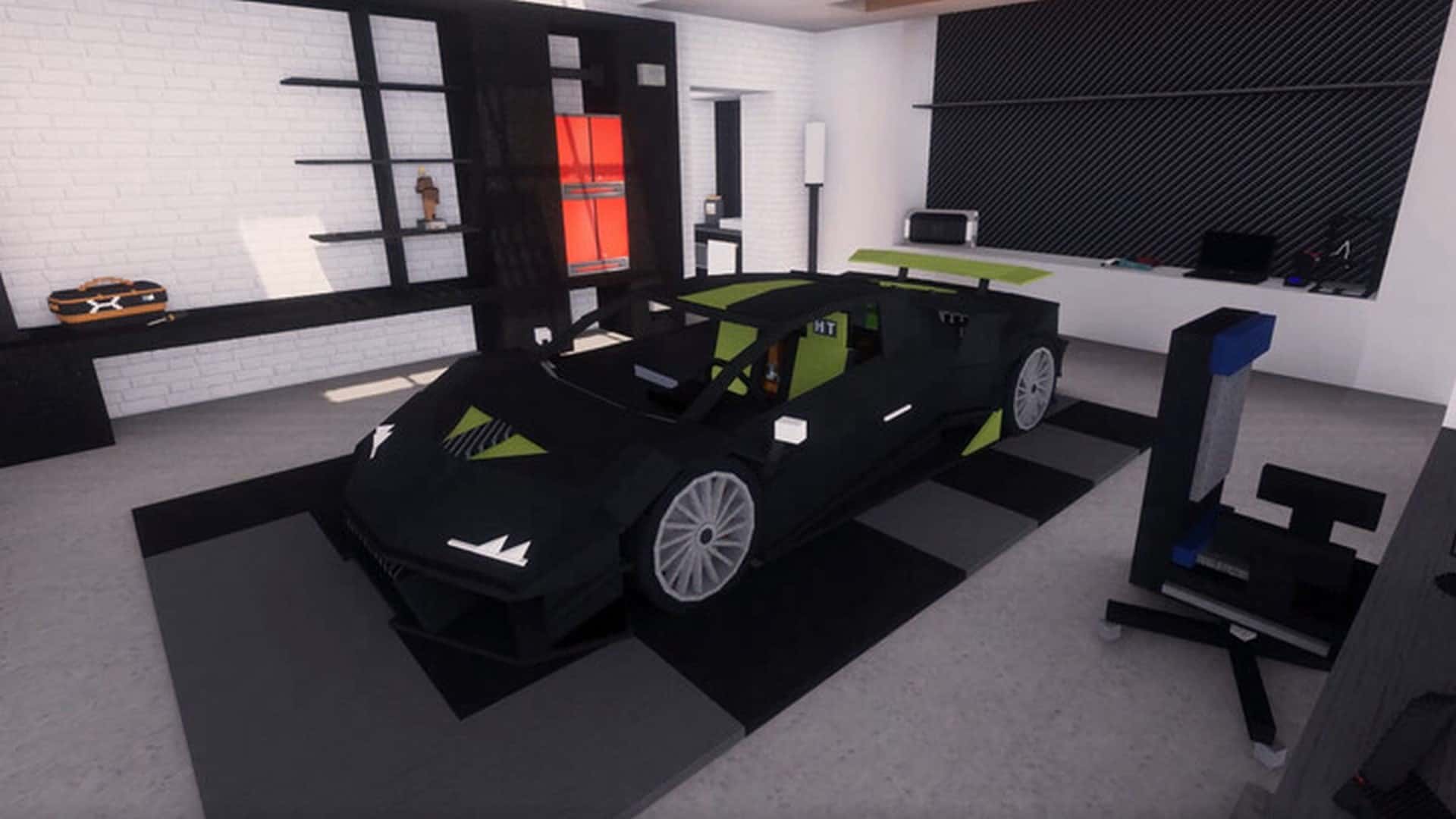
To apply the Amberstone resource pack to your Minecraft experience is to apply textures that makes the world of Minecraft feel like an absolutely immersive environment. It uses a multitude of tantalizing visual elements that are based on the realistic core art style seen frequently in other resource packs, while bringing the level of execution to a completely different level that blows most other resource packs out of the water. Look no further than Amberstone if you are in search of a way to heighten your Minecraft visual experience and bring it up to a completely different level. With Amberstone, you have arrived. As a resource pack, Amberstone showcases some fantastic textures that are an absolute delight to the eyes. Impressively, Amberstone delivers not only with an immense amount of textural detail, but also in a clean and crisp manner that you will not believe when you set you eyes on it.
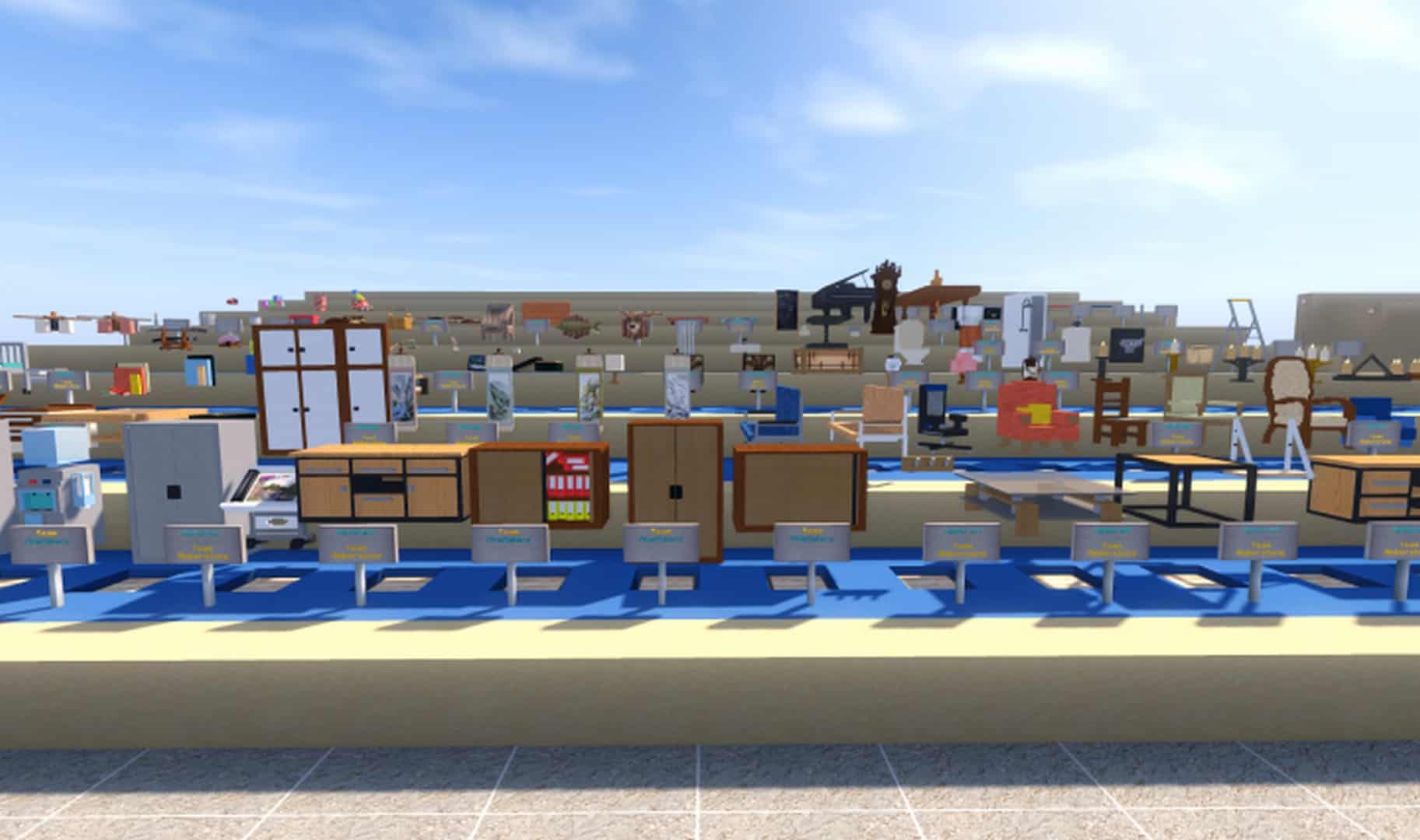
Oftentimes when you come across a texture with this level of detail, you tend to encounter a good bit of noise as well. Not so with Amberstone. The noise is not there and that beautiful clean textural detail shines through. In addition to the mind-blowing detail, this resource pack is made up of top tier 3D models. These premium models are the icing on the cake making Amberstone truly an obvious value. With all this said, you will need a system with the requisite hardware capabilities to run this resource pack. The textural resolution of Amberstone is 128×128 which is just slightly higher than some other resource packs out there. Therefore, an adequate hardware package is a must if you wish to avoid frame-rate issues. That said, if you have the hardware and the desire to experience a top end visual experience, Amberstone is the only resource pack that delivers.
Amberstone should be compatible with all of these Minecraft versions: 1.17.1 – 1.17 – 1.16.5 – 1.16.4 – 1.16.3 – 1.16.2 – 1.16.1 – 1.16 – 1.15.2 – 1.15.1 – 1.15 – 1.14.4 – 1.14.3 – 1.14.2 – 1.14 – 1.13.2 – 1.13.1 – 1.13 – 1.12.2 – 1.12
Screenshots



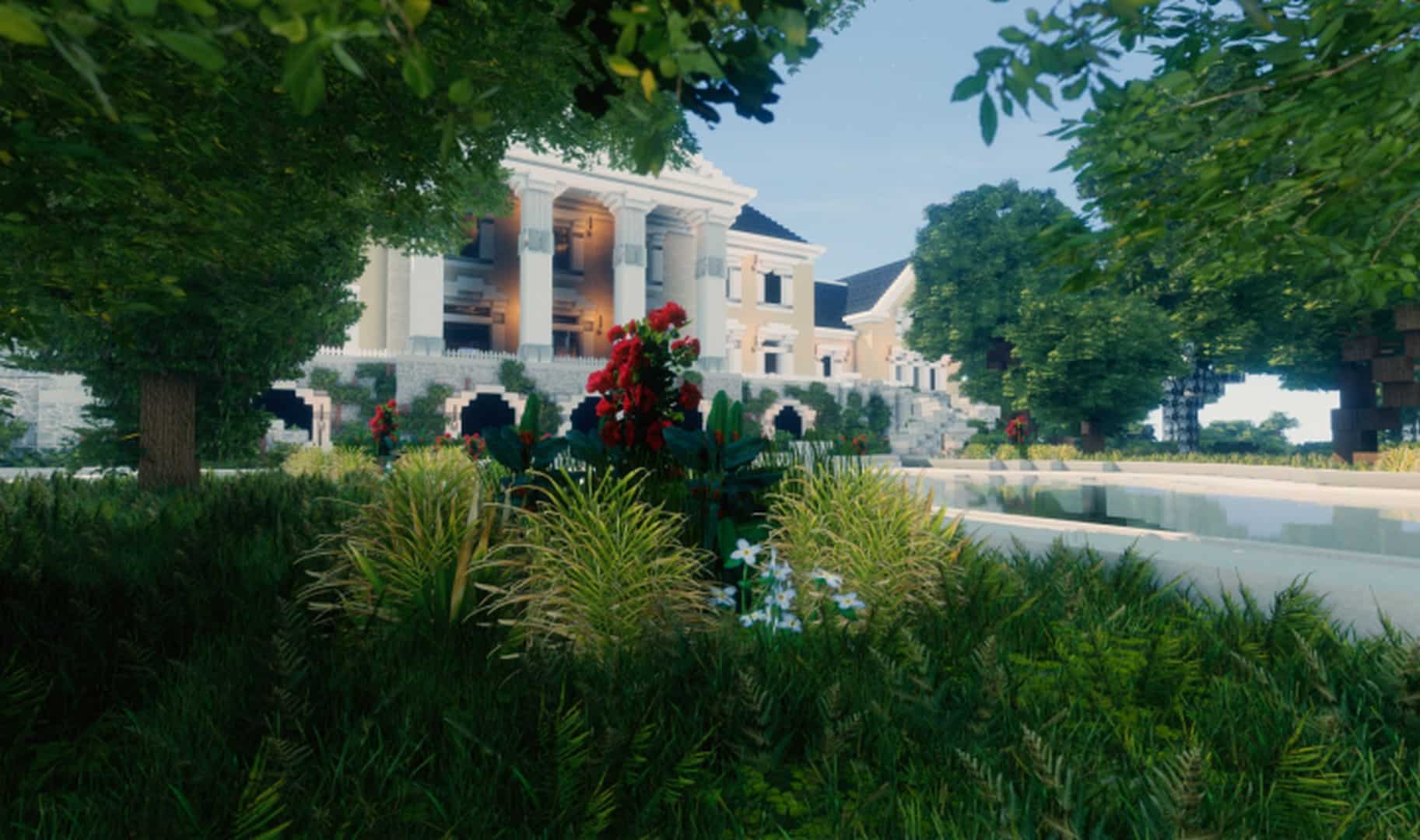
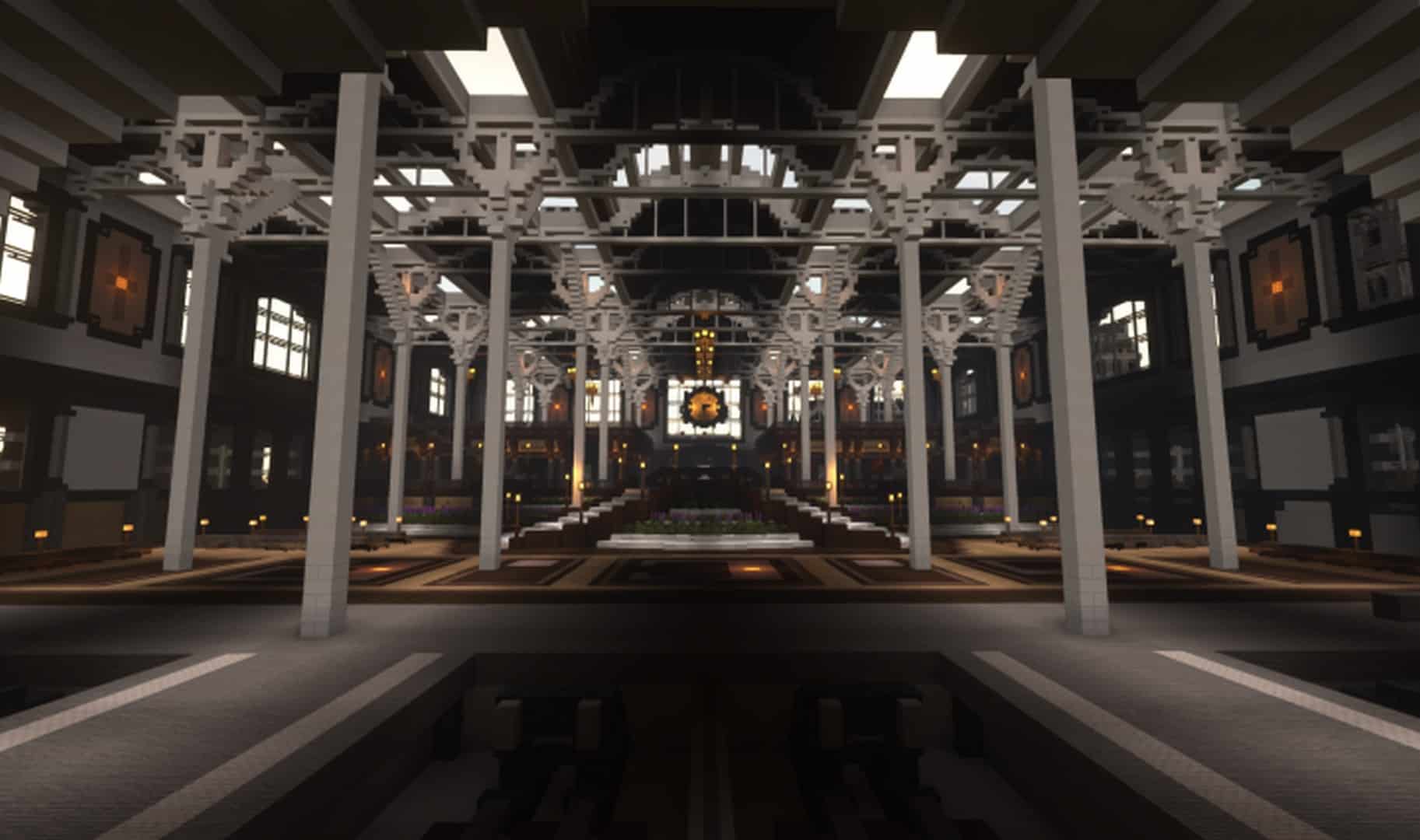
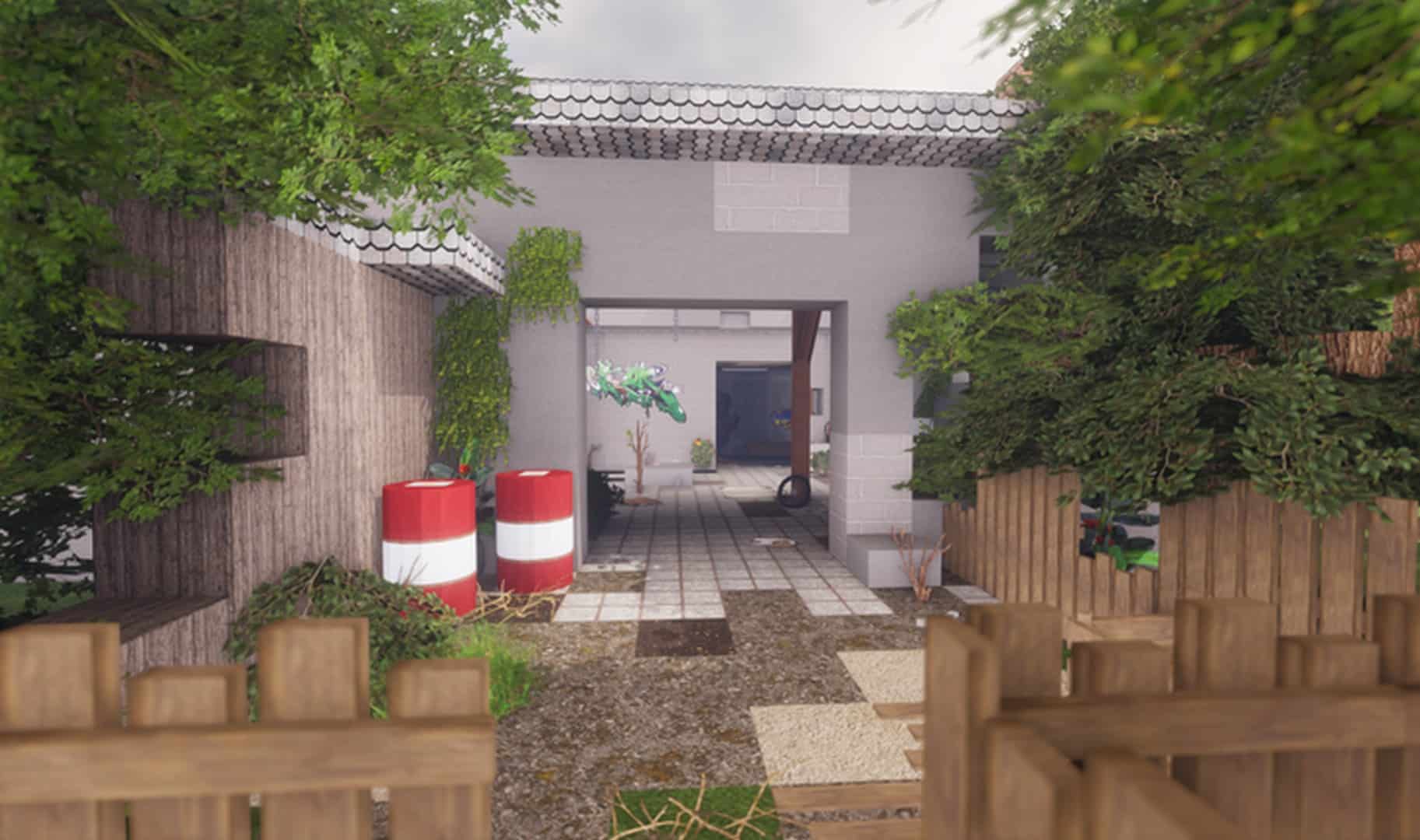

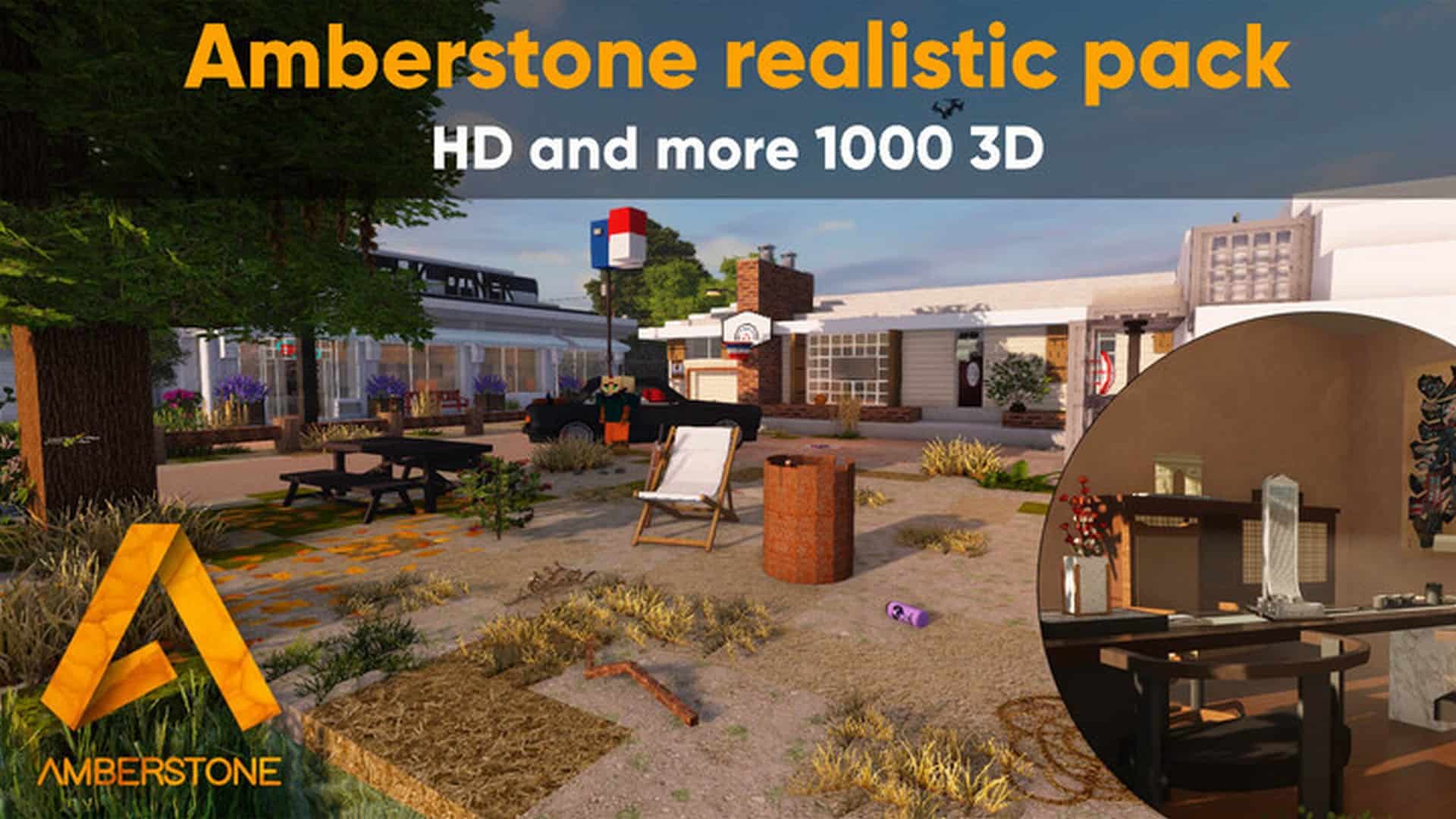
How to Install Texture Pack (Simple 10 Steps)
- Download OptiFine: Most of the texture packs and shaders need OptiFine. That’s why, first download and install OptiFine for the version of Minecraft you want to play.
- Download the Texture Pack: Get the texture pack you want from the download section. Choose the version that works with your Minecraft and your PC’s performance.
- Open Minecraft Launcher: Start Minecraft using the official game launcher — or even TLauncher, if you use that.
- Go to Options: From the main menu, click on the “Options” button.
- Open Resource Packs: Inside Options, click on “Resource Packs…”.
- Open the Resource Pack Folder: Click on “Open Resource Pack Folder” — this will open a folder named “resourcepacks”.
- Move the Pack File: Copy or move the .zip file you downloaded into that “resourcepacks” folder. (Don’t unzip the file — Minecraft uses it as-is!)
- Go Back and Refresh: Close the folder and click “Done”, then go back into “Resource Packs…” again.
- Activate the Pack: You’ll see the pack on the left side. Hover over it and click the arrow to move it to the right (active side).
Tip: If you get a message that the pack is for a different version, just click “Yes” — it usually works fine. - Click Done and Enjoy: Click “Done” again. Now your pack is ready to use in-game. It’s that easy!
Credits
This resource pack was created by oldfarmer. We do not claim ownership of this content, nor do we host or modify the original files. All rights and credits belong entirely to the original creator. We strongly encourage you to support oldfarmer by downloading the pack from the official links provided below.
Download Links
Java Edition
- [128x] Minecraft 1.17.x
- [128x] Minecraft 1.16.x
- [128x] Minecraft 1.15.x
- [128x] Minecraft 1.14.x
- [128x] Minecraft 1.13.x
- [128x] Minecraft 1.12.x
- [64x Lite] Minecraft 1.17.x
- [64x Lite] Minecraft 1.16.x
- [64x Lite] Minecraft 1.15.x
- [64x Lite] Minecraft 1.14.x
- [64x Lite] Minecraft 1.13.x
- [64x Lite] Minecraft 1.12.x
- [64x Ultra Lite] Minecraft 1.17.x
- [64x Ultra Lite] Minecraft 1.16.x
- [64x Ultra Lite] Minecraft 1.14.x
- [64x Ultra Lite] Minecraft 1.13.x
Download Instructions
Curseforge: download starts automatically after a few seconds;
Mediafire: click the big blue button with the text “DOWNLOAD”;
Google Drive: in the top right corner you will see a small download icon (down arrow), click it and the download should start;


