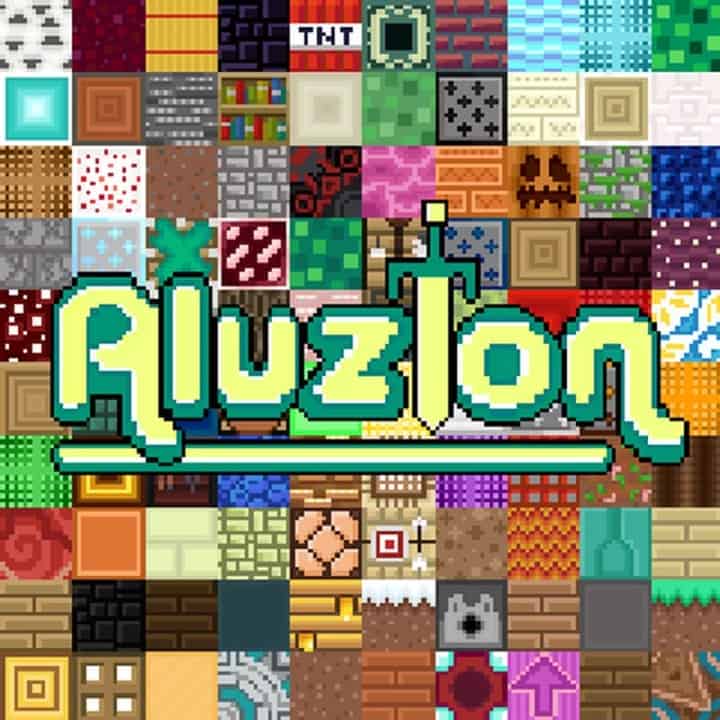
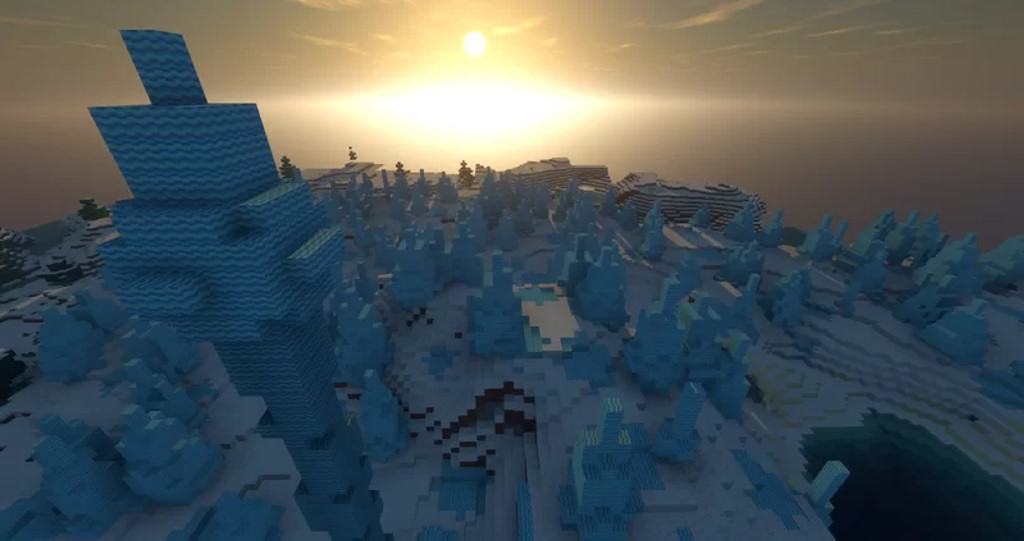
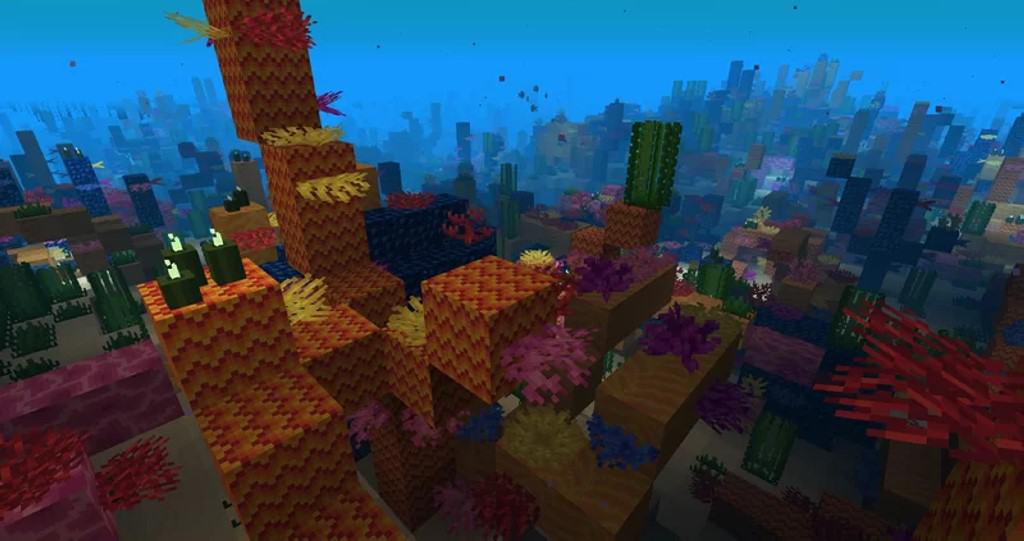
I recently tested out the Aluzion PvP resource pack and I can honestly say it was completely crafted with PvP players in mind. Even though vanilla Minecraft is a fantastic game for multiplayer PvE, the competitive PvP scene can never be disregarded, and the sheer number of players who genuinely enjoy PvP is something I always keep an eye on. The Aluzion PvP texture pack takes the familiar vanilla Minecraft experience and smartly tweaks it to be significantly more PvP friendly. Sticking to the standard default texture resolution in vanilla Minecraft, this is a 16x resource pack, which is typical for a dedicated PvP pack since it does not try to needlessly improve the level of detail within Minecraft or craft hyper-realistic worlds. What it actually achieves are much crisper visuals and brilliantly simplified textures. Instead of dropping down to a lower 8x resolution, Aluzion takes the existing textures and carefully removes clutter to make them vastly easier to distinguish in the heat of battle. Another massive gameplay advantage that benefits us PvP enthusiasts is how the colors have been thoughtfully adjusted; they are wonderfully vibrant and eye-catching. This choice further accentuates the cheerful cartoonish visuals within Minecraft, but more importantly, it makes telling objects and opponents apart so much easier because the colors are delightfully saturated.
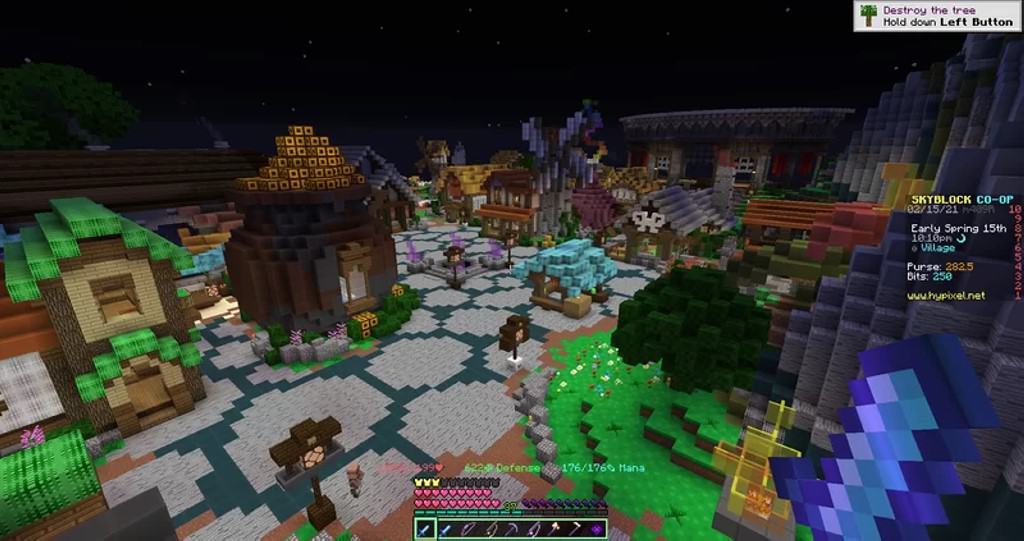
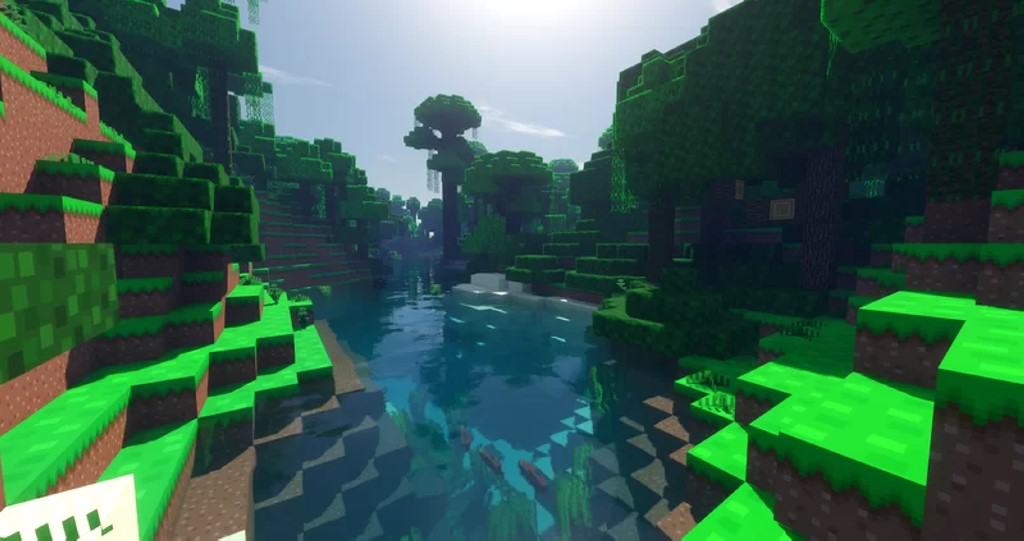
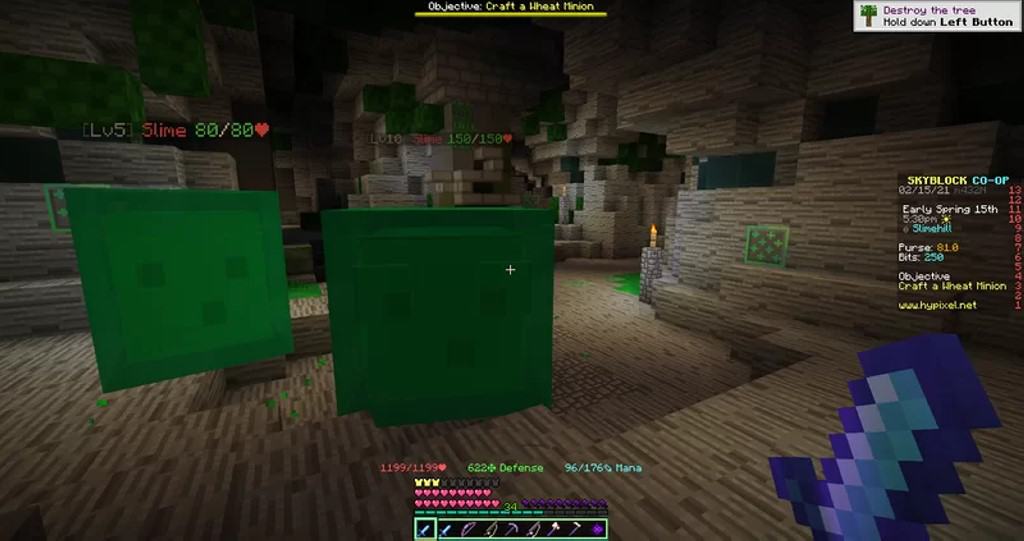
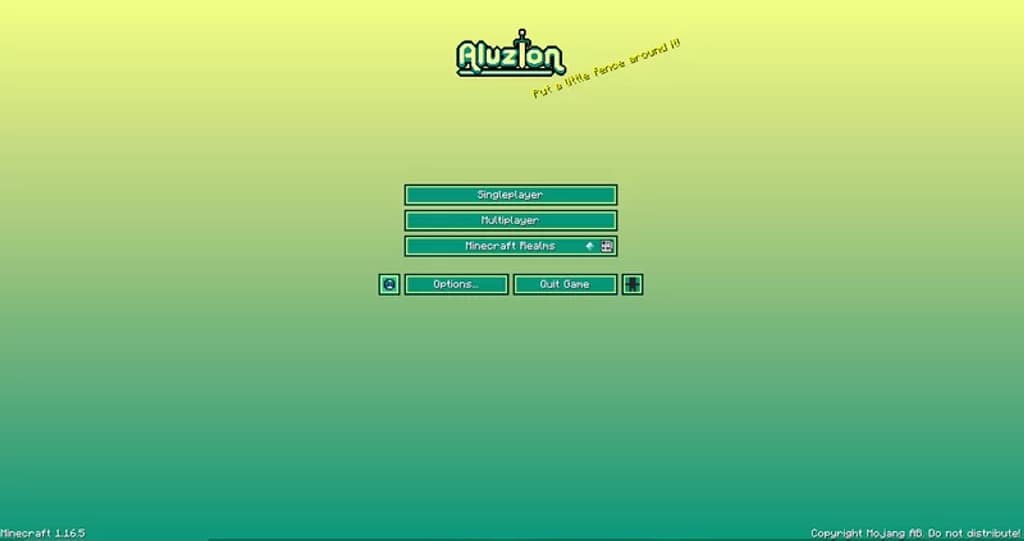
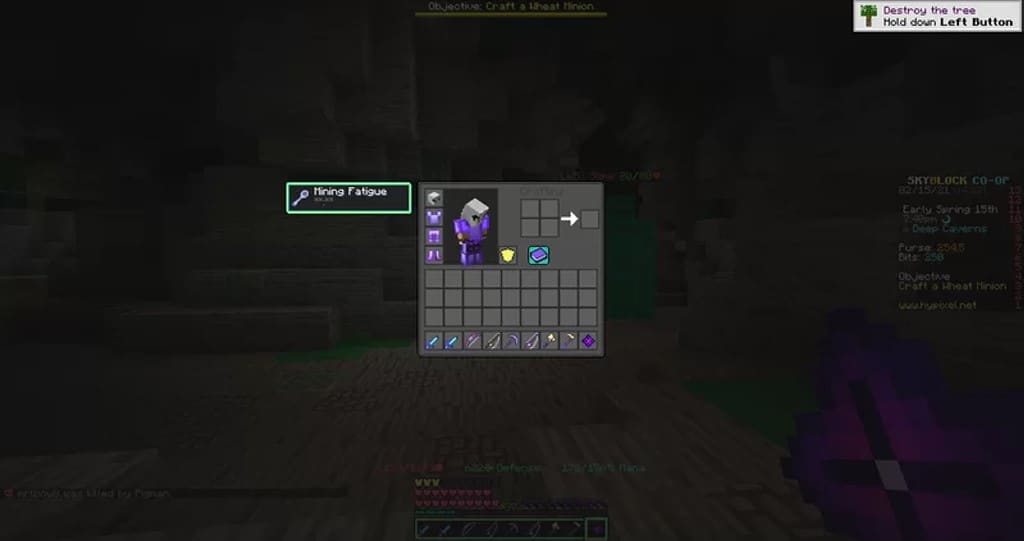
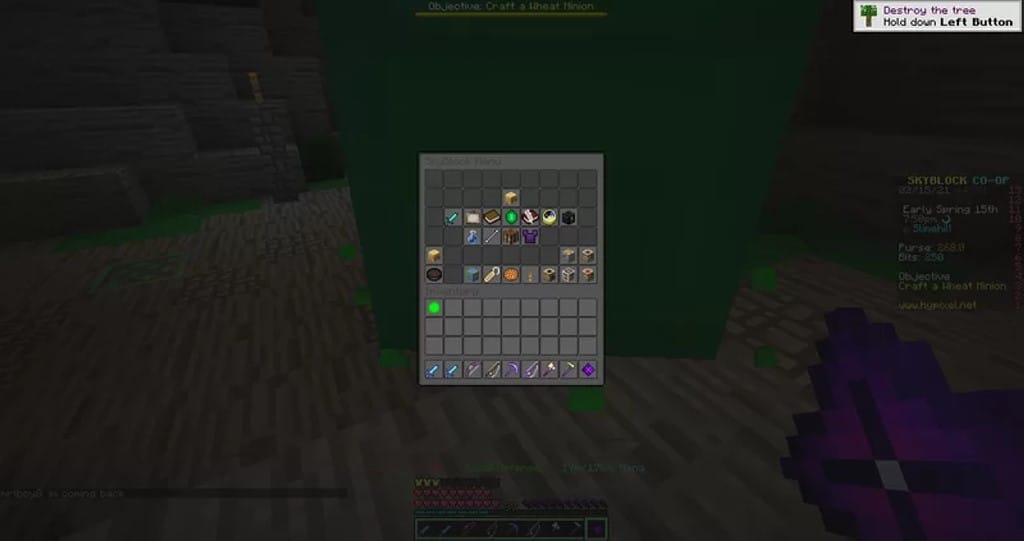
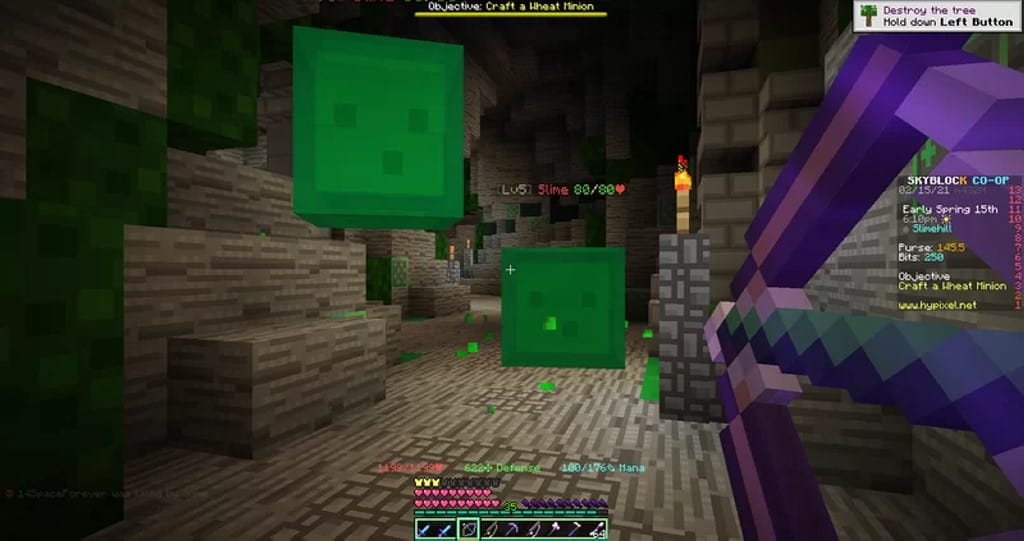
There are noticeably fewer washed-out tones or muddy shades of gray, yet the overall visuals never stray too far from the beloved vanilla feel. For competitive players, the Aluzion texture pack also introduces some notable visual alterations for weapons, armors, potions, and several other essential items. The original developer cleverly designed the swords to be shorter, which drastically improves the close-combat PvP experience. Furthermore, the particle effects are cleaner and far less intrusive on your screen. A few sounds were altered as well, though most of the default Minecraft sounds were thankfully preserved. The GUI and inventory screens have also been redesigned to be much more PvP friendly, featuring a HUD that displays your armor, defense, mana, health, and weapons in a simplified layout so everything is easy to track at a glance. Being a lightweight 16x resource pack, Aluzion PvP does not negatively impact your game performance; in fact, the numerous visual optimizations for PvP help the game run much smoother while maintaining rock-solid framerates. If your PC can handle vanilla Minecraft, you can easily run Aluzion without any performance hiccups at all. You can also pair Aluzion with various shaders if you want to push your visuals further, though keep in mind that shaders are resource-heavy and might cause your framerates to drop.
Aluzion PvP should be compatible with all of these Minecraft versions: 1.18.2 – 1.18.1 – 1.18 – 1.17.1 – 1.17 – 1.16.5 – 1.16.4 – 1.16.3 – 1.16.2 – 1.16.1 – 1.16 – 1.15.2 – 1.15.1 – 1.15 – 1.12.2 – 1.12 – 1.8.9 – 1.8.8 – 1.8.1 – 1.8.6 – 1.8
Screenshots
How to Install Texture Pack (Simple 10 Steps)
- Download OptiFine: Most of the texture packs and shaders need OptiFine. That’s why, first download and install OptiFine for the version of Minecraft you want to play.
- Download the Texture Pack: Get the texture pack you want from the download section. Choose the version that works with your Minecraft and your PC’s performance.
- Open Minecraft Launcher: Start Minecraft using the official game launcher — or even TLauncher, if you use that.
- Go to Options: From the main menu, click on the “Options” button.
- Open Resource Packs: Inside Options, click on “Resource Packs…”.
- Open the Resource Pack Folder: Click on “Open Resource Pack Folder” — this will open a folder named “resourcepacks”.
- Move the Pack File: Copy or move the .zip file you downloaded into that “resourcepacks” folder. (Don’t unzip the file — Minecraft uses it as-is!)
- Go Back and Refresh: Close the folder and click “Done”, then go back into “Resource Packs…” again.
- Activate the Pack: You’ll see the pack on the left side. Hover over it and click the arrow to move it to the right (active side).
Tip: If you get a message that the pack is for a different version, just click “Yes” — it usually works fine. - Click Done and Enjoy: Click “Done” again. Now your pack is ready to use in-game. It’s that easy!
Credits
The Aluzion PvP resource pack was created by Lootylinte. We do not claim ownership of this content, nor do we host or modify any files on our servers. All rights, intellectual property, and original downloads belong entirely to the creator. We strongly encourage you to visit the official creator pages to support their work and download the pack from its authentic source.
Download Links
Java Edition
Download Instructions
Curseforge: download starts automatically after a few seconds;
Mediafire: click the big blue button with the text “DOWNLOAD”;
Google Drive: in the top right corner you will see a small download icon (down arrow), click it and the download should start;


