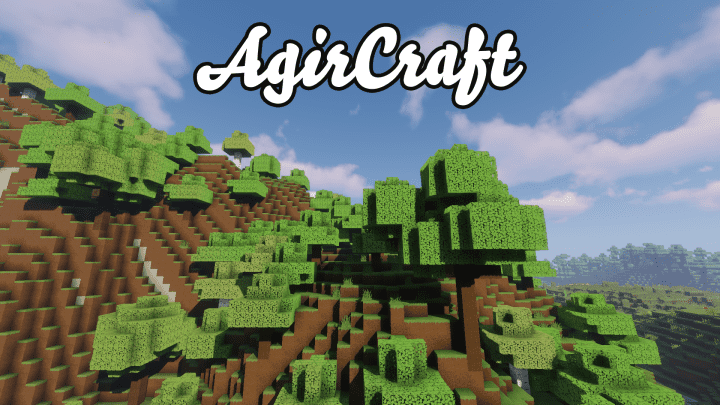
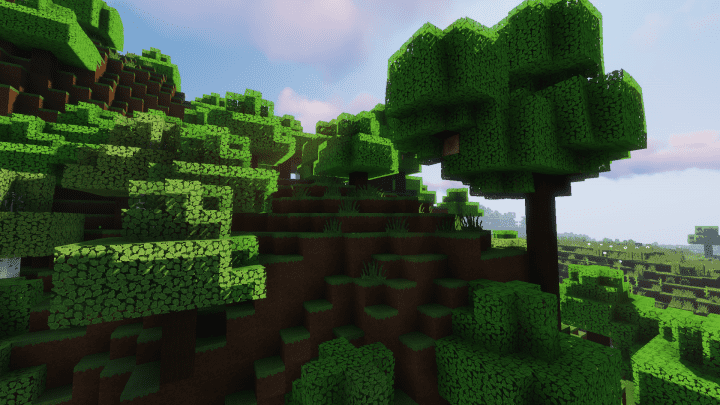
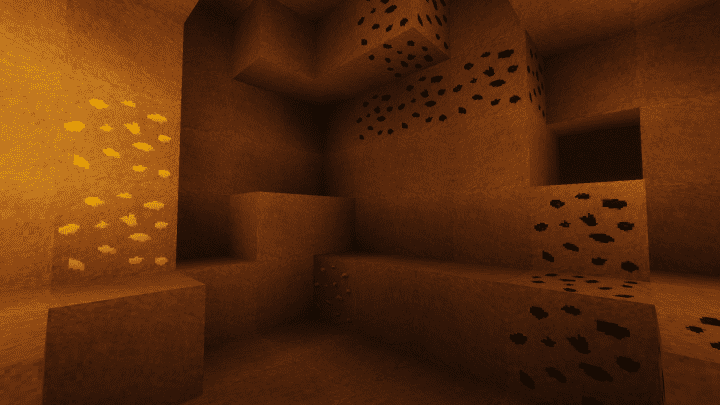
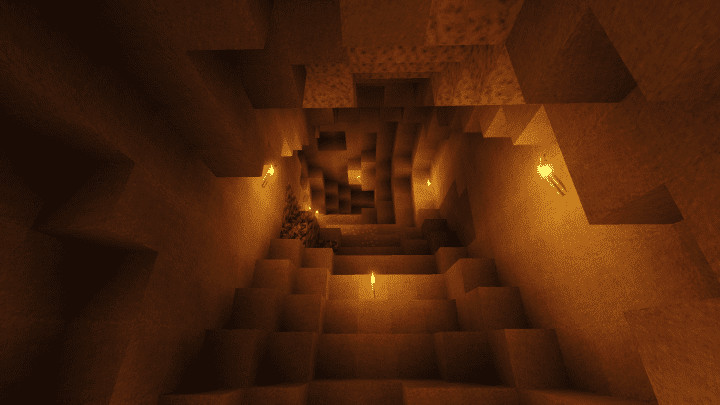
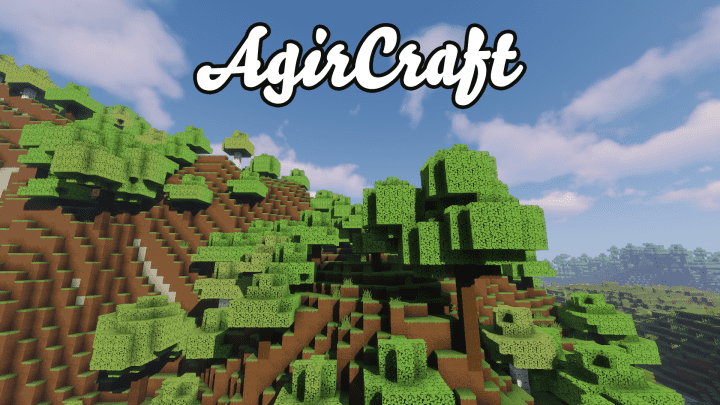
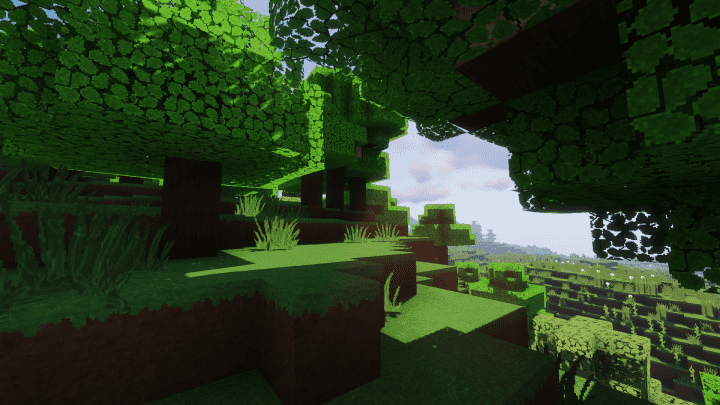
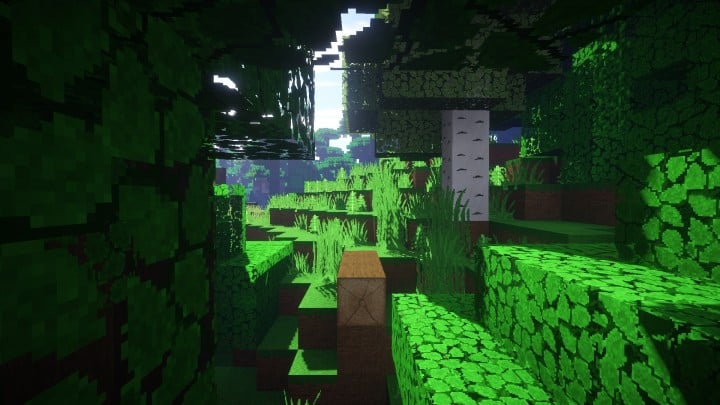
Even though development is still actively ongoing, I found that the AgirCraft Realistic resource pack already guarantees plenty of fantastic additions to look forward to in the near future. It is immediately clear from the initial preview images shared by the author that the enhanced textures are exceptionally visually pleasing; therefore, I have every reason to believe that the remaining textures waiting to be swapped will look just as attractive. The pack gives the texture resolution a massive boost all the way up to 64x, which completely justifies that statement, while the pack itself proudly showcases some of the most gorgeous solid wooden blocks rendered in 64x detail. Honestly, it might not be wise to judge too much just yet given that the AgirCraft resource pack is still a work in progress. Nevertheless, the creator has big plans to turn this pack into a complete and total Minecraft visual overhaul.
During my testing, I noticed exciting planned modifications mapped out for all the blocks, every single held item, each individual item icon, the user interface (GUI), the sky, particles, mobs, and even targeted resolutions tailored for both high-end and lower-end personal computers. Several sample textures are already completed alongside a custom font to tie everything together. While it is certainly not a finished product by any means, it is a remarkably strong start once you check it out for yourself. Because AgirCraft is relatively new, it seamlessly supports Minecraft’s latest versions, though I totally understand why some players might worry about future compatibility once development wraps up. Ultimately, it easily ranks among the most realistic-looking packs available right now simply due to its stunning enhanced resolution, or at least it certainly will be once it is finally completed.
AgirCraft should be compatible with all of these Minecraft versions: 1.16.5 – 1.16.4 – 1.16.3 – 1.16.2 – 1.16.1 – 1.16 – 1.15.2 – 1.15.1 – 1.15 – 1.14.4 – 1.14.3 – 1.14.2 – 1.14 – 1.13.2 – 1.13.1 – 1.13 – 1.12.2 – 1.12 – 1.11.2 – 1.11 – 1.10.2 – 1.10 – 1.9.4 – 1.9 – 1.8.9 – 1.8.8 – 1.8.1 – 1.8.6 – 1.8
Screenshots

How to Install Texture Pack (Simple 10 Steps)
- Download OptiFine: Most of the texture packs and shaders need OptiFine. That’s why, first download and install OptiFine for the version of Minecraft you want to play.
- Download the Texture Pack: Get the texture pack you want from the download section. Choose the version that works with your Minecraft and your PC’s performance.
- Open Minecraft Launcher: Start Minecraft using the official game launcher — or even TLauncher, if you use that.
- Go to Options: From the main menu, click on the “Options” button.
- Open Resource Packs: Inside Options, click on “Resource Packs…”.
- Open the Resource Pack Folder: Click on “Open Resource Pack Folder” — this will open a folder named “resourcepacks”.
- Move the Pack File: Copy or move the .zip file you downloaded into that “resourcepacks” folder. (Don’t unzip the file — Minecraft uses it as-is!)
- Go Back and Refresh: Close the folder and click “Done”, then go back into “Resource Packs…” again.
- Activate the Pack: You’ll see the pack on the left side. Hover over it and click the arrow to move it to the right (active side).
Tip: If you get a message that the pack is for a different version, just click “Yes” — it usually works fine. - Click Done and Enjoy: Click “Done” again. Now your pack is ready to use in-game. It’s that easy!
Credits
This Resource Pack was originally created by Temy. We do not claim ownership of this content, nor have we modified the original files. All rights and intellectual property belong strictly to the original author. We strongly encourage you to visit the official creator links to support their work.
Download Links
Java Edition
Download Instructions
Curseforge: download starts automatically after a few seconds;
Mediafire: click the big blue button with the text “DOWNLOAD”;
Google Drive: in the top right corner you will see a small download icon (down arrow), click it and the download should start;


