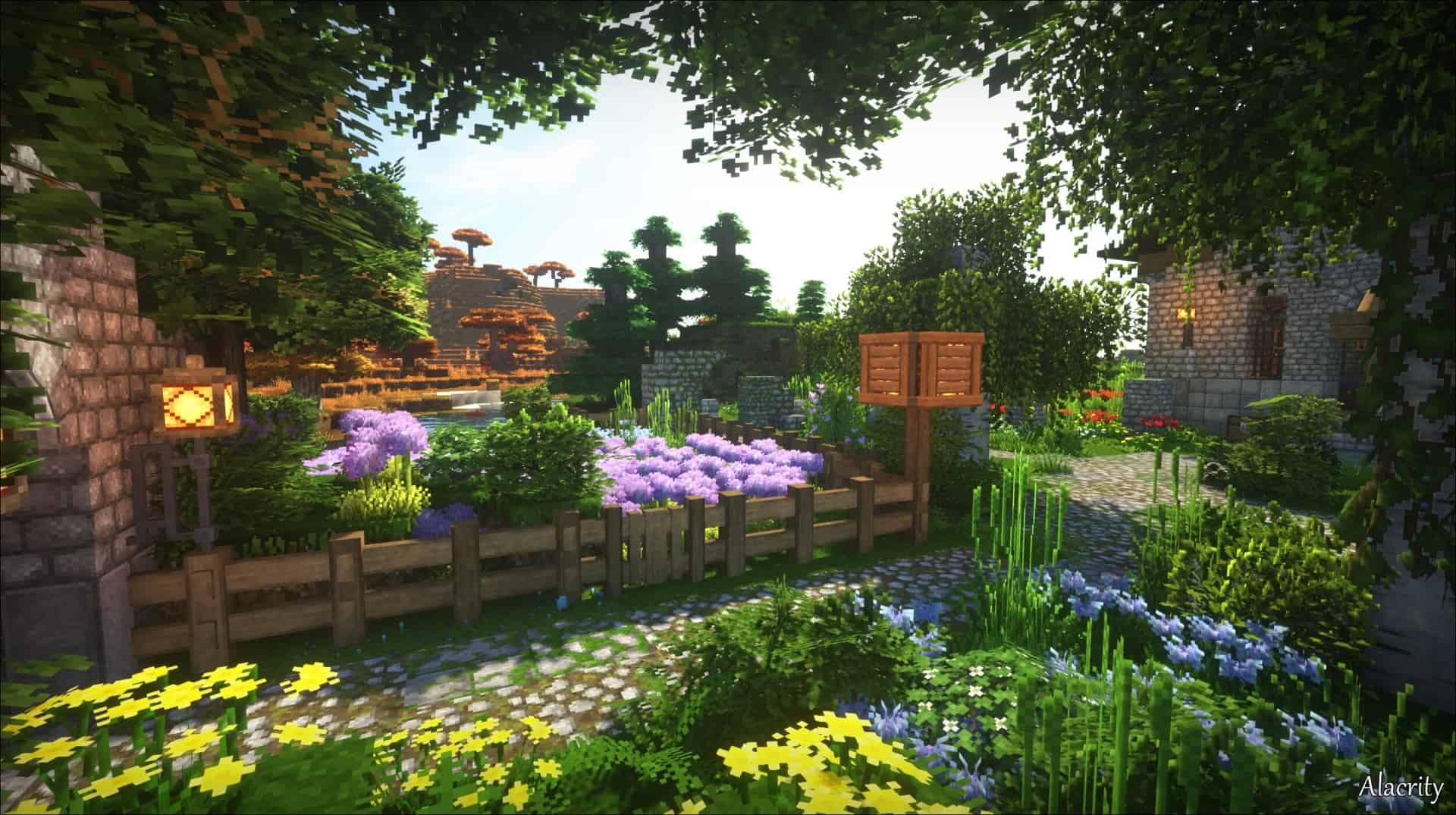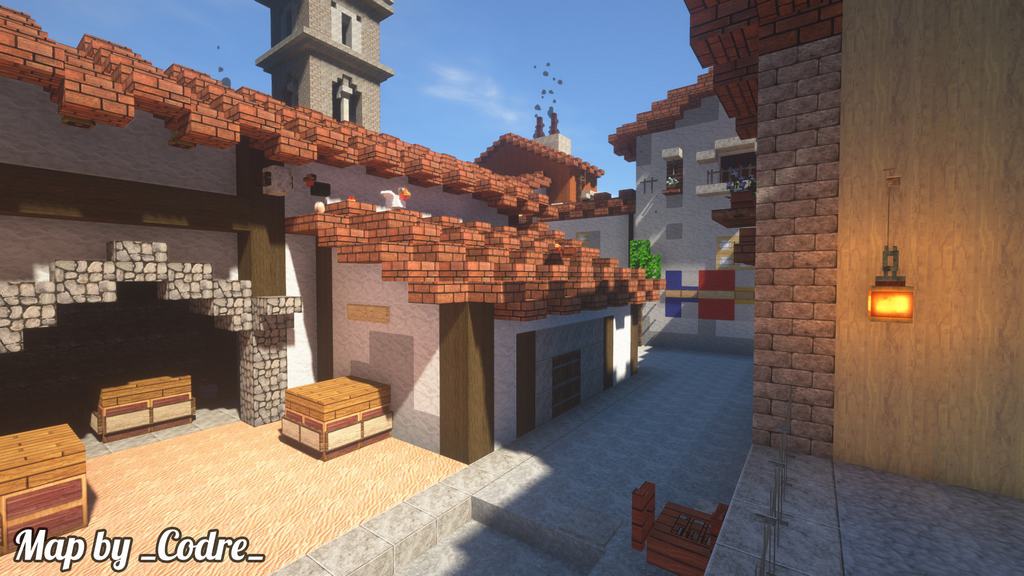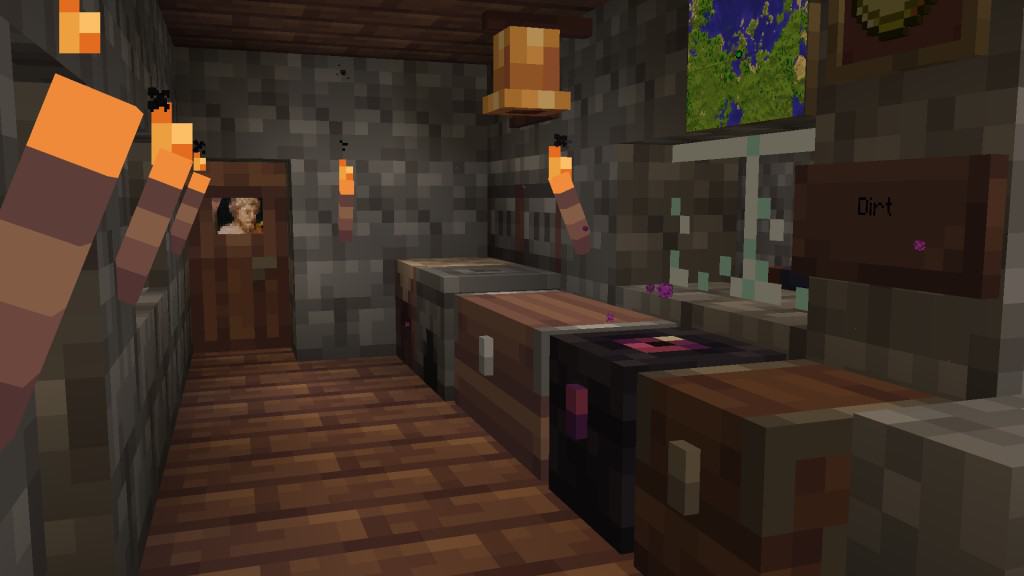
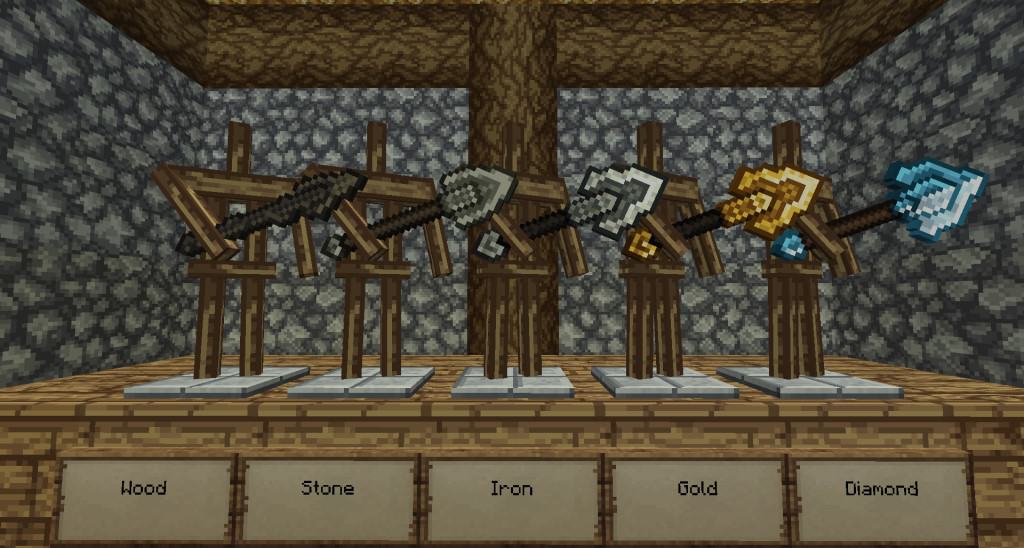
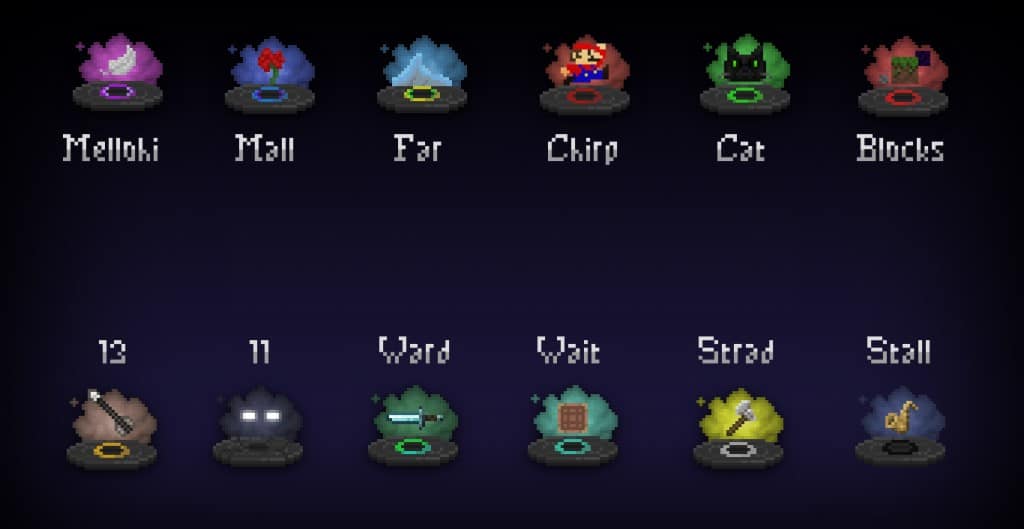
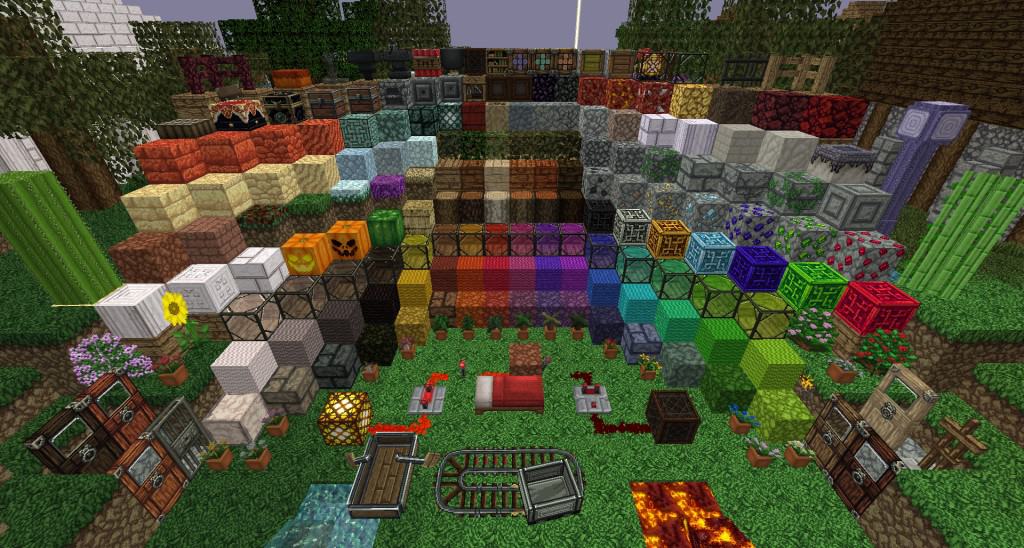
It is honestly difficult not to completely fall in love with a genuinely good medieval-themed resource pack once you try it out in-game. TheVoid’s AD Reforged resource pack gives vanilla Minecraft a gorgeous visual twist that makes everything look noticeably darker, moodier, and just plain better looking overall. I found out that this fantastic texture pack serves as a true spiritual successor to the legendary Arestian’s Dawn resource pack which was unfortunately abandoned by its original developers. This is precisely why you will instantly notice plenty of striking similarities between the two when exploring your worlds. The resource pack focuses heavily and wonderfully on reimagining textures and color palettes. The latest version specifically introduces brilliantly crafted iron, gold, brick, and Redstone blocks. Other blocks throughout the game have also been skillfully altered visually to appear significantly darker and much more in tune with the immersive medieval theme. However, crafting a proper medieval world truly requires some fitting mobs to match the atmosphere, and I was thrilled to see that TheVoid’s AD Reforged adds two unique types of spiders, a reworked ender dragon, and a few temporary mobs. Countless other items in the game have been thoroughly changed as well, making the overall experience feel fresh and cohesive.
While wandering around, you will stumble upon a brand new mine cart texture, fascinating new types of fish, stunning new paintings, authentic medieval doors, vastly improved gem blocks, and so many more hidden gems. All of these fantastic new elements make it completely possible to build intricate dungeons, towering castles, eerie caves, and everything in between that makes up a truly great medieval world. I noticed that some of the temporary mobs included in the resource pack were actually borrowed from Darklands until the developer of TheVoid’s AD Reforged manages to implement his own custom mobs. Keep in mind that TheVoid’s AD Reforged resource pack is very much an ongoing work in progress, meaning not every single texture in vanilla Minecraft has been altered just yet. Thankfully, the textures that have been updated are presented in a crisp 32x resolution, which adds significantly more fine detail than what would ever be possible with the default 16x resolution. Because it operates smoothly as a 32x resource pack, it is surprisingly not very resource-demanding at all. I was delighted to find that most players should easily be able to enjoy running this resource pack with only a minimal framerate drop on their setups.
TheVoid’s AD-Reforged should be compatible with all of these Minecraft versions: 1.17.1 – 1.17 – 1.11.2 – 1.11 – 1.10.2 – 1.10 – 1.9.4 – 1.9 – 1.8.9 – 1.8.8 – 1.8.1 – 1.8.6 – 1.8
Screenshots
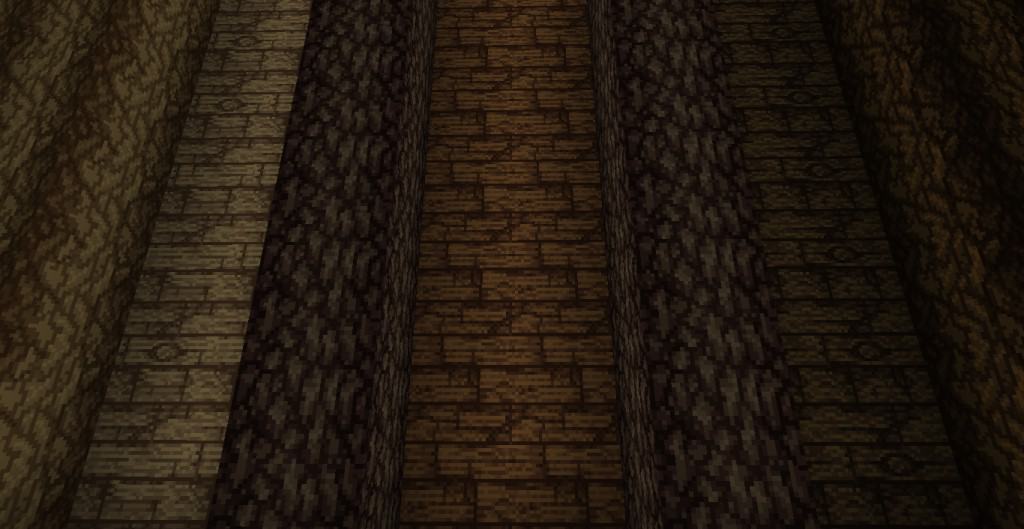
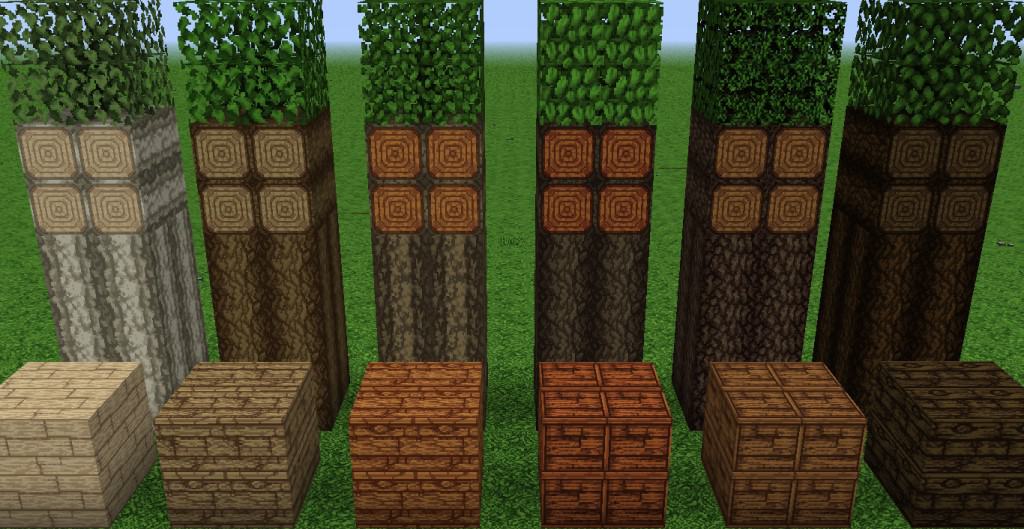
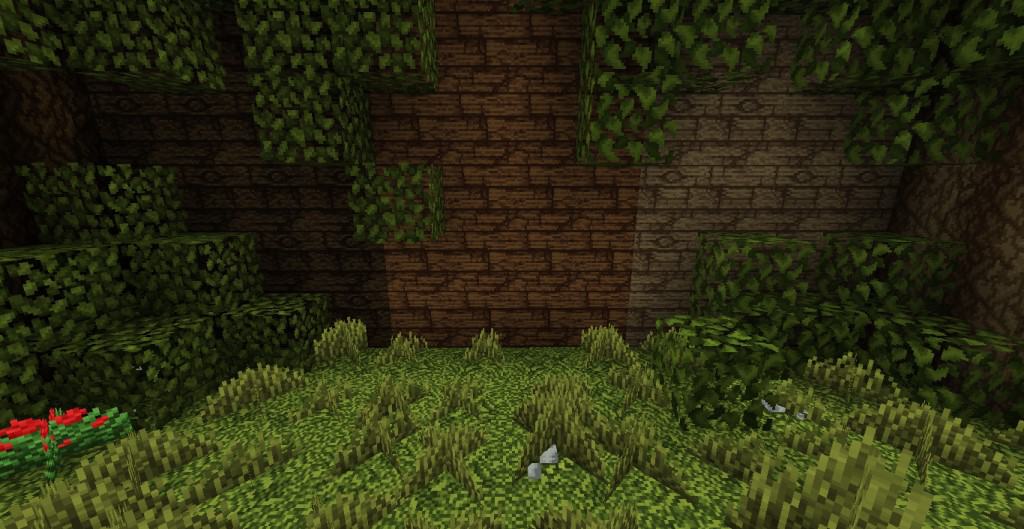
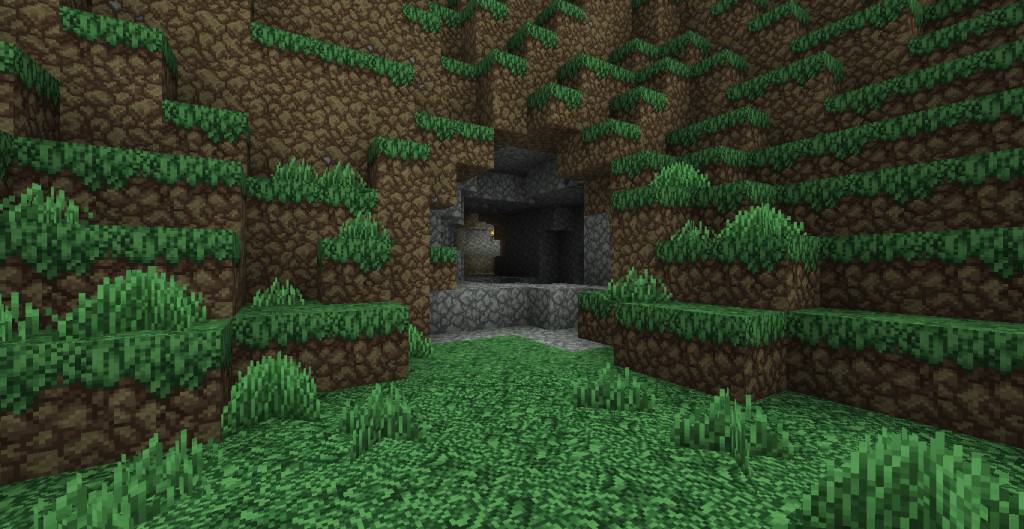
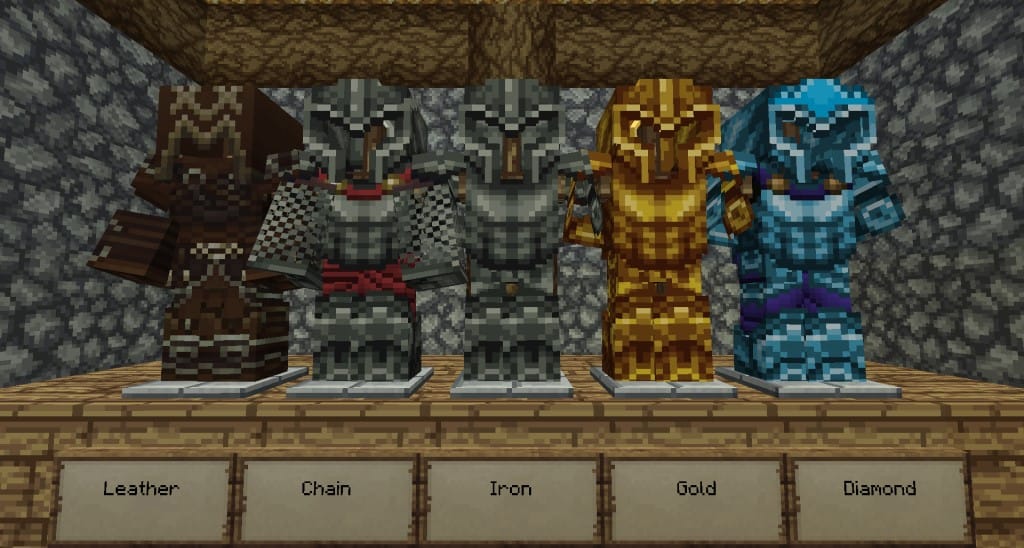
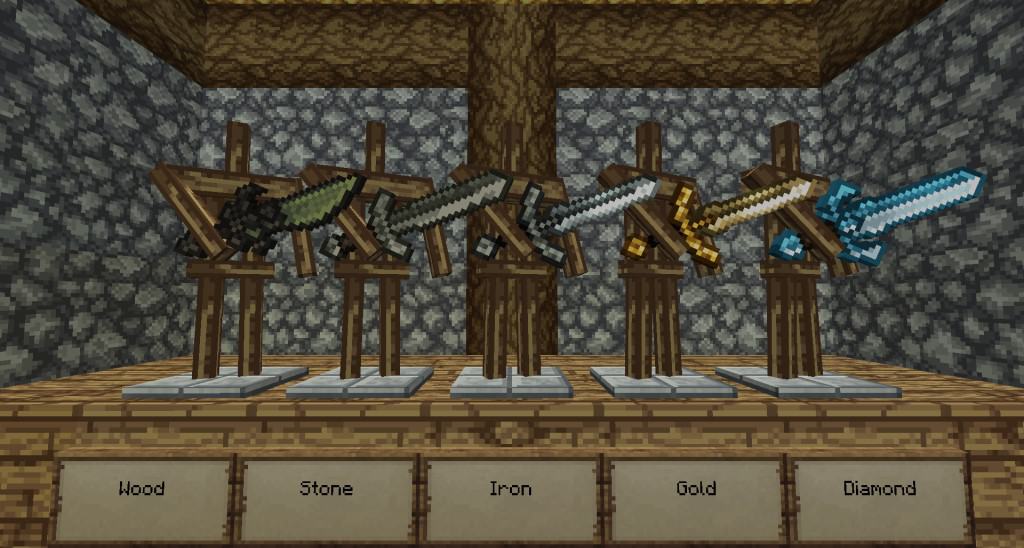
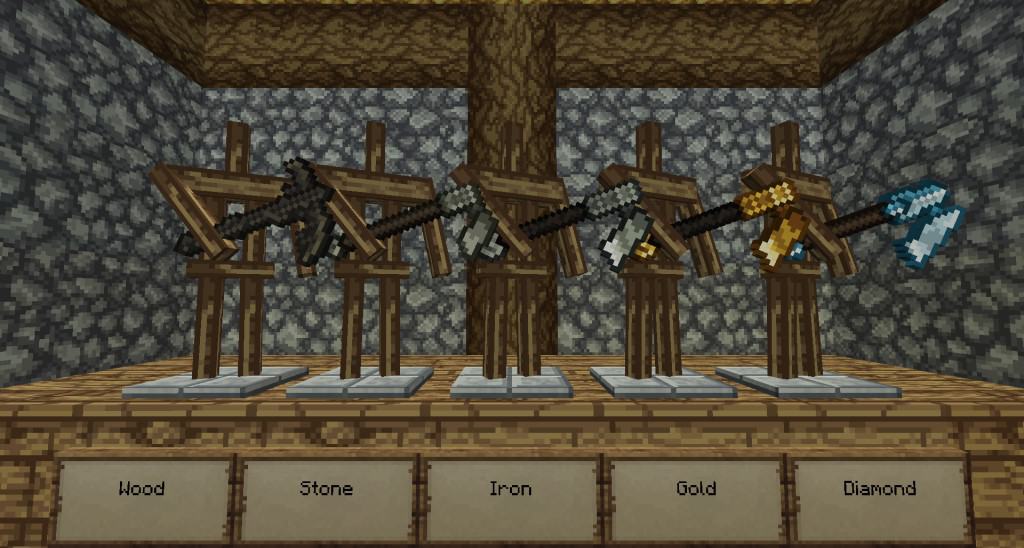
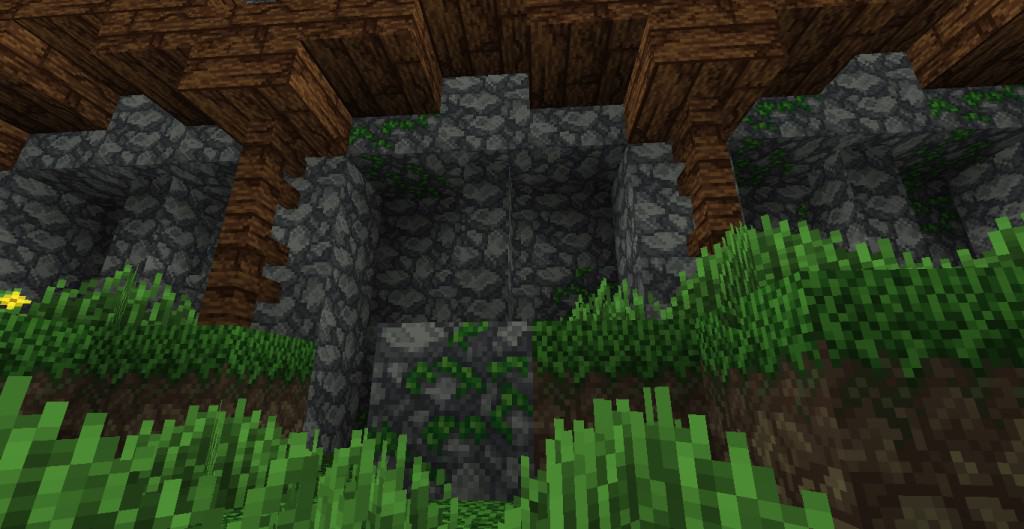
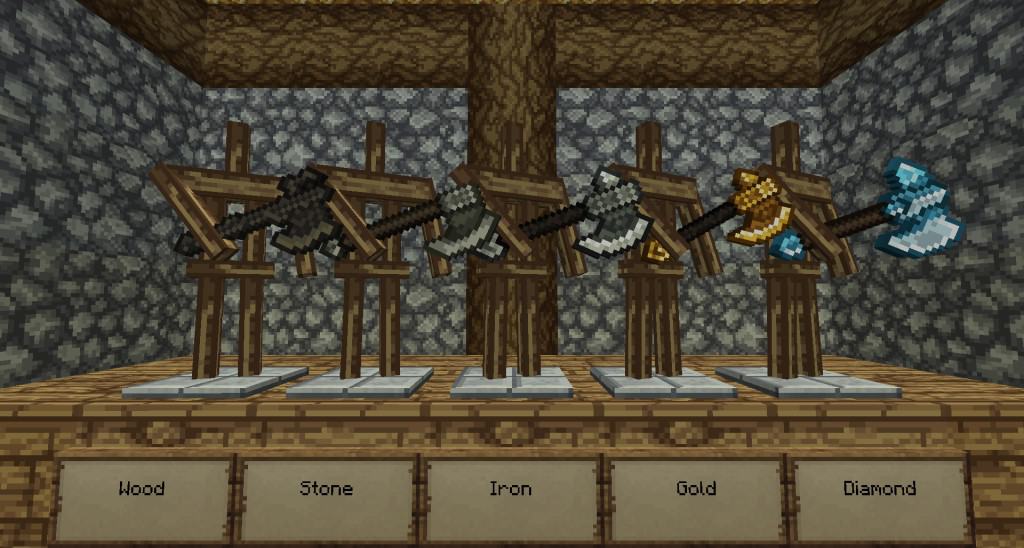
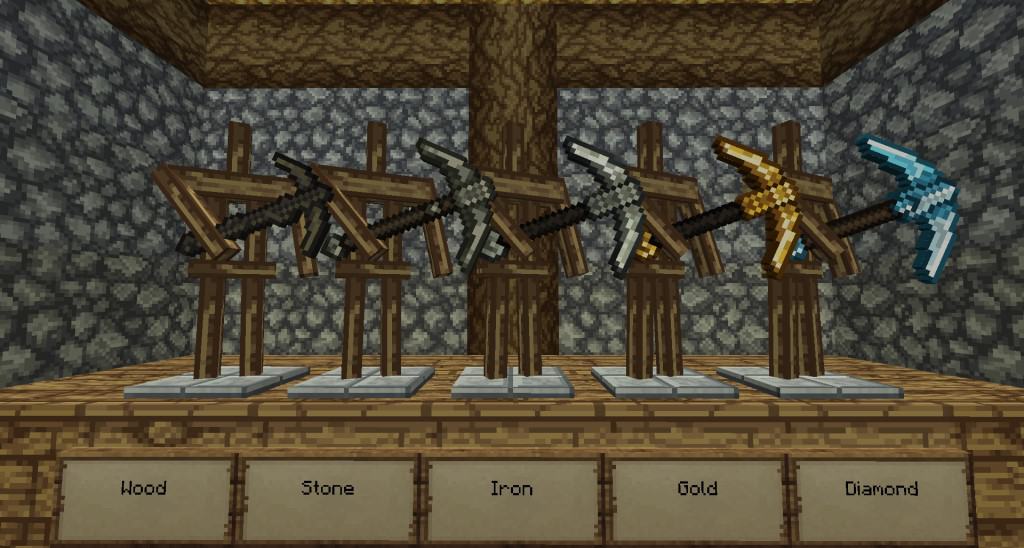
How to Install Texture Pack (Simple 10 Steps)
- Download OptiFine: Most of the texture packs and shaders need OptiFine. That’s why, first download and install OptiFine for the version of Minecraft you want to play.
- Download the Texture Pack: Get the texture pack you want from the download section. Choose the version that works with your Minecraft and your PC’s performance.
- Open Minecraft Launcher: Start Minecraft using the official game launcher — or even TLauncher, if you use that.
- Go to Options: From the main menu, click on the “Options” button.
- Open Resource Packs: Inside Options, click on “Resource Packs…”.
- Open the Resource Pack Folder: Click on “Open Resource Pack Folder” — this will open a folder named “resourcepacks”.
- Move the Pack File: Copy or move the .zip file you downloaded into that “resourcepacks” folder. (Don’t unzip the file — Minecraft uses it as-is!)
- Go Back and Refresh: Close the folder and click “Done”, then go back into “Resource Packs…” again.
- Activate the Pack: You’ll see the pack on the left side. Hover over it and click the arrow to move it to the right (active side).
Tip: If you get a message that the pack is for a different version, just click “Yes” — it usually works fine. - Click Done and Enjoy: Click “Done” again. Now your pack is ready to use in-game. It’s that easy!
Credits
This resource pack was created by theVoid1313 and kyctarniq. We do not claim ownership of this content, and it is provided as-is without modification. We strongly encourage you to visit and support the creators through their official download pages.
Download Links
Java Edition
Download Instructions
Curseforge: download starts automatically after a few seconds;
Mediafire: click the big blue button with the text “DOWNLOAD”;
Google Drive: in the top right corner you will see a small download icon (down arrow), click it and the download should start;