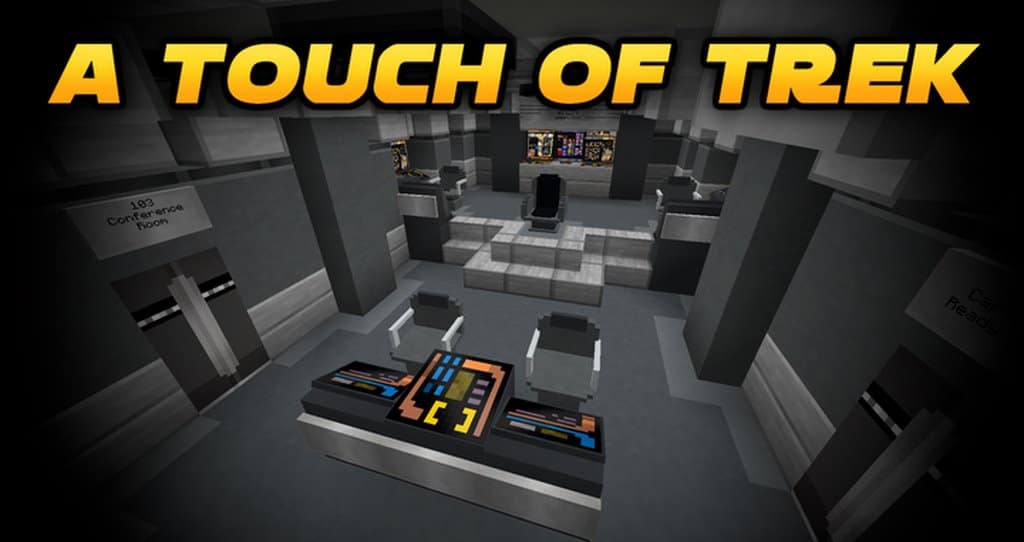
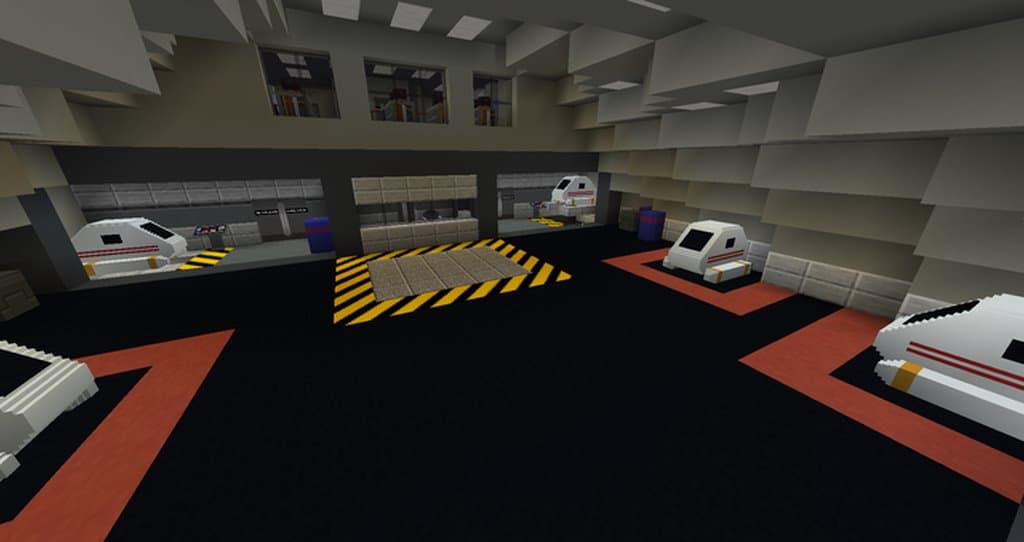
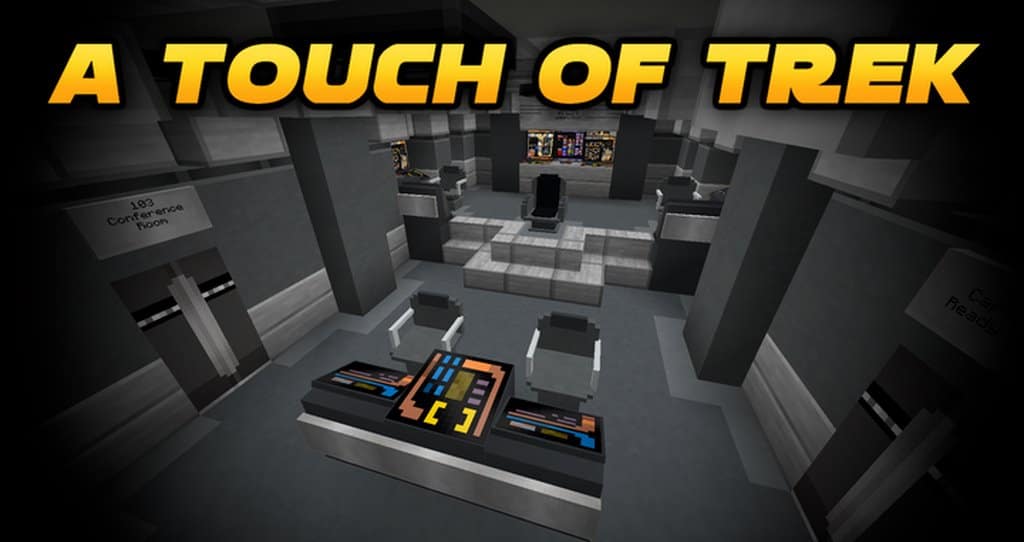
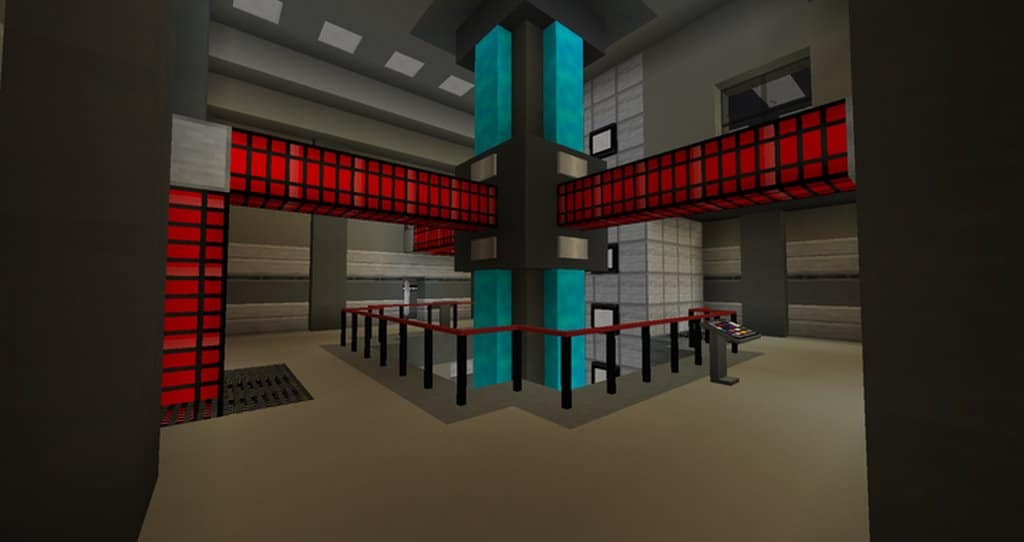
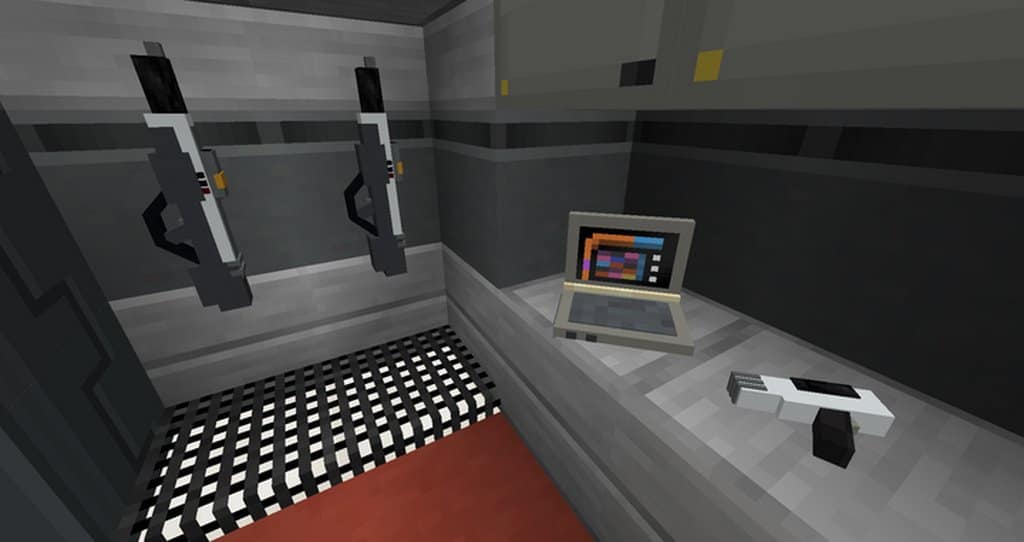
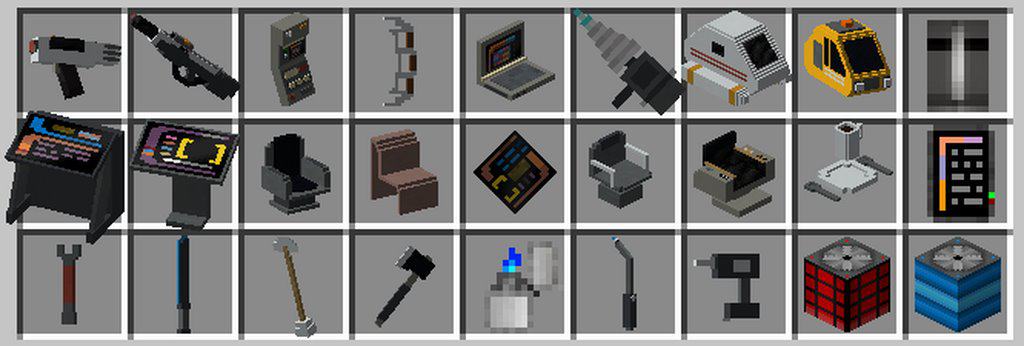
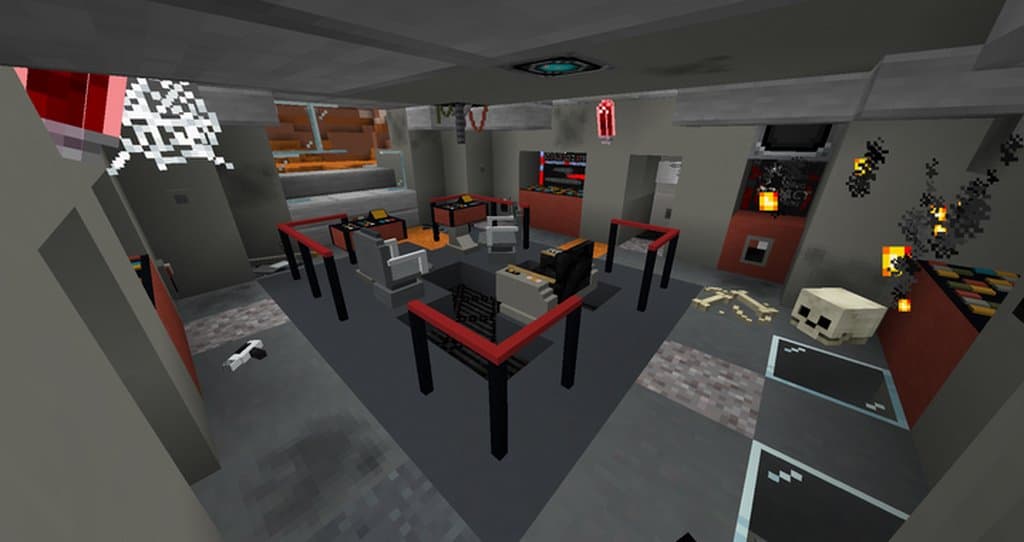
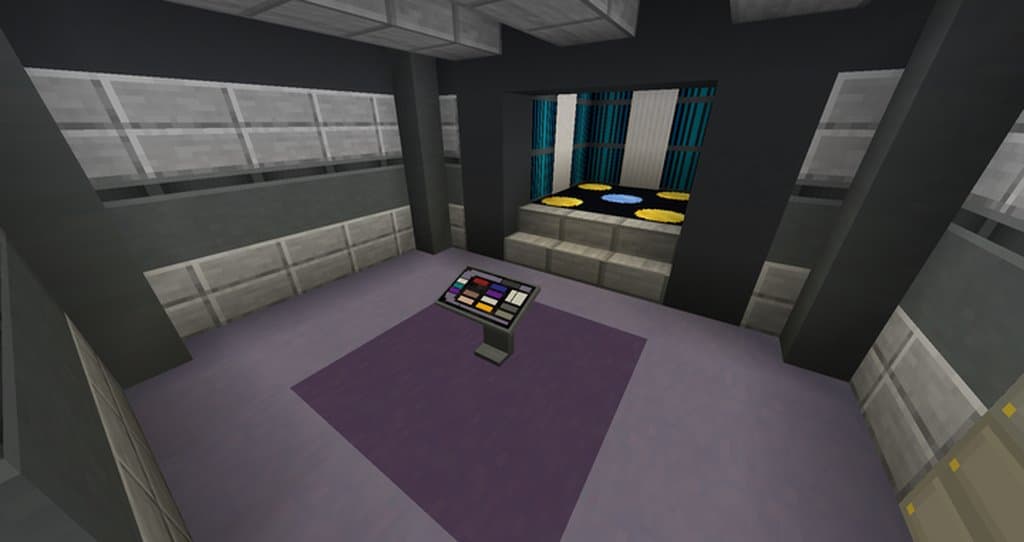
A Touch of Trek is one of the absolute best Minecraft resource packs out there and a truly perfect choice for any hardcore fans of Star Trek. Numerous game textures are completely replaced and given an authentic, original Star Trek feeling that will blow you away. This pack is best suited for people interested in building amazing Star Trek themed structures. Players that would like to go on a trip through a game world that saw a complete makeover will definitely find what they are looking for here. If we take a look at the quality of the textures itself, A Touch of Trek resource pack does an astonishingly great job. There is a huge number of details, and the Star Trek themed models are nicely and faithfully replicated for the Minecraft world. This pack handles visual noise quite well, as none of the textures have any considerable amount of it.
They look extremely pleasant to the eye during gameplay. A Touch of Trek cleverly applies Minecraft’s classic vanilla colors to the Star Trek sci-fi themed visuals, so the colors in this pack may appear a bit inconsistent sometimes. This isn’t a big issue, though, as it affects just a few of this pack’s surfaces. This resource pack was primarily intended for the game’s creative mode, but it can also be played wonderfully in survival. For Star Trek lovers, making an enormous spaceship may be the first thing to come to mind, and this pack will give them everything they need to make it completely authentic. The resolution of this resource pack is Minecraft’s usual x16. This was done because the textures of this pack must exist side by side with a lot of Minecraft’s vanilla textures. This is all completely within expectations, and resolution inconsistency won’t be happening in this particular case.
A Touch of Trek should be compatible with all of these Minecraft versions: 1.17.1 – 1.17 – 1.16.5 – 1.16.4 – 1.16.3 – 1.16.2 – 1.16.1 – 1.16 – 1.15.2 – 1.15.1 – 1.15 – 1.14.4 – 1.14.3 – 1.14.2 – 1.14
Screenshots
How to Install Texture Pack (Simple 10 Steps)
- Download OptiFine: Most of the texture packs and shaders need OptiFine. That’s why, first download and install OptiFine for the version of Minecraft you want to play.
- Download the Texture Pack: Get the texture pack you want from the download section. Choose the version that works with your Minecraft and your PC’s performance.
- Open Minecraft Launcher: Start Minecraft using the official game launcher — or even TLauncher, if you use that.
- Go to Options: From the main menu, click on the “Options” button.
- Open Resource Packs: Inside Options, click on “Resource Packs…”.
- Open the Resource Pack Folder: Click on “Open Resource Pack Folder” — this will open a folder named “resourcepacks”.
- Move the Pack File: Copy or move the .zip file you downloaded into that “resourcepacks” folder. (Don’t unzip the file — Minecraft uses it as-is!)
- Go Back and Refresh: Close the folder and click “Done”, then go back into “Resource Packs…” again.
- Activate the Pack: You’ll see the pack on the left side. Hover over it and click the arrow to move it to the right (active side).
Tip: If you get a message that the pack is for a different version, just click “Yes” — it usually works fine. - Click Done and Enjoy: Click “Done” again. Now your pack is ready to use in-game. It’s that easy!
Credits
This resource pack was created by Cygnus656. We do not own or modify the files provided, and all rights belong fully to the original creator. We strongly encourage you to support Cygnus656 by visiting their official release pages.
Download Links
Java Edition
Download Instructions
Curseforge: download starts automatically after a few seconds;
Mediafire: click the big blue button with the text “DOWNLOAD”;
Google Drive: in the top right corner you will see a small download icon (down arrow), click it and the download should start;


