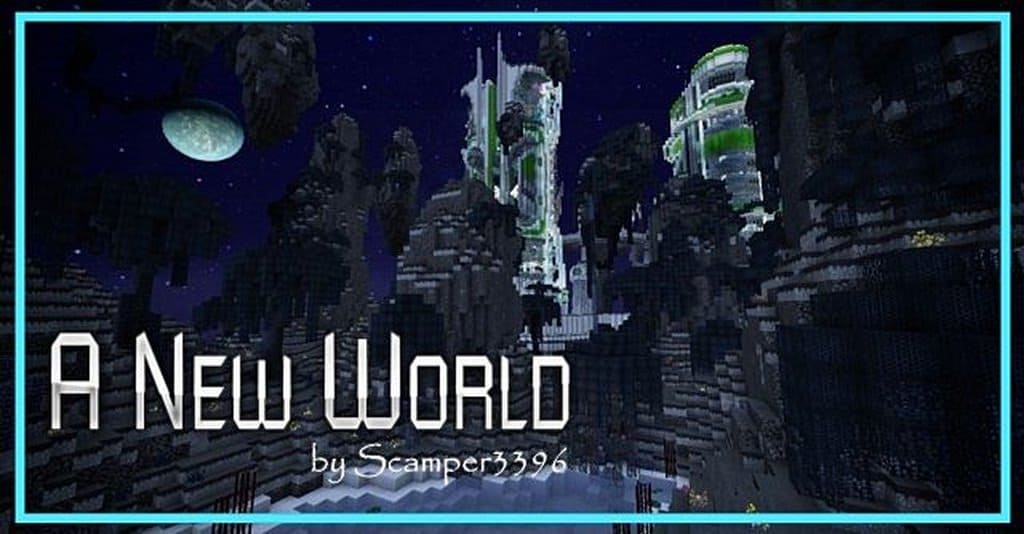
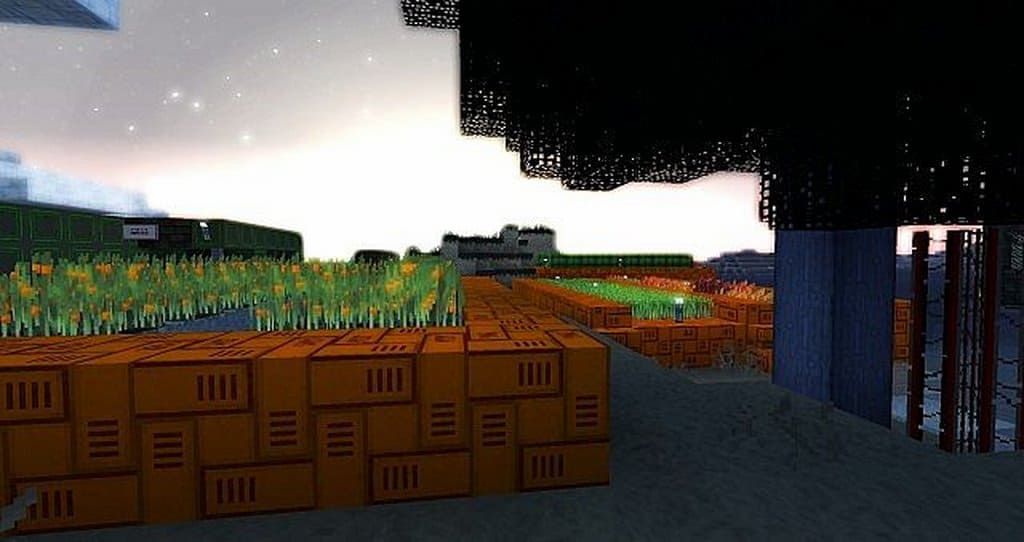
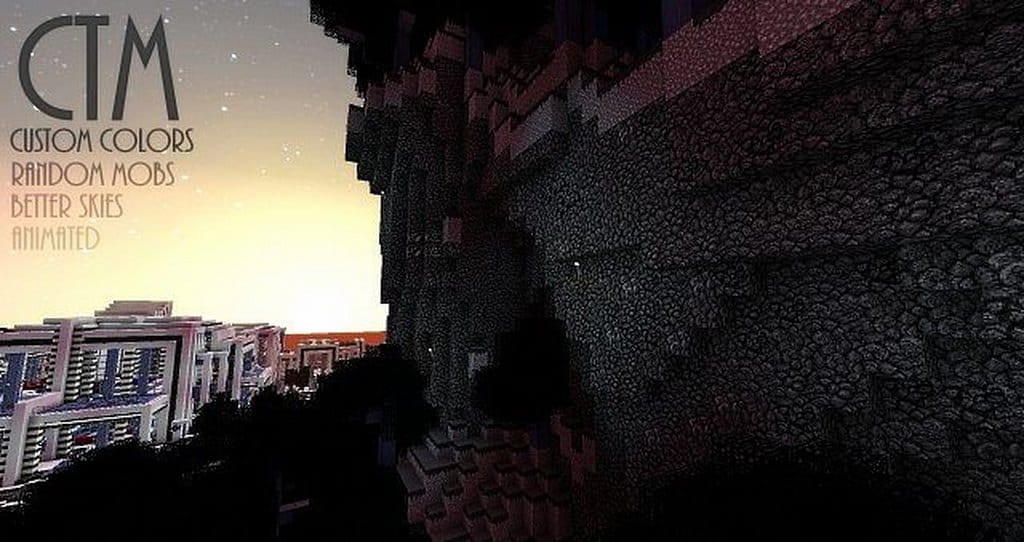
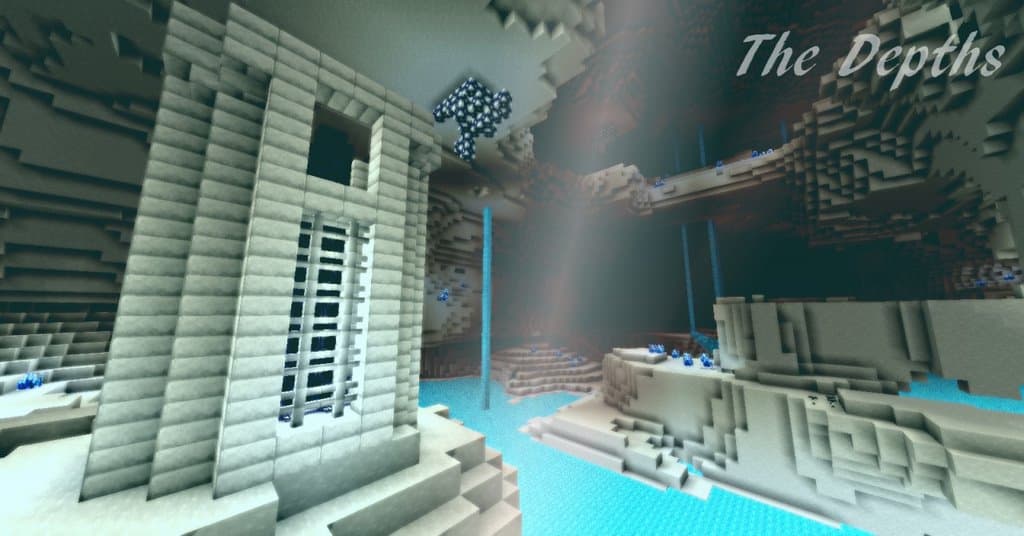
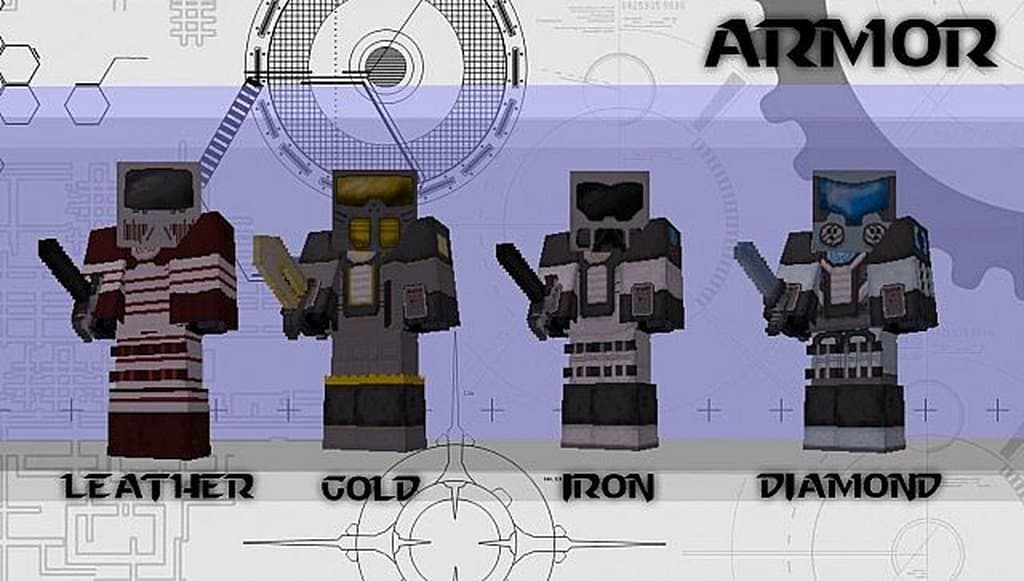
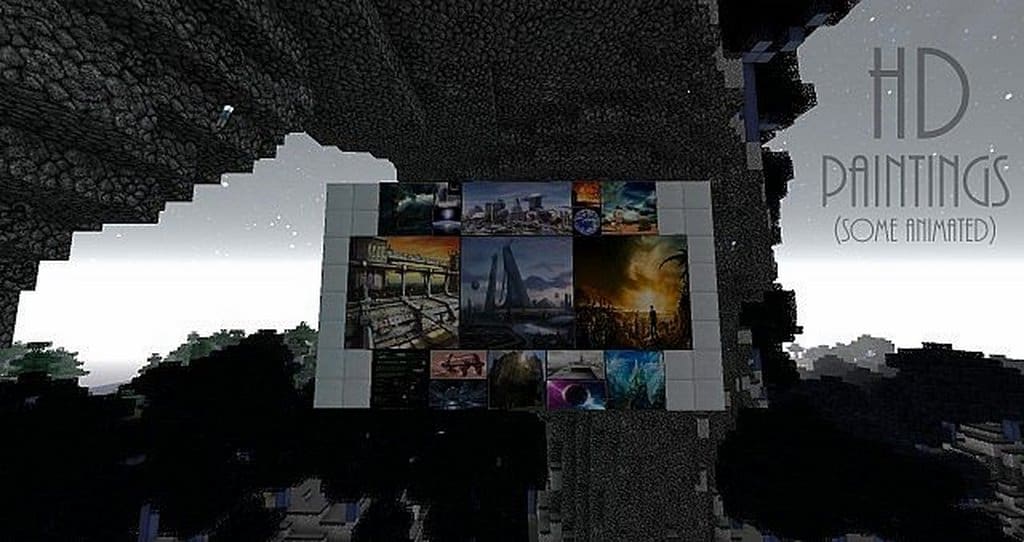
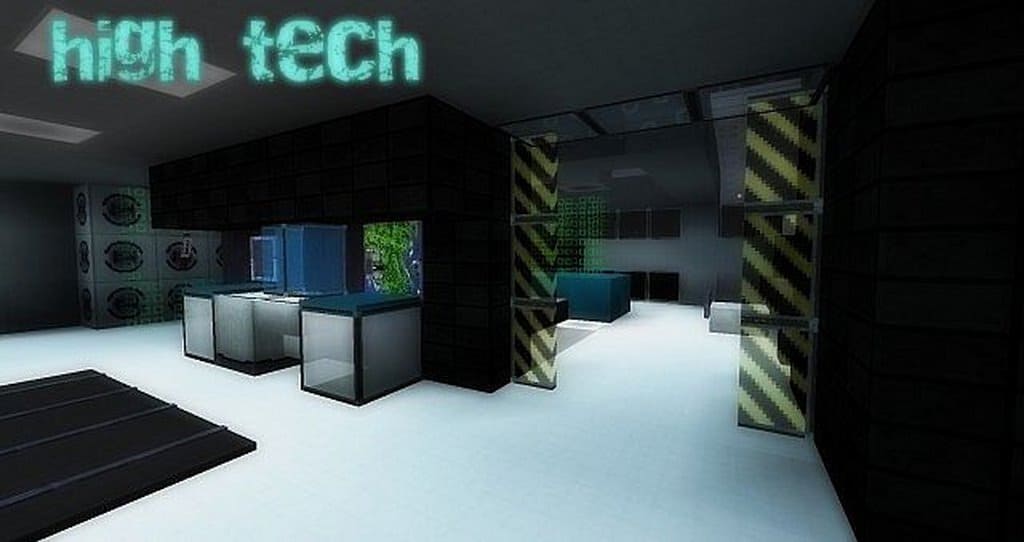
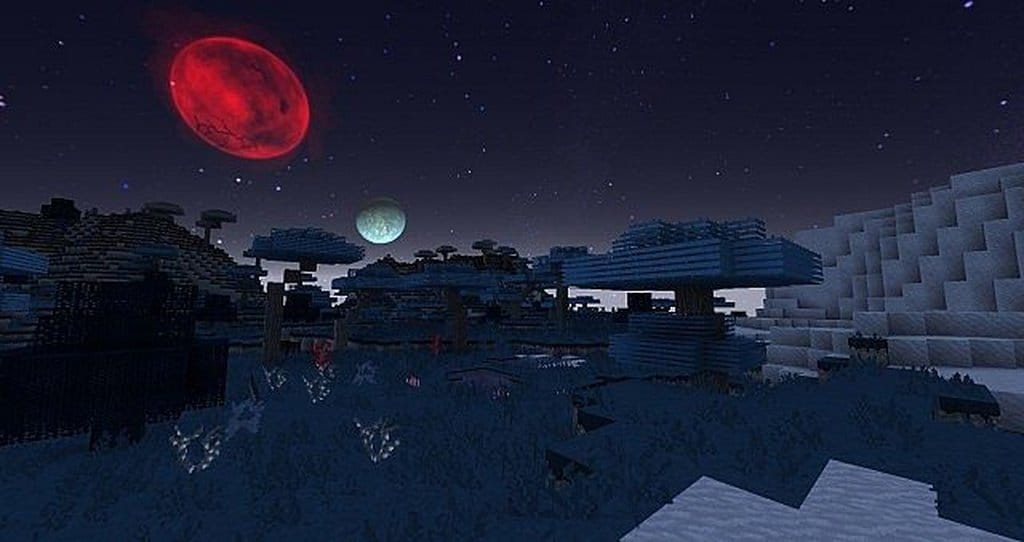
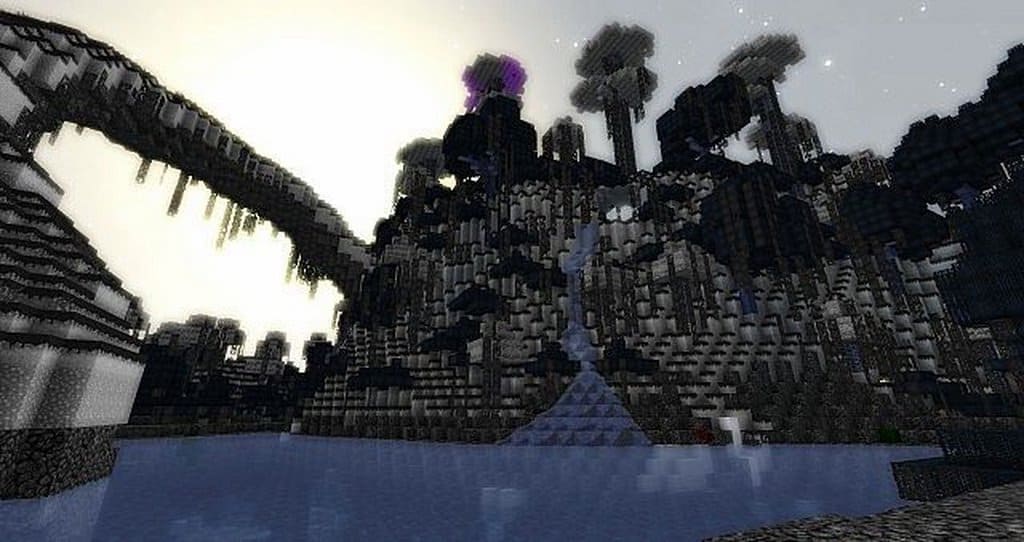
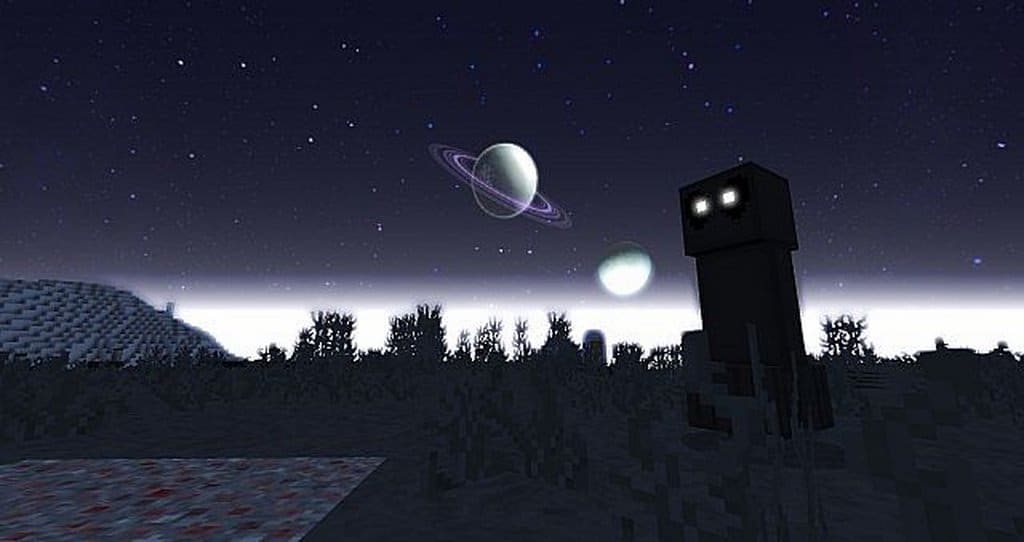
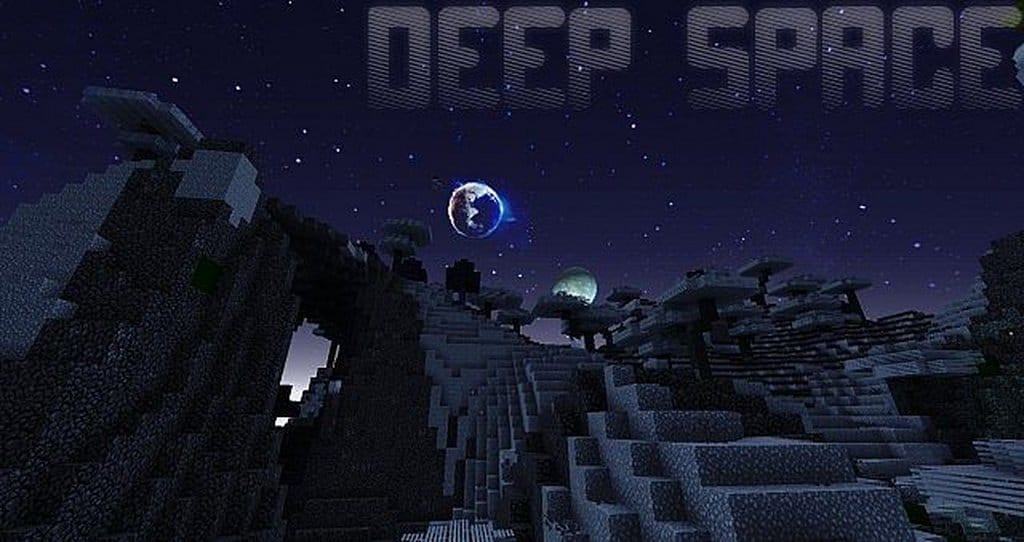
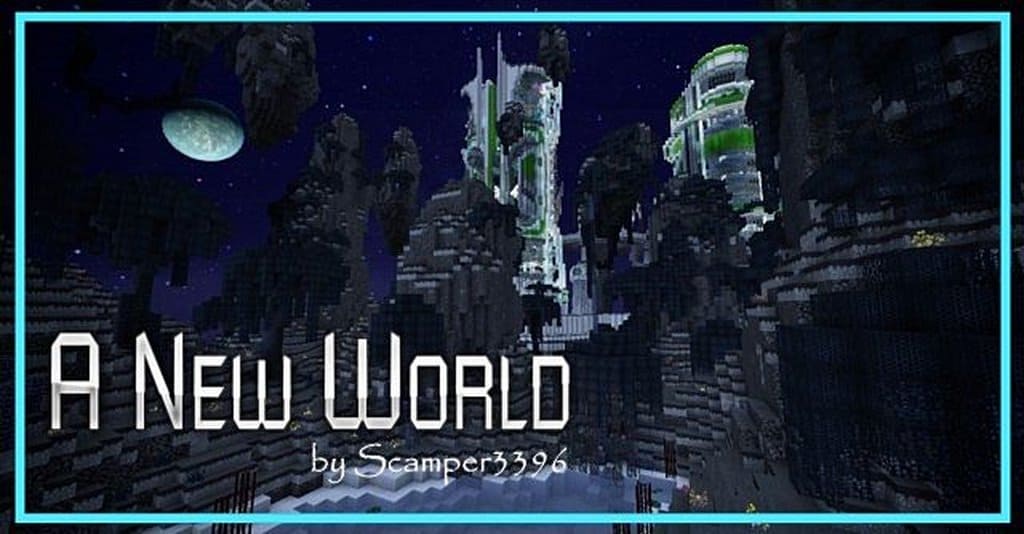
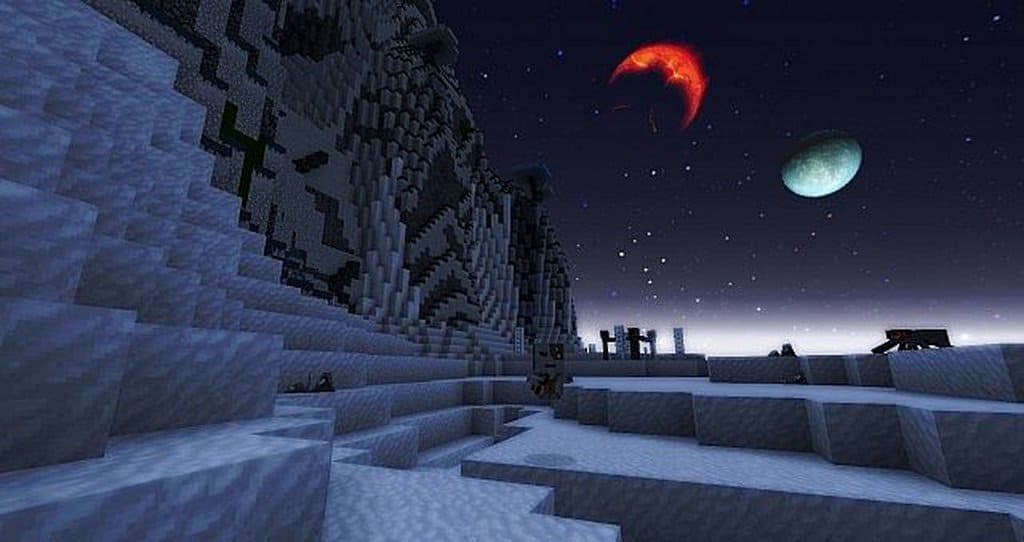
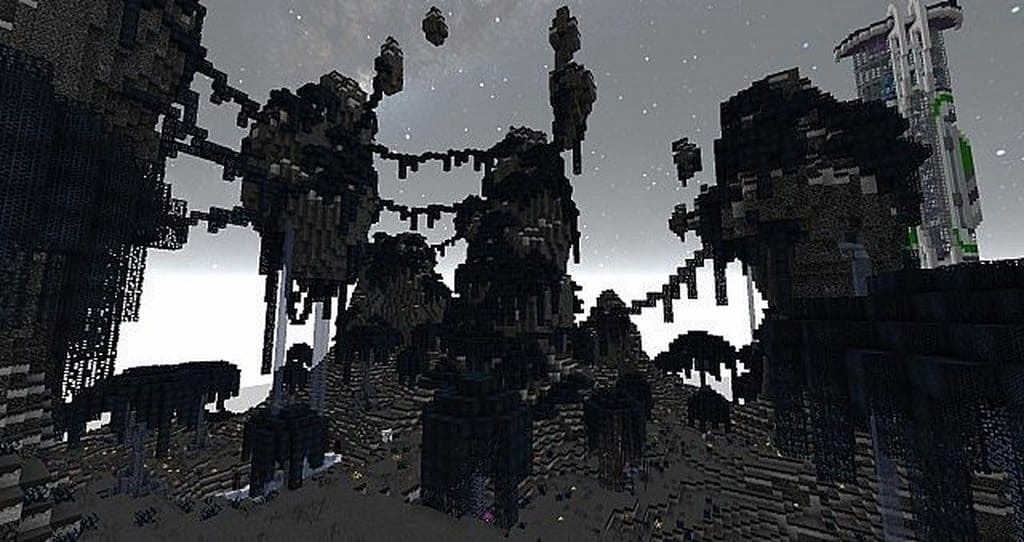
The A New World resource pack will honestly change the way you see Minecraft in quite a literal way, and I was genuinely amazed when I tried it out. It truly feels like stepping into a time machine and emerging a couple of thousand years later, where every single biome has suffered massive changes. The first of many changes you will notice right away are the colors: most of the surroundings look completely different, now delightfully drowned in a futuristic blue palette. Even what used to be naturally green, like trees, gravitates heavily toward this fresh, cool blue atmosphere. Other biomes, like the desert, suffer a drastic and striking change where the usual gold sand is replaced by a pale white. This pack is one of the coolest futuristic themed packs available right now, but I can assure you it is in no way your average pack. There is not a massive amount of backstory behind A New World, other than time sending you straight into an alternate, sci-fi reality that you will love exploring.
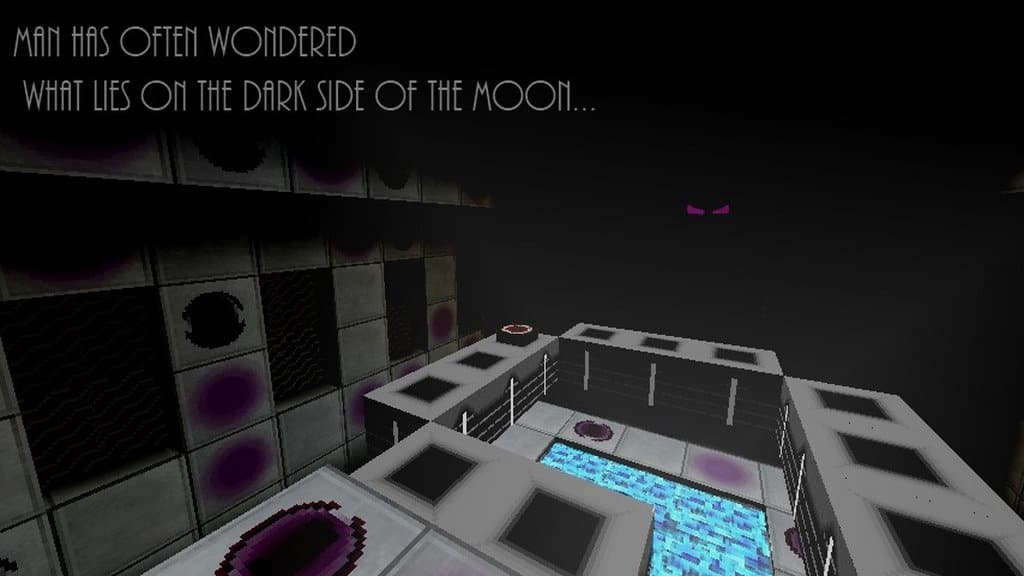
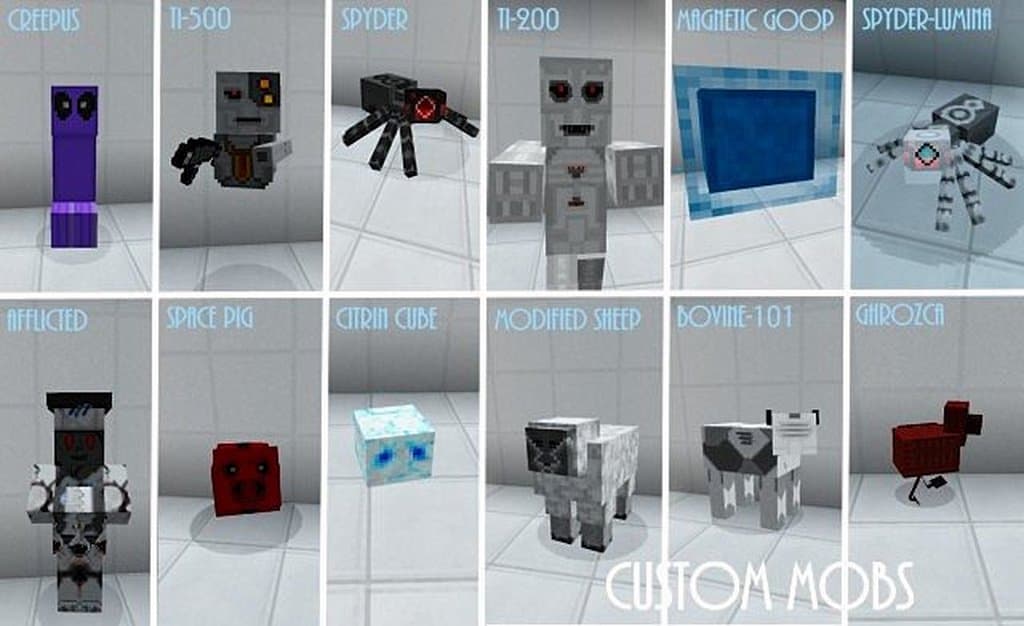
When you are wandering around in-game, you can look up to the sky and see other planets hanging much closer than they used to be, which adds an incredible atmospheric touch. Most of the textures are completely revamped too, looking as though they belong to a long-lost ancient civilization that feels almost too dangerous for the world above. There is something you should definitely know as a friendly warning: A New World hides a wonderfully frightening secret. All the monsters look the part in this sci-fi adventure, and I found fighting them genuinely thrilling. Everything, from spiders to creepers, looks like a terrifying mechanized version of itself. While they function as the exact same monsters underneath, this incredible aesthetic change makes them feel ten times deadlier and keeps you on your toes. With all of its amazing potential, this resource pack is the absolute best option for players who want to experience their own sci-fi flavored adventure, and I also found it fantastic for just messing around and building in Creative mode. By using the A New World resource pack, your Minecraft experience transforms into a wonderfully different, slightly scarier game that you will want to keep playing forever.
A New World should be compatible with all of these Minecraft versions: 1.12.2 – 1.12 – 1.11.2 – 1.11 – 1.10.2 – 1.10 – 1.9.4 – 1.9 – 1.8.9 – 1.8.8 – 1.8.1 – 1.8.6 – 1.8 – 1.7.10 – 1.7.9 – 1.7.4 – 1.7 – 1.6.4 – 1.6.2
Screenshots
How to Install Texture Pack (Simple 10 Steps)
- Download OptiFine: Most of the texture packs and shaders need OptiFine. That’s why, first download and install OptiFine for the version of Minecraft you want to play.
- Download the Texture Pack: Get the texture pack you want from the download section. Choose the version that works with your Minecraft and your PC’s performance.
- Open Minecraft Launcher: Start Minecraft using the official game launcher — or even TLauncher, if you use that.
- Go to Options: From the main menu, click on the “Options” button.
- Open Resource Packs: Inside Options, click on “Resource Packs…”.
- Open the Resource Pack Folder: Click on “Open Resource Pack Folder” — this will open a folder named “resourcepacks”.
- Move the Pack File: Copy or move the .zip file you downloaded into that “resourcepacks” folder. (Don’t unzip the file — Minecraft uses it as-is!)
- Go Back and Refresh: Close the folder and click “Done”, then go back into “Resource Packs…” again.
- Activate the Pack: You’ll see the pack on the left side. Hover over it and click the arrow to move it to the right (active side).
Tip: If you get a message that the pack is for a different version, just click “Yes” — it usually works fine. - Click Done and Enjoy: Click “Done” again. Now your pack is ready to use in-game. It’s that easy!
Credits
This resource pack was created by Scamper3396. We do not claim ownership of this creation and do not host modified files. All rights belong to the original author. We strongly recommend supporting Scamper3396 by downloading the pack from the official links provided below.
Download Links
Java Edition
Download Instructions
Curseforge: download starts automatically after a few seconds;
Mediafire: click the big blue button with the text “DOWNLOAD”;
Google Drive: in the top right corner you will see a small download icon (down arrow), click it and the download should start;


