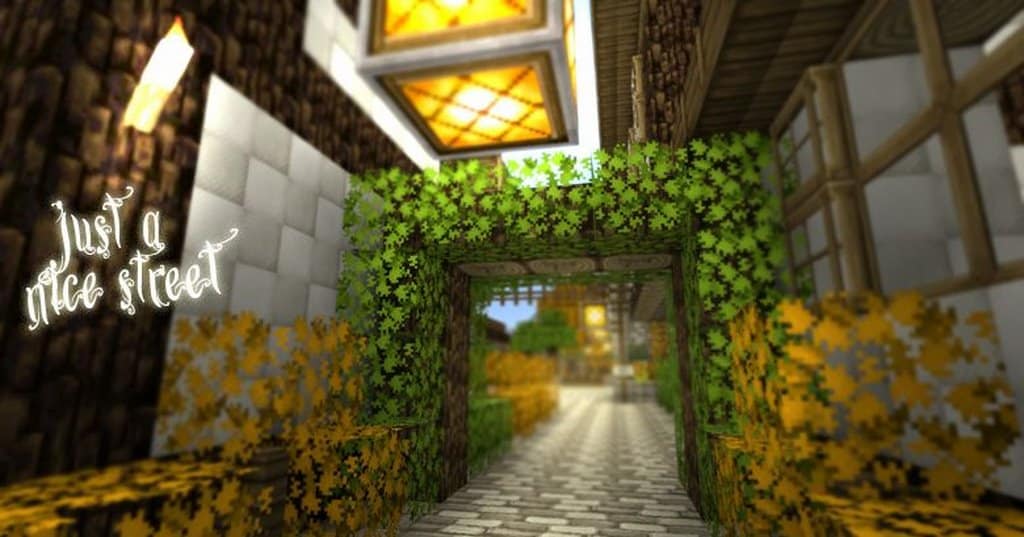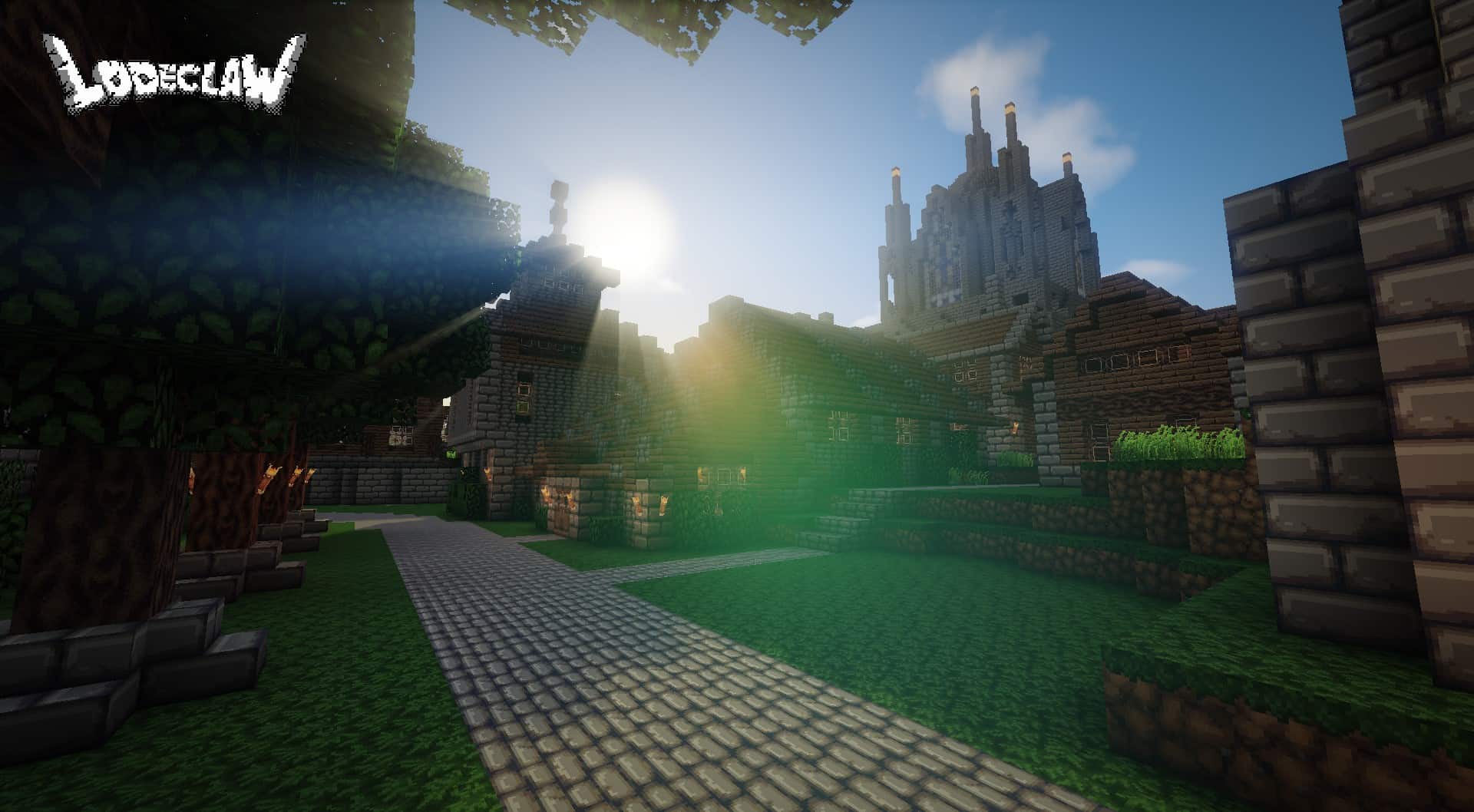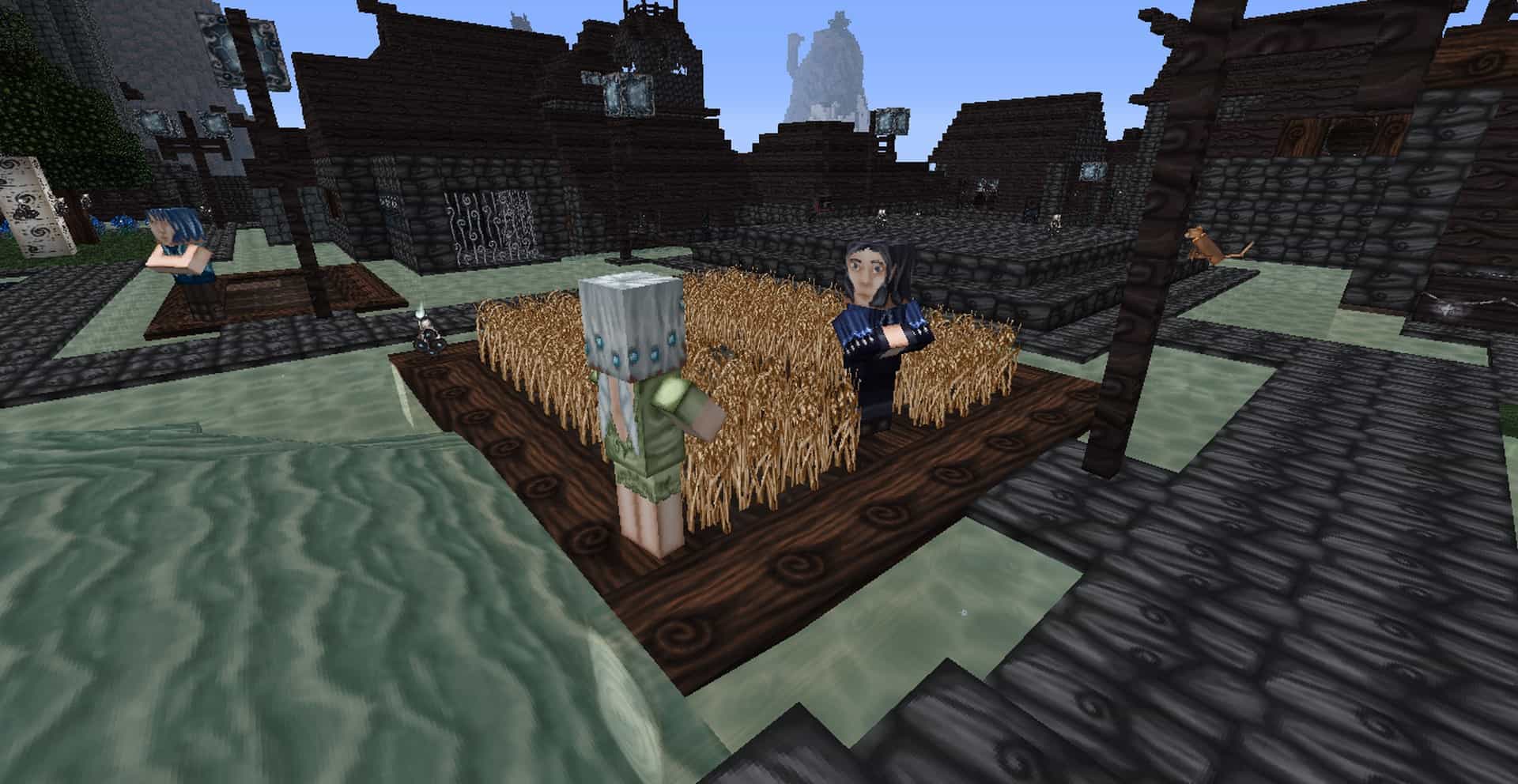
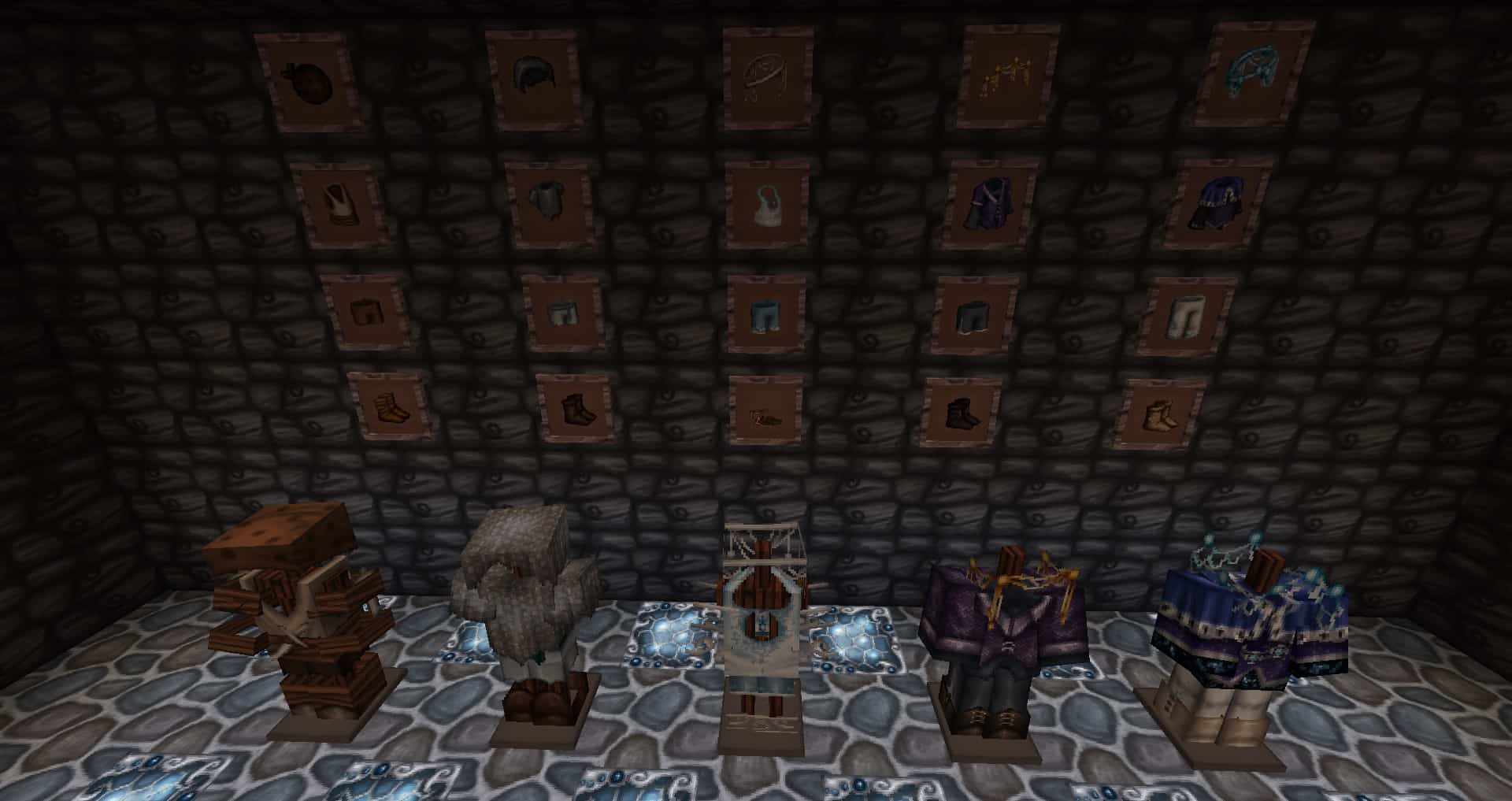
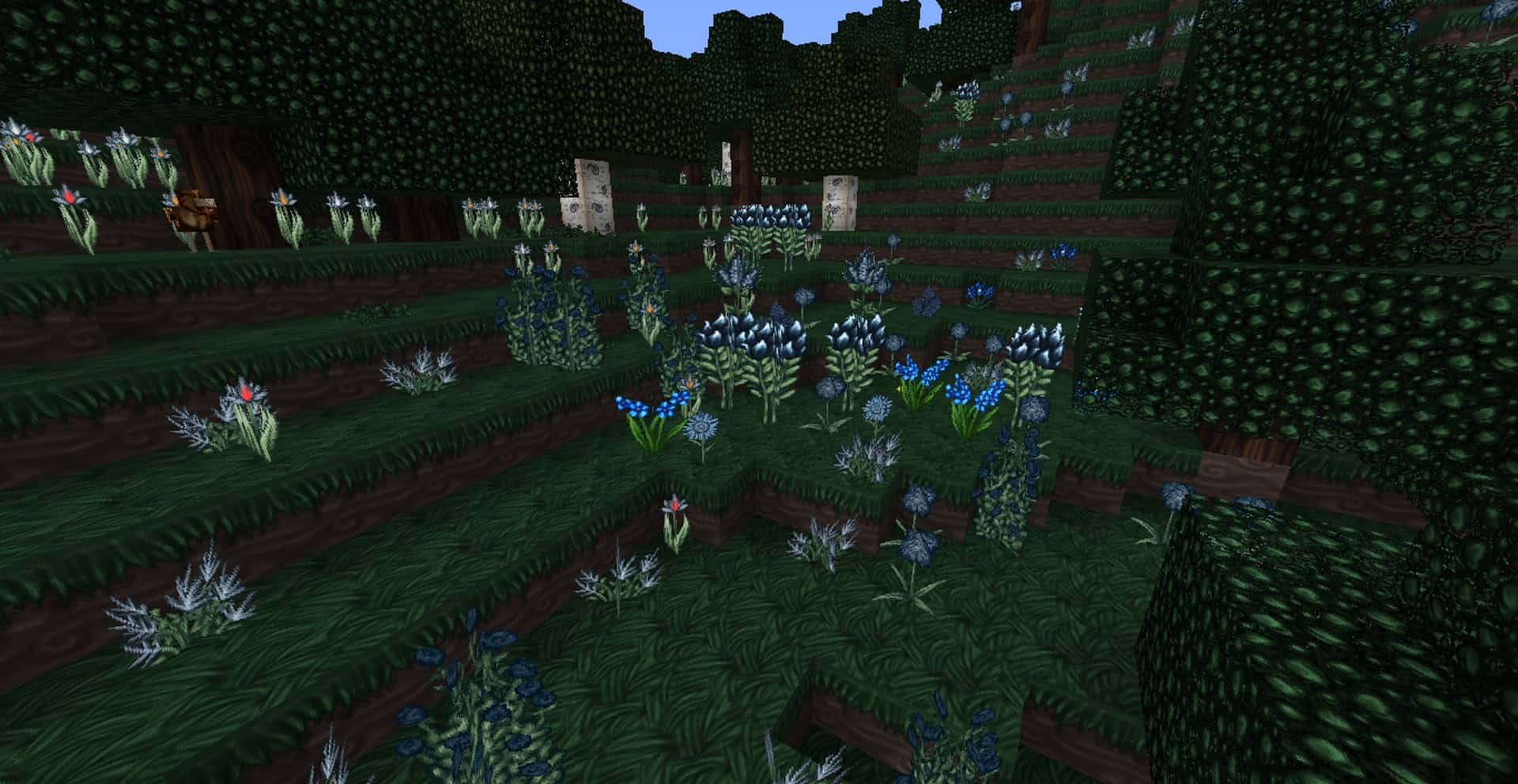
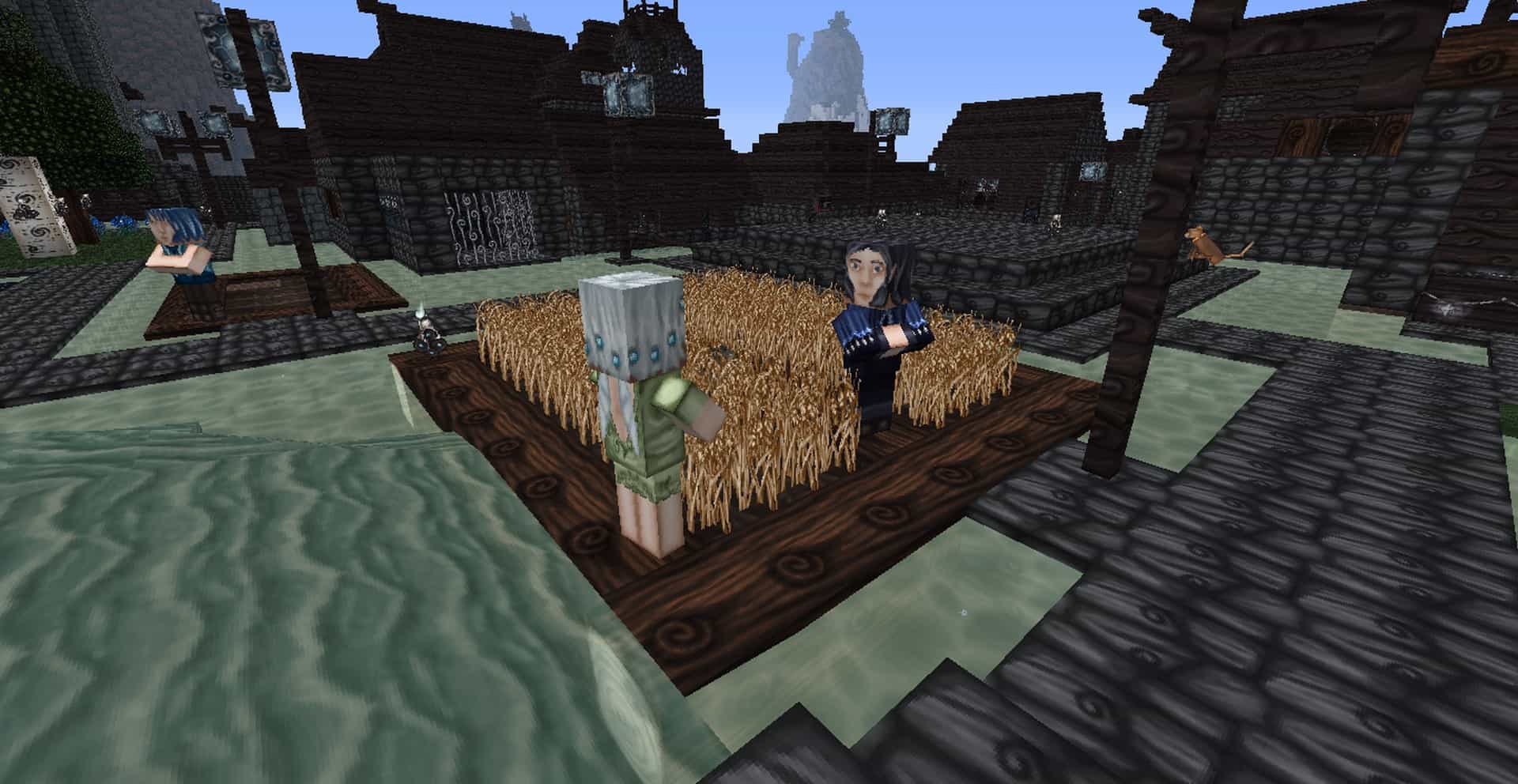
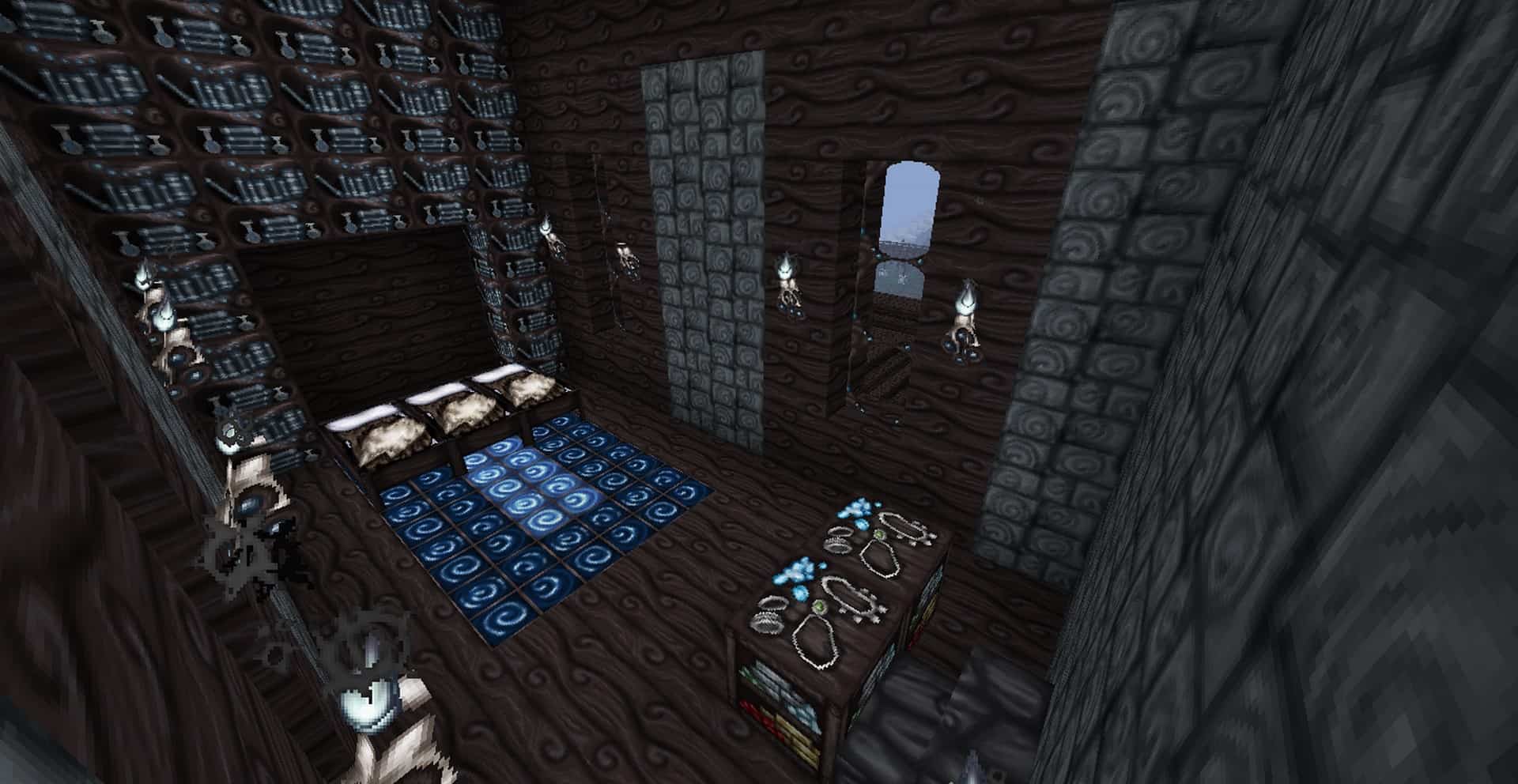
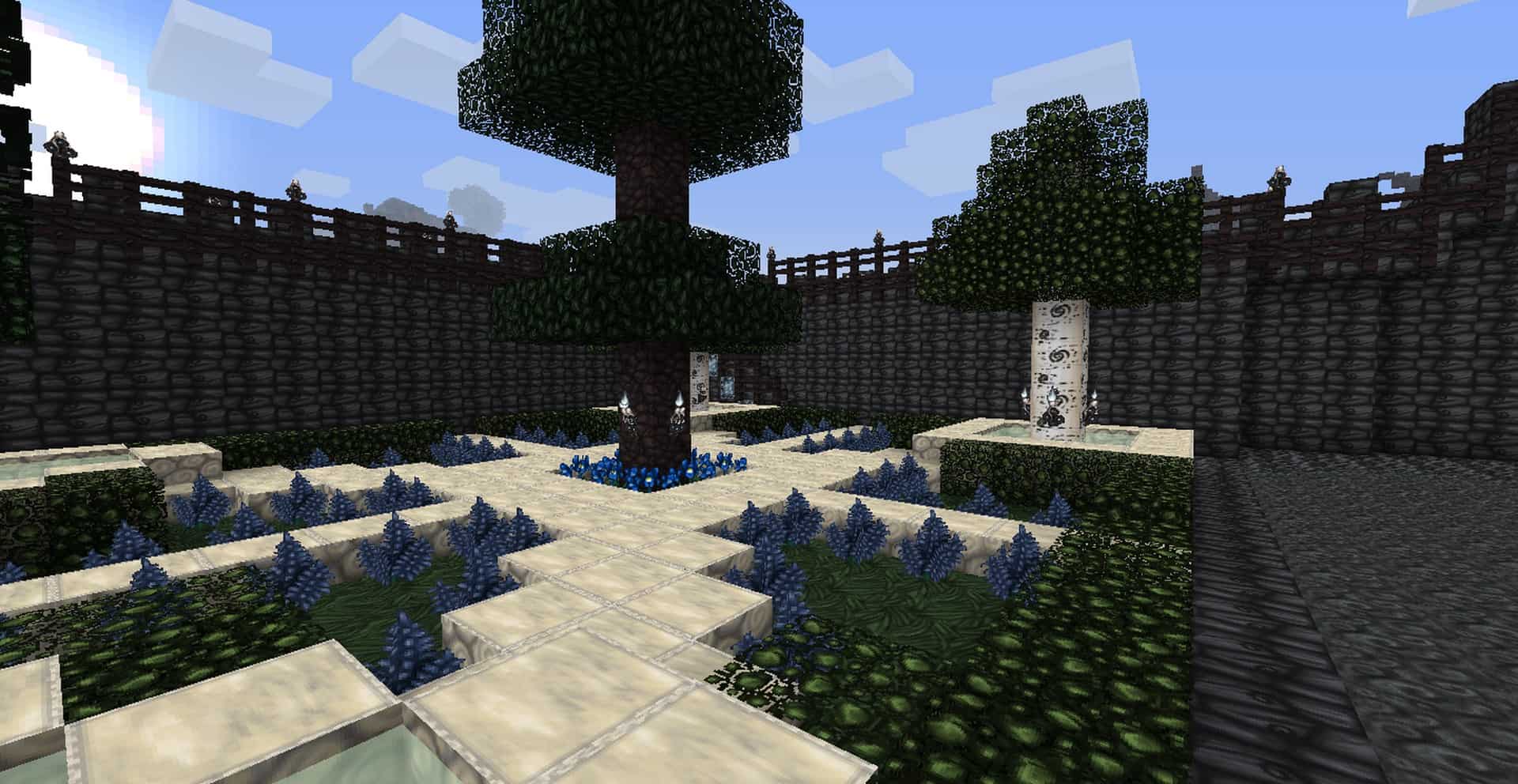
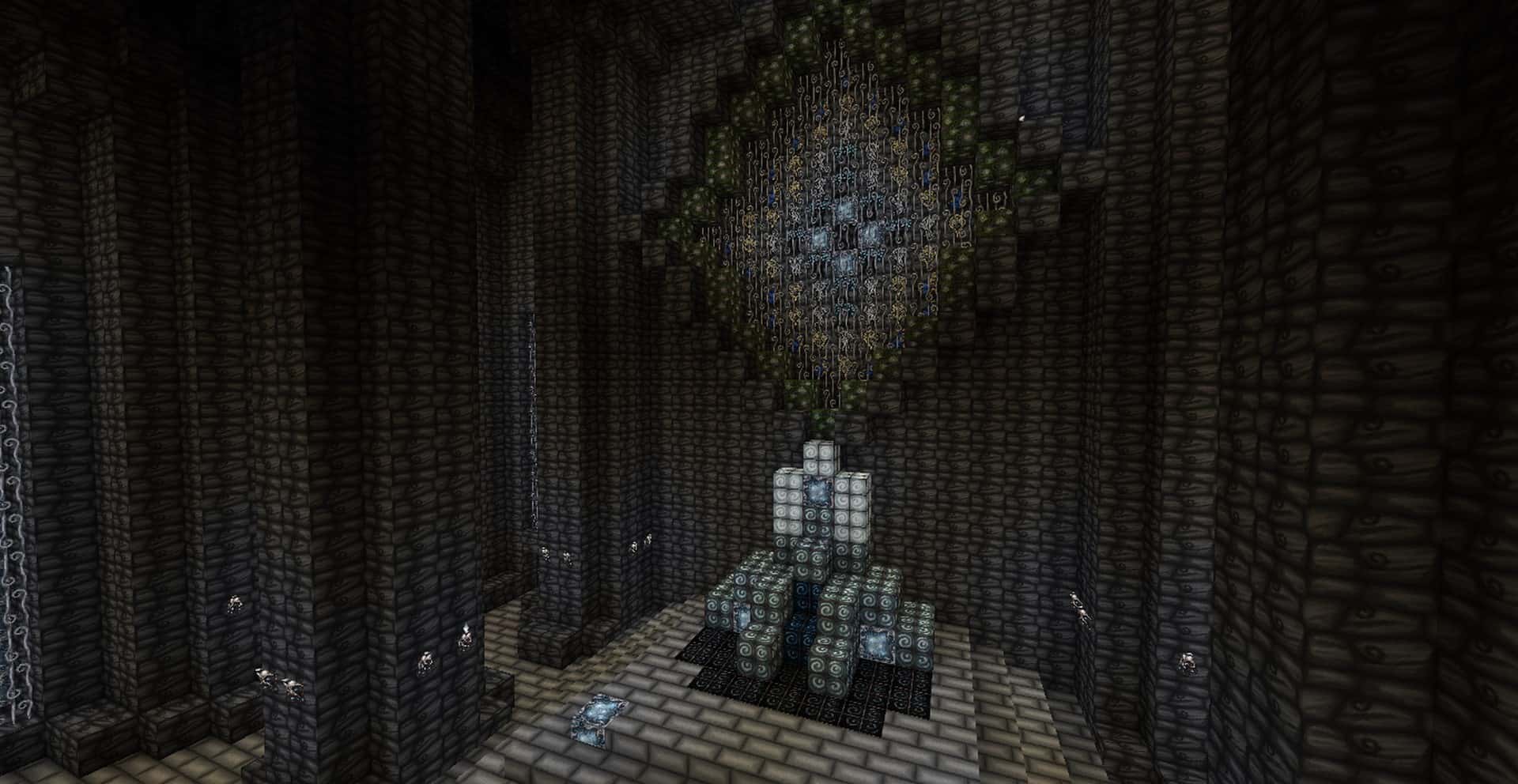
The original Wolfhound resource pack became so overwhelmingly popular that the author was naturally inspired to branch out and create wonderful new variations of the original pack. One of the absolute best variants of this popular release is the fantastic Wolfhound Fairy resource pack. What makes this pack so exceptional is that it features gorgeous hand-drawn texture designs with a crisp 64x resolution. It perfectly mirrors the resolution of the original pack and provides a delightfully seamless transition from the original to the Wolfhound Fairy variation. Every single detail woven into this pack works harmoniously to create a true visual feast for the eyes. The Wolfhound Fairy texture pack has been lovingly packed with intricate carvings and unique patterns in an effort to provide the experienced Minecraft player a fresh, exciting way to build and explore in the Minecraft world. Best of all, the Wolfhound Fairy resource pack has not completely transformed the game beyond recognition; it does not stray far from the original texture designs, meaning experienced players will still be able to easily figure out which item their avatar holds in their hand without ever getting confused.
The author of this resource pack’s handmade texture sketches truly make this pack unique and endearing. When testing it out, you can immediately tell that the items in the Wolfhound Fairy resource pack have been painstakingly drawn on a tablet or meticulously drawn and then scanned. Each item and texture design brilliantly trumpets the author’s dedication to this adaptation. Each block and tile has been elegantly crafted to sweetly flow into each other effortlessly. Be prepared for the Wolfhound Fairy resource pack to completely commandeer and alter your current theme, and expect your new theme to give off an utterly captivating, ominous vibe. The dark atmosphere and the medieval look genuinely make this theme appear wonderfully spooky. Spiraling stones and glowing items make everything appear genuinely magical, and the hand-drawn textures strongly reinforce this otherworldly impression. The Wolfhound Fairy resource pack gives Minecraft’s graphics a needed boost while somehow being able to keep the game looking familiar and classic. This is simply one of the many reasons that you should definitely download the pack and give it a whirl. Just keep in mind as a quick heads-up that you will not find any actual fairies roaming about in this game, as that is simply a fun name for the aesthetic!
Wolfhound Fairy should be compatible with all of these Minecraft versions: 26.2 – 26.1.2 – 26.1.1 – 26.1 – 1.21.11 – 1.21.10 – 1.21.9 – 1.21.8 – 1.21.7 – 1.21.6 – 1.21.5 – 1.21.4 – 1.21.3 – 1.21.2 – 1.21.1 – 1.21 – 1.20.6 – 1.20.5 – 1.20.4 – 1.20.3 – 1.20.2 – 1.20.1 – 1.20 – 1.19.4 – 1.19.3 – 1.19.2 – 1.19.1 – 1.19 – 1.18.2 – 1.18.1 – 1.18 – 1.17.1 – 1.17 – 1.16.5 – 1.16.4 – 1.16.3 – 1.16.2 – 1.16.1 – 1.16 – 1.15.2 – 1.15.1 – 1.15 – 1.14.4 – 1.14.3 – 1.14.2 – 1.14 – 1.13.2 – 1.13.1 – 1.13 – 1.12.2 – 1.12 – 1.11.2 – 1.11 – 1.10.2 – 1.10 – 1.9.4 – 1.9 – 1.8.9 – 1.8.8 – 1.8.1 – 1.8.6 – 1.8
Screenshots

How to Install Texture Pack (Simple 10 Steps)
- Download OptiFine: Most of the texture packs and shaders need OptiFine. That’s why, first download and install OptiFine for the version of Minecraft you want to play.
- Download the Texture Pack: Get the texture pack you want from the download section. Choose the version that works with your Minecraft and your PC’s performance.
- Open Minecraft Launcher: Start Minecraft using the official game launcher — or even TLauncher, if you use that.
- Go to Options: From the main menu, click on the “Options” button.
- Open Resource Packs: Inside Options, click on “Resource Packs…”.
- Open the Resource Pack Folder: Click on “Open Resource Pack Folder” — this will open a folder named “resourcepacks”.
- Move the Pack File: Copy or move the .zip file you downloaded into that “resourcepacks” folder. (Don’t unzip the file — Minecraft uses it as-is!)
- Go Back and Refresh: Close the folder and click “Done”, then go back into “Resource Packs…” again.
- Activate the Pack: You’ll see the pack on the left side. Hover over it and click the arrow to move it to the right (active side).
Tip: If you get a message that the pack is for a different version, just click “Yes” — it usually works fine. - Click Done and Enjoy: Click “Done” again. Now your pack is ready to use in-game. It’s that easy!
Credits
The Wolfhound Fairy Resource Pack was created by ThistlePack. All rights to the original assets, textures, and designs belong to the original author. We do not claim ownership of this modification and host these links for community convenience. We strongly encourage you to support the creator by downloading from official sources and checking out their other work.
Download Links
Java Edition
- [64x] Minecraft 26.2.x – 26.1.x
- [64x] Minecraft 1.21.x – 1.20.2
- [64x] Minecraft 1.20.1 – 1.20
- [64x] Minecraft 1.19.x – 1.18.x
- [64x] Minecraft 1.17.x
- [64x] Minecraft 1.16.x
- [64x] Minecraft 1.15.x
- [64x] Minecraft 1.14.x
- [64x] Minecraft 1.13.x
- [64x] Minecraft 1.12.x
- [64x] Minecraft 1.11.x
- [64x] Minecraft 1.10.x
- [64x] Minecraft 1.9.x
- [64x] Minecraft 1.8.x
Download Instructions
Curseforge: download starts automatically after a few seconds;
Mediafire: click the big blue button with the text “DOWNLOAD”;
Google Drive: in the top right corner you will see a small download icon (down arrow), click it and the download should start;