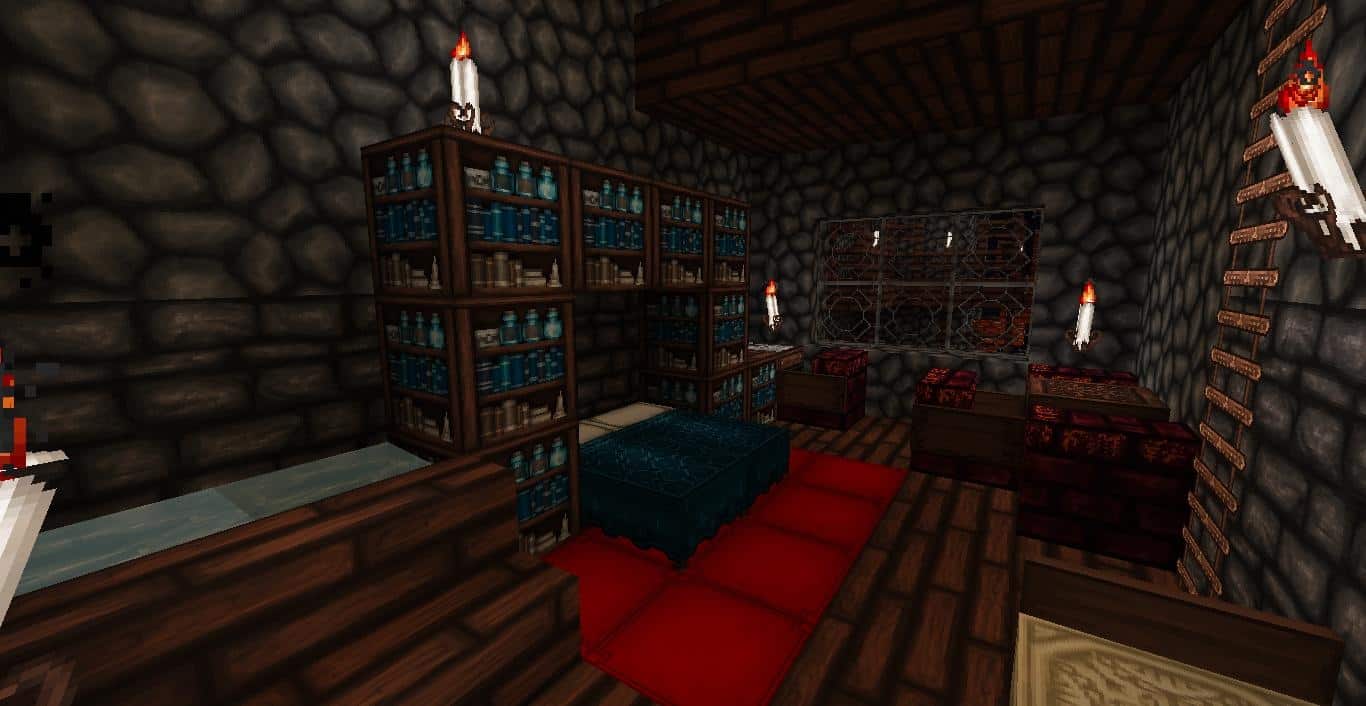
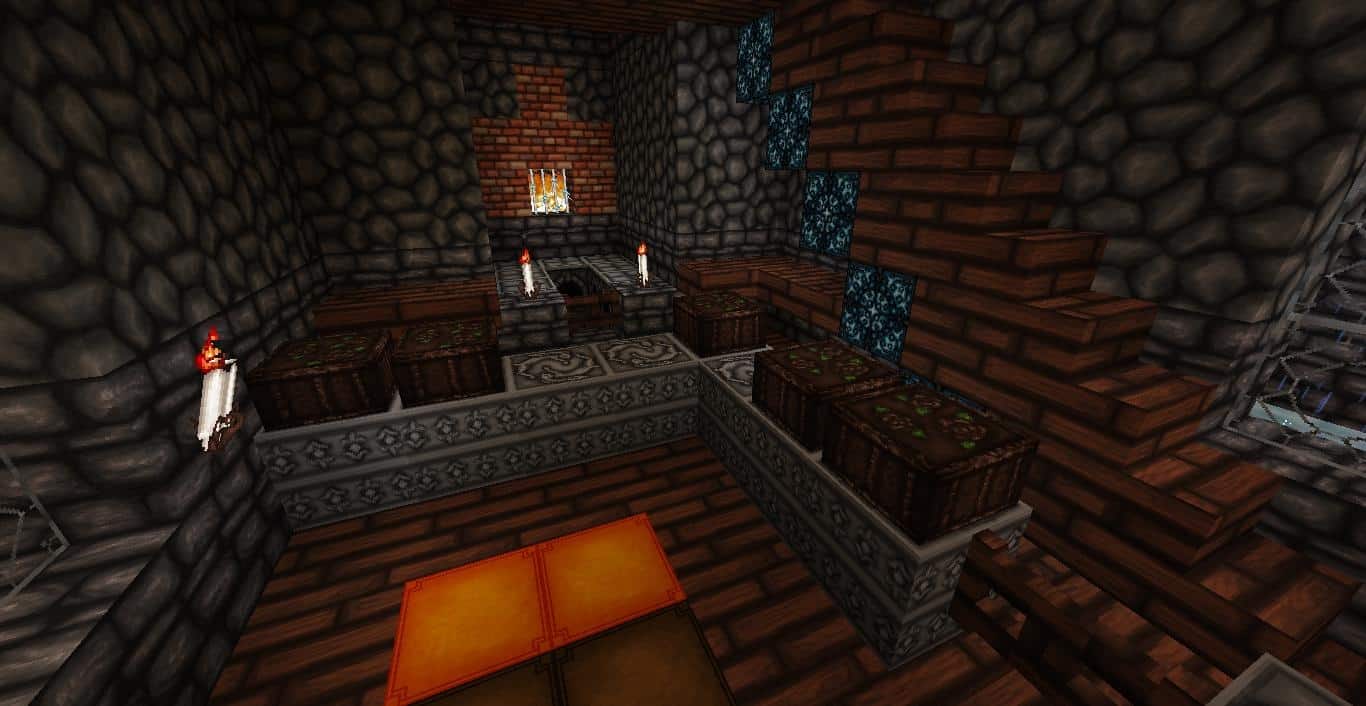
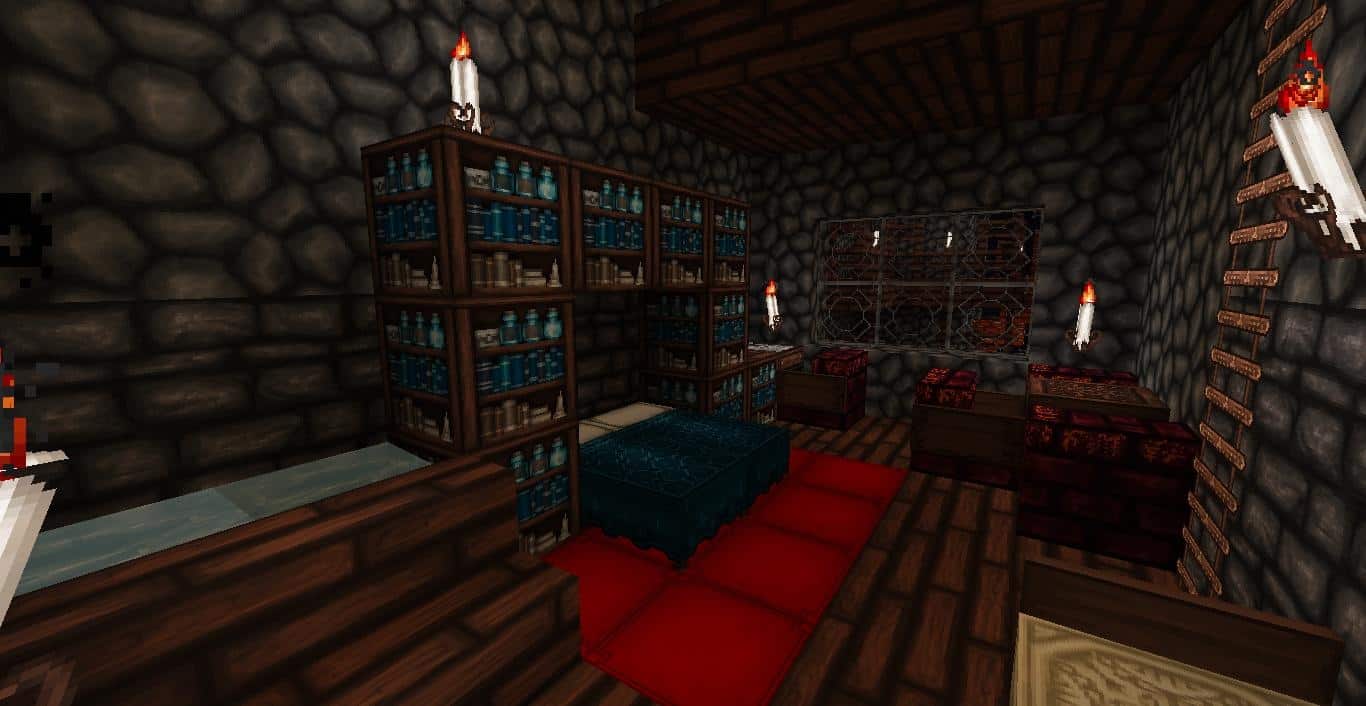
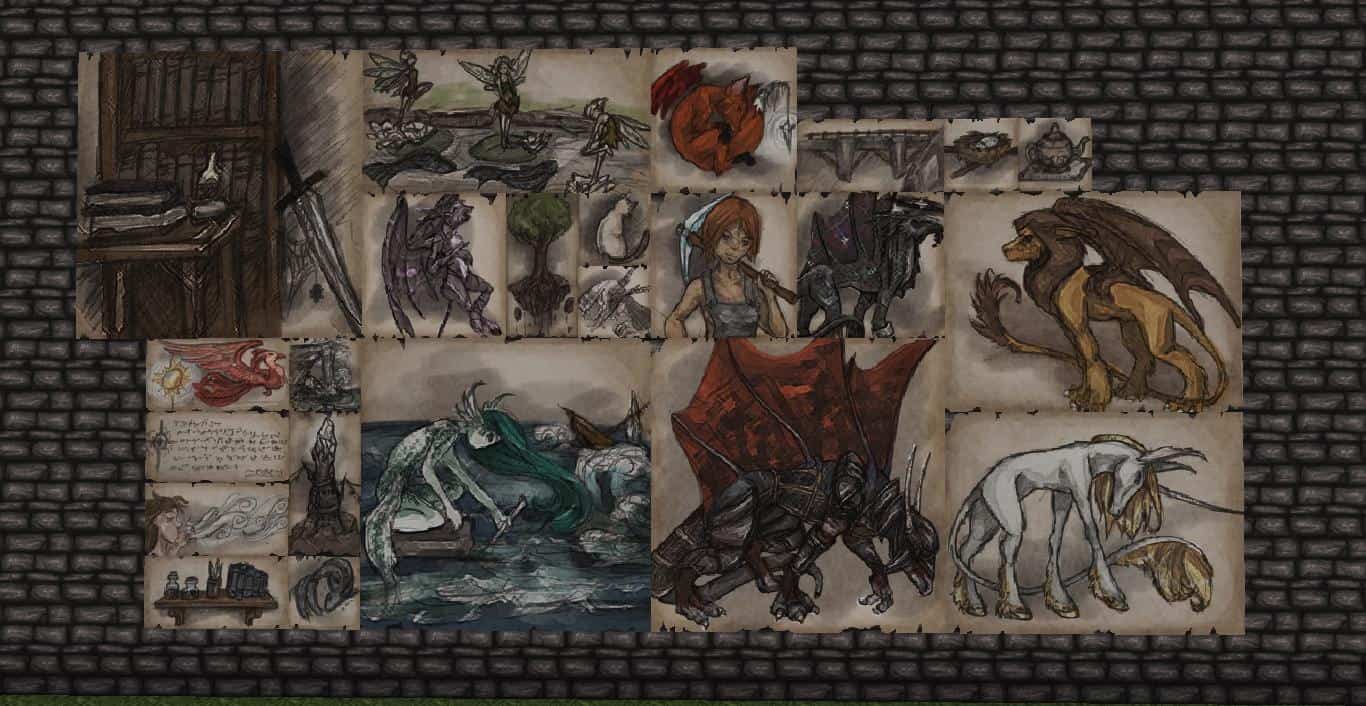
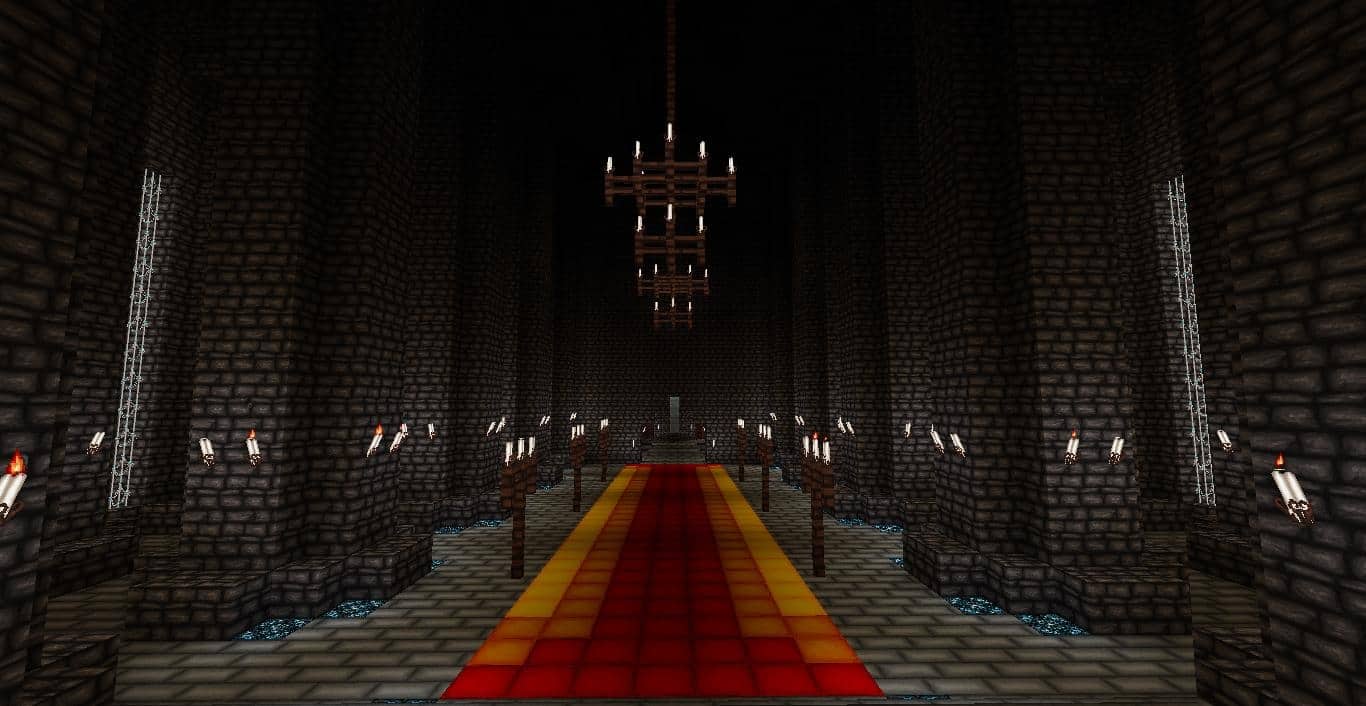
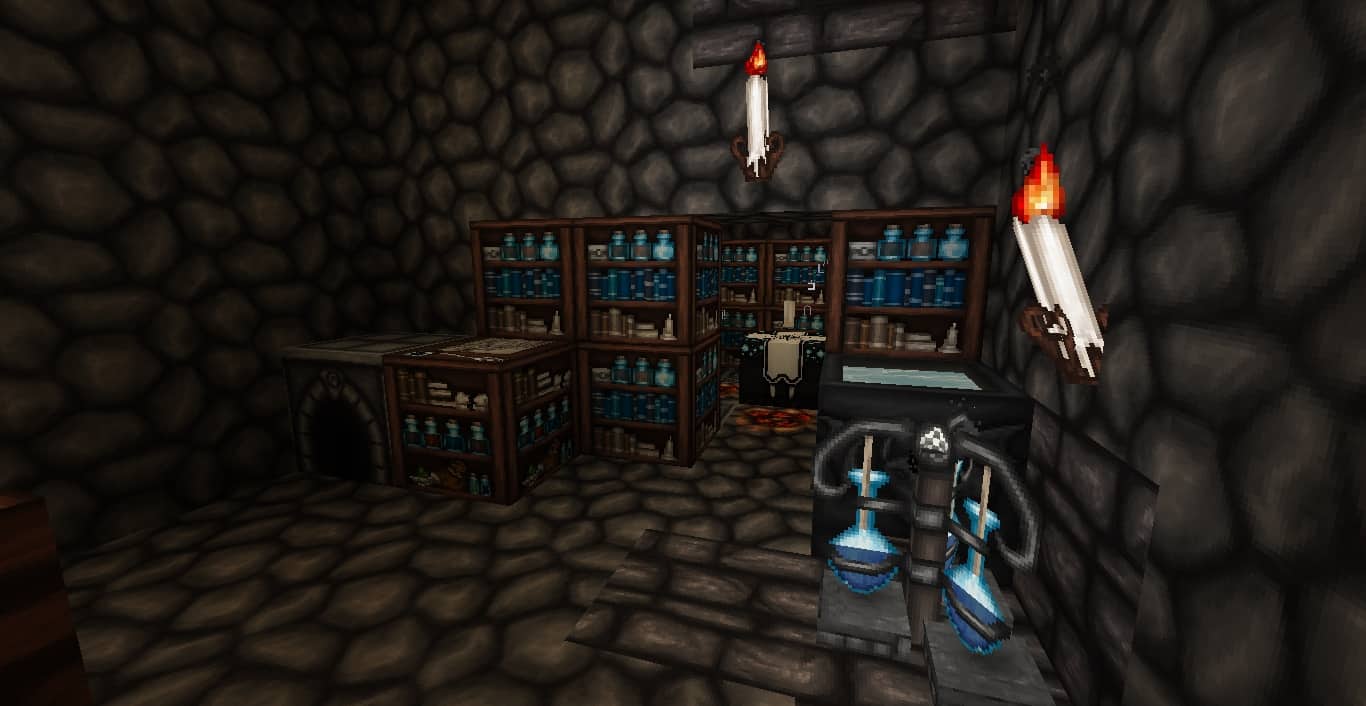
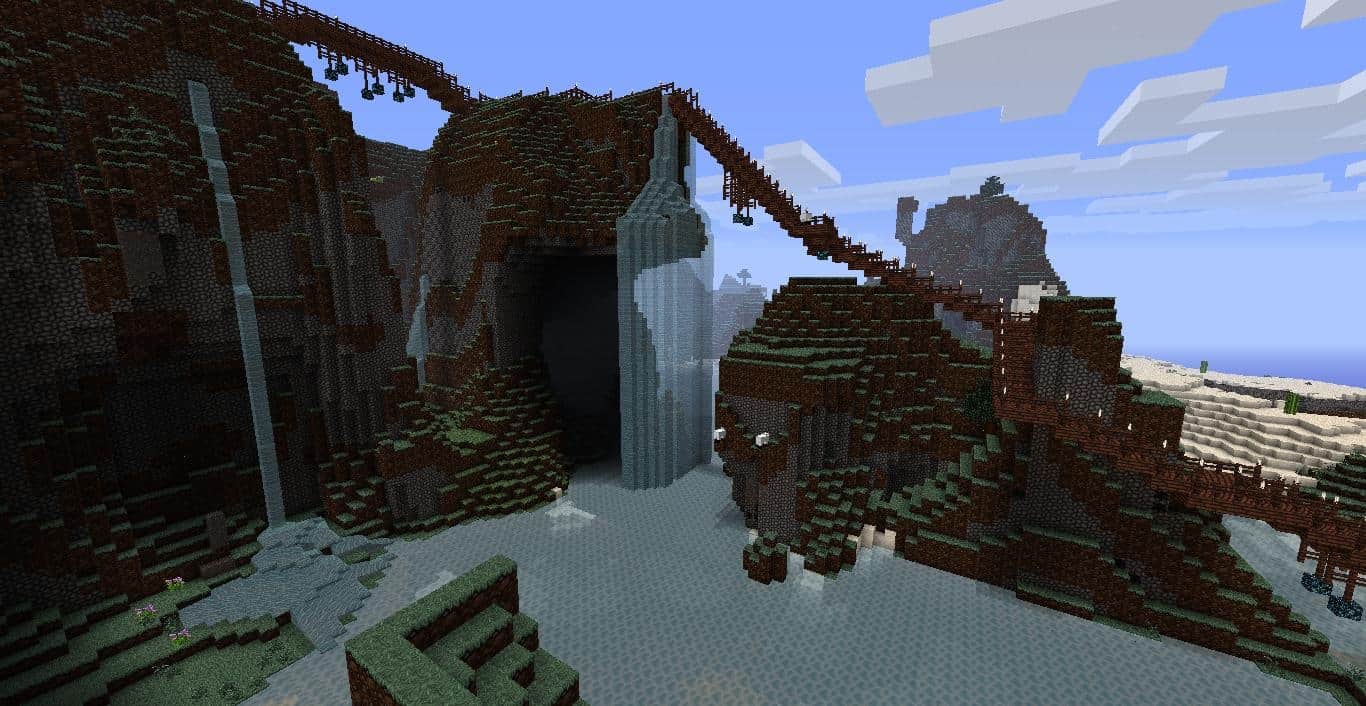
Have you ever found cave mining utterly exhausting while struggling to gaze through the grim darkness? How many times have you had to fight the urge of running through the sun-drenched fields? If you wish to see blooming white roses and peach during spring, the Wolfhound texture pack might be absolute perfection for what you need. This resource pack is wonderfully endowed with deep details, visual splendor, detailed carvings, and rich patterns. The Wolfhound resource pack still stays true to its original textures, meaning more experienced players won’t have a hard time grasping its utility. While it maintains a strong connection to authentic vanilla blocks and items, it brilliantly allows players who love to play in the dark to create and enjoy the game without being distressed by the gloominess whatsoever. An incredible fact about this pack is that it has been hand-tailored completely from scratch, proving that the developer took immense time to sketch, scan, and draw everything using a tablet.
The focus put into the various style options truly cannot be undervalued either. Offering half a dozen different variations preinstalled compared to somewhat basic Minecraft, the Wolfhound pack gives its users a fantastic opportunity to pick the exact visual appeal that suits their taste. You will find a wonderful selection of variants to choose from, with the most common ones including Asian, Fantasy, Fairy, Dungeon, and Heavenly styles. Surely, with such an amazing variety, every single player will easily find at least one aesthetic that catches their interest. Since switching between the variants is easily done just like transferring your texture files in and out of your resource pack folder, you will be startled by how effortlessly you can design a gorgeous gothic map with the aid of this pack. The 64x resolution is remarkably effective, as players using this pack will no longer have to worry about suffering an incapacitating low frame rate, or lagging out. Surprisingly, the Wolfhound set of textures comes equipped with a customizer which allows you to modify the variants and comfortably assemble something exclusively tailored for yourself, and honestly, not many resource packs allow you to do that!
Wolfhound should be compatible with all of these Minecraft versions: 26.2 – 26.1.2 – 26.1.1 – 26.1 – 1.21.11 – 1.21.10 – 1.21.9 – 1.21.8 – 1.21.7 – 1.21.6 – 1.21.5 – 1.21.4 – 1.21.3 – 1.21.2 – 1.21.1 – 1.21 – 1.20.6 – 1.20.5 – 1.20.4 – 1.20.3 – 1.20.2 – 1.20.1 – 1.20 – 1.19.4 – 1.19.3 – 1.19.2 – 1.19.1 – 1.19 – 1.18.2 – 1.18.1 – 1.18 – 1.17.1 – 1.17 – 1.16.5 – 1.16.4 – 1.16.3 – 1.16.2 – 1.16.1 – 1.16 – 1.15.2 – 1.15.1 – 1.15 – 1.14.4 – 1.14.3 – 1.14.2 – 1.14 – 1.13.2 – 1.13.1 – 1.13 – 1.12.2 – 1.12 – 1.11.2 – 1.11 – 1.10.2 – 1.10 – 1.9.4 – 1.9 – 1.8.9 – 1.8.8 – 1.8.1 – 1.8.6 – 1.8 – Bedrock Edition – PE
Screenshots

How to Install Texture Pack (Simple 10 Steps)
- Download OptiFine: Most of the texture packs and shaders need OptiFine. That’s why, first download and install OptiFine for the version of Minecraft you want to play.
- Download the Texture Pack: Get the texture pack you want from the download section. Choose the version that works with your Minecraft and your PC’s performance.
- Open Minecraft Launcher: Start Minecraft using the official game launcher — or even TLauncher, if you use that.
- Go to Options: From the main menu, click on the “Options” button.
- Open Resource Packs: Inside Options, click on “Resource Packs…”.
- Open the Resource Pack Folder: Click on “Open Resource Pack Folder” — this will open a folder named “resourcepacks”.
- Move the Pack File: Copy or move the .zip file you downloaded into that “resourcepacks” folder. (Don’t unzip the file — Minecraft uses it as-is!)
- Go Back and Refresh: Close the folder and click “Done”, then go back into “Resource Packs…” again.
- Activate the Pack: You’ll see the pack on the left side. Hover over it and click the arrow to move it to the right (active side).
Tip: If you get a message that the pack is for a different version, just click “Yes” — it usually works fine. - Click Done and Enjoy: Click “Done” again. Now your pack is ready to use in-game. It’s that easy!
Credits
Credits: The Wolfhound Resource Pack was originally created by ThistlePack. We do not claim ownership of this content, nor have we modified the original download files. We highly recommend supporting the original creator by downloading the pack from their official links and checking out their other projects.
Download Links
Java Edition
- [64x] Minecraft 26.2.x – 26.1.x
- [64x] Minecraft 1.21.x – 1.20.2
- [64x] Minecraft 1.20.1 – 1.20
- [64x] Minecraft 1.19.x – 1.18.x
- [64x] Minecraft 1.17.x
- [64x] Minecraft 1.16.x
- [64x] Minecraft 1.15.x
- [64x] Minecraft 1.14.x
- [64x] Minecraft 1.13.x
- [64x] Minecraft 1.12.x
- [64x] Minecraft 1.11.x
- [64x] Minecraft 1.10.x – 1.9.x
- [64x] Minecraft 1.8.x
Bedrock Edition
Download Instructions
Curseforge: download starts automatically after a few seconds;
Mediafire: click the big blue button with the text “DOWNLOAD”;
Google Drive: in the top right corner you will see a small download icon (down arrow), click it and the download should start;


