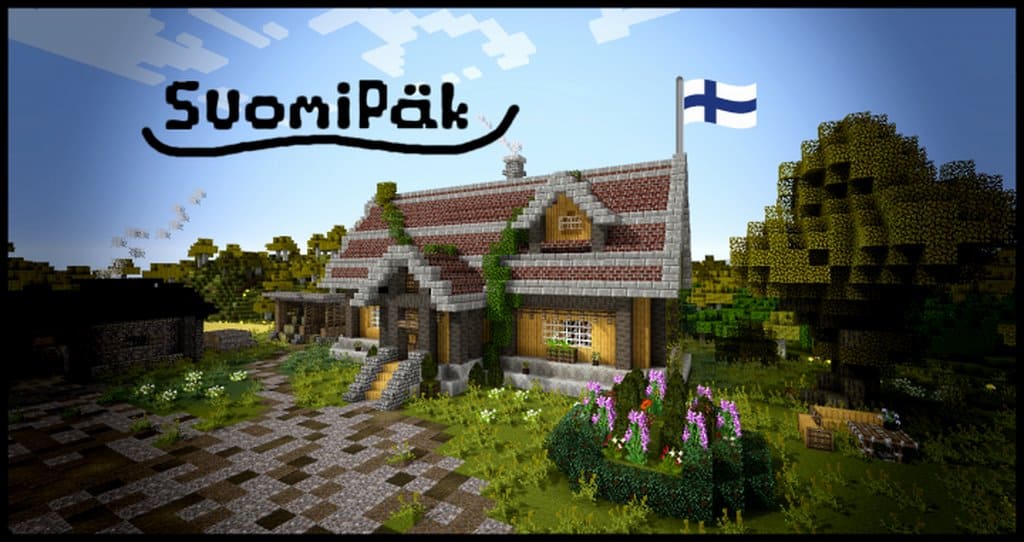
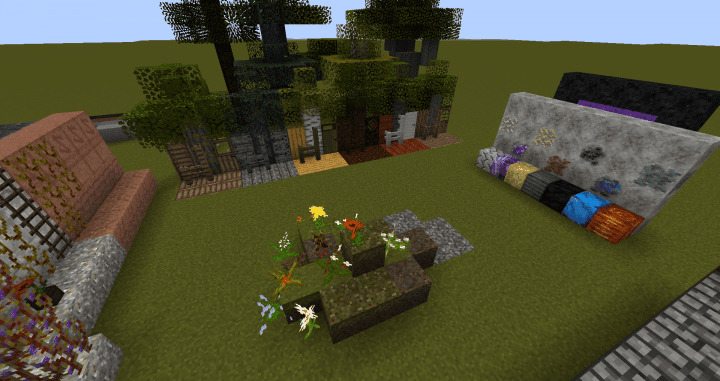
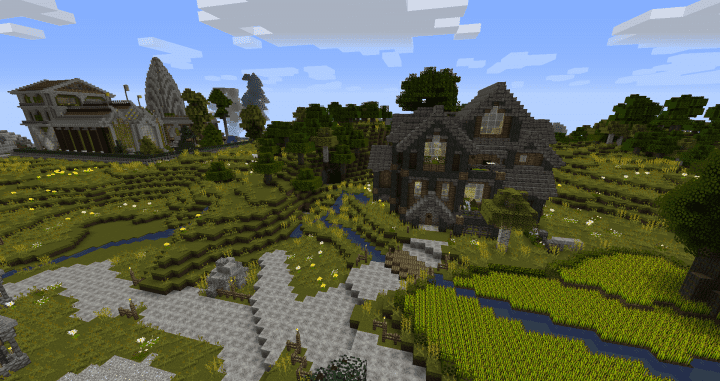
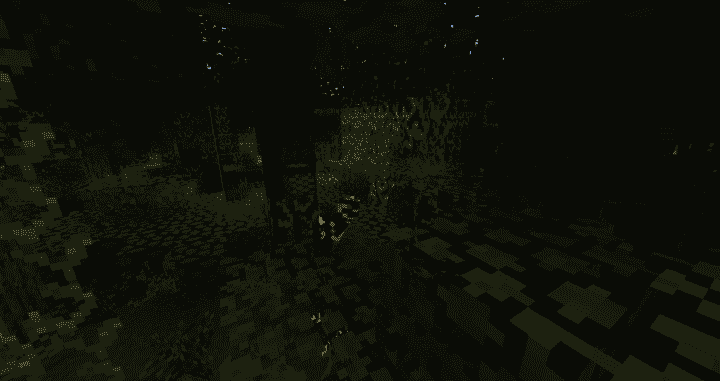
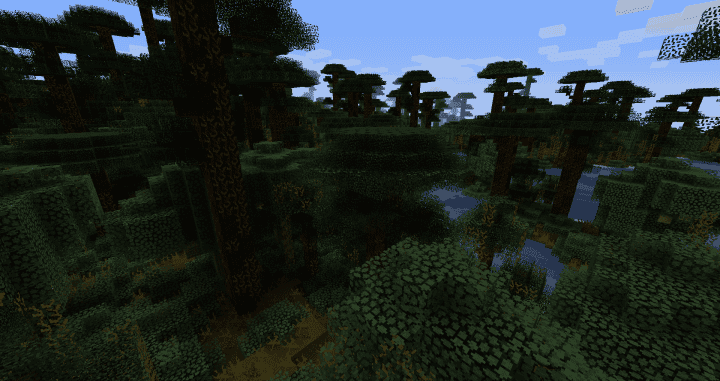
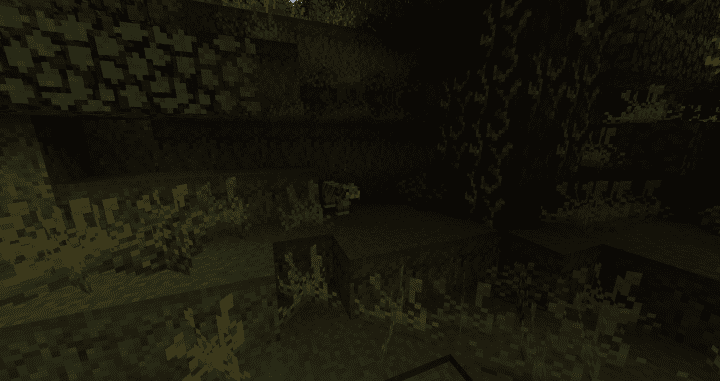
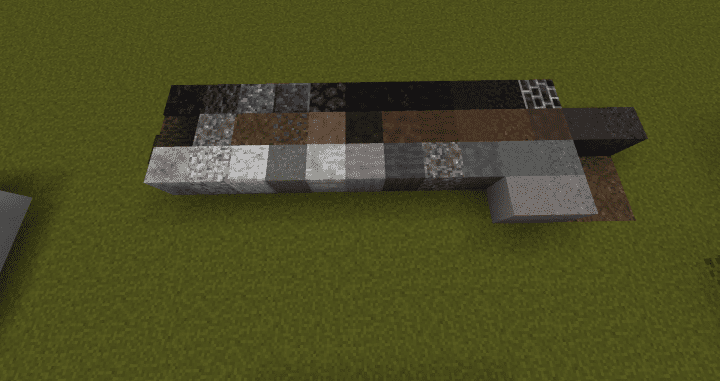
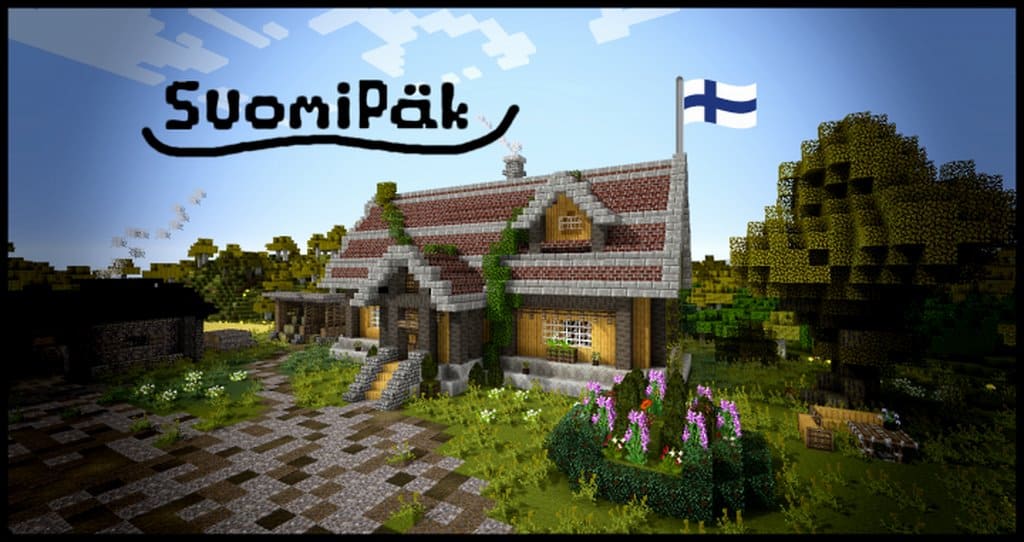
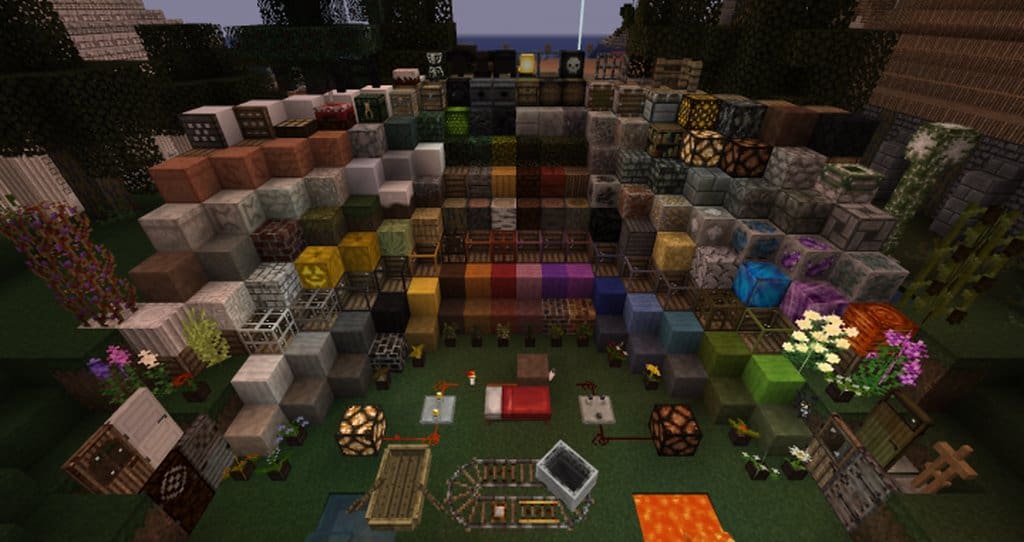
When we are talking about brand new resource packs in Minecraft which have incredibly unique settings that haven’t been seen in a very long time, the SuomiPäk resource pack is the absolute first one that pops into our mind. The reason for that is the fantastic fact that this pack has been developed in a way that its design looks exactly like Suomi/Finland, and saying that the developers did a great job would honestly be a huge understatement. Not only did this pack manage to replicate this gorgeous Nordic country, but they also did it in a surprisingly realistic way. It is also well worth mentioning that SuomiPäk used other packs as inspiration, so if you happen to notice some neat similarities with Beyond Lands, Conquest, and John Smith, do not worry at all, because it is definitely not a coincidence. As soon as you apply the pack and enter the game, SuomiPäk immediately shows you why it has received so many overwhelmingly positive reviews. It features exceptionally detailed textures, and as we stated earlier, it has a pretty stunning and realistic art style that you will love exploring.
Also, another amazing reason why this resource pack brings the whole game to another level is the fact that the aforementioned textures do not have any noise in them, so when you combine that with the incredible level of detail they possess, it becomes crystal clear why the game runs so smoothly and why players are becoming even more captivated by exploring Minecraft’s vast world. Another thing worth pointing out is that the colors in this pack are not exactly vibrant like the ones you are normally used to when it comes to default Minecraft. So, if you are not the biggest fan of darker palettes, maybe SuomiPäk is not for you. However, if these moody dark colors do not bother you, or if they are irrelevant to you completely, make sure to give SuomiPäk a chance, as you definitely will not be disappointed by what it offers. The textures included in this pack have a classic resolution of 16×16, meaning you can easily run SuomiPäk on basically every single PC as long as it is able to run Vanilla Minecraft at a decent framerate.
SuomiPäk should be compatible with all of these Minecraft versions: 1.12.2 – 1.12 – 1.11.2 – 1.11
Screenshots
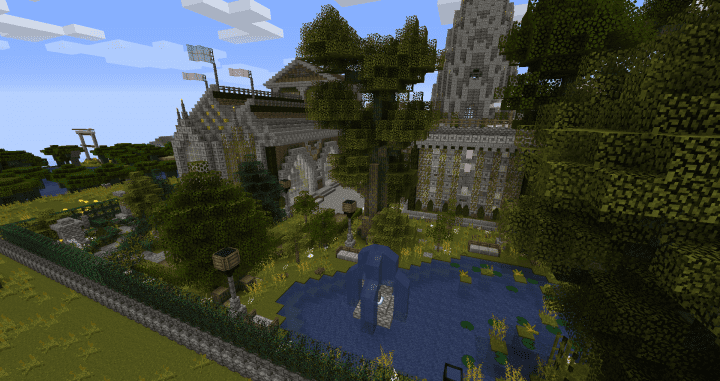
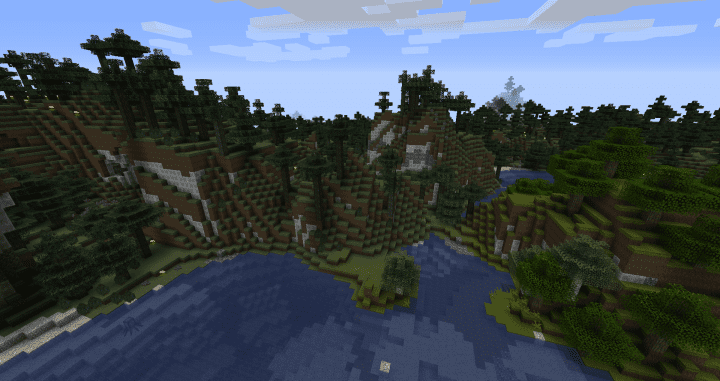
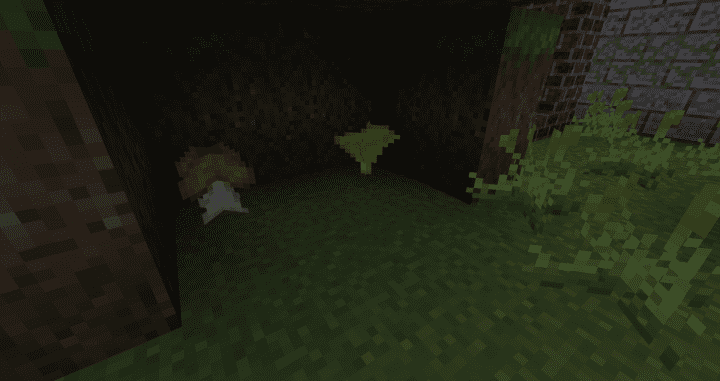
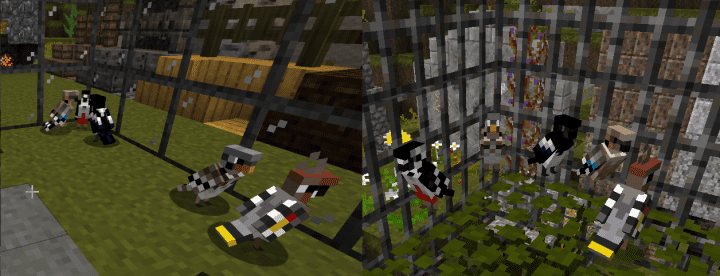

How to Install Texture Pack (Simple 10 Steps)
- Download OptiFine: Most of the texture packs and shaders need OptiFine. That’s why, first download and install OptiFine for the version of Minecraft you want to play.
- Download the Texture Pack: Get the texture pack you want from the download section. Choose the version that works with your Minecraft and your PC’s performance.
- Open Minecraft Launcher: Start Minecraft using the official game launcher — or even TLauncher, if you use that.
- Go to Options: From the main menu, click on the “Options” button.
- Open Resource Packs: Inside Options, click on “Resource Packs…”.
- Open the Resource Pack Folder: Click on “Open Resource Pack Folder” — this will open a folder named “resourcepacks”.
- Move the Pack File: Copy or move the .zip file you downloaded into that “resourcepacks” folder. (Don’t unzip the file — Minecraft uses it as-is!)
- Go Back and Refresh: Close the folder and click “Done”, then go back into “Resource Packs…” again.
- Activate the Pack: You’ll see the pack on the left side. Hover over it and click the arrow to move it to the right (active side).
Tip: If you get a message that the pack is for a different version, just click “Yes” — it usually works fine. - Click Done and Enjoy: Click “Done” again. Now your pack is ready to use in-game. It’s that easy!
Credits
This resource pack was originally created by Maisa. We do not claim ownership of this content, nor have we modified the download files. All rights belong to the original author, and we strongly encourage supporting their work.
Download Links
Java Edition
Download Instructions
Curseforge: download starts automatically after a few seconds;
Mediafire: click the big blue button with the text “DOWNLOAD”;
Google Drive: in the top right corner you will see a small download icon (down arrow), click it and the download should start;


