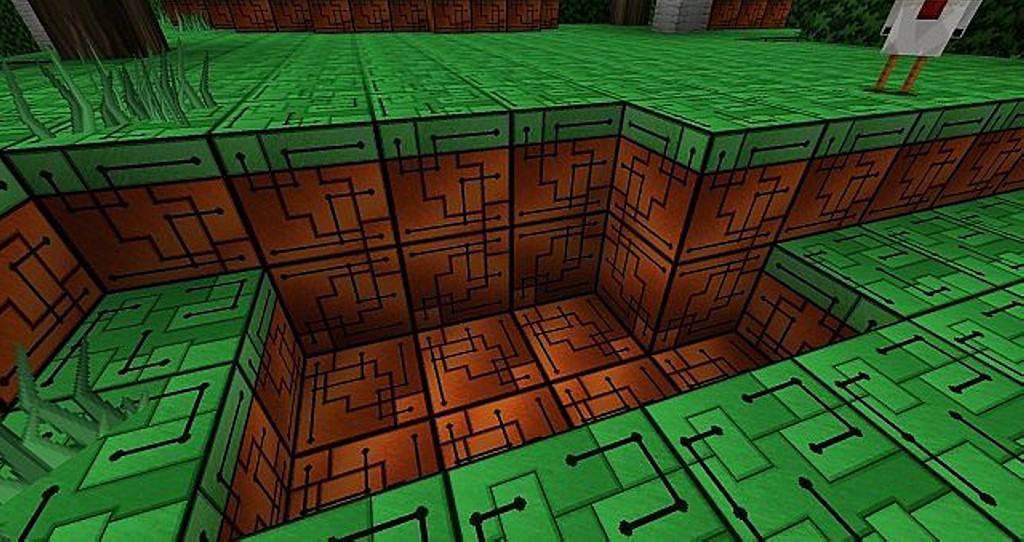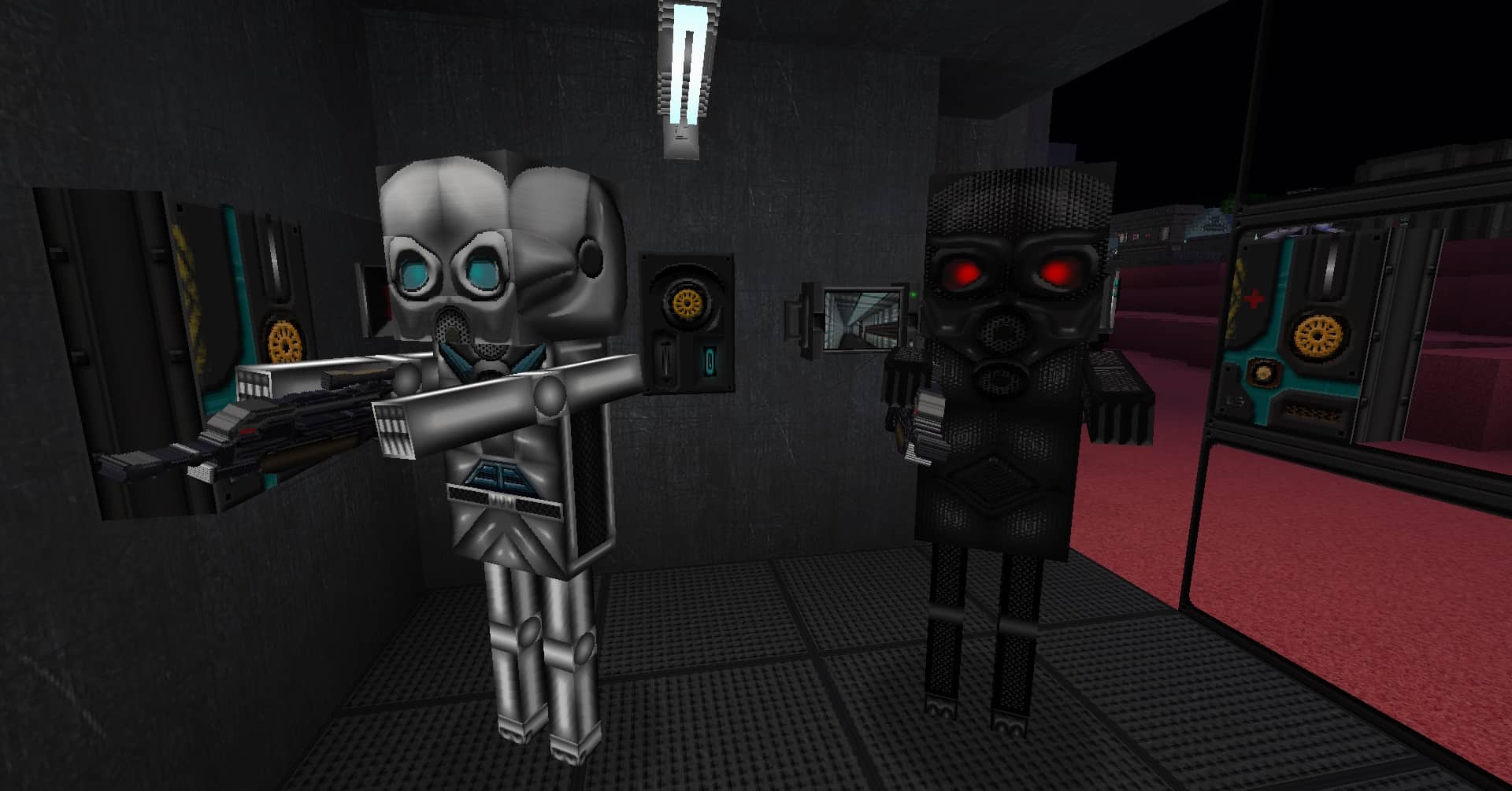
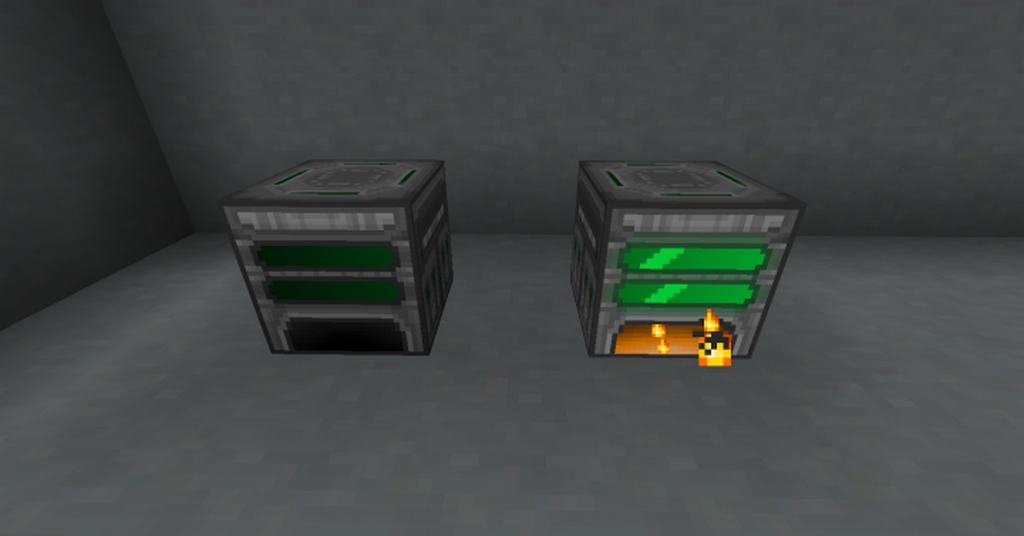
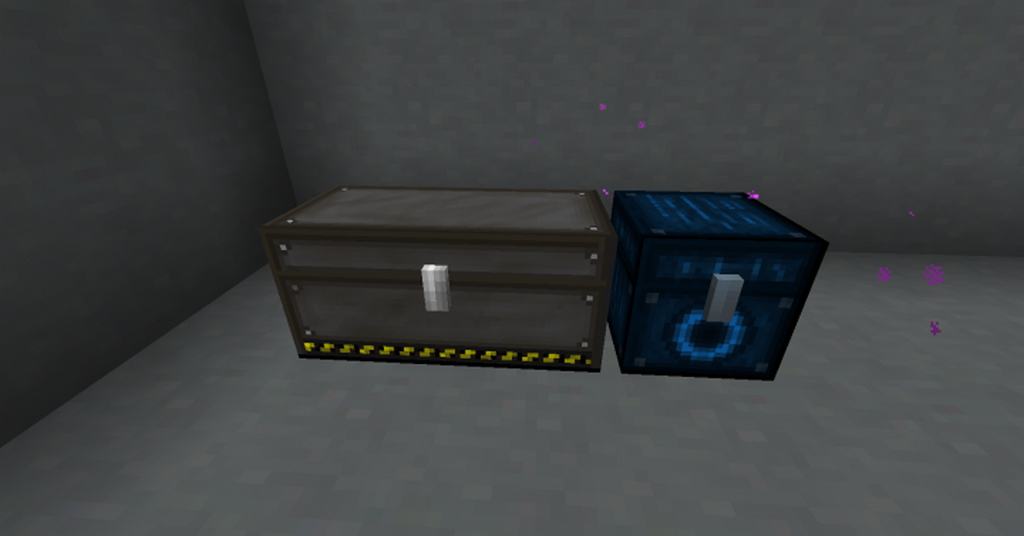
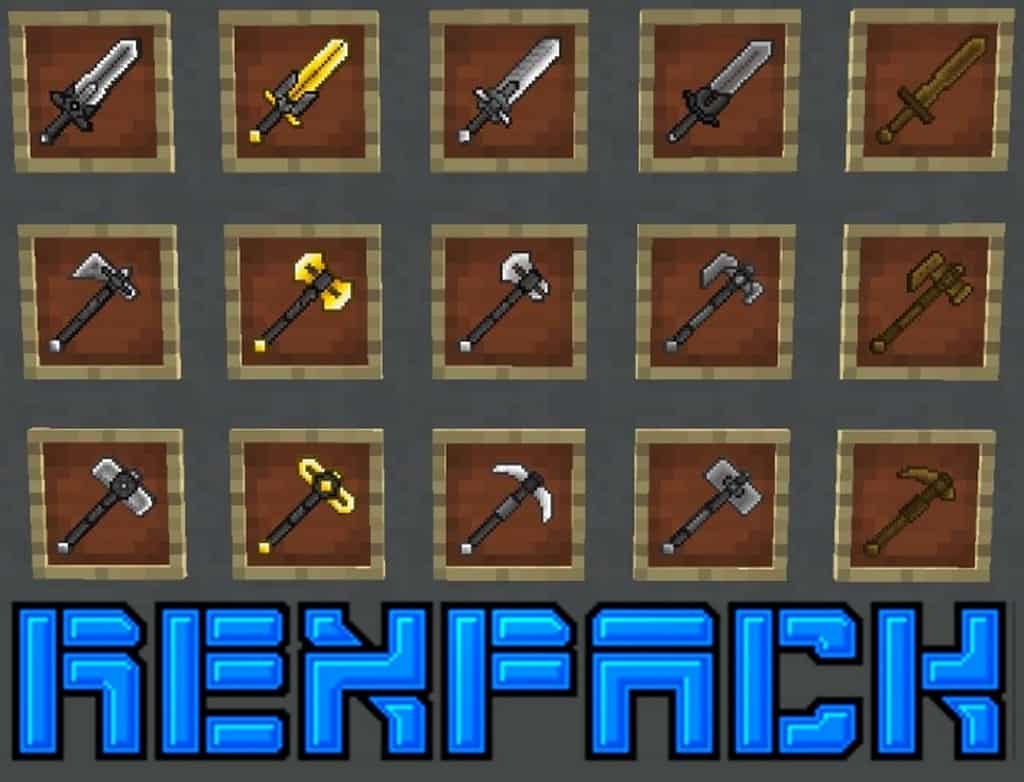
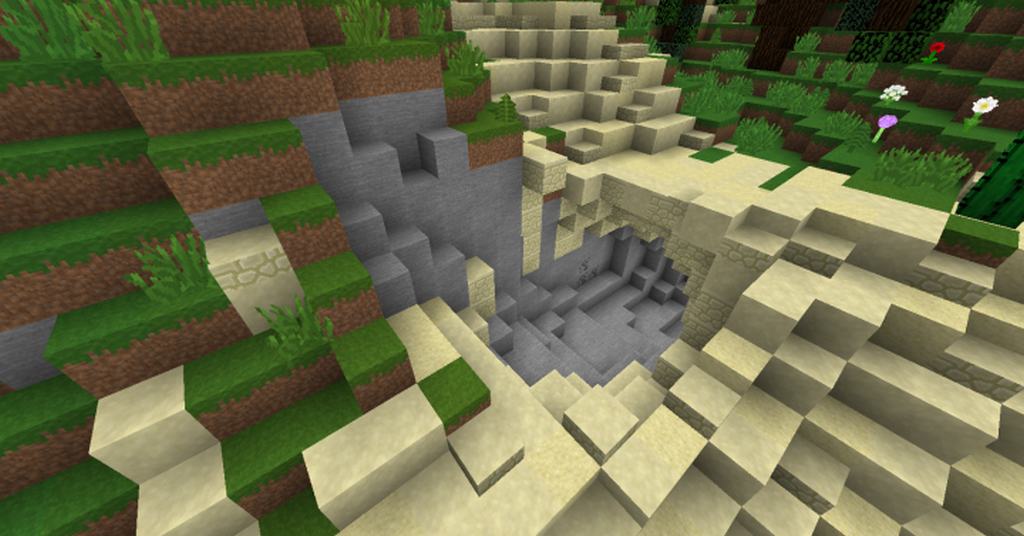
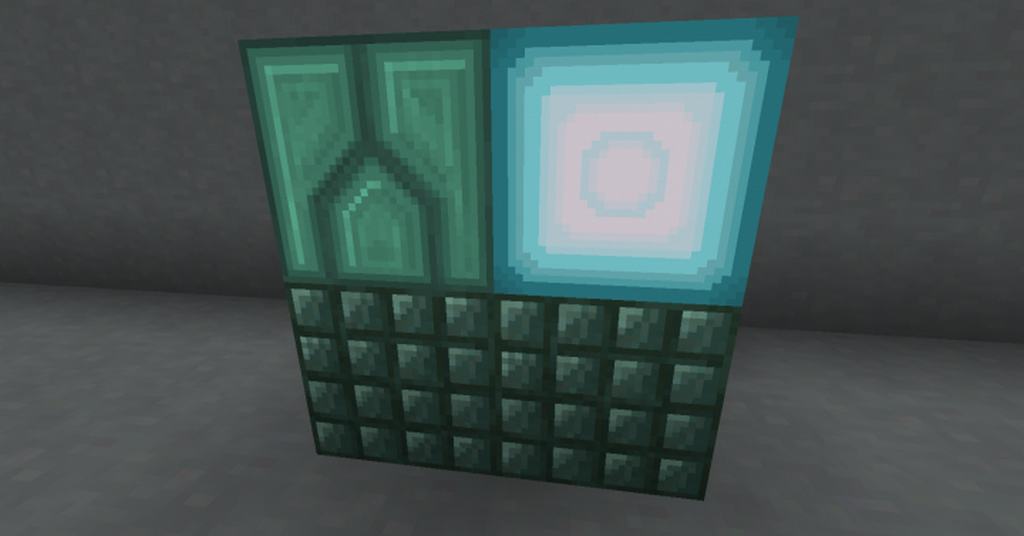
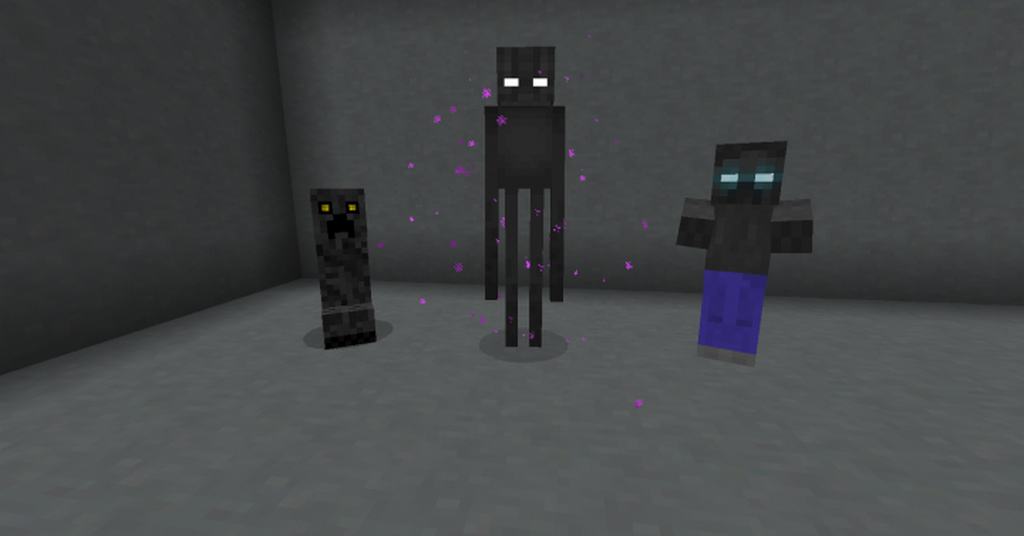
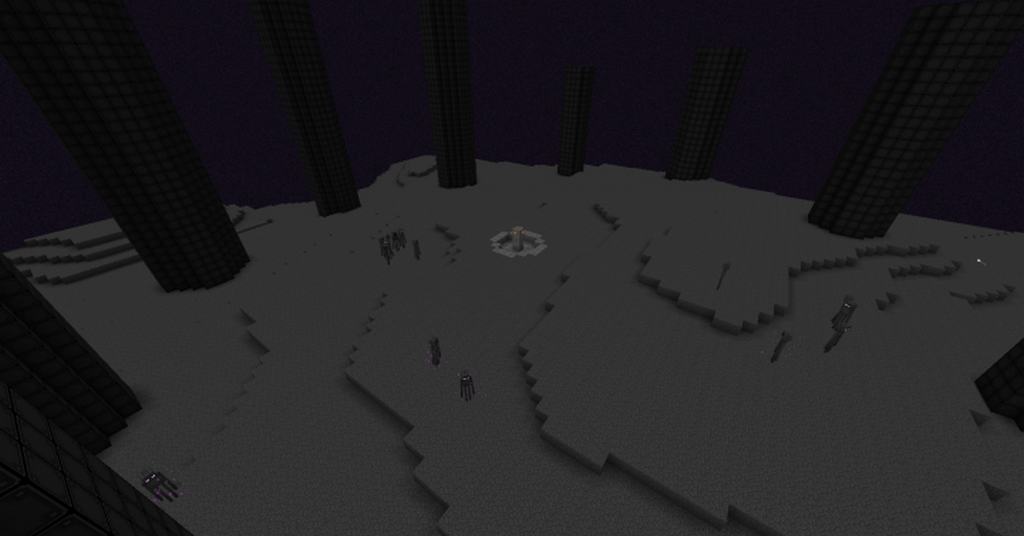
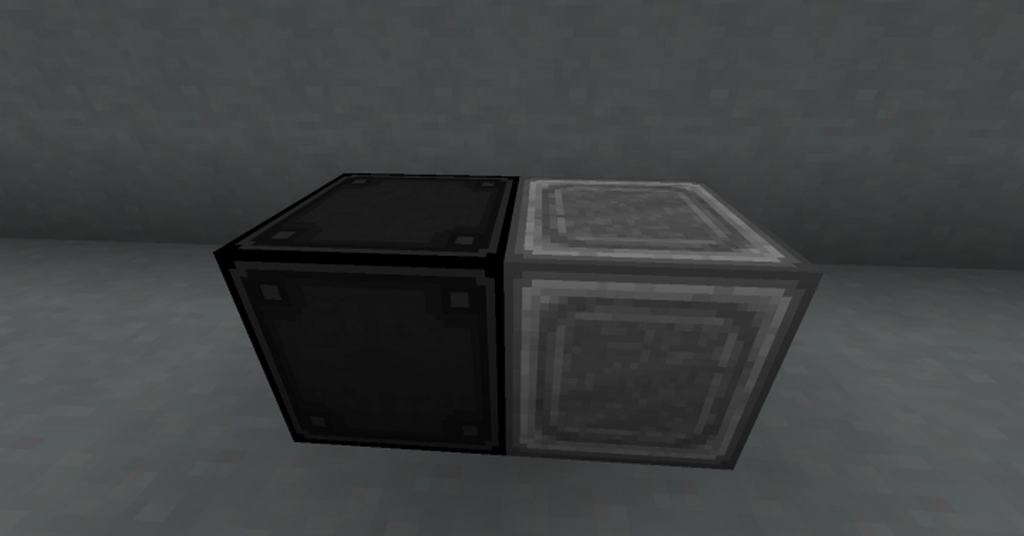
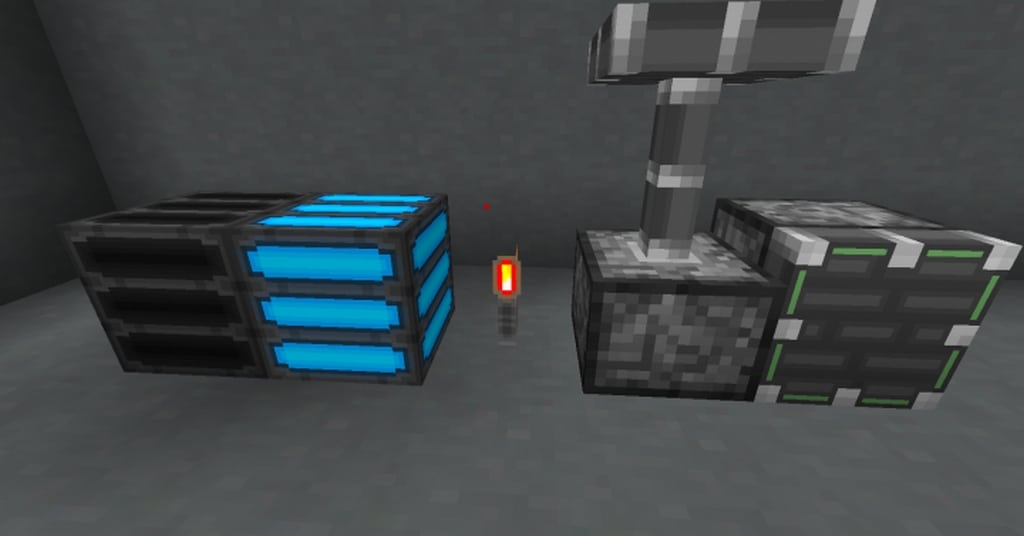
When I first loaded up RexCraftia’s REX’ PACK, I was completely blown away by how it totally revamps Minecraft’s textures and plunges the game into a brand-new futuristic scenario. It is a wonderfully thorough do-over of vanilla icons and textures, making everything look sharper and better than ever before. Even though the futuristic concept isn’t entirely unique on its own, this pack truly becomes one-of-a-kind when it combines such exceptionally high-quality work with its distinct aesthetic. That is precisely what makes it so special! Nature-related elements and subtle lighting are safely left in the past with REX; once you download this resource pack, you immediately enter a striking new era of sleek metal structures and glowing green light that will honestly have you convinced you are playing a game set in the year 3000. I love how almost every single texture in the game gets changed, and every single one receives a noticeable quality upgrade.
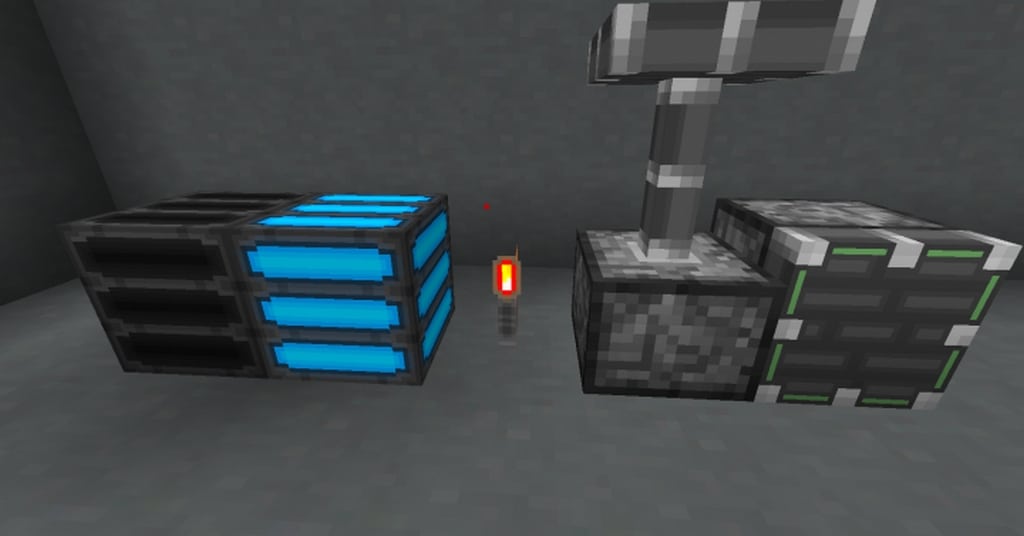
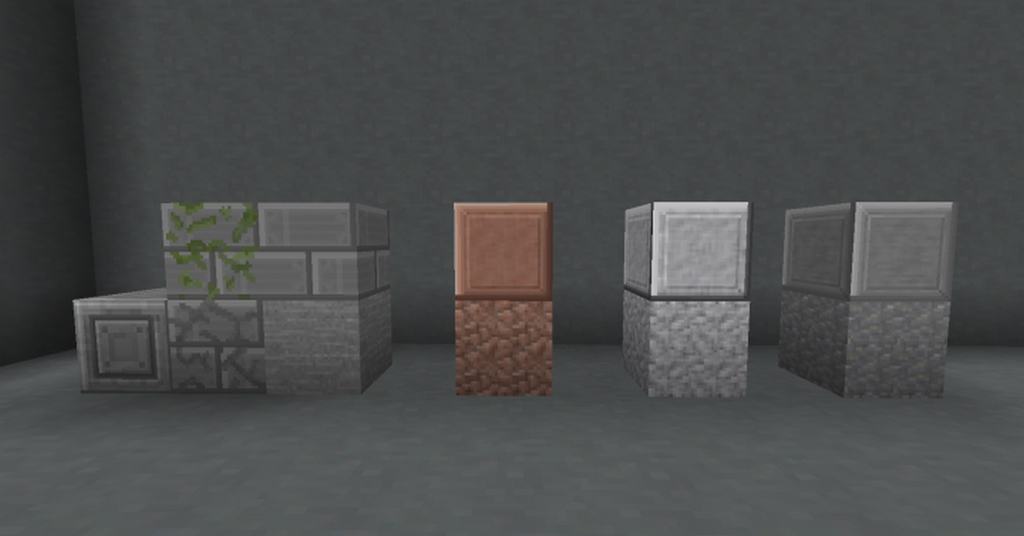
It really is a complete and total makeover of the game. If you ask me, there is one definitive thing to be said about this resource pack: it changes Minecraft a lot. Even if you are a veteran player like me, you might not recognize a lot of things when you play with it for the very first time. It definitely takes a little while to get back on track and feel as confident as you used to be. For instance, when you use the REX pack, regular lamps transform into strange blue-and-gold looking apparatuses that are nothing like the original vanilla ones. Bricks receive an incredible makeover of their own as well! It honestly feels almost as if you are playing an entirely different game, texture-wise. I was thrilled to discover that this resource pack is absolutely filled to the brim with hundreds of customized textures for the game, plus it adds dozens of animated blocks and items to discover. It will seriously take you a long time to exhaust all the wonderful things it has to offer! The REX resource pack is a fantastic standalone 32x resolution resource pack and a great thing to try out today.
REX’ PACK should be compatible with all of these Minecraft versions: 1.14.4 – 1.14.3 – 1.14.2 – 1.14 – 1.13.2 – 1.13.1 – 1.13 – 1.12.2 – 1.12 – 1.11.2 – 1.11 – 1.10.2 – 1.10 – 1.9.4 – 1.9
Screenshots
How to Install Texture Pack (Simple 10 Steps)
- Download OptiFine: Most of the texture packs and shaders need OptiFine. That’s why, first download and install OptiFine for the version of Minecraft you want to play.
- Download the Texture Pack: Get the texture pack you want from the download section. Choose the version that works with your Minecraft and your PC’s performance.
- Open Minecraft Launcher: Start Minecraft using the official game launcher — or even TLauncher, if you use that.
- Go to Options: From the main menu, click on the “Options” button.
- Open Resource Packs: Inside Options, click on “Resource Packs…”.
- Open the Resource Pack Folder: Click on “Open Resource Pack Folder” — this will open a folder named “resourcepacks”.
- Move the Pack File: Copy or move the .zip file you downloaded into that “resourcepacks” folder. (Don’t unzip the file — Minecraft uses it as-is!)
- Go Back and Refresh: Close the folder and click “Done”, then go back into “Resource Packs…” again.
- Activate the Pack: You’ll see the pack on the left side. Hover over it and click the arrow to move it to the right (active side).
Tip: If you get a message that the pack is for a different version, just click “Yes” — it usually works fine. - Click Done and Enjoy: Click “Done” again. Now your pack is ready to use in-game. It’s that easy!
Credits
This resource pack was created by RexCraftia. We do not own or claim ownership of this modification, and we distribute it as provided by the original author without any modifications. We strongly encourage all players to support RexCraftia by visiting their official source and downloading the pack from there.
Download Instructions
Curseforge: download starts automatically after a few seconds;
Mediafire: click the big blue button with the text “DOWNLOAD”;
Google Drive: in the top right corner you will see a small download icon (down arrow), click it and the download should start;