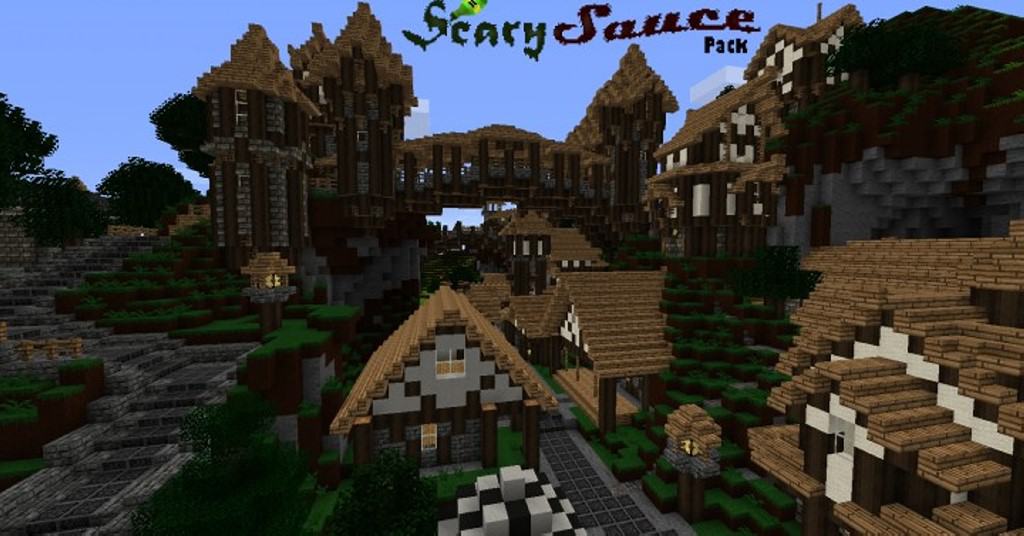
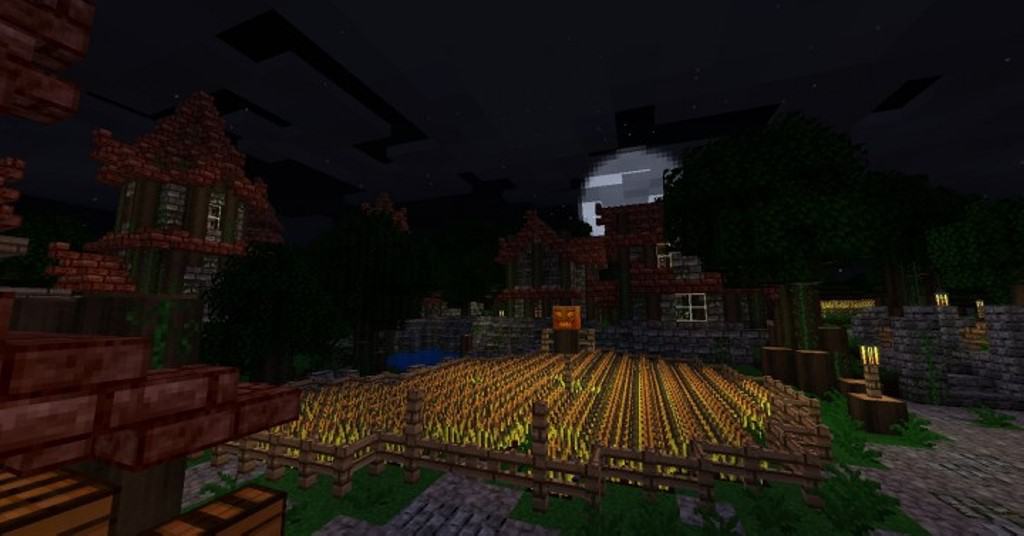
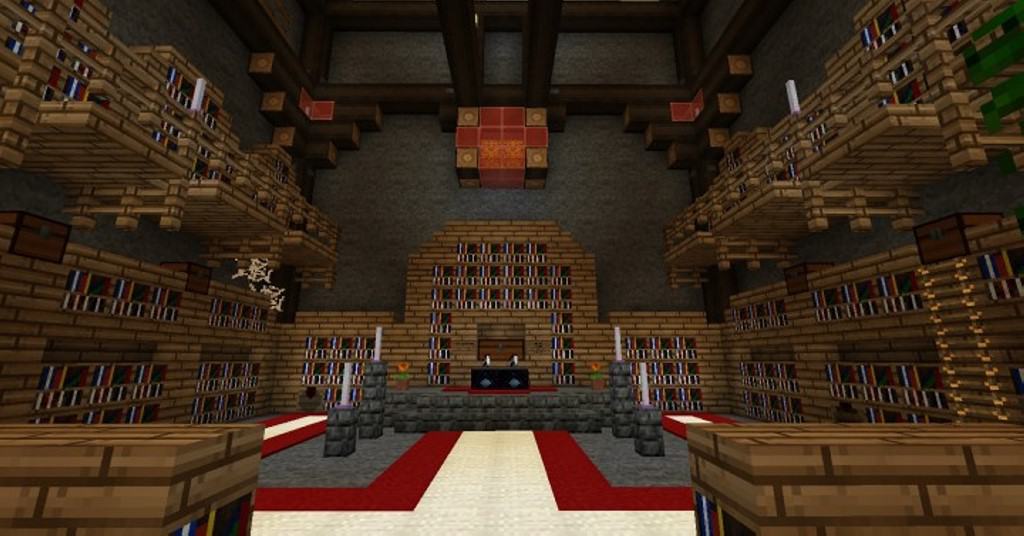
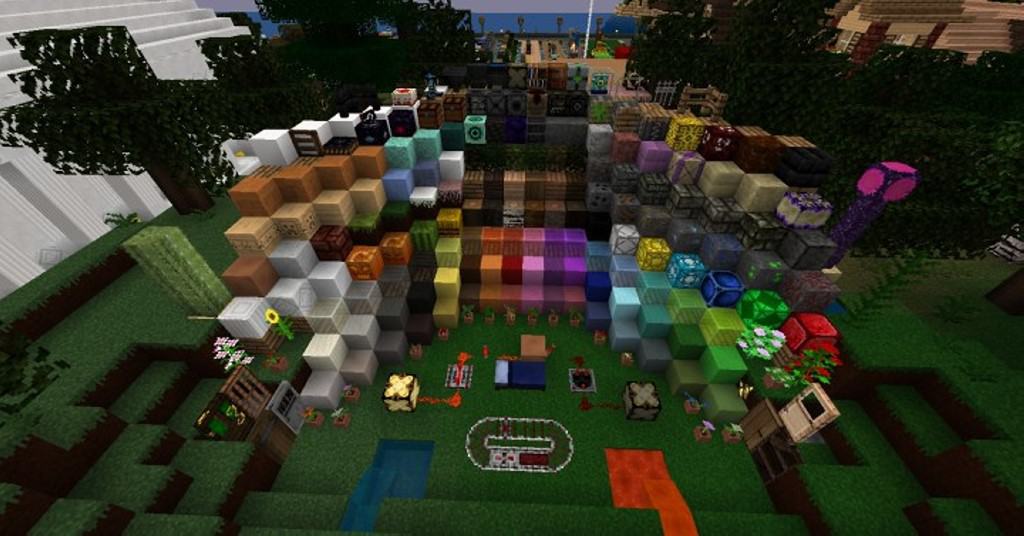
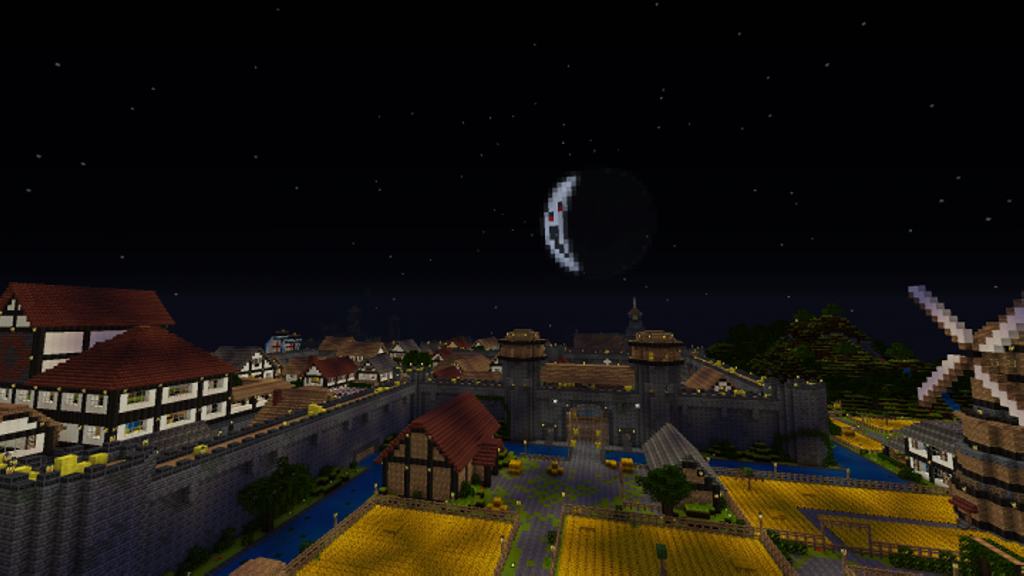
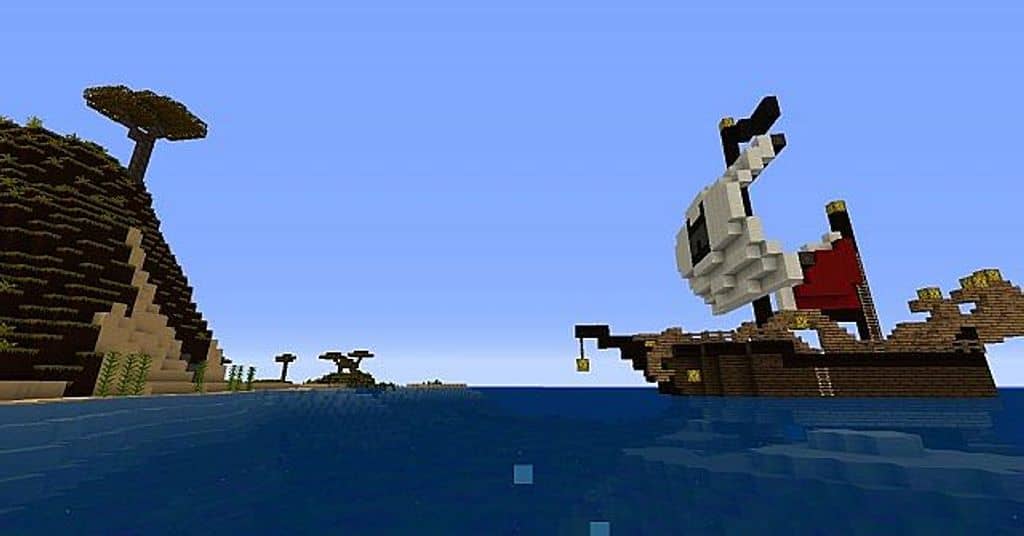
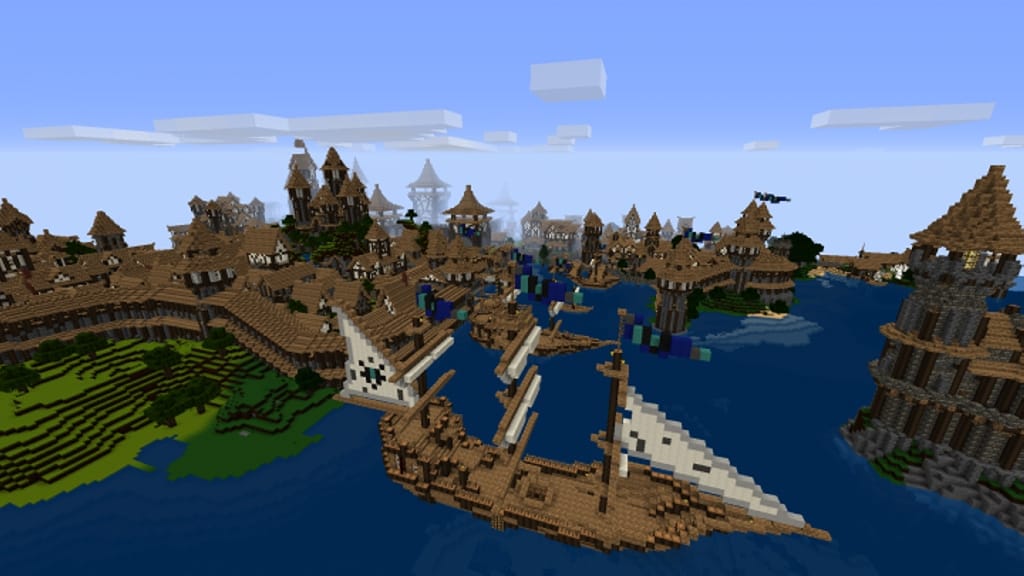
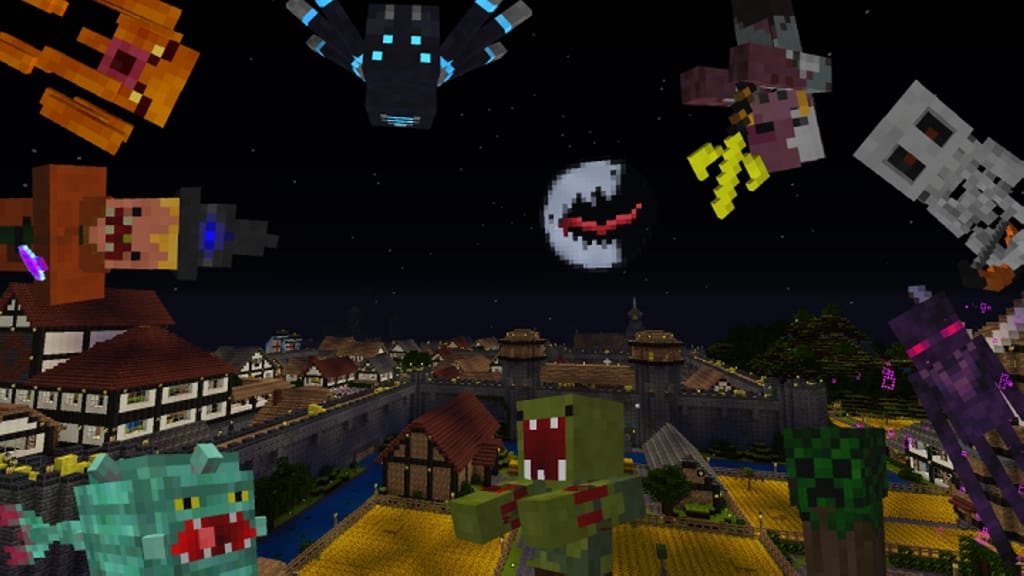
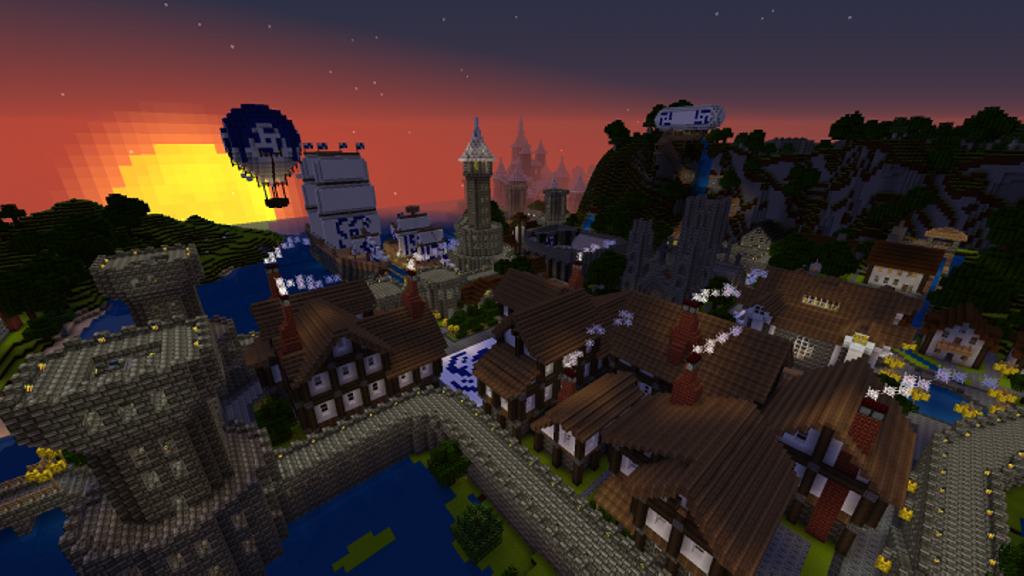
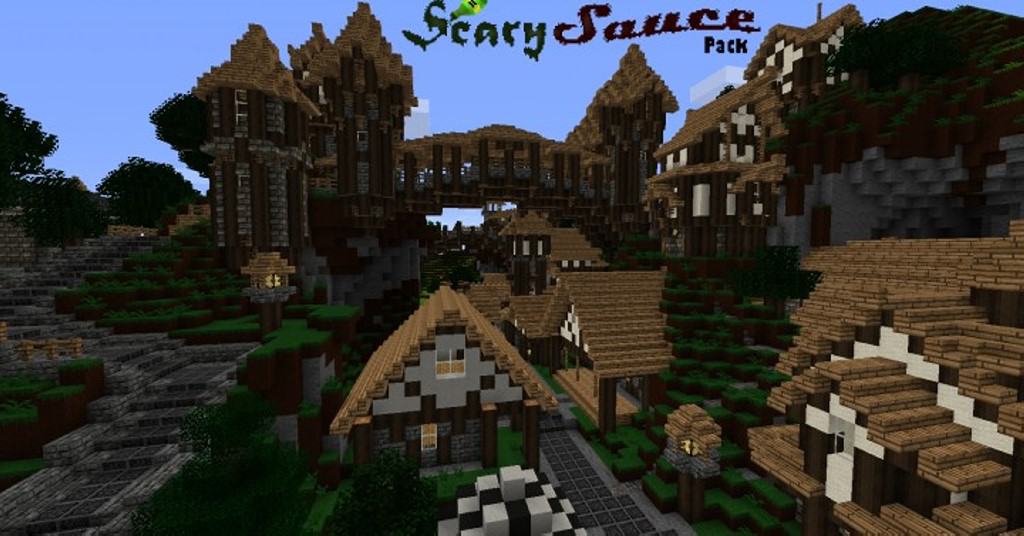
When someone first hears about the ScarySauce resource pack, a shiver naturally comes to mind, as the name makes you think it contains something genuinely terrifying. But trust me, there is nothing wrong with it at all—it is simply a quirky name! I found that this is actually a fascinating resource pack that completely transports you straight into the Middle Ages. The ScarySauce resource pack is the exact opposite of what its name implies, as well as the initial purpose you might expect for your Minecraft world. Today, there are countless famous medieval and fantasy games that serve as inspiration for many Minecraft players, and while this resource pack isn’t the absolute first in the medieval style, it genuinely gives you the closest possible feel of authentic medieval times in Minecraft. I really love how ScarySauce stands out from its competitors by utilizing completely fresh item and block designs alongside beautifully updated color shades. With this resource pack, players can easily create an endless variety of combinations. You can mix and match fantasy and medieval buildings seamlessly. A truly distinctive feature of this resource pack is the darker and duller shades of colors, which effortlessly create the immersive atmosphere of the gloomy Middle Ages.
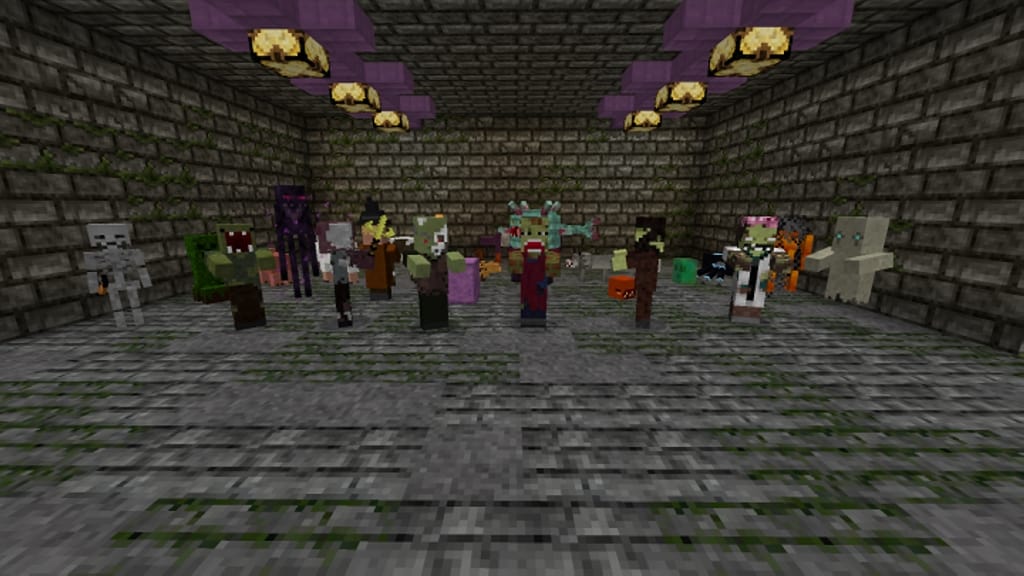
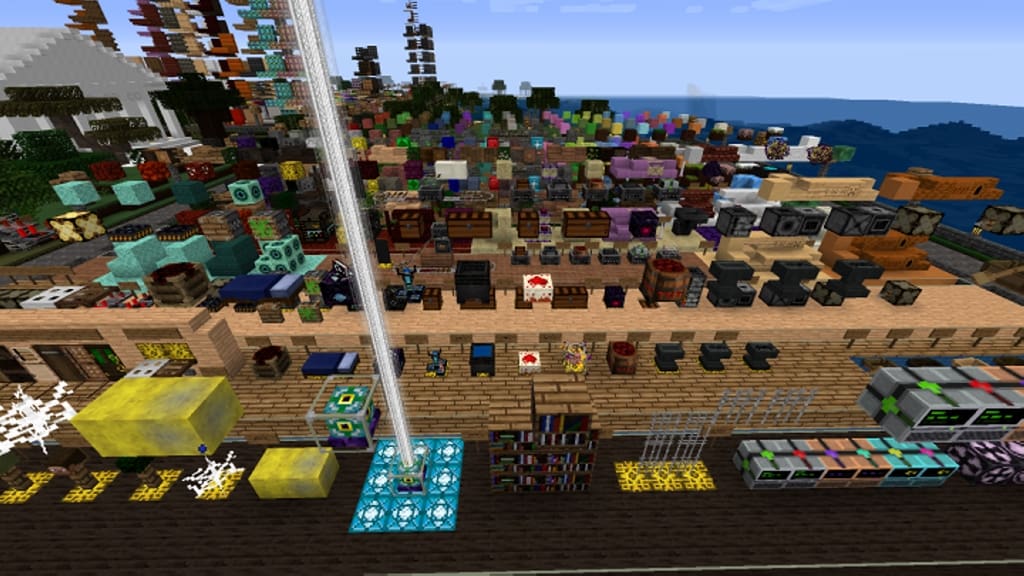
However, I noticed right away that this addition will not alter the core gameplay principles of vanilla Minecraft. The ScarySauce resource pack introduces subtle, tasteful styling changes that help you breathe brand-new meaning into the game, letting you embody a true heroic knight on your adventures. Some of my absolute favorite features of this resource pack include the brand-new designs for weapons and armor, allowing any player to instantly feel like a brave knight and hero while traveling across unknown lands. There are also some fantastic GUI updates applied directly to the HUD. Best of all, this resource pack doesn’t ignore the tiny details like sugarcane, which are so frequently omitted in other packs. In reality, many other creators gloss over those small things just to speed up the release date or eke out better performance. Stone bricks and regular blocks look especially phenomenal because they were clearly given real love and attention in this pack. Even the mobs have received thoughtful updates in ScarySauce! Best of all, the ScarySauce resource pack runs exceptionally smoothly thanks to its optimized 16×16 resolution. This specific feature lets you enjoy the game with the highest frame rates possible. When using this resource pack, you will be able to play seamlessly without any significant drawdowns in world loading speeds.
ScarySauce should be compatible with all of these Minecraft versions: 1.11.2 – 1.11 – 1.10.2 – 1.10
Screenshots


How to Install Texture Pack (Simple 10 Steps)
- Download OptiFine: Most of the texture packs and shaders need OptiFine. That’s why, first download and install OptiFine for the version of Minecraft you want to play.
- Download the Texture Pack: Get the texture pack you want from the download section. Choose the version that works with your Minecraft and your PC’s performance.
- Open Minecraft Launcher: Start Minecraft using the official game launcher — or even TLauncher, if you use that.
- Go to Options: From the main menu, click on the “Options” button.
- Open Resource Packs: Inside Options, click on “Resource Packs…”.
- Open the Resource Pack Folder: Click on “Open Resource Pack Folder” — this will open a folder named “resourcepacks”.
- Move the Pack File: Copy or move the .zip file you downloaded into that “resourcepacks” folder. (Don’t unzip the file — Minecraft uses it as-is!)
- Go Back and Refresh: Close the folder and click “Done”, then go back into “Resource Packs…” again.
- Activate the Pack: You’ll see the pack on the left side. Hover over it and click the arrow to move it to the right (active side).
Tip: If you get a message that the pack is for a different version, just click “Yes” — it usually works fine. - Click Done and Enjoy: Click “Done” again. Now your pack is ready to use in-game. It’s that easy!
Credits
This resource pack was created by cool_st0ry_bro. We do not own or claim ownership of this content, nor have we modified the download files. All rights and intellectual property belong strictly to the original creator. We encourage you to support cool_st0ry_bro by visiting their official source and downloading directly from them.
Download Instructions
Curseforge: download starts automatically after a few seconds;
Mediafire: click the big blue button with the text “DOWNLOAD”;
Google Drive: in the top right corner you will see a small download icon (down arrow), click it and the download should start;


