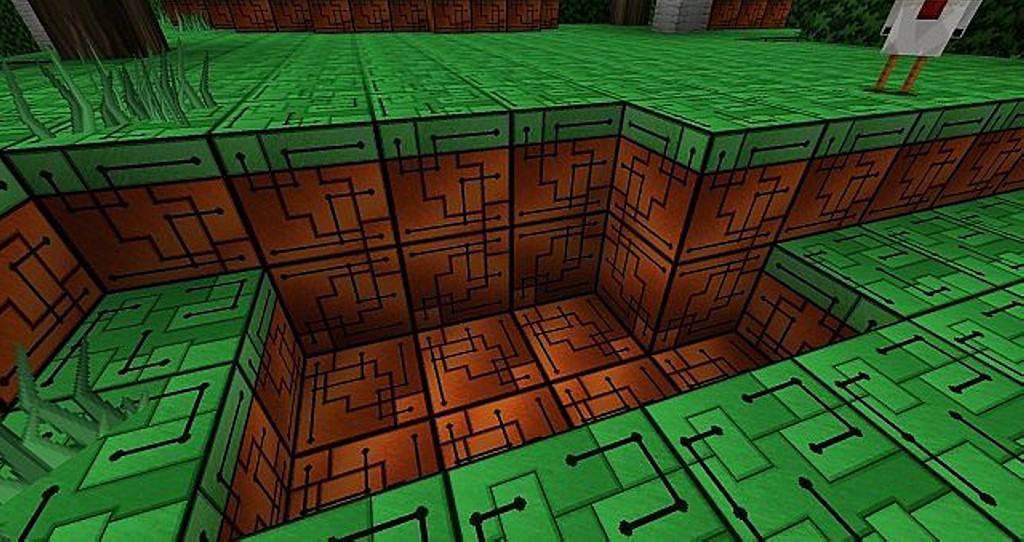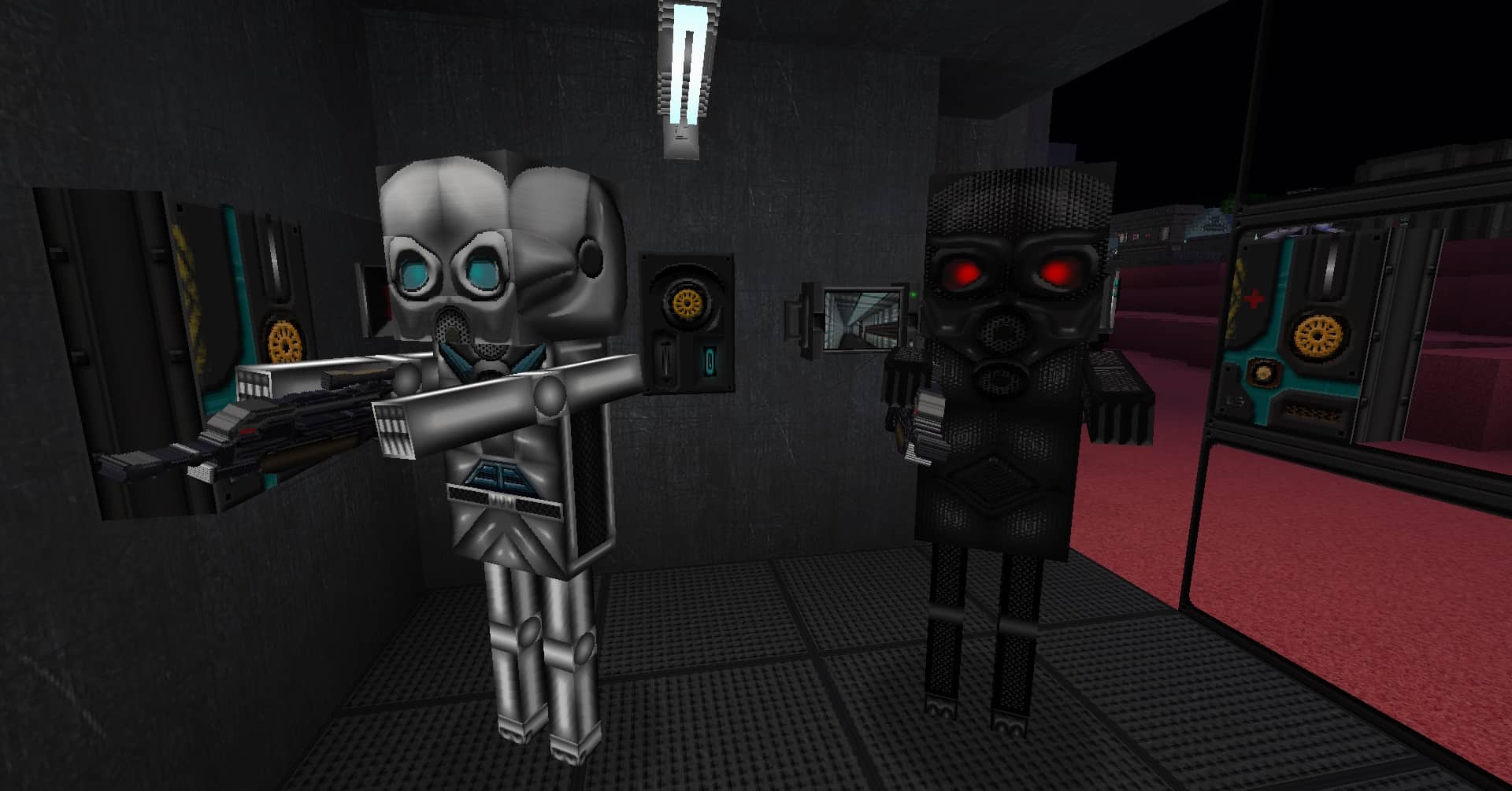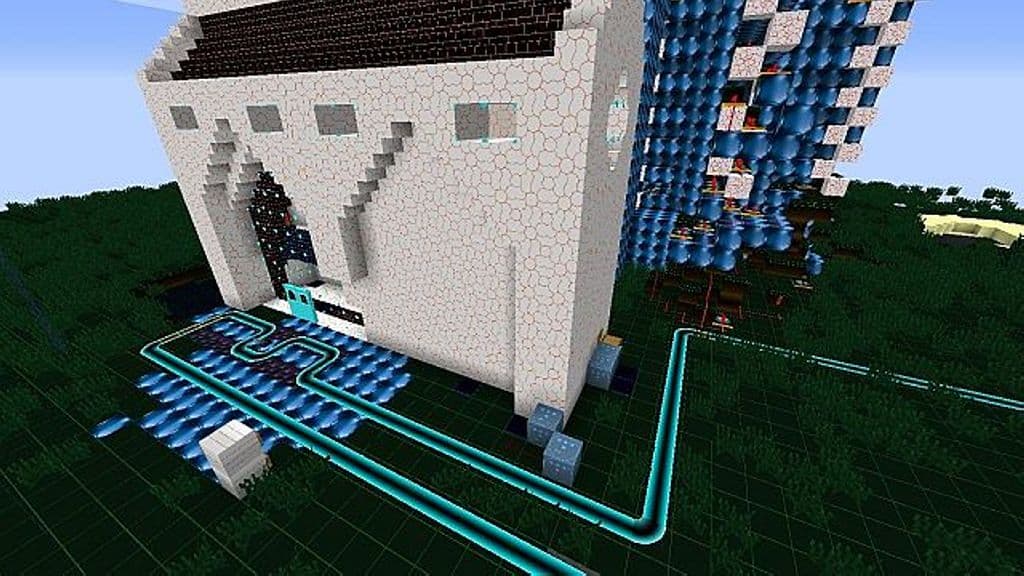
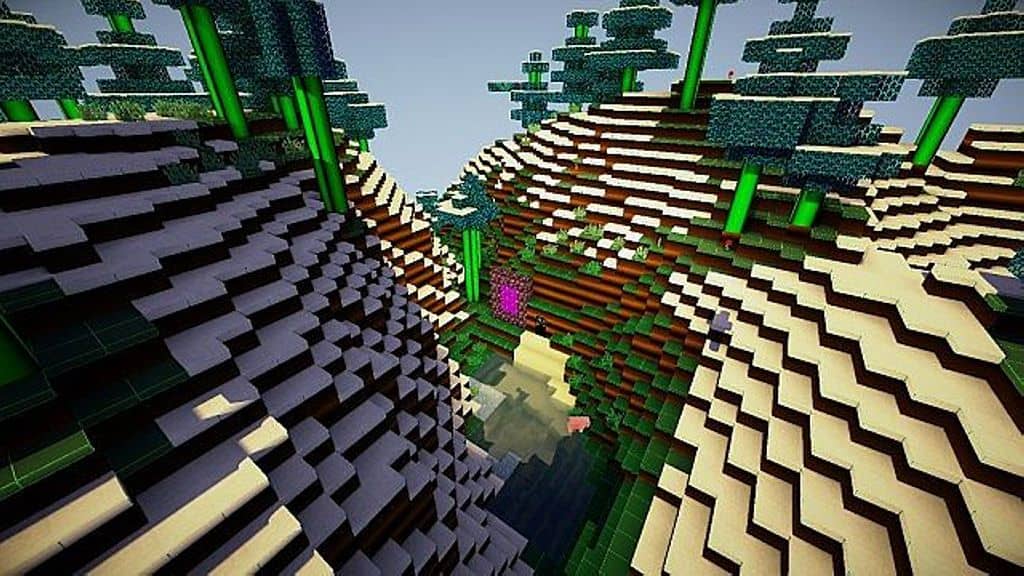
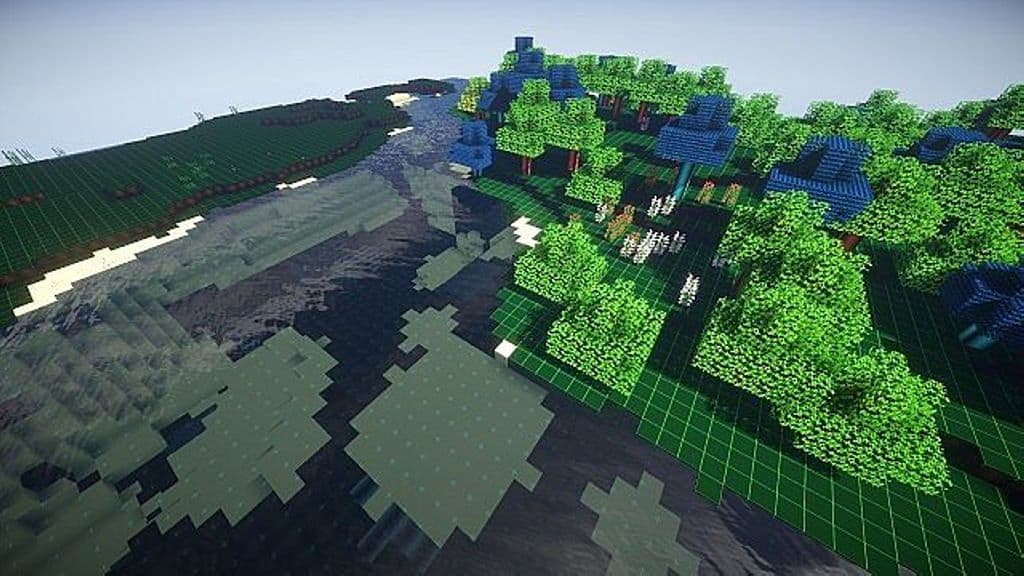
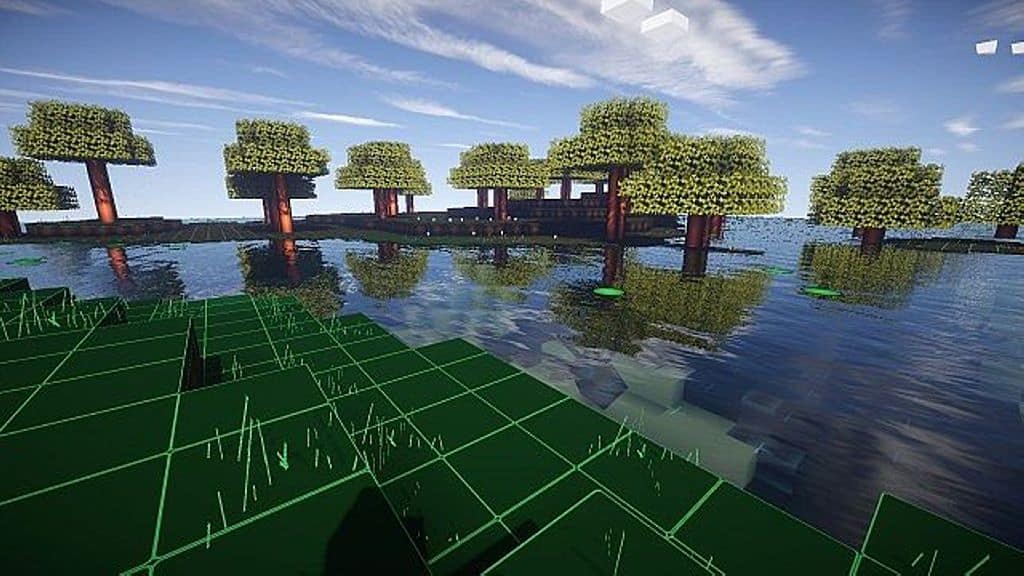
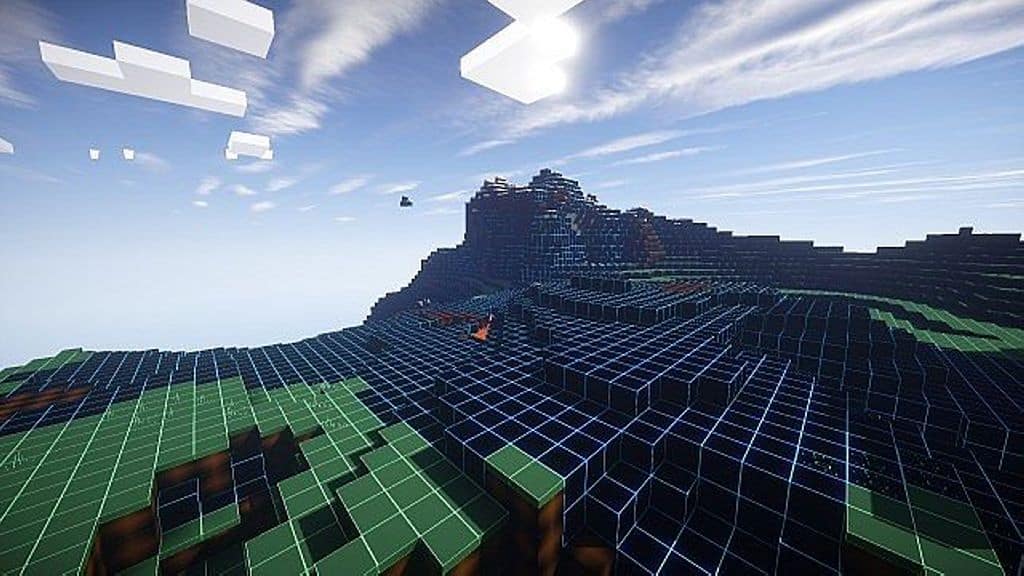
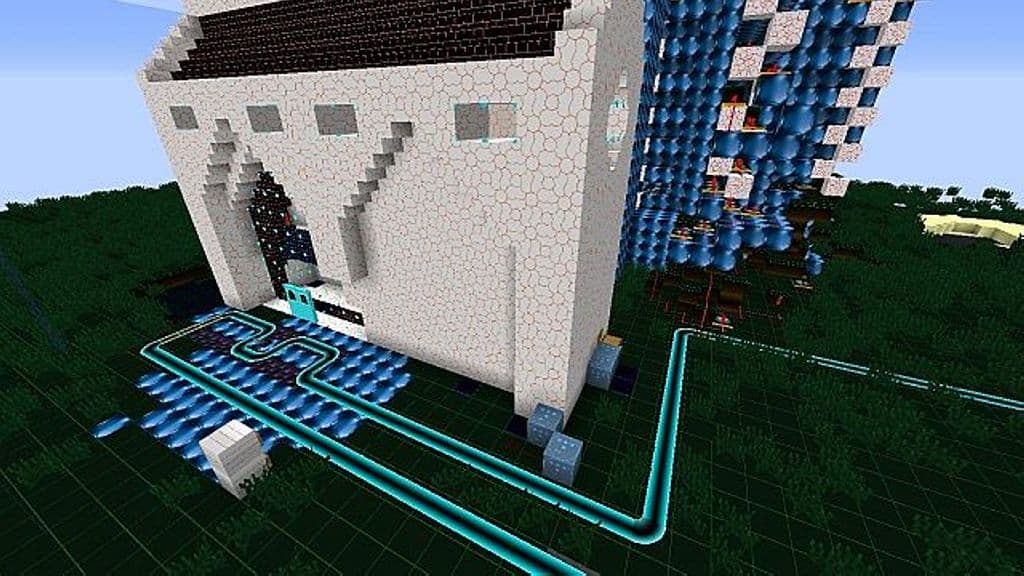
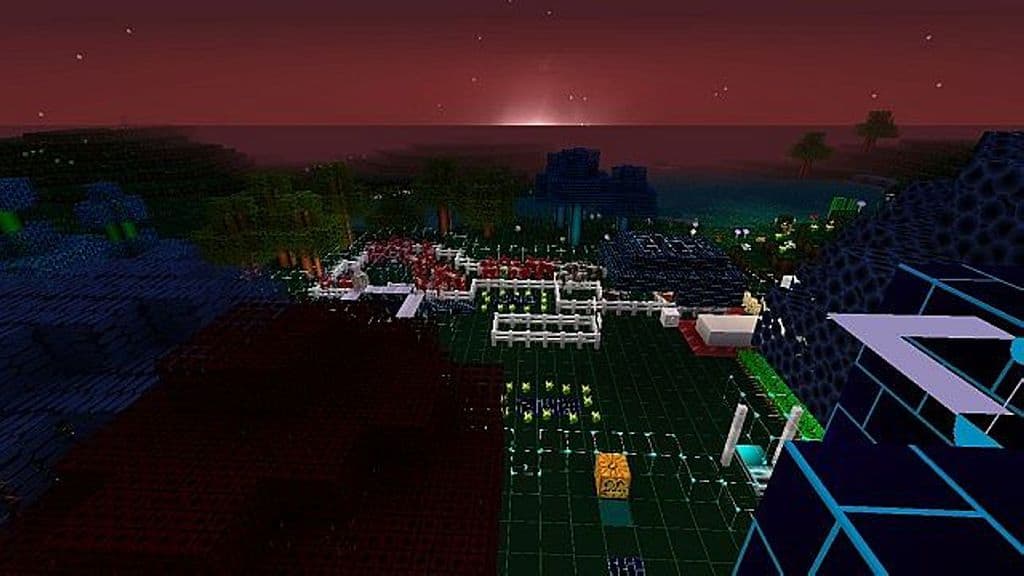
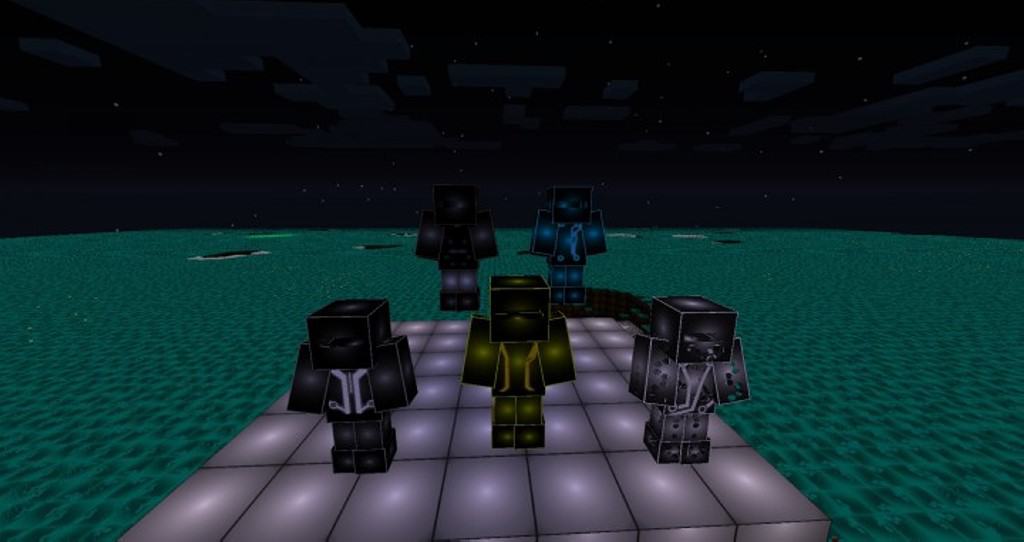
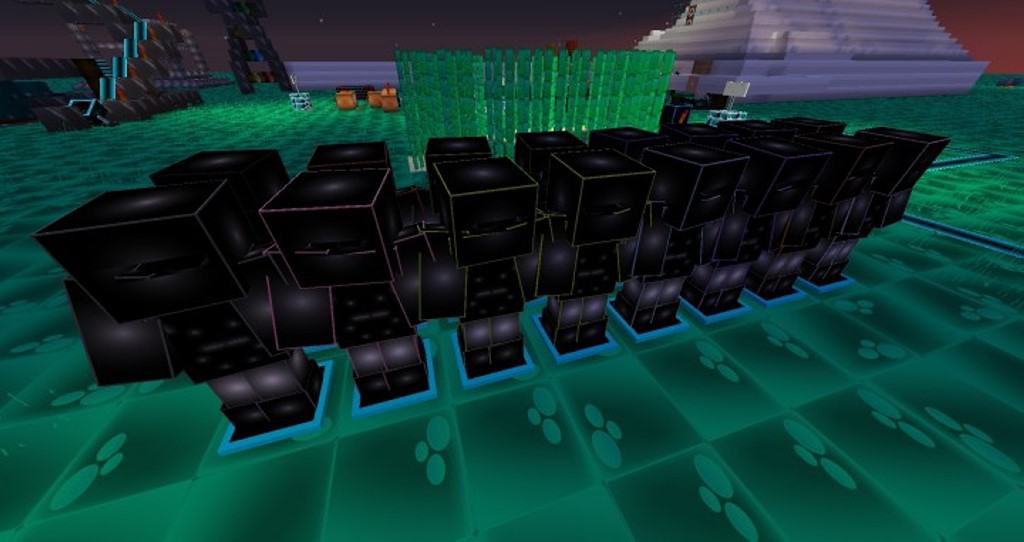
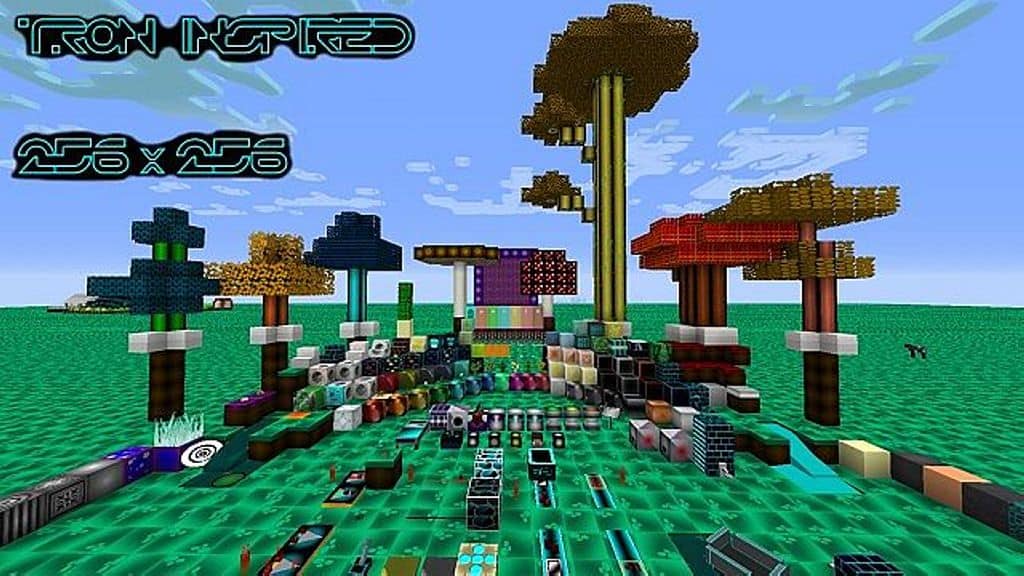
Are you interested in trying out an incredible Tron-inspired resource pack in your Minecraft world? If yes, then please look no further as you have definitely landed on the right page. Many of you likely admire the iconic look and futuristic appearance of Tron, and if you are one of those fans, you will certainly love this resource pack since it is solely inspired by the movie. This resource pack brings a truly fantastic and appealing makeover to the overall Minecraft gameplay experience. On top of that, you will find loads of Tron-themed armor waiting for you here too. The most unique and inspiring aspect of this texture pack is how it applies a vibrant blue color almost everywhere you look. Whether it is the uncut stone blocks, classic stone bricks, or even the rail sections, that stunning blue tint is visible all over the place inside your game. Rest assured, this overarching blue tint genuinely looks so amazing and interesting in action.
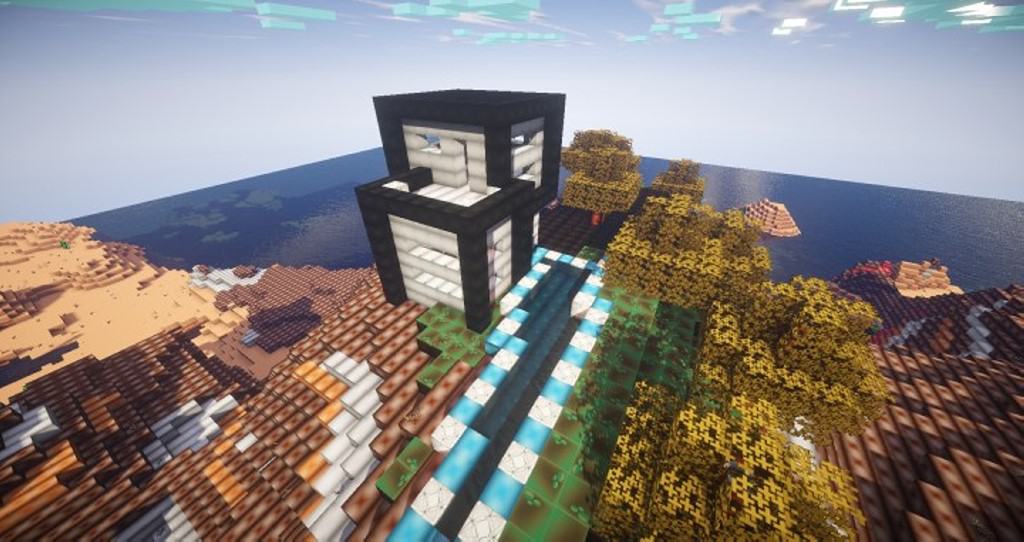
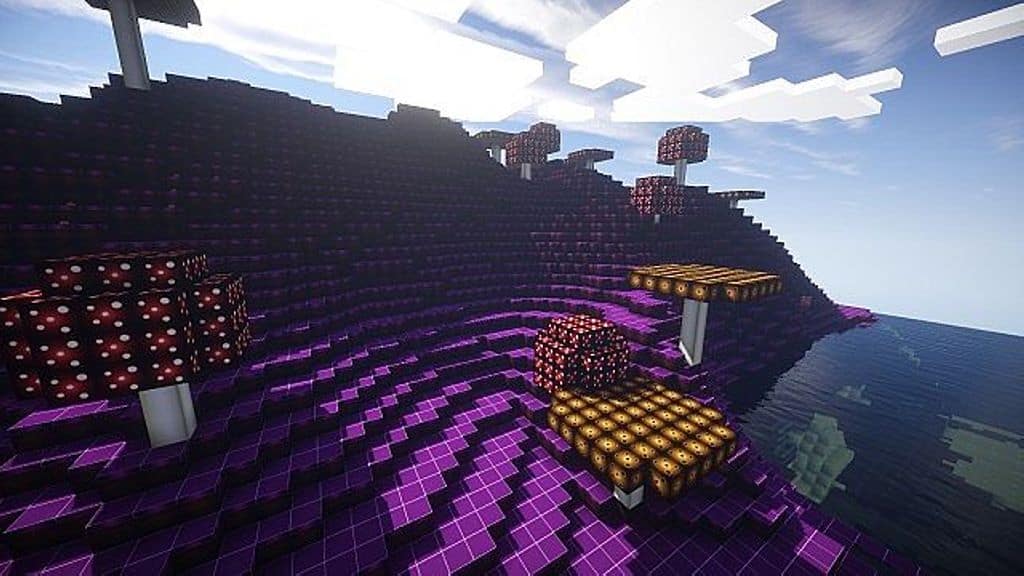
Another brilliant aspect of this Tron-inspired resource pack is that various other objects throughout the Minecraft world also look remarkably stunning as well as deeply immersive. For instance, the water looks so lively and realistic while you explore. Similarly, the mushroom biome appears exceptionally gorgeous with loads of dominating colors like striking reds, warm oranges, mahogany, pea green, turquoise, and bright purples. As soon as you install this Tron-inspired pack, you will immediately notice many bold and bright colors painting your gameplay. The primary goal of this resource pack is to deliver those distinct Tron-inspired aesthetics alongside an explosion of bold, vibrant colors. That is precisely why the trees look so much greener and why the sandy beaches and vast deserts appear much more brilliantly yellowish. So, what are you waiting for? The default Minecraft game appearance can get pretty boring and dull after spending a certain amount of time playing. Naturally, you would want to renovate your gaming visuals and make them look much better, right? If your answer is yes, then this Tron-inspired resource pack is definitely worth checking out.
Tron Inspired should be compatible with all of these Minecraft versions: 1.8.9 – 1.8.8 – 1.8.1 – 1.8.6 – 1.8 – 1.7.10 – 1.7.9 – 1.7.4 – 1.7
Screenshots
How to Install Texture Pack (Simple 10 Steps)
- Download OptiFine: Most of the texture packs and shaders need OptiFine. That’s why, first download and install OptiFine for the version of Minecraft you want to play.
- Download the Texture Pack: Get the texture pack you want from the download section. Choose the version that works with your Minecraft and your PC’s performance.
- Open Minecraft Launcher: Start Minecraft using the official game launcher — or even TLauncher, if you use that.
- Go to Options: From the main menu, click on the “Options” button.
- Open Resource Packs: Inside Options, click on “Resource Packs…”.
- Open the Resource Pack Folder: Click on “Open Resource Pack Folder” — this will open a folder named “resourcepacks”.
- Move the Pack File: Copy or move the .zip file you downloaded into that “resourcepacks” folder. (Don’t unzip the file — Minecraft uses it as-is!)
- Go Back and Refresh: Close the folder and click “Done”, then go back into “Resource Packs…” again.
- Activate the Pack: You’ll see the pack on the left side. Hover over it and click the arrow to move it to the right (active side).
Tip: If you get a message that the pack is for a different version, just click “Yes” — it usually works fine. - Click Done and Enjoy: Click “Done” again. Now your pack is ready to use in-game. It’s that easy!
Credits
This resource pack was created by Sir_Awesomness. We do not claim ownership of this content, nor have we modified the original files. All rights remain with the original author. We strongly recommend supporting Sir_Awesomness by downloading the pack through their official links.
Download Links
Java Edition
Download Instructions
Curseforge: download starts automatically after a few seconds;
Mediafire: click the big blue button with the text “DOWNLOAD”;
Google Drive: in the top right corner you will see a small download icon (down arrow), click it and the download should start;