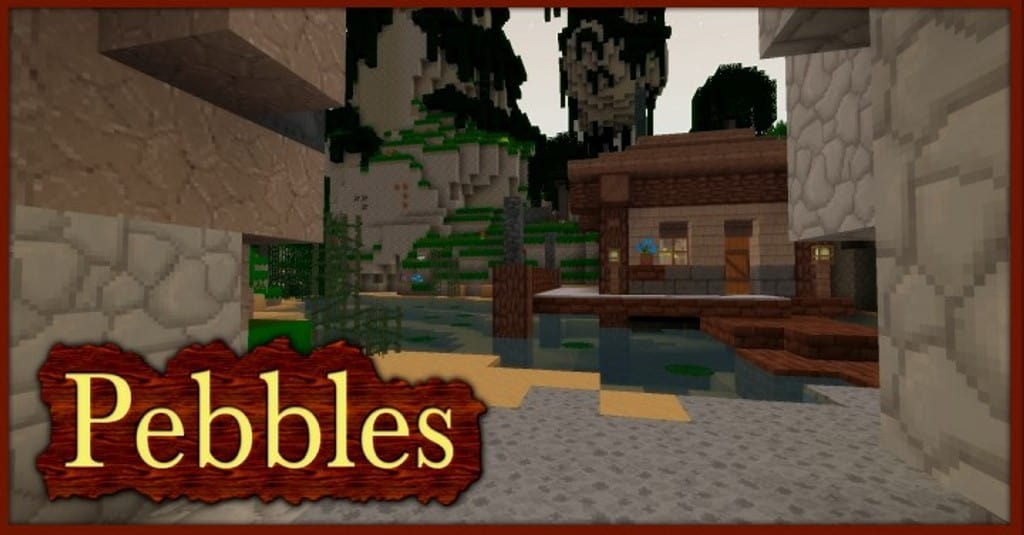
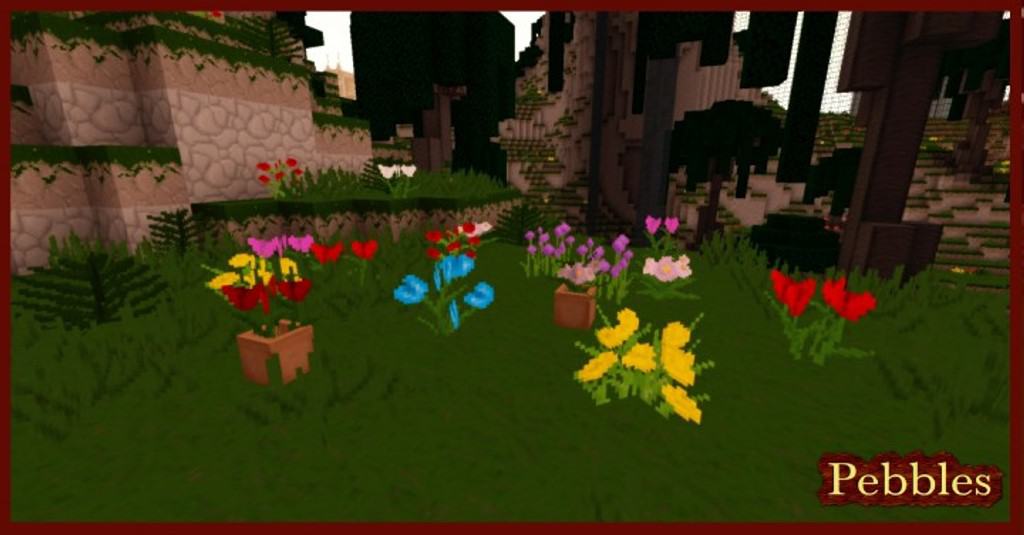
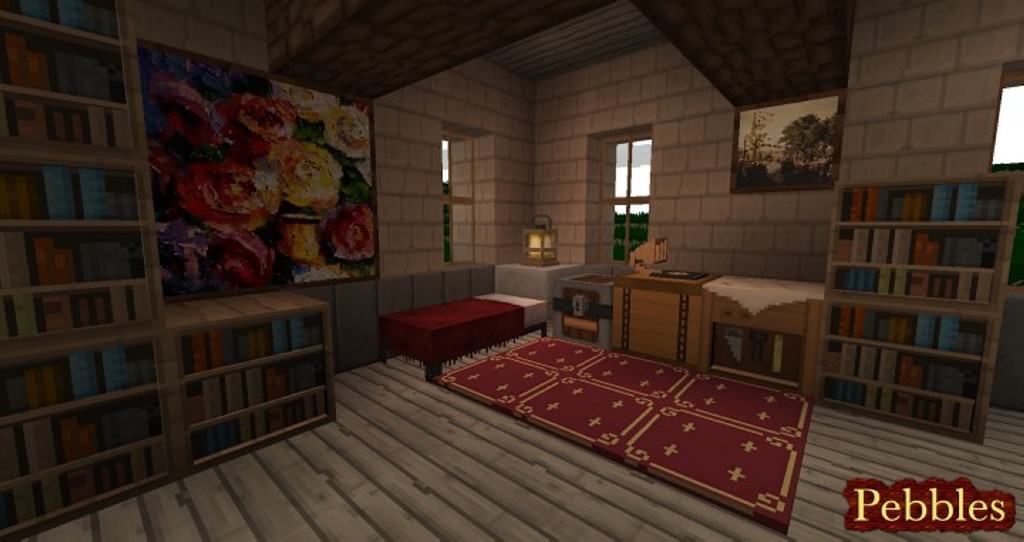
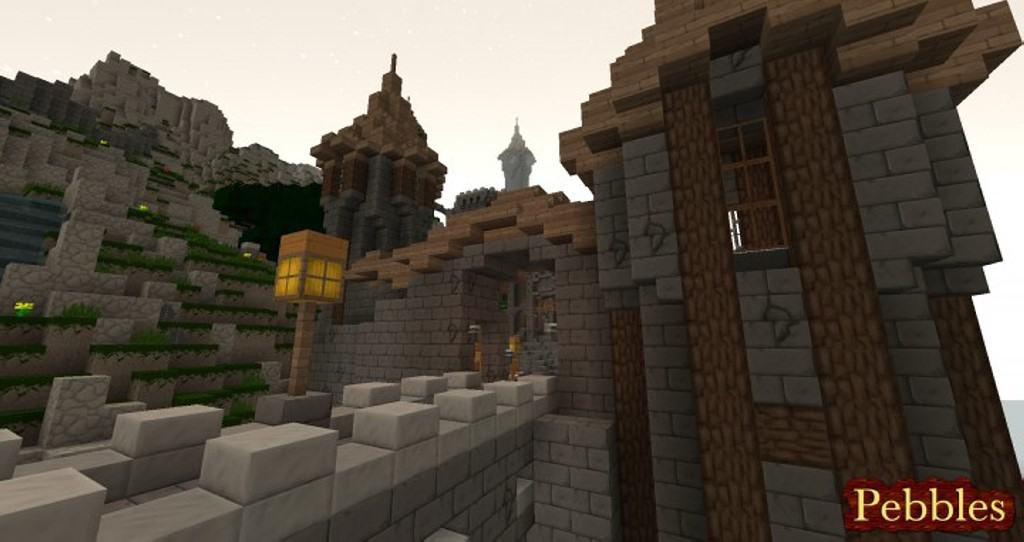
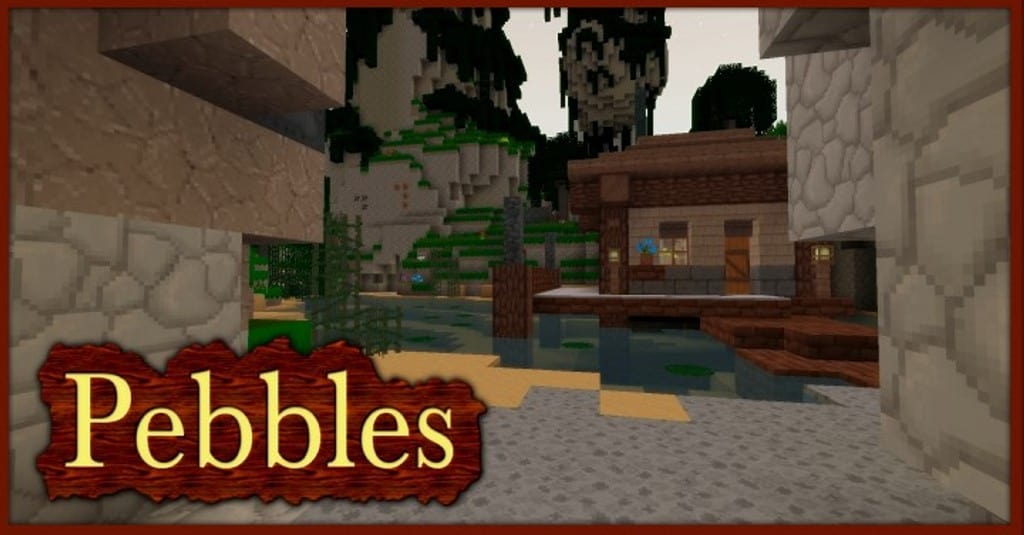
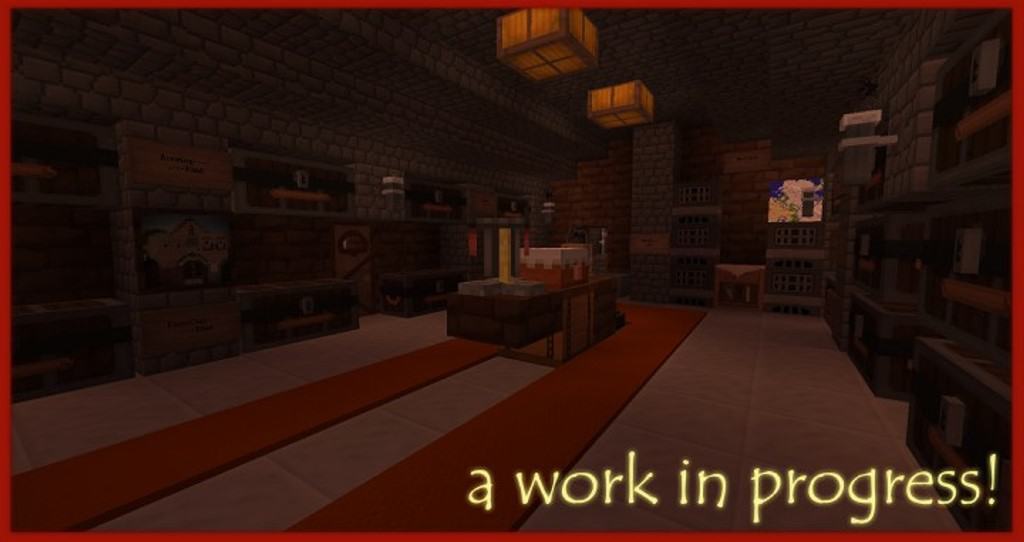
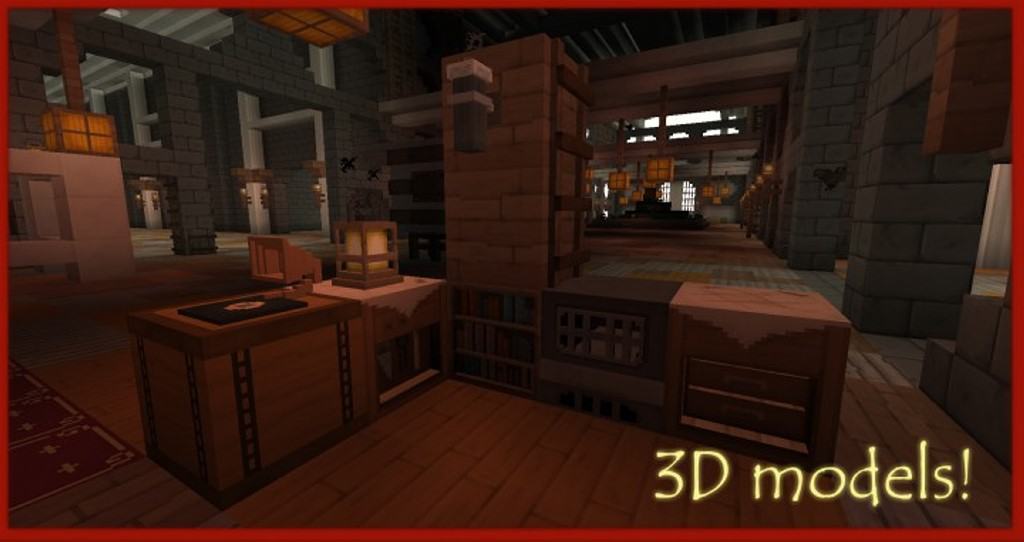
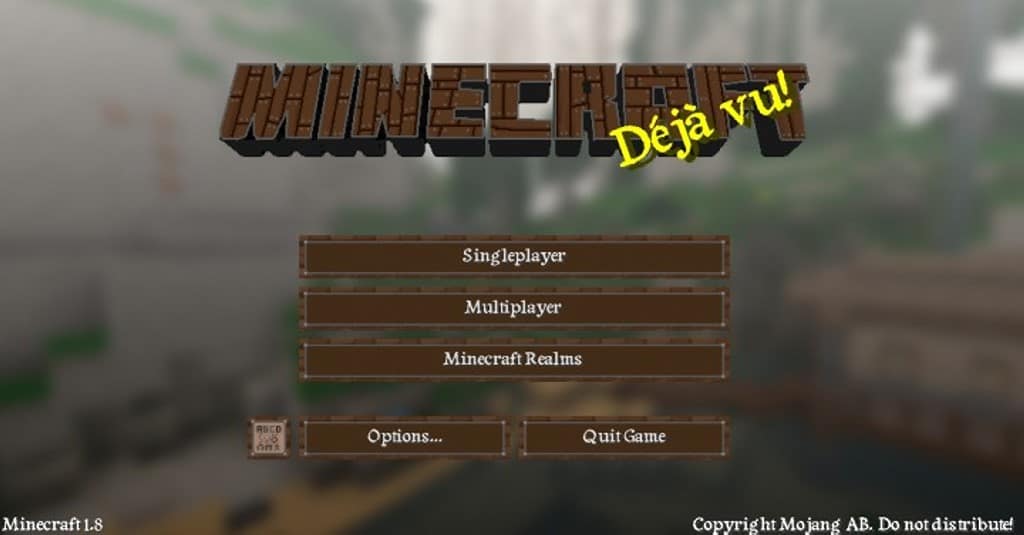
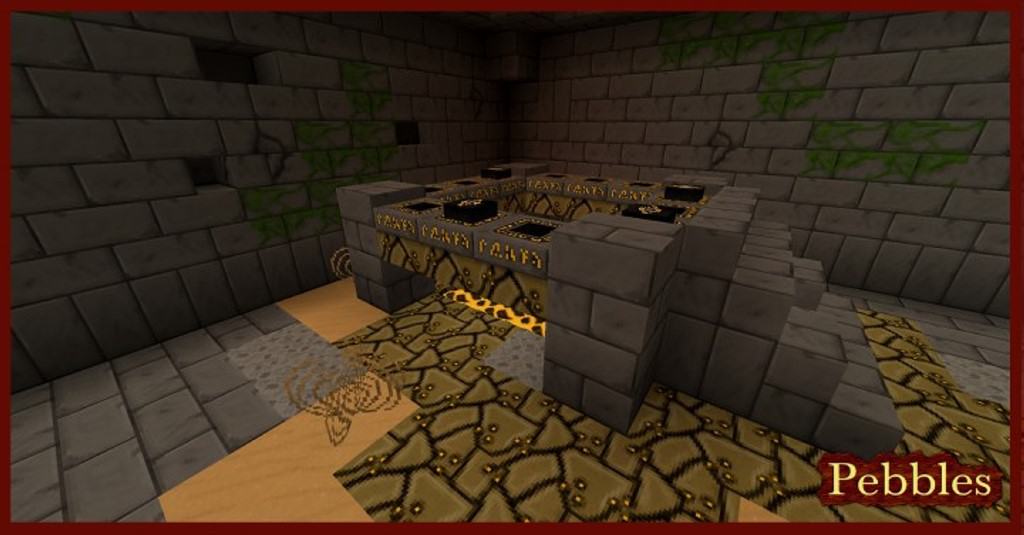
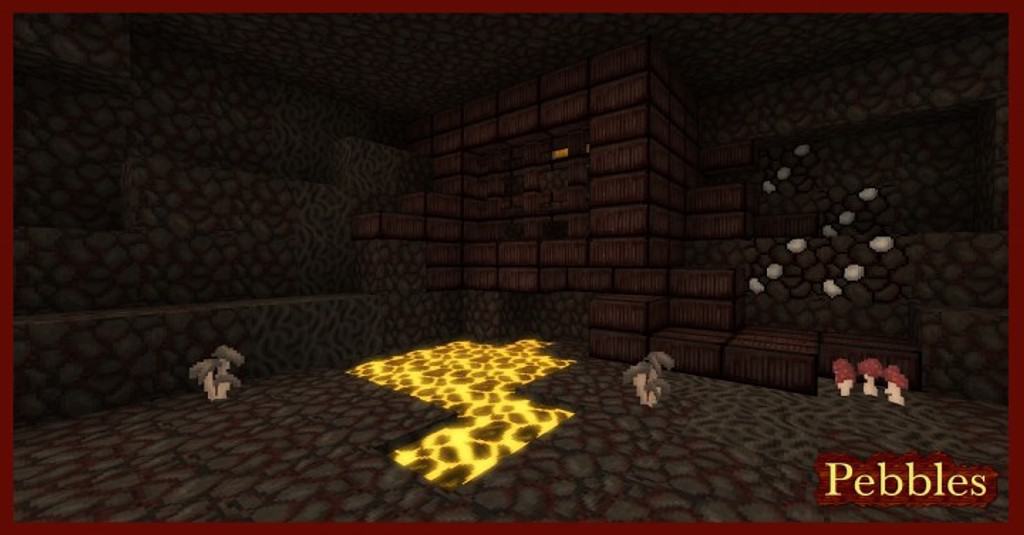
I have been testing out the Pebbles resource pack designed by Scamper3396, who is well known for crafting many popular texture packs, and it is honestly fantastic! Out of all their work, Pebbles stands out as a true fan favorite thanks to its stunning visuals, massive texture upgrades, gorgeous color improvements, and the inclusion of incredible new 3D models. While a lot of other resource packs from Scamper3396 tend to lean toward a futuristic look, Pebbles was thoughtfully designed to bring a wonderful medieval twist to the classic vanilla Minecraft experience. This means that a huge variety of textures have been completely changed and improved. You will find amazing new wooden floors, detailed carpets, charming wooden furniture, rustic crates, storage boxes, chests, stylish windows, a redesigned furnace, and so much more. To perfectly match the visuals of a medieval theme, the creator also included brand new paintings typical of that historical era. Fresh 3D models have also been seamlessly integrated in the form of a record player, unique new types of lights, and various other decorative objects alongside completely revamped block textures.
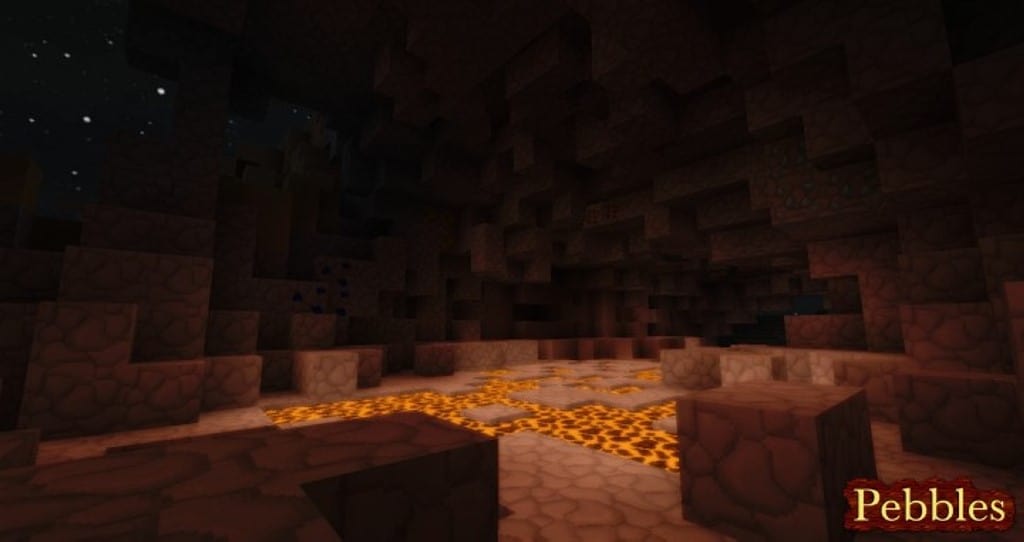
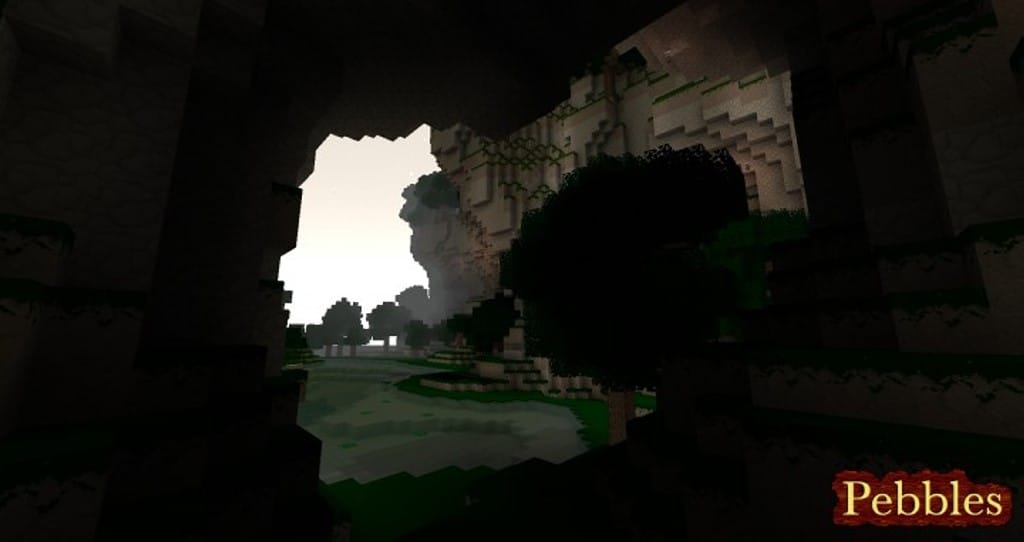
On top of that, the lighting feels noticeably improved, and because the texture resolution has been bumped up, there is significantly less visual noise while blocks and objects appear much sharper overall. All of the wonderful changes and improvements introduced by the Pebbles resource pack make it so much fun and very easy to create amazing medieval worlds. It truly enables every player to build stunning castles, sprawling dungeons, atmospheric caves, lively villages, and more. The resource pack also fully supports the use of custom skies and connected textures, which I think adds an incredible layer of immersion. While many textures are still waiting to be reworked, the ones currently featured in the Pebbles resource pack are more than enough to start building breathtaking medieval worlds right away. Coming in at a 32x texture resolution, it is a delightfully manageable upgrade from the standard 16x resolution in vanilla Minecraft, though you might experience some very minor frame drops depending on your setup. For the best possible experience, installing Optifine HD is heavily recommended since it lets you fully utilize advanced features such as custom skies, connected textures, custom colors, and custom animations.
Pebbles 3D should be compatible with all of these Minecraft versions: 1.8.9 – 1.8.8 – 1.8.1 – 1.8.6 – 1.8 – 1.7.10 – 1.7.9 – 1.7.4 – 1.7
Screenshots


How to Install Texture Pack (Simple 10 Steps)
- Download OptiFine: Most of the texture packs and shaders need OptiFine. That’s why, first download and install OptiFine for the version of Minecraft you want to play.
- Download the Texture Pack: Get the texture pack you want from the download section. Choose the version that works with your Minecraft and your PC’s performance.
- Open Minecraft Launcher: Start Minecraft using the official game launcher — or even TLauncher, if you use that.
- Go to Options: From the main menu, click on the “Options” button.
- Open Resource Packs: Inside Options, click on “Resource Packs…”.
- Open the Resource Pack Folder: Click on “Open Resource Pack Folder” — this will open a folder named “resourcepacks”.
- Move the Pack File: Copy or move the .zip file you downloaded into that “resourcepacks” folder. (Don’t unzip the file — Minecraft uses it as-is!)
- Go Back and Refresh: Close the folder and click “Done”, then go back into “Resource Packs…” again.
- Activate the Pack: You’ll see the pack on the left side. Hover over it and click the arrow to move it to the right (active side).
Tip: If you get a message that the pack is for a different version, just click “Yes” — it usually works fine. - Click Done and Enjoy: Click “Done” again. Now your pack is ready to use in-game. It’s that easy!
Credits
The Pebbles 3D Resource Pack was originally created and developed by Scamper3396. We do not claim ownership of this content, nor do we modify or host the original download files on our servers. All rights remain with the original creator. We strongly encourage all players to support Scamper3396 and their ongoing creative endeavors by downloading the pack directly from the official source.
Download Instructions
Curseforge: download starts automatically after a few seconds;
Mediafire: click the big blue button with the text “DOWNLOAD”;
Google Drive: in the top right corner you will see a small download icon (down arrow), click it and the download should start;


