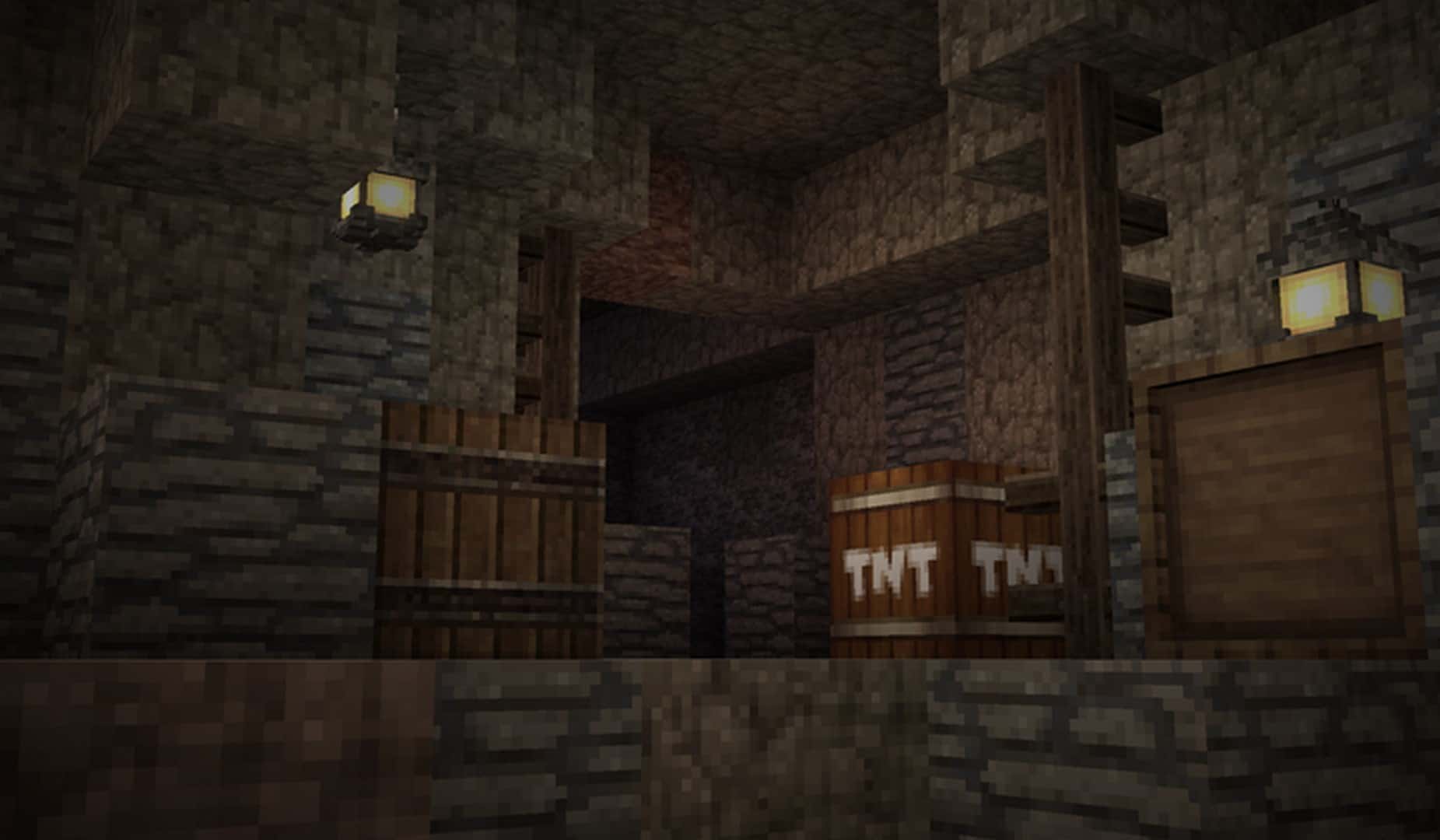
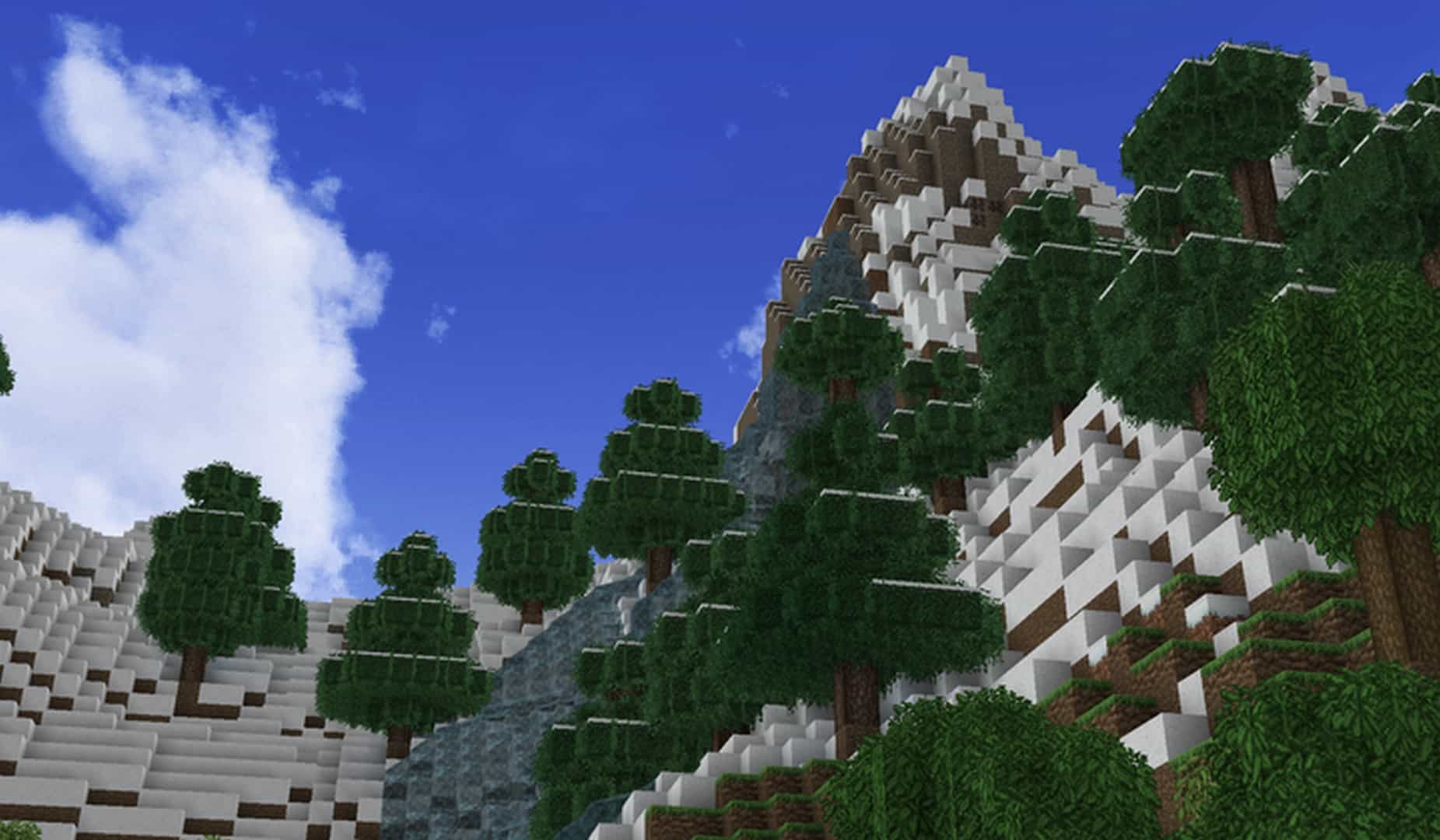
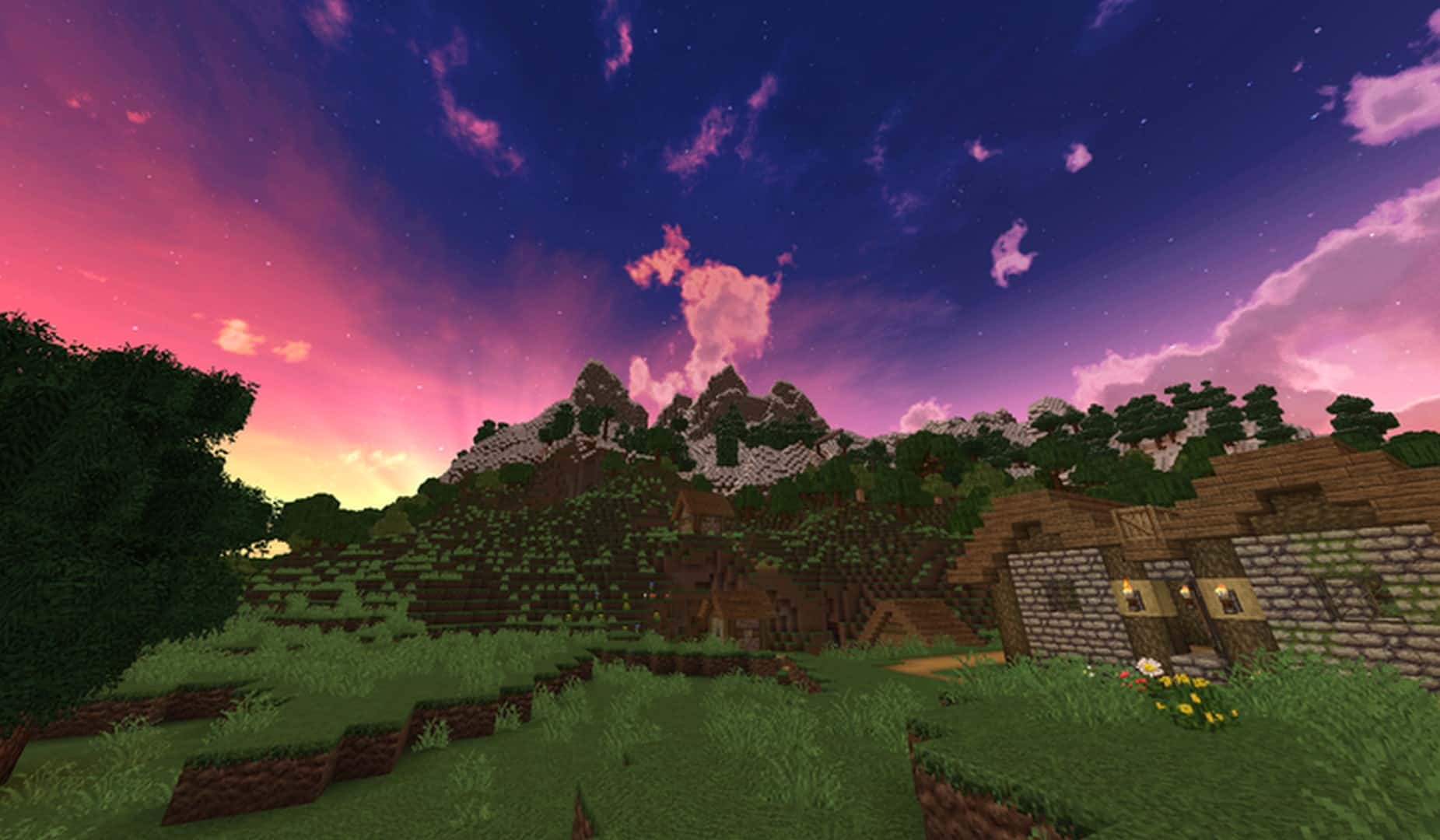
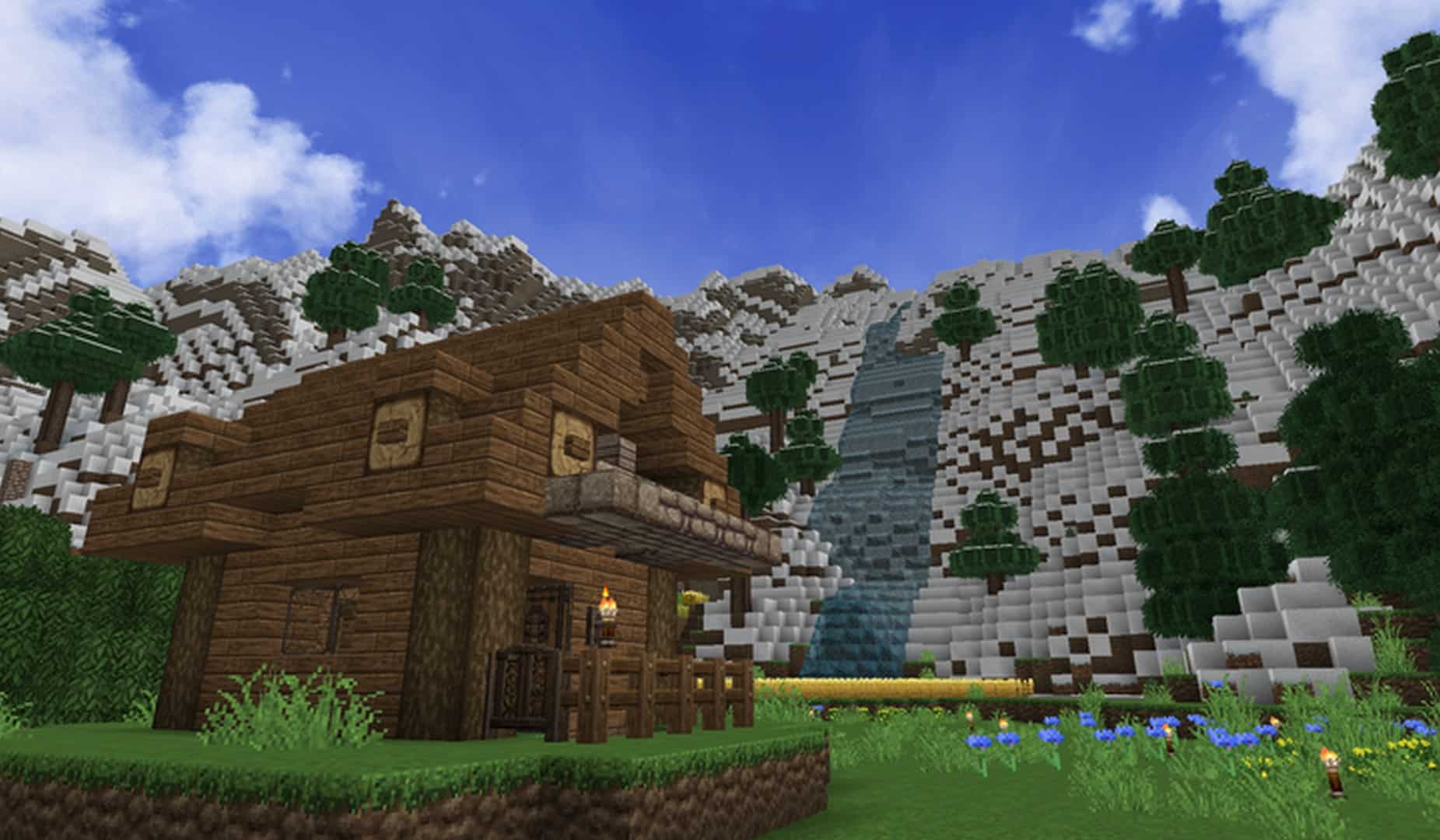
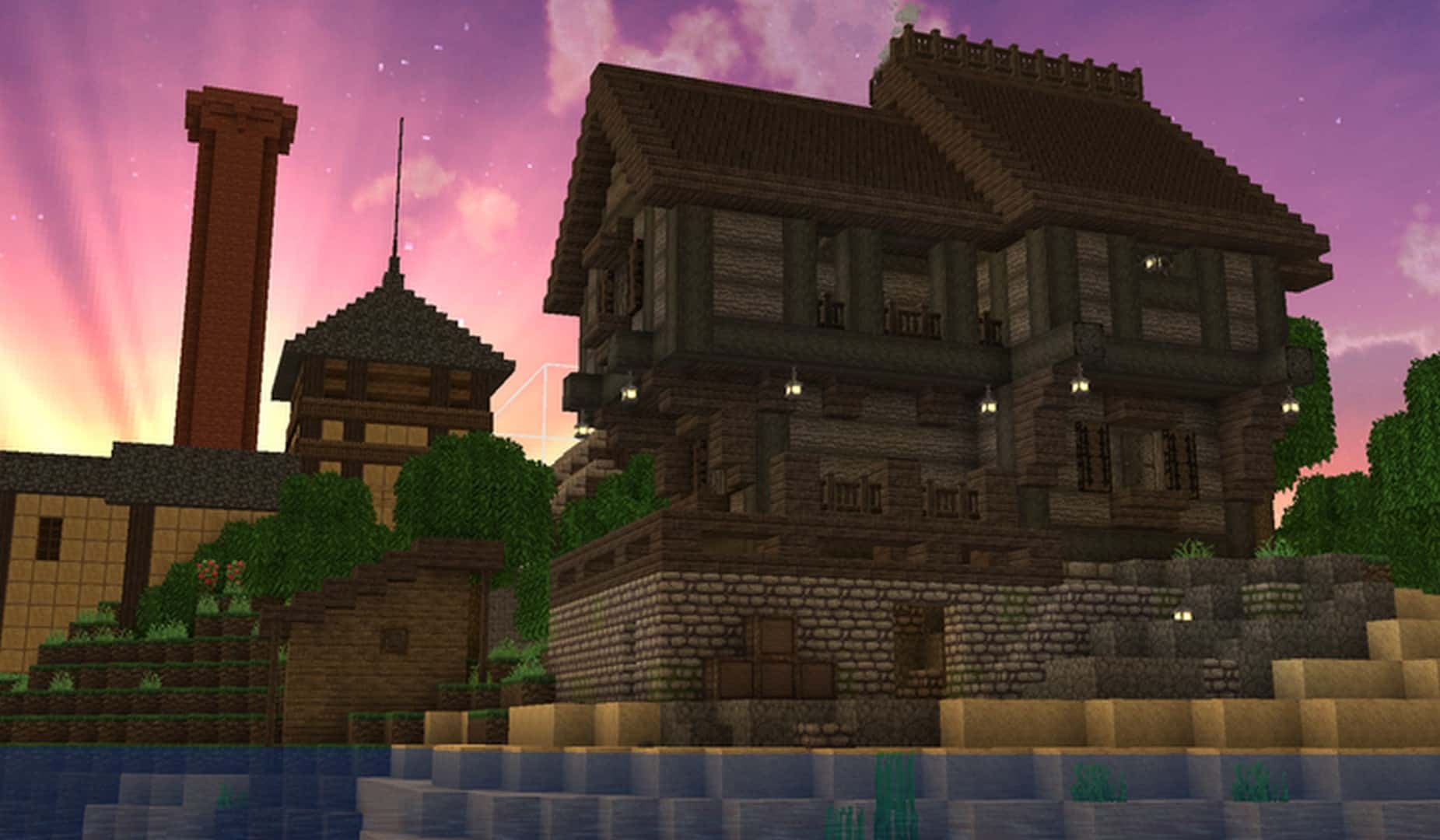
Take a wonderful leap in time with the Halcyon Days resource pack! This rustic yet wonderfully simplistic 32x texture pack gives your typical Minecraft world an authentic medieval touch that will undoubtedly revitalize your gameplay. At first glance, it might look like just another medieval resource pack among the hundreds found online. However, the vast majority of texture packs in this category tend to exaggerate the rustic aspects and inadvertently end up looking far too cartoonish. Finding a pack that manages to remain simple while staying genuinely attractive is a rare challenge. If you have been searching for precisely that balance, this is definitely the resource pack for you! What the Halcyon Days resource pack truly strives for is delivering a charming rustic and medieval vibe without ever losing the core essence of what makes Minecraft so special.
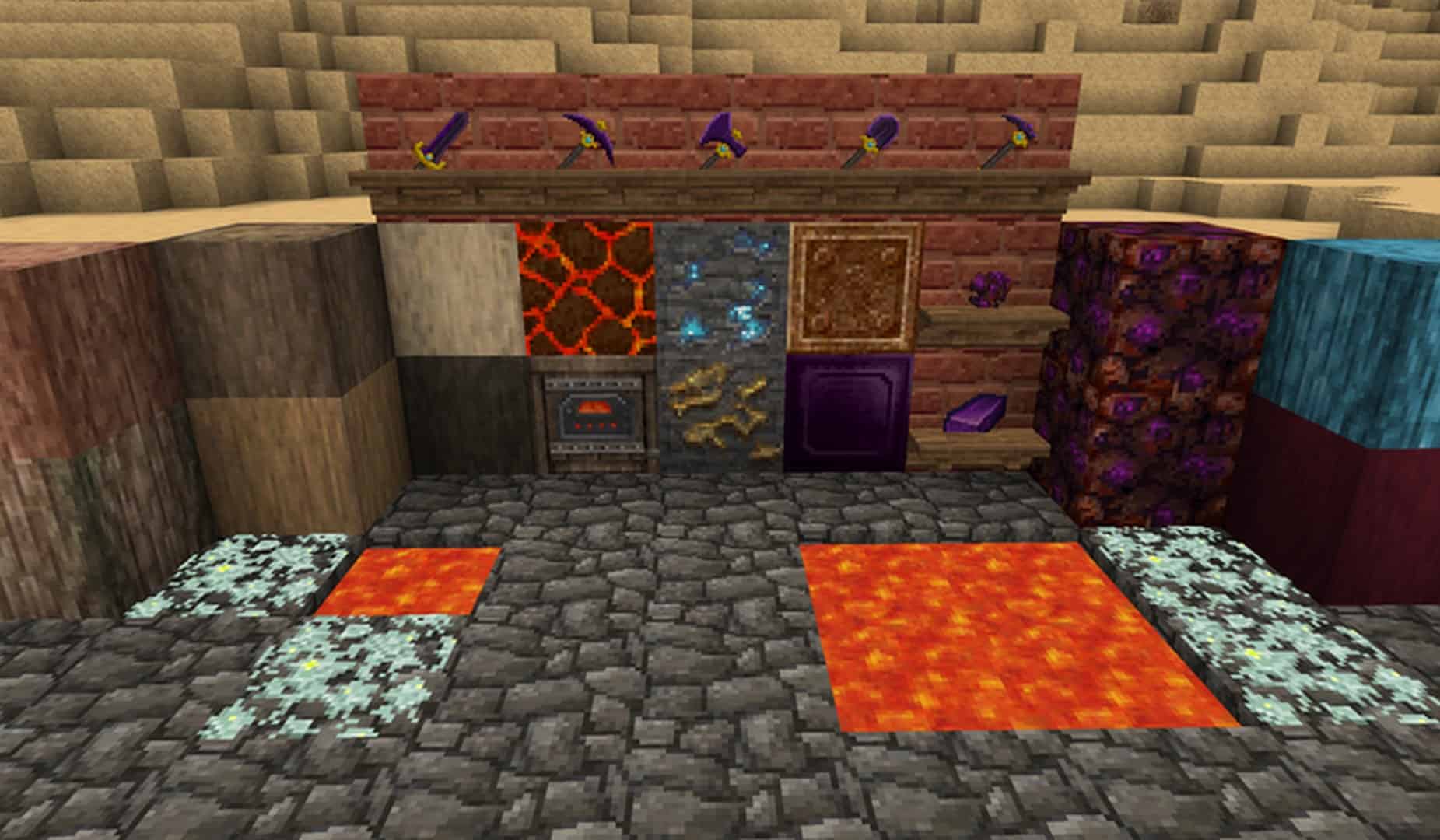
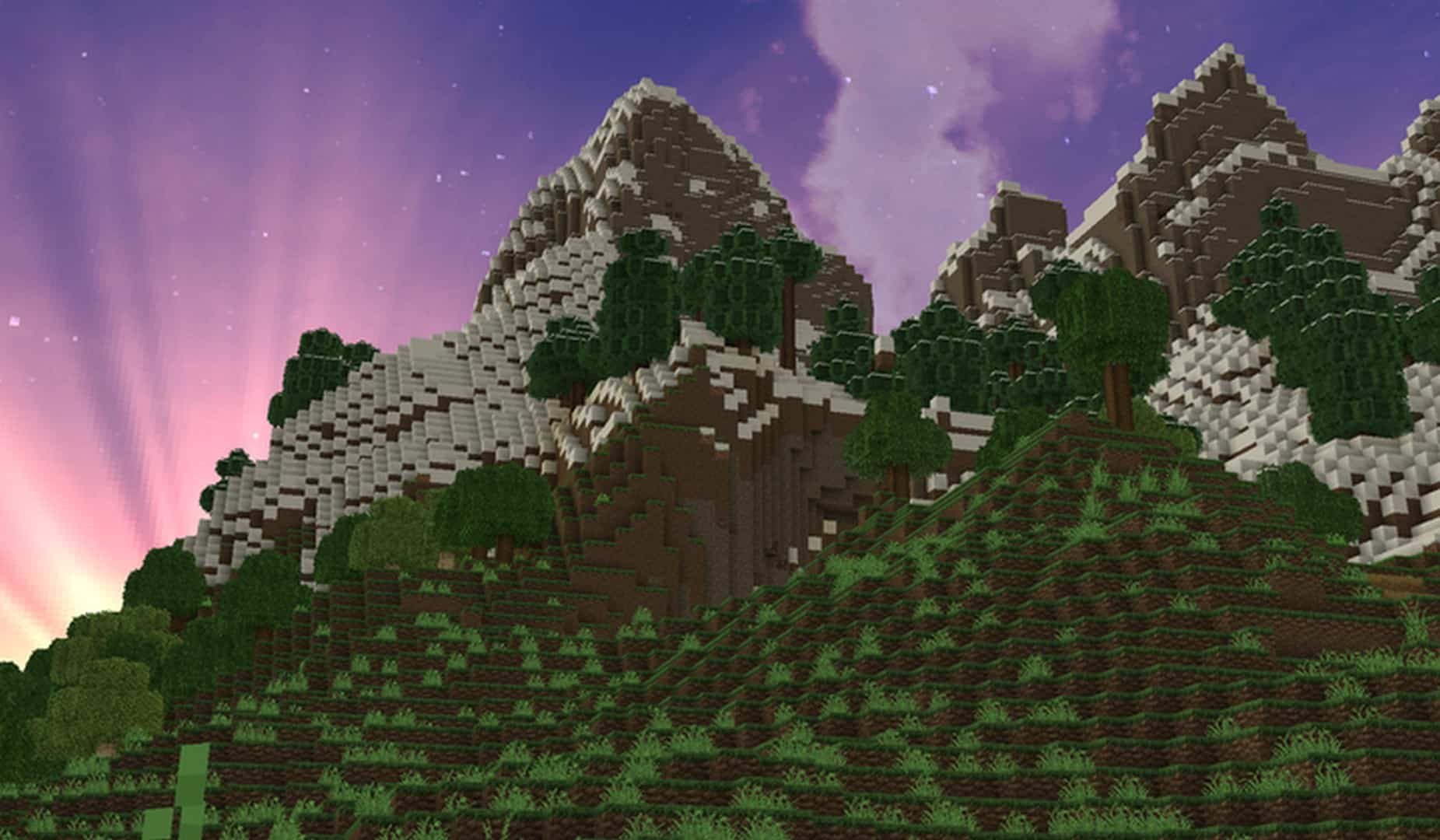
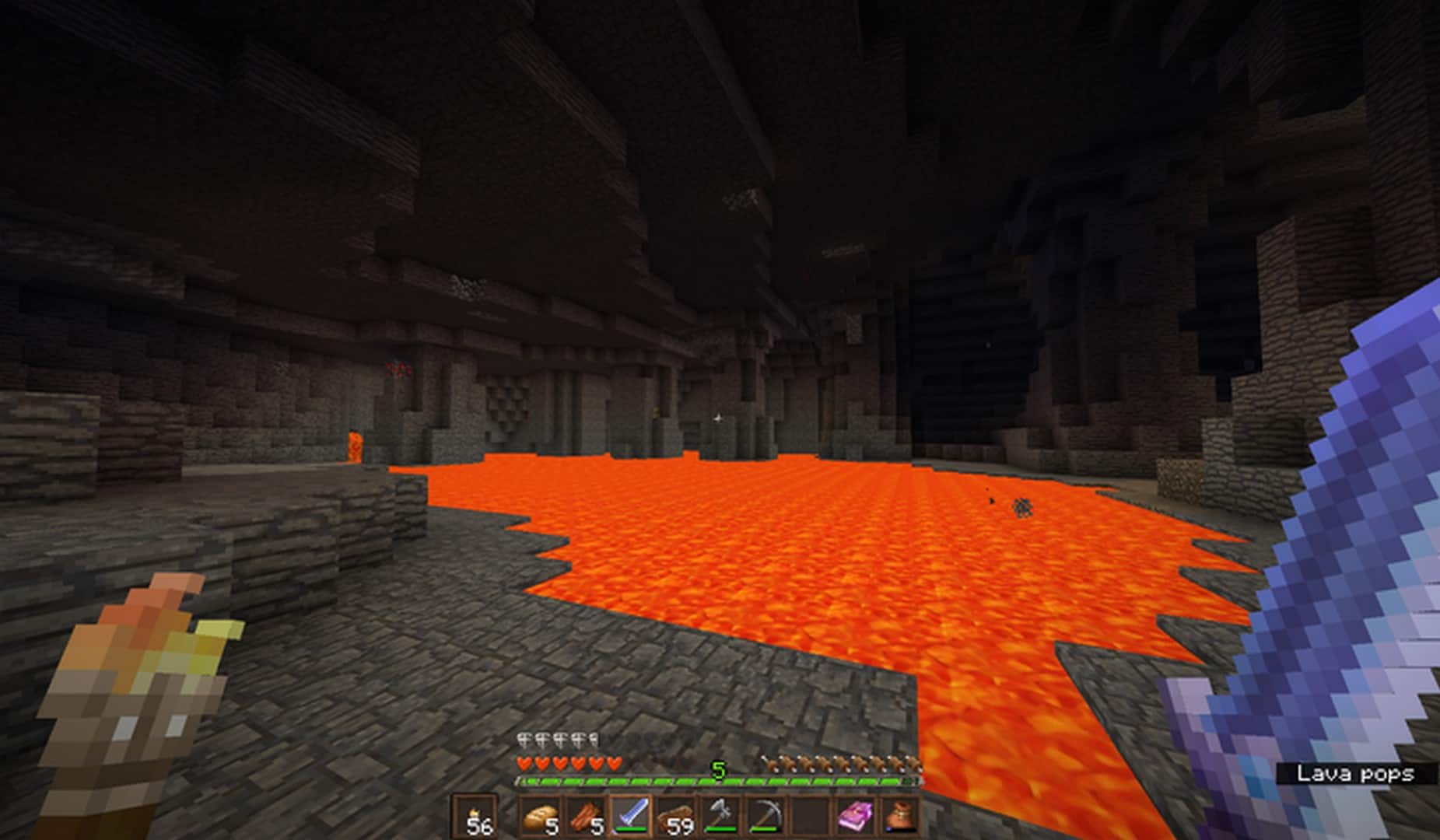
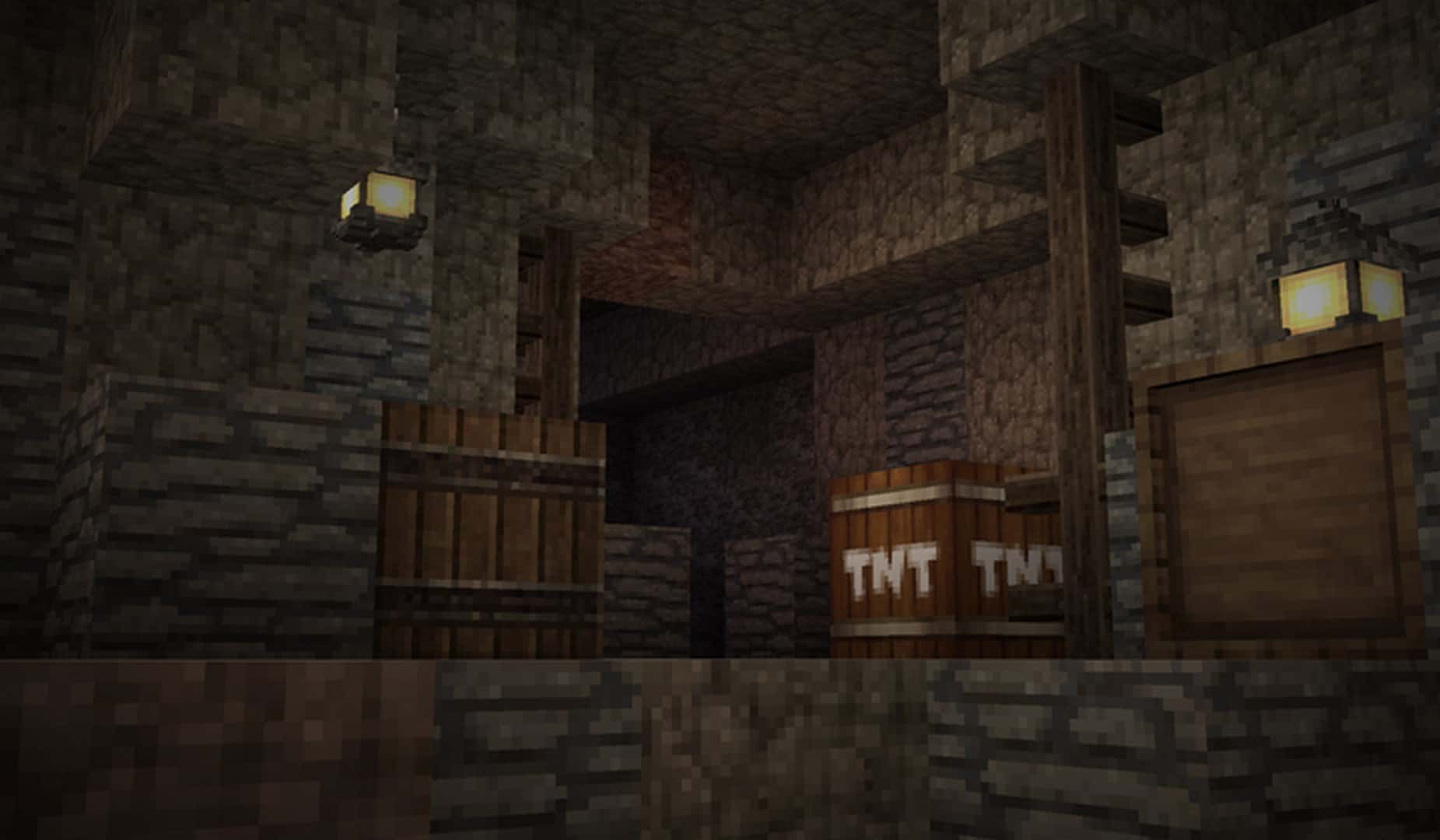
Many texture packs attempt this exact objective and fall short, which makes the clean simplicity of Halcyon Days stand out so brilliantly against the crowd. Among all the fantastic textures included in this pack, we especially love the stone and wood designs. The level of detail embedded in them is truly appreciated, especially since stone and wood are the two most frequently used building materials in the game. Very few texture packs reach this high level of graphical detail without straying from the vanilla aesthetic, giving this pack a massive advantage over the rest. To make this texture pack look even better than it already does, we definitely recommend using Optifine. When combined, they drastically improve texture quality while maintaining great frame rates. The Halcyon Days pack comes in a 32×32 resolution, which is a fantastic stepping stone from the standard 16×16 default. This slight bump in resolution delivers much crisper details without harming your hardware performance, meaning you can activate this pack worry-free and enjoy smooth gameplay.
Halcyon Days should be compatible with all of these Minecraft versions: 1.18.1 – 1.18 – 1.17.1 – 1.17 – 1.8.9 – 1.8.8 – 1.8.1 – 1.8.6 – 1.8 – 1.7.10 – 1.7.9 – 1.7.4 – 1.7
Screenshots
How to Install Texture Pack (Simple 10 Steps)
- Download OptiFine: Most of the texture packs and shaders need OptiFine. That’s why, first download and install OptiFine for the version of Minecraft you want to play.
- Download the Texture Pack: Get the texture pack you want from the download section. Choose the version that works with your Minecraft and your PC’s performance.
- Open Minecraft Launcher: Start Minecraft using the official game launcher — or even TLauncher, if you use that.
- Go to Options: From the main menu, click on the “Options” button.
- Open Resource Packs: Inside Options, click on “Resource Packs…”.
- Open the Resource Pack Folder: Click on “Open Resource Pack Folder” — this will open a folder named “resourcepacks”.
- Move the Pack File: Copy or move the .zip file you downloaded into that “resourcepacks” folder. (Don’t unzip the file — Minecraft uses it as-is!)
- Go Back and Refresh: Close the folder and click “Done”, then go back into “Resource Packs…” again.
- Activate the Pack: You’ll see the pack on the left side. Hover over it and click the arrow to move it to the right (active side).
Tip: If you get a message that the pack is for a different version, just click “Yes” — it usually works fine. - Click Done and Enjoy: Click “Done” again. Now your pack is ready to use in-game. It’s that easy!
Credits
This resource pack was originally created by ikezou and EquinoxBros. We do not claim ownership of this content and do not modify the original files. We encourage you to support the original creators by visiting their official links.
Download Links
Java Edition
Download Instructions
Curseforge: download starts automatically after a few seconds;
Mediafire: click the big blue button with the text “DOWNLOAD”;
Google Drive: in the top right corner you will see a small download icon (down arrow), click it and the download should start;


