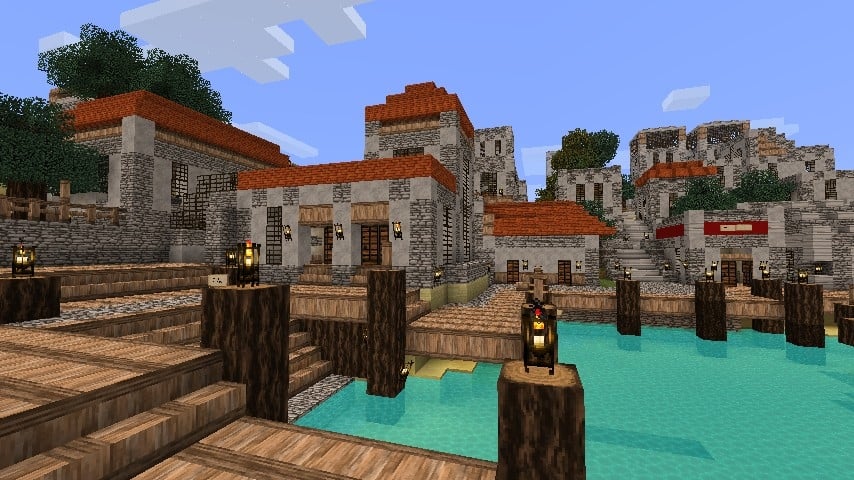
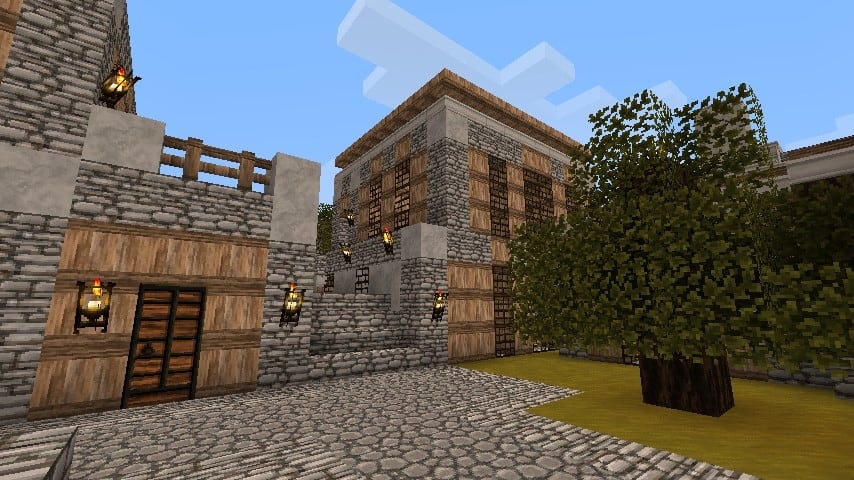
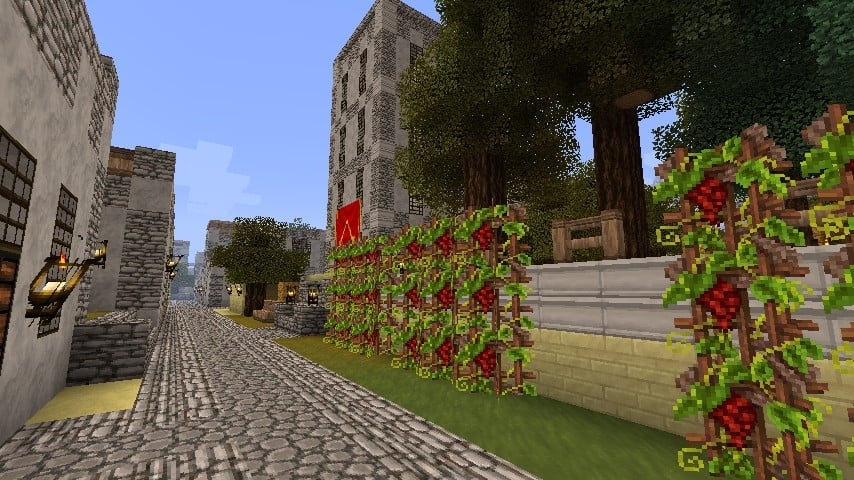
We frequently encounter resource packs drawing inspiration from widely recognized franchises, including Lord of the Rings, Game of Thrones, Star Wars, and beyond. Occasionally, we even discover packs inspired by the unique universes of other video games. Assassin’s Creed II features an incredible narrative set within a phenomenal historical era, and I was thrilled to find that the Assassini Costruttori resource pack successfully transforms numerous aspects of Vanilla Minecraft, allowing you to authentically recreate iconic Italian architecture, scenes, and towns from the Renaissance period. First released in mid-2011, Assassini Costruttori proudly boasts a legacy spanning over a decade. Crafted by the talented developer known across the community as Steelfeathers, development concluded just a year after launch, yet this pack continues to be actively downloaded to this day. Fully compatible with older Minecraft versions, it has impressively accumulated over 200,000 downloads across various hosting sites since its debut. To enhance the visual fidelity, the pack slightly increases the texture resolution; while vanilla Minecraft relies on standard 16x pixels, this pack doubles the resolution to a crisp 32x, granting players significantly more detail to admire across nearly every single texture in the game.
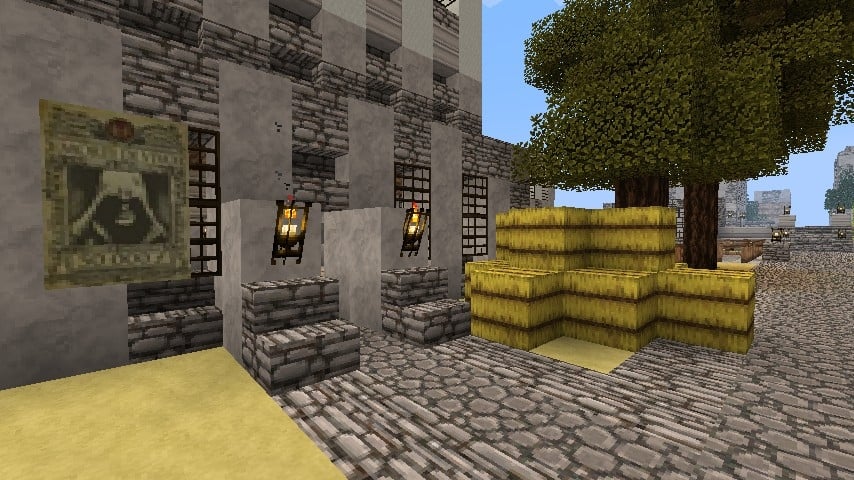
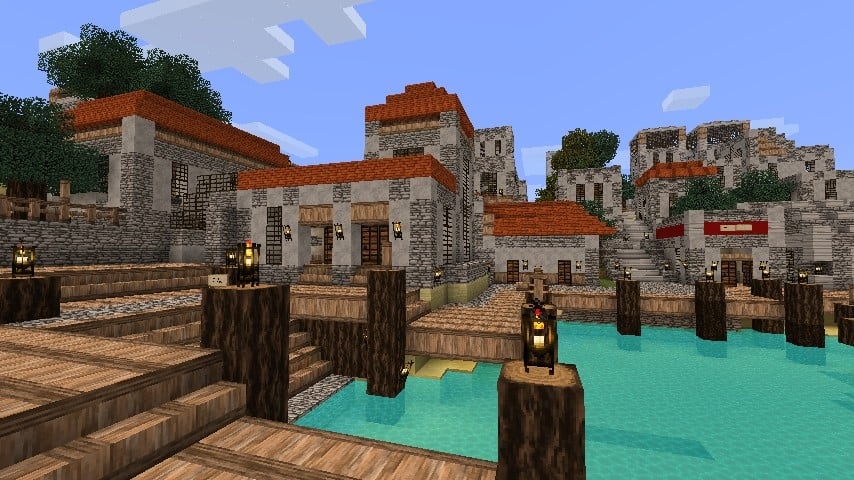
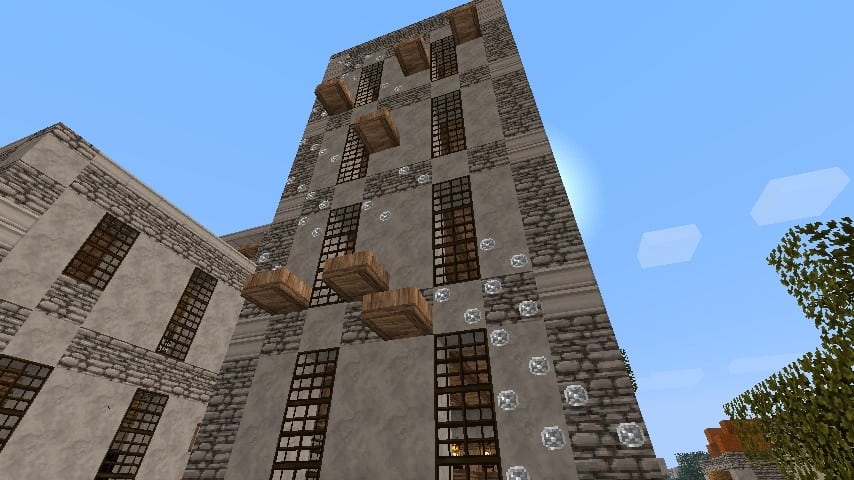
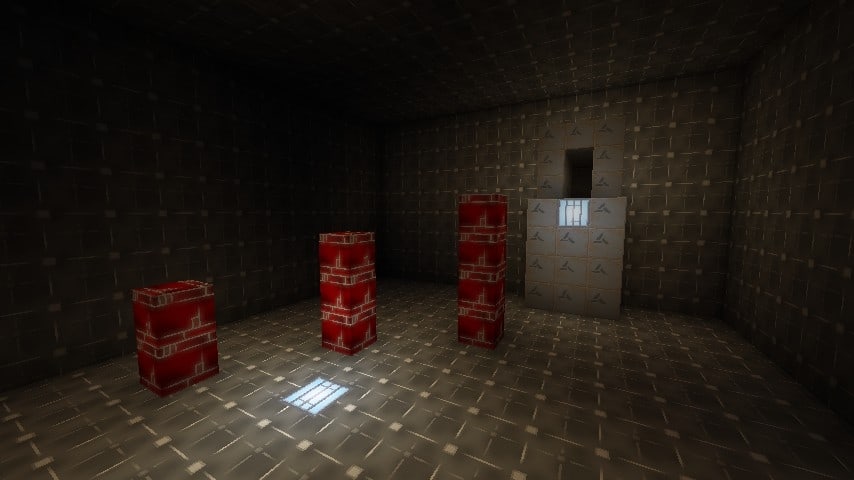
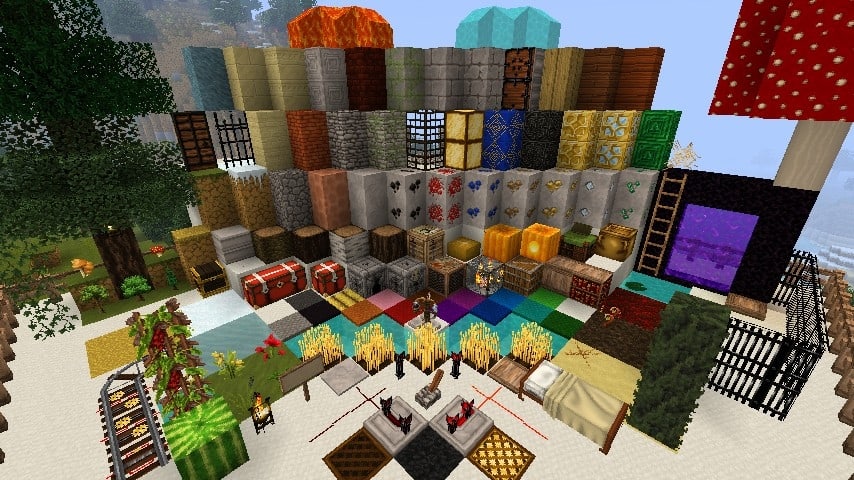
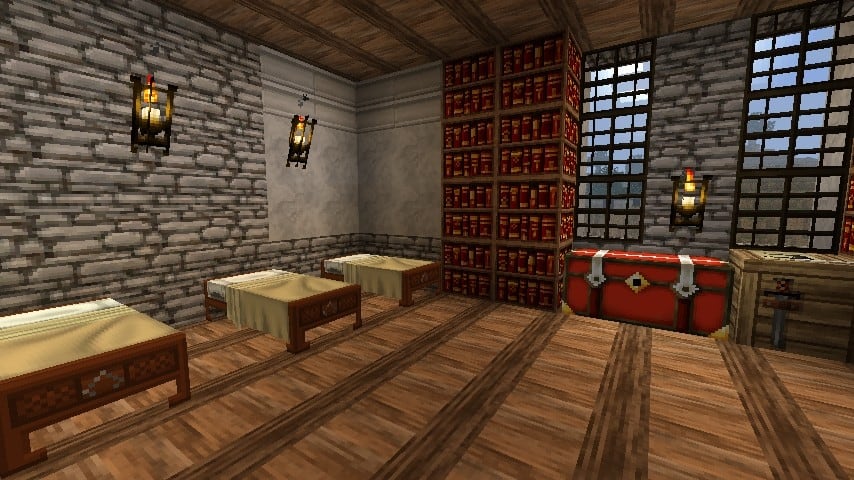
Because this pack draws heavy inspiration from Assassin’s Creed II and Renaissance-era Italy, I was delighted to discover an array of brand-new textures for common blocks, including pavements, walls, brick and stone walls, marble, limestone, and more. Acknowledging that wine was a staple beverage in historical Italy, the developer thoughtfully included grape vines within the game, alongside fresh textures for wheat and several delightful new flowers. Utilizing these enriched textures for resources and standard blocks makes it entirely possible to construct genuine monuments mirroring real-life Italian architecture, provided you have the time and patience. Interestingly, elements such as the clouds, sun, moon, and water textures were left untouched, which preserves a touch of the classic feel. Best of all, I found that the Assassini Costruttori texture pack is remarkably lightweight regarding performance; it bypasses heavy dynamic textures and resource-heavy features that might otherwise cripple framerates, and because the resolution avoids ridiculous extremes, Minecraft runs wonderfully smoothly with it installed. If you wish to push your visuals further, you can pair it with a compatible shader pack, keeping in mind that you will need to match the correct Minecraft version and accept that shaders may impact your framerate while boosting sky and water realism.
Assassini Costruttori should be compatible with all of these Minecraft versions: 1.7.10 – 1.7.9 – 1.7.4 – 1.7 – 1.6.4 – 1.6.2
Screenshots
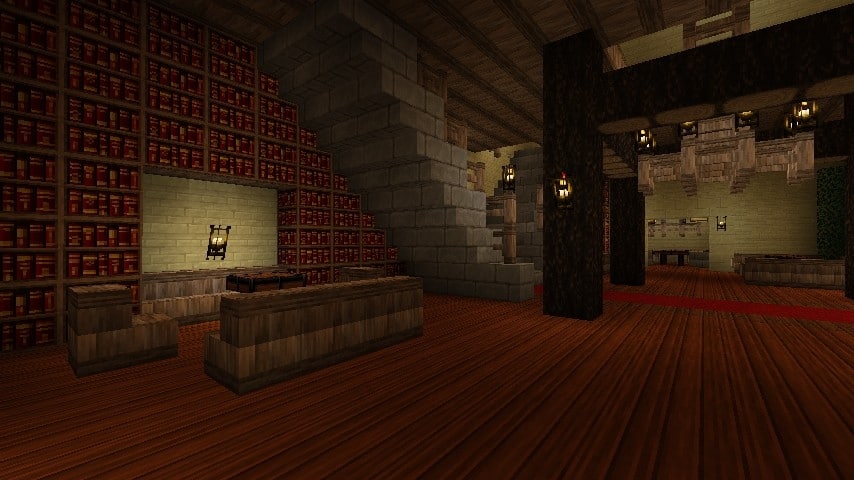
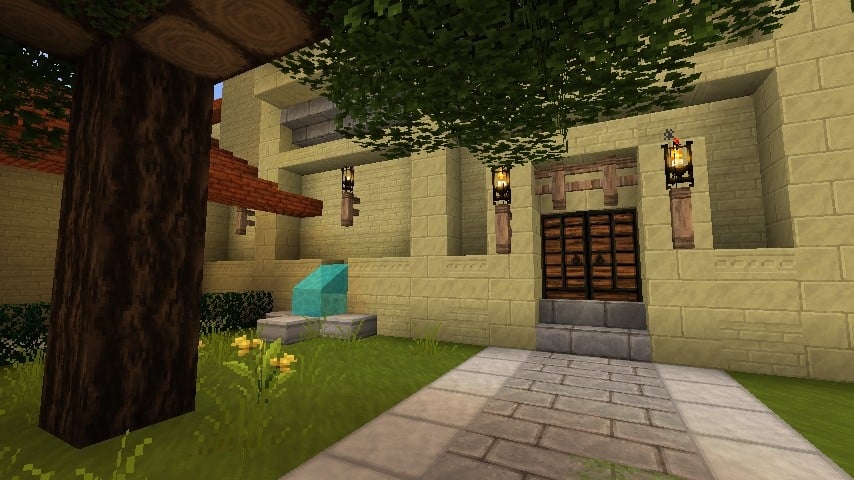
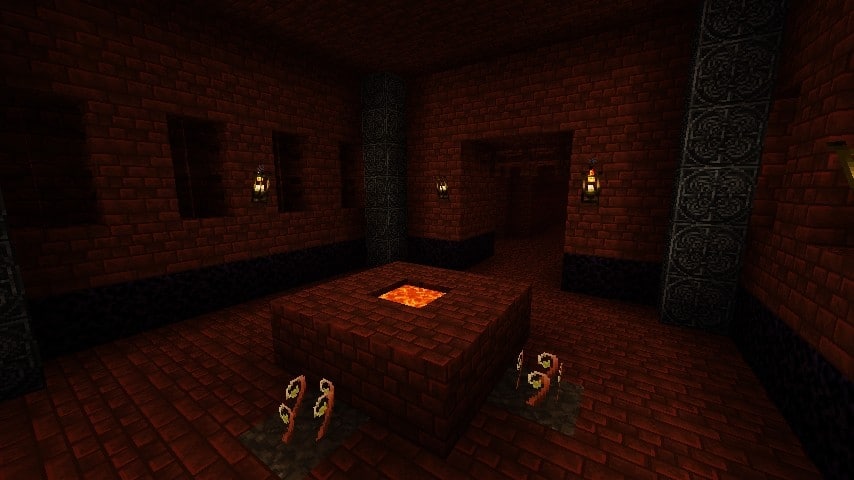
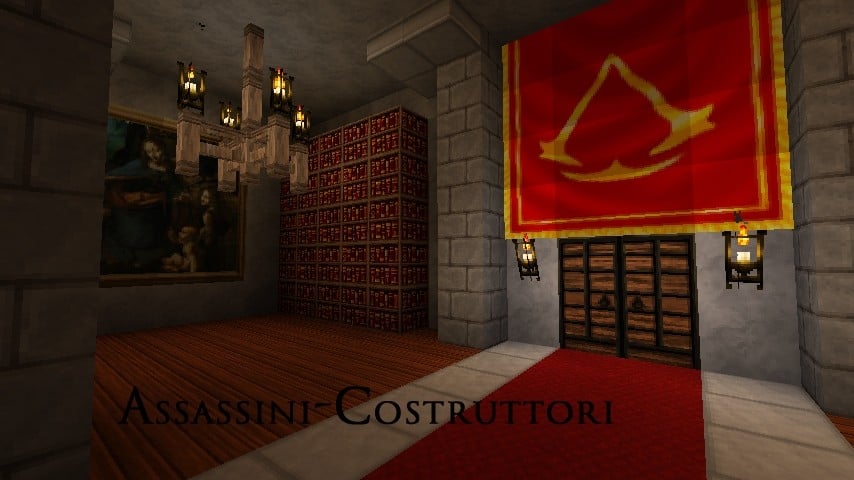
How to Install Texture Pack (Simple 10 Steps)
- Download OptiFine: Most of the texture packs and shaders need OptiFine. That’s why, first download and install OptiFine for the version of Minecraft you want to play.
- Download the Texture Pack: Get the texture pack you want from the download section. Choose the version that works with your Minecraft and your PC’s performance.
- Open Minecraft Launcher: Start Minecraft using the official game launcher — or even TLauncher, if you use that.
- Go to Options: From the main menu, click on the “Options” button.
- Open Resource Packs: Inside Options, click on “Resource Packs…”.
- Open the Resource Pack Folder: Click on “Open Resource Pack Folder” — this will open a folder named “resourcepacks”.
- Move the Pack File: Copy or move the .zip file you downloaded into that “resourcepacks” folder. (Don’t unzip the file — Minecraft uses it as-is!)
- Go Back and Refresh: Close the folder and click “Done”, then go back into “Resource Packs…” again.
- Activate the Pack: You’ll see the pack on the left side. Hover over it and click the arrow to move it to the right (active side).
Tip: If you get a message that the pack is for a different version, just click “Yes” — it usually works fine. - Click Done and Enjoy: Click “Done” again. Now your pack is ready to use in-game. It’s that easy!
Credits
The Assassini Costruttori resource pack was originally created by Steelfeathers. All rights to the original work remain with the original author. We do not own, host, or claim ownership of this content, and we do not modify the original files. We strongly encourage users to support the creator and their legacy by downloading the pack through the official channels provided.
Download Links
Java Edition
Download Instructions
Curseforge: download starts automatically after a few seconds;
Mediafire: click the big blue button with the text “DOWNLOAD”;
Google Drive: in the top right corner you will see a small download icon (down arrow), click it and the download should start;


