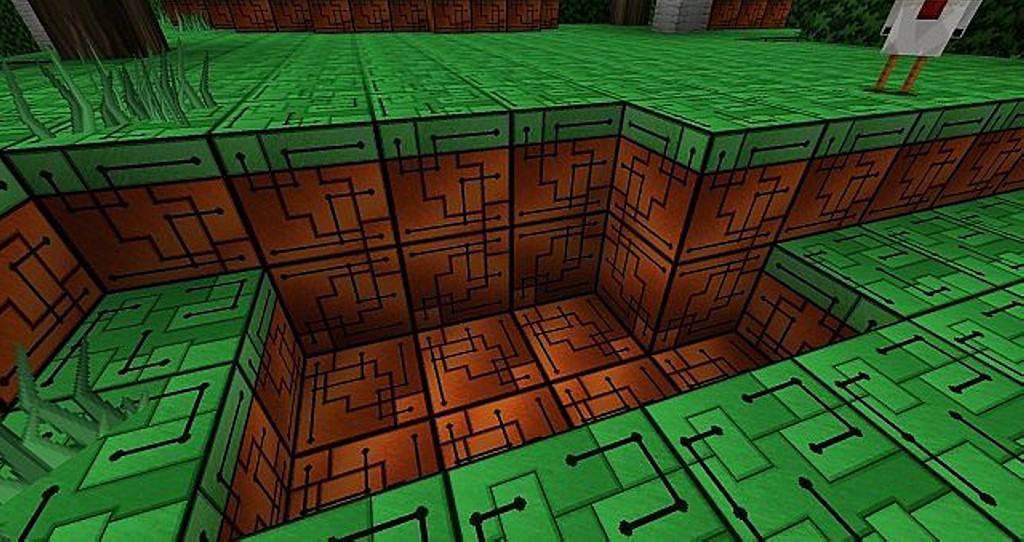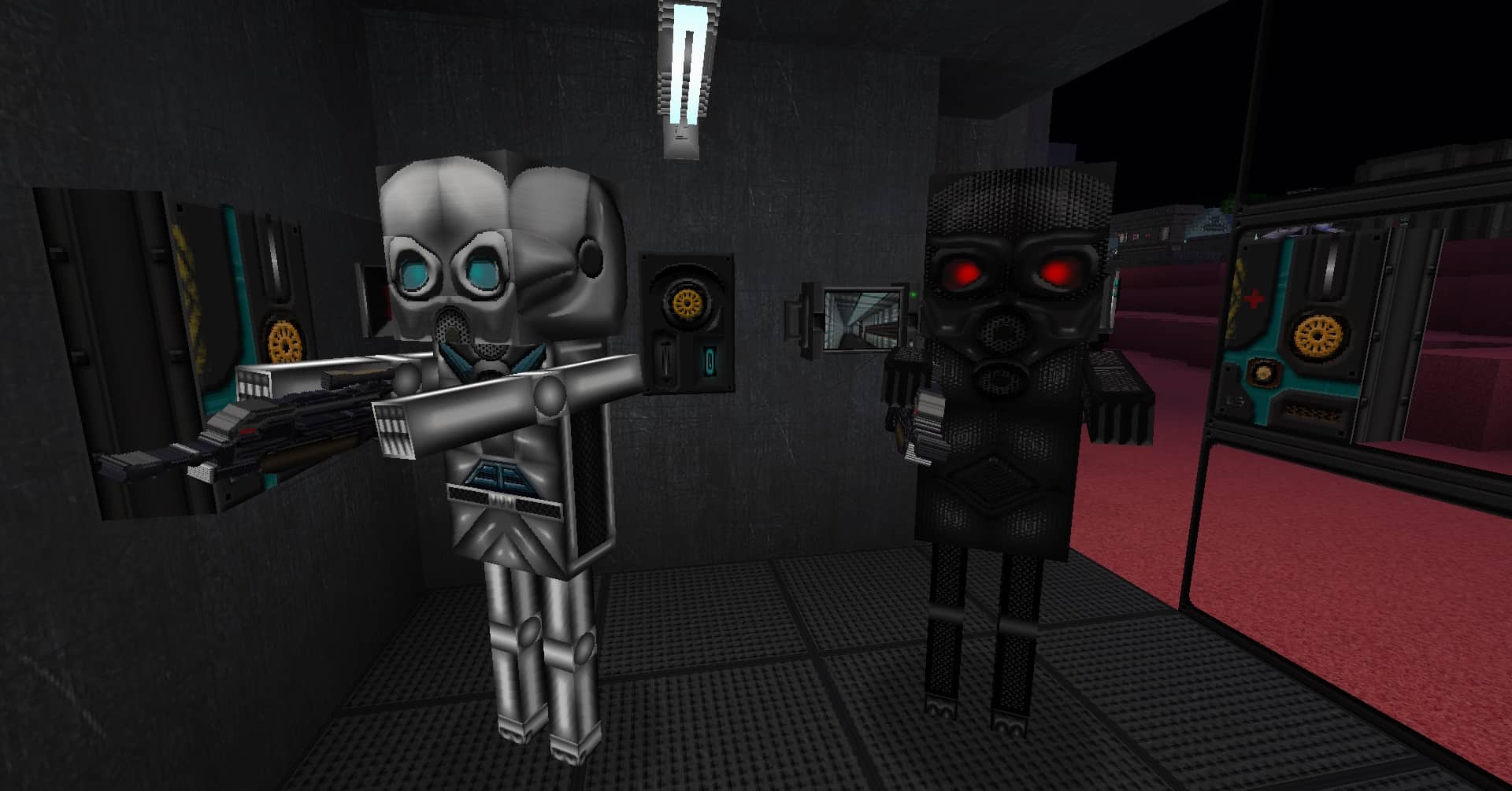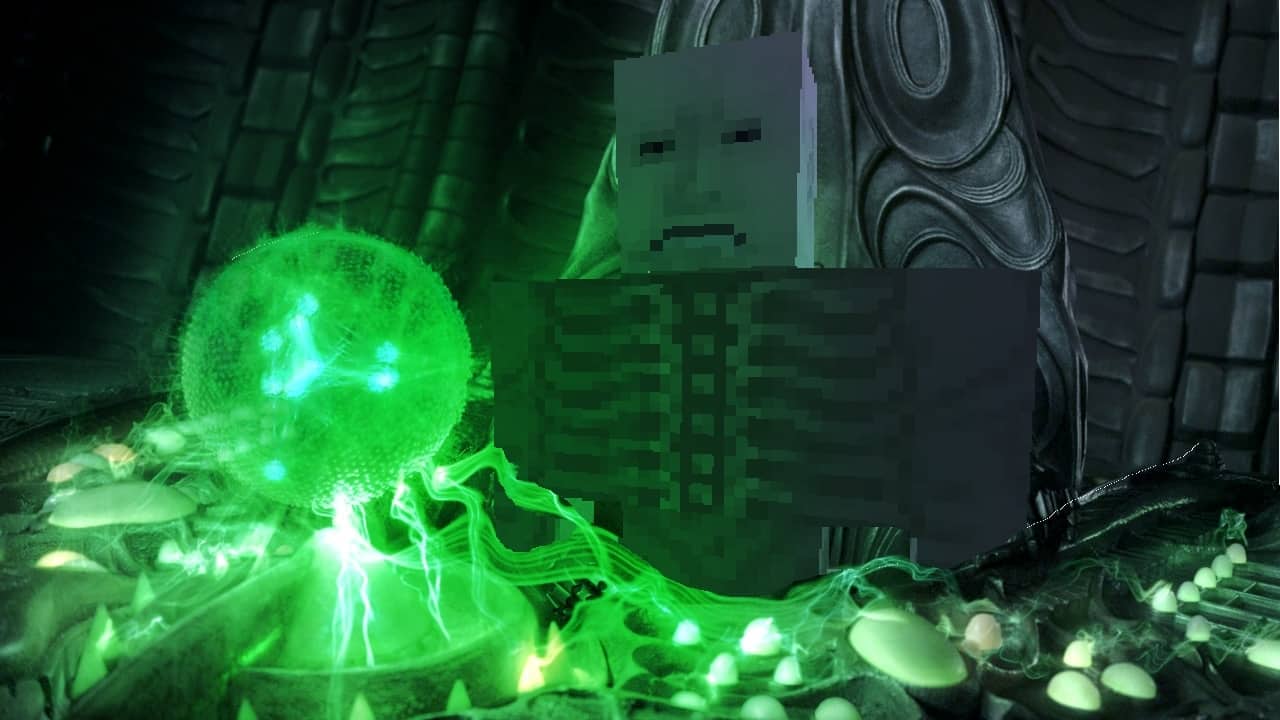
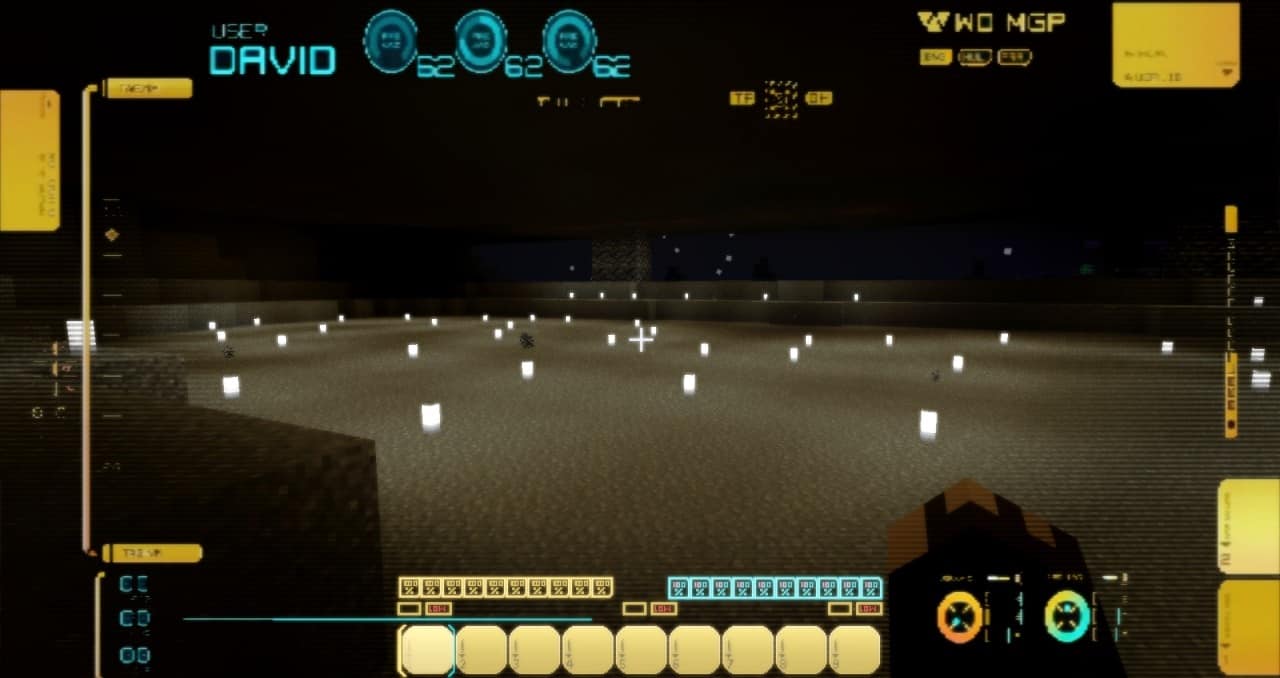
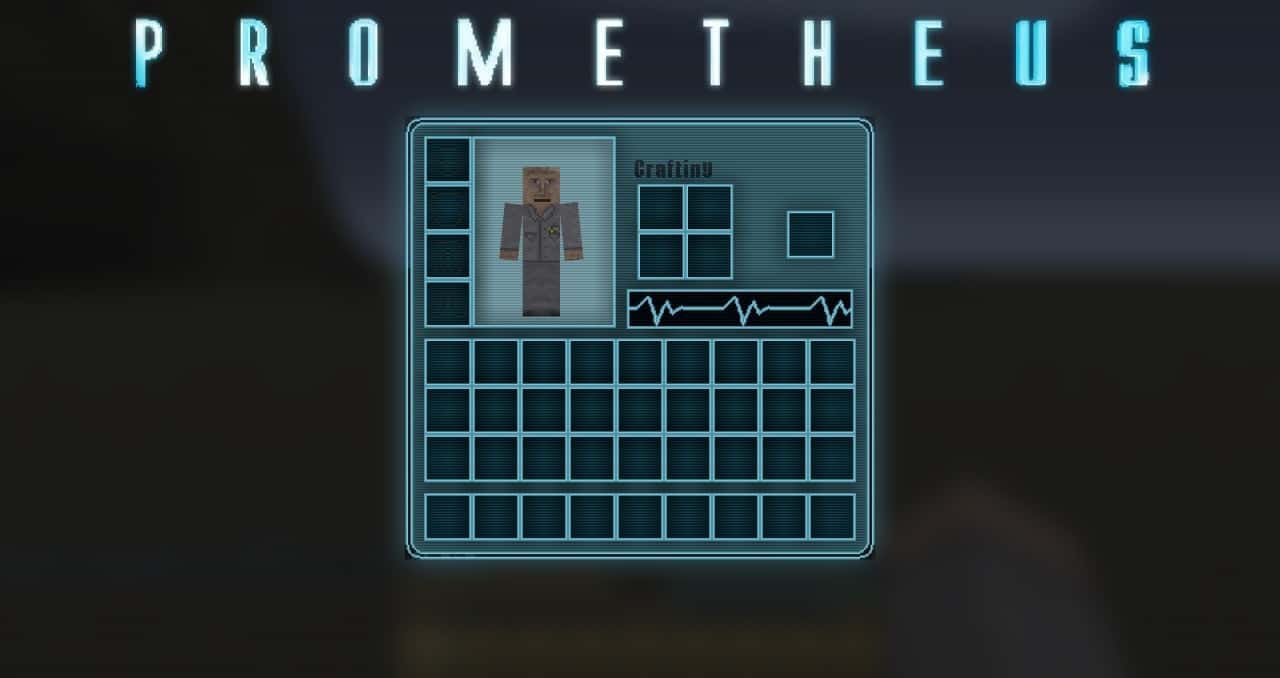
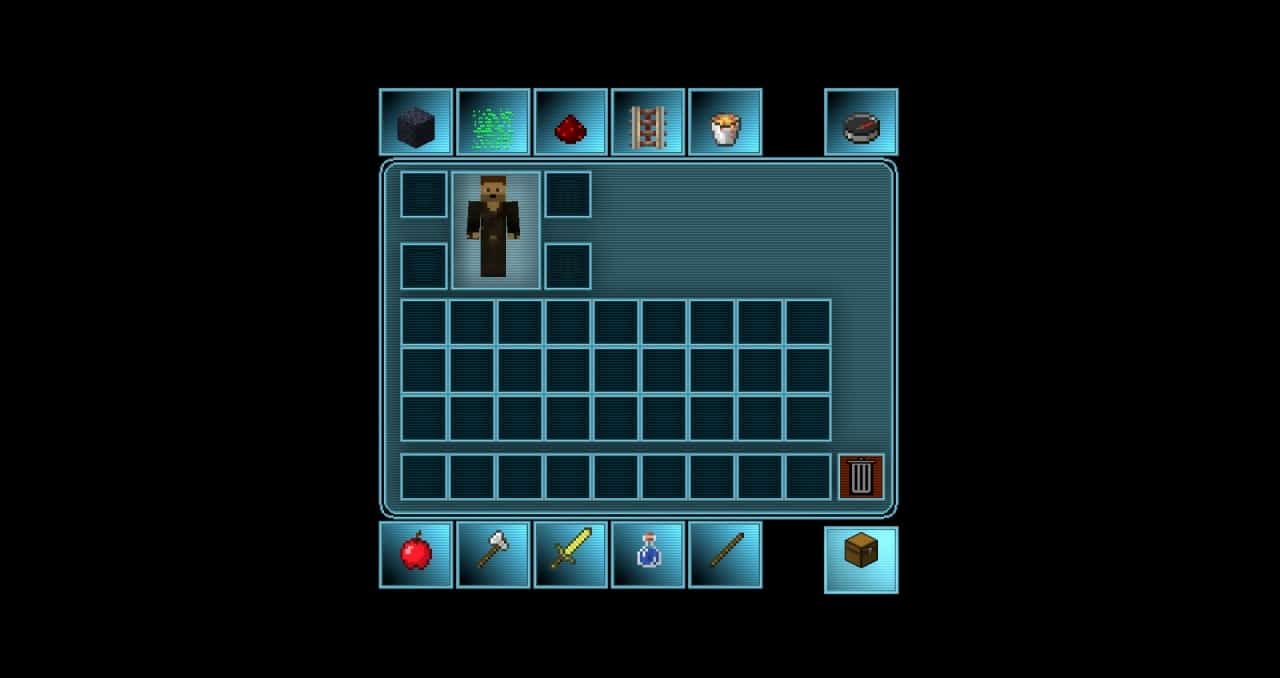
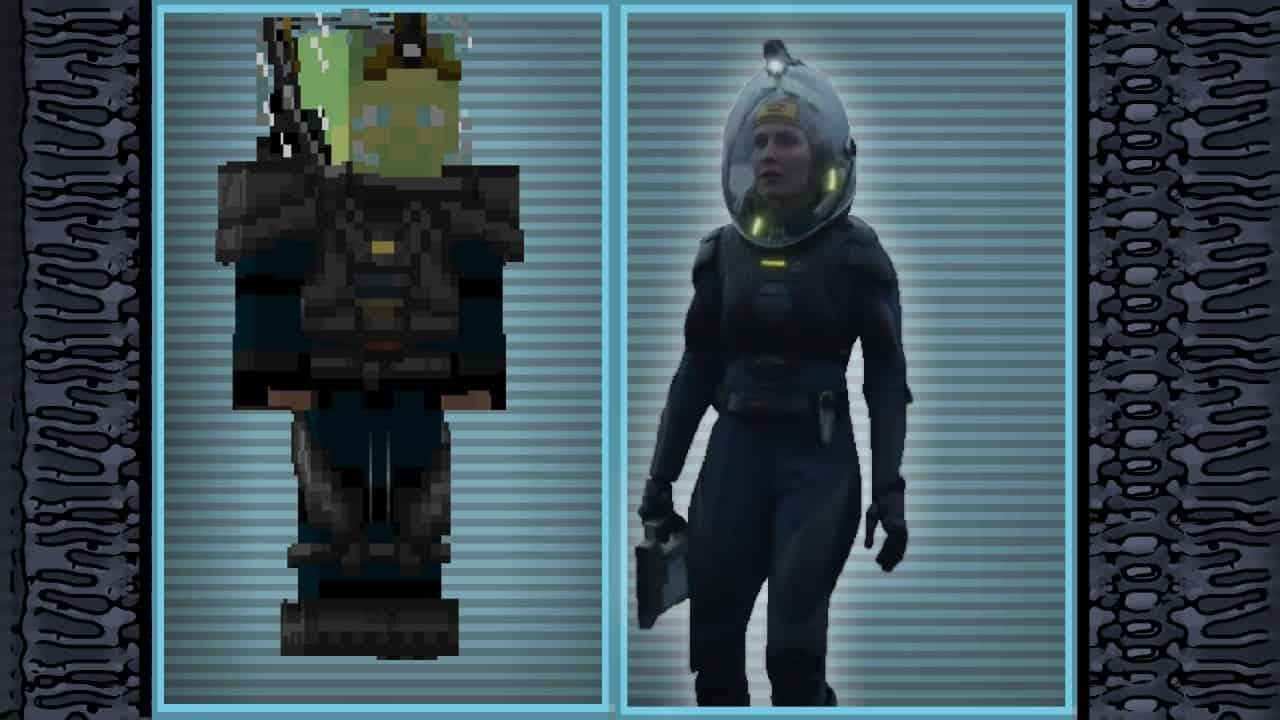
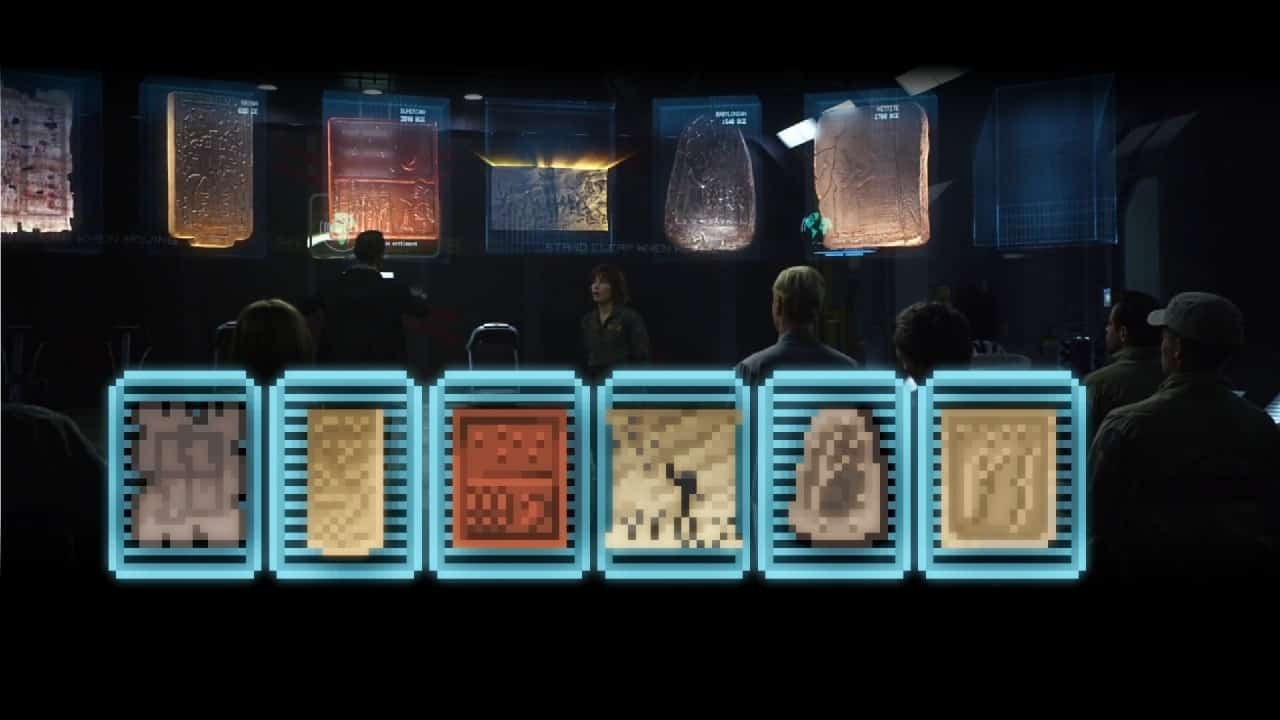
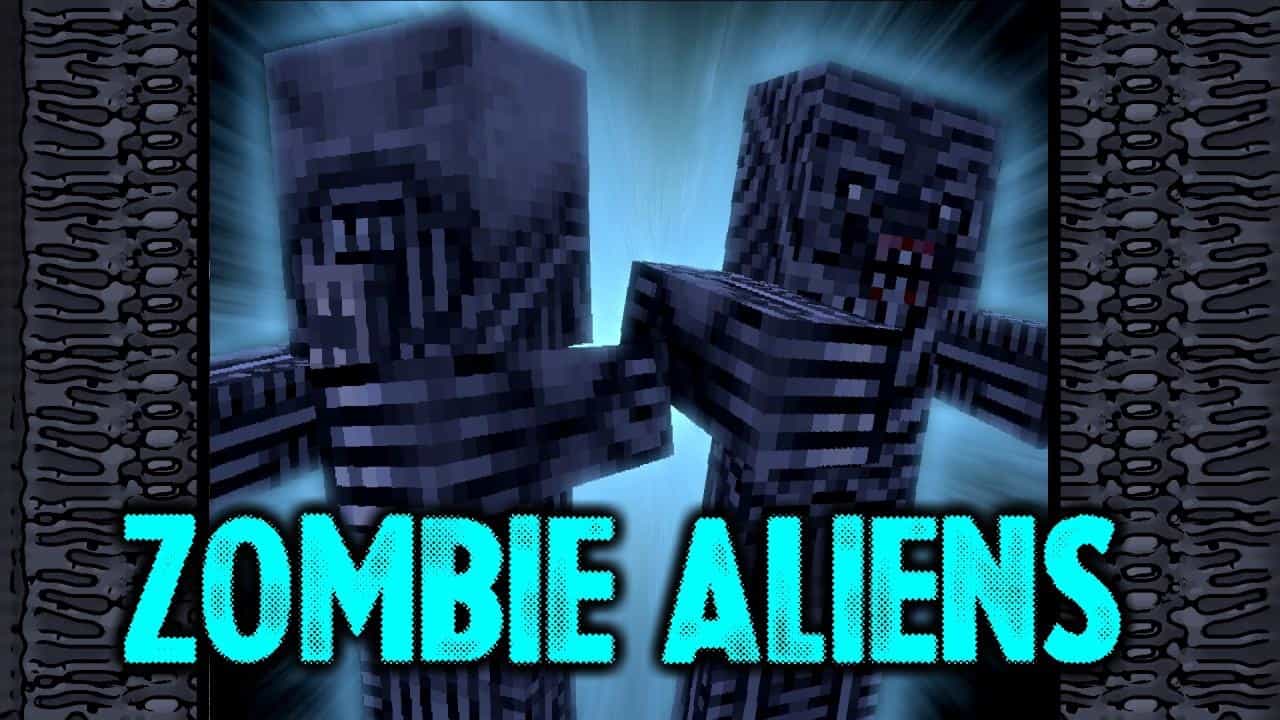
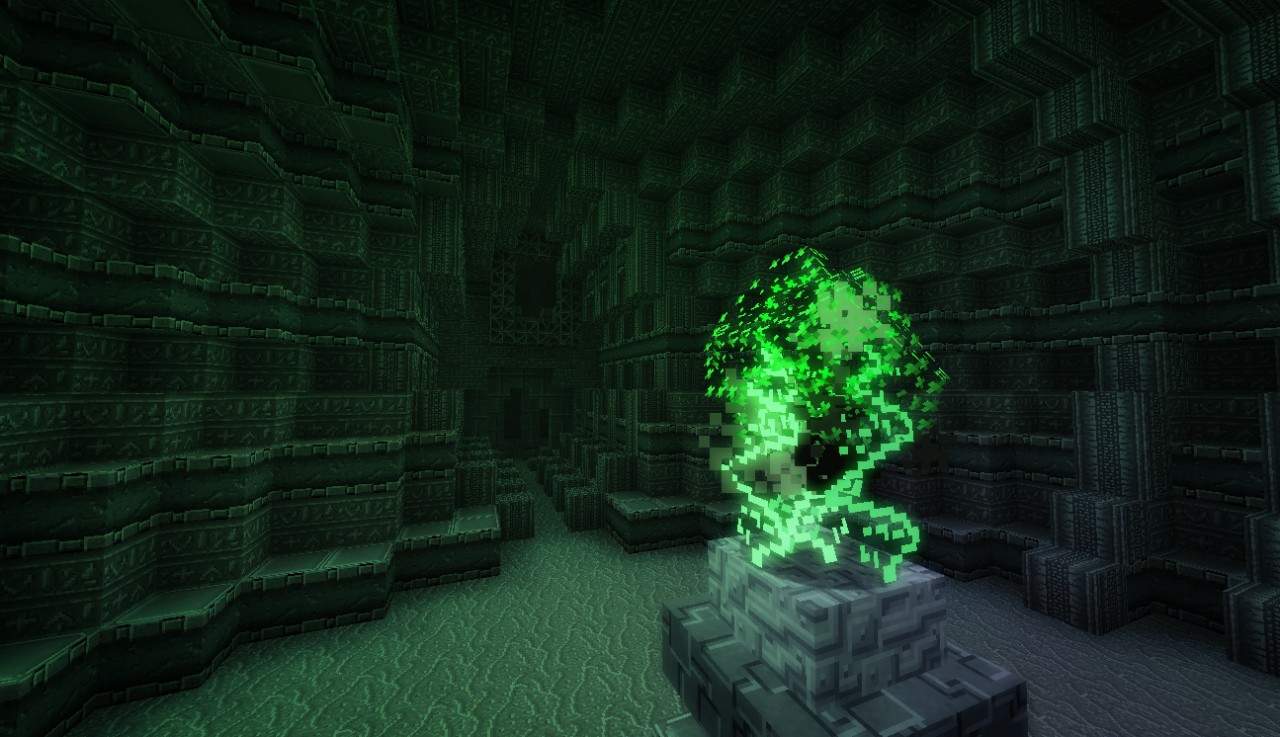
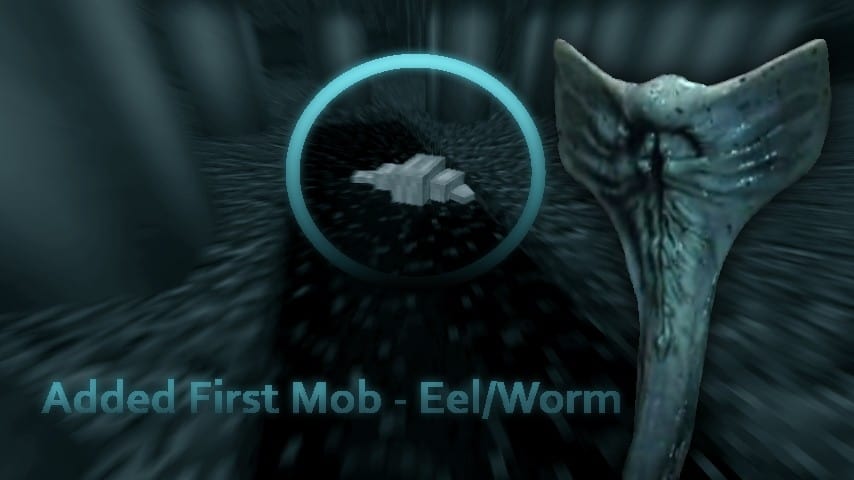
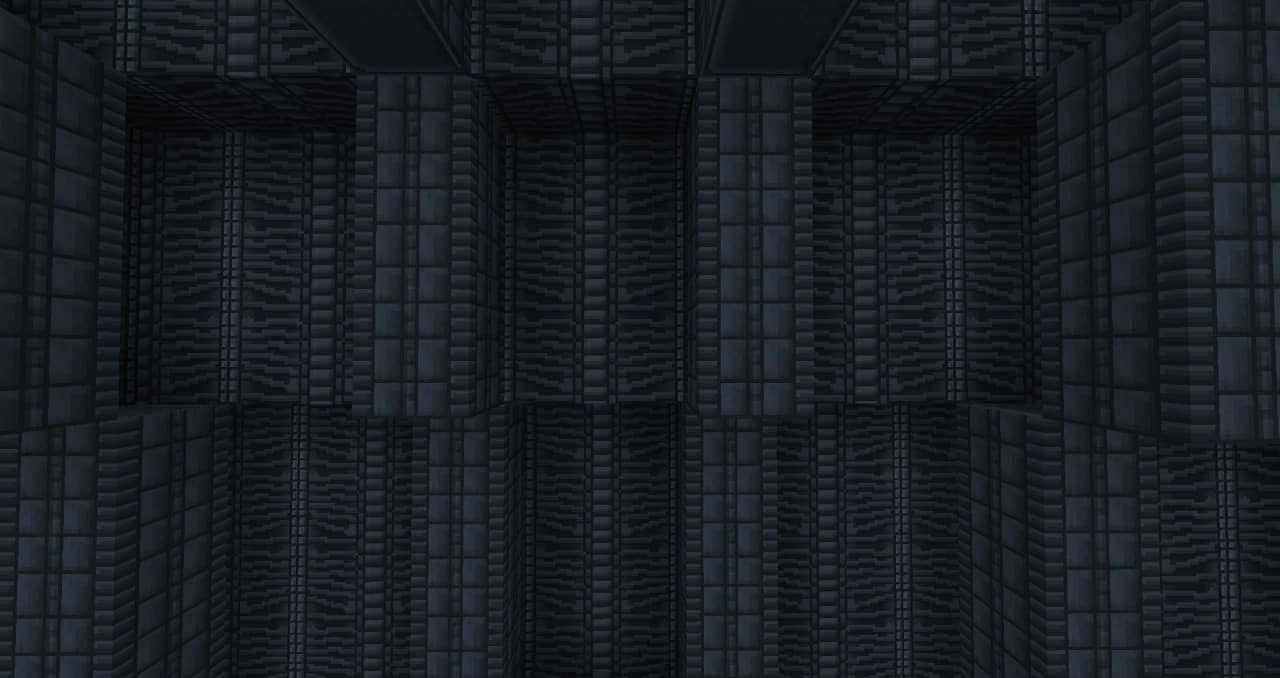
I recently tested out the Prometheus resource pack, and it delivers a genuinely unique futuristic sci-fi horror experience meticulously designed after the famous movie Prometheus from the popular Alien franchise. It brilliantly features terrifying elements from the original film, which was groundbreaking and rose through the ranks of horror classics, holding its popularity today and sparking various sequels. Because it is based on such a novel movie, this resource pack delivers a very similar vibe to the film, and I found that the creators completely redesigned Minecraft to resemble the movie, changing any world it is placed in to be unrecognizable from the base game. The changes include popular characters for both antagonists and protagonists, aliens in the form of redesigned mobs, and impressive upgrades to the GUI system. Even if you were to discard all the horror aspects, I think the Prometheus texture pack is simply one of the best packs you could install if you are trying to build a futuristic world in Minecraft, as the top-notch design and various intricate details blend together seamlessly to fully immerse players in their surroundings.
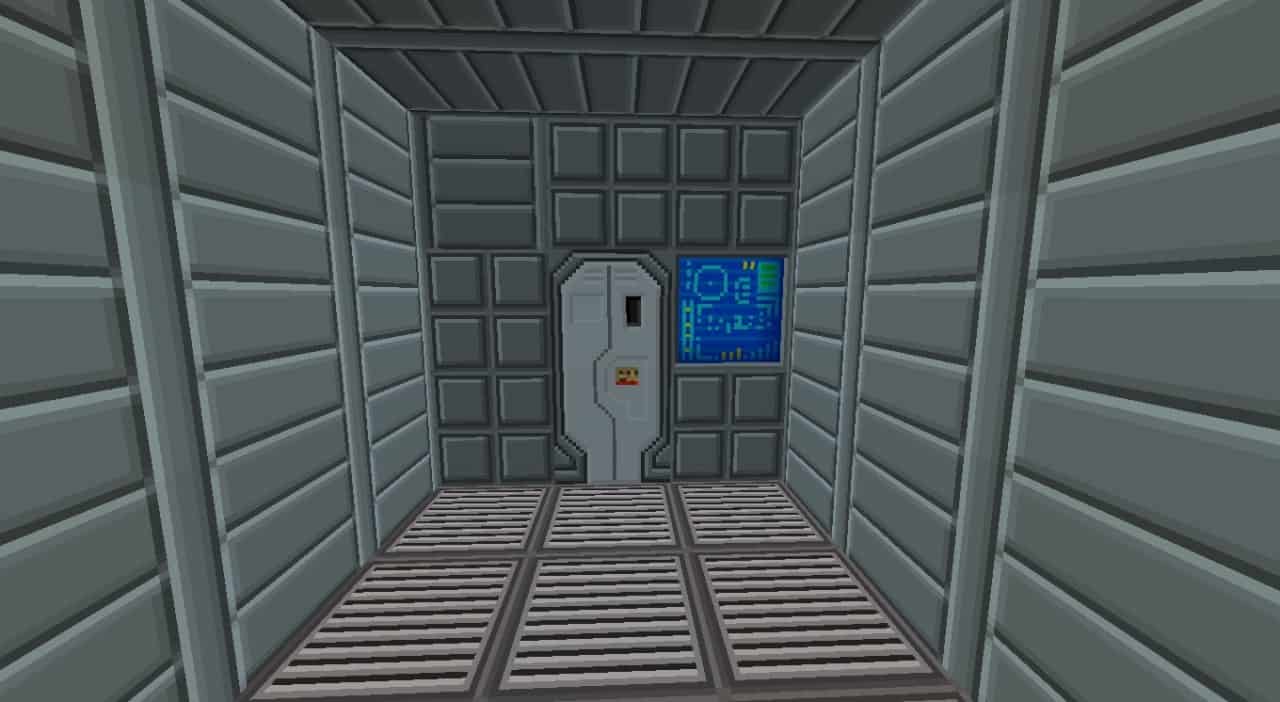
The GUI improvements make the game much more identical to the movie and greatly enhance the sci-fi feel that the pack brings. Being able to completely disregard an aspect of a pack without making it feel unfinished is rare, but the Prometheus pack accomplishes this effortlessly, delivering both horror and sci-fi in one convenient package. If you are the type of player who wants an intergalactic adventure instead of focusing on building a homestead or working on your basic survival, then this resource pack is the absolute perfect addition to your Minecraft world. These base game elements are still included even if the pack is installed, but the futuristic changes to the world make Minecraft look like a brand new game altogether. The bright lights, shining metals, and high-tech-looking blocks are all wonderfully included in the Prometheus resource pack, which features a resolution of 32 x 32, slightly higher than the usual 16 x 16 that Minecraft runs on. I noticed that this resolution shouldn’t result in any noticeable drop in performance because the textures are exceptionally well optimized, meaning the pack performs smoothly on any system that can handle vanilla Minecraft.
Prometheus should be compatible with all of these Minecraft versions: 1.7.10 – 1.7.9 – 1.7.4 – 1.7 – 1.6.4 – 1.6.2
Screenshots



How to Install Texture Pack (Simple 10 Steps)
- Download OptiFine: Most of the texture packs and shaders need OptiFine. That’s why, first download and install OptiFine for the version of Minecraft you want to play.
- Download the Texture Pack: Get the texture pack you want from the download section. Choose the version that works with your Minecraft and your PC’s performance.
- Open Minecraft Launcher: Start Minecraft using the official game launcher — or even TLauncher, if you use that.
- Go to Options: From the main menu, click on the “Options” button.
- Open Resource Packs: Inside Options, click on “Resource Packs…”.
- Open the Resource Pack Folder: Click on “Open Resource Pack Folder” — this will open a folder named “resourcepacks”.
- Move the Pack File: Copy or move the .zip file you downloaded into that “resourcepacks” folder. (Don’t unzip the file — Minecraft uses it as-is!)
- Go Back and Refresh: Close the folder and click “Done”, then go back into “Resource Packs…” again.
- Activate the Pack: You’ll see the pack on the left side. Hover over it and click the arrow to move it to the right (active side).
Tip: If you get a message that the pack is for a different version, just click “Yes” — it usually works fine. - Click Done and Enjoy: Click “Done” again. Now your pack is ready to use in-game. It’s that easy!
Credits
This resource pack was originally created and developed by theDIGITALDIAMONDS. We do not claim ownership of this content, nor do we host modified versions of these files. We strongly encourage players to support the original creator by visiting their official download sources and appreciating their hard work.
Download Instructions
Curseforge: download starts automatically after a few seconds;
Mediafire: click the big blue button with the text “DOWNLOAD”;
Google Drive: in the top right corner you will see a small download icon (down arrow), click it and the download should start;