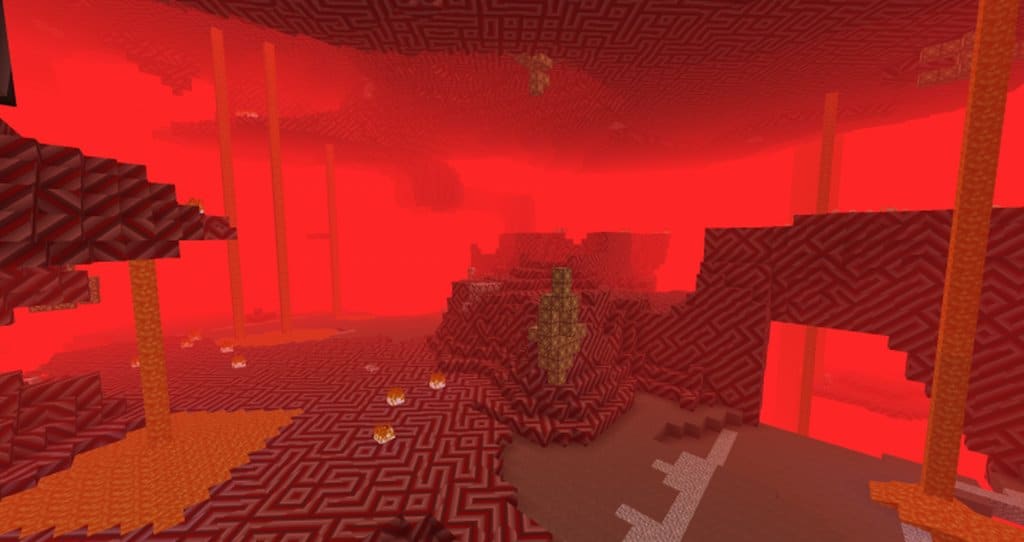
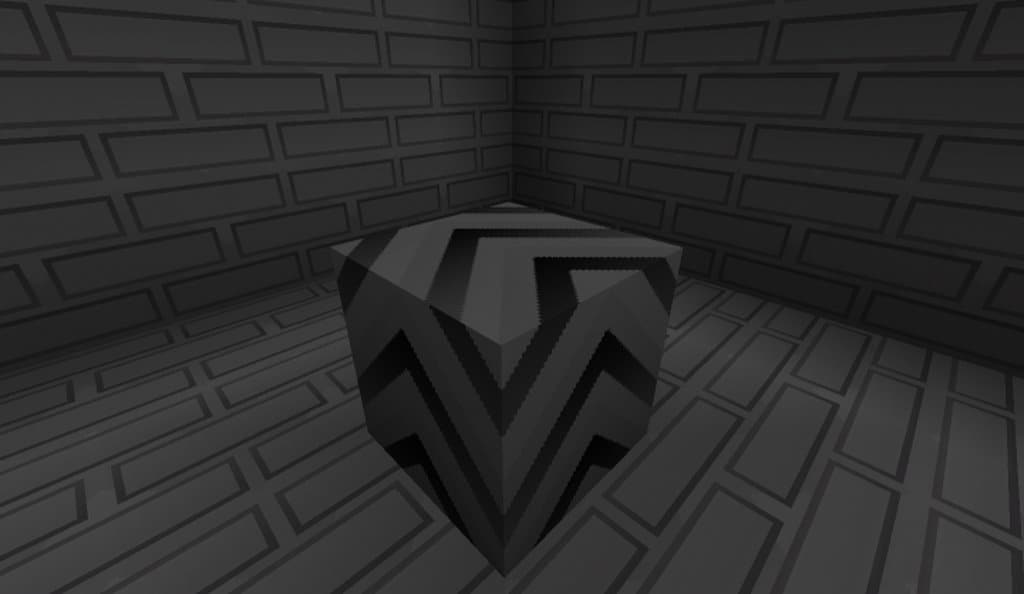
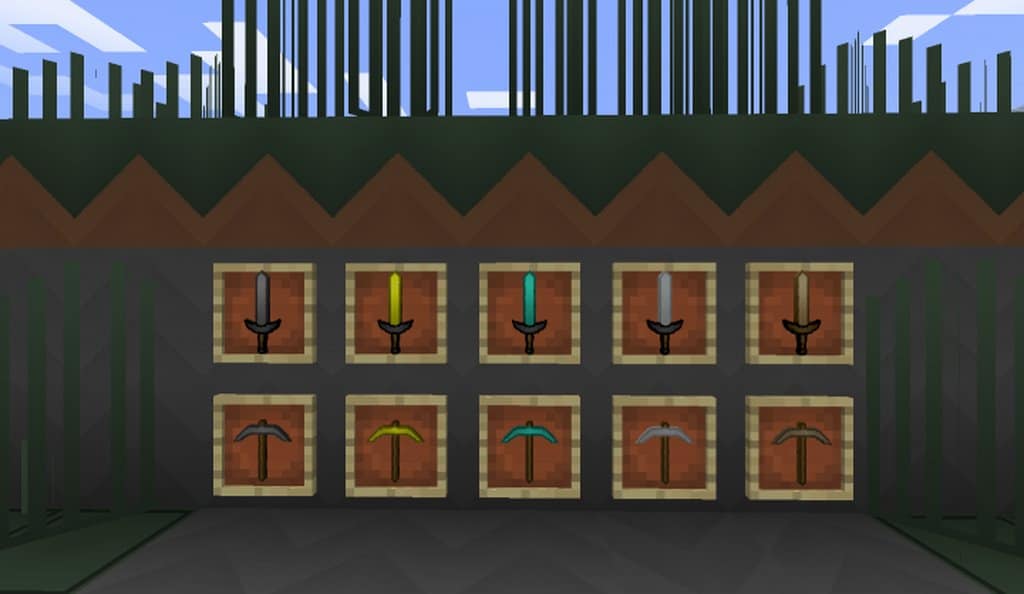
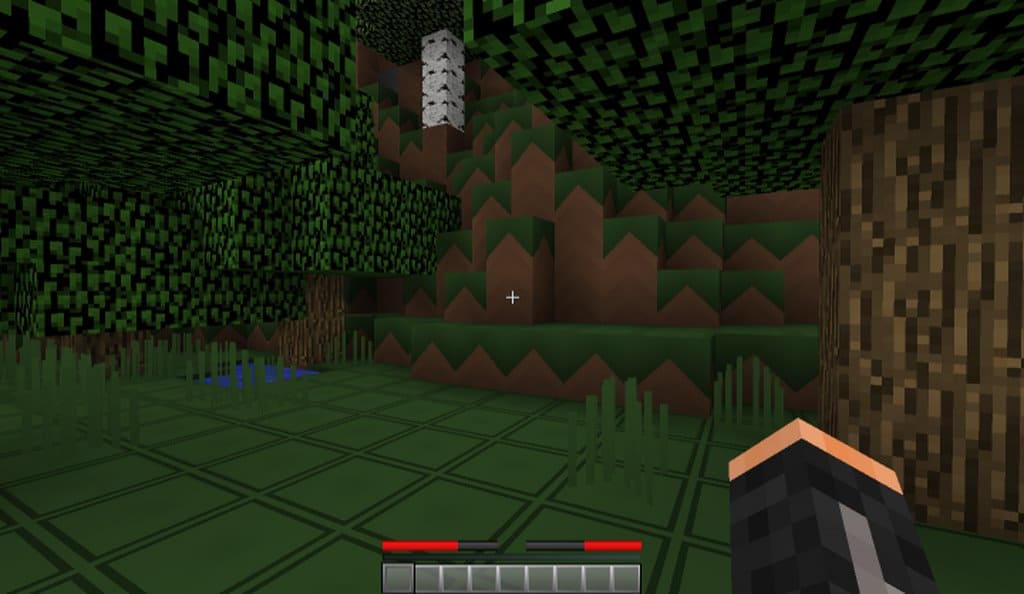
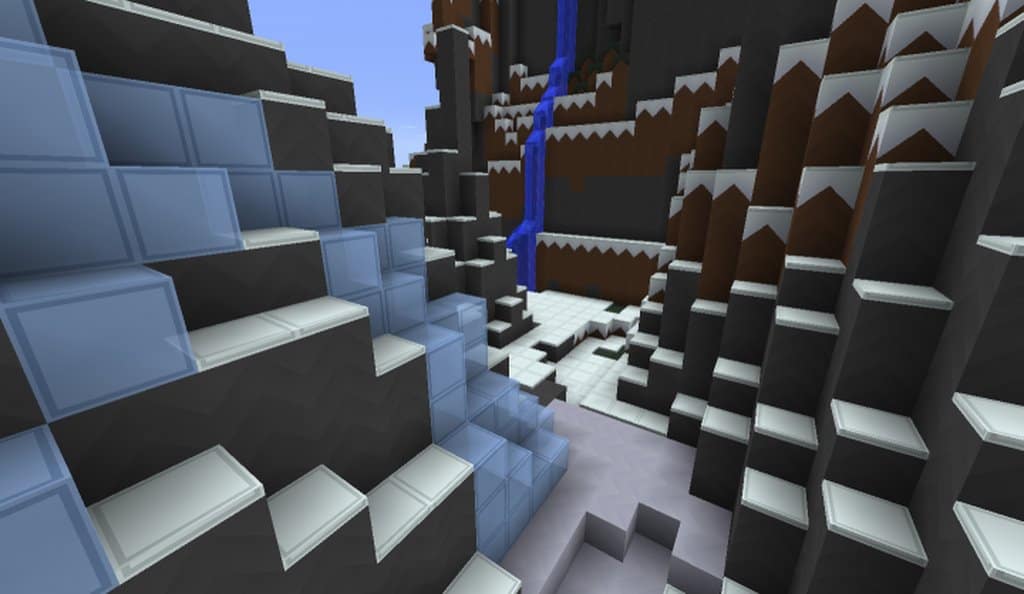
Are you currently on the hunt for a fantastic player versus player focused resource pack to seriously boost your Minecraft game experience? If the answer is yes, then I can honestly say the 64xsmooth PvP resource pack will be so apt for you. It has been brilliantly designed in such a way so that it can offer you an exceptionally brilliant PvP experience. Along with that, I noticed that the 64xsmooth PvP resource pack never compromises the quality of visuals. In most of the cases, it has been found that typical PvP resource packs primarily focus purely on gaming performance, which is why they often degrade the game visuals very severely. But, the 64xsmooth PvP resource pack is an absolute exception for sure! Not only does it offer one of the best-quality gaming performances I have ever tested, but it also ensures to provide you with very minute and detailed textures. Rest assured that the 64xsmooth PvP resource pack aims to offer you a remarkably smooth and seamless gaming performance, and I found that the overall smoothness of the game is never compromised at all.
Plus, all the textures of this resource pack even carry an excellent amount of detail in my opinion. Hence, your overall gaming experience is going to be even more invigorating and immersive with the gorgeous high-resolution texture effects of the 64xsmooth PvP pack. Since the 64xsmooth PvP pack brilliantly combines both smooth textures and lots of detailed textures, it has rightly gained so much popularity among enthusiastic Minecraft game players like us. Speaking of the texture resolution of this resource pack, the 64xsmooth PvP pack fully supports a crisp 64×64 resolution, whereas the default vanilla resolution for Minecraft is just 16×16. But, there is no need to be worried now! I found that this difference in resolution won’t cause any serious performance issues because all the textures of the 64xsmooth PvP pack are extremely lightweight. Hence, these textures do not cause much performance load on your system resources. So, if you have a gaming system with average hardware, please feel free to use the 64xsmooth PvP texture pack without any worry at all.
64xsmooth PvP should be compatible with all of these Minecraft versions: 1.9.4 – 1.9 – 1.8.9 – 1.8.8 – 1.8.1 – 1.8.6 – 1.8
Screenshots
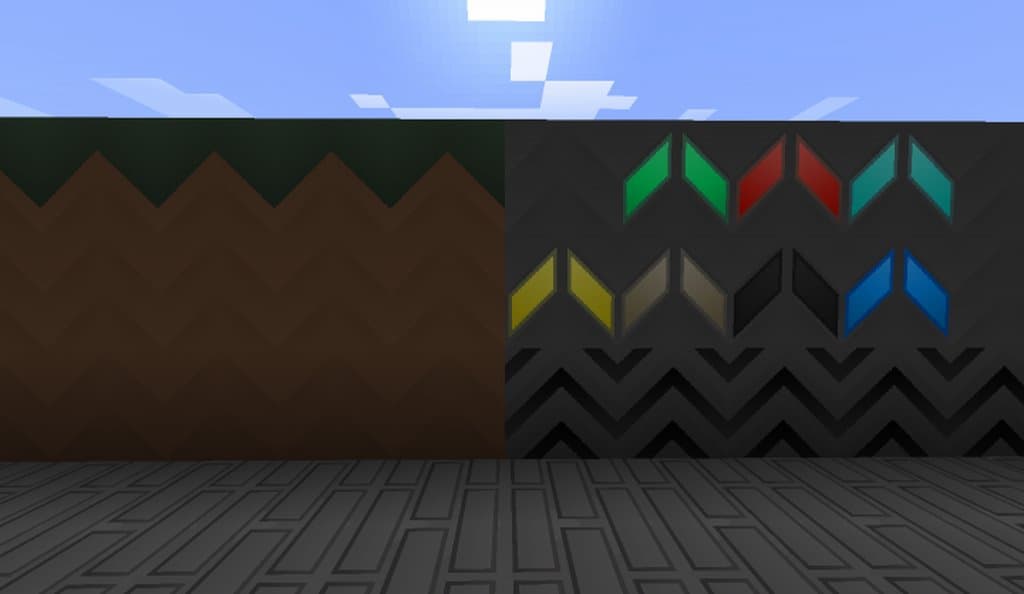
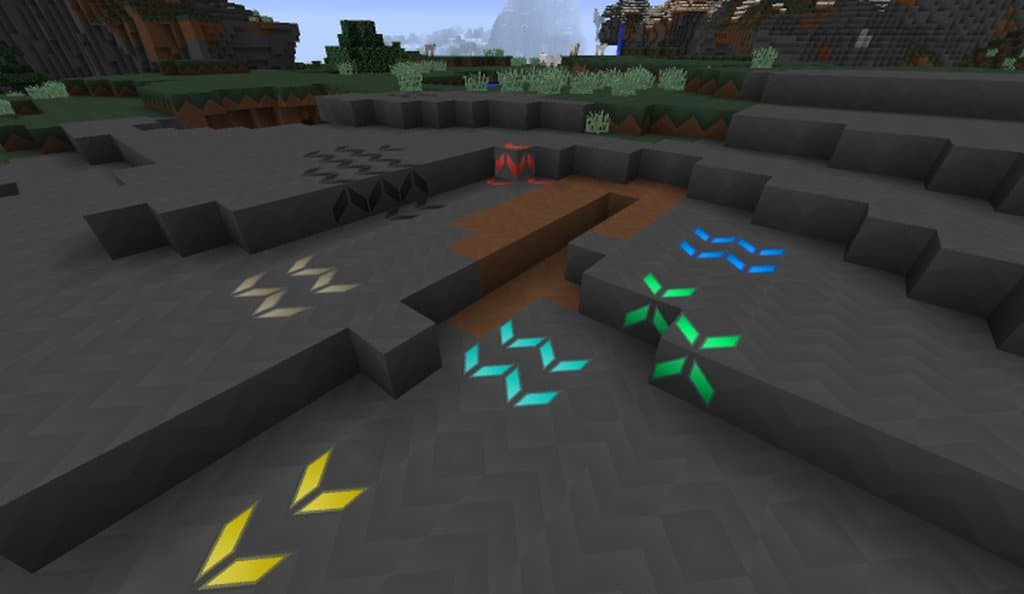
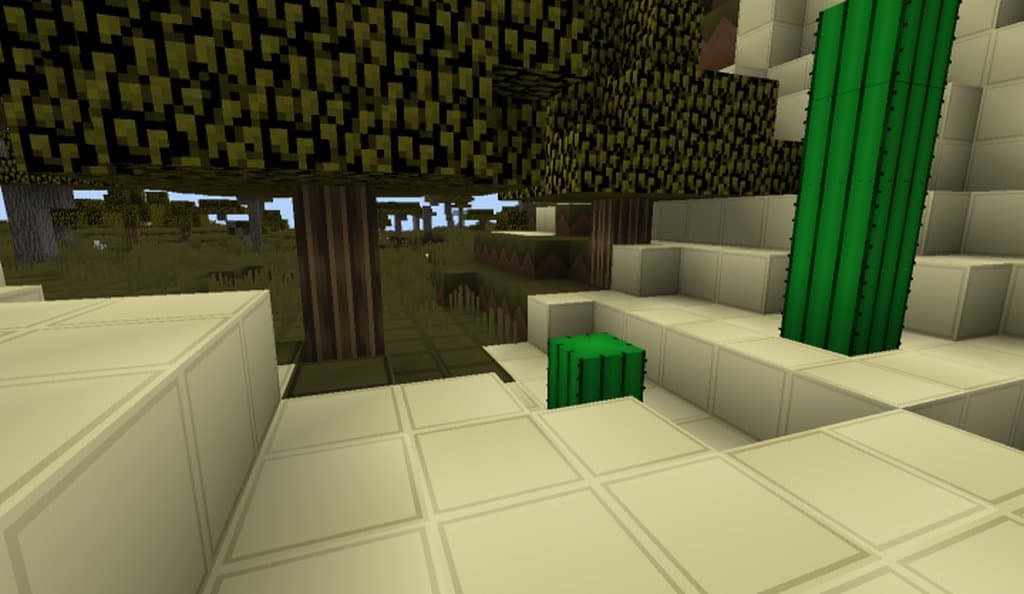
How to Install Texture Pack (Simple 10 Steps)
- Download OptiFine: Most of the texture packs and shaders need OptiFine. That’s why, first download and install OptiFine for the version of Minecraft you want to play.
- Download the Texture Pack: Get the texture pack you want from the download section. Choose the version that works with your Minecraft and your PC’s performance.
- Open Minecraft Launcher: Start Minecraft using the official game launcher — or even TLauncher, if you use that.
- Go to Options: From the main menu, click on the “Options” button.
- Open Resource Packs: Inside Options, click on “Resource Packs…”.
- Open the Resource Pack Folder: Click on “Open Resource Pack Folder” — this will open a folder named “resourcepacks”.
- Move the Pack File: Copy or move the .zip file you downloaded into that “resourcepacks” folder. (Don’t unzip the file — Minecraft uses it as-is!)
- Go Back and Refresh: Close the folder and click “Done”, then go back into “Resource Packs…” again.
- Activate the Pack: You’ll see the pack on the left side. Hover over it and click the arrow to move it to the right (active side).
Tip: If you get a message that the pack is for a different version, just click “Yes” — it usually works fine. - Click Done and Enjoy: Click “Done” again. Now your pack is ready to use in-game. It’s that easy!
Credits
Credits: The 64xsmooth PvP Resource Pack was originally created and developed by EnderDragonair. We do not claim ownership of this modification, nor do we host or modify the original files. All rights and intellectual property remain strictly with the original author. We strongly encourage visiting the official download links to support the creator.
Download Instructions
Curseforge: download starts automatically after a few seconds;
Mediafire: click the big blue button with the text “DOWNLOAD”;
Google Drive: in the top right corner you will see a small download icon (down arrow), click it and the download should start;


