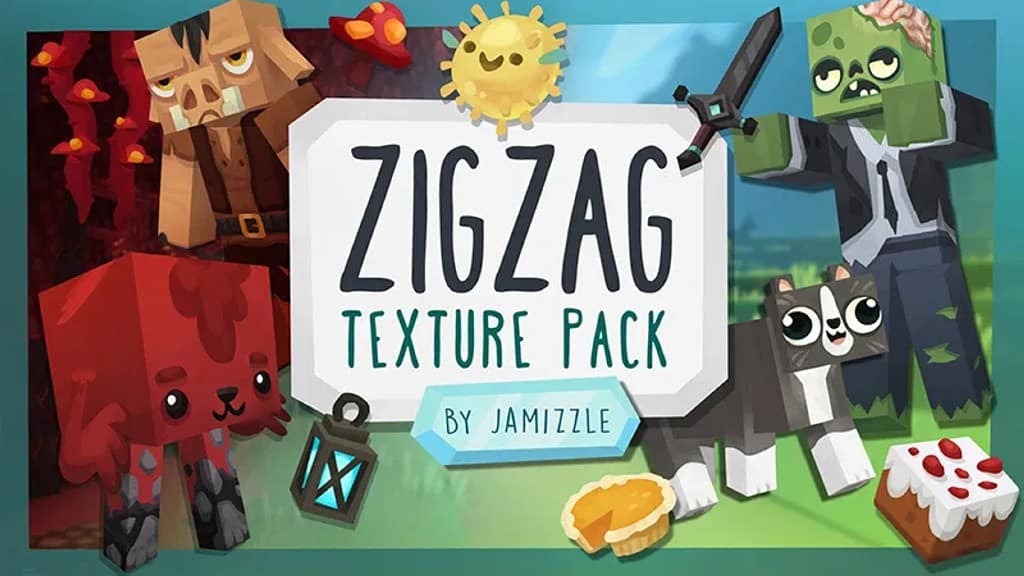
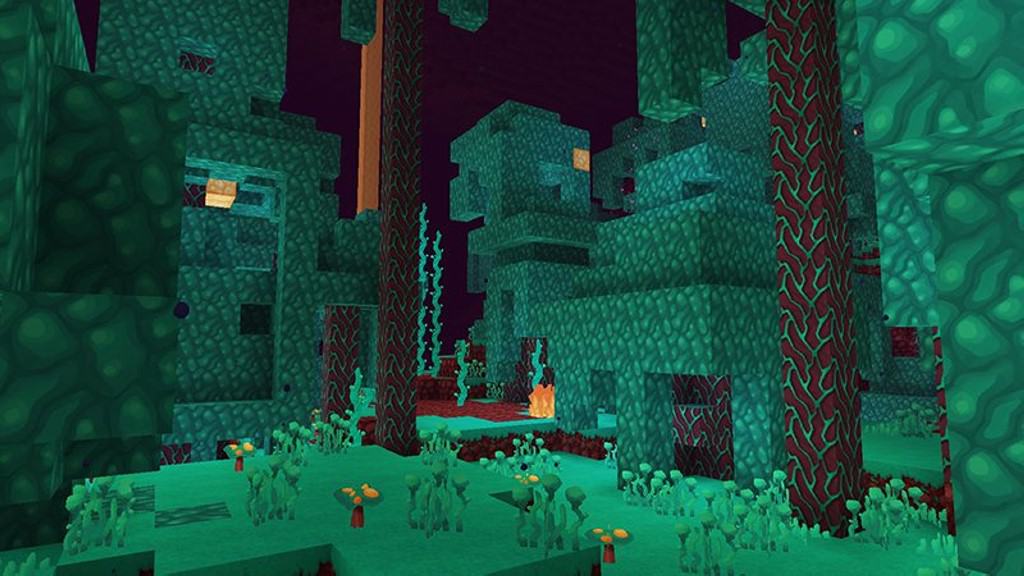
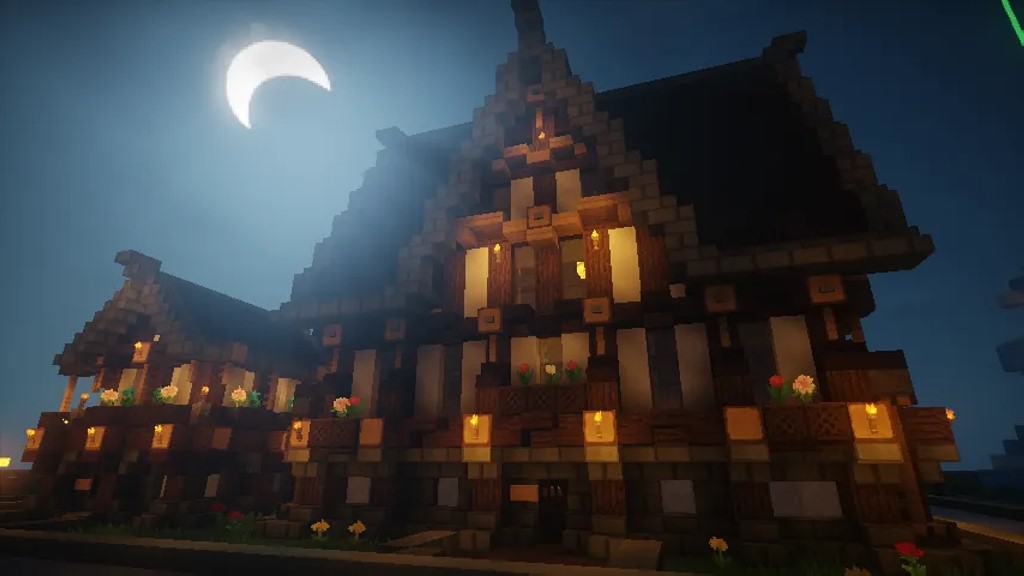
The ZigZag resource pack stands out as one of the absolute best packs that introduces a complete visual overhaul of Minecraft. It is the brilliant result of the hard work of Jamie McKiernan, who has been working at Harmonix for many years. I was amazed to learn that Jamie and her colleagues created a private server on which they all toyed around with textures, 3D models, effects, and lighting to craft a Minecraft version just as they imagined it. The result is the incredible ZigZag texture pack, which encompasses all their hard work, with Jamie having the most considerable contribution. ZigZag changes many visual aspects, making Minecraft look wonderfully cartoonish yet packed with much higher fidelity. Many textures have been wonderfully revamped. While objects and mobs remain delightfully blocky, they are remarkably more detailed and colorful. This fantastic resource pack introduces stunning new blocks, mobs, NPCs, flowers, trees, paintings, animations, particle effects, new music, and sound effects. Great work was done on the UI as well, and I personally love how the inventory system is much easier to manage while looking sleek in light blue. One of the most interesting and fun changes that the ZigZag resource pack introduces is the addition of new NPCs. All NPCs feature unique textures, making them look completely different complete with their own names and nicknames. The exact same goes for ingame mobs, where some NPCs feature zombie version textures and all mobs boast fun nicknames. For example, the elder dragon is affectionately named Neil, there are 5 gorgeous new parrots with different names based on their color, a wither named Yorick, a golem named Hayao, and many more surprises to discover.
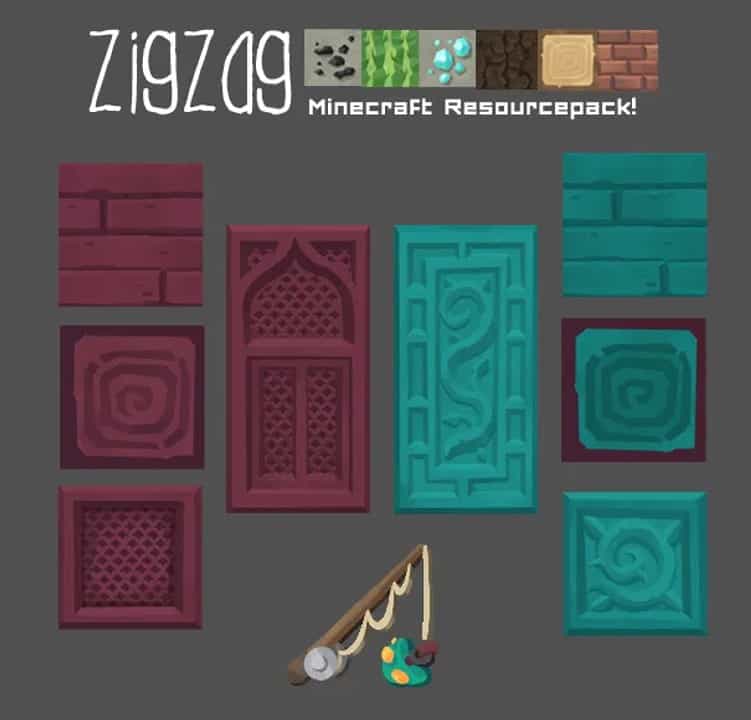
Every single new mob comes with custom animations, and even mobs that did not receive brand new 3D models benefit from noticeably improved existing animations. The result is much smoother movements and immensely better player interactions during gameplay. Amongst the many improvements ZigZag brings to the table, there are also plenty of incredible new items to enjoy. There are tons of new paintings, all crafted to look cartoonish and joyful, alongside fantastic new types of food. The resource pack also adds a cozy new bed and lovely furniture, several new doors, and fresh models for windows. You will also find exciting new weapons, sturdy shields, and even a stunning set of wings that I really enjoyed testing out. To further enhance all the new items and textures in ZigZag, the lighting has been brilliantly tweaked as well. The game feels so much brighter and the colors are wonderfully vibrant, complemented by extra moving textures and brand new particle effects that truly elevate the visuals. Despite introducing so many massive visual upgrades, the original creator of the resource pack continues to update it regularly and remains an active member of the community. The ZigZag resource pack is wonderfully available in either 128x or 64x resolutions and even features a separate sound update that introduces fantastic new theme music. Since the default resolution in vanilla Minecraft is just 16x, switching to either the 64x or 128x versions of the ZigZag resource pack may result in lower game performance for players with older computers, so I strongly recommend installing it alongside Optifine HD and testing both resolutions to see which one offers the smoothest frame rate for you.
ZigZag should be compatible with all of these Minecraft versions: 1.19.4 – 1.19.3 – 1.19.2 – 1.19.1 – 1.19 – 1.18.2 – 1.18.1 – 1.18 – 1.16.5 – 1.16.4 – 1.16.3 – 1.16.2 – 1.16.1 – 1.16 – 1.15.2 – 1.15.1 – 1.15 – 1.14.4 – 1.14.3 – 1.14.2 – 1.14 – 1.13.2 – 1.13.1 – 1.13 – 1.12.2 – 1.12 – 1.11.2 – 1.11 – 1.10.2 – 1.10 – 1.9.4 – 1.9 – 1.8.9 – 1.8.8 – 1.8.1 – 1.8.6 – 1.8 – Bedrock Edition – PE
Screenshots
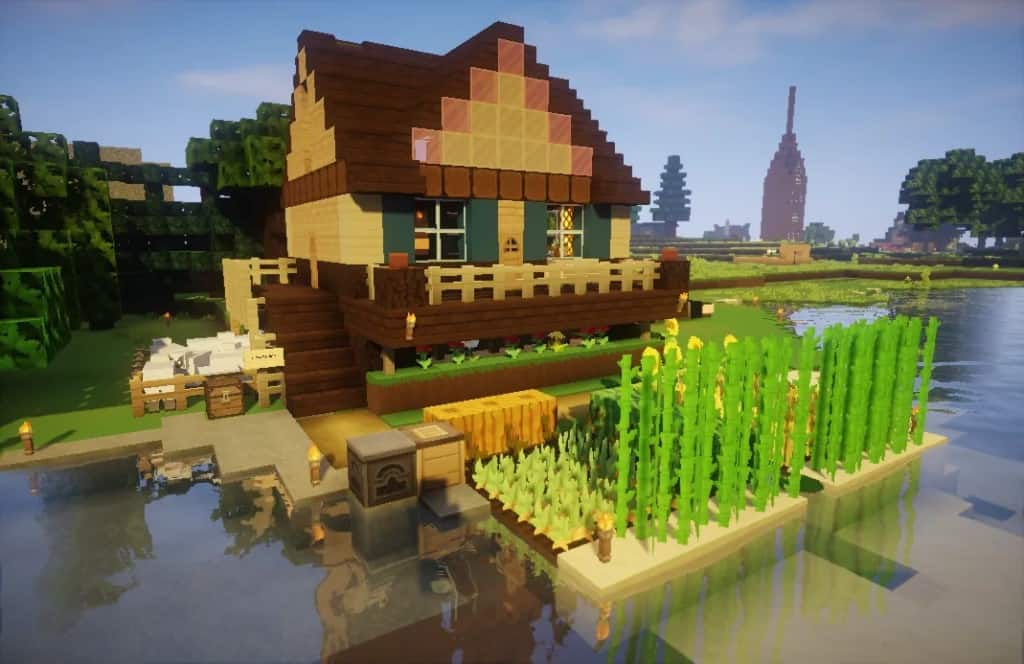
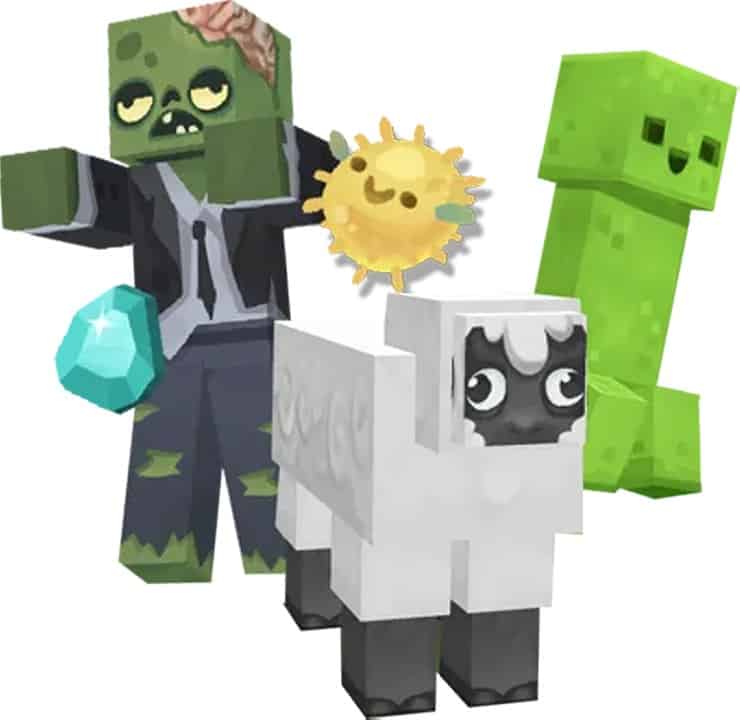
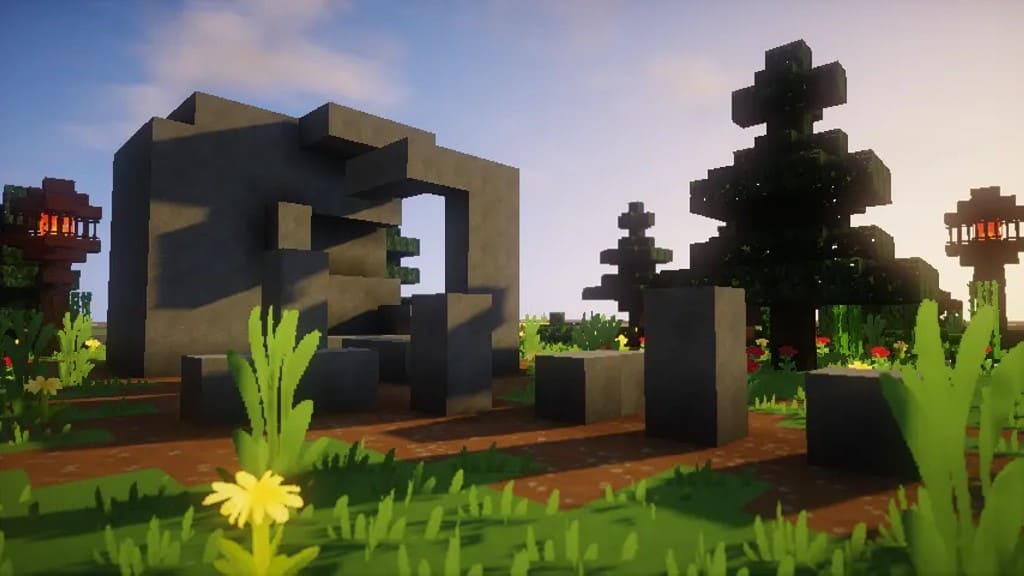
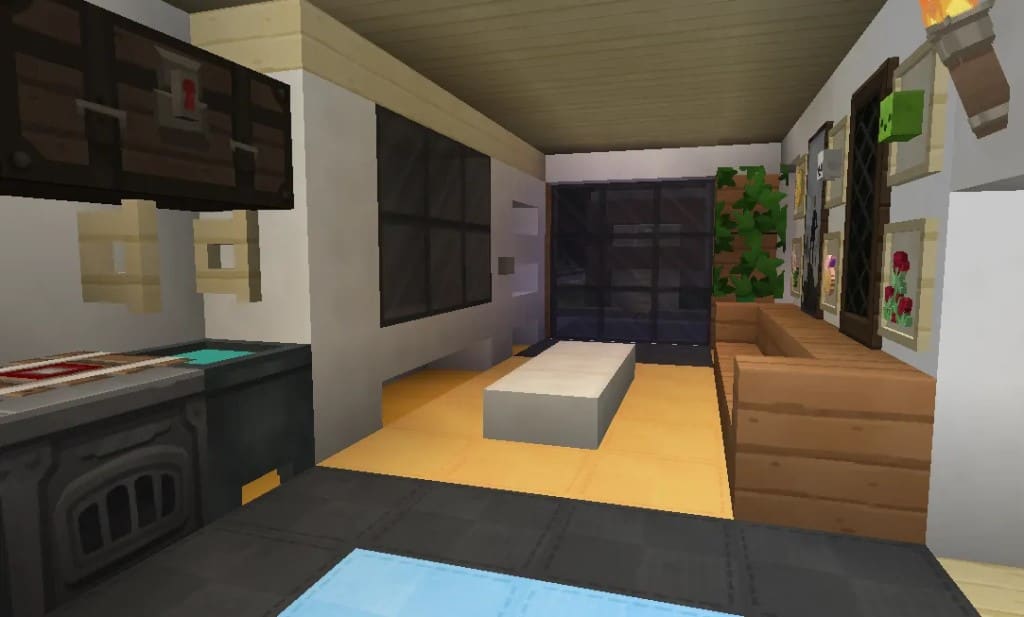
How to Install Texture Pack (Simple 10 Steps)
- Download OptiFine: Most of the texture packs and shaders need OptiFine. That’s why, first download and install OptiFine for the version of Minecraft you want to play.
- Download the Texture Pack: Get the texture pack you want from the download section. Choose the version that works with your Minecraft and your PC’s performance.
- Open Minecraft Launcher: Start Minecraft using the official game launcher — or even TLauncher, if you use that.
- Go to Options: From the main menu, click on the “Options” button.
- Open Resource Packs: Inside Options, click on “Resource Packs…”.
- Open the Resource Pack Folder: Click on “Open Resource Pack Folder” — this will open a folder named “resourcepacks”.
- Move the Pack File: Copy or move the .zip file you downloaded into that “resourcepacks” folder. (Don’t unzip the file — Minecraft uses it as-is!)
- Go Back and Refresh: Close the folder and click “Done”, then go back into “Resource Packs…” again.
- Activate the Pack: You’ll see the pack on the left side. Hover over it and click the arrow to move it to the right (active side).
Tip: If you get a message that the pack is for a different version, just click “Yes” — it usually works fine. - Click Done and Enjoy: Click “Done” again. Now your pack is ready to use in-game. It’s that easy!
Credits
The ZigZag resource pack was originally created by Jamizzle (JamieMcKiernan). We do not claim ownership of this content, nor do we host or modify the original download files. We fully credit the original author and encourage all players to visit the official creator platforms to support their ongoing work.
Download Links
Java Edition
Bedrock Edition
Download Instructions
Curseforge: download starts automatically after a few seconds;
Mediafire: click the big blue button with the text “DOWNLOAD”;
Google Drive: in the top right corner you will see a small download icon (down arrow), click it and the download should start;


