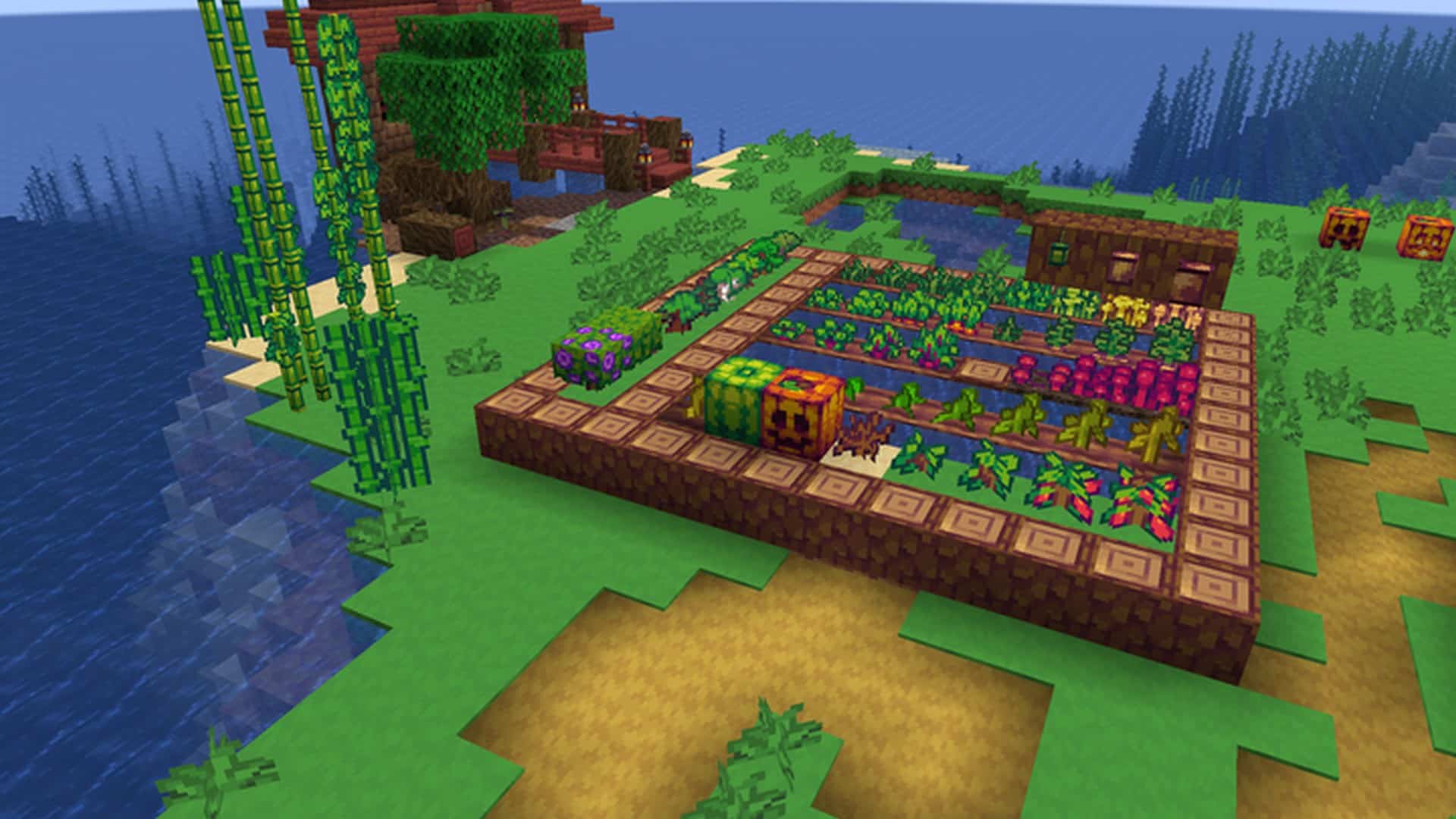
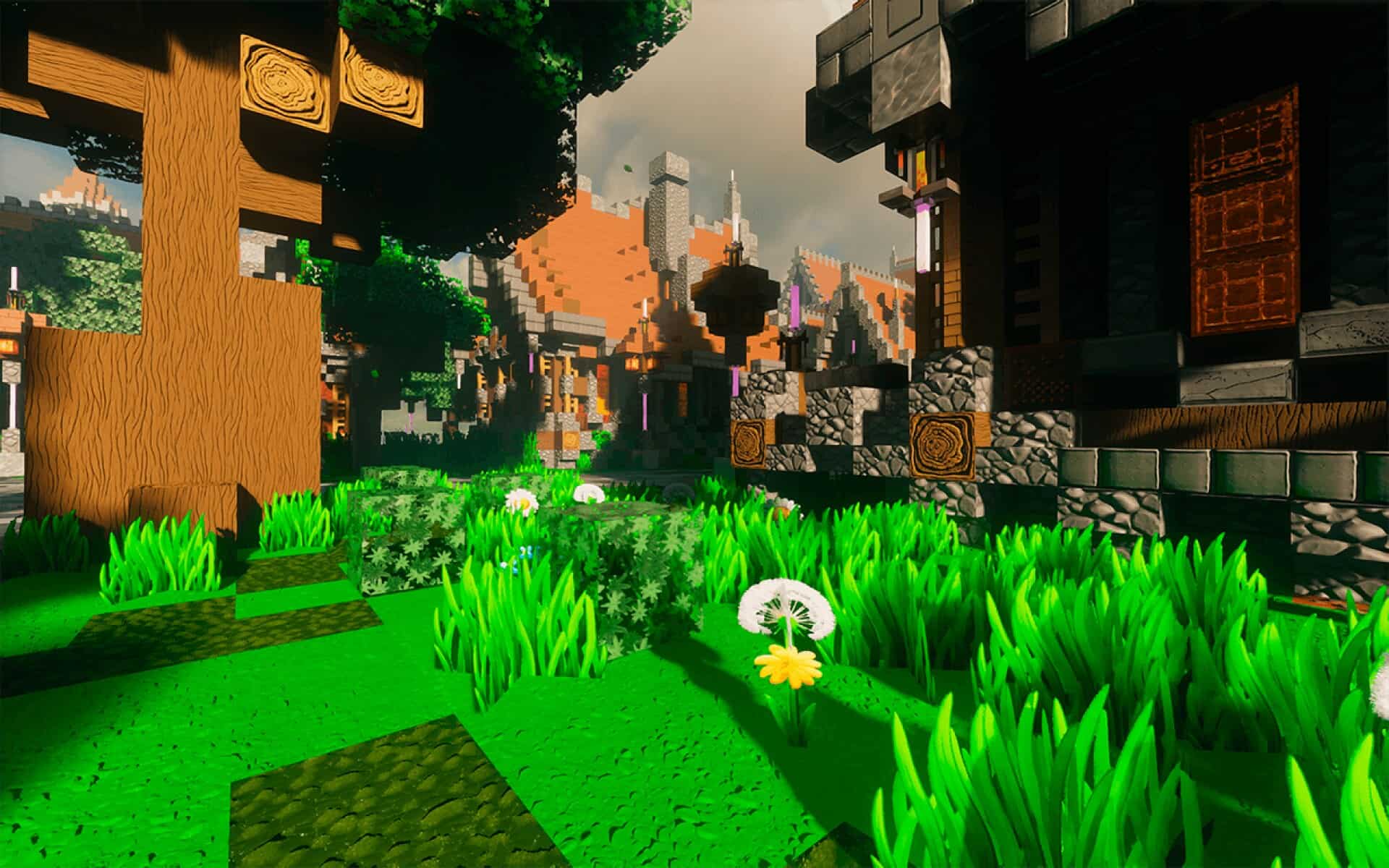
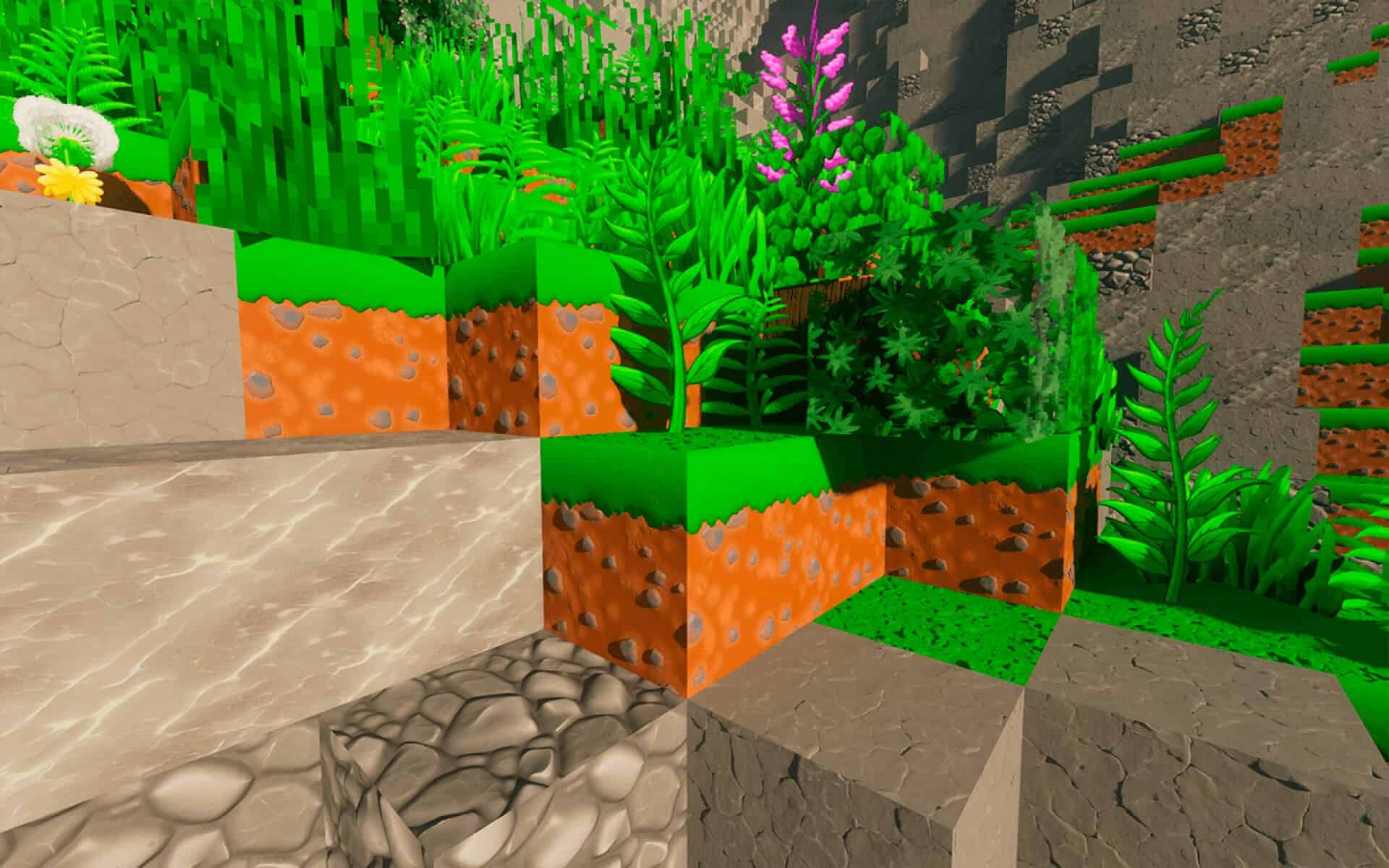
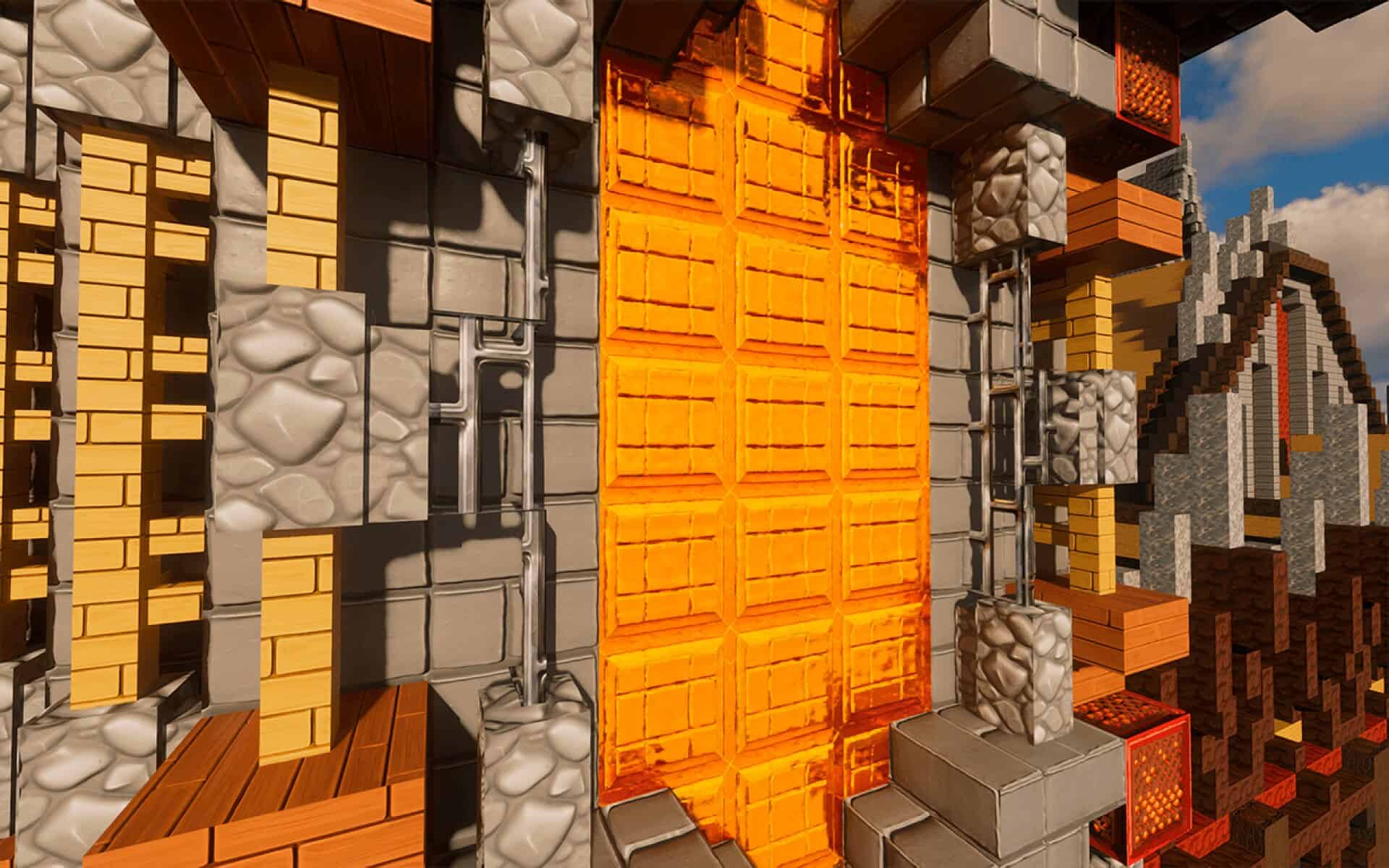
It is no secret among Minecraft players that whenever a high-quality resource pack comes out, it feels like a little gift to the community. Even if we were not planning to download anything new that day, just knowing there is another great option out there somehow makes the game feel fresh again. Today might just be one of those days for you because we have got something truly worth talking about. The ToonCraft resource pack has finally been released, and it comes from none other than the brilliant creator of the well-known RealisCraft pack. If you have heard of RealisCraft, you will surely remember it as a default-themed pack boasting a much higher resolution, a bunch of extra visual features, and full POM/PBR support. It became quite popular, and for good reason—it was carefully designed and packed with detail. If you have not tried it before, it is still well worth checking out to see if that mix of default style and realism is your thing. But today, we are not here to talk about realism. ToonCraft is something entirely different. While RealisCraft walks the line between realism and Minecraft’s original charm, ToonCraft throws realism completely out the window and fully embraces a vibrant, cartoon-inspired world. It is bursting with bright, saturated colors that instantly stand out, even within the first few seconds of looking at it. The color palette here is not just vivid—it is bold, unapologetic, and completely unafraid to be playful. You can see this incredible energy right away in the screenshots. The textures themselves are far more polished and detailed than default Minecraft, but the art style keeps them feeling right at home in a cartoon world rather than a photorealistic one. The end result is a game world that feels genuinely cheerful and wonderfully kid-friendly. And do not worry—loving this kind of style certainly does not make you any less of a hardcore Minecraft fan. In fact, we have been huge fans of cartoonish packs ourselves for years, sticking faithfully to Sphax for what felt like forever. Sphax is still fantastic, but even the absolute best packs can get a little old when you have used them for years, so it is deeply refreshing to see something like ToonCraft step in and offer a whole new kind of fun. The creative team at GalacticCraft has clearly poured an immense amount of thought into every single block and tiny detail. Instead of sticking to harsh pixel edges and the familiar rigid shapes of standard textures, they have opted for smooth lines, gorgeous hand-drawn styles, and a look that feels carefully painted rather than simply generated. That is precisely why this pack does not just change Minecraft—it totally transforms it into an entirely new experience. You will notice this incredible transformation when you are mining rare ores, chopping down massive trees, building up your base, or heading out on long, daring adventures. Everything feels just a little more whimsical, a lot more playful, and infinitely more colorful.
The pack is also remarkably easy to test out for yourself. Just like with the creator’s earlier work, ToonCraft offers a wonderful free demo version in 128x resolution, which you can easily download and install with absolutely no trouble at all. That alone is a massive step up from the default look, but if you want to go bigger, the full version offers astonishing 256x, 512x, 1024x, and even an insane 2048x resolution. These higher resolution versions are conveniently available through the creator’s Patreon page, which is an amazing way to directly support their incredible work. We always strongly suggest trying out the free 128x version first—not only so you can decide if you adore the style, but also to make sure your computer can comfortably handle those higher resolutions. Not all setups can run 512x smoothly, and 2048x textures are a serious challenge for anything short of absolute top-tier hardware. If you happen to be one of the lucky players with an absolute beast of a PC, you will be able to enjoy every single breathtaking detail without ever worrying about stuttering or performance drops. On the technical side, ToonCraft fully supports both POM and PBR, which add incredible depth and realism to the textures without ever breaking the overall cohesive cartoon feel. This makes the textures pop in a way that feels almost amazingly 3D. However, to fully utilize these features, you will need shaders, as they heavily depend on advanced shader technology to function properly. The fantastic news is that ToonCraft is fully compatible with SEUS PTGI as well as most LabPBR-compatible shader packs, giving you plenty of fantastic options for achieving the exact visual look you want. And for those players who do not play on Java Edition, there is even more wonderful news: ToonCraft is also fully available for Bedrock Edition. Just like on Java, you can get RTX and Vibrant Visuals versions in 128x completely for free, while the higher resolutions remain an exclusive Patreon perk. This means you can easily enjoy ToonCraft’s unique style across entirely different gaming platforms, whether you are playing on PC, console, or mobile. It is definitely worth remembering that this is not the creator’s very first rodeo. RealisCraft has been around for years, and the valuable lessons learned from developing and refining that pack clearly shine through in ToonCraft’s exceptional design. The textures are deeply confident, the art style is entirely deliberate, and the final result is exceptionally polished. While the creator is clearly trying to keep the core magic and familiarity of Minecraft intact, ToonCraft is still very much its own unique beast. It is not trying to simply mimic the default look—it is striving to be an entirely new version of the game that feels vibrantly alive in a completely different way. If you are someone who deeply enjoys a generous splash of color and a healthy dose of lighthearted charm in your gameplay, this is definitely the pack for you. Even if you are normally accustomed to using much more realistic packs, giving ToonCraft a fair try might genuinely surprise you. The entire world feels noticeably warmer, friendlier, and much more fun to explore. And if you are worried about system performance, that is precisely why the free 128x Lite version exists—so you can thoroughly test it out completely risk-free. If you fall in love with it and your hardware can comfortably handle it, then upgrading to the higher resolutions will only make your gameplay experience even better. Go ahead and give the free version a try today, see how it feels in-game, and if it completely wins you over, please consider supporting the creator so they can keep making amazing packs just like this one.
ToonCraft should be compatible with all of these Minecraft versions: 26.2 – 26.1.2 – 26.1.1 – 26.1 – 1.21.11 – 1.21.10 – 1.21.9 – 1.21.8 – 1.21.7 – 1.21.6 – 1.21.5 – 1.21.4 – 1.21.3 – 1.21.2 – 1.21.1 – 1.21 – 1.20.6 – 1.20.5 – 1.20.4 – 1.20.3 – 1.20.2 – 1.20.1 – 1.20 – 1.19.4 – 1.19.3 – 1.19.2 – 1.19.1 – 1.19 – 1.18.2 – 1.18.1 – 1.18 – 1.17.1 – 1.17 – 1.16.5 – 1.16.4 – 1.16.3 – 1.16.2 – 1.16.1 – 1.16 – 1.15.2 – 1.15.1 – 1.15 – 1.14.4 – 1.14.3 – 1.14.2 – 1.14 – 1.13.2 – 1.13.1 – 1.13 – Bedrock Edition – PE
Screenshots
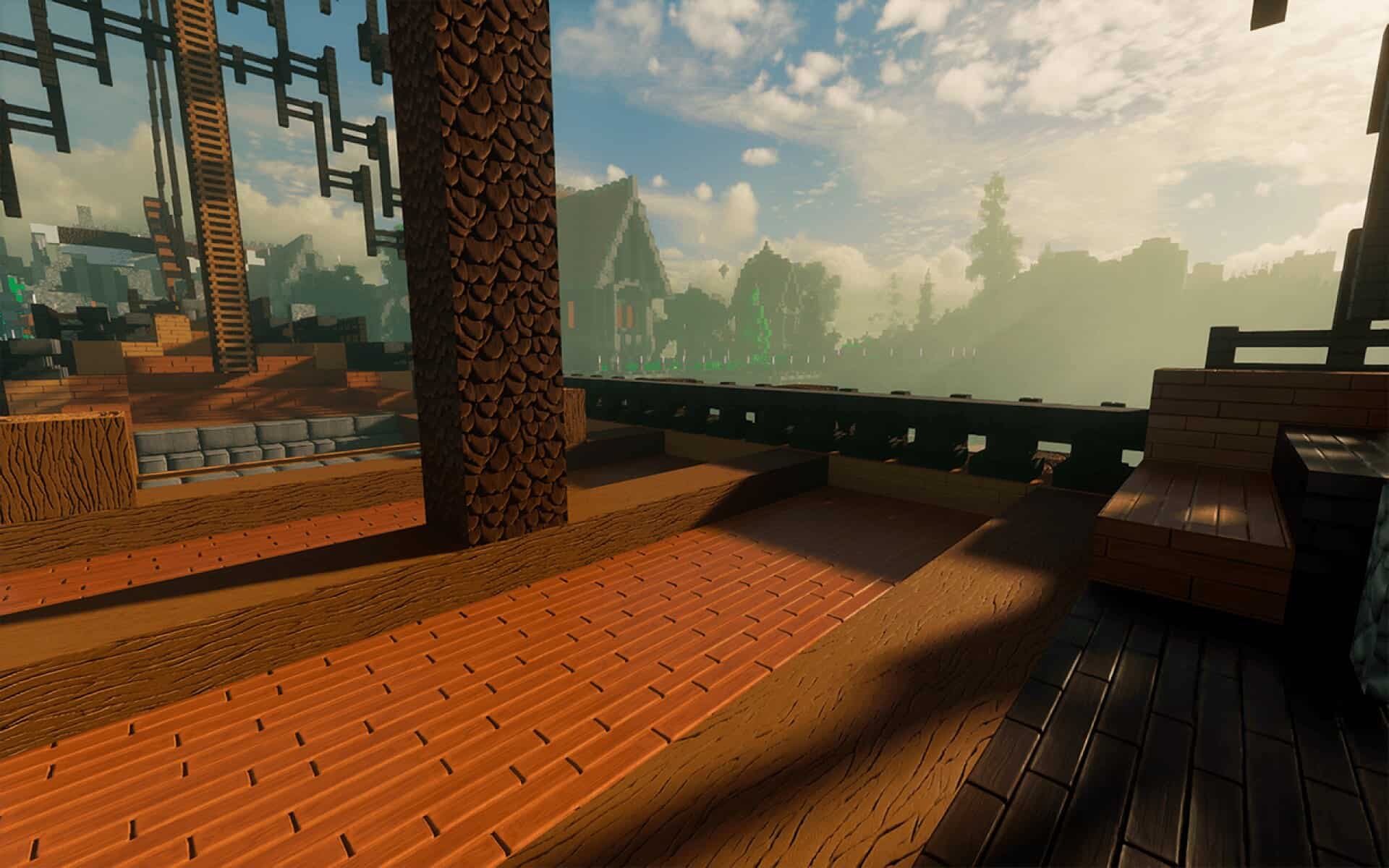
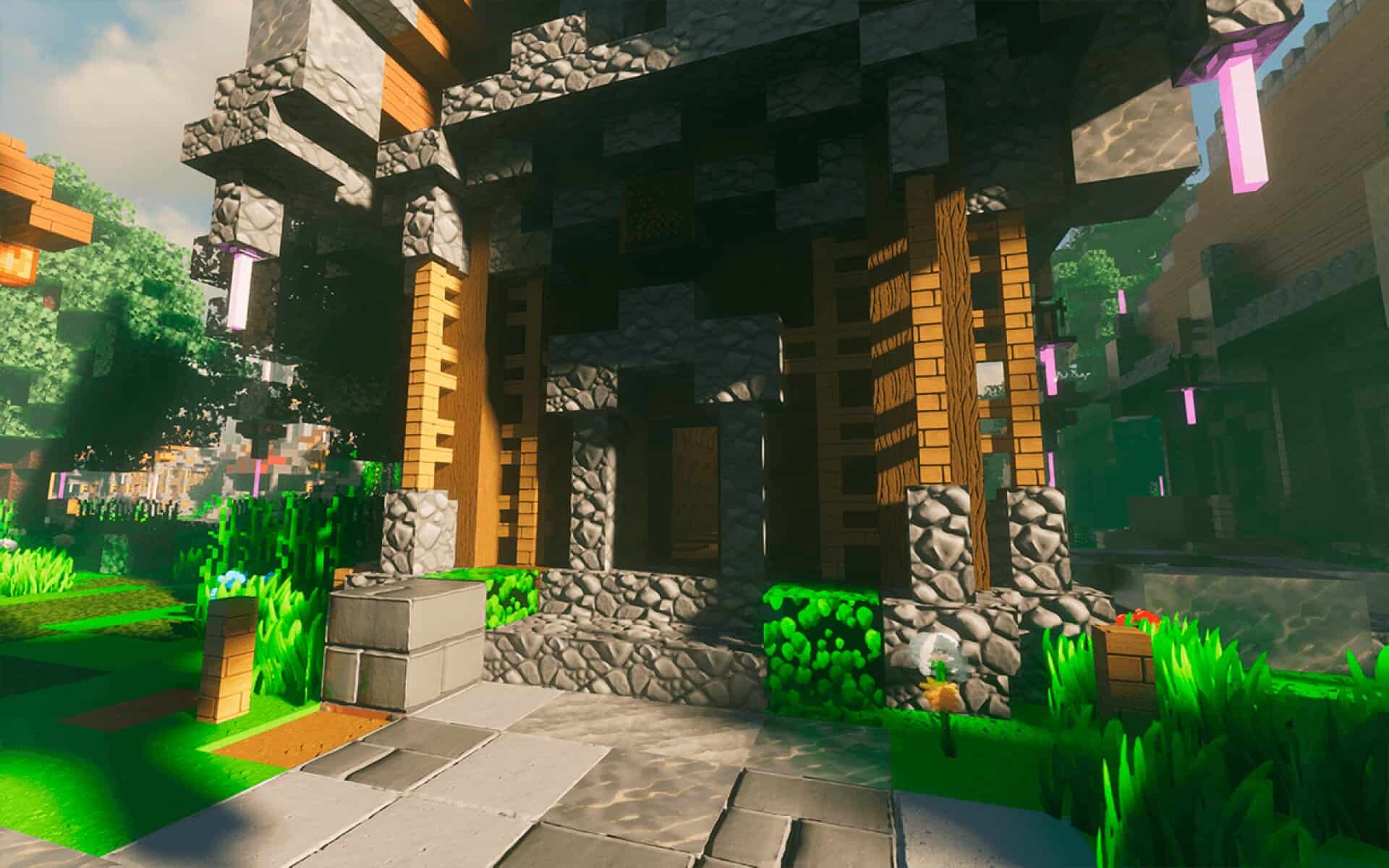
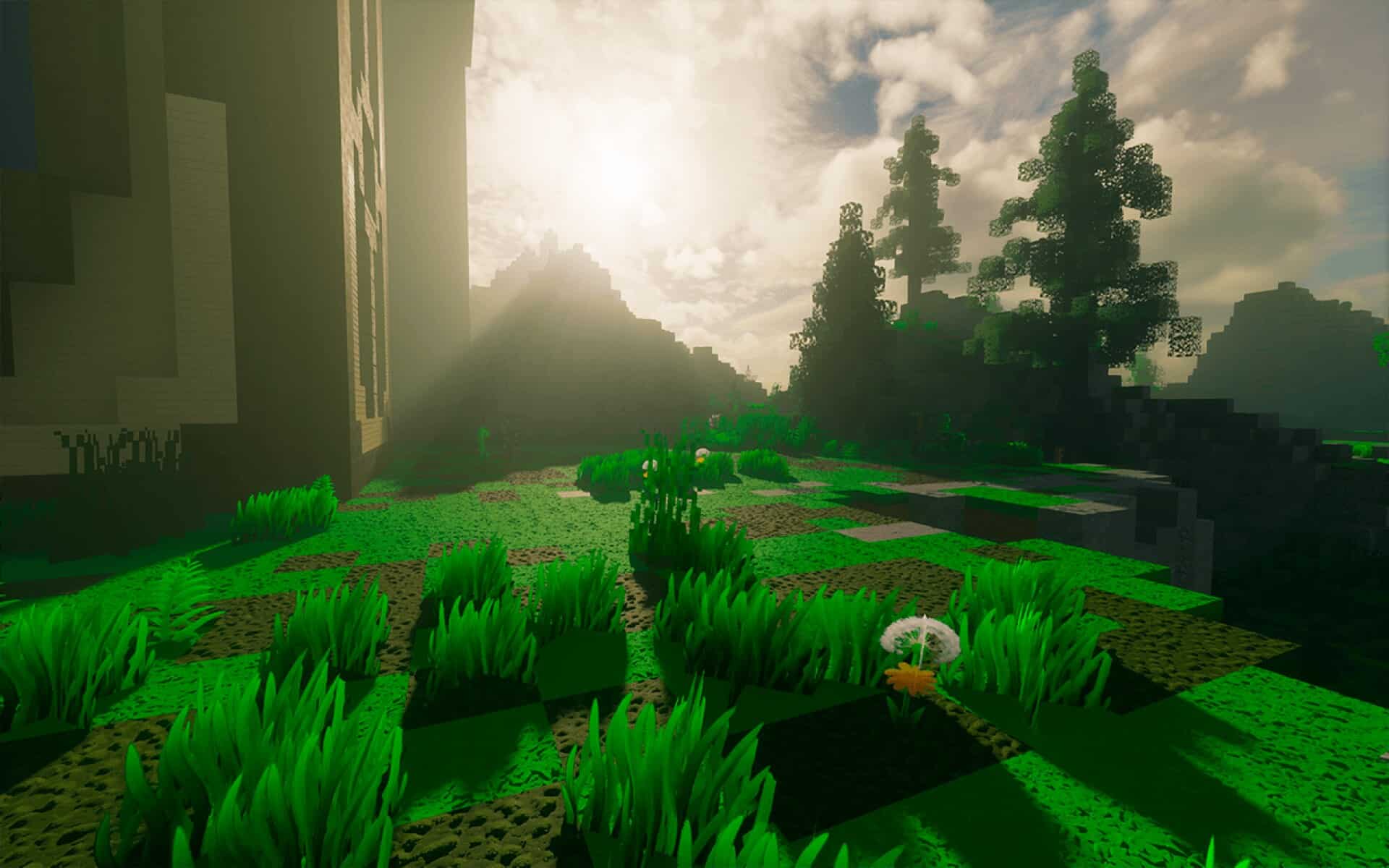
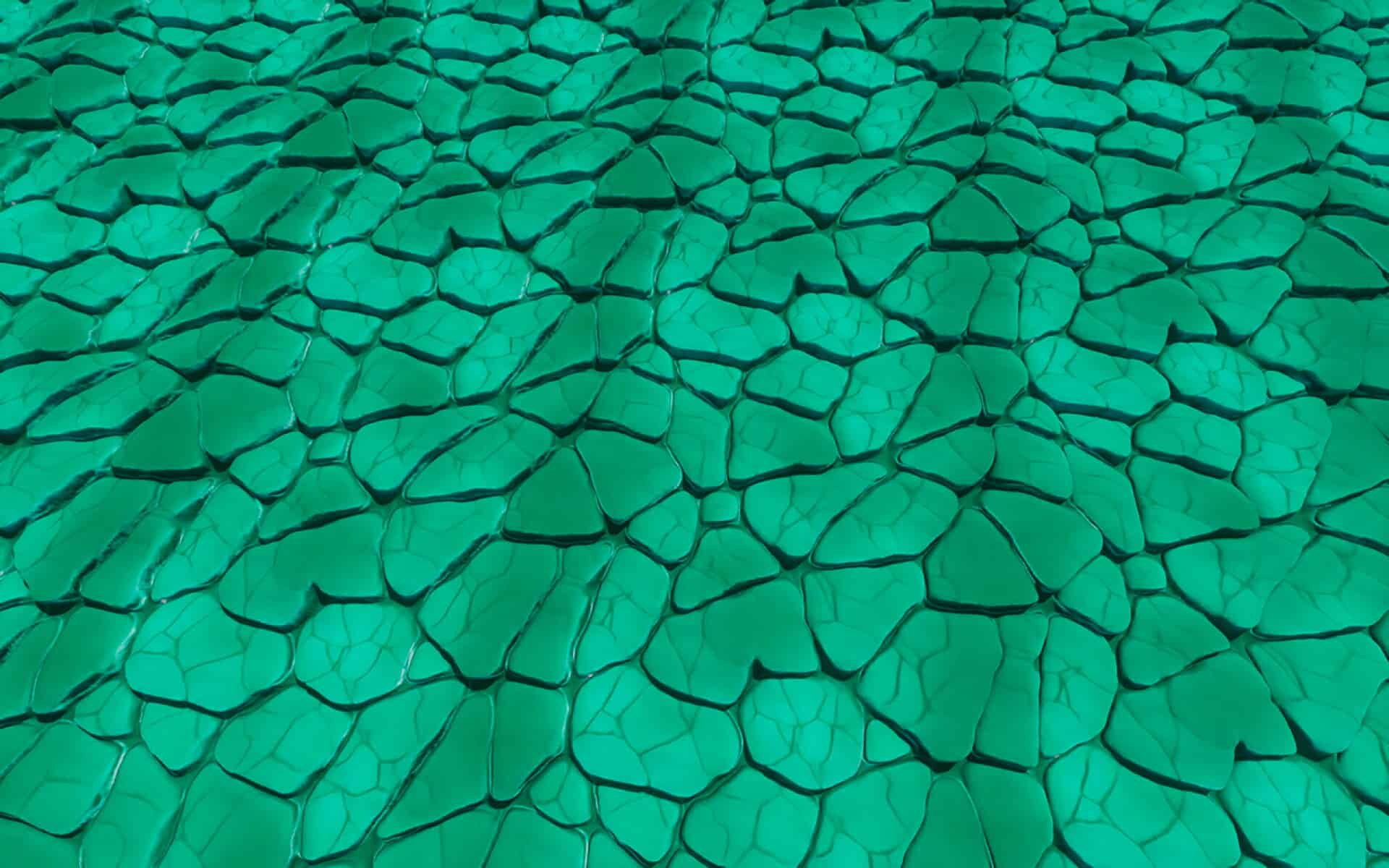
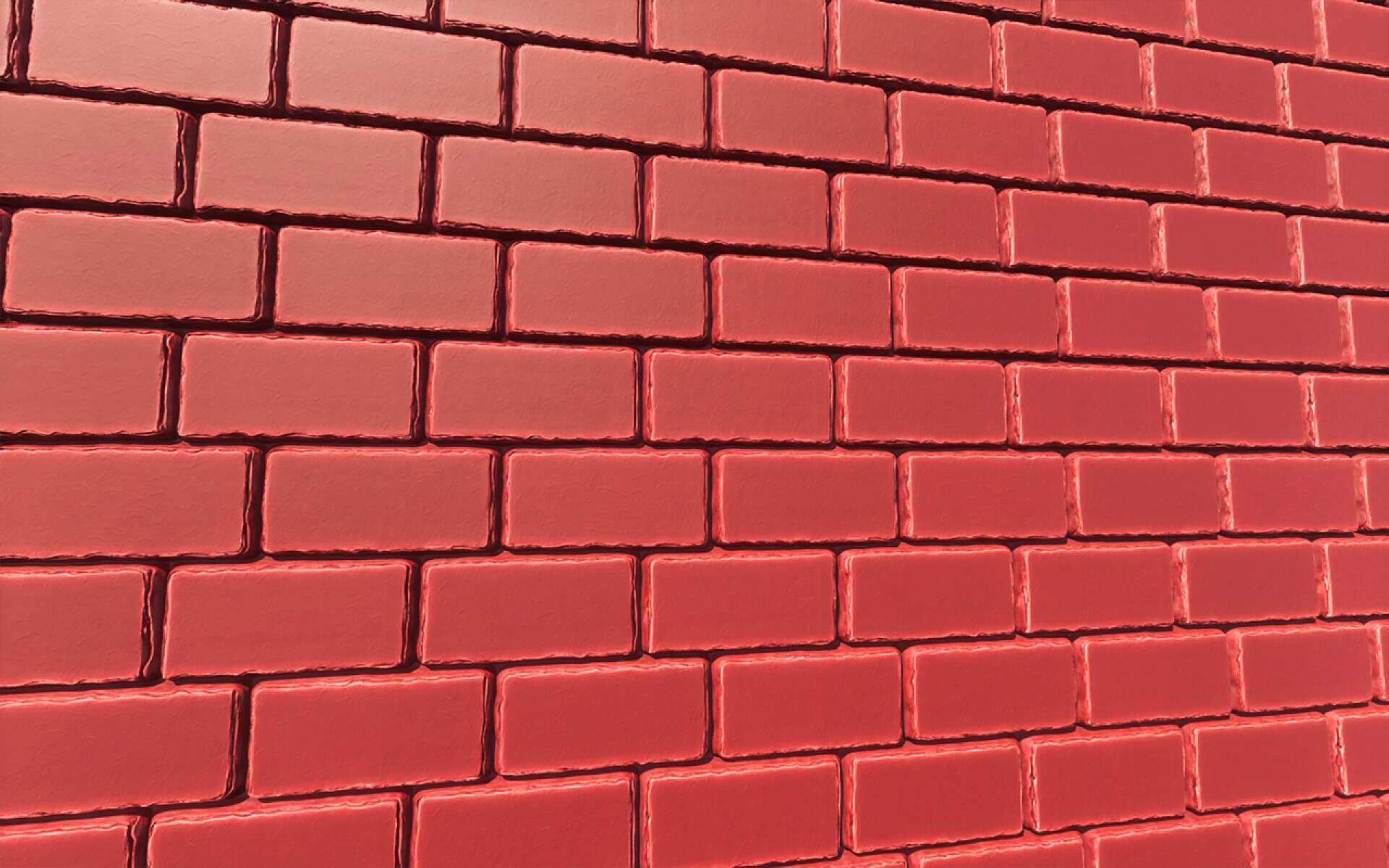
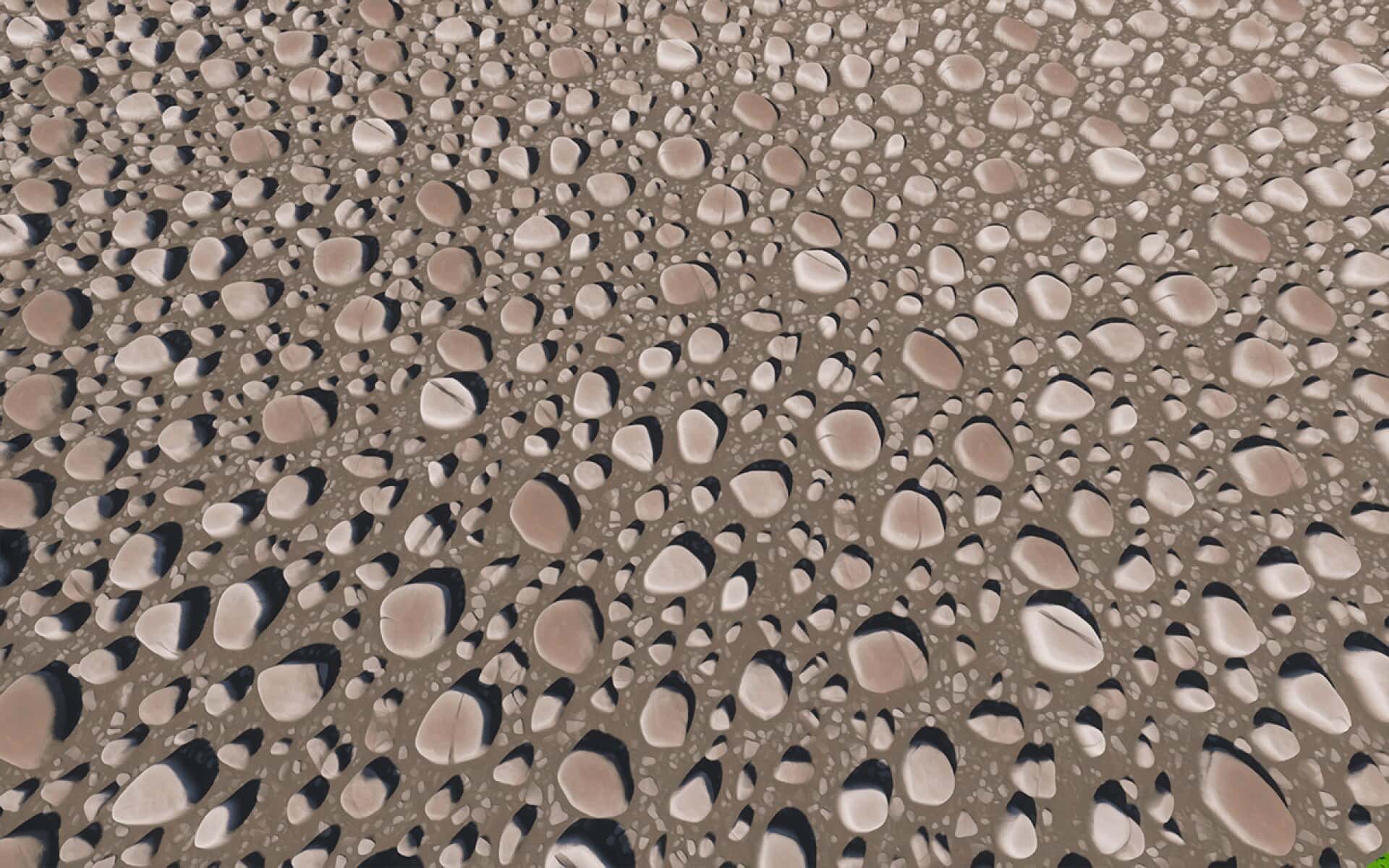
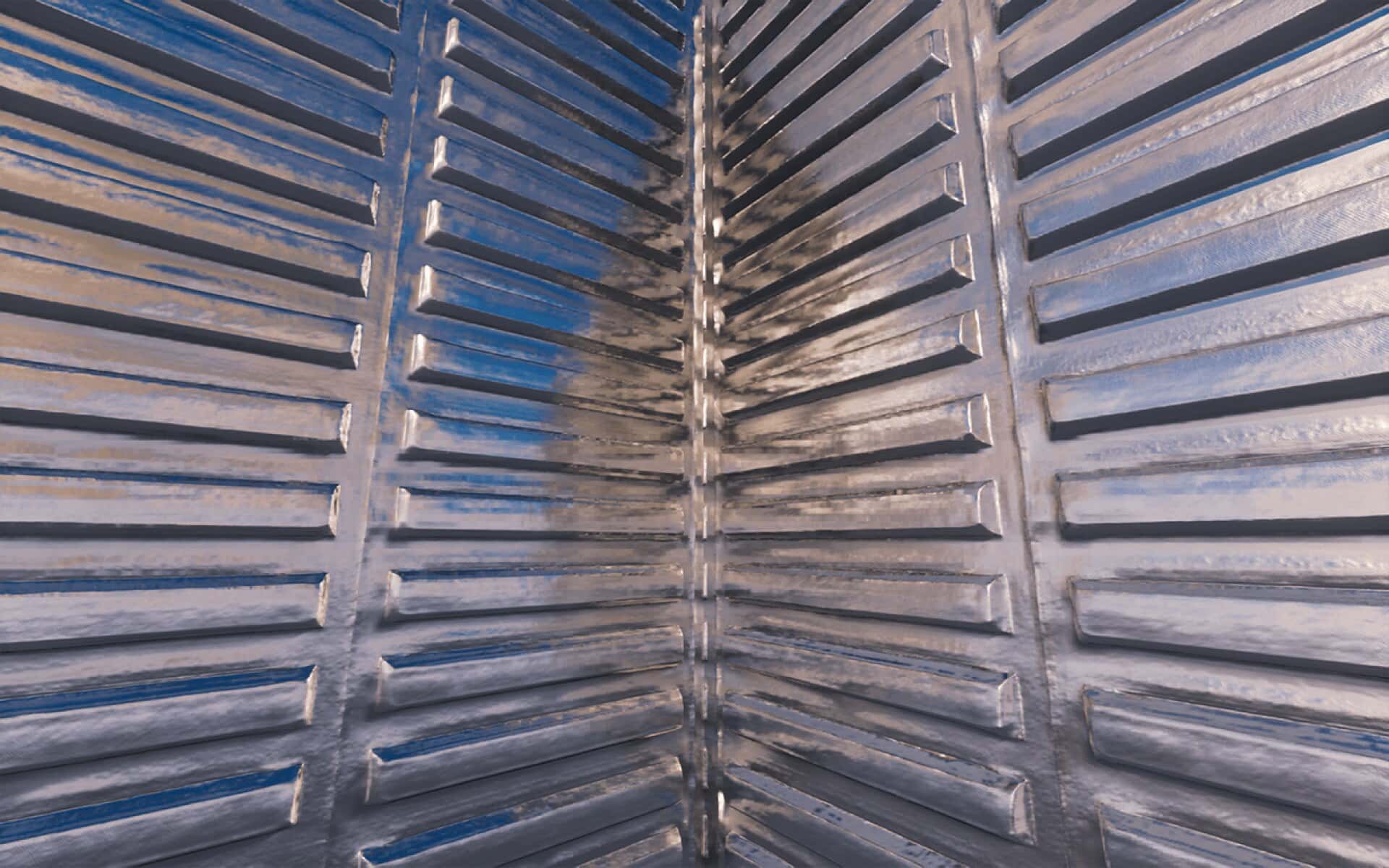
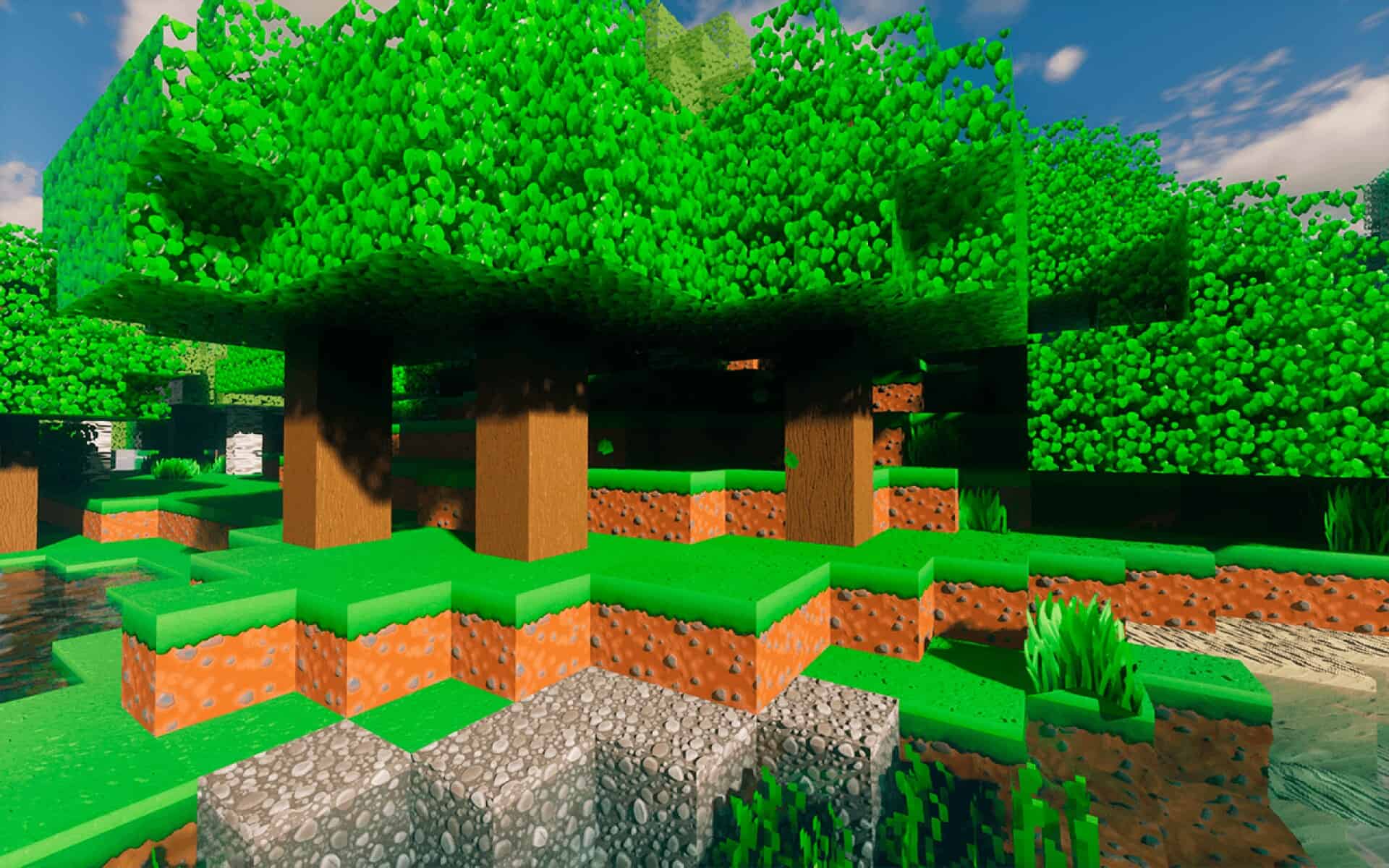
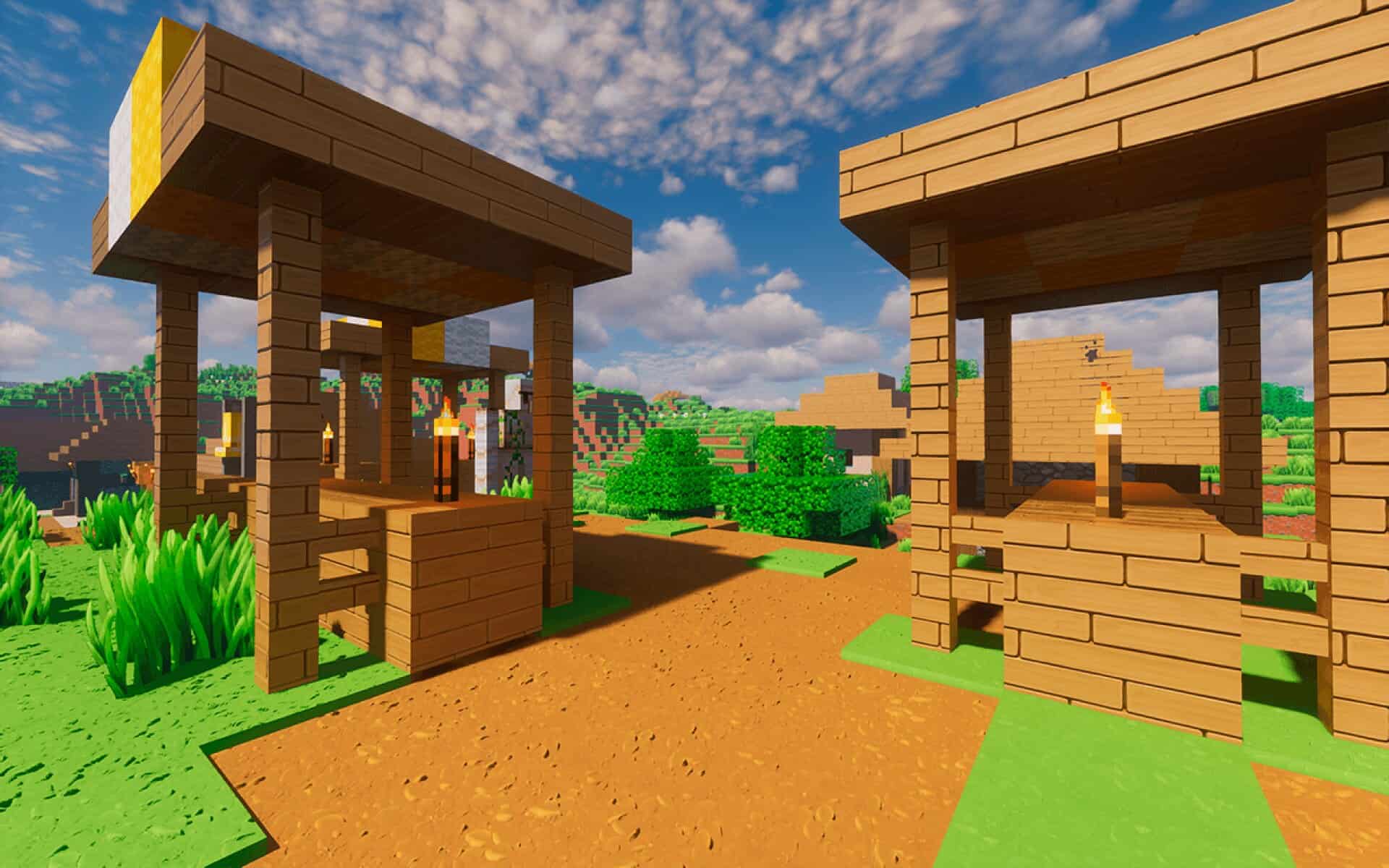
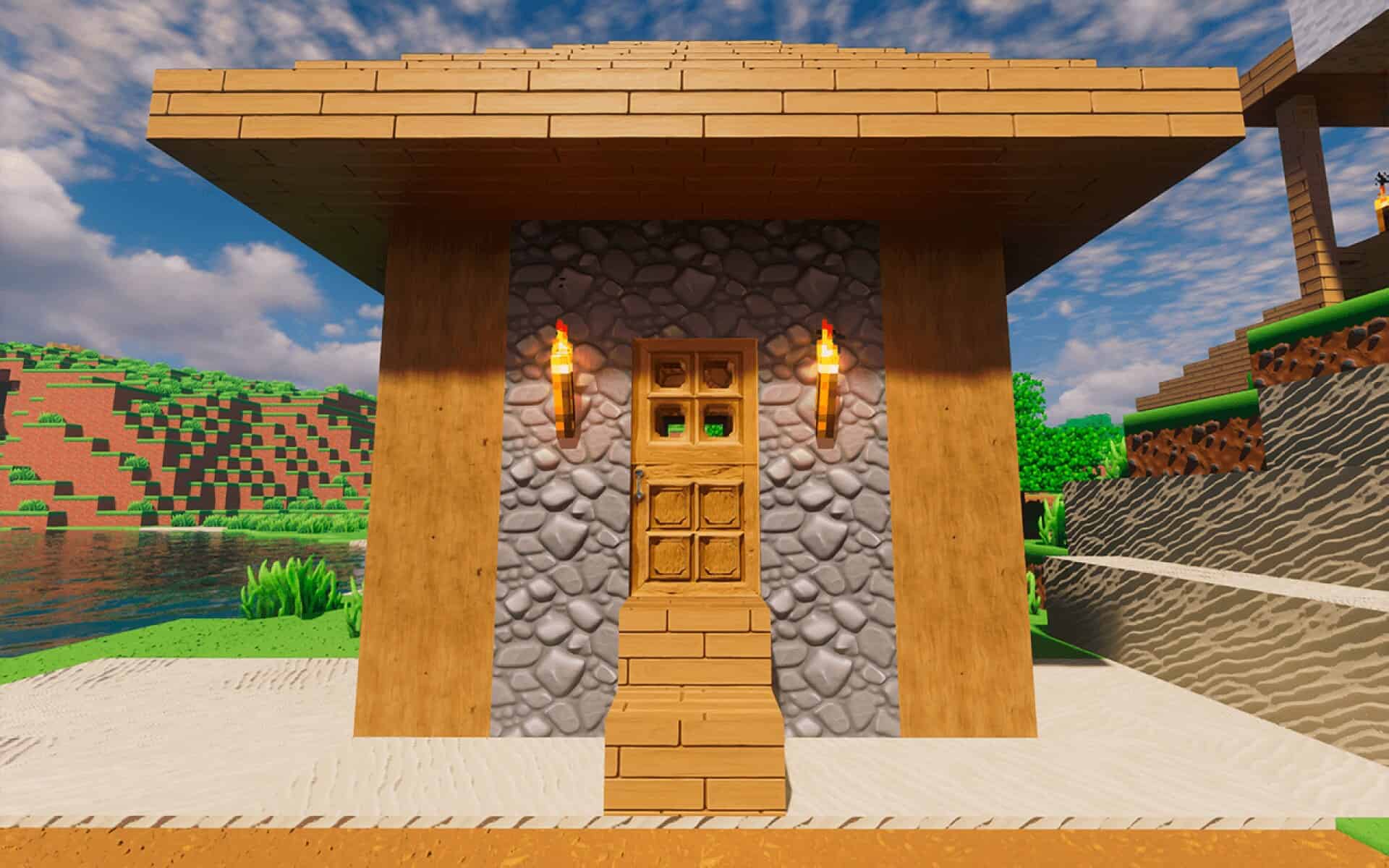
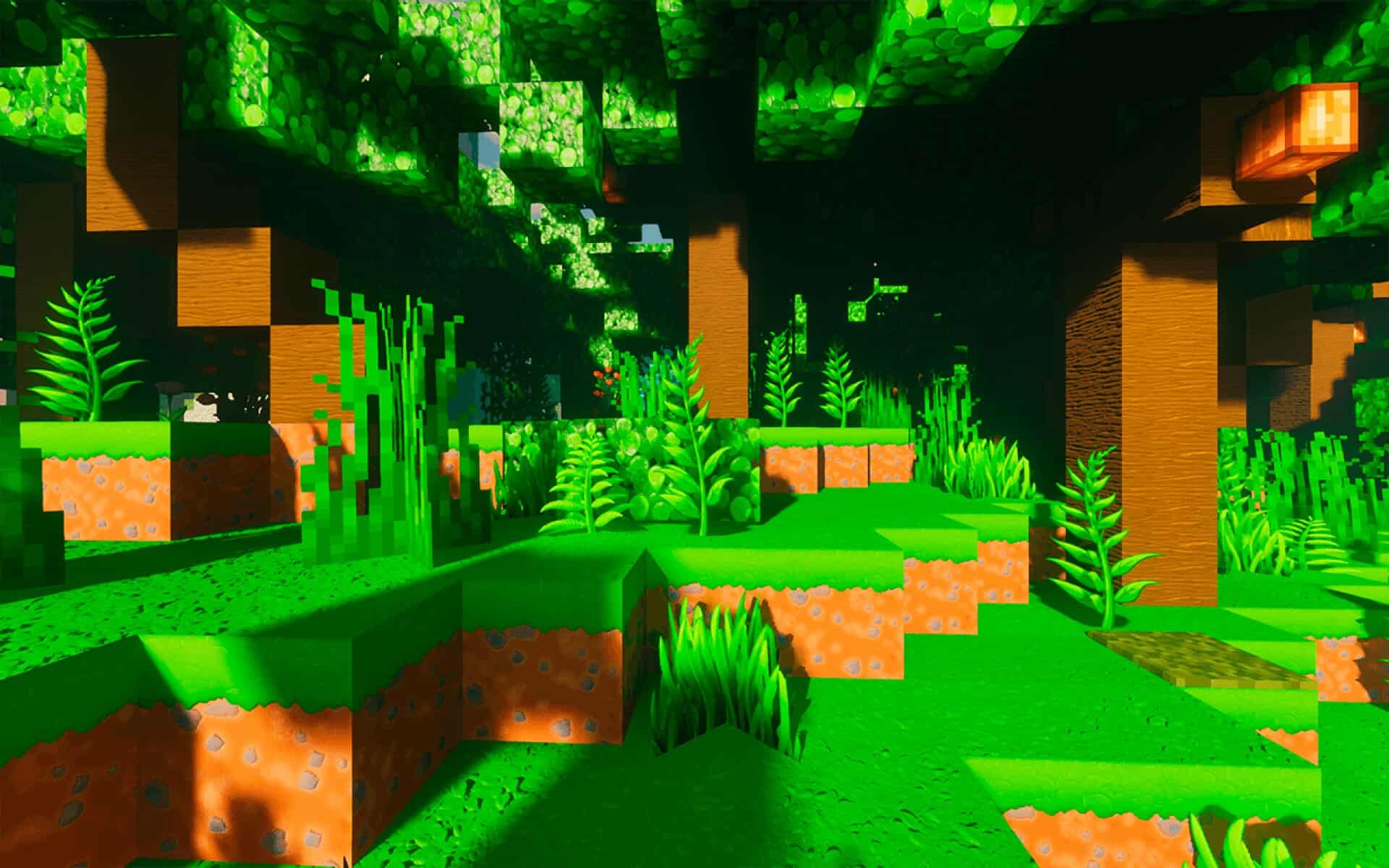
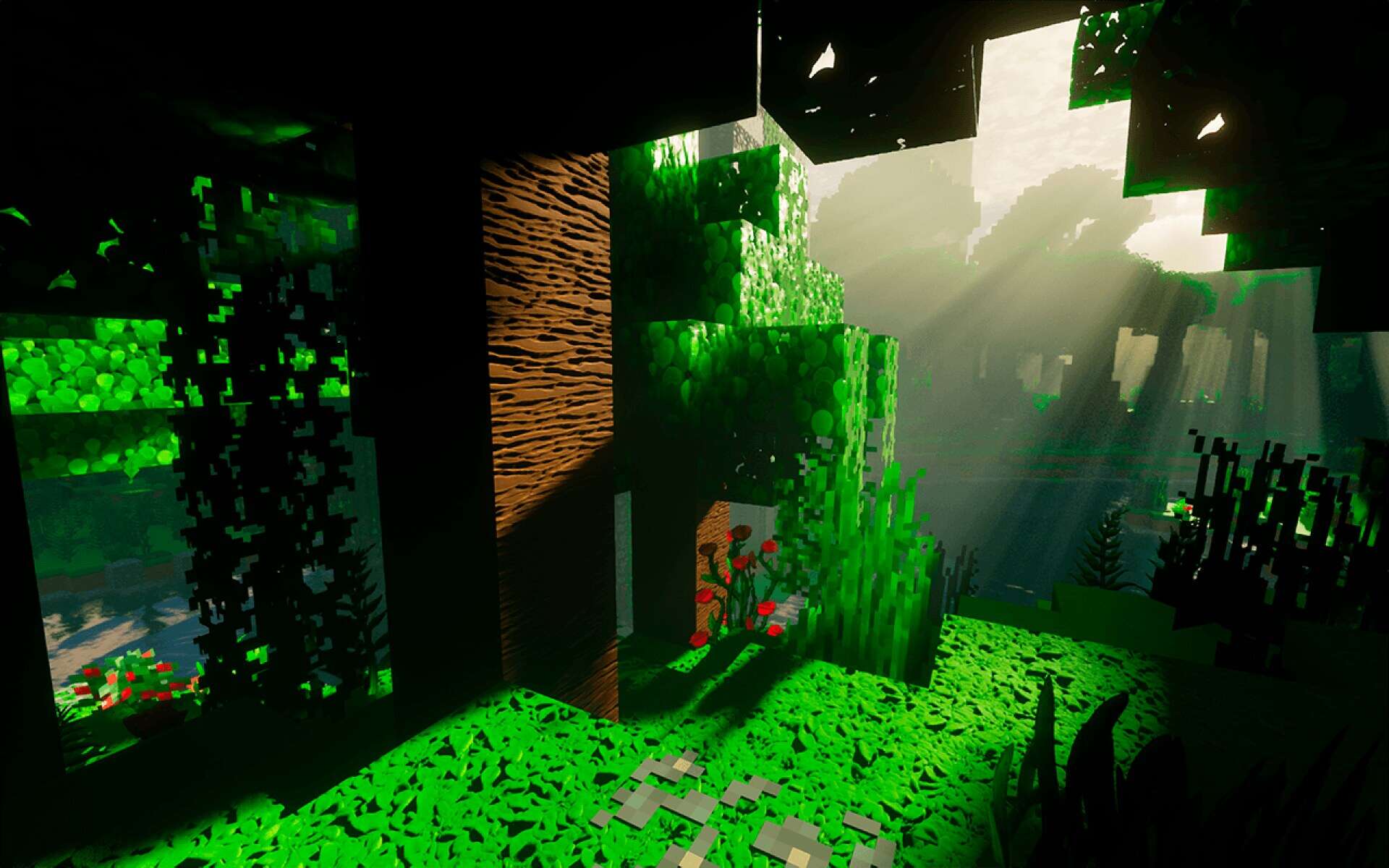
How to Install Texture Pack (Simple 10 Steps)
- Download OptiFine: Most of the texture packs and shaders need OptiFine. That’s why, first download and install OptiFine for the version of Minecraft you want to play.
- Download the Texture Pack: Get the texture pack you want from the download section. Choose the version that works with your Minecraft and your PC’s performance.
- Open Minecraft Launcher: Start Minecraft using the official game launcher — or even TLauncher, if you use that.
- Go to Options: From the main menu, click on the “Options” button.
- Open Resource Packs: Inside Options, click on “Resource Packs…”.
- Open the Resource Pack Folder: Click on “Open Resource Pack Folder” — this will open a folder named “resourcepacks”.
- Move the Pack File: Copy or move the .zip file you downloaded into that “resourcepacks” folder. (Don’t unzip the file — Minecraft uses it as-is!)
- Go Back and Refresh: Close the folder and click “Done”, then go back into “Resource Packs…” again.
- Activate the Pack: You’ll see the pack on the left side. Hover over it and click the arrow to move it to the right (active side).
Tip: If you get a message that the pack is for a different version, just click “Yes” — it usually works fine. - Click Done and Enjoy: Click “Done” again. Now your pack is ready to use in-game. It’s that easy!
Credits
ToonCraft is created by GalacticCraft. We do not claim ownership of this resource pack and all rights belong to the original author. Please visit the official creator pages to support their ongoing development.
Download Links
Java Edition
- [128x] Demo Version
- [256x] Full Version
- [512x] Full Version
- [1024x] Full Version
- [2048x] Ultra Version
Bedrock Edition
Download Instructions
Curseforge: download starts automatically after a few seconds;
Mediafire: click the big blue button with the text “DOWNLOAD”;
Google Drive: in the top right corner you will see a small download icon (down arrow), click it and the download should start;