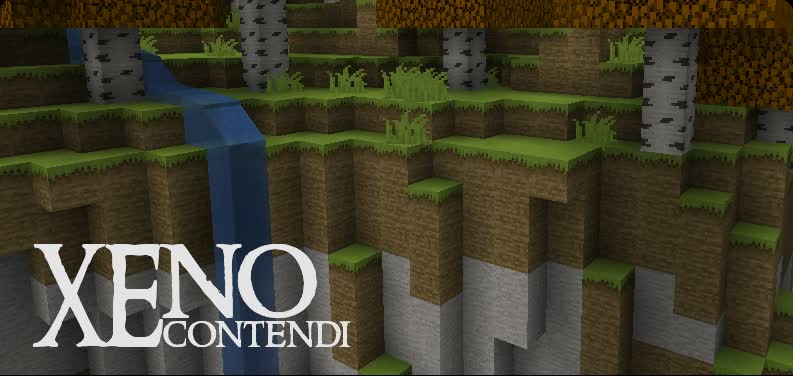
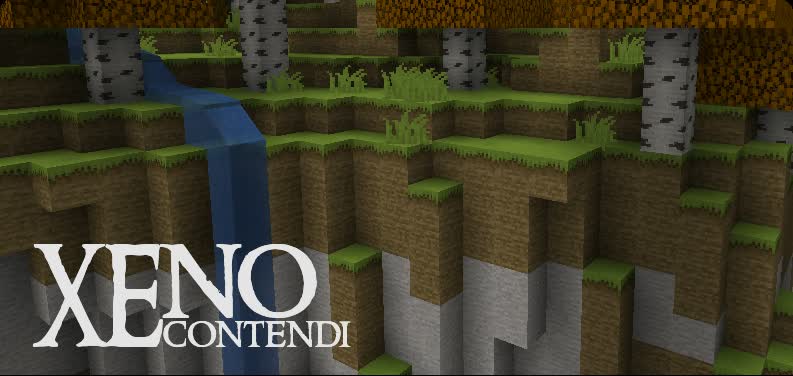
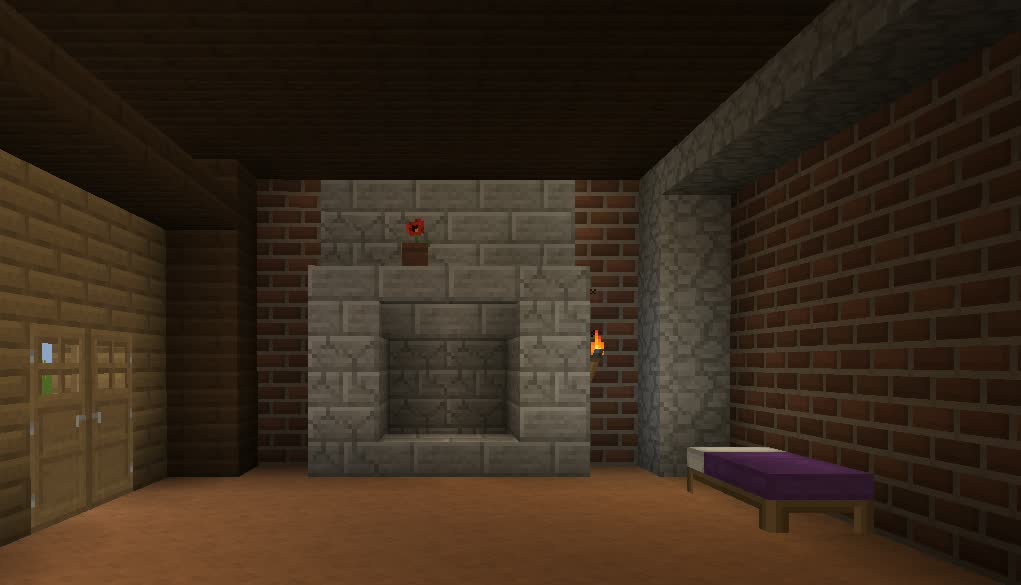
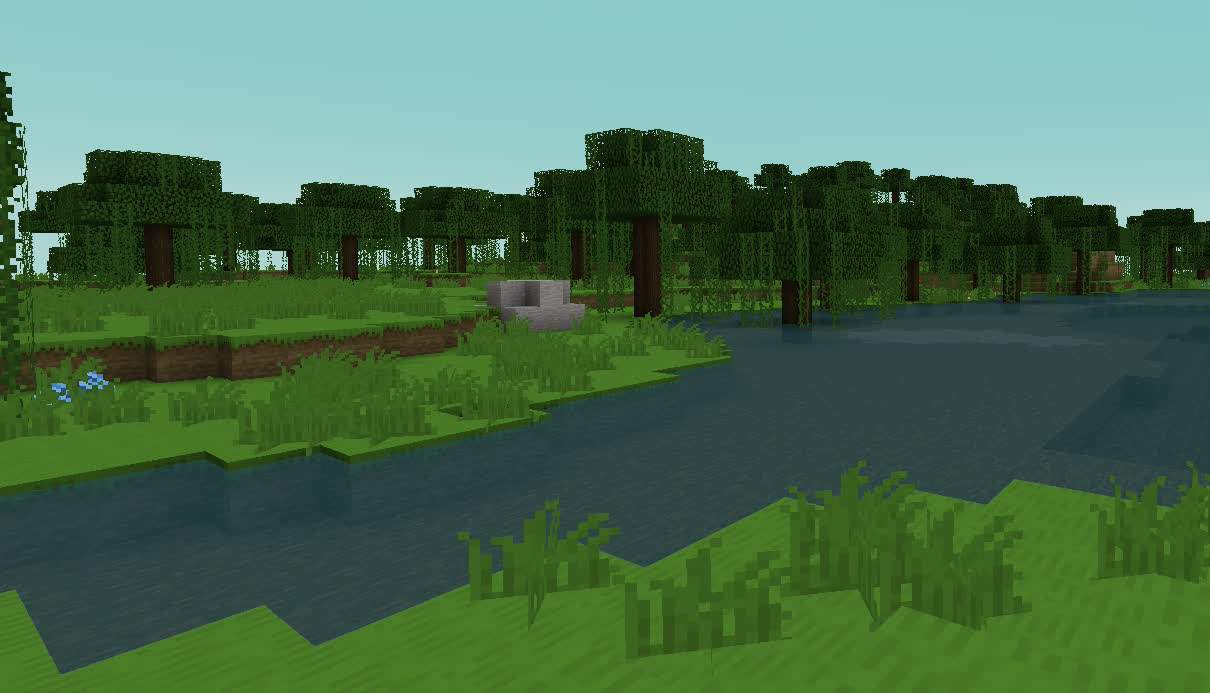
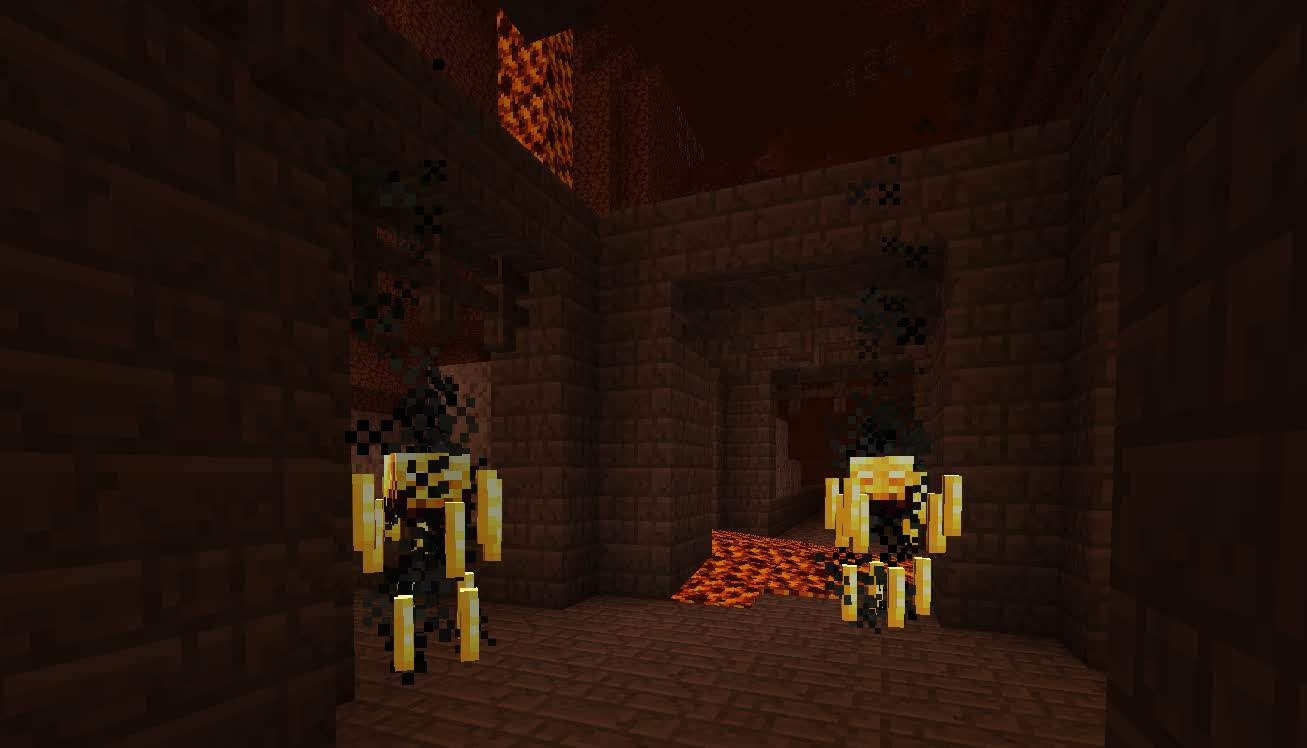
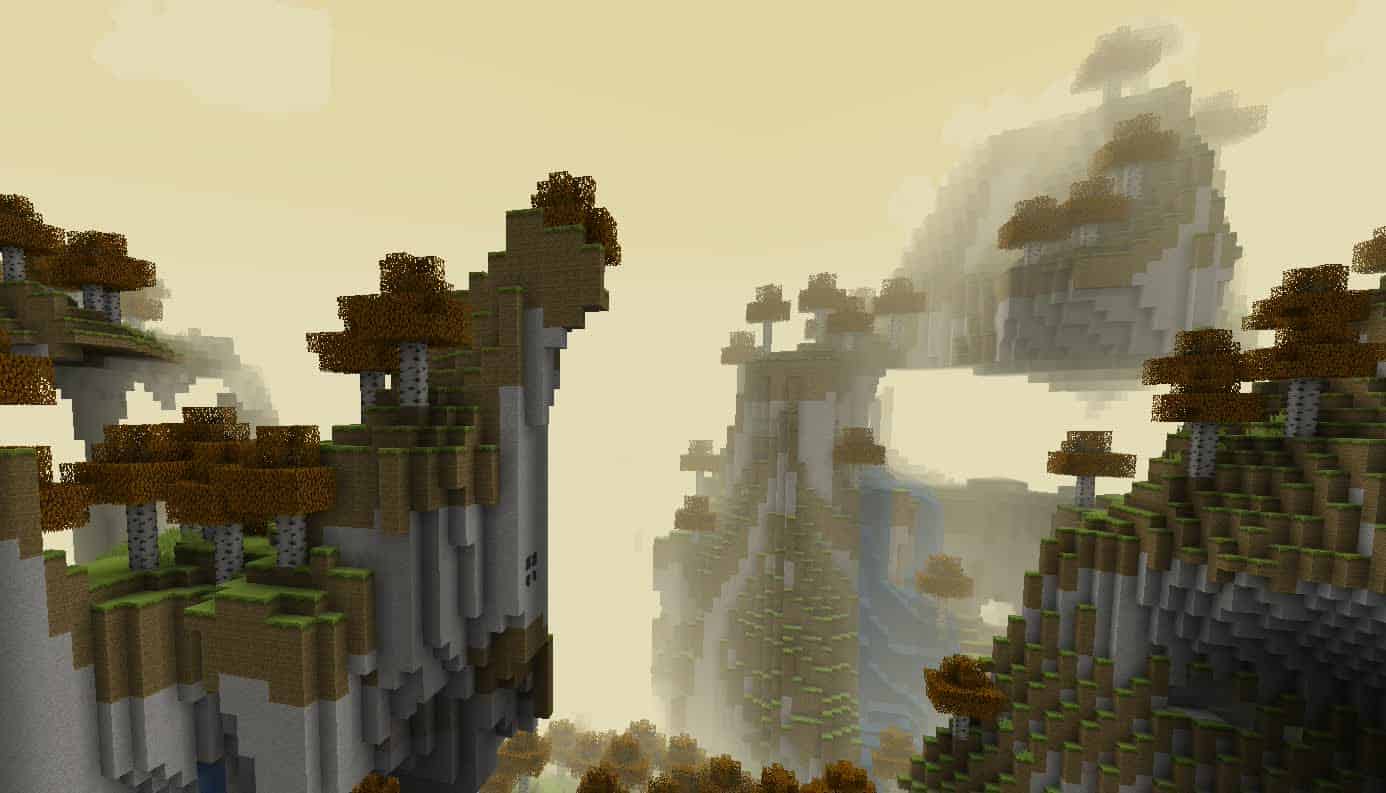
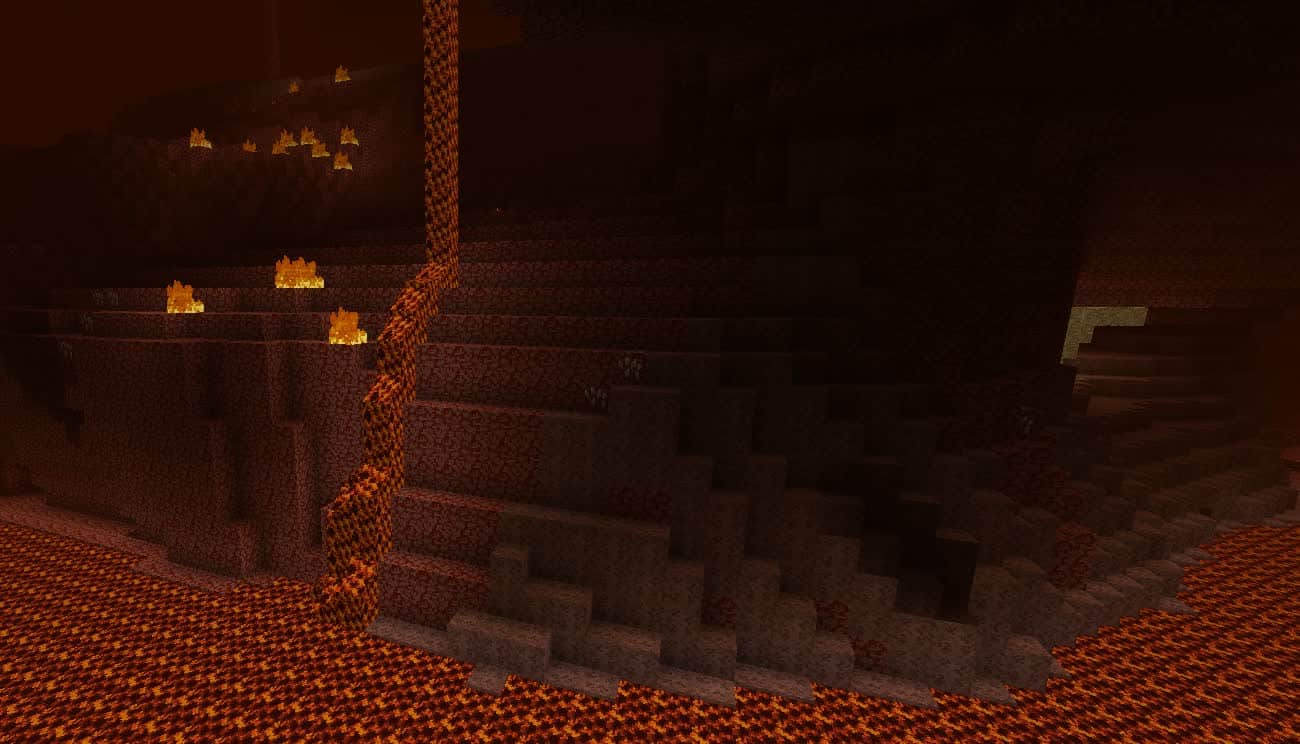
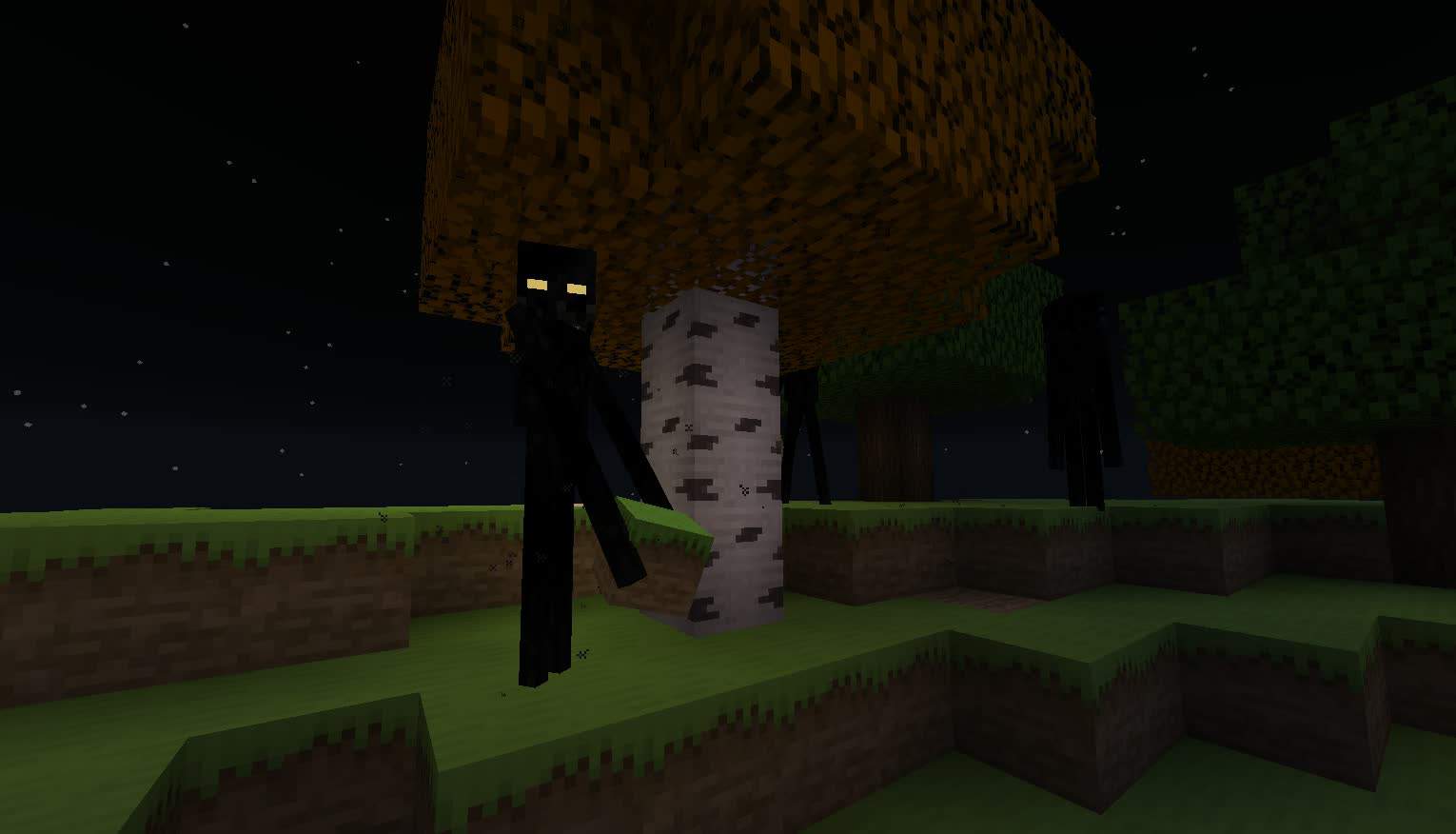
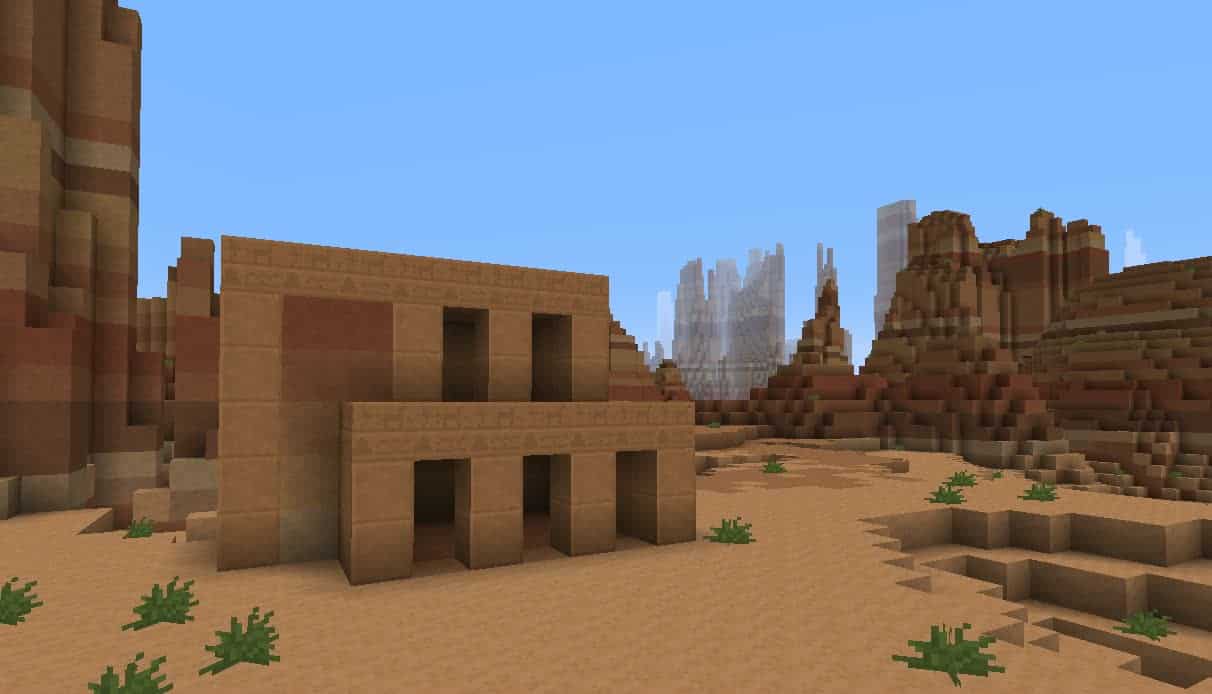
Xenocontendi is the absolute best resource pack for anyone who wants to massively improve Minecraft’s overall appearance without completely throwing away its classic look. We tested this pack out, and it was specifically built to make Minecraft feel noticeably brighter and much happier. It really succeeds in making the world feel so much more cheerful by subtly tweaking how the textures look, adding smart small details, and cleverly removing unnecessary clutter, which we think will appeal to almost everyone. The resource pack is wonderfully understated, setting it apart from the many overly eye-catching and visually overwhelming Minecraft texture packs out there. This uniqueness makes the Xenocontendi resource pack a truly memorable experience that we strongly recommend trying out for yourself. You definitely won’t be disappointed after witnessing what it can do firsthand! It is important to note that the Xenocontendi resource pack was purposefully crafted to remain visually similar to vanilla Minecraft’s default graphics, meaning its changes are minimal yet remarkably effective. Plenty of other packs completely replace the art style with something entirely new, but what makes Xenocontendi so special to us is that it elevates how Minecraft looks in subtle yet striking ways. The textures feature improved details without ever feeling overloaded with a exhausting maximalist aesthetic. Stripping away the unnecessary details from the original textures makes everything look cleaner, significantly more attractive, and sleek. This is just perfect for players who often feel overwhelmed or put off by unnecessary noise in their Minecraft worlds. Xenocontendi’s vibrant and beautiful color palette beautifully ties the whole experience together. The bright colors are stunning to look at and add so much more character to the game, while the expertly balanced muted palette makes everything look pleasantly more realistic. Since the resource pack was explicitly made to fit seamlessly with vanilla Minecraft, it maintains a classic 16 x 16 resolution. If your device can handle default Minecraft without any lag, you should easily experience a wonderfully stable frame rate while running the Xenocontendi resource pack. The heavy focus on brilliant colors gives this texture pack a remarkably smooth and appealing style without deviating too far from vanilla Minecraft. This is especially handy because some other resource packs force you to start an entirely new save file or risk your older builds looking completely strange. Because the Xenocontendi resource pack was thoughtfully designed to elevate the original aesthetics of the game rather than completely replacing them, any buildings or areas you have transformed during previous playthroughs will still look phenomenal with it in active use.
Yet another fantastic thing about the Xenocontendi resource pack is that it even comes packed with custom sounds that thoroughly enhance the game alongside the upgraded visuals. It also features built-in support for several popular mods, including both MCPatcher and OptiFine. Neither program is strictly required for you to use this pack, and although they can definitely enhance your gameplay, your world will still look entirely fine without their additions. This extra level of support for mods is truly the icing on the cake for the Xenocontendi resource pack. Xenocontendi’s combined use of bright and muted colors makes this resource pack an absolute must-have for anyone wanting to seriously enhance how their game looks. Although a few critics might view the muted colors as slightly bland, we firmly believe that they genuinely elevate Minecraft’s appearance and make it look so much more natural. The thoughtful color choices and redesigned textures look remarkably similar to real life without ever dipping into awkward hyper-realism, meaning you can easily enjoy a more natural-looking world without needing a high-end gaming PC to run it. Remember, this pack manages to pull all of this off in a humble 16 x 16 resolution, which is a seriously impressive feat given how incredible it looks and all the rich additions it brings. The Xenocontendi resource pack enhances vanilla Minecraft’s default textures by giving literally everything a sleek touch. The blocks are noticeably smoother, vastly more appealing to the eyes, and possess a genuinely stylish appearance. It sticks to the exact 16 x 16 resolution while cleverly optimizing the textures to be far less pixelated than default Minecraft. This low resolution means it runs just as brilliantly as original Minecraft while still looking just as good as many highly detailed texture packs boasting much higher resolutions. The way the creator utilized color heavily adds to the breathtaking beauty of your world. It features both a brilliantly bright palette and a soft, muted dim palette, granting it a remarkably wide range of colors. This broad palette distinguishes this resource pack from countless others and builds a truly unique style and appearance. Overall, we found that the Xenocontendi resource pack is incredibly attractive, enhances vanilla Minecraft’s default textures without increasing the resolution burden, and never deviates from the original style we all know and love.
Xenocontendi should be compatible with all of these Minecraft versions: 1.8.9 – 1.8.8 – 1.8.1 – 1.8.6 – 1.8 – 1.7.10 – 1.7.9 – 1.7.4 – 1.7 – 1.6.4 – 1.6.2
Screenshots
How to Install Texture Pack (Simple 10 Steps)
- Download OptiFine: Most of the texture packs and shaders need OptiFine. That’s why, first download and install OptiFine for the version of Minecraft you want to play.
- Download the Texture Pack: Get the texture pack you want from the download section. Choose the version that works with your Minecraft and your PC’s performance.
- Open Minecraft Launcher: Start Minecraft using the official game launcher — or even TLauncher, if you use that.
- Go to Options: From the main menu, click on the “Options” button.
- Open Resource Packs: Inside Options, click on “Resource Packs…”.
- Open the Resource Pack Folder: Click on “Open Resource Pack Folder” — this will open a folder named “resourcepacks”.
- Move the Pack File: Copy or move the .zip file you downloaded into that “resourcepacks” folder. (Don’t unzip the file — Minecraft uses it as-is!)
- Go Back and Refresh: Close the folder and click “Done”, then go back into “Resource Packs…” again.
- Activate the Pack: You’ll see the pack on the left side. Hover over it and click the arrow to move it to the right (active side).
Tip: If you get a message that the pack is for a different version, just click “Yes” — it usually works fine. - Click Done and Enjoy: Click “Done” again. Now your pack is ready to use in-game. It’s that easy!
Credits
The Xenocontendi Resource Pack was originally created and developed by Disethas. We do not claim ownership of this modification, nor do we host modified download files on our servers. All rights and intellectual property remain strictly with the original author. We strongly encourage you to support Disethas by downloading the pack through their official distribution channels.
Download Links
Java Edition
Download Instructions
Curseforge: download starts automatically after a few seconds;
Mediafire: click the big blue button with the text “DOWNLOAD”;
Google Drive: in the top right corner you will see a small download icon (down arrow), click it and the download should start;


