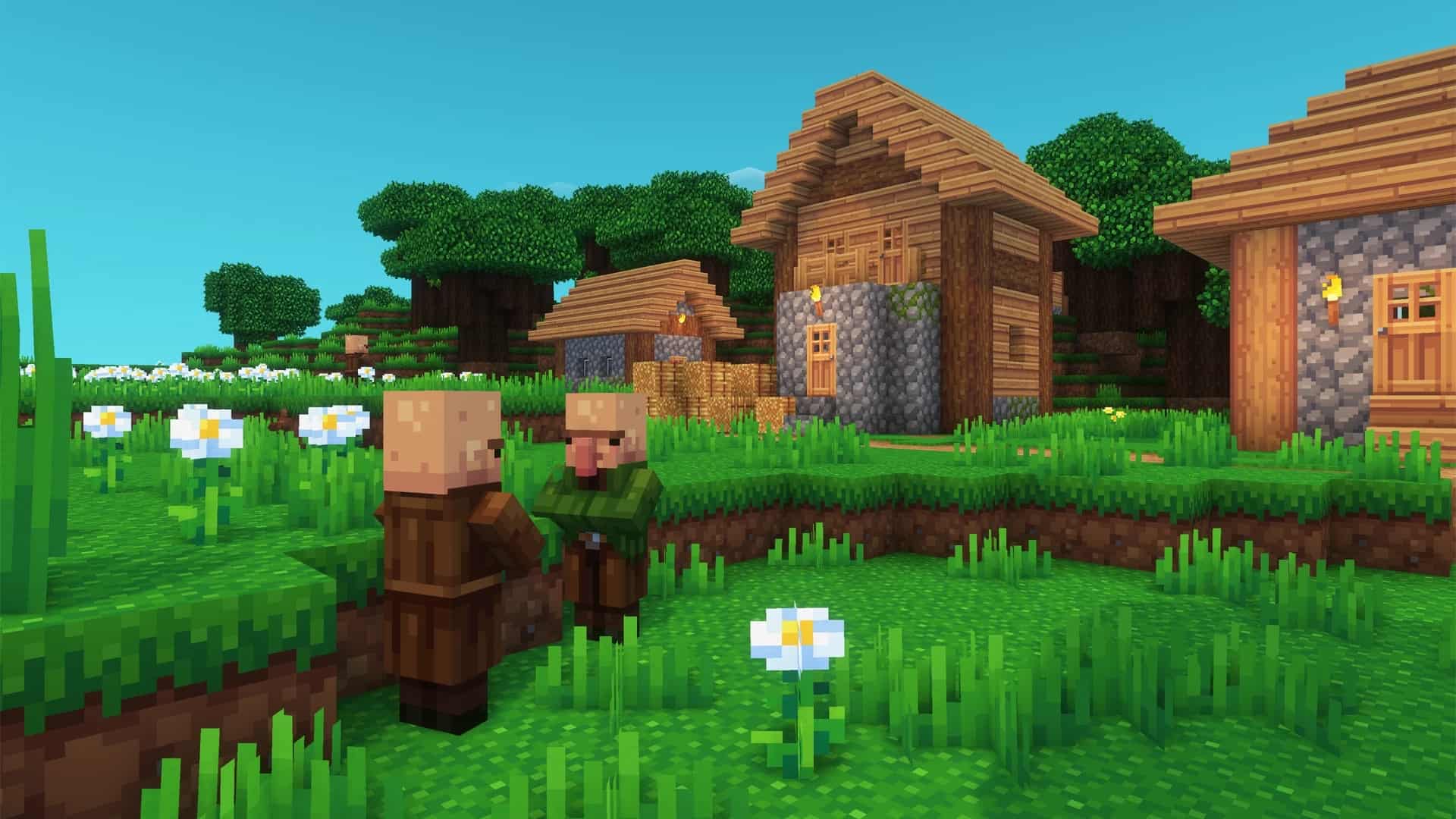
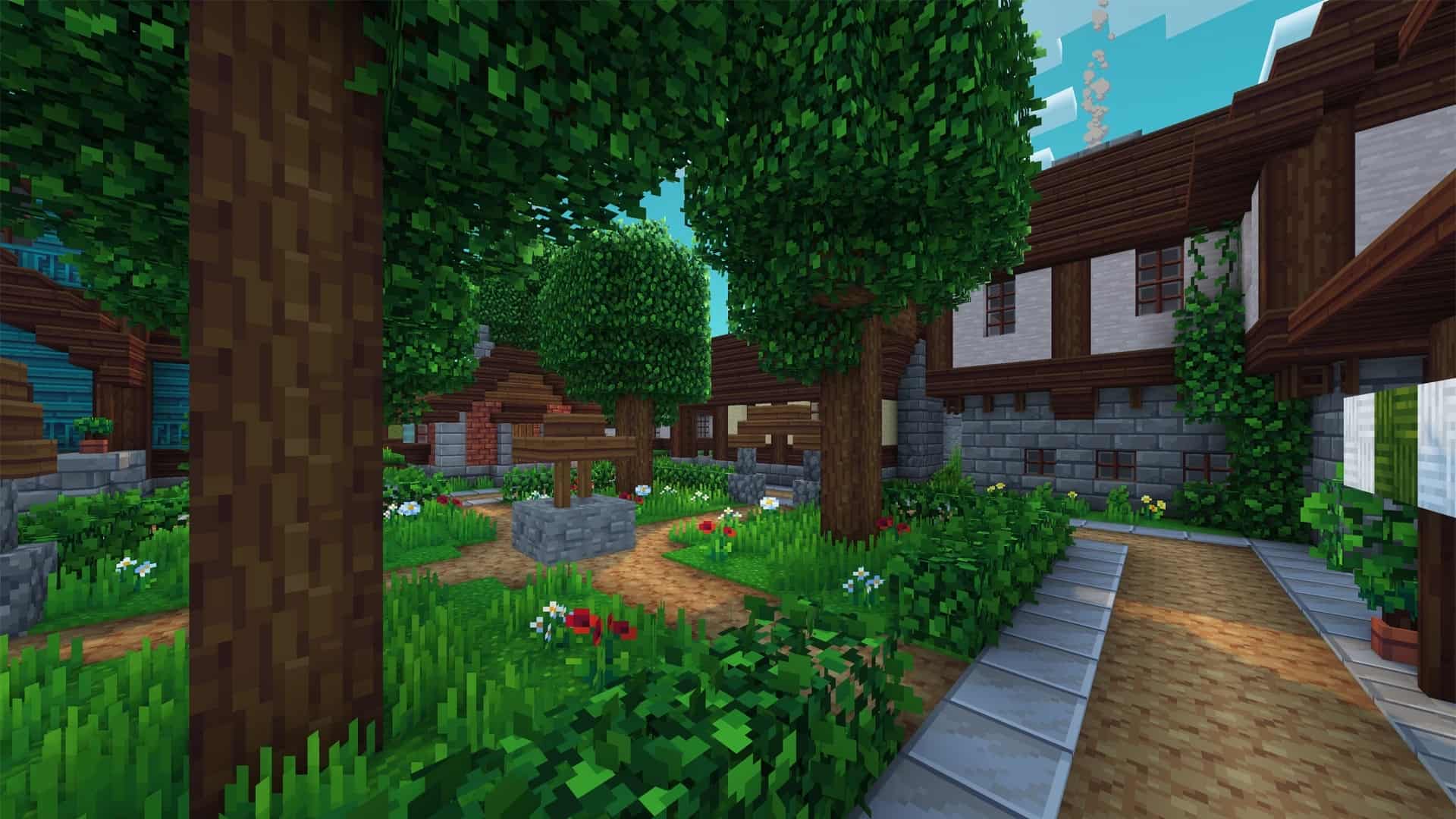
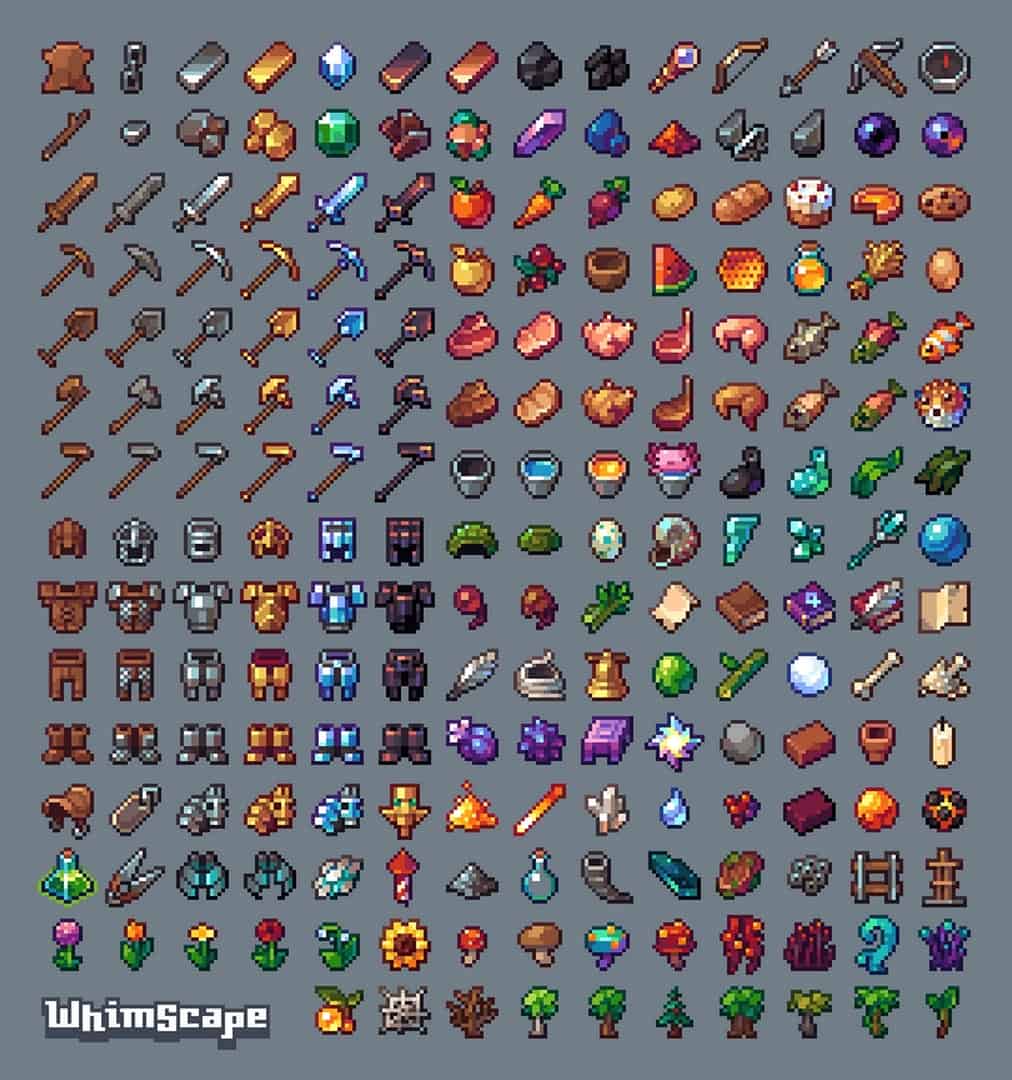
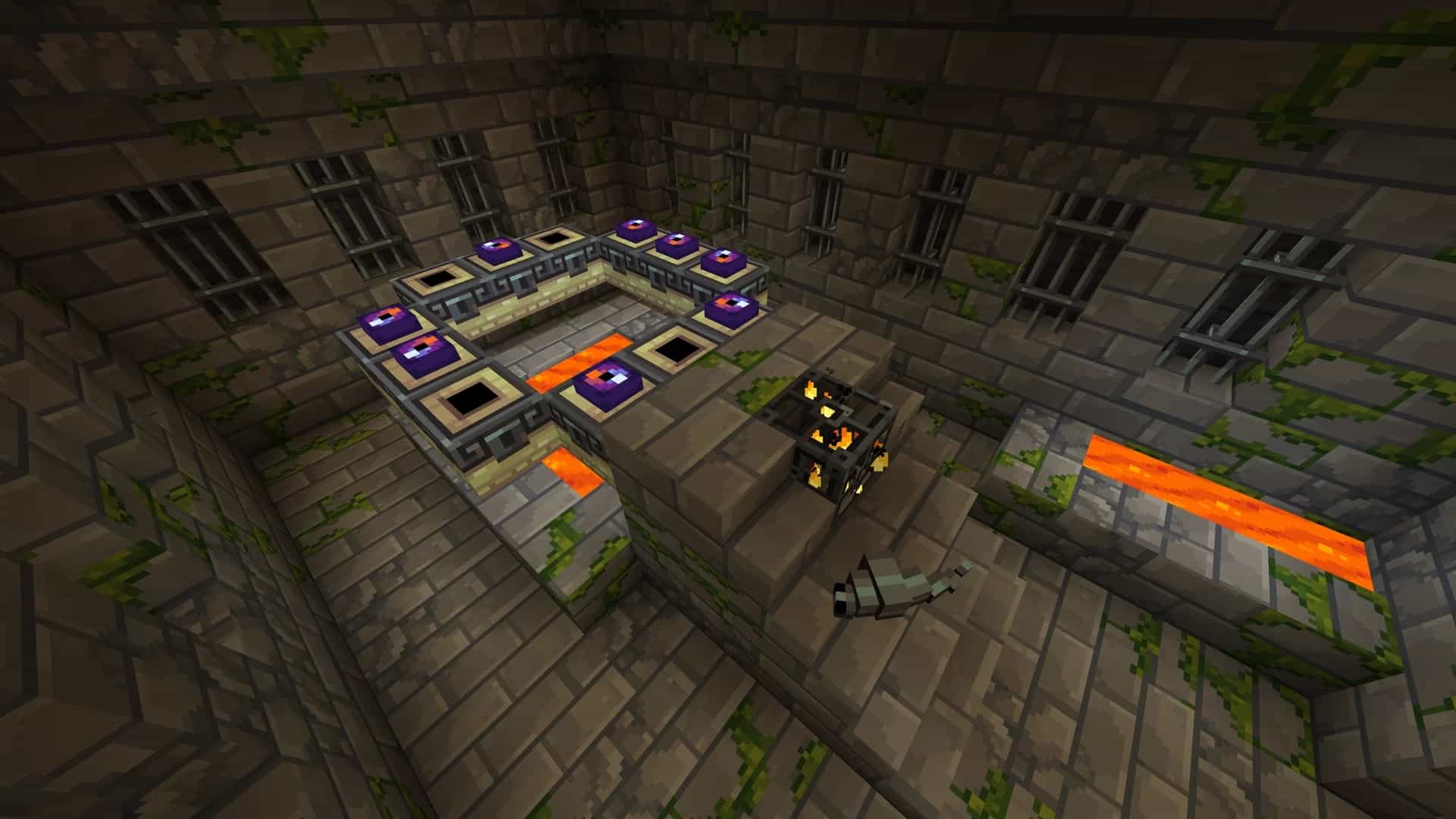
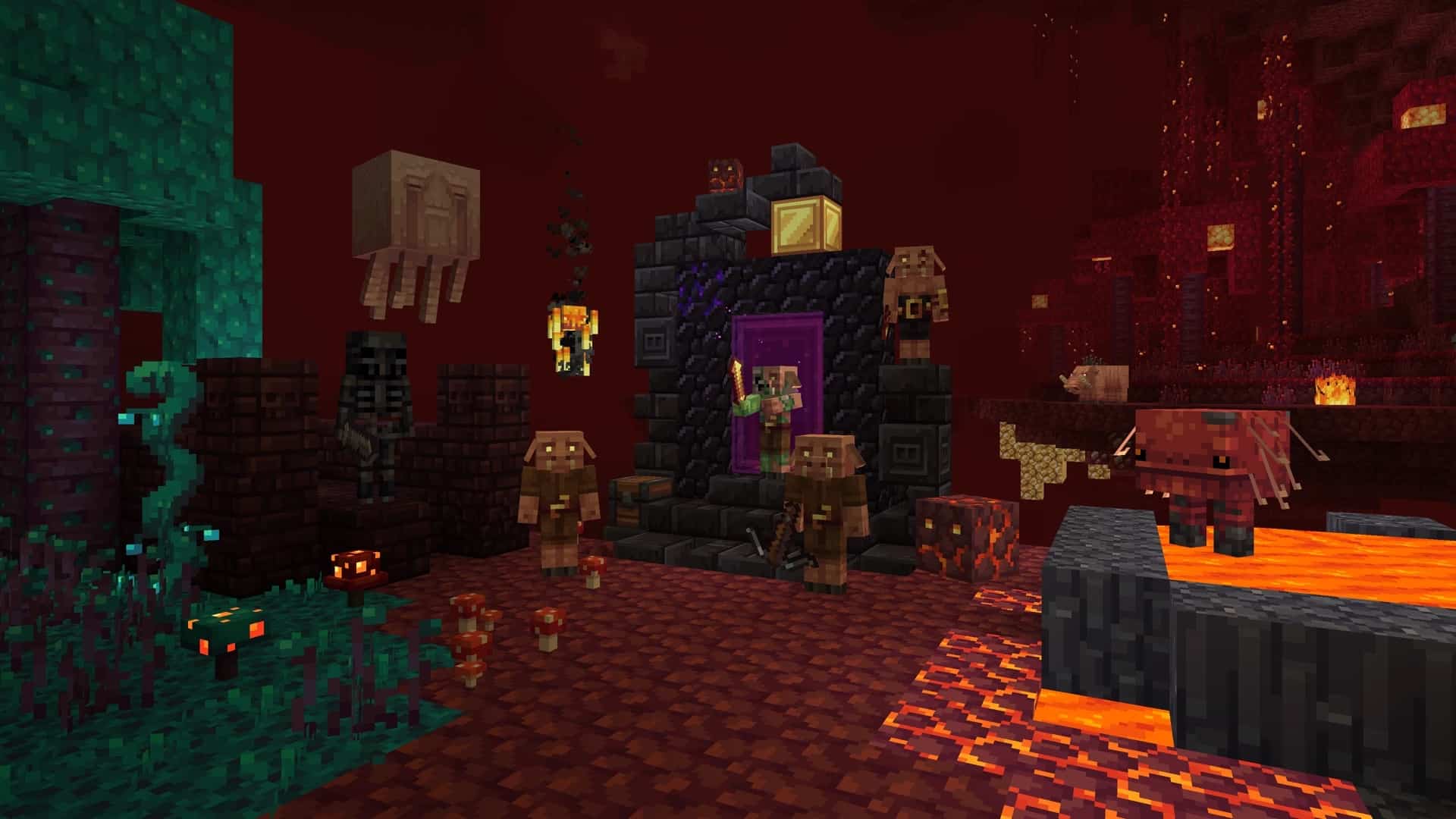
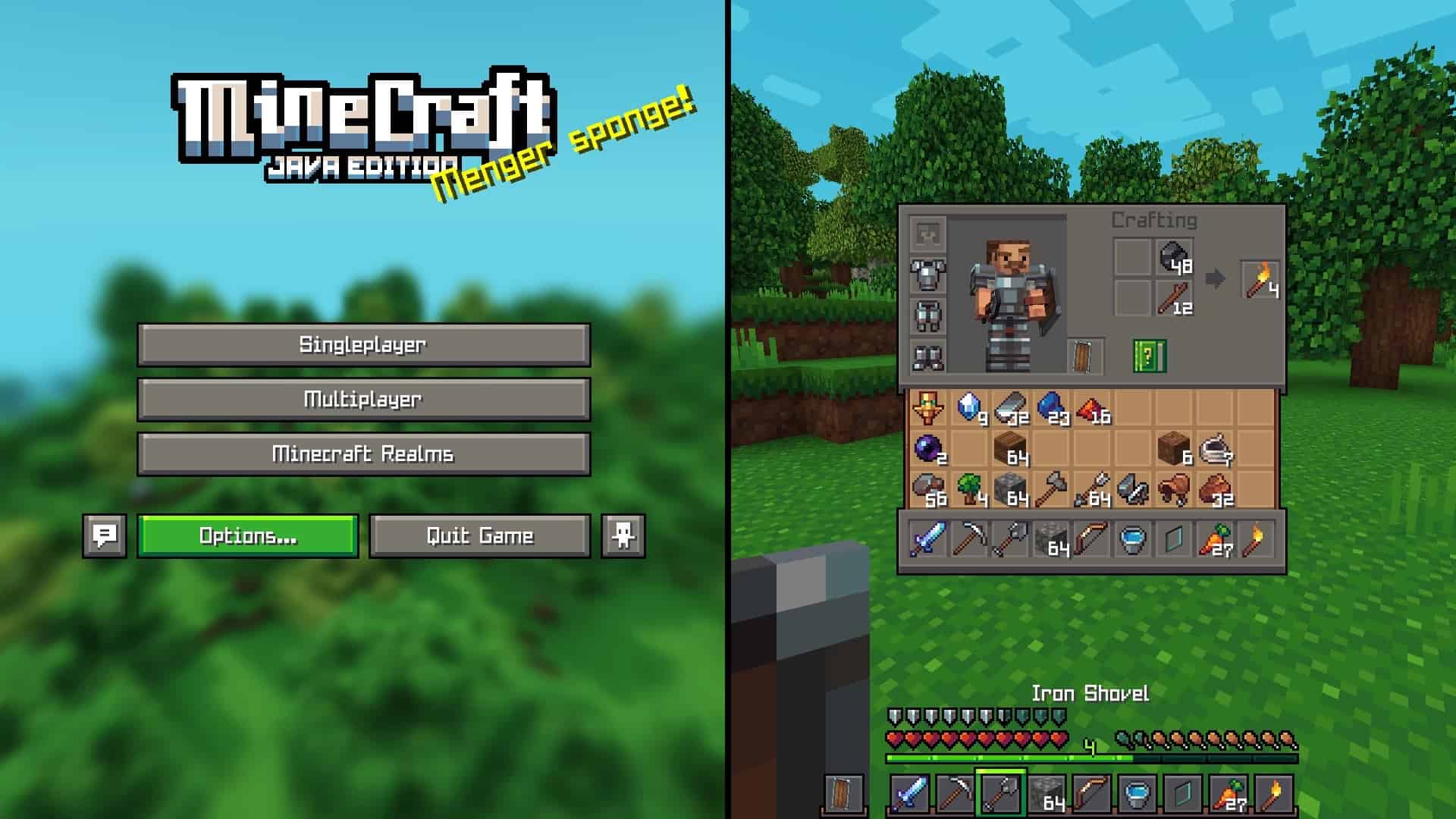
The Whimscape resource pack is simply one of the absolute best resource packs that you should definitely consider downloading in the world of Minecraft. It features an extremely vibrant, exceptionally recognizable, and high-quality 16×16 pixel art that offers a fun and immersive game environment to players. The resource pack was created by Kavast on September 30, 2022, and was completely updated on June 17, 2023, with over 50,000 thousand downloads to date. Once downloaded, you will immediately see the amazing difference that this resource pack makes to your Minecraft environment. To start, you can appreciate a more aesthetically pleasing vanilla-themed block textures. With the Whimscape resource pack, looking up in your Minecraft world will never be the same again. And as the world transitions from day to night, you will then become mesmerized by the beauty of a whimsical moon that is by far prettier than ever before. In addition, you can notice the awesome changes in your armor, health, food, experience, and bubble meters which were aesthetically pixelized to feature a more visible display. When it comes to player inventory, you will love to see that everything is more visible, which makes all the items easier to see. As if that is not enough to create a more immersive game experience, the Whimscape texture pack also boasts a graphically enhanced sky, underwater, fog, birch, as well as other portal-connected textures customized and optimized to offer an experience like no other. In the world of Minecraft, trees are more than just decorative features for they also serve as a source of essential resources that can help you progress in the game. However, nothing beats an aesthetic tree that can enhance the beauty of your game environment. With the Whimscape resource pack, you will not only have a useful tree that will provide you with wood blocks and other materials but also an aesthetic tree with whimsical leaves and delicate bushes that is more visually pleasing than ever. The good news is that this pack has an add-on or patch to support the Fresh Animations resource pack.
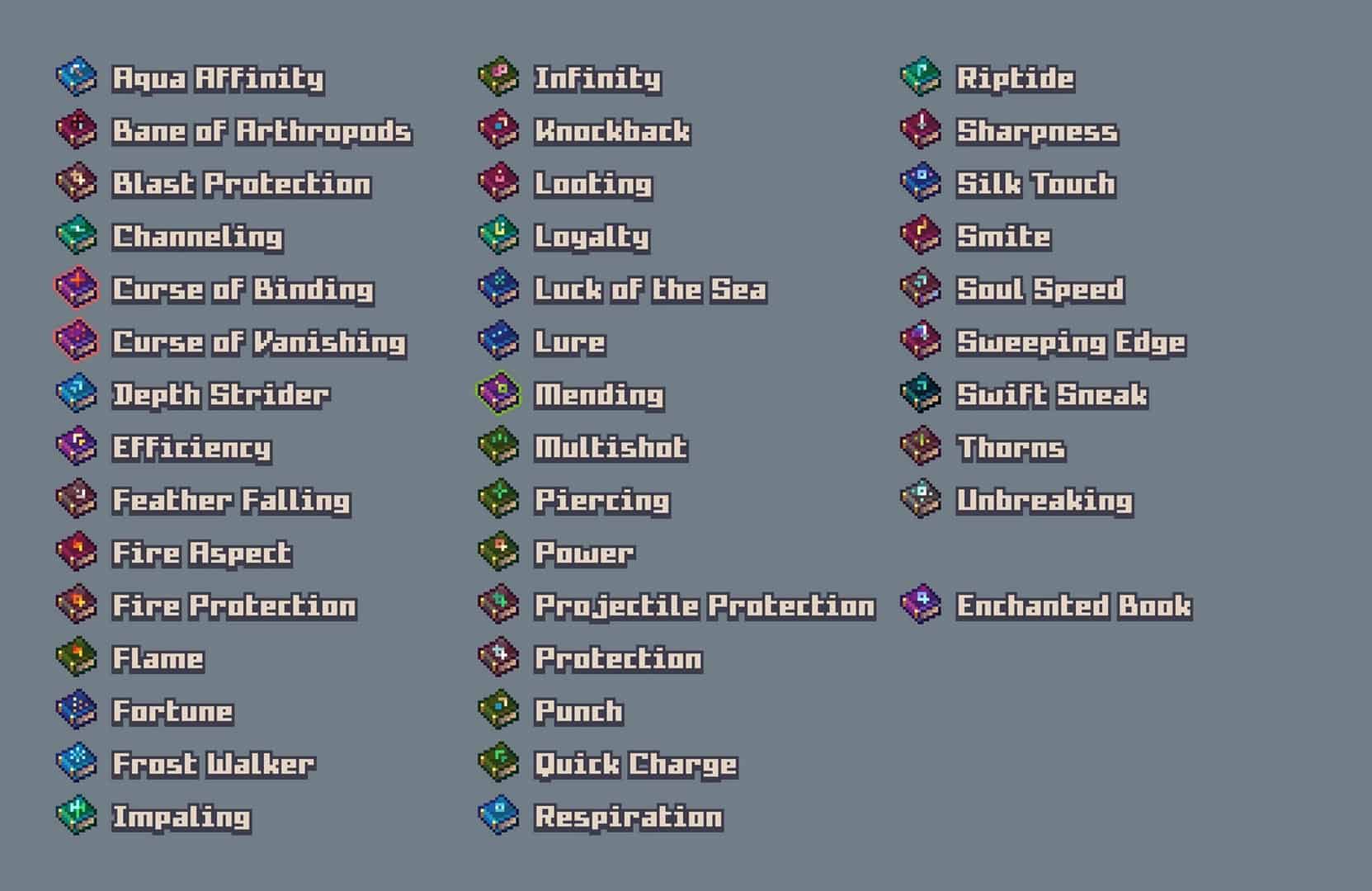
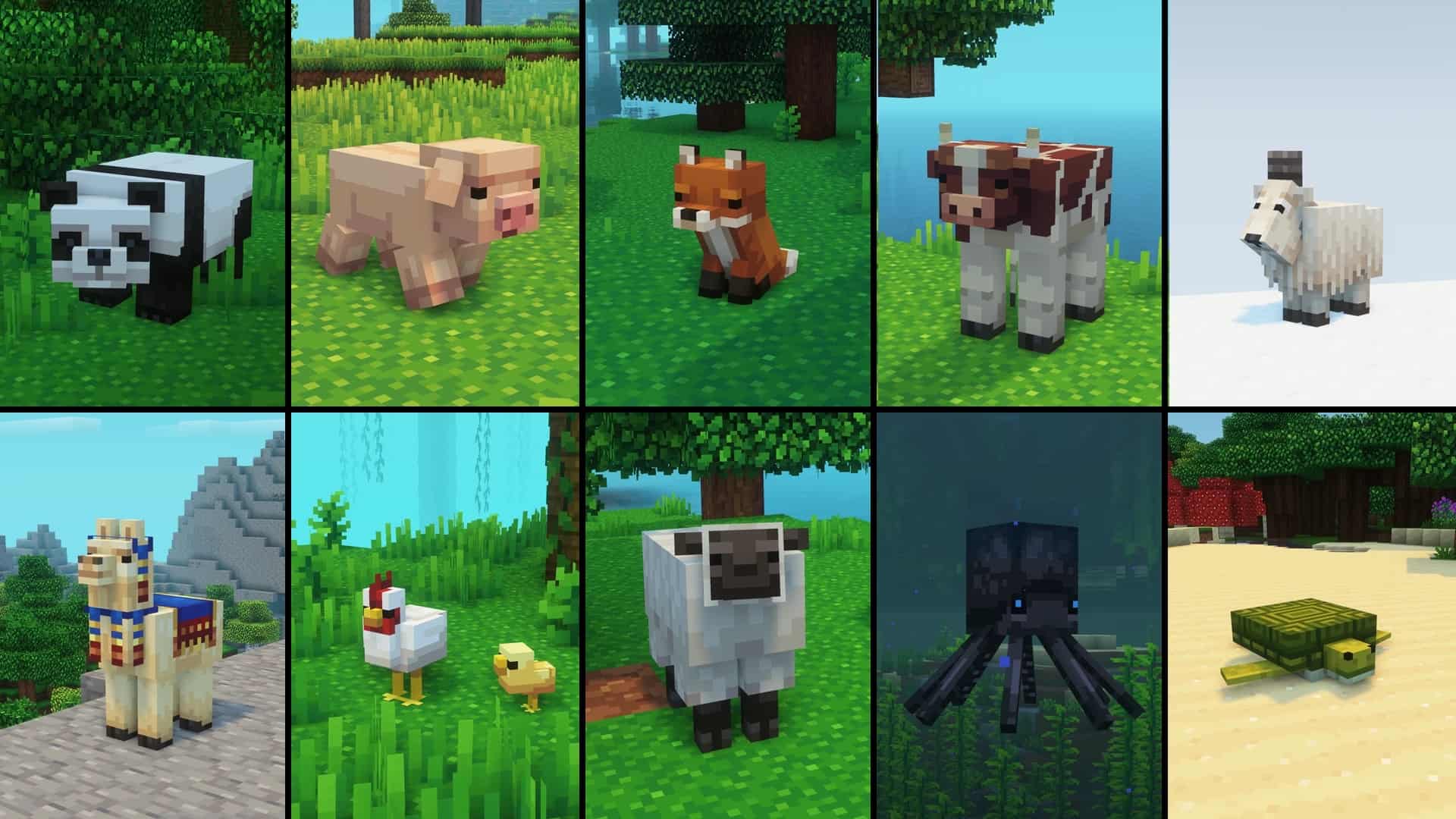
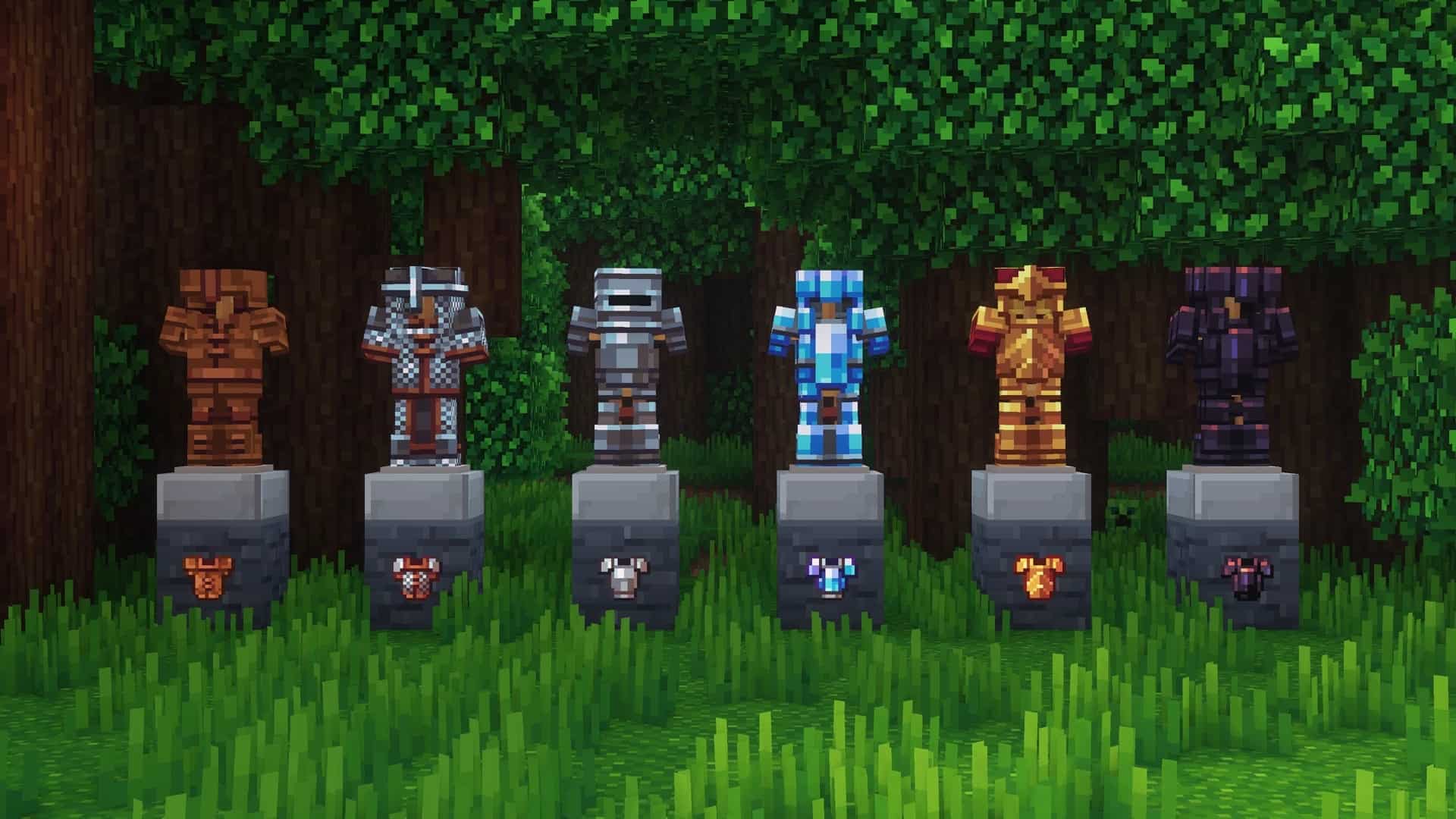
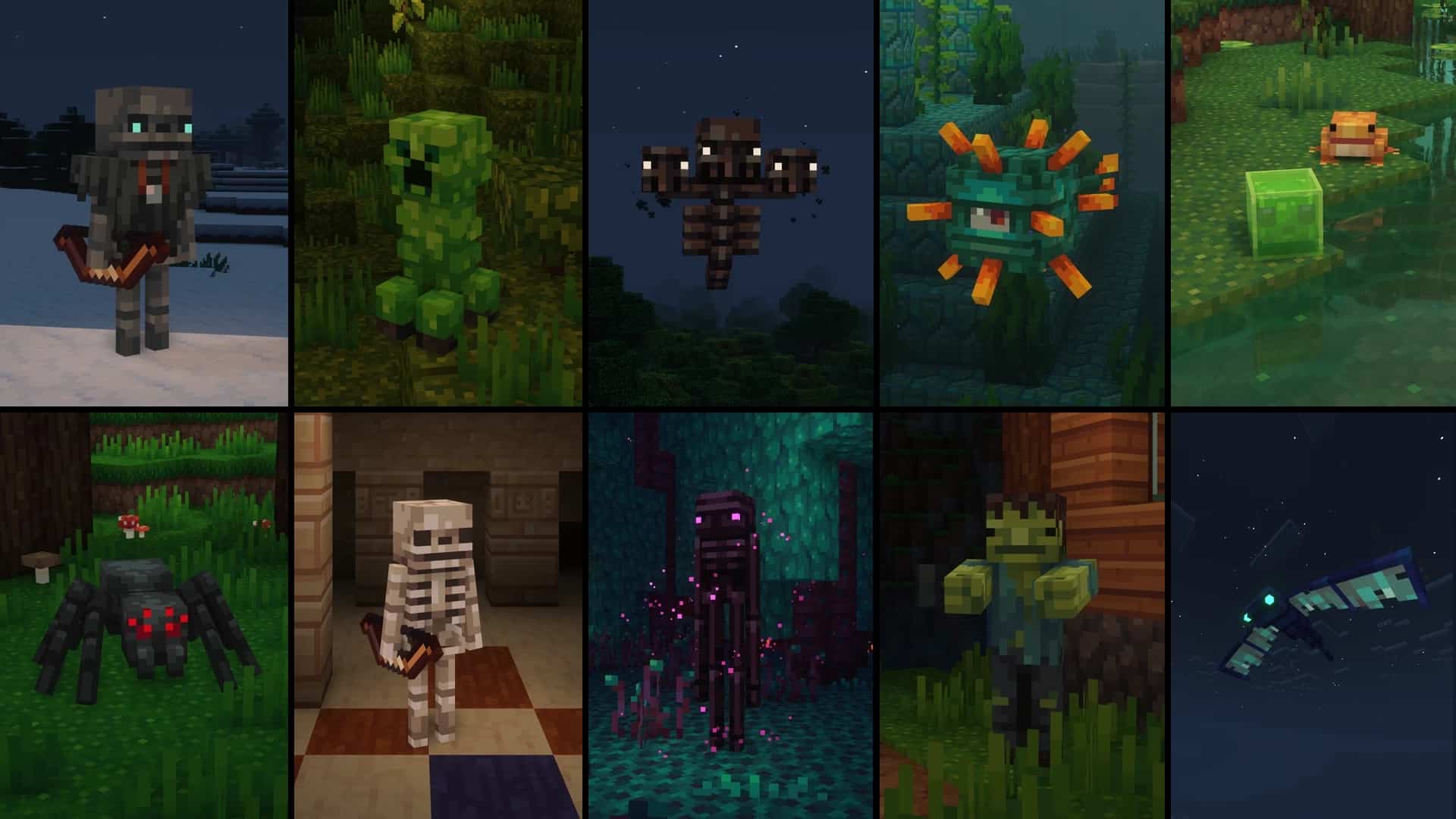
If you do not know what a fresh animation pack is, you can check it out, but in short, compared to the default Minecraft look, the Fresh Animations resource pack changes the mobs in the game to create more dynamic and realistic characters to offer the best gameplay experience possible. Minecraft cannot be any better without the Fresh Animations resource pack, and that is the reason why the Whimscape resource pack comes with a patch that offers compatibility between the two packs. With the help of OptiFine, you can acquire enchanted books that are more magical in appearance whether obtained from the Enchantment Table or looted from various places in the game. The customized item textures showcase more embellished enchanted books that will definitely elevate your gameplay experience every time. The armor and weapon display on the Minecraft walls are aesthetically arranged in a way that you can easily identify the enchanted ones from the normal ones on display. Aside from the armors on the wall, the Whimscape resource pack also features dyed armors displayed at the center, which serves as an added attraction in the game environment. The Ender Dragon featured in the Whimscape resource pack is by far the most badass-looking mob in the game. It has neither arms nor legs, and it mainly consists of skeletons with dominant purple colors. Since it is pretty uncommon for resource packs to change the appearance of Ender Dragons, having the Whimscape resource pack downloaded in your Minecraft will definitely feel like a breath of fresh air. To enhance the Ender Dragon aesthetics, the pack also enhances the overall look of the End City with its purple bridge, purple chorus flowers, and other purple structures that will absolutely leave you in awe. Whether you are new to Minecraft or simply want to change your game atmosphere for the better, the Whimscape texture pack offers a great way to elevate every player’s gaming experience. So, I highly recommend downloading the Whimscape resource pack and embarking on a fascinating adventure that this pack has to offer. From its retextured features to its aesthetic armor and weapon display and awesome purple skeleton Ender Dragon, the Whimscape resource pack will definitely provide you with total satisfaction, and that is a guarantee.
Whimscape should be compatible with all of these Minecraft versions: Fresh Animations – 26.2 – 26.1.2 – 26.1.1 – 26.1 – 1.21.11 – 1.21.10 – 1.21.9 – 1.21.8 – 1.21.7 – 1.21.6 – 1.21.5 – 1.21.4 – 1.21.3 – 1.21.2 – 1.21.1 – 1.21 – 1.20.6 – 1.20.5 – 1.20.4 – 1.20.3 – 1.20.2 – 1.20.1 – 1.20 – 1.19.4 – 1.19.3 – 1.19.2 – 1.19.1 – 1.19 – 1.18.2 – 1.18.1 – 1.18 – 1.17.1 – 1.17 – 1.16.5 – 1.16.4 – 1.16.3 – 1.16.2 – 1.16.1 – 1.16
Screenshots
How to Install Texture Pack (Simple 10 Steps)
- Download OptiFine: Most of the texture packs and shaders need OptiFine. That’s why, first download and install OptiFine for the version of Minecraft you want to play.
- Download the Texture Pack: Get the texture pack you want from the download section. Choose the version that works with your Minecraft and your PC’s performance.
- Open Minecraft Launcher: Start Minecraft using the official game launcher — or even TLauncher, if you use that.
- Go to Options: From the main menu, click on the “Options” button.
- Open Resource Packs: Inside Options, click on “Resource Packs…”.
- Open the Resource Pack Folder: Click on “Open Resource Pack Folder” — this will open a folder named “resourcepacks”.
- Move the Pack File: Copy or move the .zip file you downloaded into that “resourcepacks” folder. (Don’t unzip the file — Minecraft uses it as-is!)
- Go Back and Refresh: Close the folder and click “Done”, then go back into “Resource Packs…” again.
- Activate the Pack: You’ll see the pack on the left side. Hover over it and click the arrow to move it to the right (active side).
Tip: If you get a message that the pack is for a different version, just click “Yes” — it usually works fine. - Click Done and Enjoy: Click “Done” again. Now your pack is ready to use in-game. It’s that easy!
Credits
The Whimscape resource pack was originally created by kqvq (kavast). We do not claim ownership of this content, nor do we modify the original download files. All rights and intellectual property remain with the original author. We strongly encourage players to support kqvq (kavast) by visiting their official download pages and following their work.
Download Links
Java Edition
- [16x] Whimscape Resource Pack for Minecraft 26.2.x – 26.1.x
- [16x] Whimscape Resource Pack for Minecraft 1.21.x – 1.20.2
- [16x] Whimscape Resource Pack for Minecraft 1.20.1 – 1.20
- [16x] Whimscape Resource Pack for Minecraft 1.19.x
- [16x] Whimscape Resource Pack for Minecraft 1.18.x
- [16x] Whimscape Resource Pack for Minecraft 1.17.x
- [16x] Whimscape Resource Pack for Minecraft 1.16.x
- [16x] Whimscape x Fresh Animations Add-on for Minecraft 26.1.x
- [16x] Whimscape x Fresh Animations Add-on for Minecraft 1.21.x – 1.20.2
- [16x] Whimscape x Fresh Animations Add-on for Minecraft 1.20.1 – 1.20
- [16x] Whimscape x Fresh Animations Add-on for Minecraft 1.19.x – 1.13.x
- Whimscape Leaves Add-on
Download Instructions
Curseforge: download starts automatically after a few seconds;
Mediafire: click the big blue button with the text “DOWNLOAD”;
Google Drive: in the top right corner you will see a small download icon (down arrow), click it and the download should start;


