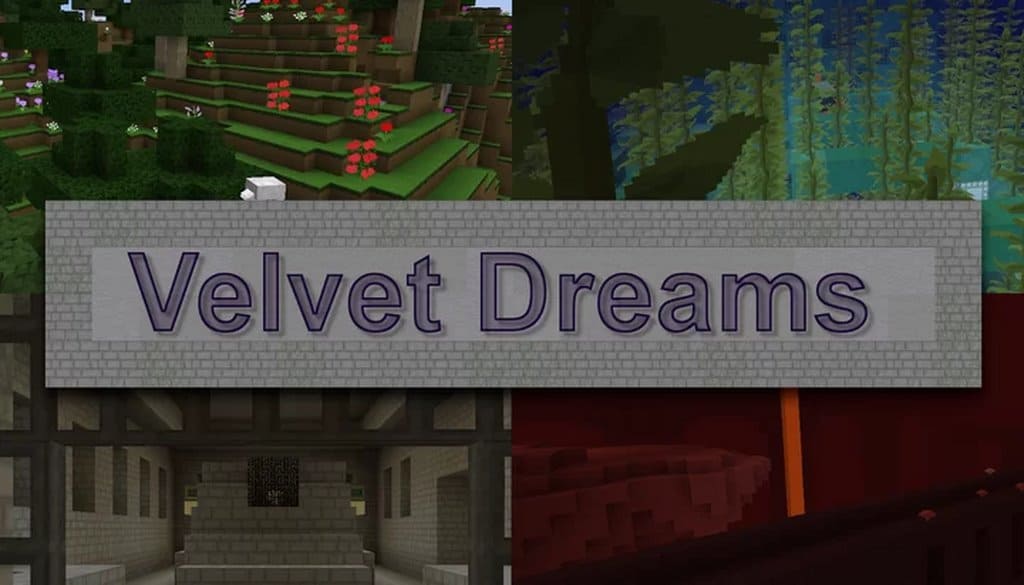
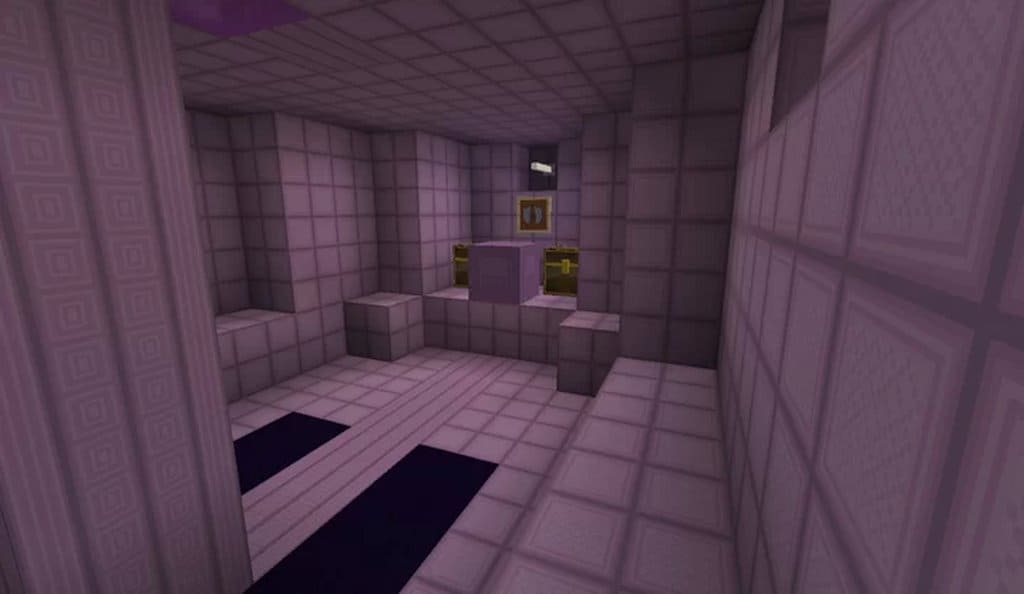
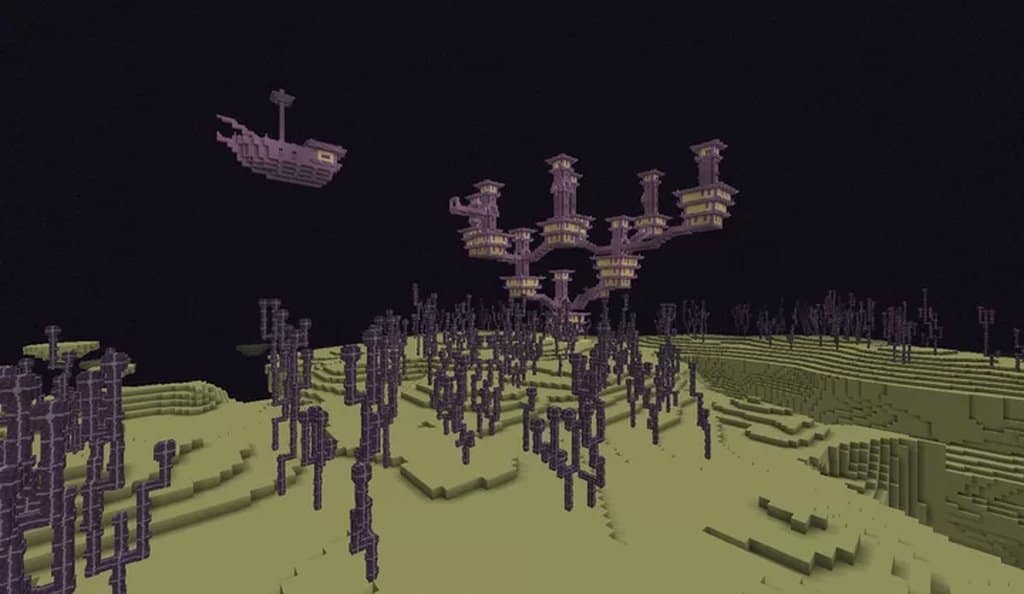
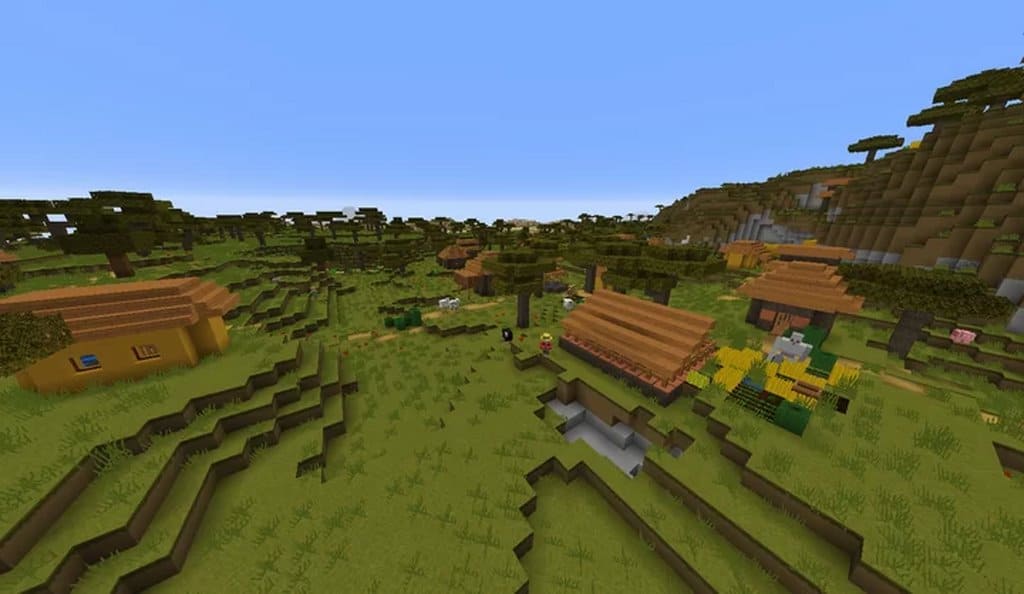
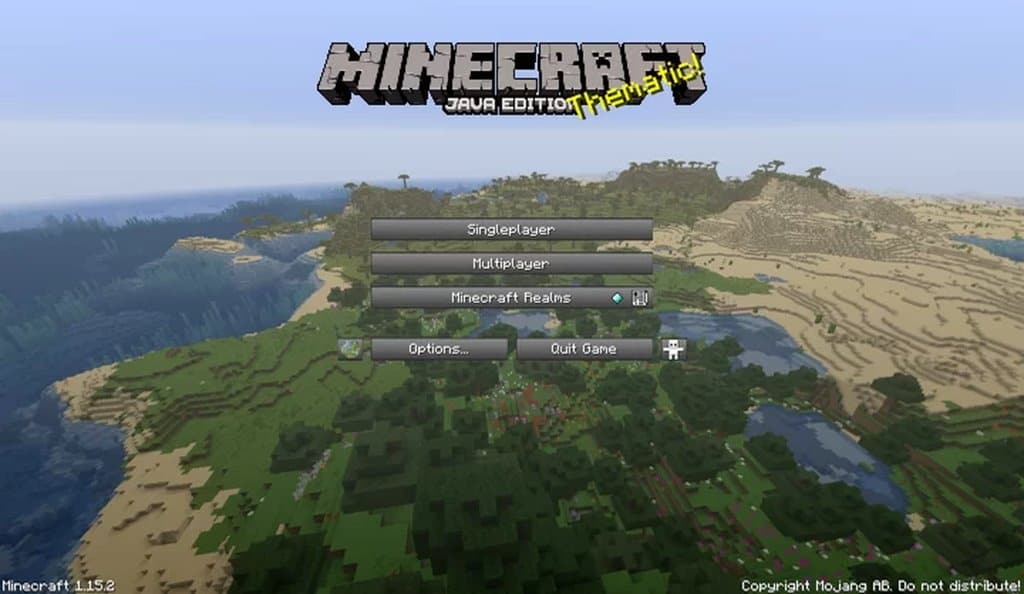
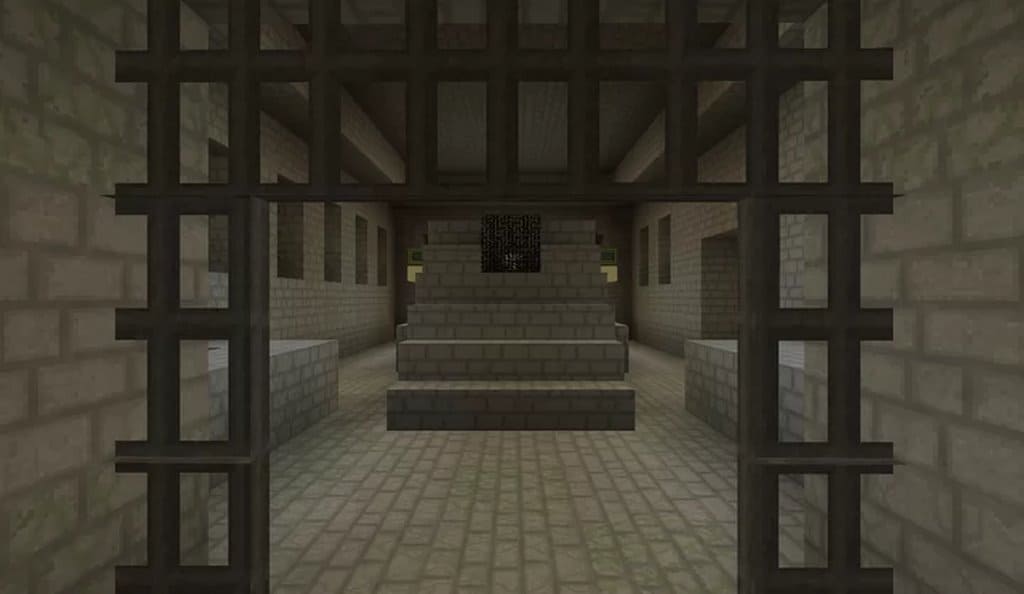
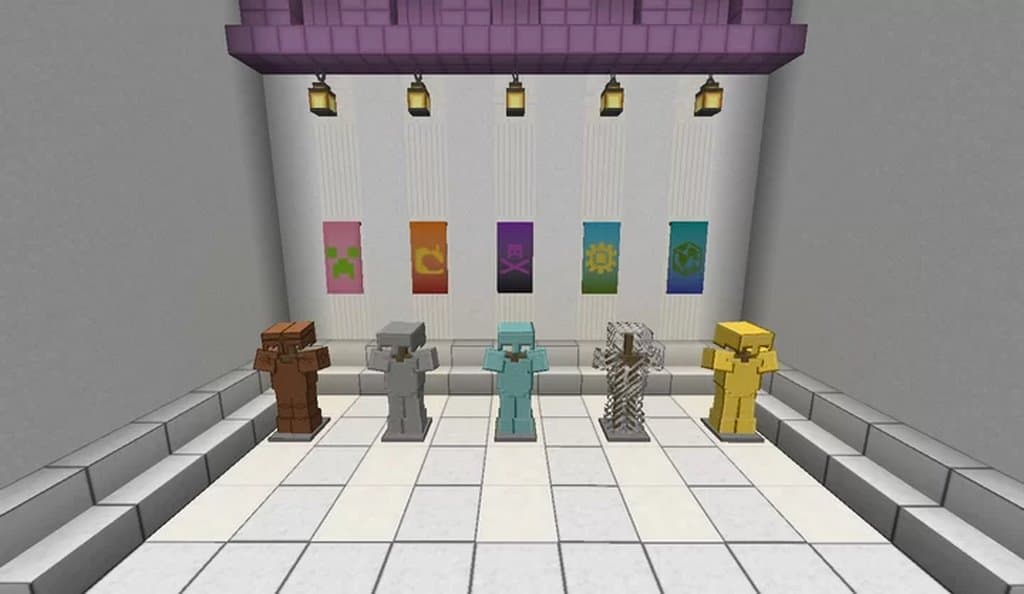
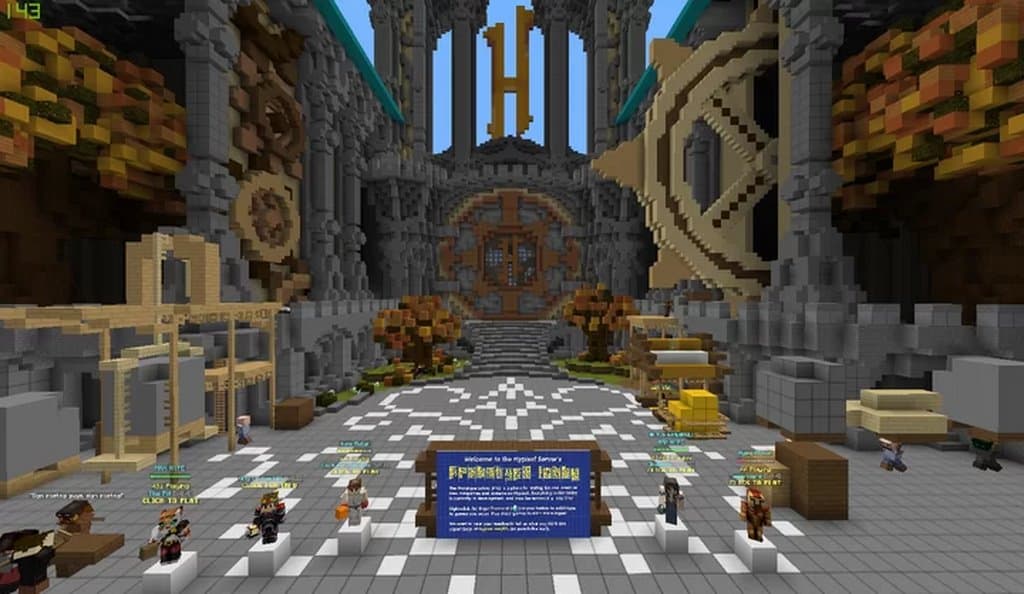
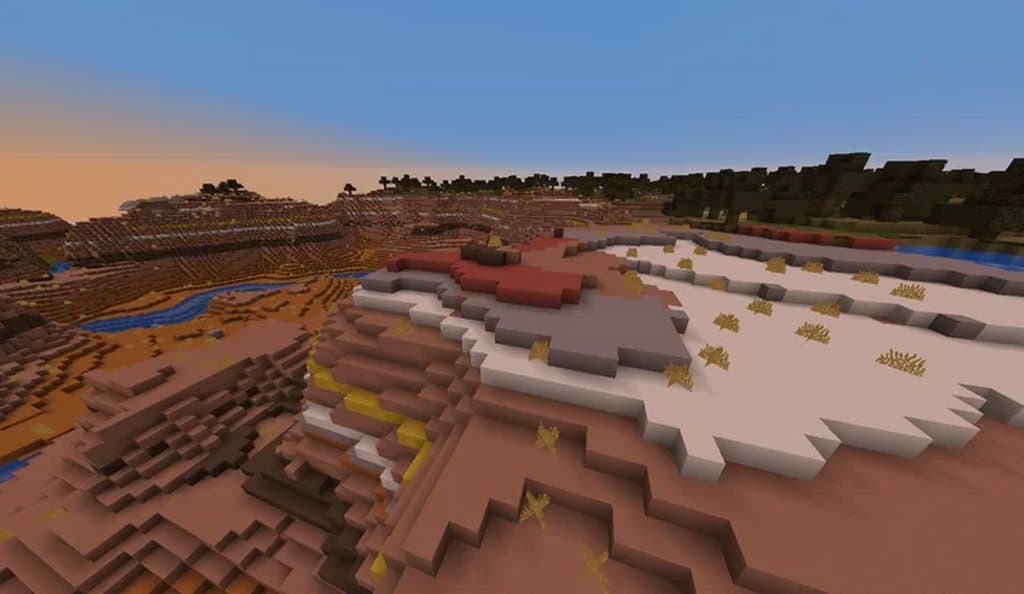
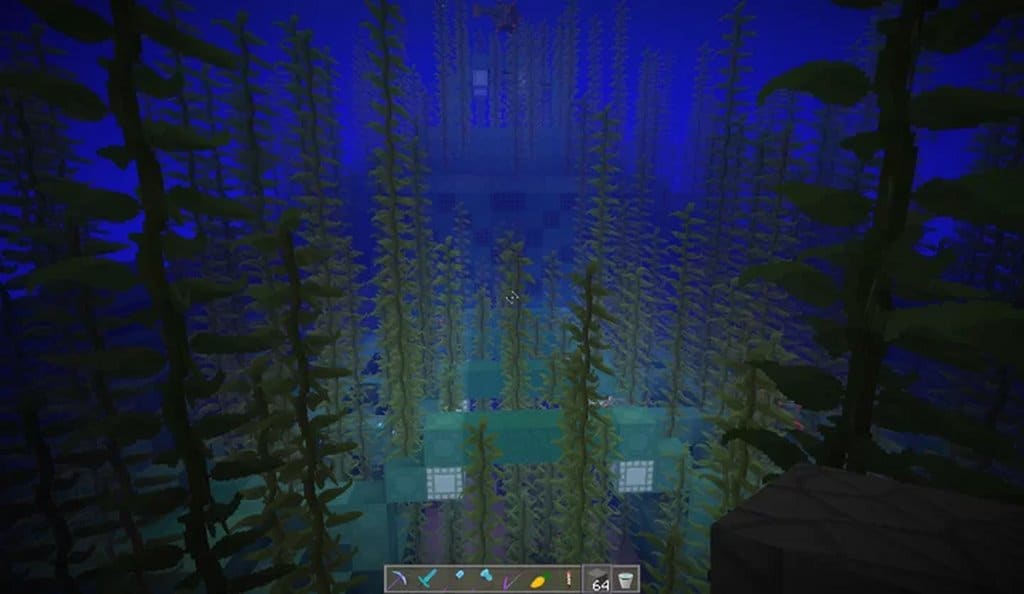
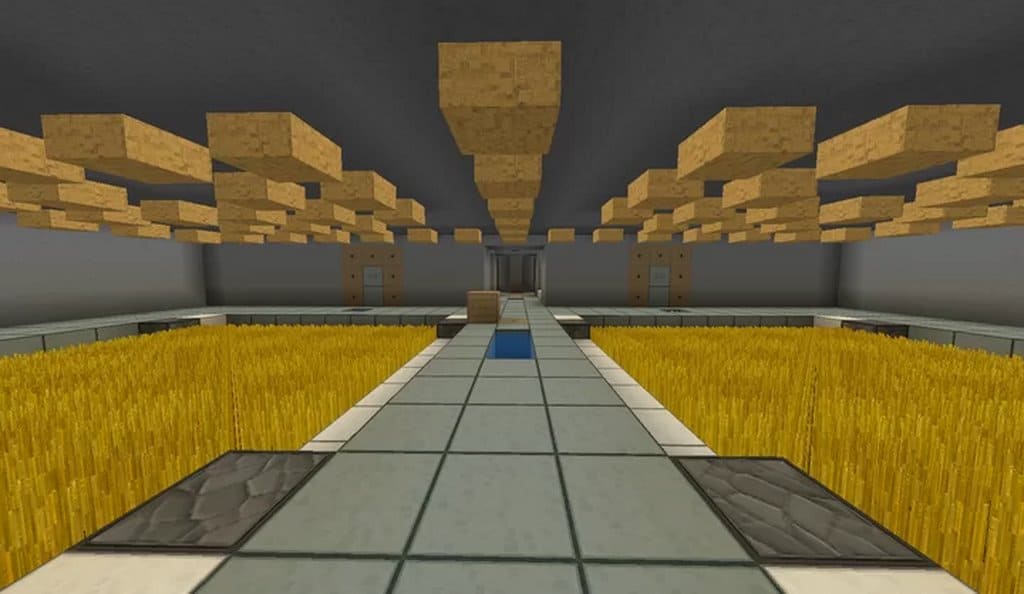
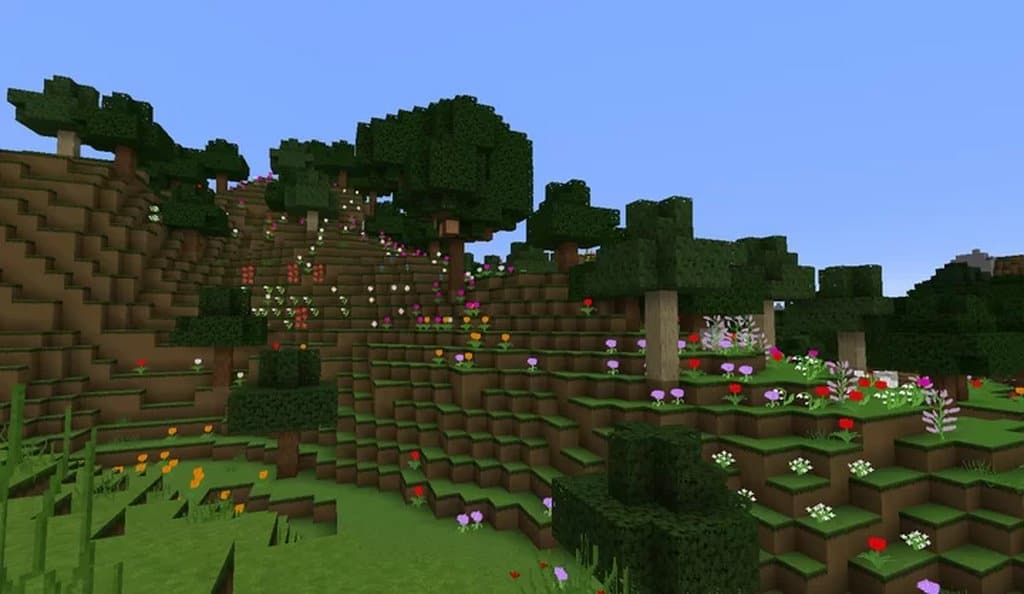
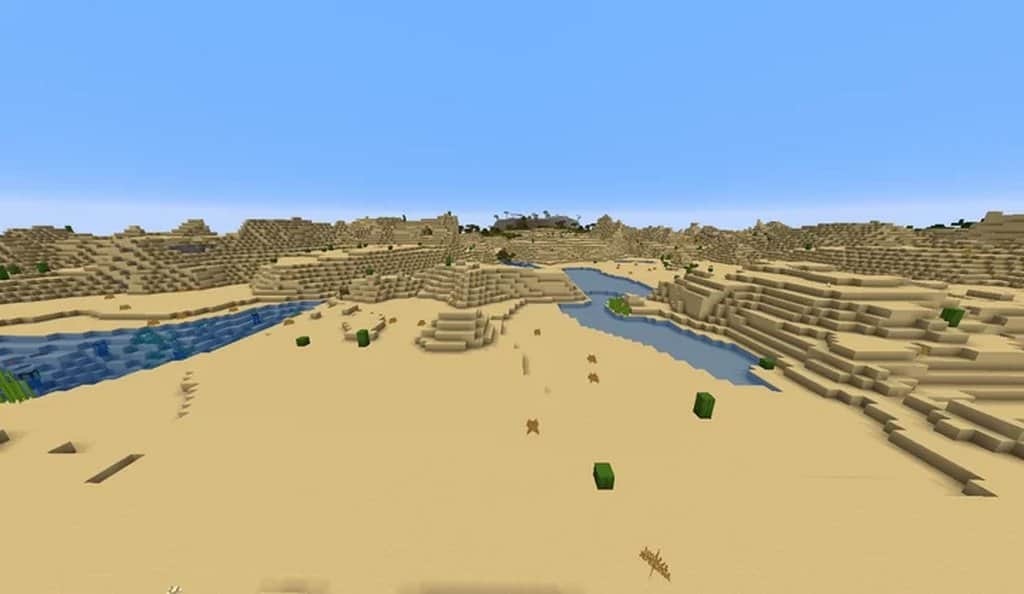
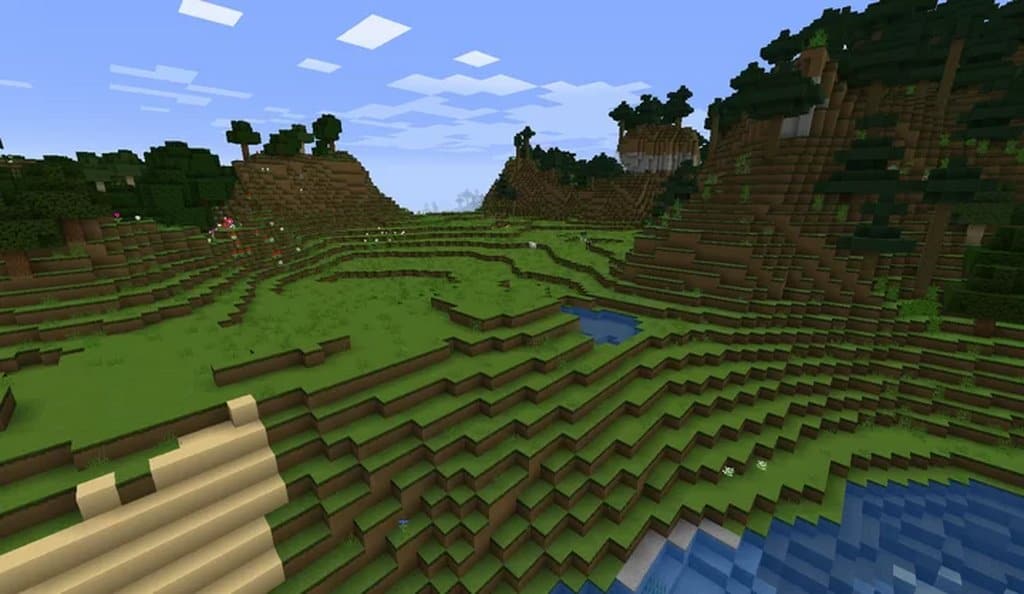
When searching for a resource pack, simplicity is often the absolute key to success, and this is the fundamental goal that the Velvet Dreams resource pack brilliantly seeks to accomplish by making the graphics wonderfully bright and smooth. I should note that normally I wouldn’t be nearly as interested in resource packs that utilize such bright colors, but with Velvet Dreams, these colors just completely work together. This is likely due to the resource pack expertly improving the textures while still brilliantly keeping the core feel of Minecraft’s distinct aesthetics. One thing that likely bugs many veteran players are resource packs that go completely above and beyond to alter the textures as much as possible, which often leaves the game looking good on the surface but failing to feel like the same game at all. For Velvet Dreams, the absolute key is to remain simple; the graphics are noticeably smoother, but as I mentioned in the previous paragraph, they still retain that classic Minecraft feel we all love. On the technical side of things, the resolution for Velvet Dreams comes in at a crisp x64. Normally, a resource pack with this specific resolution would typically require an above-average computer unless you are willing to tolerate frustrating lag, but I was genuinely surprised to find that there wasn’t any lag at all on regular computers during my testing. This impressive performance, alongside the ability to enjoy a higher resolution, is once again thanks to the creator’s dedicated simplicity mindset, ensuring the textures are detailed just enough without feeling barren or overly complex. The final major feature that Velvet Dreams brings to the table is a completely revamped user interface, and while quite a lot of careful work was clearly put into it, I have to admit I wasn’t personally the biggest fan of the new potion icons. They certainly are not bad by any means, but I just wasn’t quite as impressed with them as I was with the gorgeous texture work and the rest of the polished user interface features. Overall, if you are looking for a simplistic resource pack that is guaranteed to be pleasing to the eye, you truly cannot go wrong with Velvet Dreams, as the textures are exceptionally smooth, they won’t hog your computer’s memory even at an x64 resolution, and it stands out as one of the very few resource packs out there that manages to make bright and vibrant colors genuinely appealing!
Velvet Dreams should be compatible with all of these Minecraft versions: 1.19.2 – 1.19.1 – 1.19 – 1.18.2 – 1.18.1 – 1.18 – 1.17.1 – 1.17 – 1.16.5 – 1.16.4 – 1.16.3 – 1.16.2 – 1.16.1 – 1.16 – 1.15.2 – 1.15.1 – 1.15 – 1.14.4 – 1.14.3 – 1.14.2 – 1.14 – 1.13.2 – 1.13.1 – 1.13 – 1.12.2 – 1.12 – 1.11.2 – 1.11 – 1.10.2 – 1.10 – 1.9.4 – 1.9 – 1.8.9 – 1.8.8 – 1.8.1 – 1.8.6 – 1.8
Screenshots

How to Install Texture Pack (Simple 10 Steps)
- Download OptiFine: Most of the texture packs and shaders need OptiFine. That’s why, first download and install OptiFine for the version of Minecraft you want to play.
- Download the Texture Pack: Get the texture pack you want from the download section. Choose the version that works with your Minecraft and your PC’s performance.
- Open Minecraft Launcher: Start Minecraft using the official game launcher — or even TLauncher, if you use that.
- Go to Options: From the main menu, click on the “Options” button.
- Open Resource Packs: Inside Options, click on “Resource Packs…”.
- Open the Resource Pack Folder: Click on “Open Resource Pack Folder” — this will open a folder named “resourcepacks”.
- Move the Pack File: Copy or move the .zip file you downloaded into that “resourcepacks” folder. (Don’t unzip the file — Minecraft uses it as-is!)
- Go Back and Refresh: Close the folder and click “Done”, then go back into “Resource Packs…” again.
- Activate the Pack: You’ll see the pack on the left side. Hover over it and click the arrow to move it to the right (active side).
Tip: If you get a message that the pack is for a different version, just click “Yes” — it usually works fine. - Click Done and Enjoy: Click “Done” again. Now your pack is ready to use in-game. It’s that easy!
Credits
This resource pack was originally created by CowedOffACliff. We do not claim ownership of this content, nor do we host modified files on our servers. All rights and intellectual property belong strictly to the original author. We strongly encourage you to support the creator by downloading directly from their official pages.
Download Links
Java Edition
Download Instructions
Curseforge: download starts automatically after a few seconds;
Mediafire: click the big blue button with the text “DOWNLOAD”;
Google Drive: in the top right corner you will see a small download icon (down arrow), click it and the download should start;


