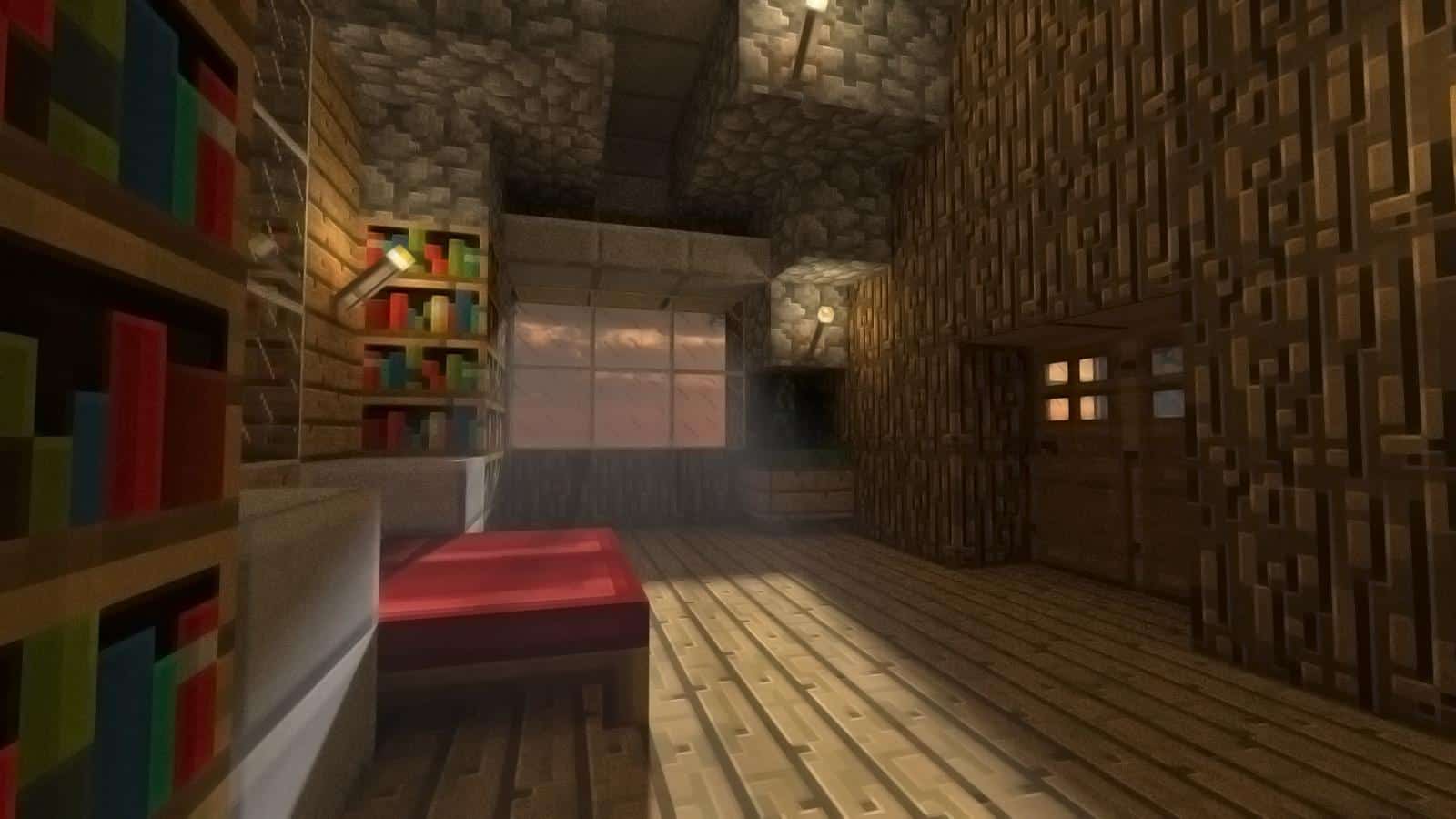
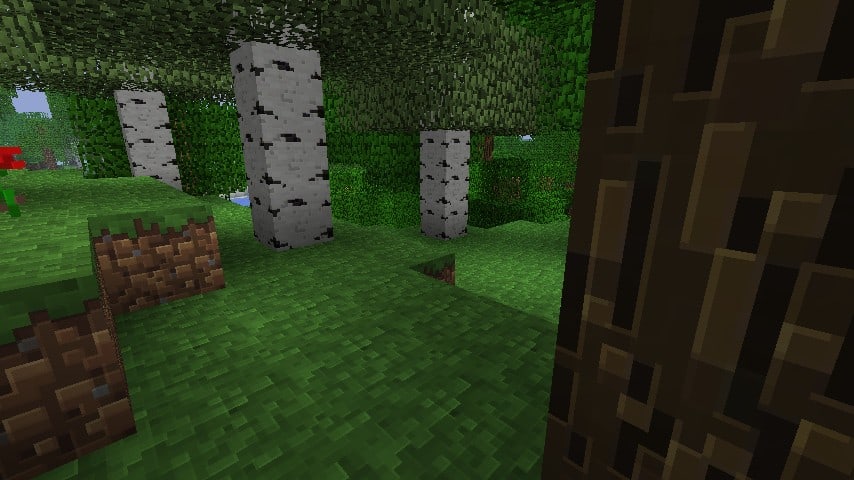
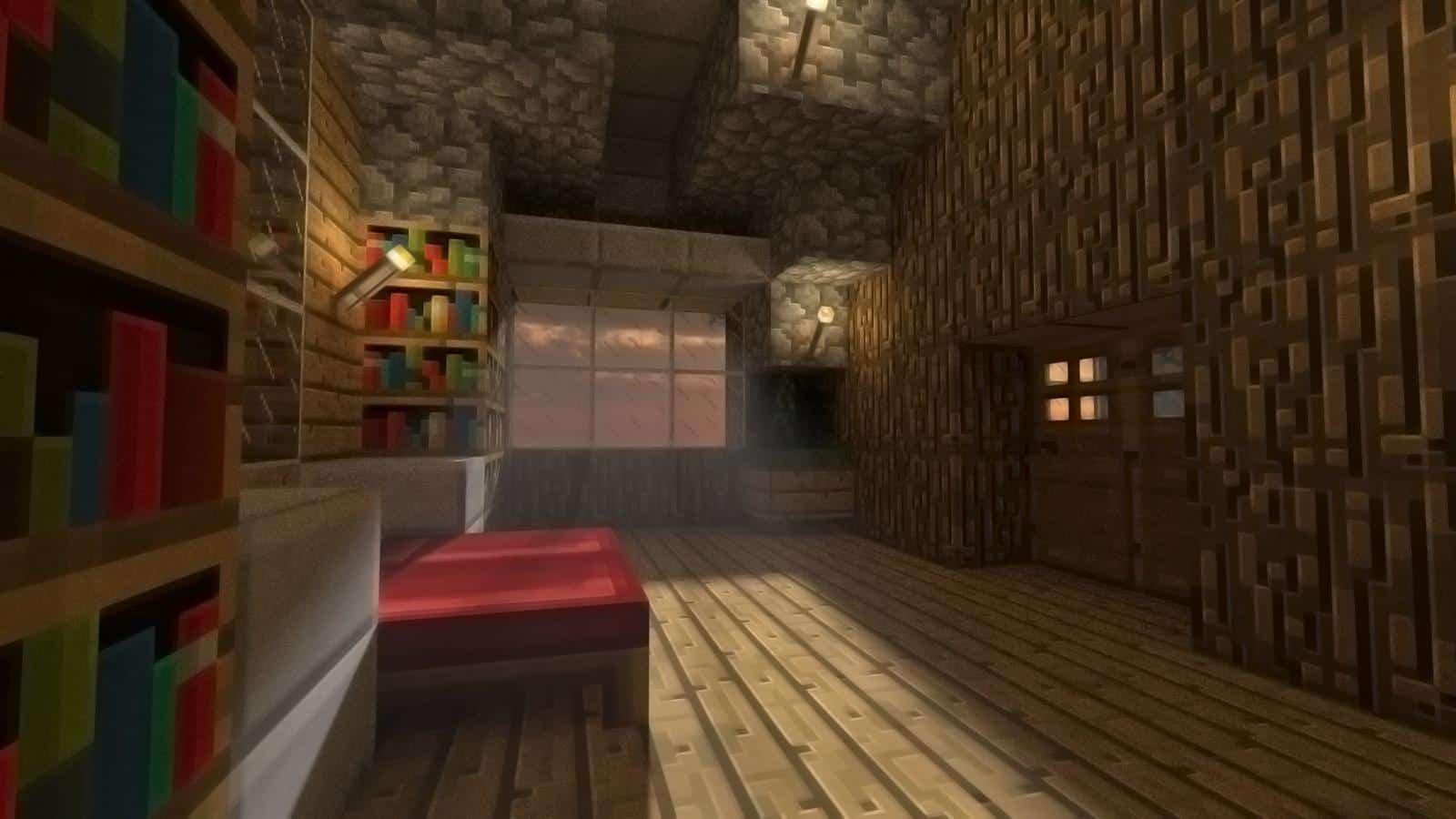
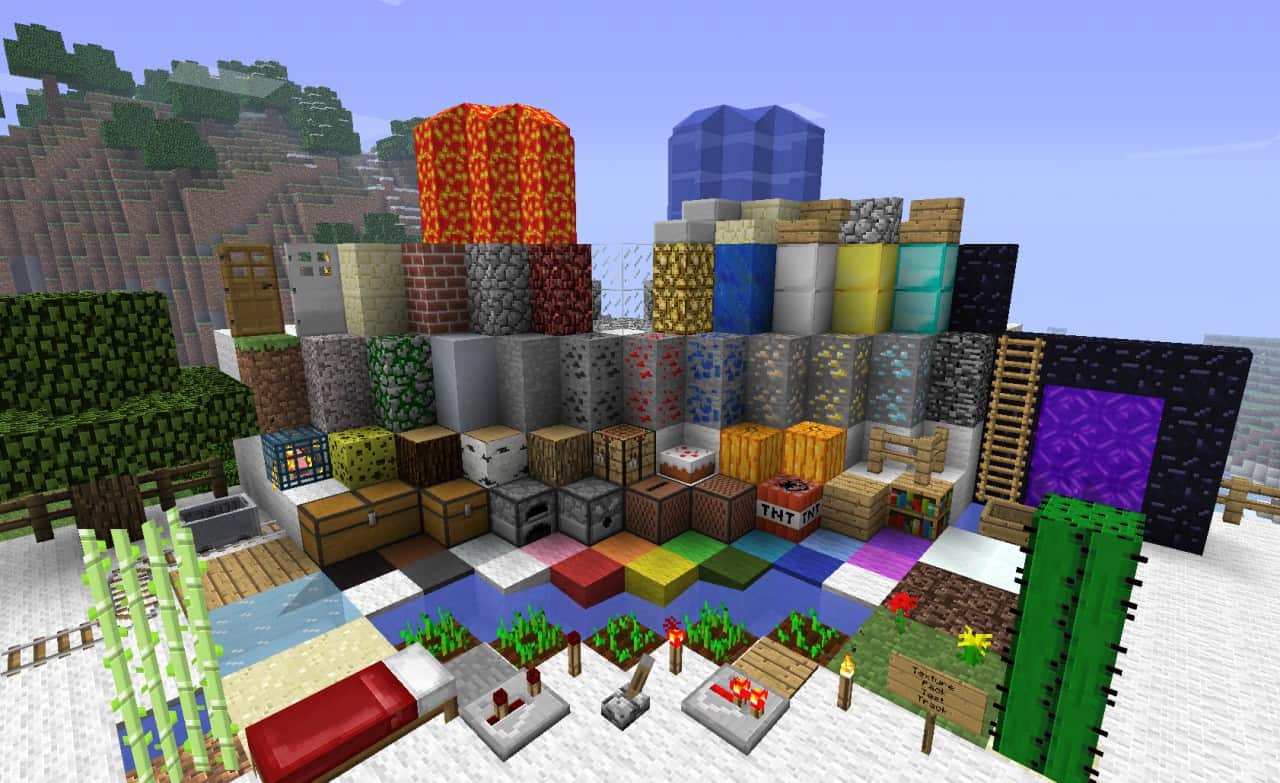
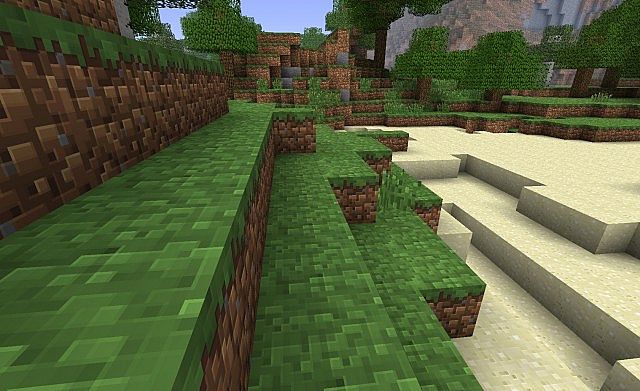
If you are looking for an upgrade that keeps the vanilla vibe alive, you are going to love Traditional Beauty! This fantastic texture pack features wonderfully polished graphics that fit right into the game. If you are a true lover of the standard graphics found in the default game, this pack will suit all your building and exploring needs perfectly. Thanks to the thoughtful minor changes and a crisp 64×64 pixel resolution, everything feels amazingly beautiful and deeply harmonious. I personally tested it out on my main world, and I can honestly say that with this pack equipped, all your creations, structures, and large buildings will look vastly more attractive and visually stunning.
Traditional Beauty should be compatible with all of these Minecraft versions: 1.12.2 – 1.12 – 1.11.2 – 1.11 – 1.10.2 – 1.10 – 1.8.6 – 1.8 – 1.7.10 – 1.7.9 – 1.7.4 – 1.7 – 1.6.4 – 1.6.2
Screenshots
How to Install Texture Pack (Simple 10 Steps)
- Download OptiFine: Most of the texture packs and shaders need OptiFine. That’s why, first download and install OptiFine for the version of Minecraft you want to play.
- Download the Texture Pack: Get the texture pack you want from the download section. Choose the version that works with your Minecraft and your PC’s performance.
- Open Minecraft Launcher: Start Minecraft using the official game launcher — or even TLauncher, if you use that.
- Go to Options: From the main menu, click on the “Options” button.
- Open Resource Packs: Inside Options, click on “Resource Packs…”.
- Open the Resource Pack Folder: Click on “Open Resource Pack Folder” — this will open a folder named “resourcepacks”.
- Move the Pack File: Copy or move the .zip file you downloaded into that “resourcepacks” folder. (Don’t unzip the file — Minecraft uses it as-is!)
- Go Back and Refresh: Close the folder and click “Done”, then go back into “Resource Packs…” again.
- Activate the Pack: You’ll see the pack on the left side. Hover over it and click the arrow to move it to the right (active side).
Tip: If you get a message that the pack is for a different version, just click “Yes” — it usually works fine. - Click Done and Enjoy: Click “Done” again. Now your pack is ready to use in-game. It’s that easy!
Credits
This resource pack was originally created by JoeDeluxe. We do not claim ownership of this modification, nor do we host or modify the original download files. All rights and intellectual property remain fully with the original creator. We strongly encourage you to support JoeDeluxe and their work by visiting their official download pages and showing your appreciation for their incredible efforts.
Download Links
Java Edition
Download Instructions
Curseforge: download starts automatically after a few seconds;
Mediafire: click the big blue button with the text “DOWNLOAD”;
Google Drive: in the top right corner you will see a small download icon (down arrow), click it and the download should start;


