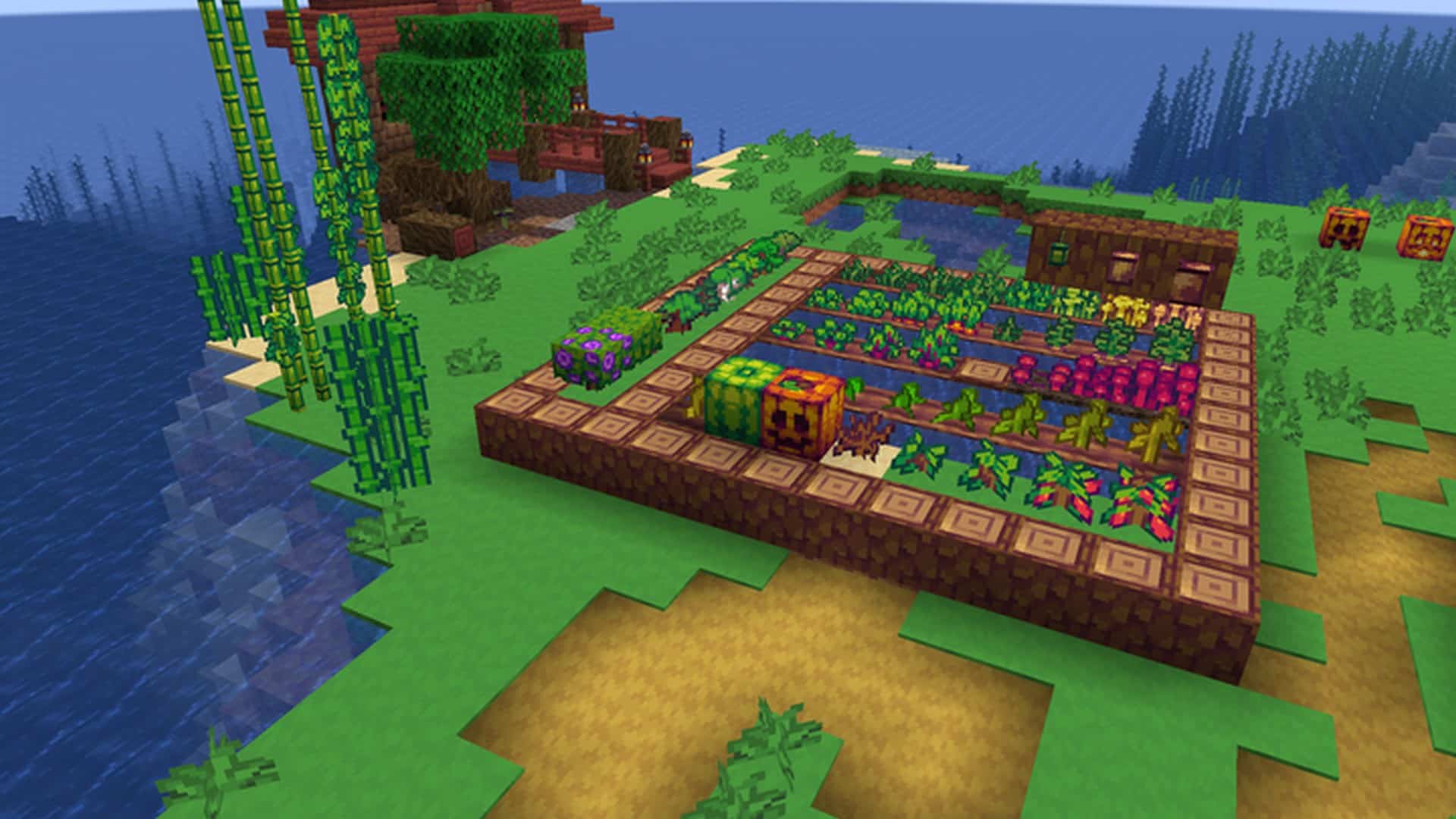
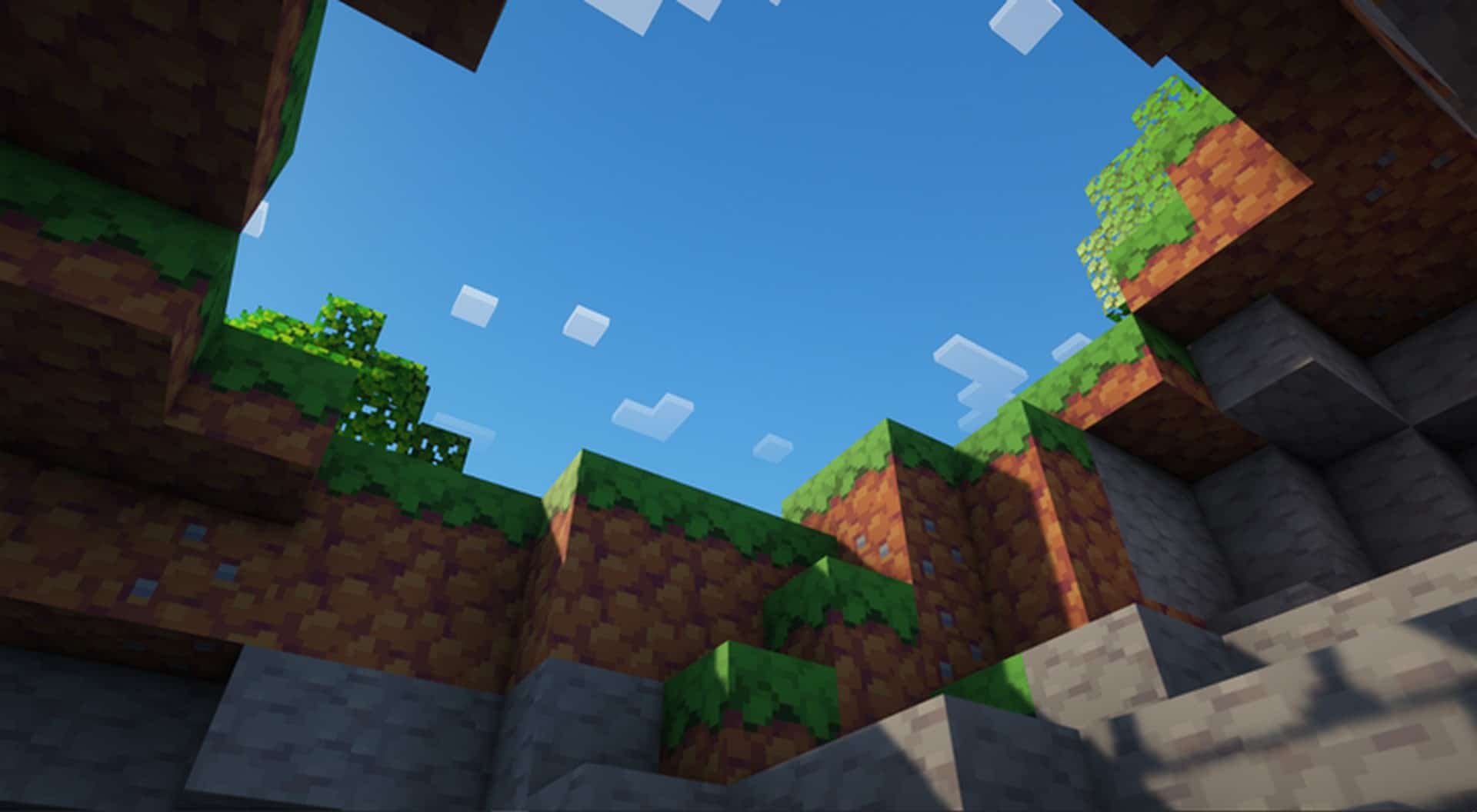
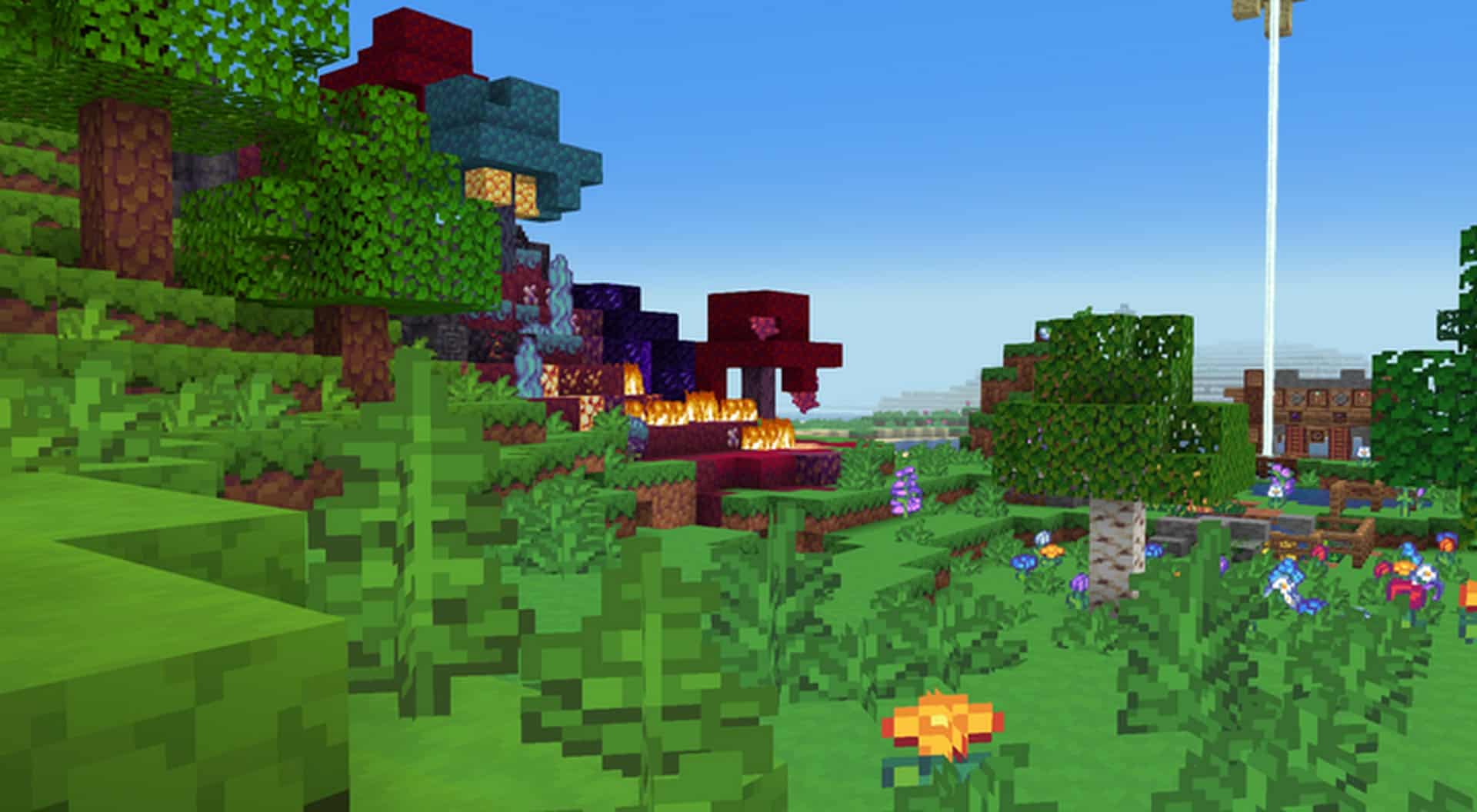
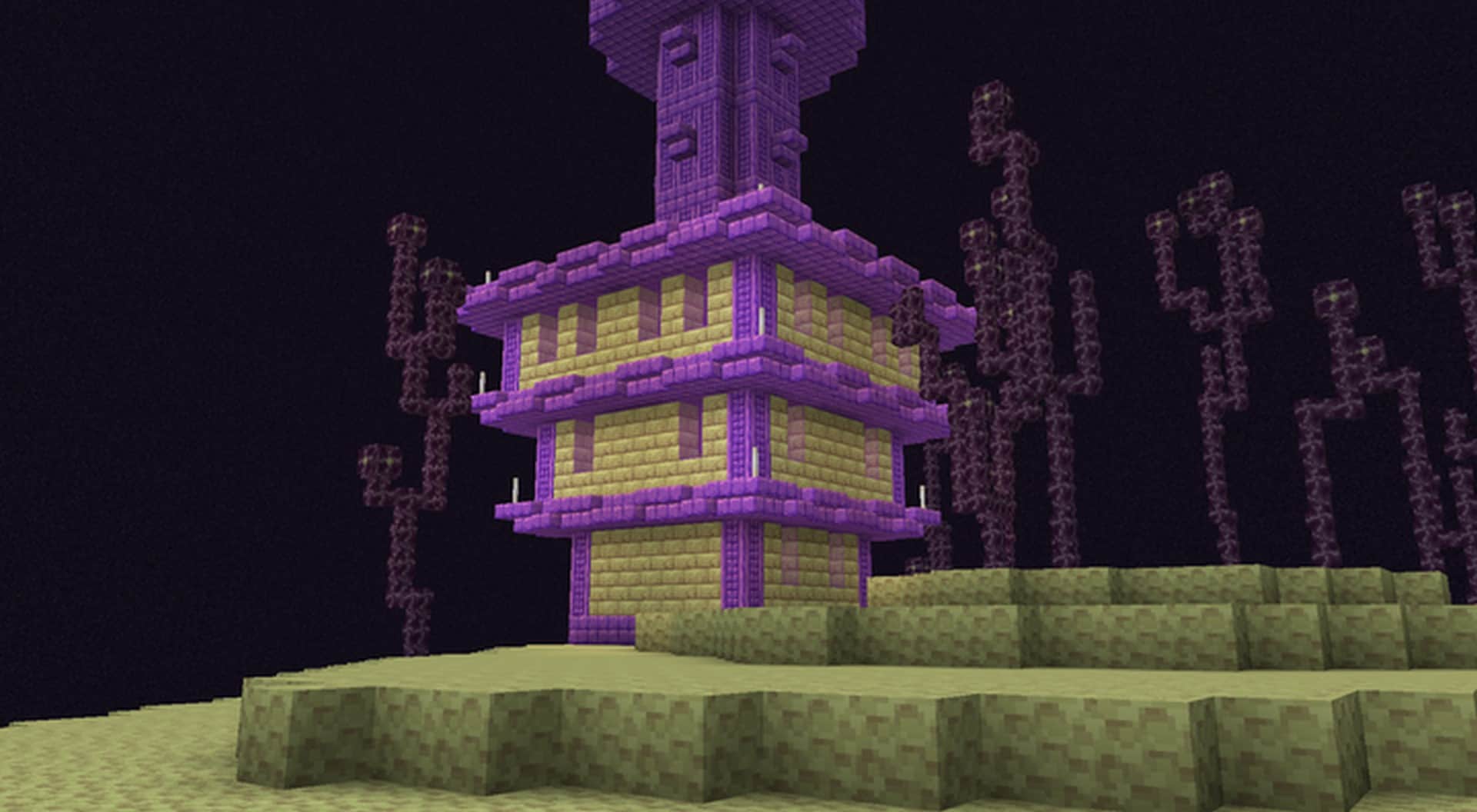
Sometimes, getting back to basics can truly feel like a breath of fresh air. With so many resource packs out there attempting to make Minecraft look like a massive, triple-A title, finding something subtle that simply adds a clean coat of paint over the game can be quite a challenge. Thankfully, there are still wonderful resource packs that do not ramp up texture resolutions to extreme extents that end up crippling your game performance, and I am happy to report that the Cuboids resource pack is a fantastic example of this. It is a wonderfully simple resource pack operating at a standard 16x texture resolution that somehow completely refreshes the visuals of Minecraft, making them noticeably more cartoonish, wonderfully colorful, and deeply joyful without ever ruining what originally made the game so great. First launching in late 2021 for the Java Edition of Minecraft, Cuboids stands as a relatively fresh addition to the resource pack scene, yet it has already managed to pull in tens of thousands of downloads. Having experienced a fair degree of success right out of the gate, the pack has continued receiving regular updates from its original creator. Known to the community as Cryokine, the developer remains actively engaged across multiple platforms and on their Patreon page, where you can catch live streams of texture creation sessions and early previews of upcoming updates. As mentioned earlier, Cuboids strictly utilizes a 16x texture resolution, focusing primarily on making all the in-game textures much brighter and more vibrant. Several textures have been completely replaced with brand new designs, including many of the ores, dirt, sand, grass, leaves, trees, wood, crates, pebbles, and more. Some of the most notable visual changes have been applied to the Wet Farmland and Fern blocks, alongside fresh new looks for the Spruce Log, Spruce Door, Birch Door, Jungle Door, and various other wooden elements. For any textures that were left untouched by complete replacement, the developer went through and performed touch-up work, shifting the colors to be significantly more vibrant and perfectly aligned with the overall joyful theme of the pack.
Beyond just terrain blocks and standard in-game items, the developer also put a lot of love into player armor and weapons, which naturally look much more colorful now. These updated textures brilliantly translate over into the UI as well, with the weapon and armor icons receiving fitting updates. Icons representing raw materials, food items, and ores have likewise been tweaked to pop with a brighter, more vibrant palette. Finally, the player UI got some much-needed attention; the standard vanilla Minecraft font was updated to be much easier to read at a glance, and the player HUD has been nicely overhauled. The inventory hotbar at the bottom of the screen now features a clean light gray tone that makes selecting and spotting objects so much easier, while the health and experience bars have been given boosted colors to really stand out against the rest of the interface. Because it is a lightweight 16x pack, Cuboids will not impact your game performance at all when installed by itself. It avoids using heavy specialty textures and leaves water and sky elements alone, ensuring you maintain the exact same smooth frame rates as vanilla Minecraft. That being said, the resource pack becomes exponentially more stunning when paired with a good shader pack. While no specific shader is strictly recommended, allowing you to experiment freely with your favorites, you will naturally want to keep an eye on performance and expect some mild FPS loss depending on your PC specifications. Running entirely on its own without shaders, Cuboids is surprisingly fantastic for PvP; its reliable performance and high-contrast textures make spotting rival players an absolute breeze. Installing the Cuboids resource pack is wonderfully straightforward because it completely skips the need for advanced tools like MCPatcher or Optifine, allowing for a totally manual installation. If you are not entirely sure how to install a resource pack manually, just follow the clear instructions located further down this page. Do keep in mind that Cuboids is still actively developed as a work in progress, meaning not every single texture in the game has been finalized just yet, and you might stumble across a missing texture here or there. Be sure to follow the original developer to stay up to date on fixes and exciting new content drops!
Cuboids should be compatible with all of these Minecraft versions: 1.19.1 – 1.19 – 1.18.2 – 1.18.1 – 1.18 – 1.17.1 – 1.17 – 1.16.5 – 1.16.4 – 1.16.3 – 1.16.2 – 1.16.1 – 1.16
Screenshots

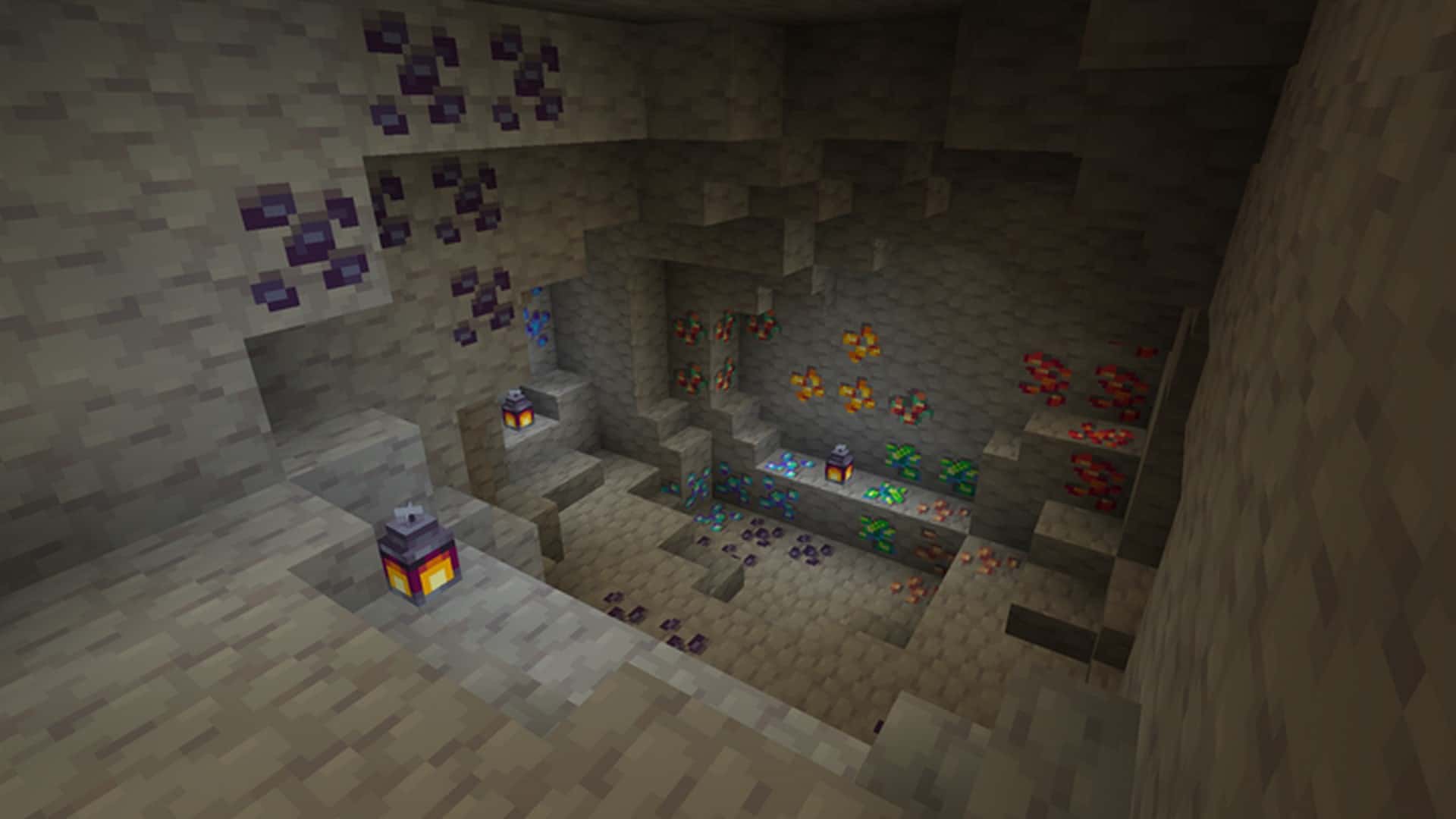
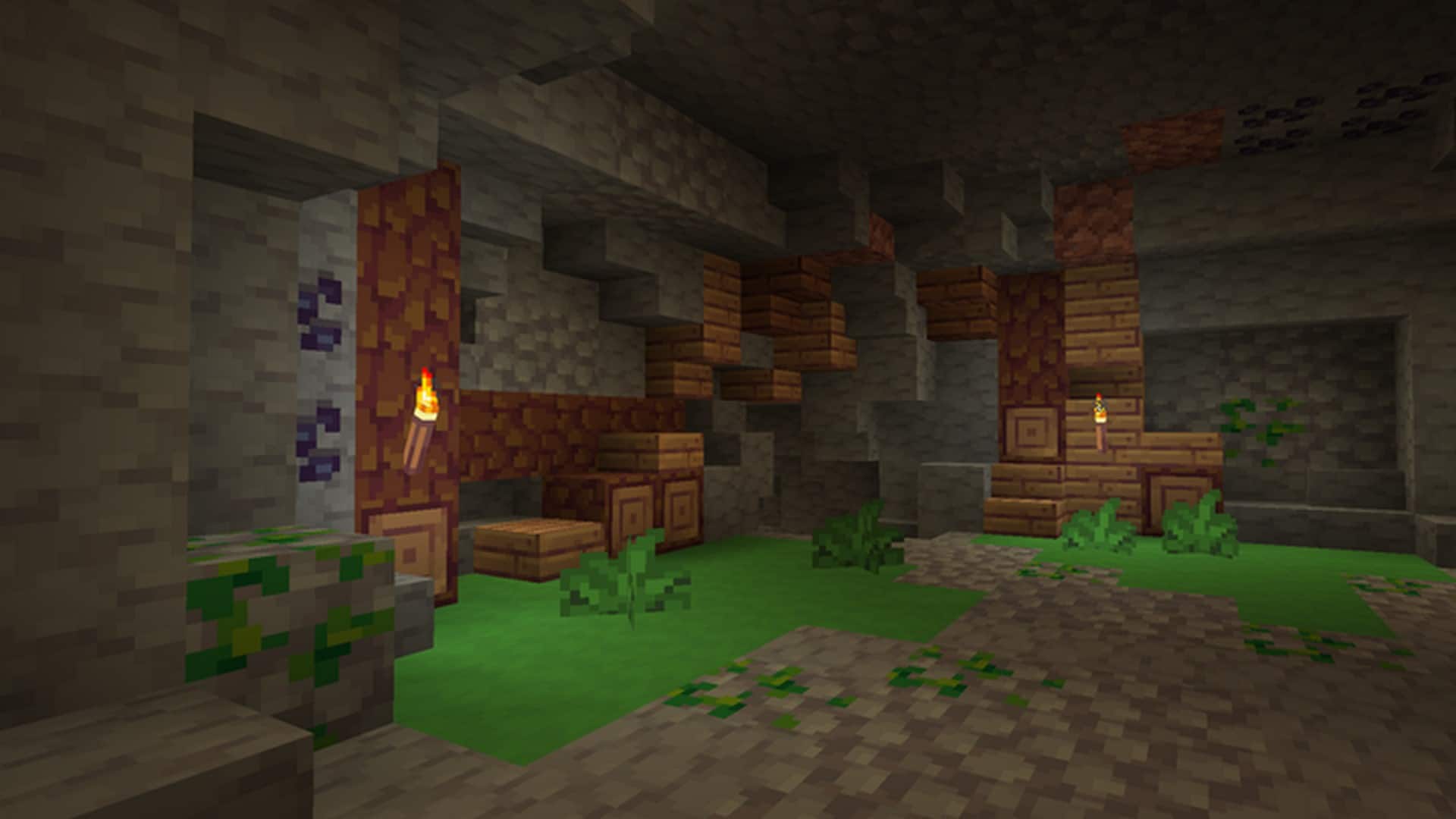
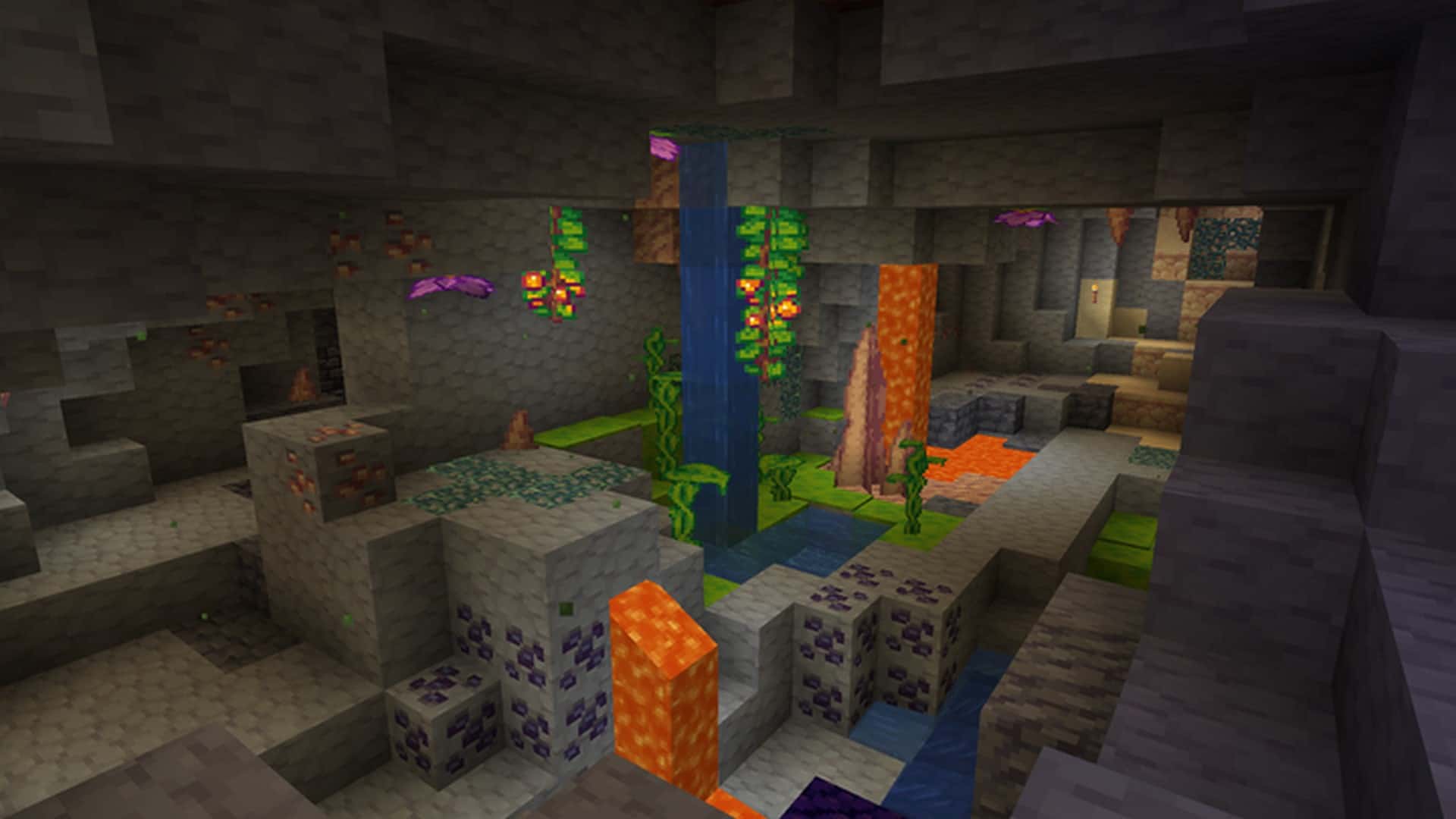

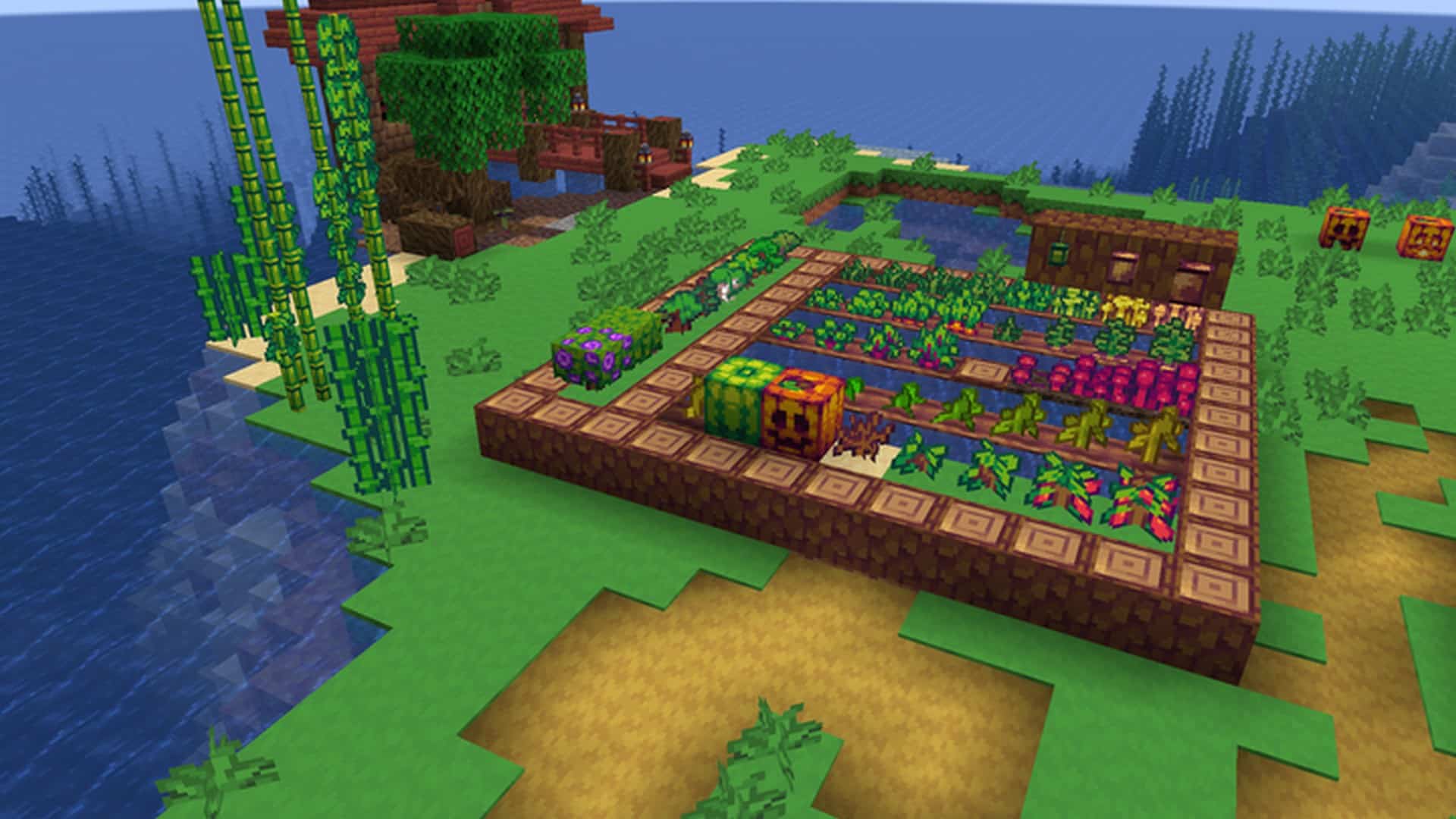
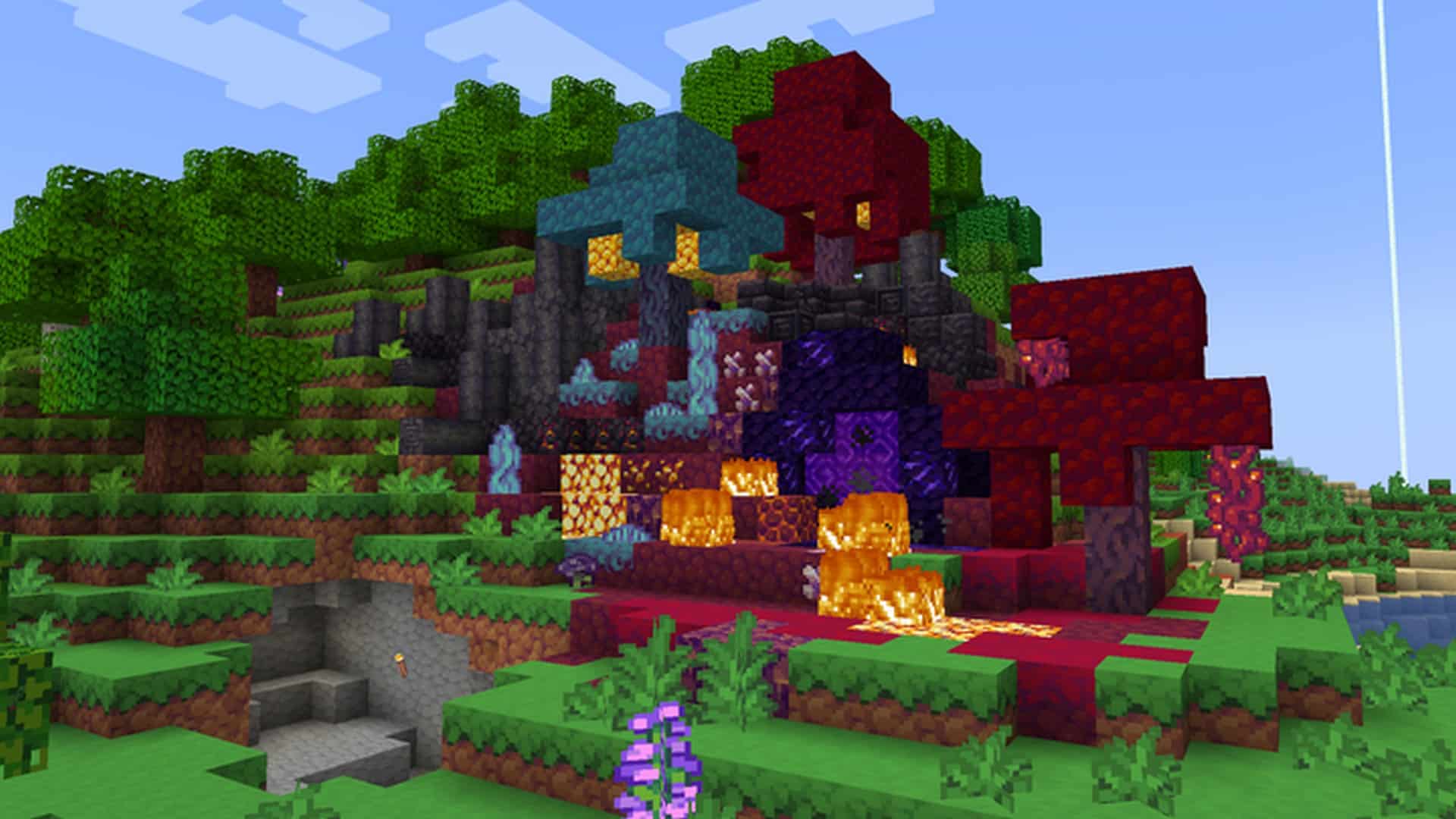

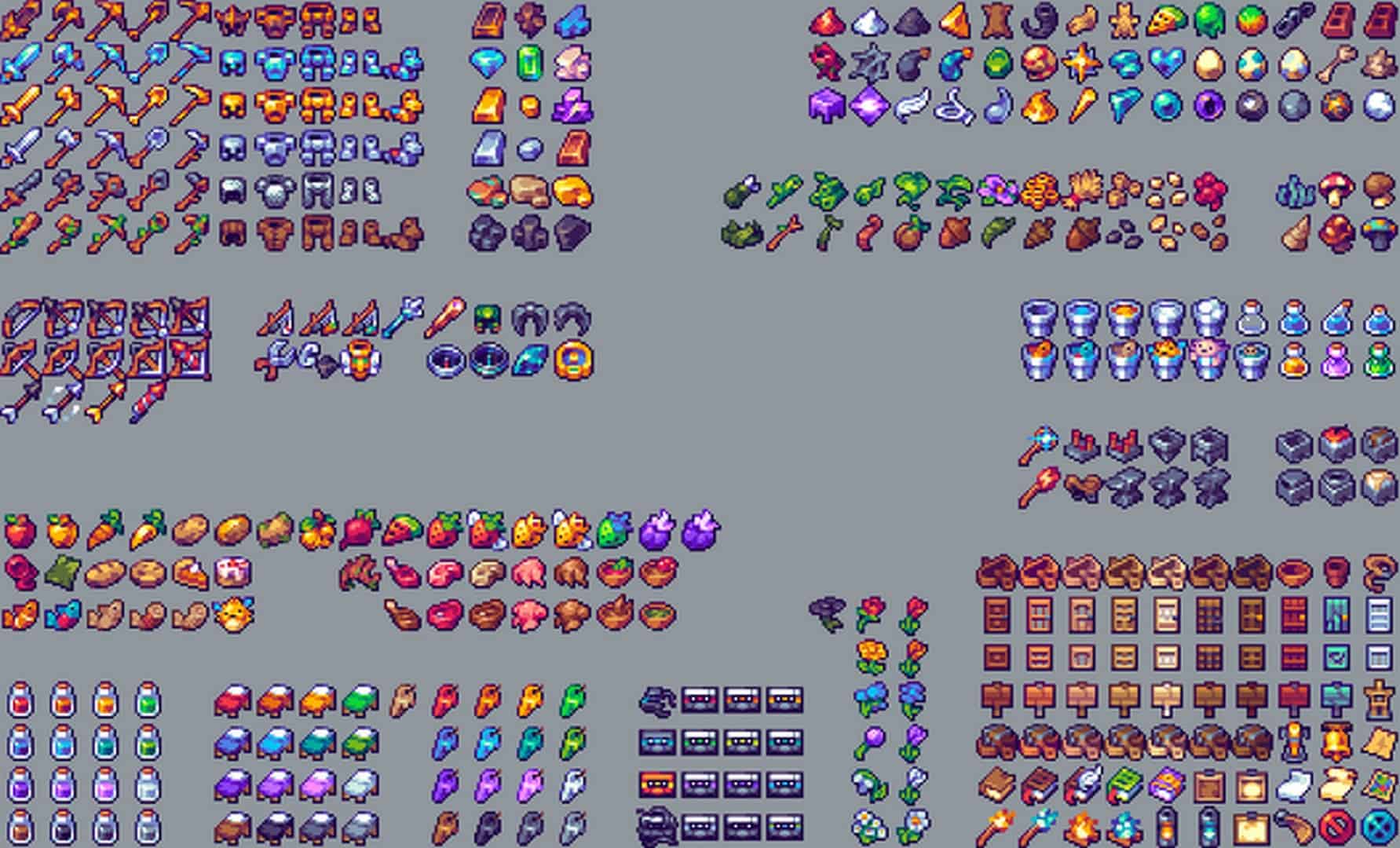
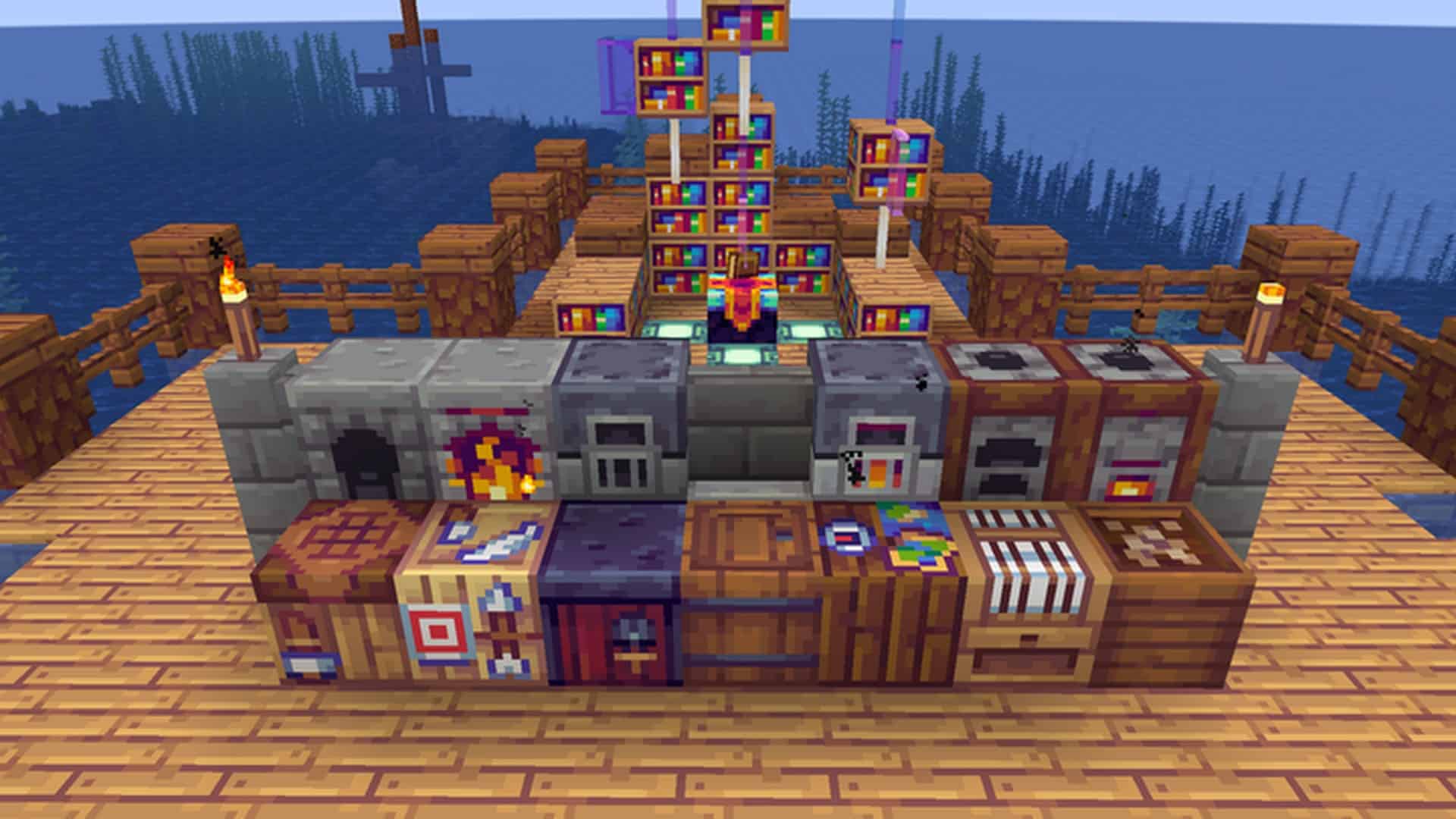
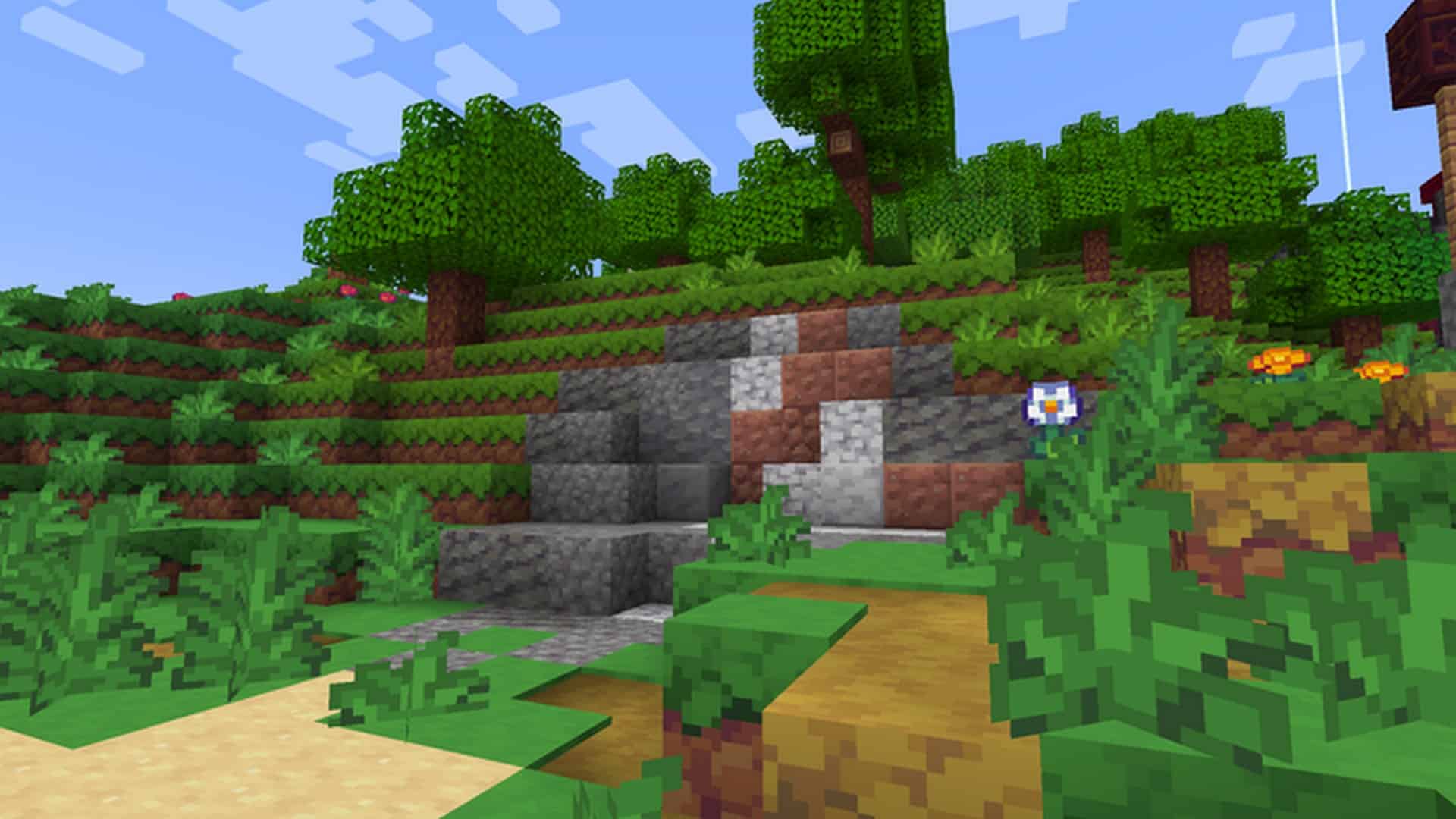
How to Install Texture Pack (Simple 10 Steps)
- Download OptiFine: Most of the texture packs and shaders need OptiFine. That’s why, first download and install OptiFine for the version of Minecraft you want to play.
- Download the Texture Pack: Get the texture pack you want from the download section. Choose the version that works with your Minecraft and your PC’s performance.
- Open Minecraft Launcher: Start Minecraft using the official game launcher — or even TLauncher, if you use that.
- Go to Options: From the main menu, click on the “Options” button.
- Open Resource Packs: Inside Options, click on “Resource Packs…”.
- Open the Resource Pack Folder: Click on “Open Resource Pack Folder” — this will open a folder named “resourcepacks”.
- Move the Pack File: Copy or move the .zip file you downloaded into that “resourcepacks” folder. (Don’t unzip the file — Minecraft uses it as-is!)
- Go Back and Refresh: Close the folder and click “Done”, then go back into “Resource Packs…” again.
- Activate the Pack: You’ll see the pack on the left side. Hover over it and click the arrow to move it to the right (active side).
Tip: If you get a message that the pack is for a different version, just click “Yes” — it usually works fine. - Click Done and Enjoy: Click “Done” again. Now your pack is ready to use in-game. It’s that easy!
Credits
The Cuboids resource pack was created and developed by Cryokine. All original rights, assets, and intellectual property belong exclusively to Cryokine. We do not claim ownership of this modification and do not host modified files. We strongly encourage users to support the original creator through their official release pages and community platforms.
Download Links
Java Edition
Download Instructions
Curseforge: download starts automatically after a few seconds;
Mediafire: click the big blue button with the text “DOWNLOAD”;
Google Drive: in the top right corner you will see a small download icon (down arrow), click it and the download should start;


