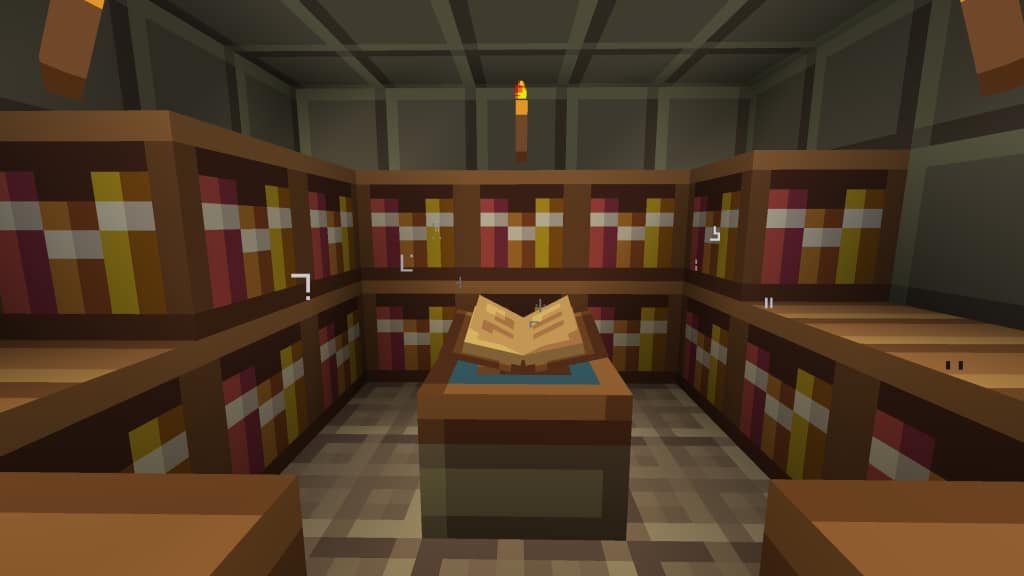
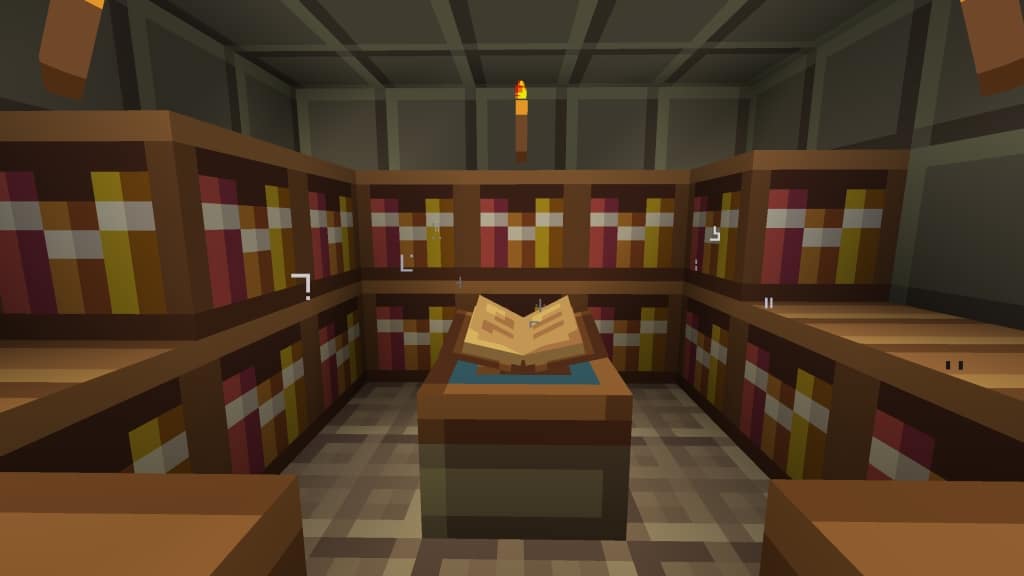
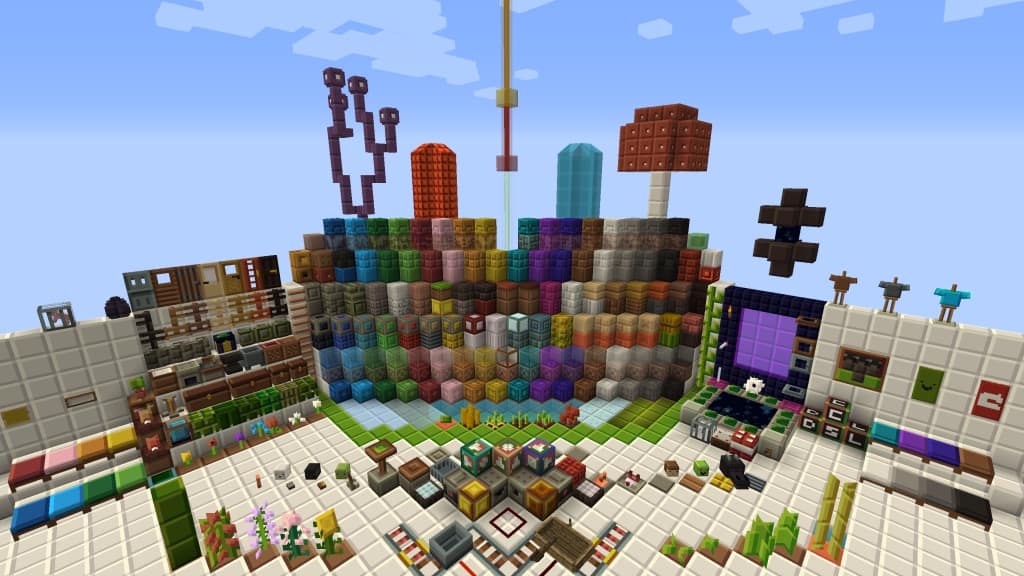
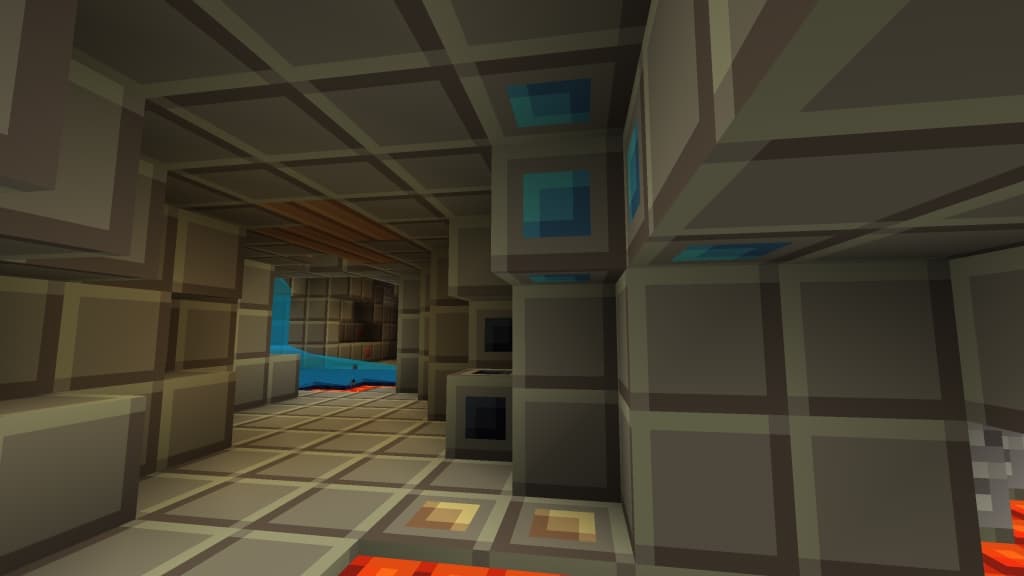
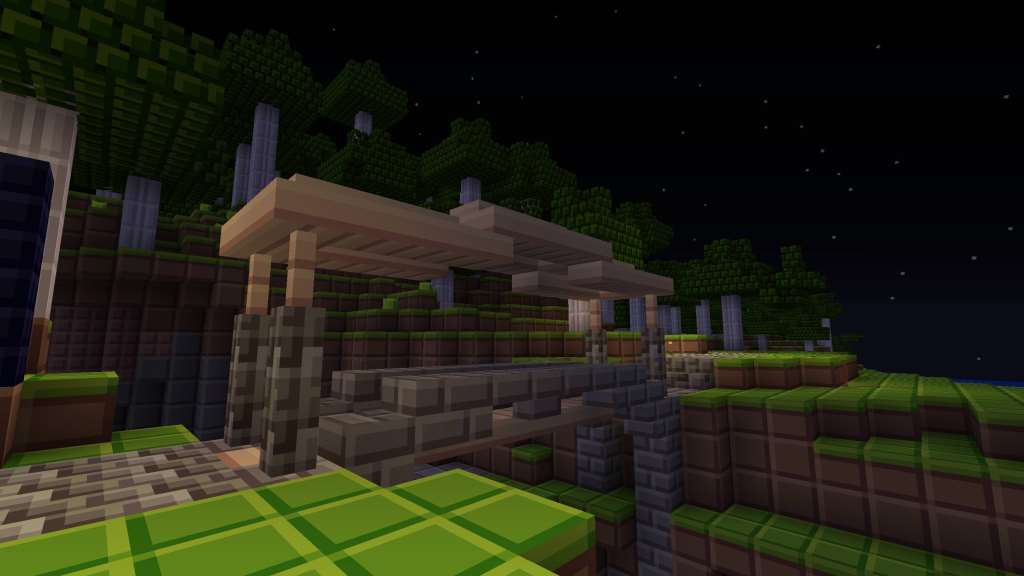
The Tiny Pixels resource pack was developed with the ambitious goal of making Minecraft better by downscaling the resolution from the default 16x to 8x. While it may not appeal to every single player, there are certainly those of us who will deeply appreciate a simpler, more streamlined experience. Higher-resolution resource packs do not always translate into more fun. Some players may even enjoy a wonderfully pixelated art style that is heavily reminiscent of classic 8-bit arcade games. Tiny Pixels makes Minecraft feel wonderfully colorful with a lower resolution while keeping it just as enjoyable. For many players, I found it can be a fantastic breath of fresh air, especially if you have gotten a bit bored of vanilla Minecraft. Even though the resource pack was released many years ago, it briefly fell off the radar once updates stopped being posted by the original developer. User Leostereo created the original pack and continued to receive updates from user 500poundsofnothing who continues to work on the resource pack and post new content regularly. The Tiny Pixels texture pack introduces brilliant new textures for various blocks and items, and I really love how the colors have been tweaked.
The texture colors now make blocks so much easier to recognize at a glance. Textures are also significantly more vibrant and colorful. To a certain degree, the resource pack makes Minecraft—an already charmingly cartoonish-looking game—look even more cartoonish in the best way possible. As the resource pack does not introduce many overwhelming new elements, it still manages to keep Minecraft endlessly fun with its delightfully pixelated visual style. One huge advantage of switching to the Tiny Pixels resource pack is the noticeable boost in performance. Your game will run at a higher FPS due to the cleverly downscaled textures. Players with older computers should definitely not worry about any kind of performance degradation. Because the textures are downscaled, they are also smaller in terms of file size and load much faster. The resource pack simply makes the game less resource demanding overall. The resource pack is available in a convenient zip file format. To use it with Minecraft, Optifine needs to be installed. To install the resource pack, the process is no different than with any other resource pack. The resource pack file needs to be copied into the texture pack folder, and from the game within the Options menu, you can easily load the texture pack. Tiny Pixels already has tens of thousands of downloads and truly manages to remain popular due to its constant updates and its wonderful simplicity.
Tiny Pixels should be compatible with all of these Minecraft versions: 1.20.4 – 1.20.3 – 1.20.2 – 1.20.1 – 1.20 – 1.19.4 – 1.19.3 – 1.19.2 – 1.19.1 – 1.19 – 1.18.2 – 1.18.1 – 1.18 – 1.17.1 – 1.17 – 1.16.5 – 1.16.4 – 1.16.3 – 1.16.2 – 1.16.1 – 1.16 – 1.15.2 – 1.15.1 – 1.15 – 1.13.2 – 1.13.1 – 1.13 – 1.9.4 – 1.9 – 1.8.9 – 1.8.8 – 1.8.1 – 1.8.6 – 1.8 – 1.7.10 – 1.7.9 – 1.7.4 – 1.7 – 1.6.4 – 1.6.2
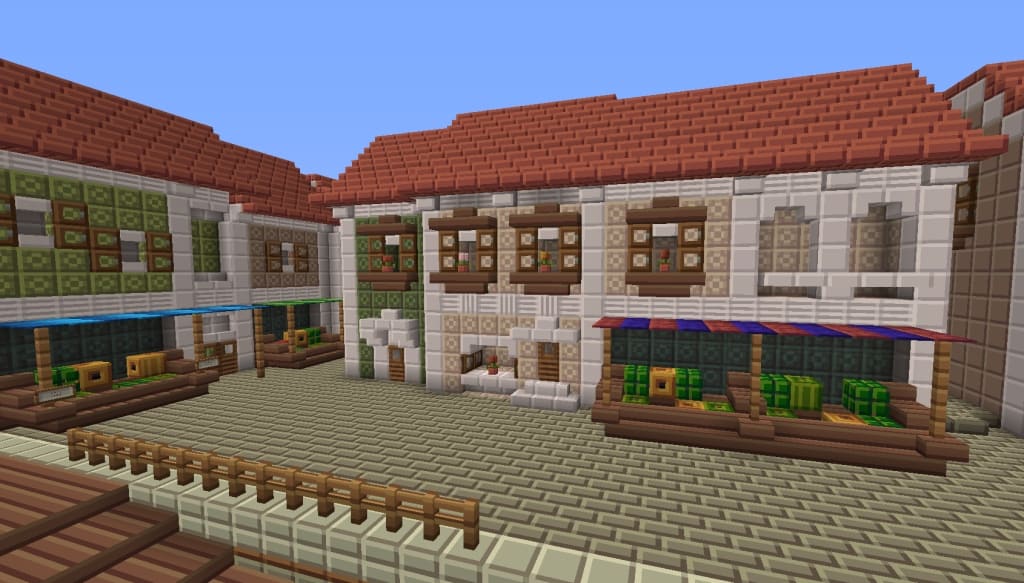
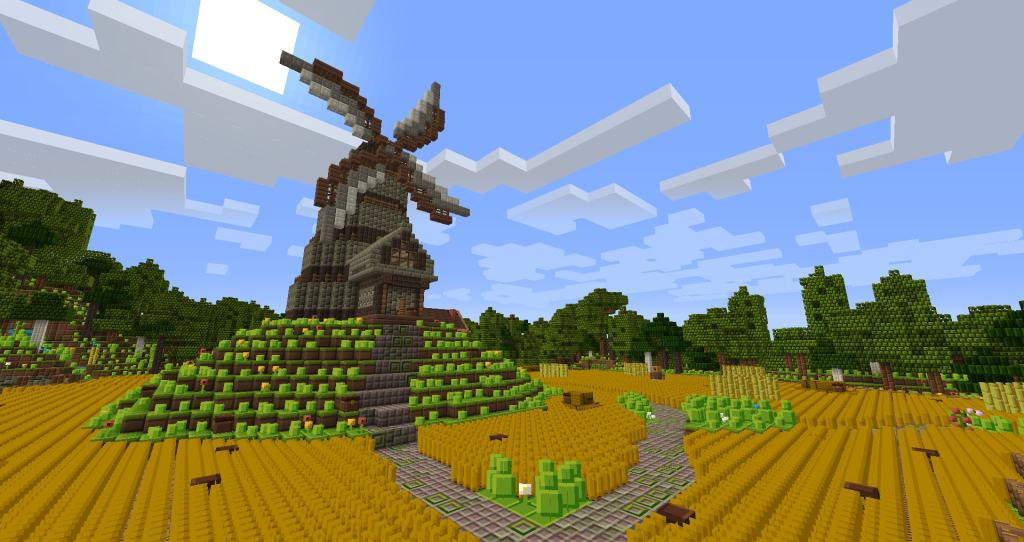
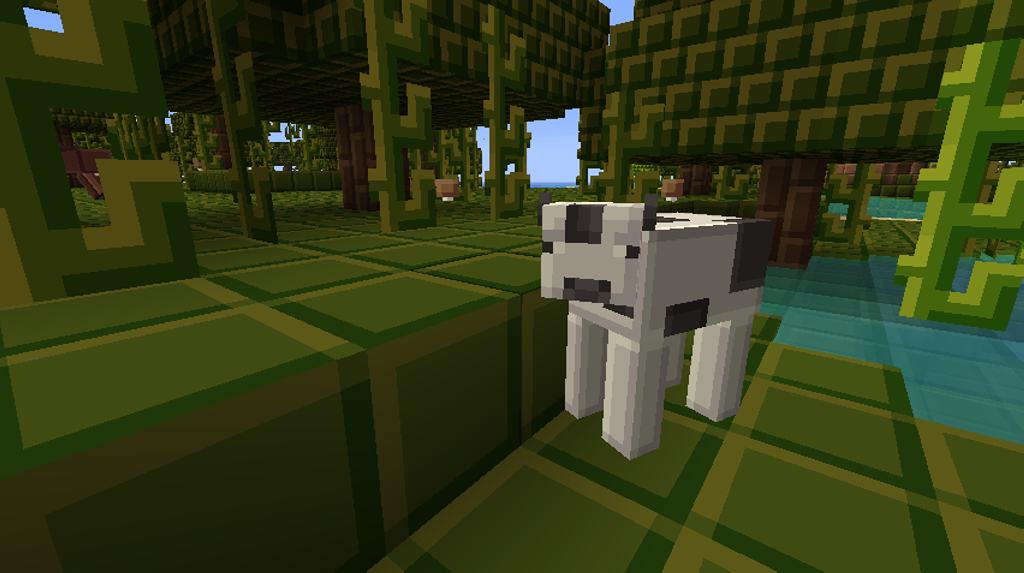
Screenshots



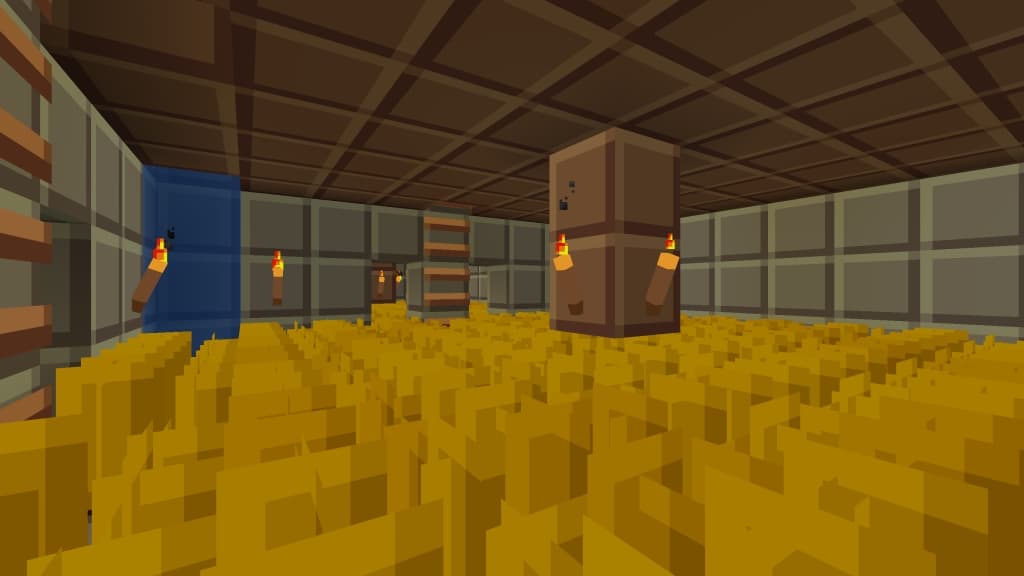
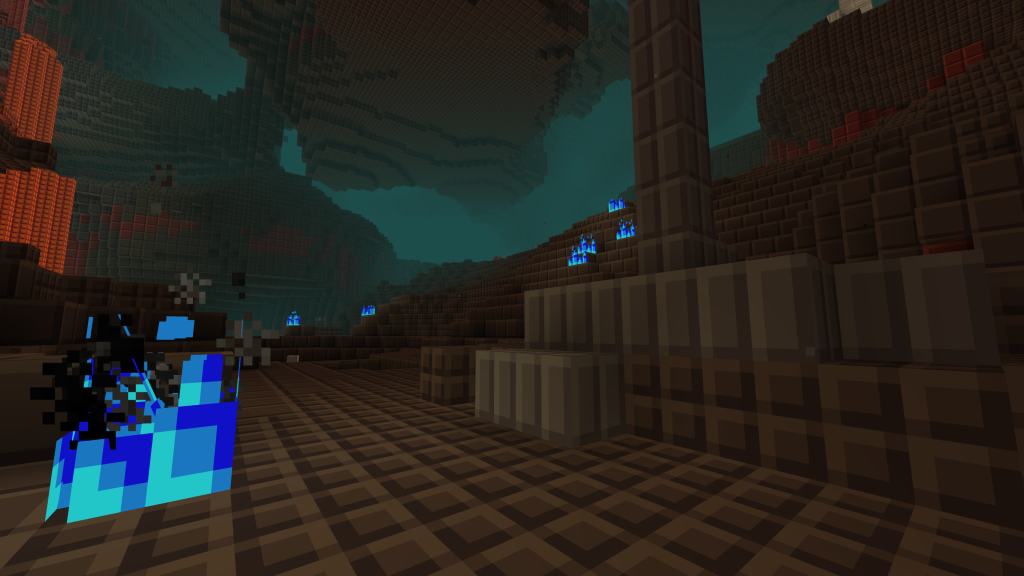

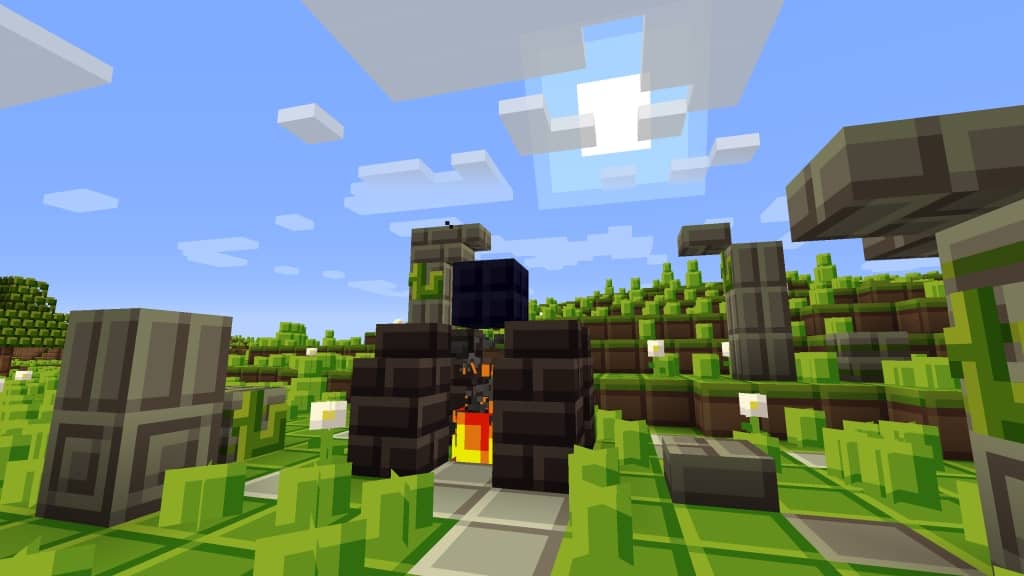
How to Install Texture Pack (Simple 10 Steps)
- Download OptiFine: Most of the texture packs and shaders need OptiFine. That’s why, first download and install OptiFine for the version of Minecraft you want to play.
- Download the Texture Pack: Get the texture pack you want from the download section. Choose the version that works with your Minecraft and your PC’s performance.
- Open Minecraft Launcher: Start Minecraft using the official game launcher — or even TLauncher, if you use that.
- Go to Options: From the main menu, click on the “Options” button.
- Open Resource Packs: Inside Options, click on “Resource Packs…”.
- Open the Resource Pack Folder: Click on “Open Resource Pack Folder” — this will open a folder named “resourcepacks”.
- Move the Pack File: Copy or move the .zip file you downloaded into that “resourcepacks” folder. (Don’t unzip the file — Minecraft uses it as-is!)
- Go Back and Refresh: Close the folder and click “Done”, then go back into “Resource Packs…” again.
- Activate the Pack: You’ll see the pack on the left side. Hover over it and click the arrow to move it to the right (active side).
Tip: If you get a message that the pack is for a different version, just click “Yes” — it usually works fine. - Click Done and Enjoy: Click “Done” again. Now your pack is ready to use in-game. It’s that easy!
Credits
Credits: Created by Leostereo, ThePavoReality, and 500poundsofnothing. We do not own or modify this resource pack. All rights belong to the original creators. Please support them by downloading and using their content from official sources.
Download Links
Java Edition
Download Instructions
Curseforge: download starts automatically after a few seconds;
Mediafire: click the big blue button with the text “DOWNLOAD”;
Google Drive: in the top right corner you will see a small download icon (down arrow), click it and the download should start;


