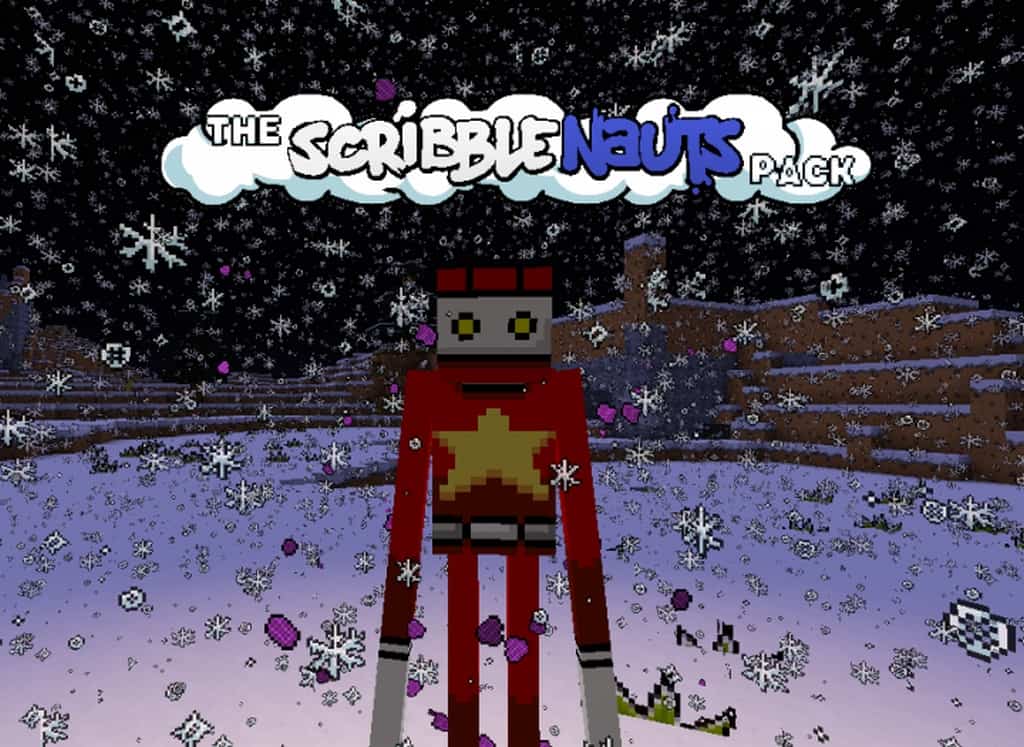
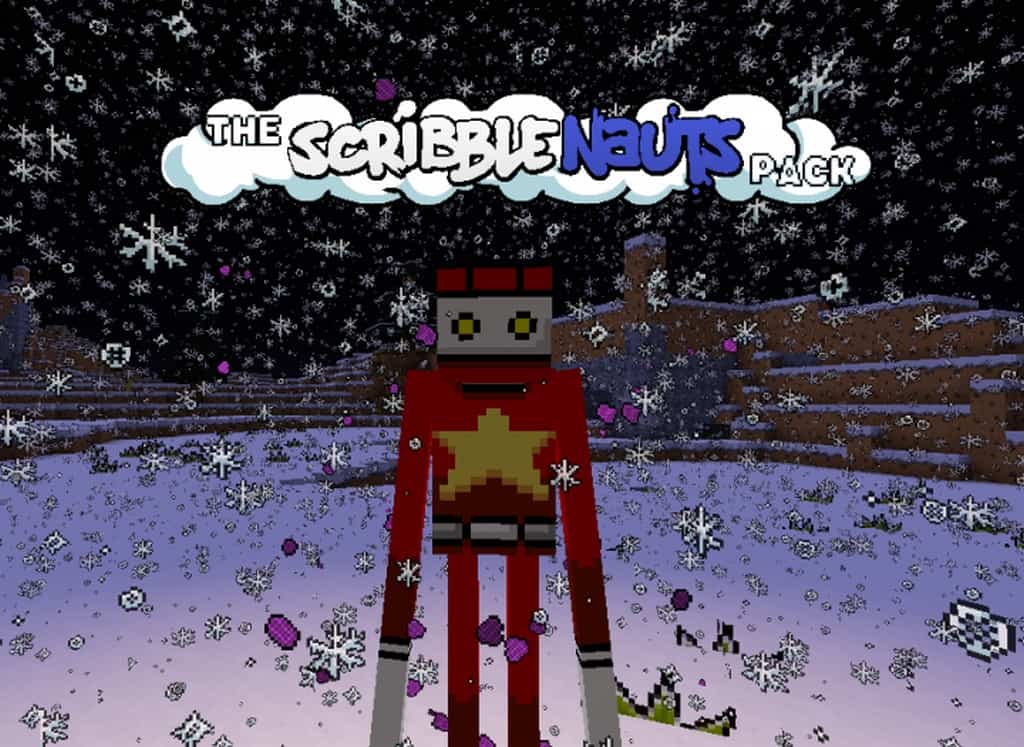
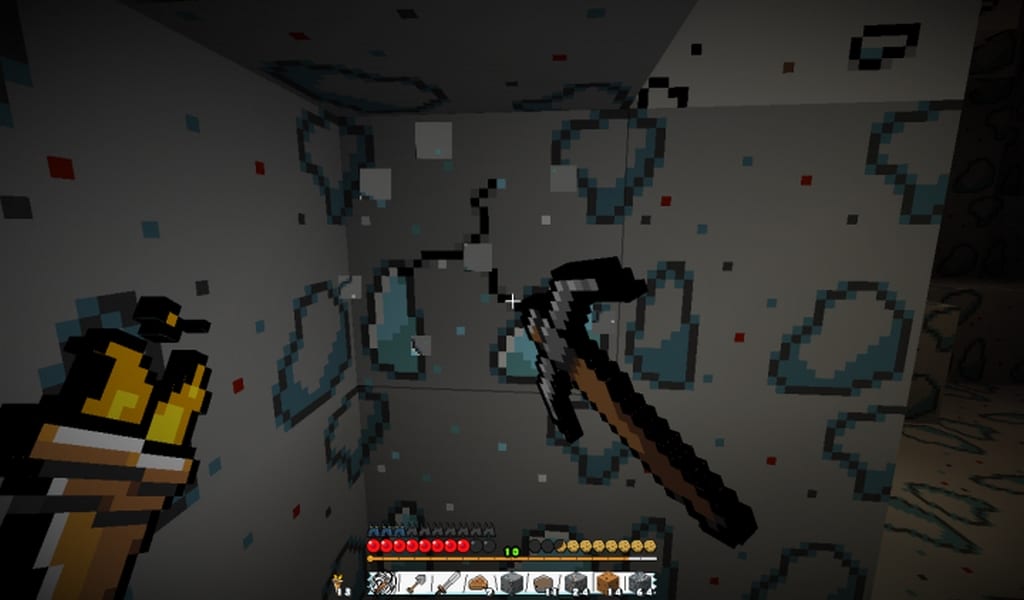
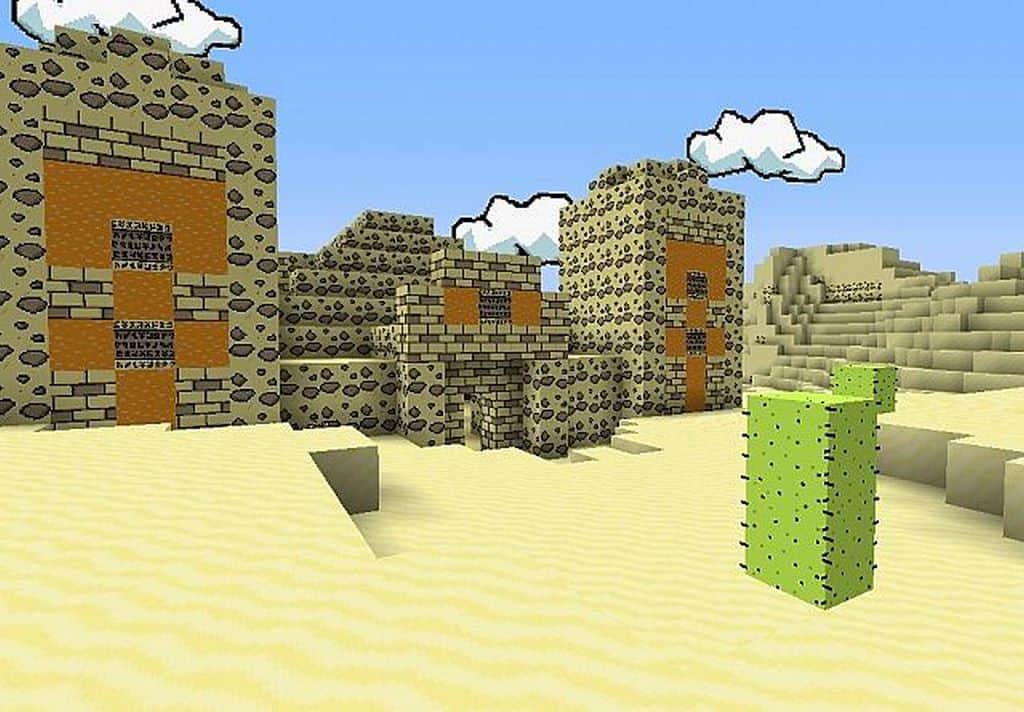
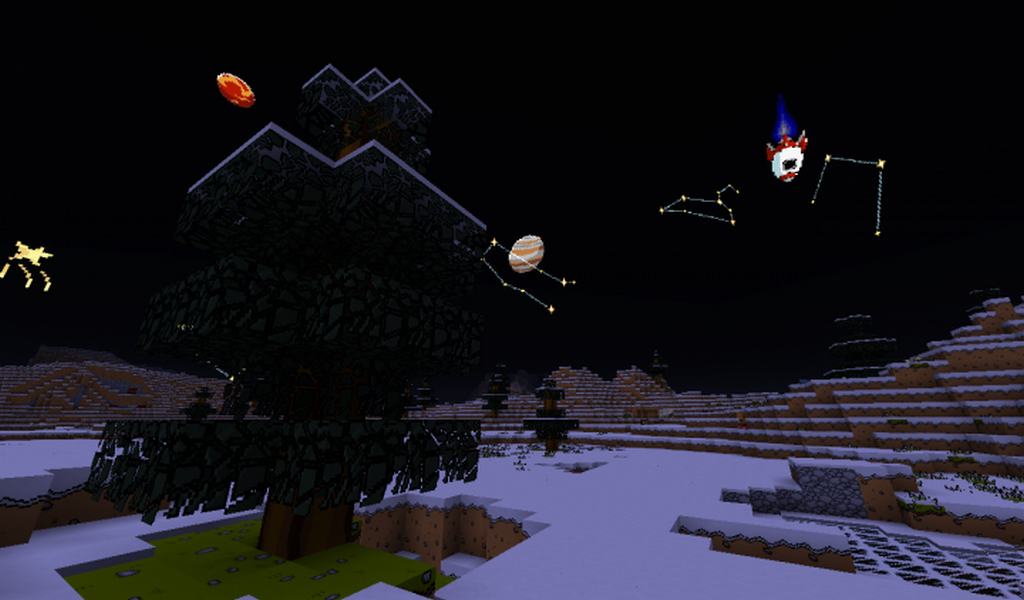
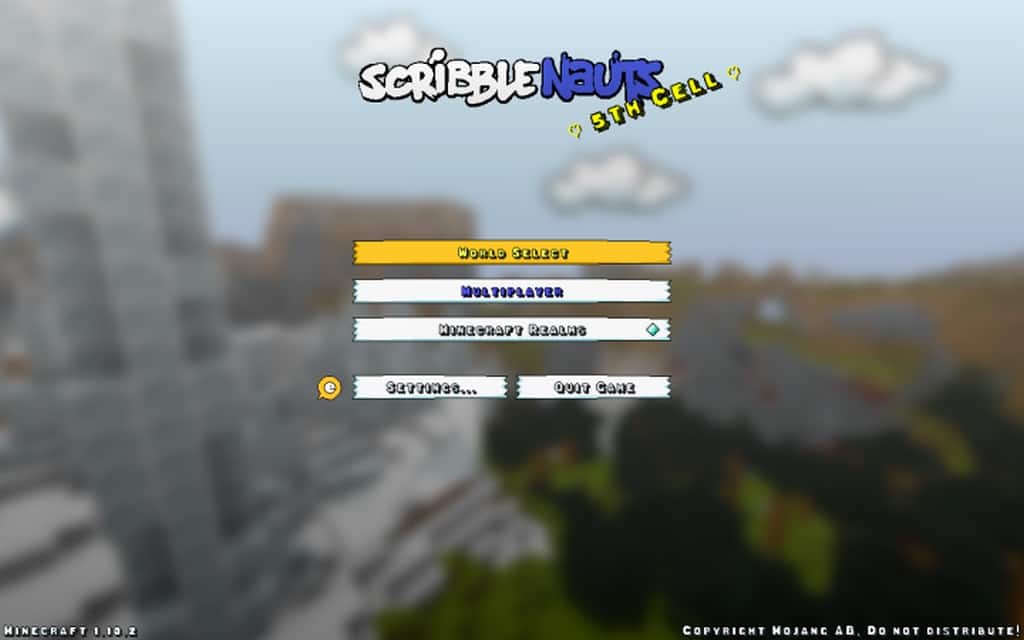
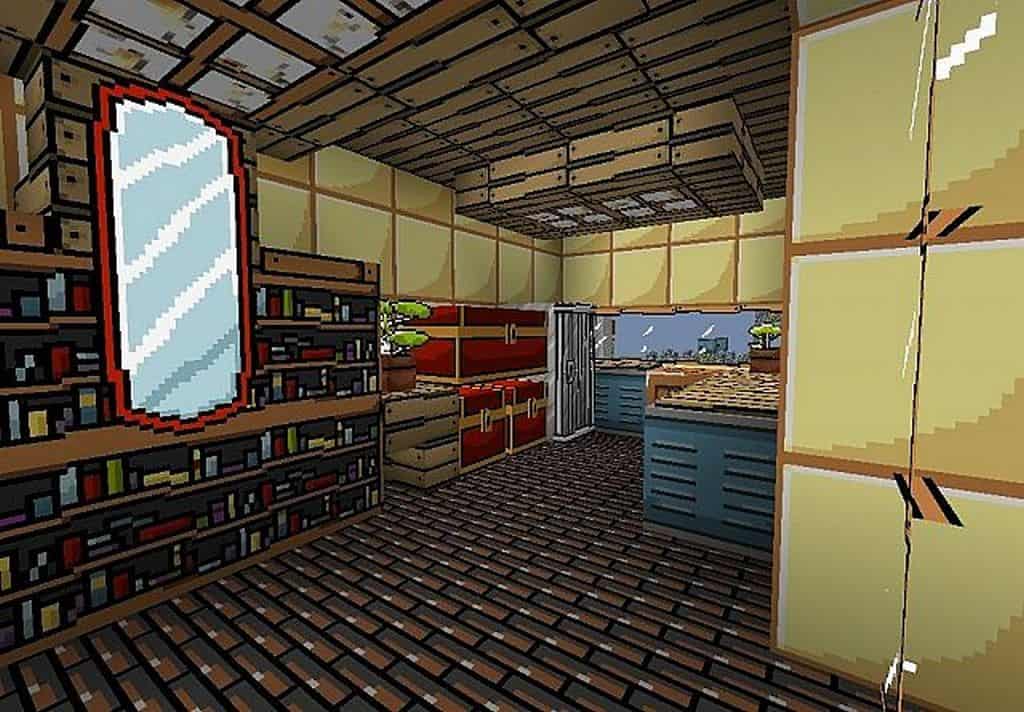
I had an absolute blast diving into one of the most popular electronic puzzle games on the market today, Scribblenauts! This challenging puzzle game provides a wonderfully fresh way of looking at Minecraft puzzle maps. The Scribblenauts resource pack for Minecraft brilliantly capitalizes on the simplistic design elements of both games. I found that the resource pack truly succeeds in making Minecraft look much more like a charming 2D puzzle game. Many players honestly claim that the Scribblenauts resource pack produces wonderful feelings of nostalgia. The simple appearance hearkens back to decades-old televised Saturday morning cartoons even though the pack is a relatively new release. The resource pack looks incredibly sharp and remains totally true to its Scribblenauts roots by focusing on clean, simple design. The absolute best thing about this resource pack is that it incorporates original custom music. Almost all resource packs for Minecraft fail to include their own music tracks. Because of this, I think the Scribblenauts texture pack really stands apart from other resource packs.
Typically, music tracks can be found in arbitrary dungeon chests or in those chests you receive when a skeleton kills off a creeper for you. In this resource pack, you can expect the traditional Minecraft music to be fully replaced with wonderful music taken directly from Scribblenauts. Players will definitely love to collect records again just to hear these new sounds. The music allows for a wonderfully novel Minecraft experience. For the best capability and performance in the game, you may want to consider using the resource pack along with Optifine. It becomes necessary to install Optifine if you want to experience Connected Textures and Random Mobs, which most people definitely do. With a 32×32 resolution, the Scribblenauts pack offers a nice, crisp increase from the usual 16×16 resolution. If your system is able to handle the original Minecraft, you should be able to run the Scribblenauts resource pack without any major changes in performance. This is primarily due to the textures being so perfectly optimized.
The Scribblenauts Pack should be compatible with all of these Minecraft versions: 1.11.2 – 1.11 – 1.10.2 – 1.10 – 1.9.4 – 1.9 – 1.8.9 – 1.8.8 – 1.8.1 – 1.8.6 – 1.8 – 1.7.10 – 1.7.9 – 1.7.4 – 1.7 – 1.6.4 – 1.6.2
Screenshots
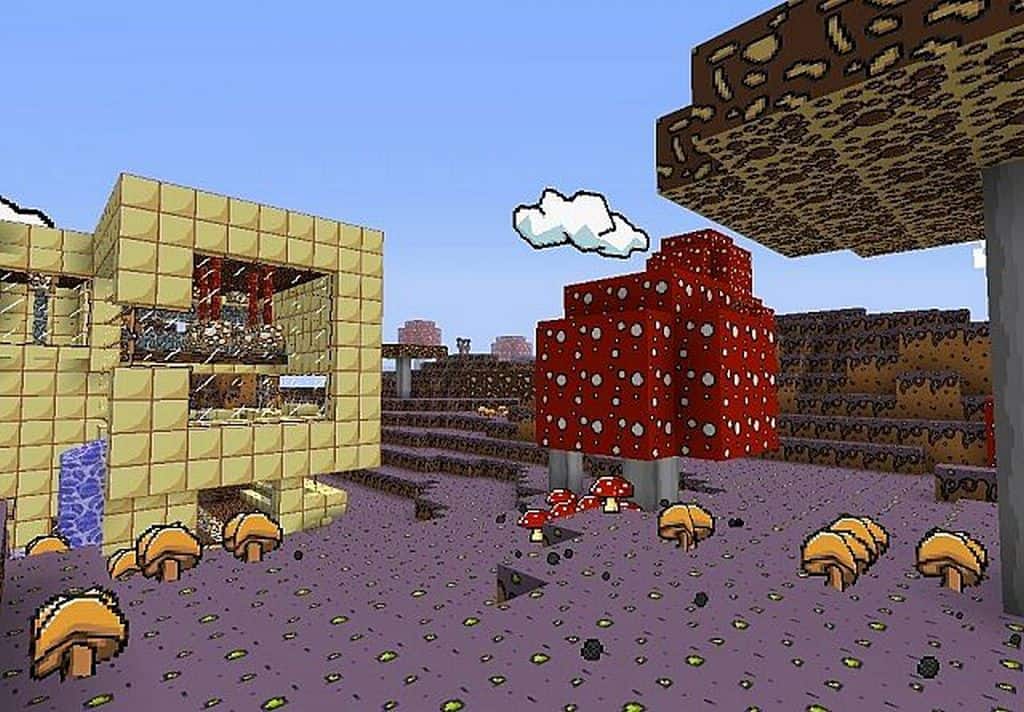
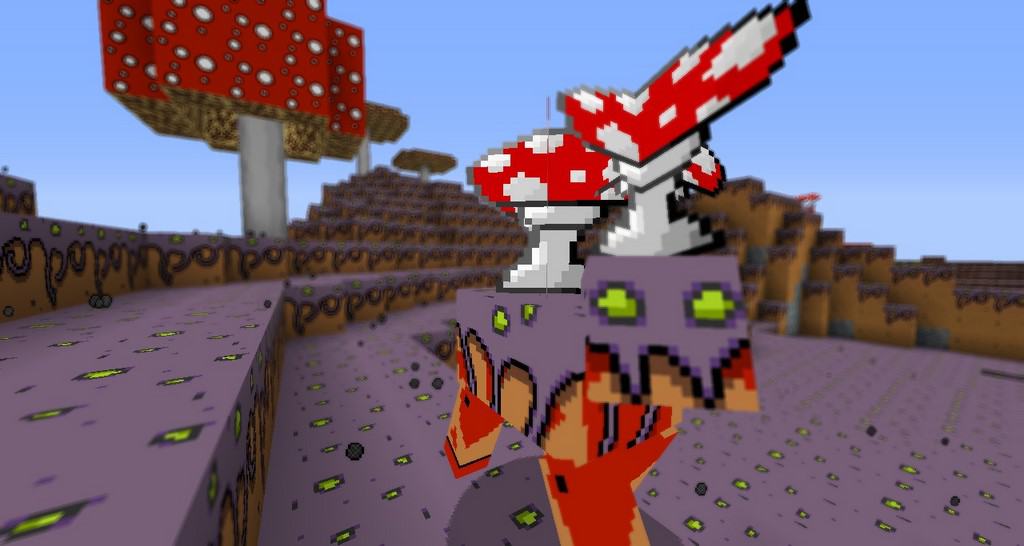
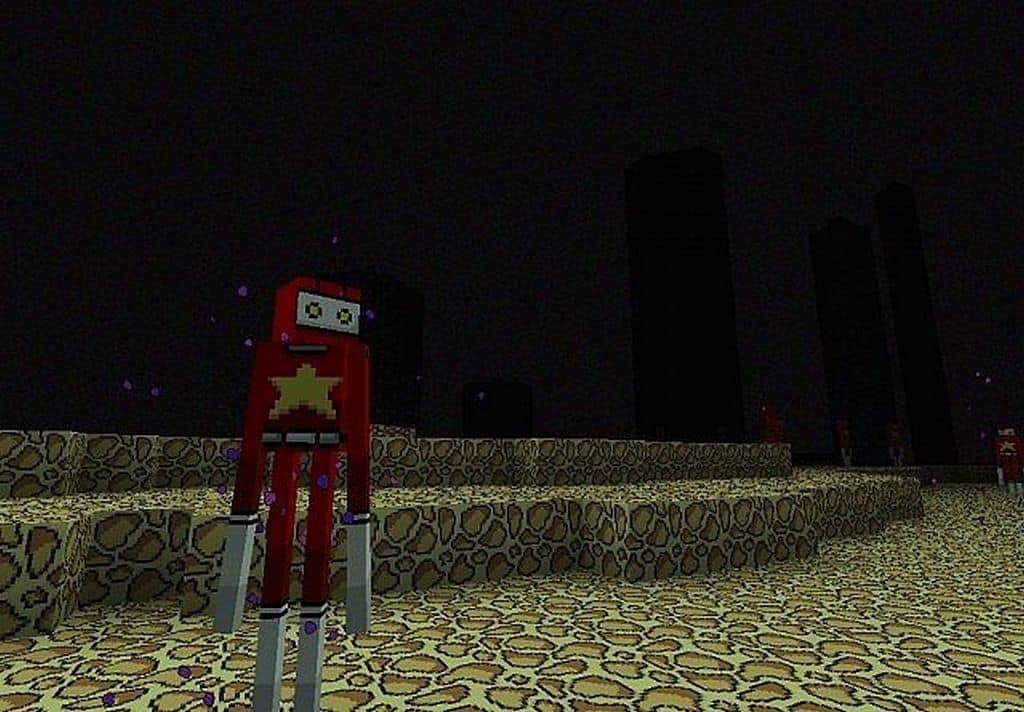
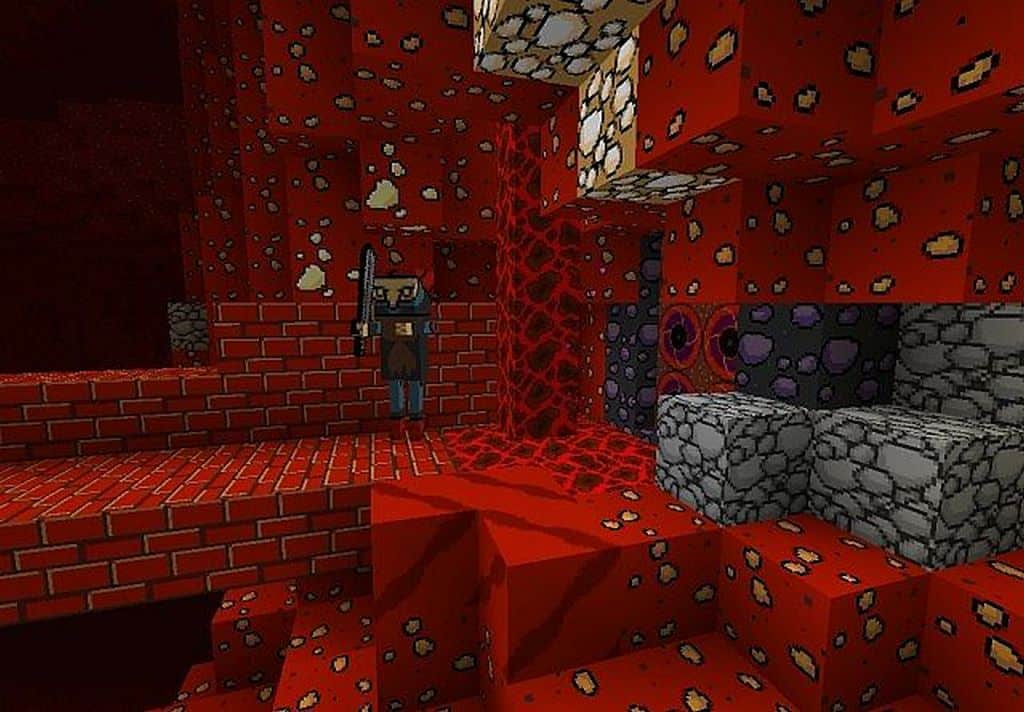
How to Install Texture Pack (Simple 10 Steps)
- Download OptiFine: Most of the texture packs and shaders need OptiFine. That’s why, first download and install OptiFine for the version of Minecraft you want to play.
- Download the Texture Pack: Get the texture pack you want from the download section. Choose the version that works with your Minecraft and your PC’s performance.
- Open Minecraft Launcher: Start Minecraft using the official game launcher — or even TLauncher, if you use that.
- Go to Options: From the main menu, click on the “Options” button.
- Open Resource Packs: Inside Options, click on “Resource Packs…”.
- Open the Resource Pack Folder: Click on “Open Resource Pack Folder” — this will open a folder named “resourcepacks”.
- Move the Pack File: Copy or move the .zip file you downloaded into that “resourcepacks” folder. (Don’t unzip the file — Minecraft uses it as-is!)
- Go Back and Refresh: Close the folder and click “Done”, then go back into “Resource Packs…” again.
- Activate the Pack: You’ll see the pack on the left side. Hover over it and click the arrow to move it to the right (active side).
Tip: If you get a message that the pack is for a different version, just click “Yes” — it usually works fine. - Click Done and Enjoy: Click “Done” again. Now your pack is ready to use in-game. It’s that easy!
Credits
This resource pack was created by Joeismoe. We do not claim ownership of this content, nor have we modified the original files. All rights and credits belong to the original author. We encourage you to support the creator by downloading from the official sources.
Download Links
Java Edition
Download Instructions
Curseforge: download starts automatically after a few seconds;
Mediafire: click the big blue button with the text “DOWNLOAD”;
Google Drive: in the top right corner you will see a small download icon (down arrow), click it and the download should start;


