
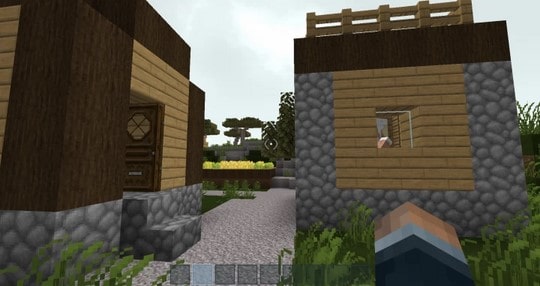
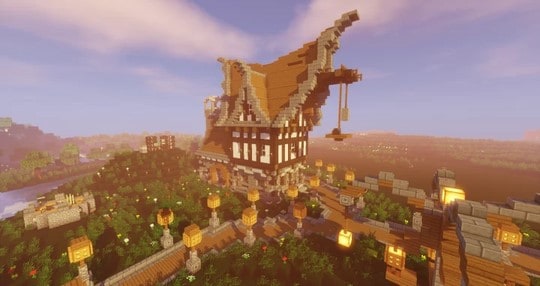
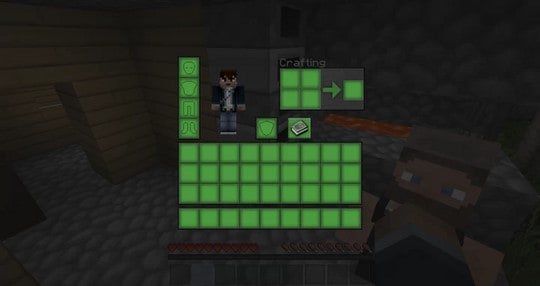
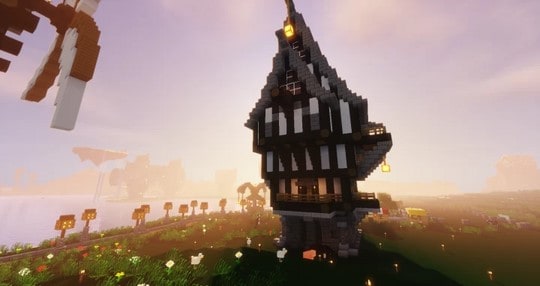
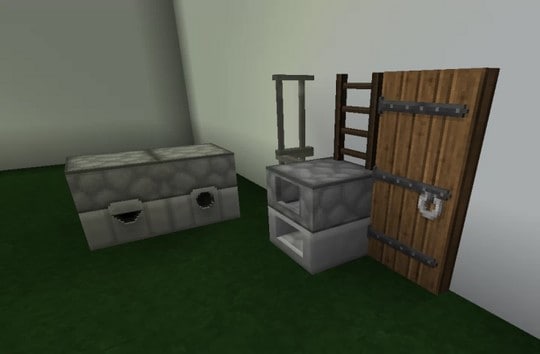
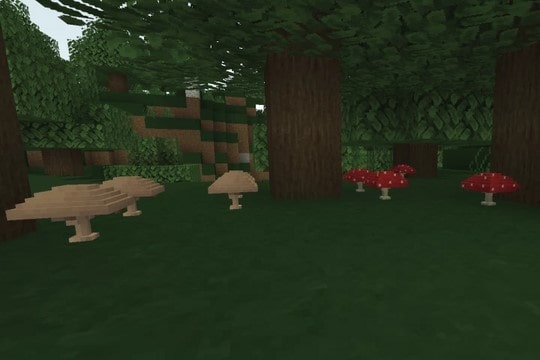
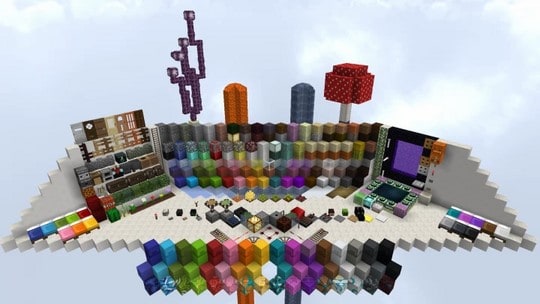
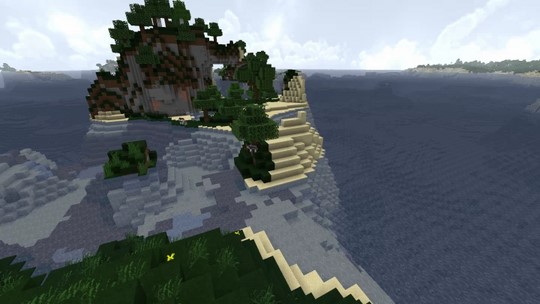
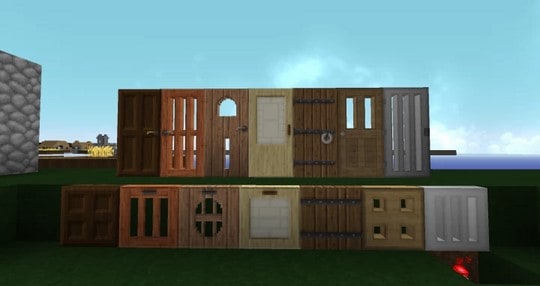
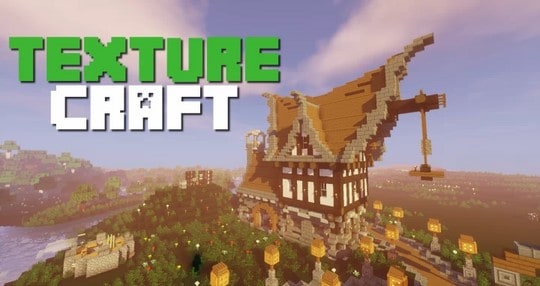
Bedarride originally built the TextureCraft resource pack as a personal tool before deciding to share it with the community. Without a doubt, this is fantastic news because the resource pack is genuinely amazing. The pack was designed with inspiration drawn from several other superb resource packs. Furthermore, it skillfully fuses the top elements of these other faithfully themed packs to guarantee an unforgettable gameplay experience that everyone is sure to enjoy. TextureCraft allows you to stay true to the classic vanilla art style of Minecraft, which is especially great if you are not fond of completely overhauling the default looks. This pack is definitely worth your time. The best thing about TextureCraft is that it does not drastically alter your Minecraft world, since the pack was created with the core art style of the game firmly in mind. Your game world scarcely changes because the pack bases itself entirely on the default style and faithful art of Minecraft.
Nevertheless, you can expect textures that are smartly upgraded for a much better look while keeping the game’s vanilla spirit alive. The changes that stand out as visible are the wonderful improvements it brings to the experience. This is successfully achieved by adding extra detail while thoughtfully inhibiting the visual noise that one might normally expect. The resource pack is carefully crafted to enhance the look and feel of the game while reducing any form of disturbance that could arise from significant enhancements. Some of these improvements include a boost in resolution. The resolution of TextureCraft boasts a crisp 32x, which steps up from the standard 16x with a modest increase in clarity. This allows you to enjoy the game much more clearly. Best of all, this resolution bump will not cause any trouble for your computer if it already runs vanilla Minecraft without frame-rate issues, as the styles are very similar and your system will handle the pack just like the base game.
TextureCraft should be compatible with all of these Minecraft versions: 1.15.2 – 1.15.1 – 1.15 – 1.14.4 – 1.14.3 – 1.14.2 – 1.14 – 1.13.2 – 1.13.1 – 1.13 – 1.12.2 – 1.12
Screenshots

How to Install Texture Pack (Simple 10 Steps)
- Download OptiFine: Most of the texture packs and shaders need OptiFine. That’s why, first download and install OptiFine for the version of Minecraft you want to play.
- Download the Texture Pack: Get the texture pack you want from the download section. Choose the version that works with your Minecraft and your PC’s performance.
- Open Minecraft Launcher: Start Minecraft using the official game launcher — or even TLauncher, if you use that.
- Go to Options: From the main menu, click on the “Options” button.
- Open Resource Packs: Inside Options, click on “Resource Packs…”.
- Open the Resource Pack Folder: Click on “Open Resource Pack Folder” — this will open a folder named “resourcepacks”.
- Move the Pack File: Copy or move the .zip file you downloaded into that “resourcepacks” folder. (Don’t unzip the file — Minecraft uses it as-is!)
- Go Back and Refresh: Close the folder and click “Done”, then go back into “Resource Packs…” again.
- Activate the Pack: You’ll see the pack on the left side. Hover over it and click the arrow to move it to the right (active side).
Tip: If you get a message that the pack is for a different version, just click “Yes” — it usually works fine. - Click Done and Enjoy: Click “Done” again. Now your pack is ready to use in-game. It’s that easy!
Credits
This resource pack was originally created and owned by Bedarride. We do not claim ownership of this modification, nor do we host or distribute modified versions of these files on our own servers. All rights and intellectual property belong exclusively to the original author. We highly recommend visiting the official download sources to support Bedarride and ensure you receive the most up-to-date files.
Download Instructions
Curseforge: download starts automatically after a few seconds;
Mediafire: click the big blue button with the text “DOWNLOAD”;
Google Drive: in the top right corner you will see a small download icon (down arrow), click it and the download should start;


