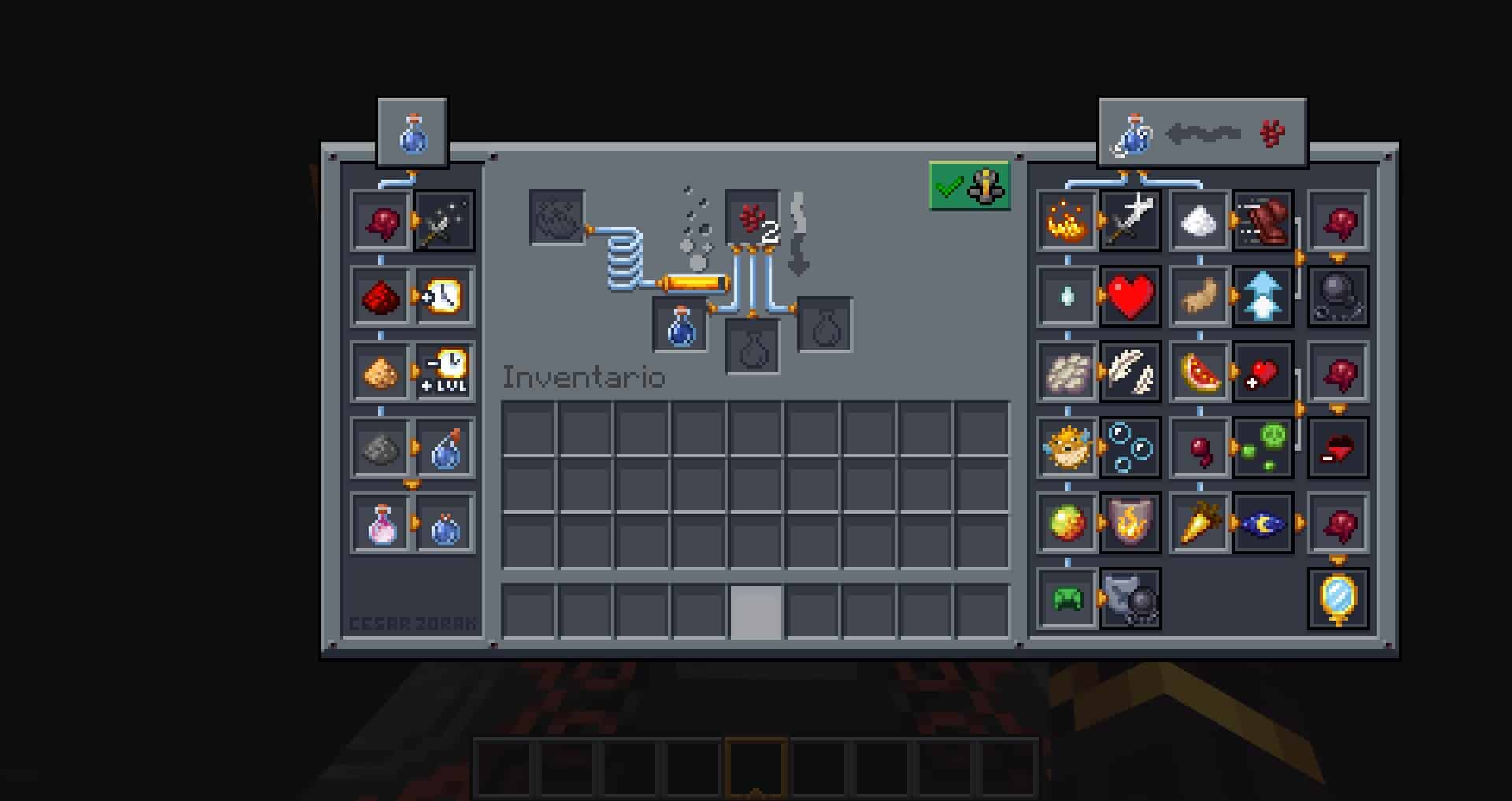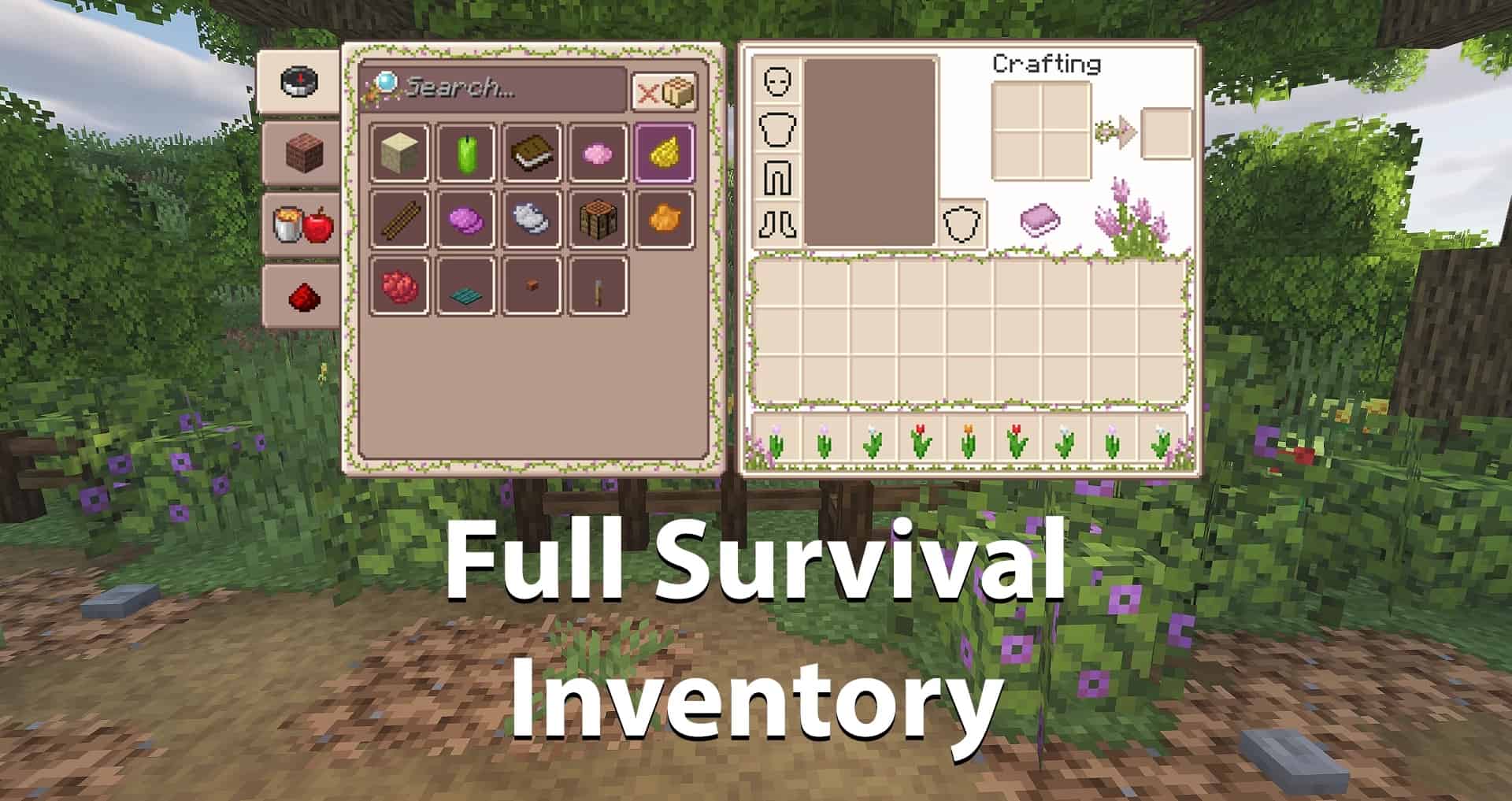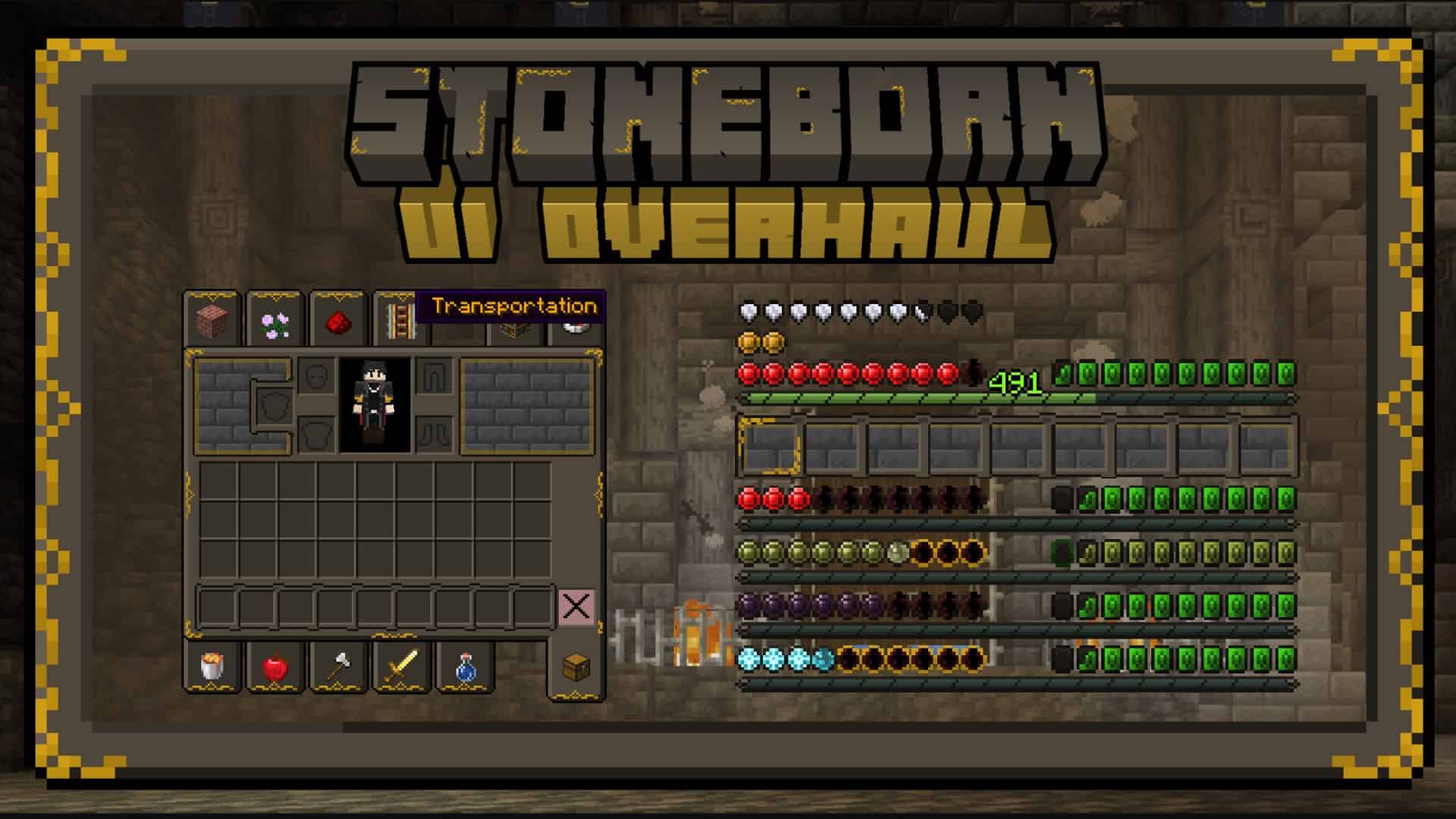
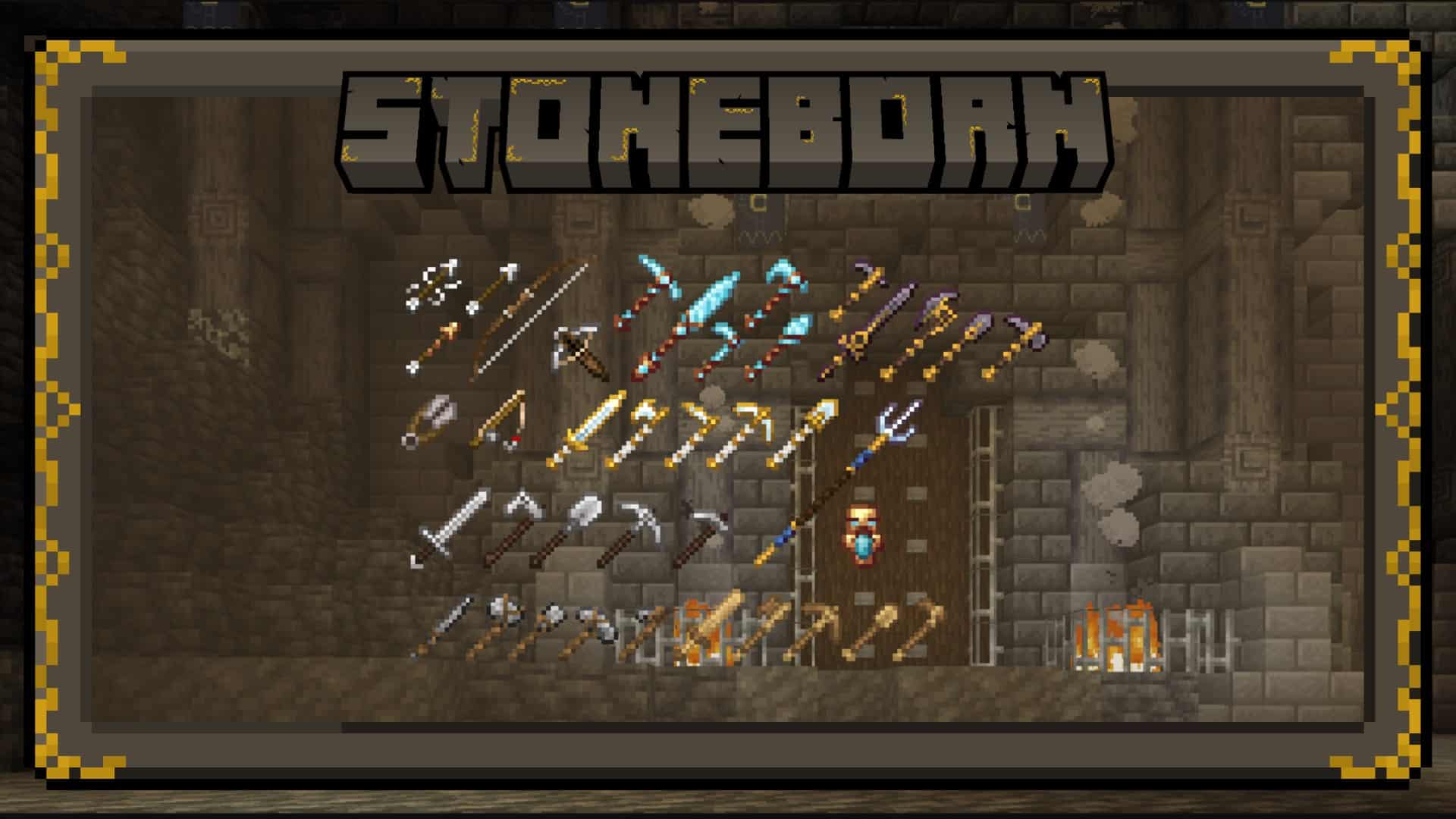
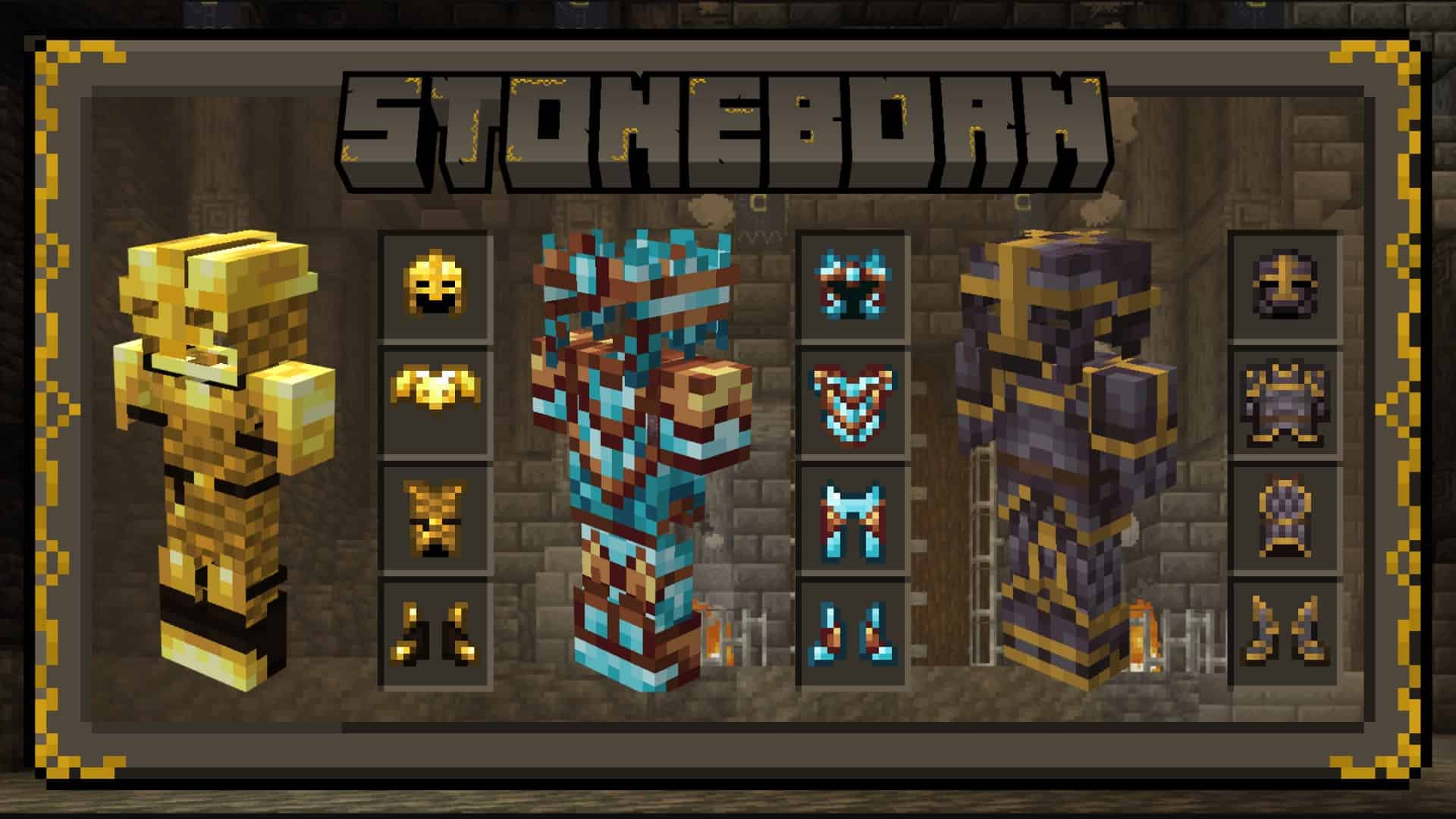
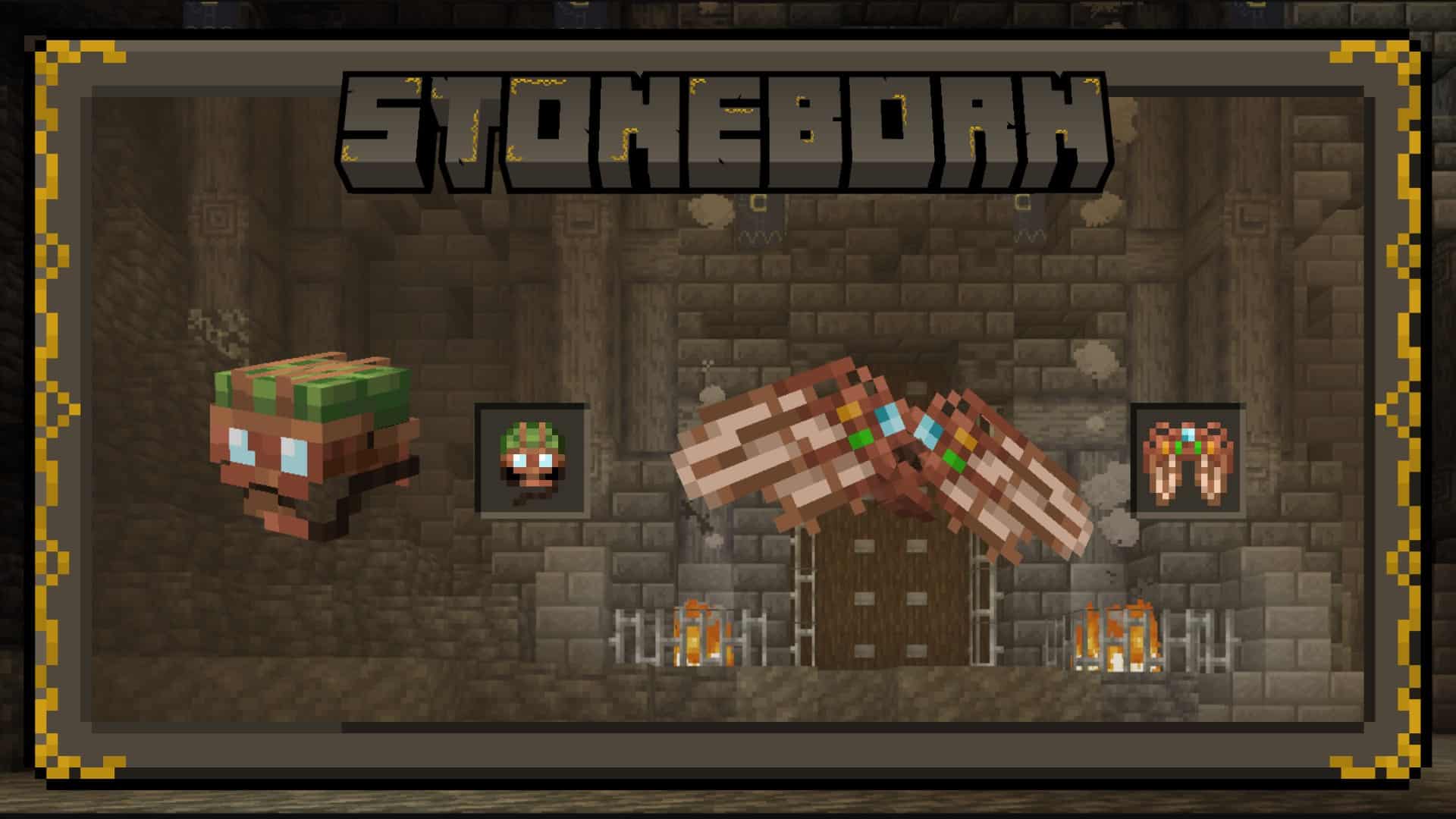
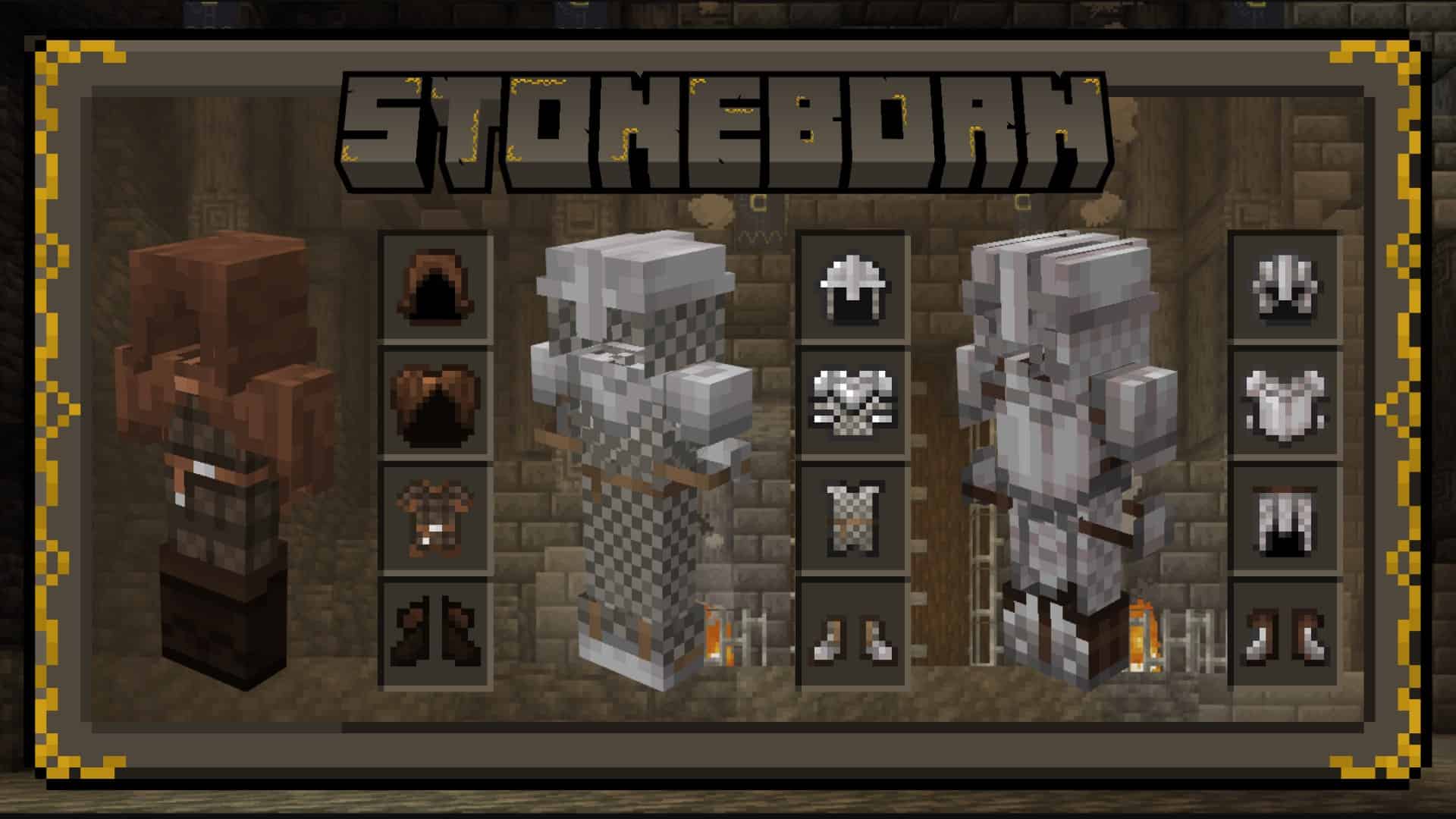
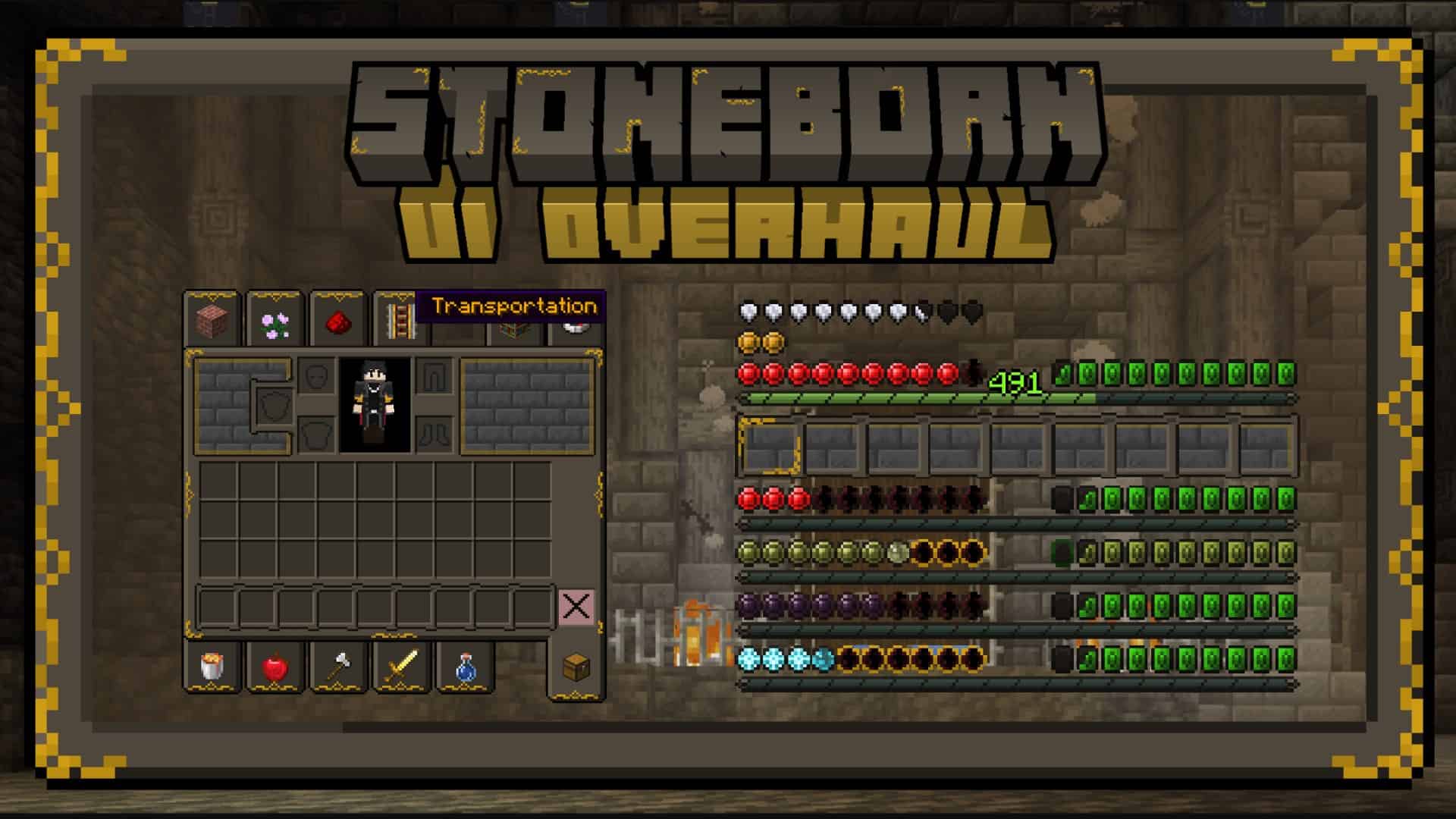
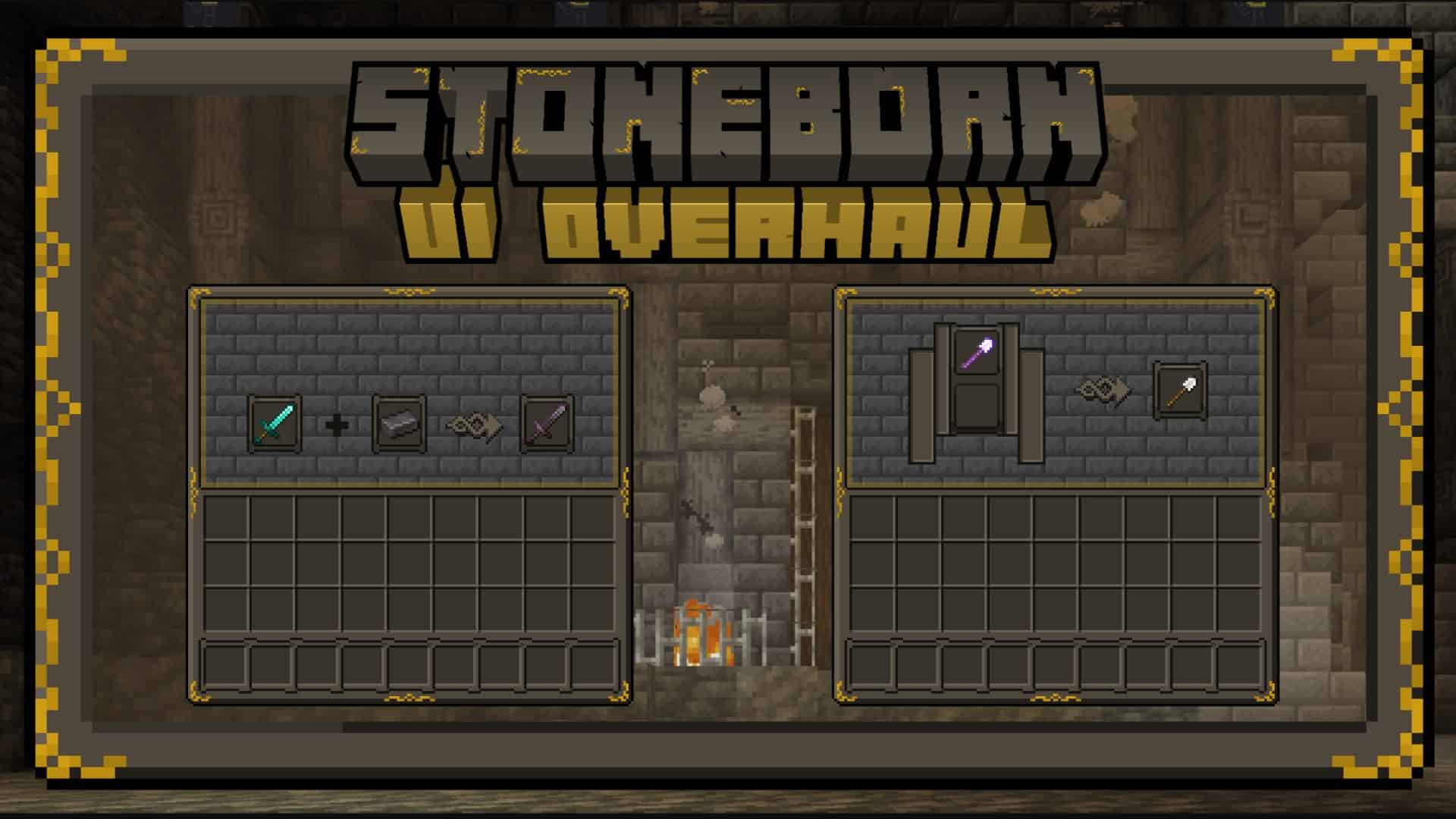
There are plenty of Minecraft resource packs that are meant to add a medieval vibe to the game. While most are forgettable, there are a few that are amazing. The ones that are forgettable fall into this category for simple reasons. You can see that there was little effort invested in making something unique, original, and enjoyable. Stoneborn resource pack commits none of these sins. It is one of those texture packs that takes vanilla Minecraft and touches upon many aspects of the game with a good sense of originality, creativity, and a good degree of attention to detail. The resource pack first emerged in late 2021. According to Minecraft standards, the Stoneborn is a relatively new resource pack. It was developed by community member Sindavar but he also goes by Sindavar33. Sindavar focused mostly on the PvP aspects of the game thus the resource pack aimed to fiddle with things such as the UI, armors, weapons, tools, player textures, and mob textures. According to the developer, the resource pack is inspired by the universe created by J.R.R. Tolkien. Being such a recently released resource pack, Stoneborn benefits from having an active developer that still releases updates. The resource pack now works with the latest version of Minecraft. However, the resource pack may cause some issues with certain versions but there is plenty of support from the original developer to help deal with these problems. In simple terms, the Stoneborn resource pack is a UI overhaul. It does not focus on ingame textures of blocks instead, it focuses on items, armors, weapons, tools, and the player graphical user interface, however, these do not come as a single package but more on this later. Right from the get-go, the moment you load up the resource pack, you will be greeted with a new UI. Almost all the item icons in the game have been replaced in the user interface. The new icons are much more detailed and in tune with the medieval theme. There are new icons for food, blocks, weapons, armor, and more.
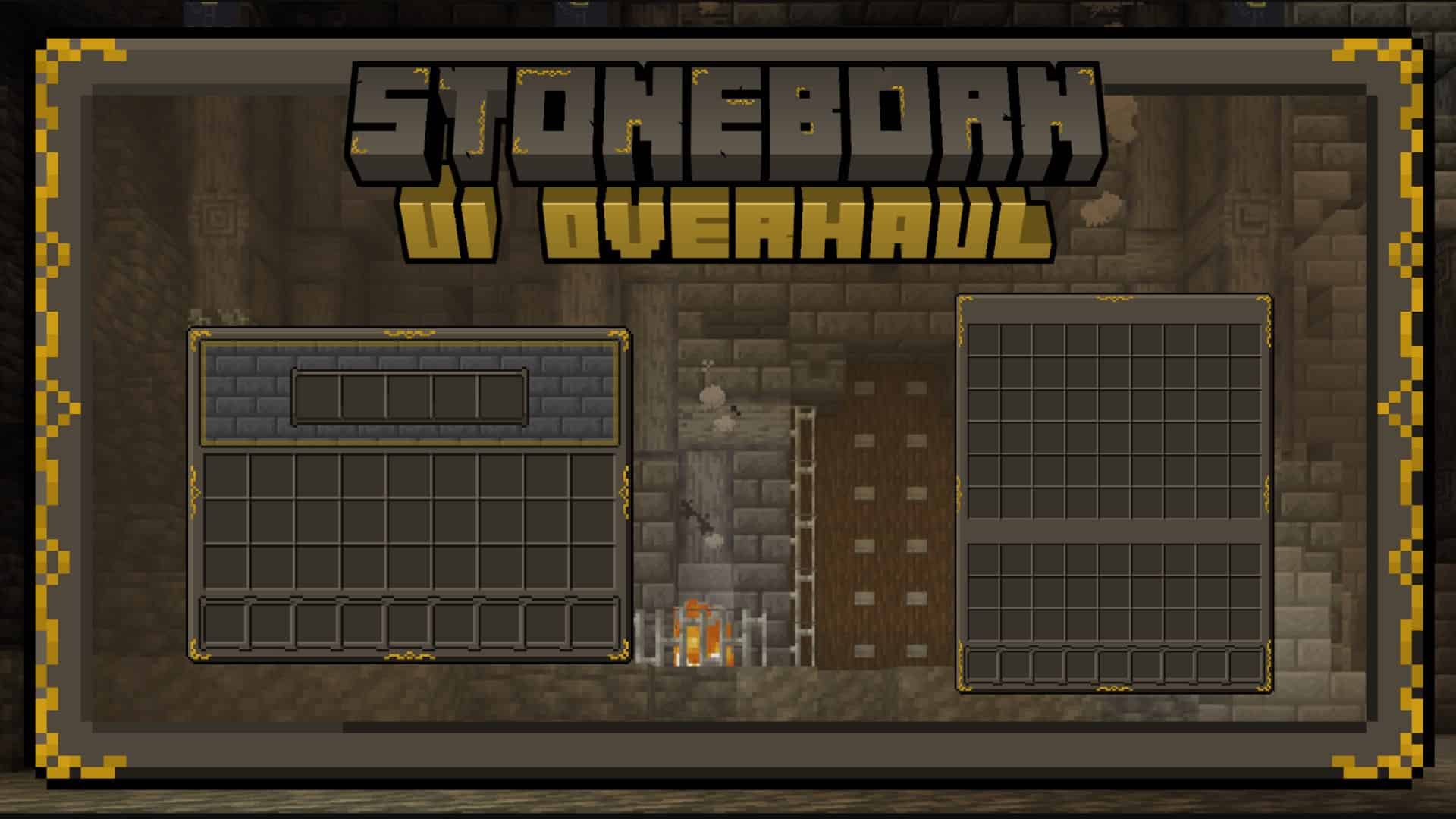
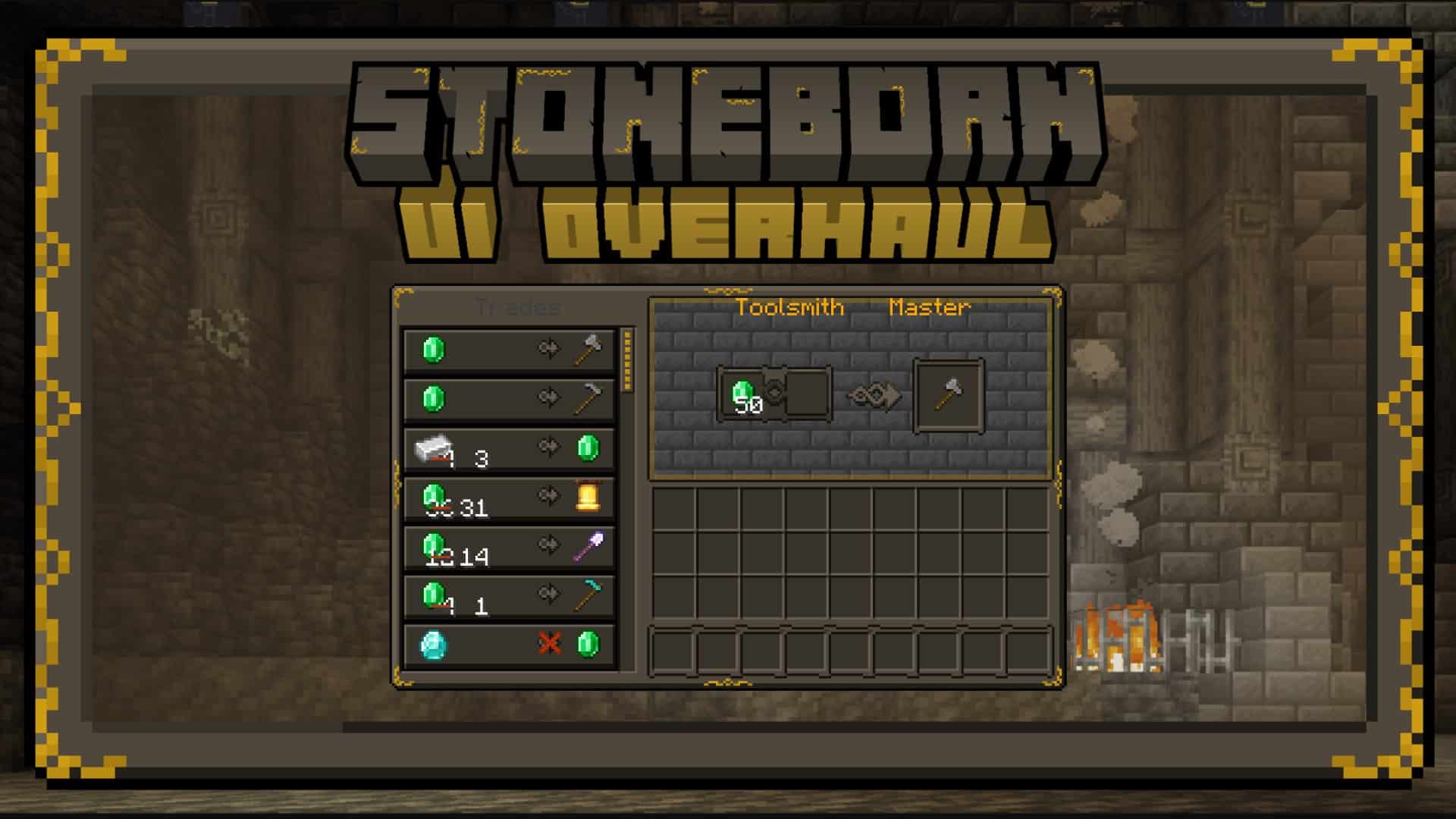
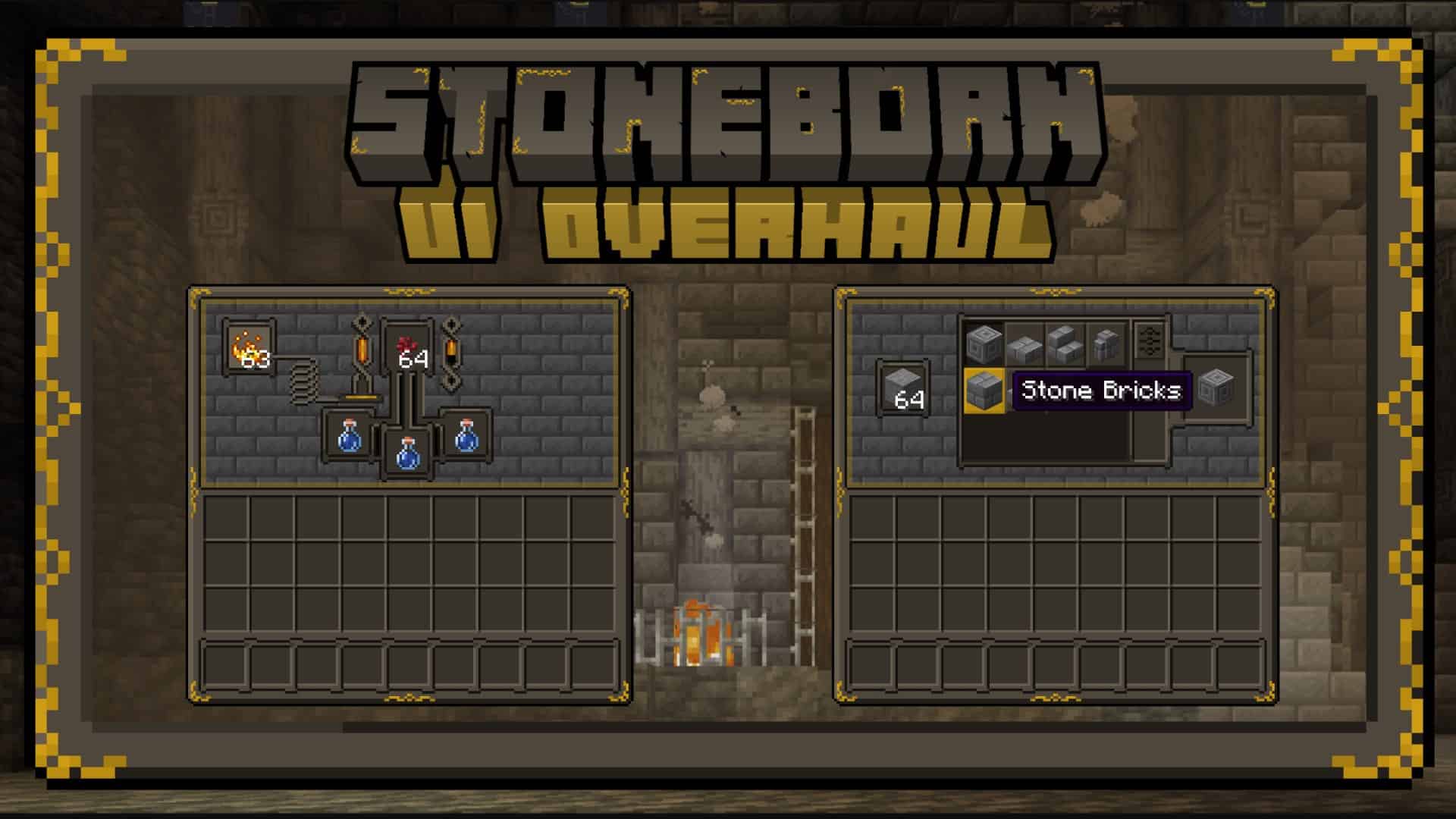
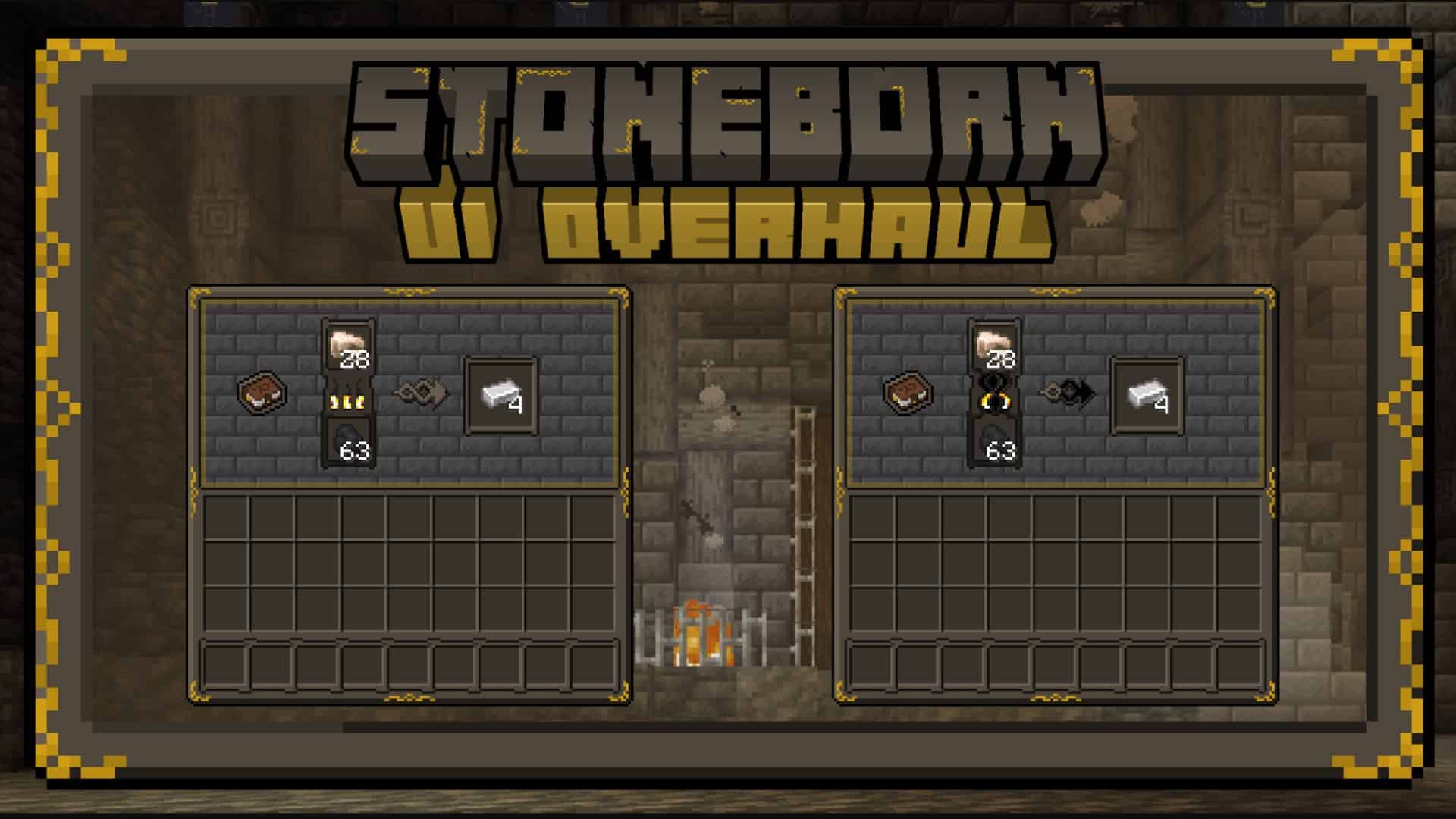
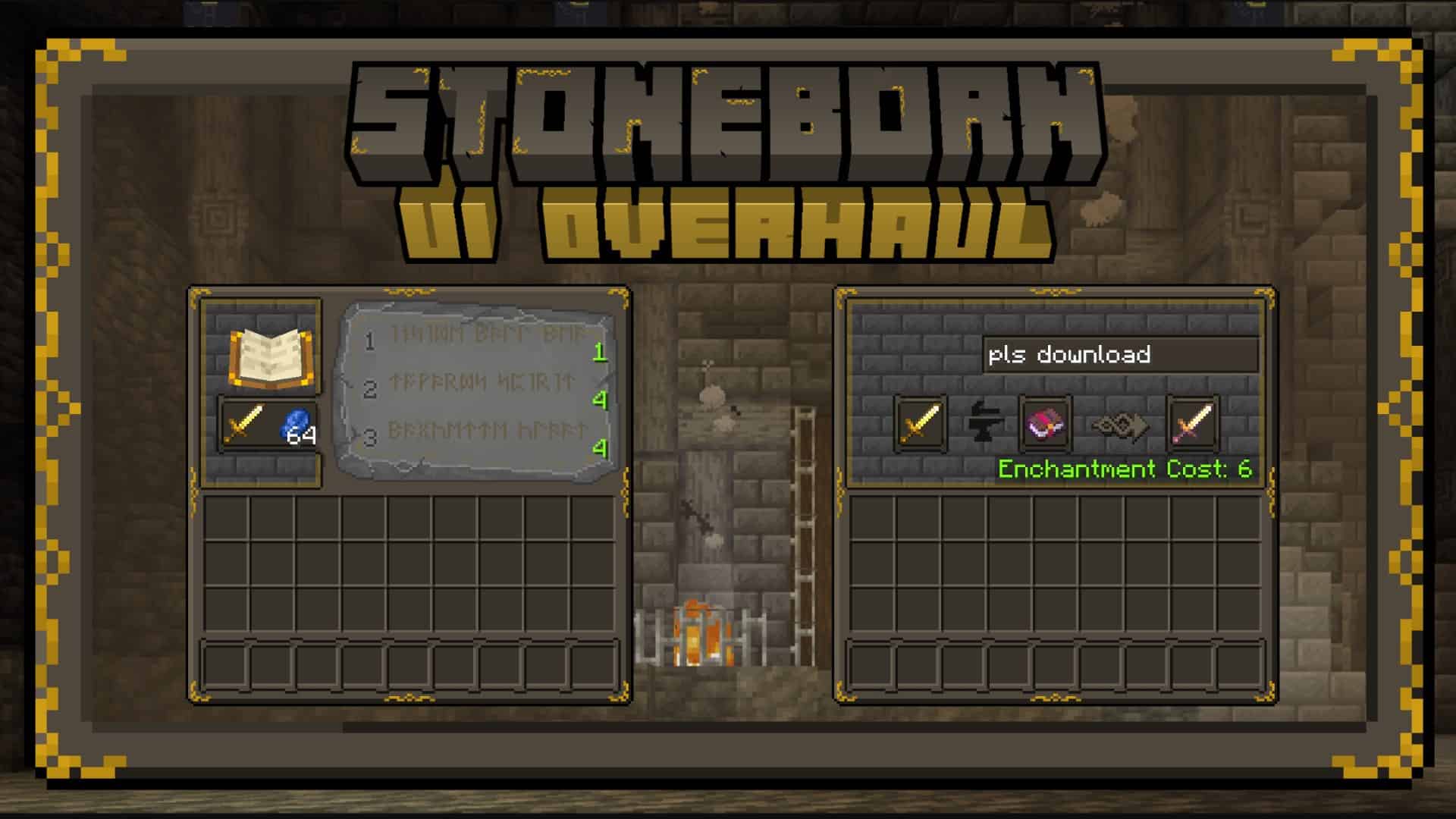
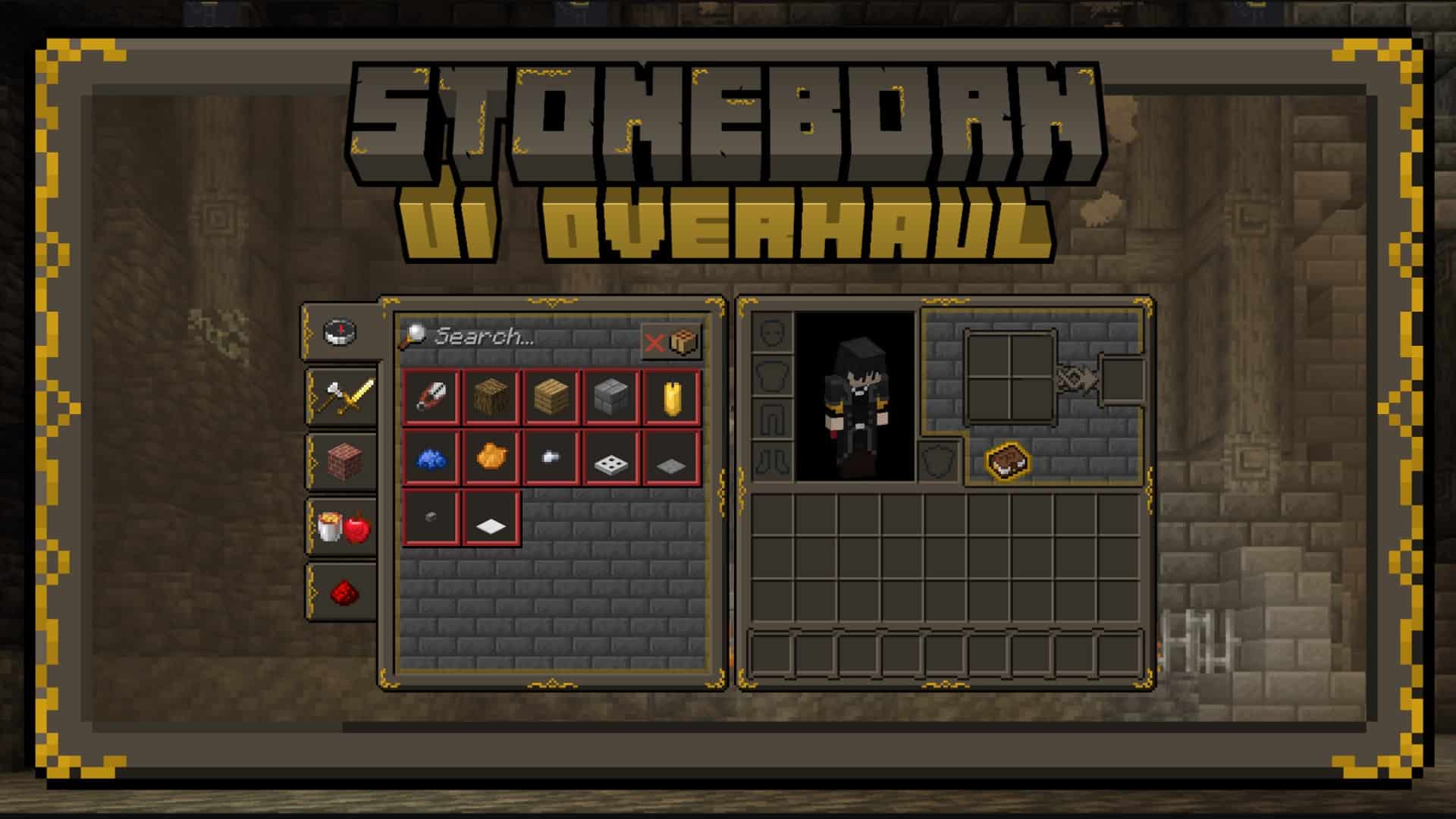
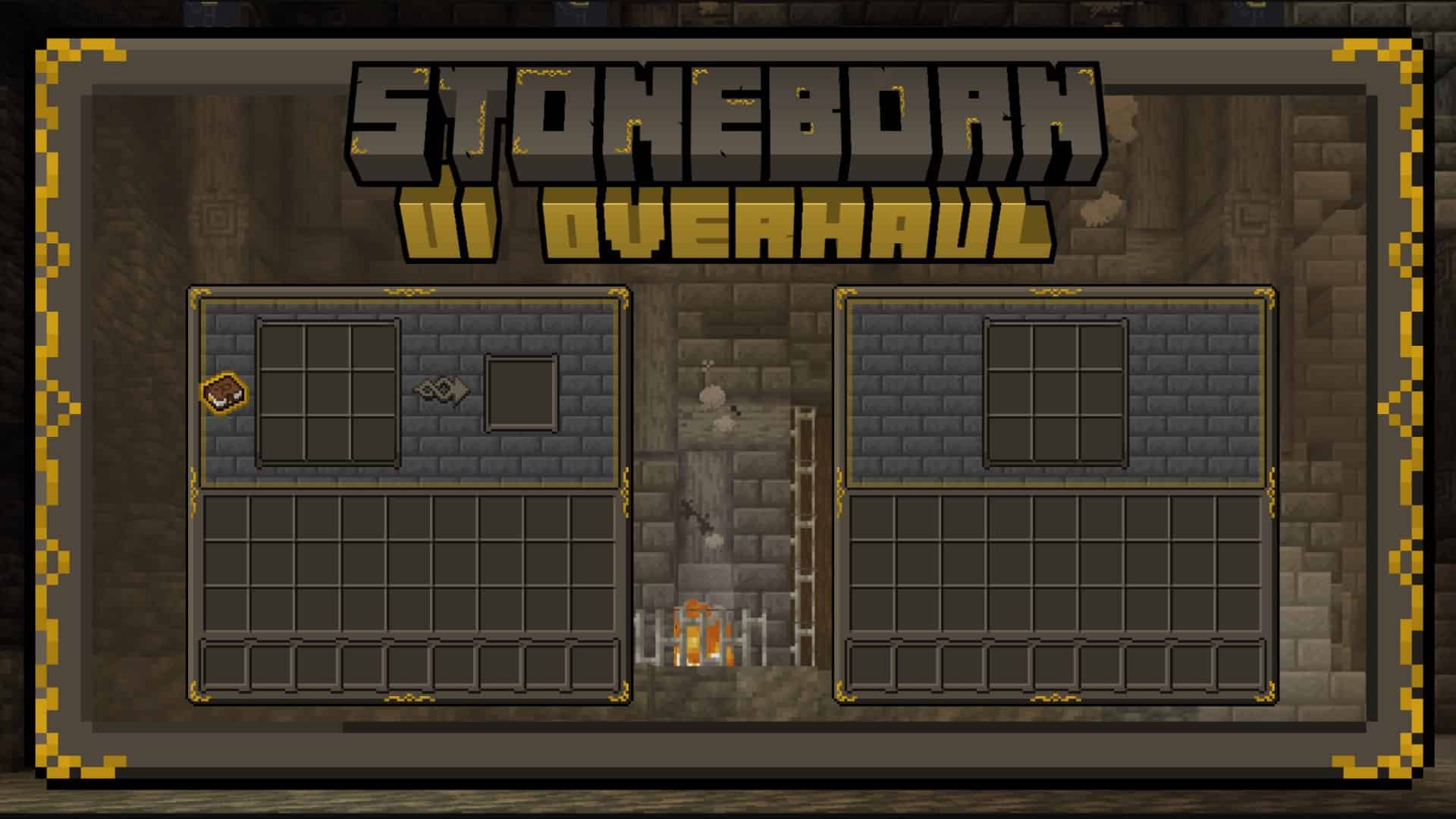
When you open up the inventory or the crafting screen, you will notice that the interface has been changed. Windows are now dark brown and feature a brick wall background. The frames on the interface windows have yellow accents which are meant to represent golden decorations. The fonts in the game have also been replaced to make everything easier to read and navigate the interface. Besides the visual improvements to the GUI, the resource pack also replaces existing weapons, tools, and armors in the game. Players now have the choice between many weapons that are typical for a medieval/fantasy world. However, it is not just the visuals that were changed. Item names were also updated accordingly. The creatures and mobs in vanilla Minecraft received some visual changes as well. They are now more in line with the theme of Stoneborn. What you should keep in mind is that these visual improvements are offered as separate packs and may need to be installed individually. To enjoy all that Sindavar created, you need to use two of his Stoneborn resource pack variations. We have the Darven-Fantasy Inspired UI Overhaul which, as the name would suggest, focuses on the UI aspects of the game, and the Stoneborn Dwarven-Fantasy Inspired Gear Overhaul. These two resource packs together make up for a very enjoyable visual overhaul that is a welcomed addition to vanilla Minecraft for both PvE and PvP players. In terms of performance, the resource pack will not cripple your computer. Being just a UI and gear overhaul-focused resource pack means that it preserves the original Minecraft texture resolution. The 16x texture resolution makes the game performance unaltered when using the Stoneborn resource pack. This also means that it is a PvP-friendly resource pack. The game remains fluid and maintains a high FPS which is vital for player-versus-player combat. Installation can be done using any Minecraft tool or it can be done manually. The resource pack works with Minecraft versions 1.7.x or newer. However, the developer plans to discontinue support for version 1.7 and focus only on newer versions.
Stoneborn should be compatible with all of these Minecraft versions: 26.2 – 26.1.2 – 26.1.1 – 26.1 – 1.21.11 – 1.21.10 – 1.21.9 – 1.21.8 – 1.21.7 – 1.21.6 – 1.21.5 – 1.21.4 – 1.21.3 – 1.21.2 – 1.21.1 – 1.21 – 1.20.6 – 1.20.5 – 1.20.4 – 1.20.3 – 1.20.2 – 1.20.1 – 1.20 – 1.19.4 – 1.19.3 – 1.19.2 – 1.19.1 – 1.19 – 1.18.2 – 1.18.1 – 1.18 – 1.17.1 – 1.17 – 1.16.5 – 1.16.4 – 1.16.3 – 1.16.2 – 1.16.1 – 1.16 – 1.15.2 – 1.15.1 – 1.15 – 1.14.4 – 1.14.3 – 1.14.2 – 1.14 – 1.13.2 – 1.13.1 – 1.13 – 1.12.2 – 1.12 – 1.7.10 – 1.7.9 – 1.7.4 – 1.7
Screenshots

How to Install Texture Pack (Simple 10 Steps)
- Download OptiFine: Most of the texture packs and shaders need OptiFine. That’s why, first download and install OptiFine for the version of Minecraft you want to play.
- Download the Texture Pack: Get the texture pack you want from the download section. Choose the version that works with your Minecraft and your PC’s performance.
- Open Minecraft Launcher: Start Minecraft using the official game launcher — or even TLauncher, if you use that.
- Go to Options: From the main menu, click on the “Options” button.
- Open Resource Packs: Inside Options, click on “Resource Packs…”.
- Open the Resource Pack Folder: Click on “Open Resource Pack Folder” — this will open a folder named “resourcepacks”.
- Move the Pack File: Copy or move the .zip file you downloaded into that “resourcepacks” folder. (Don’t unzip the file — Minecraft uses it as-is!)
- Go Back and Refresh: Close the folder and click “Done”, then go back into “Resource Packs…” again.
- Activate the Pack: You’ll see the pack on the left side. Hover over it and click the arrow to move it to the right (active side).
Tip: If you get a message that the pack is for a different version, just click “Yes” — it usually works fine. - Click Done and Enjoy: Click “Done” again. Now your pack is ready to use in-game. It’s that easy!
Credits
The Stoneborn resource pack was created by Sindavar33. We do not claim ownership of this content and all rights belong to the original creator. We encourage users to support Sindavar33 through their official release channels and community pages.
Download Links
Java Edition
- [16x] Minecraft 26.2.x – 1.20.2
- [16x] Minecraft 1.20.1 – 1.20
- [16x] Minecraft 1.19.x
- [16x] Minecraft 1.18.x
- [16x] Minecraft 1.17.x
- [16x] Minecraft 1.16.x – 1.15.x
- [16x] Minecraft 1.14.x
- [16x] Minecraft 1.13.x
- [16x] Minecraft 1.12.x
- [16x] Minecraft 1.7.x
- [16x] Gear Overhaul High-Eyes 1.19.x
- [16x] Gear Overhaul High-Eyes 1.18.x
- [16x] Gear Overhaul High-Eyes 1.17.x
- [16x] Gear Overhaul High-Eyes 1.16.x
- [16x] Gear Overhaul High-Eyes 1.12.x
- [16x] Gear Overhaul High-Eyes 1.7.x
- [16x] Gear Overhaul Low-Eyes 1.19.x
- [16x] Gear Overhaul Low-Eyes 1.18.x
- [16x] Gear Overhaul Low-Eyes 1.17.x
- [16x] Gear Overhaul Low-Eyes 1.16.x
- [16x] Gear Overhaul Low-Eyes 1.12.x
- [16x] Gear Overhaul Low-Eyes 1.7.x
- Mod Support
- [16x] Extended Add-on Pack 1.18.x
- [16x] Extended Add-on Pack 1.17.x
- [16x] Extended Add-on Pack 1.16.x
Download Instructions
Curseforge: download starts automatically after a few seconds;
Mediafire: click the big blue button with the text “DOWNLOAD”;
Google Drive: in the top right corner you will see a small download icon (down arrow), click it and the download should start;