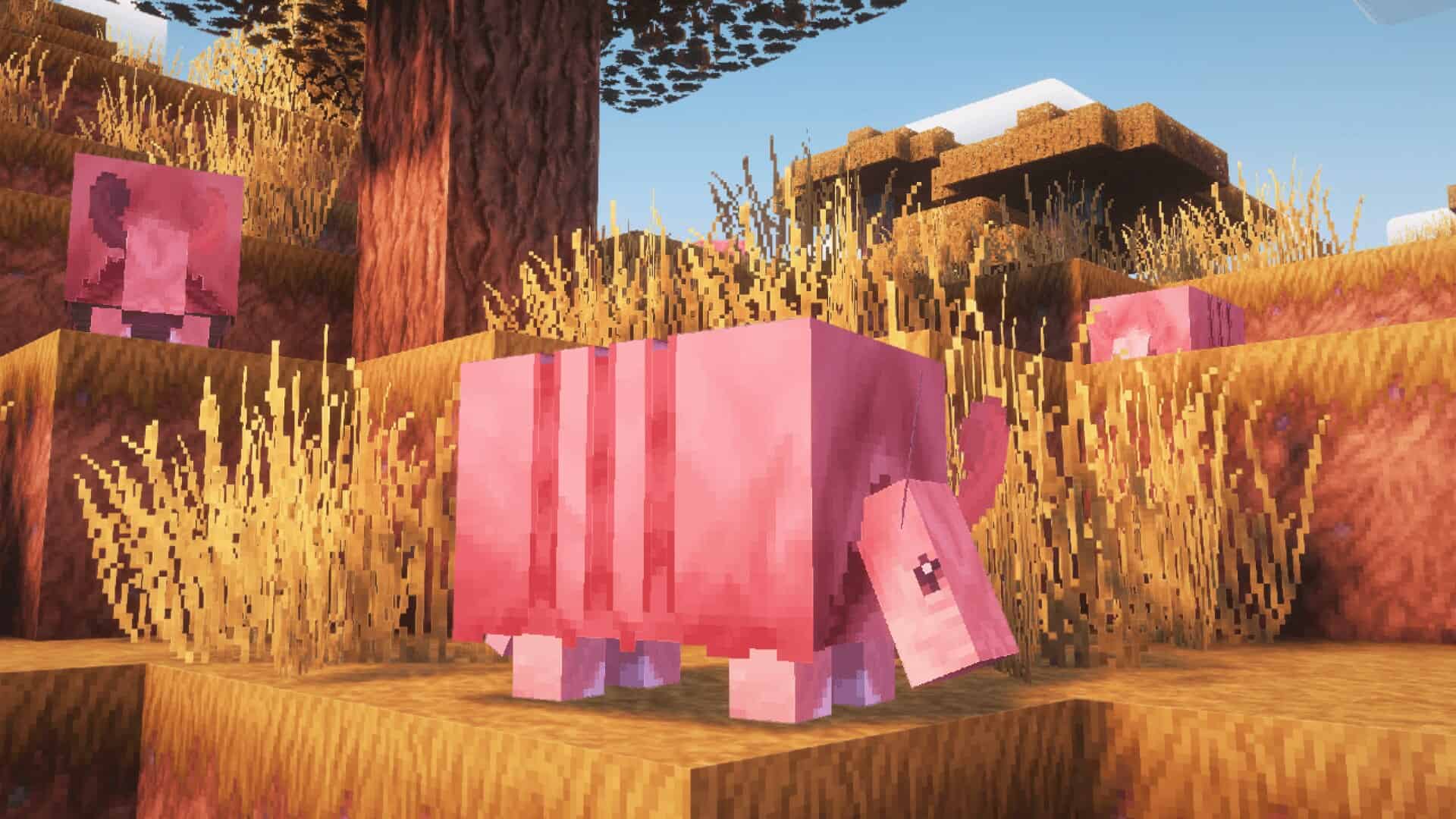
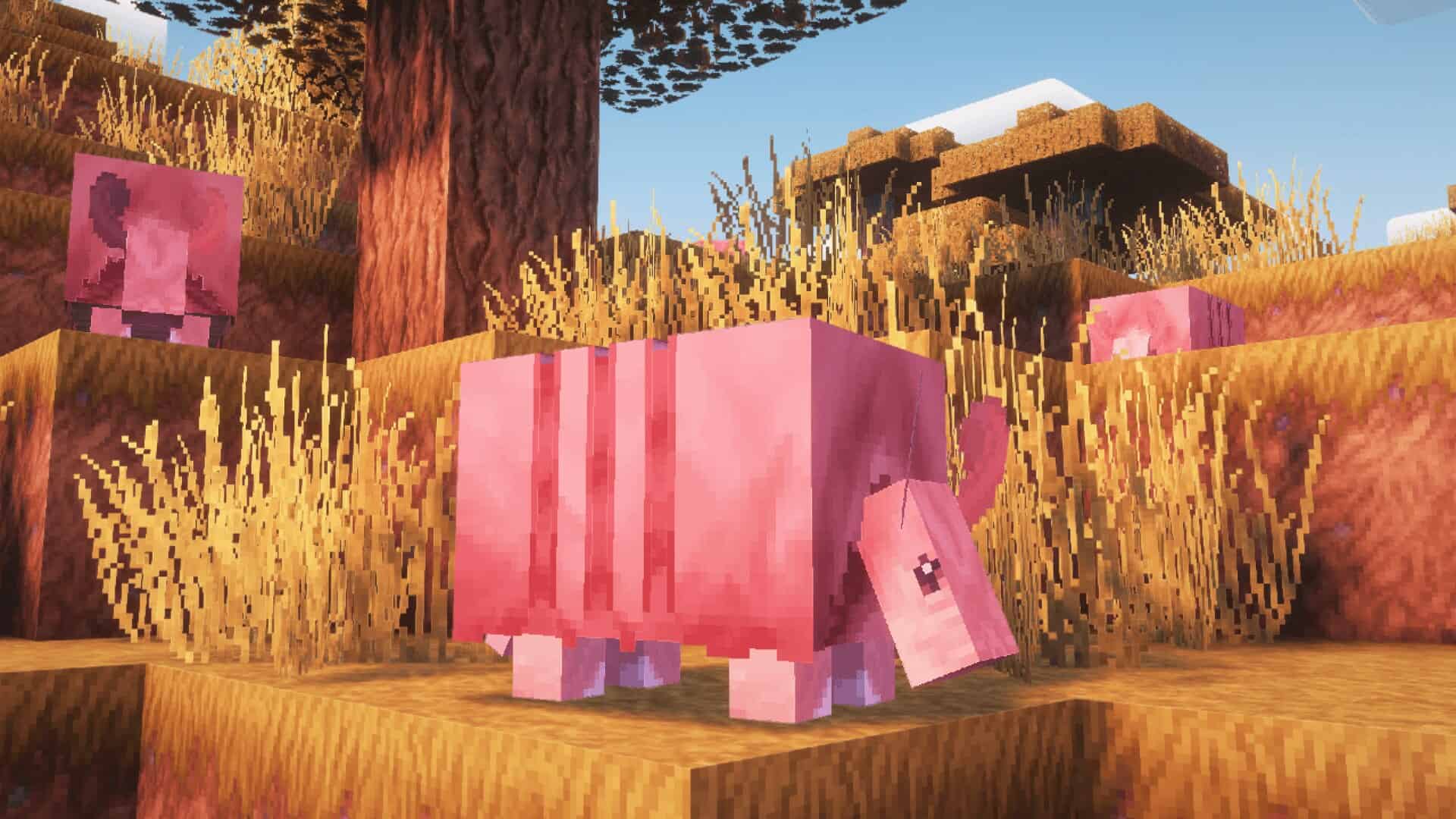
Steven’s Traditional resource pack is truly one of the first packs on the market that totally managed to revolutionize Minecraft visuals. I’ve spent hours testing it, and many packs have tried this uneasy task of improving the blocky graphics while preserving the traditional retro style of the game, but only a few of them have actually succeeded. Steven’s Traditional is an absolute standout that managed to bring about a gorgeous upgrade in Minecraft visuals, while keeping it as simple and efficient as it was a decade ago. It is firmly among my favorites in the Minecraft community as the creator of the pack proved to pay wonderful homage to the traditional appealing graphics of Minecraft. This pack provides a lovely cup of tea combined with sweet feelings of the original Minecraft. Still, at the same time, it offers much better graphics to consume, and I think it is deeply appreciated by players who love the initial style of Minecraft but desire some clean improvements. Steven’s Traditional resource pack provides heavy-textured designs and strictly follows the game layout, which makes the Minecraft world even more astonishing and well-known at the same time. The pack genuinely improves user experience, making the graphics much more vivid, pleasing, and dynamic.
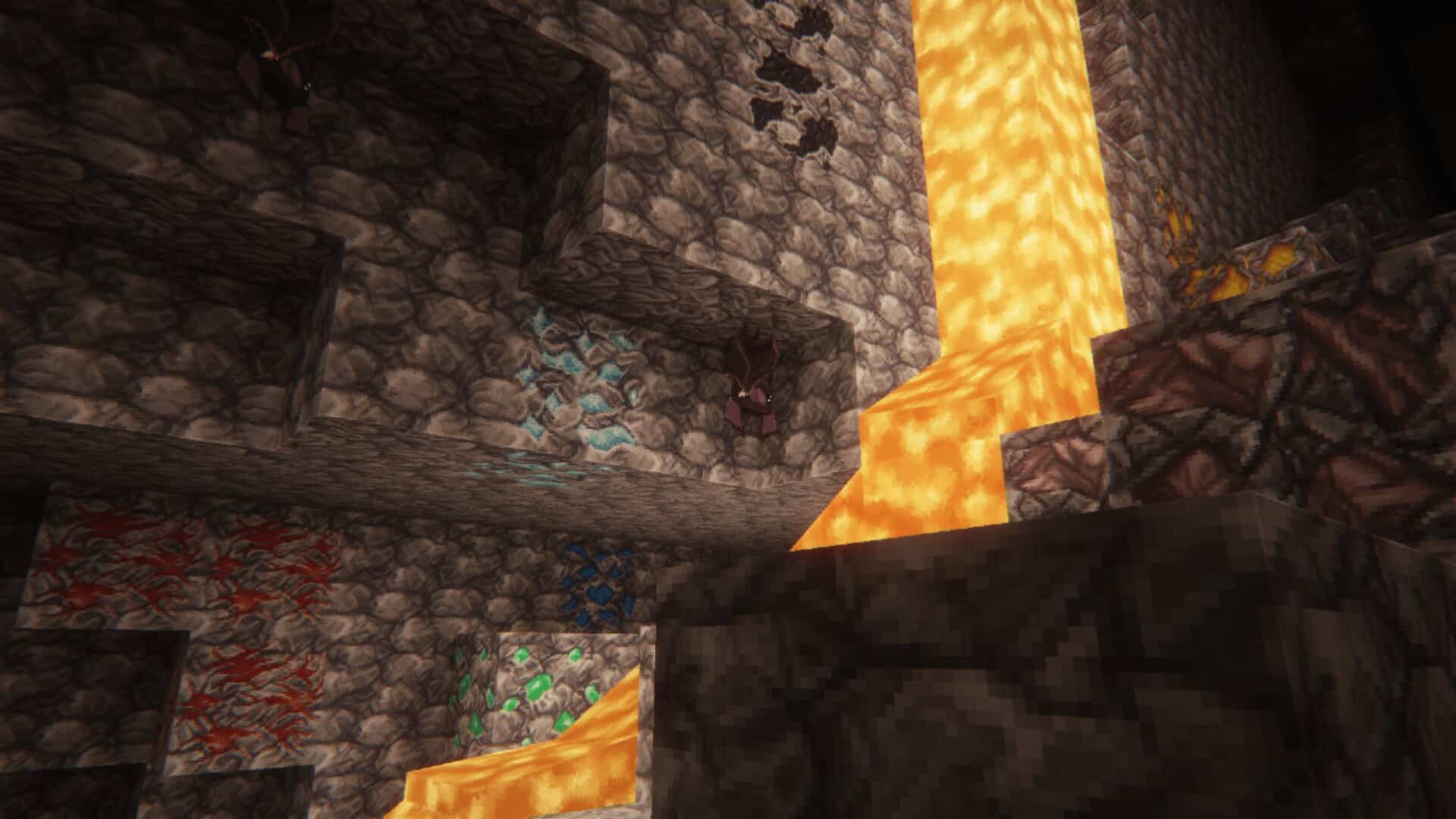
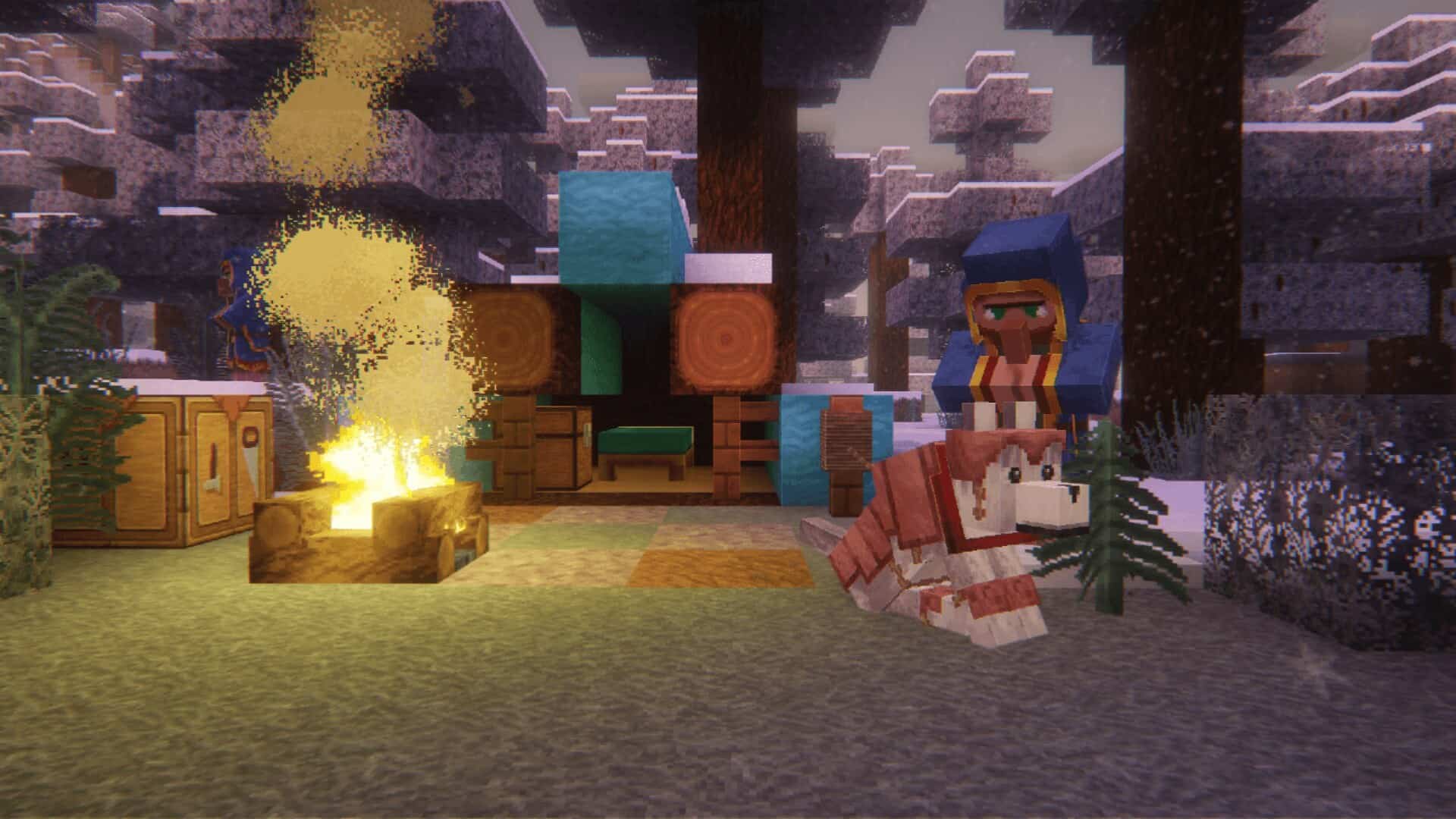
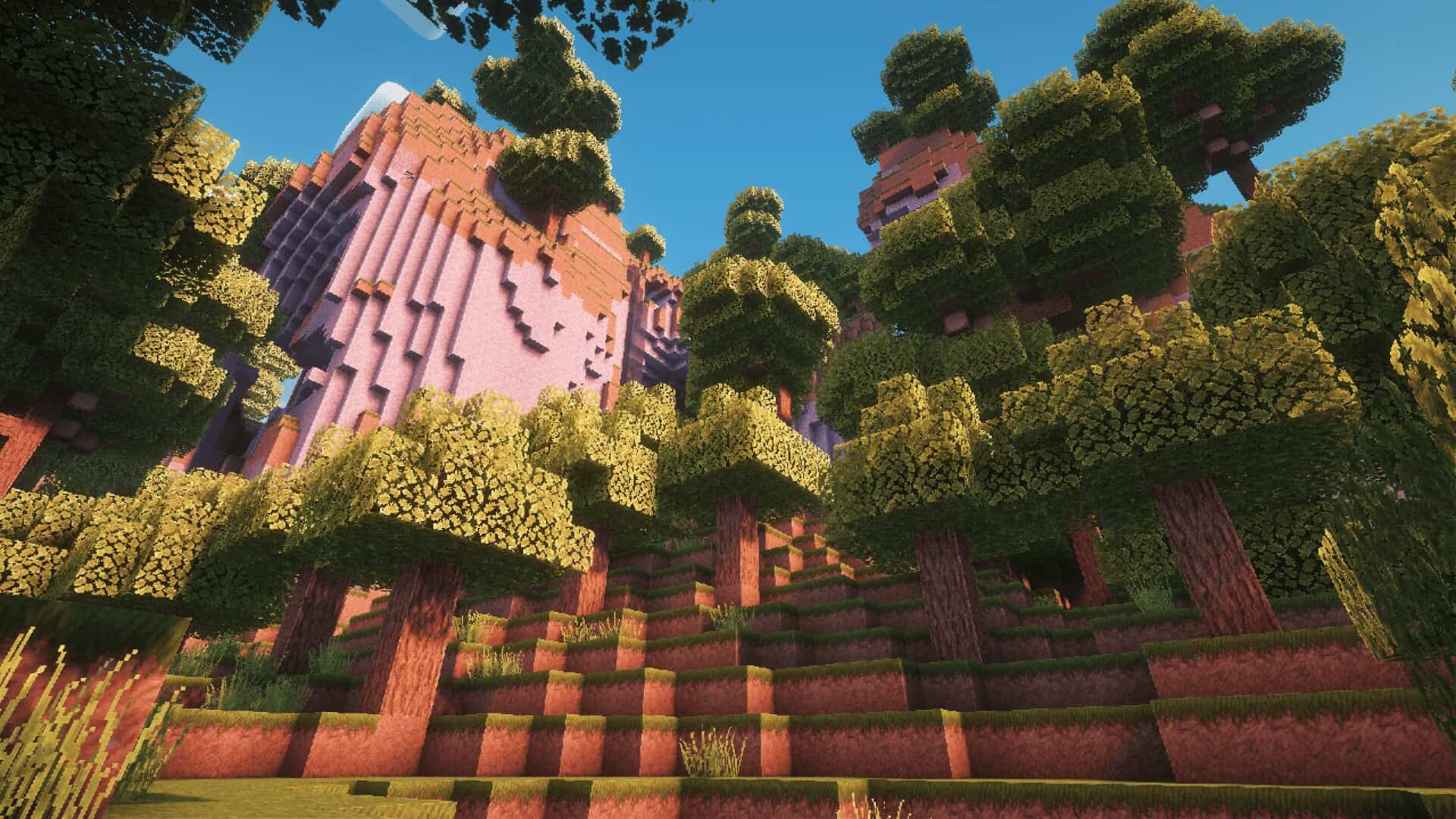
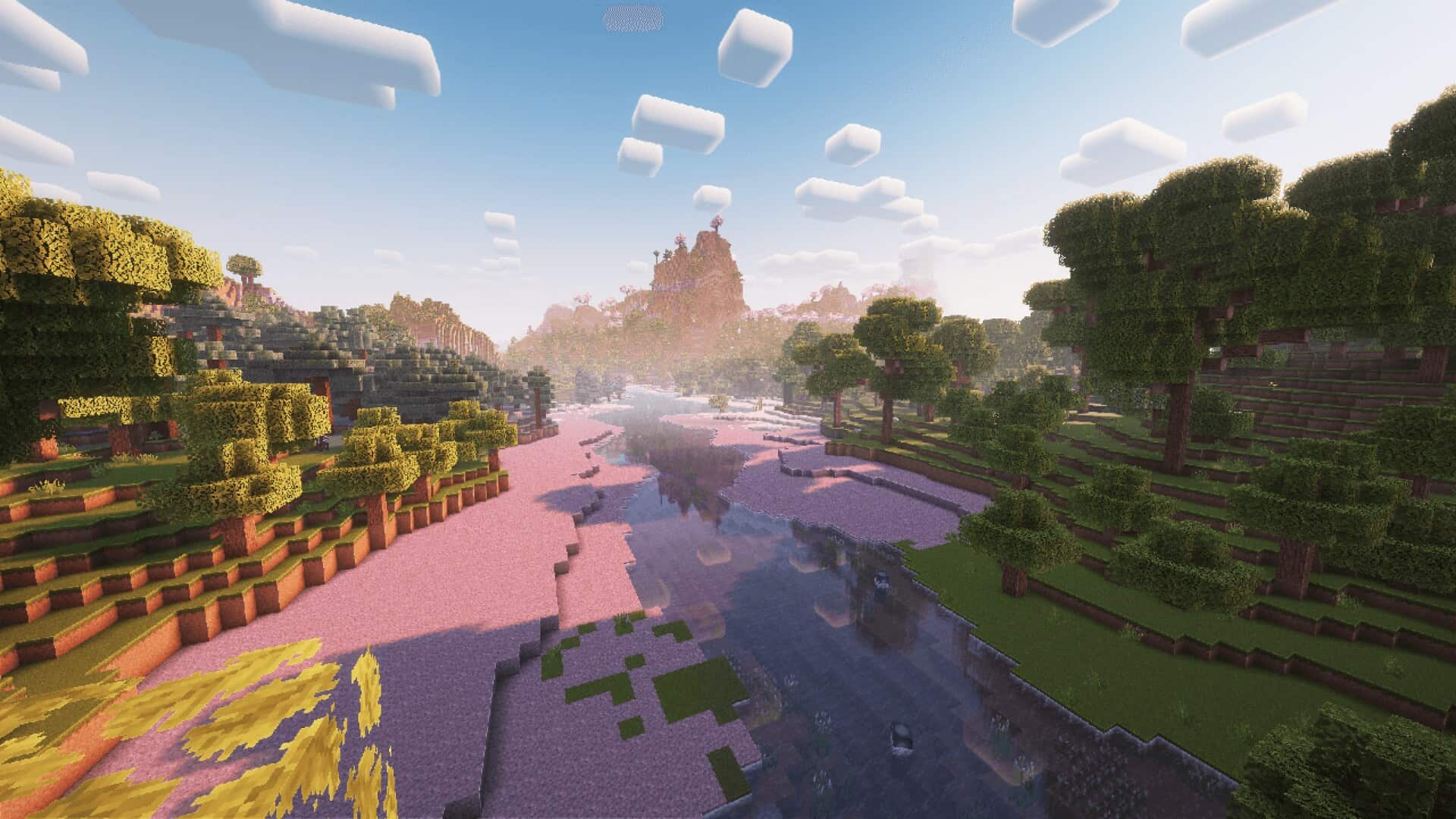
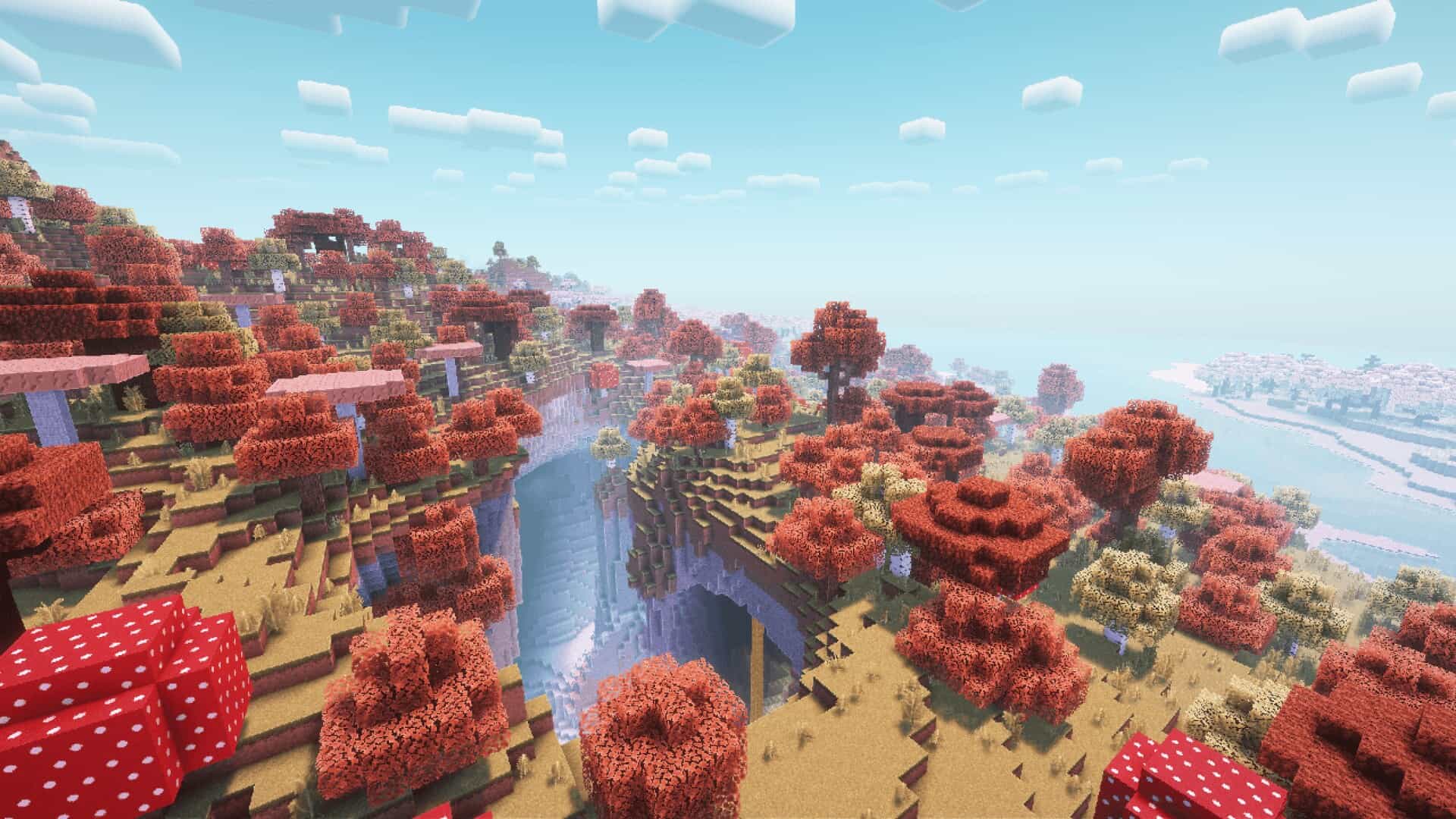
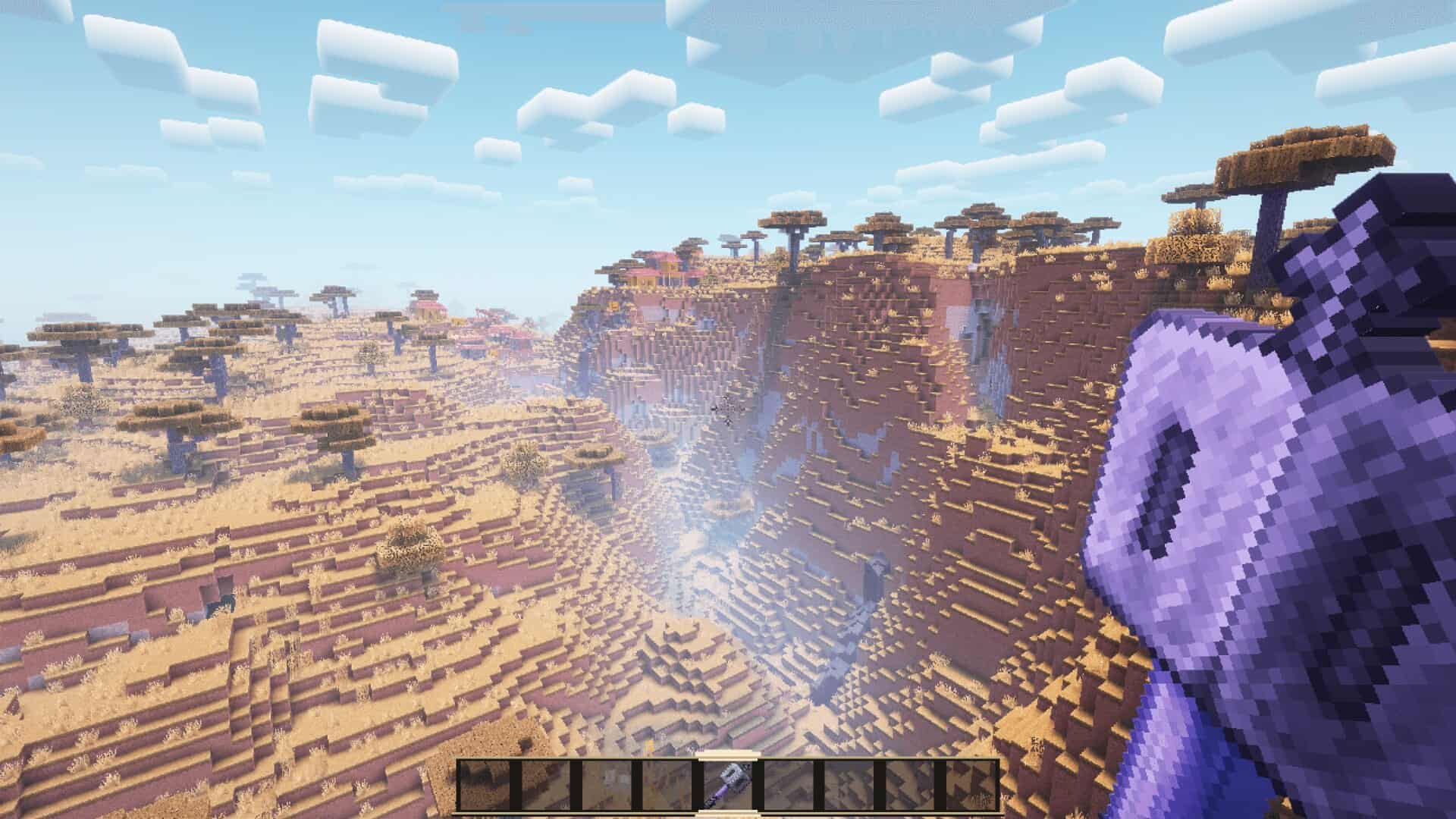
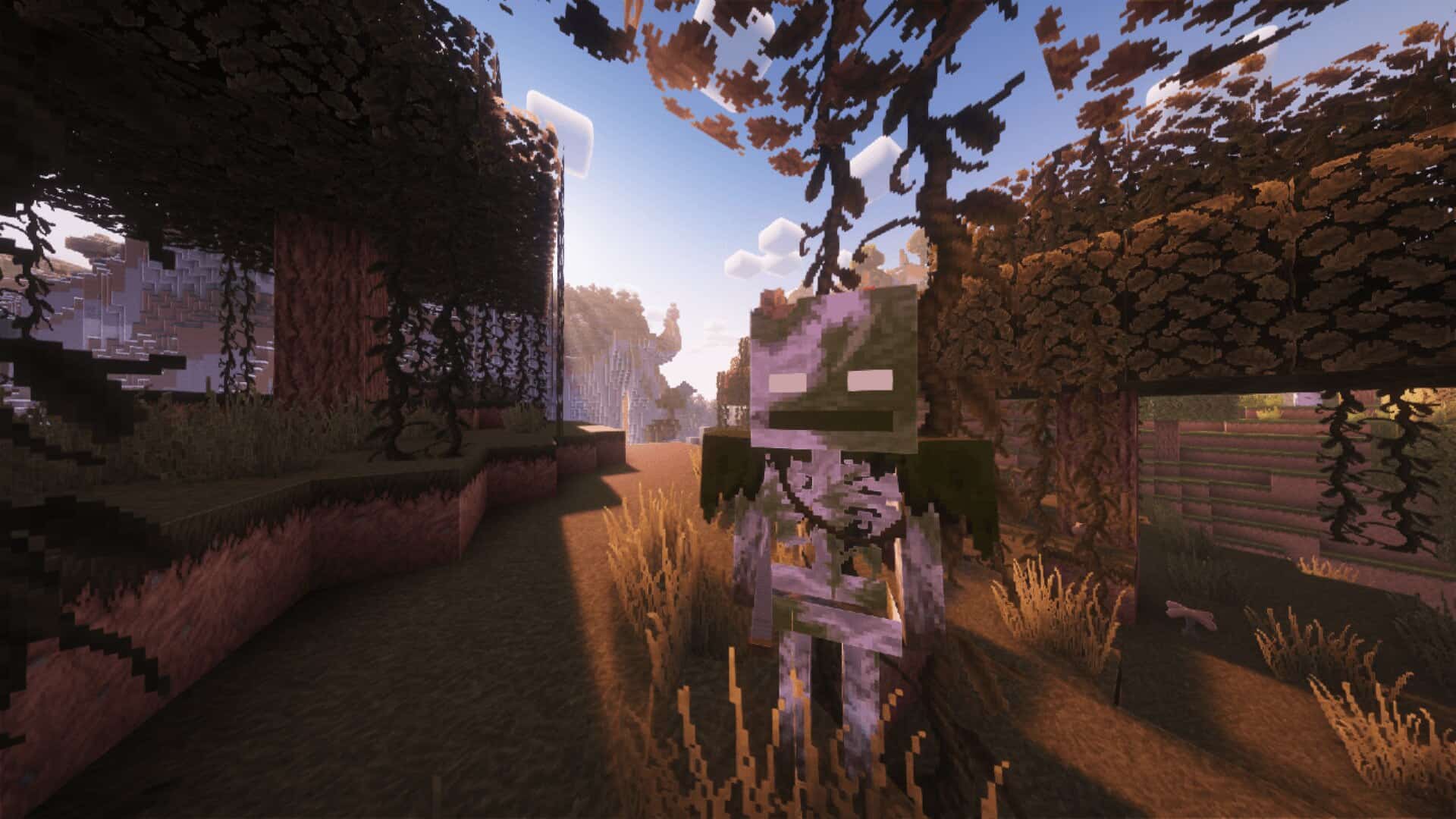
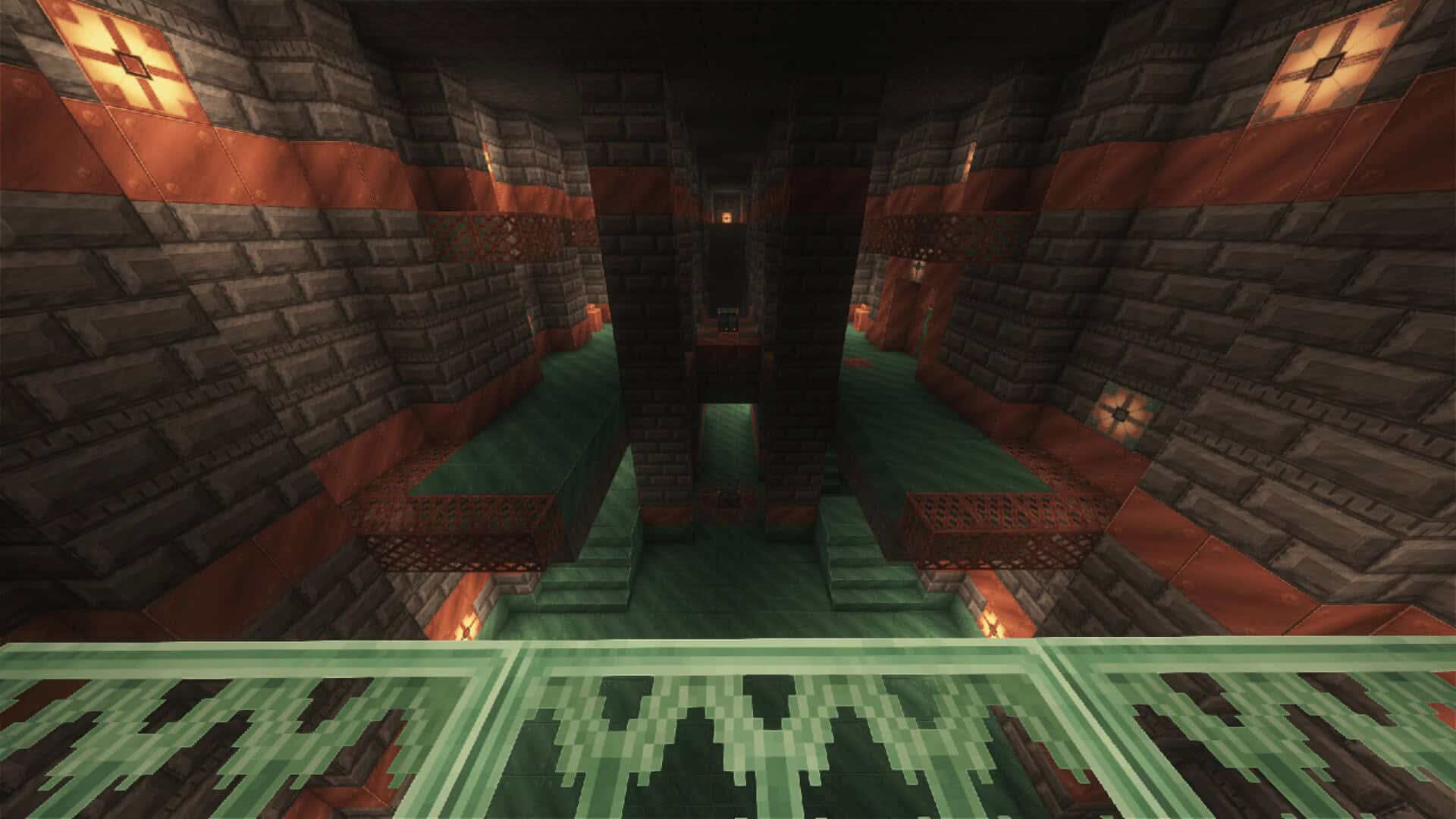
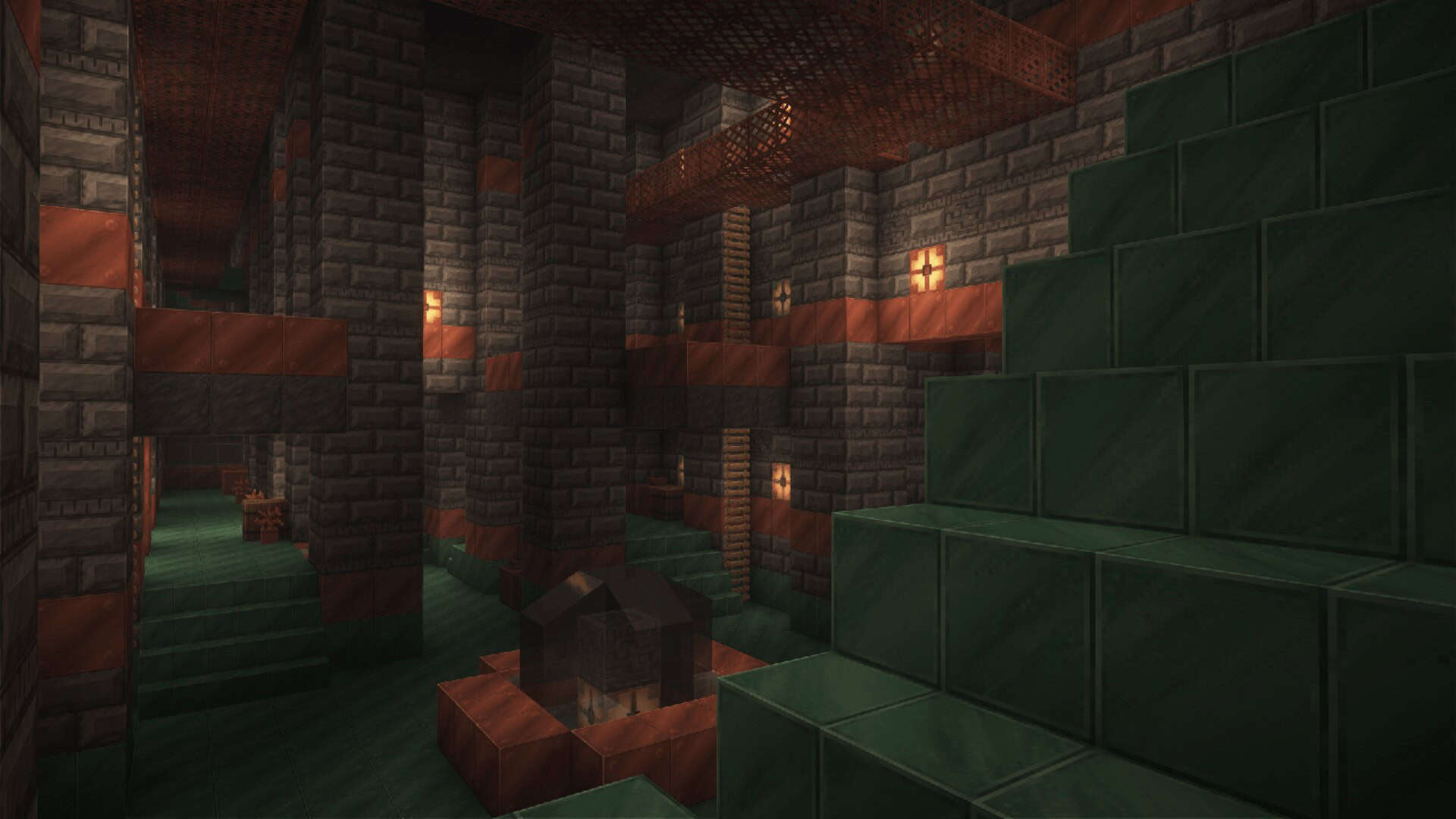
What makes Steven’s Traditional stand out from other packs is its incredible incorporation of details in the game. The textures perfectly preserve the blocky design, but at the same time give out more details that keep every player engaged. At first sight, the details are subtle and not immediately visible; you have to take a look up close for noticing the wonderful improvements that were made. Immediately after downloading Steven’s Traditional texture pack, you will instantly note the high detail of the textures that are utilized in defining the classic gameplay of the original Minecraft. Both the blocks and the items are wonderfully familiar in their design, yet the sheen of the finish offers a much higher level of neatness and cosmetic appeal. The grass blocks feel so much more alive than before, the stone is definitely more defined and realistic, and the wood gives off a true farmhouse wood vibe. These changes do not interfere with the original setting of Minecraft and are genuinely good-looking changes at that. The pack acts as if the author was overly concerned with every single aspect of the game, to say the least. When combined with a decent shader pack, you will greatly improve your overall gameplay experience; the water textures are wonderfully clear, which makes the rivers and the seas much more realistic without departing from the core style. In the same manner, the sky is presented in a way that is more vivid and real, where the clouds seem to actually move and the sunset gives mesmerizing rays on the surrounding landscapes.
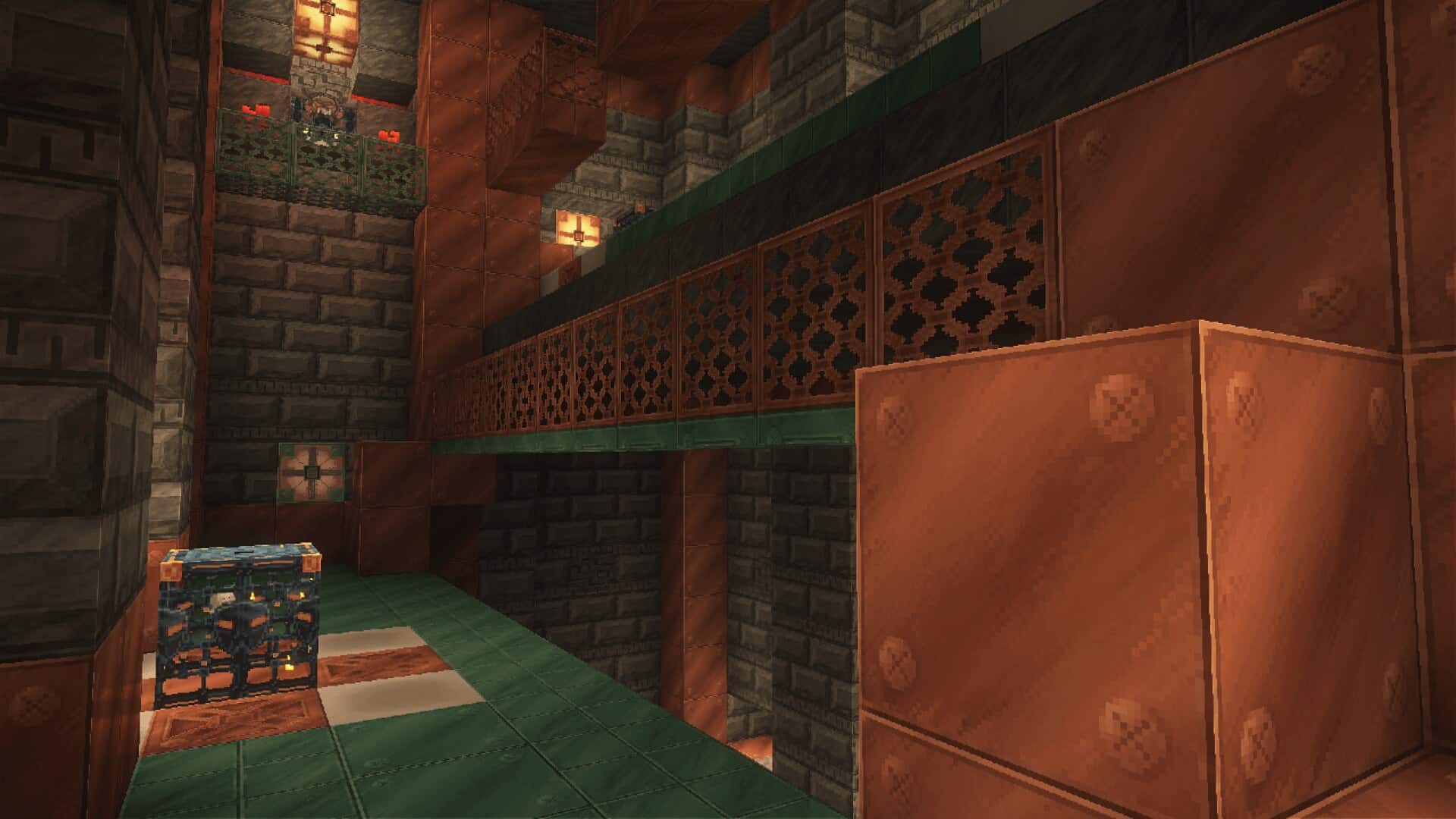
Altogether, these elements contribute to the provision of a temporal atmosphere that is simultaneously traditional and contemporary. The principal advantages of the pack that should be noted are a high level of immersion, as well as a refreshing lack of any major performance issues. Again, the textures are designed to be seamless to allow gamers to play comfortably even on low-end computers. Such a wonderful balance between quality and performance is a clear assertion of the well-thought-out designs and proper implementation of the pack. When we talk about low-end computers, you should still note that even though this is a pretty well-optimized pack, it still features a 64x resolution and may still not play perfectly on weaker hardware. If that’s the case, your only solution is to check out our default Minecraft resource packs category page and find something with a maximum resolution of 16x or 32x. It has to be pointed out that the design of the mobs also truly deserves to be highlighted. Every species maintains its general form, but there are added features refining the look of each creature. For instance, cows are skinned more clearly, creepers have a slightly more powerful look, and villagers’ faces are noticeably more detailed. Such details can really help to make the game more interesting and comprise essential components for persons who prefer playing games and enjoying every bit of it. It also particularly targets building enthusiasts, knowing that Steven’s Traditional texture pack added to the mining game gives the construction part of Minecraft a magnificent face-lift. This includes the brick texture, plank texture, and glass pane texture, which of course results in much better-looking buildings and structures. The careful maintenance of design witnesses that all blocks are fully compatible, thus allowing players to come up with great, complex structures that are exceptionally appealing to the eyes. No matter if a player constructs a fantastic palace or discovers a huge plain, this pack will offer eye-popping and interesting gameplay. Moreover, the authors of the pack are very responsive to the audience, frequently asking for feedback and updating the pack based on the received information. This great channel of communication has created a loyal following and has guaranteed that the pack can continue to adapt to changes in meeting the ever-demanding needs of Minecraft players.
Steven’s Traditional should be compatible with all of these Minecraft versions: 1.21.11 – 1.21.10 – 1.21.9 – 1.21.8 – 1.21.7 – 1.21.6 – 1.21.5 – 1.21.4 – 1.21.3 – 1.21.2 – 1.21.1 – 1.21 – 1.20.6 – 1.20.5 – 1.20.4 – 1.20.3 – 1.20.2 – 1.20.1 – 1.20 – 1.19.4 – 1.19.3 – 1.19.2 – 1.19.1 – 1.19 – 1.18.2 – 1.18.1 – 1.18 – 1.17.1 – 1.17 – 1.16.5 – 1.16.4 – 1.16.3 – 1.16.2 – 1.16.1 – 1.16 – 1.15.2 – 1.15.1 – 1.15 – 1.14.4 – 1.14.3 – 1.14.2 – 1.14 – 1.13.2 – 1.13.1 – 1.13 – 1.12.2 – 1.12
Screenshots
How to Install Texture Pack (Simple 10 Steps)
- Download OptiFine: Most of the texture packs and shaders need OptiFine. That’s why, first download and install OptiFine for the version of Minecraft you want to play.
- Download the Texture Pack: Get the texture pack you want from the download section. Choose the version that works with your Minecraft and your PC’s performance.
- Open Minecraft Launcher: Start Minecraft using the official game launcher — or even TLauncher, if you use that.
- Go to Options: From the main menu, click on the “Options” button.
- Open Resource Packs: Inside Options, click on “Resource Packs…”.
- Open the Resource Pack Folder: Click on “Open Resource Pack Folder” — this will open a folder named “resourcepacks”.
- Move the Pack File: Copy or move the .zip file you downloaded into that “resourcepacks” folder. (Don’t unzip the file — Minecraft uses it as-is!)
- Go Back and Refresh: Close the folder and click “Done”, then go back into “Resource Packs…” again.
- Activate the Pack: You’ll see the pack on the left side. Hover over it and click the arrow to move it to the right (active side).
Tip: If you get a message that the pack is for a different version, just click “Yes” — it usually works fine. - Click Done and Enjoy: Click “Done” again. Now your pack is ready to use in-game. It’s that easy!
Credits
This resource pack was originally created by 5teven. We do not claim ownership of this content and do not modify the original files. All rights belong to the original author. We encourage you to support the creator by downloading from their official links and checking out their other work.
Download Links
Java Edition
Download Instructions
Curseforge: download starts automatically after a few seconds;
Mediafire: click the big blue button with the text “DOWNLOAD”;
Google Drive: in the top right corner you will see a small download icon (down arrow), click it and the download should start;


