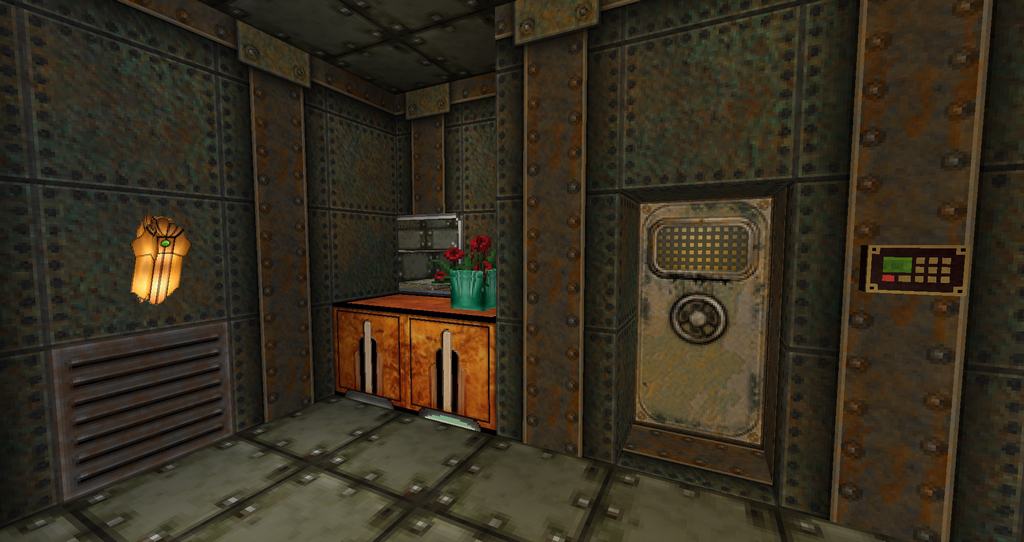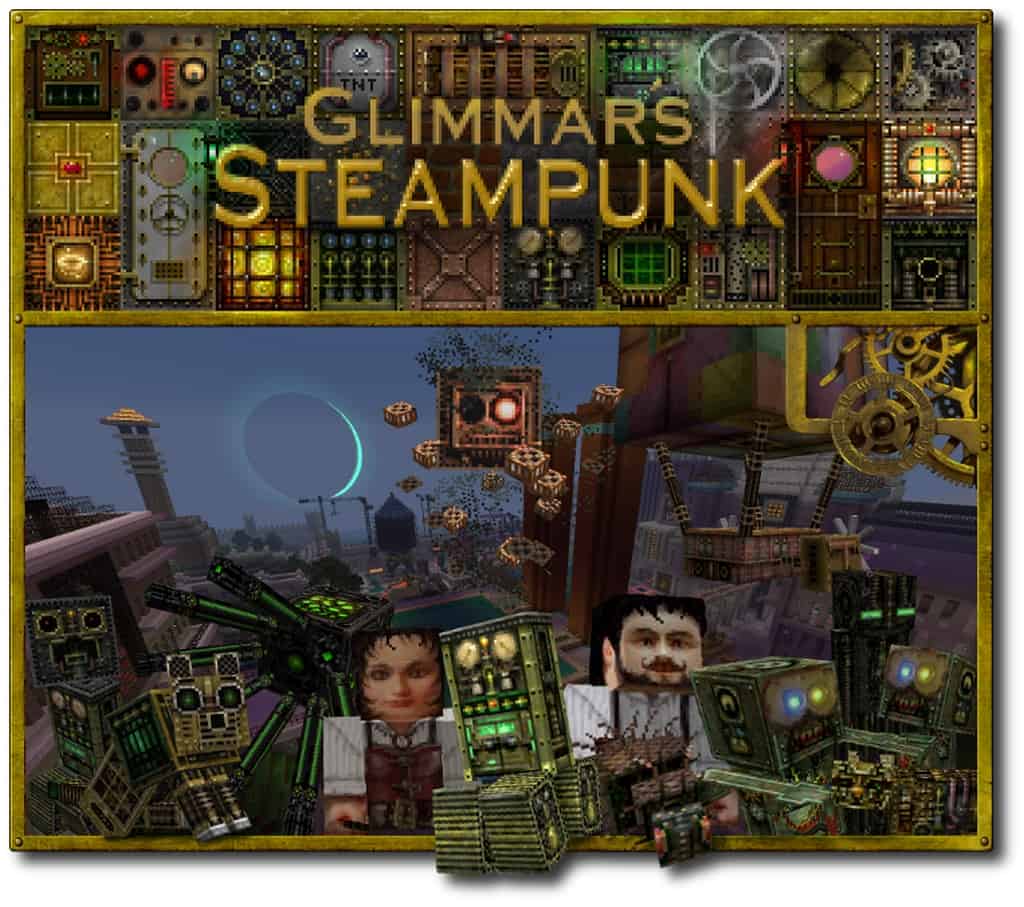
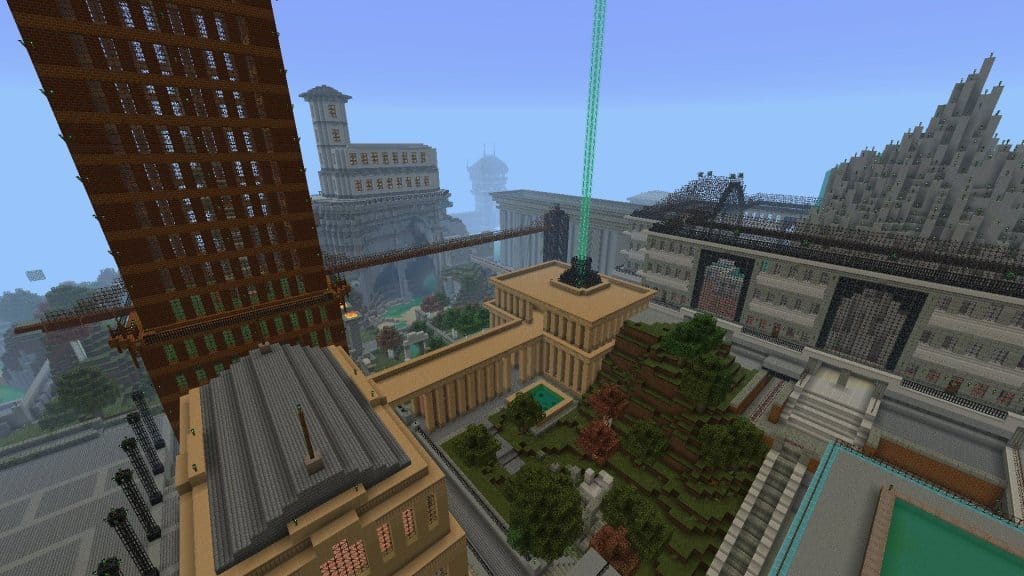
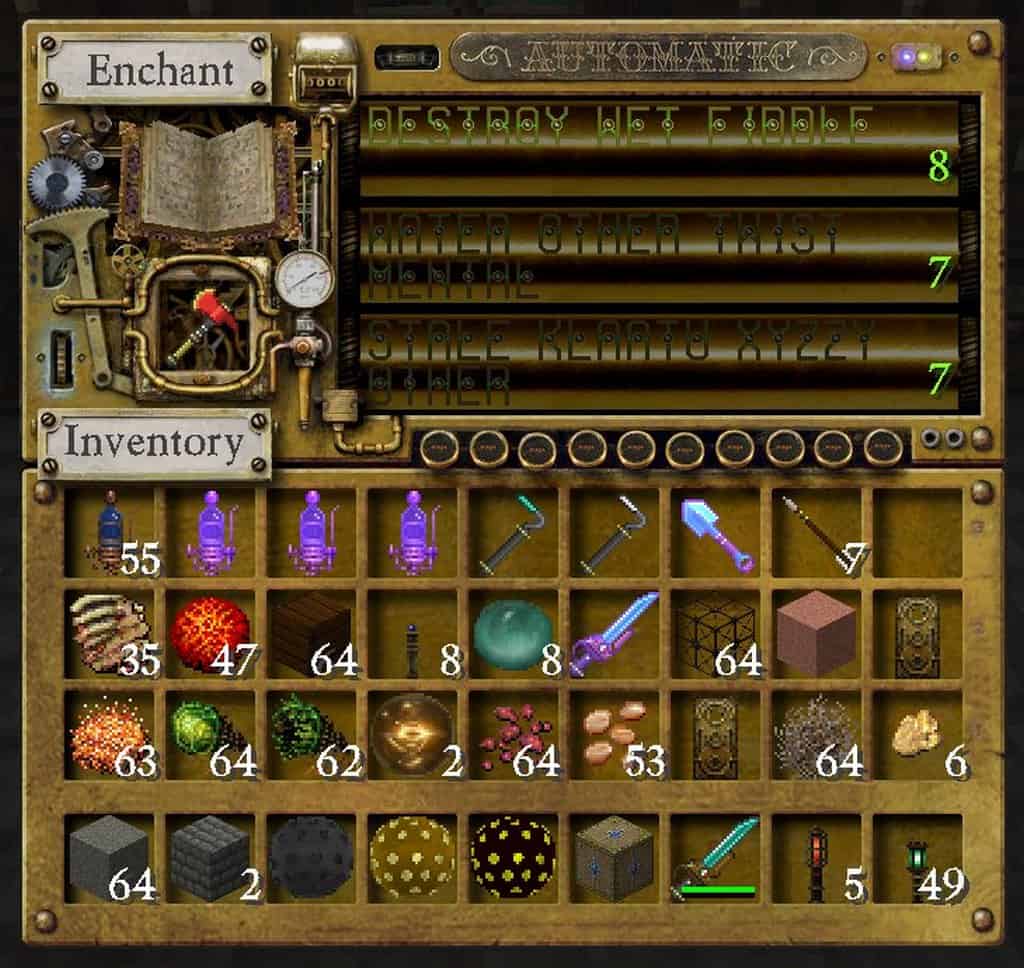
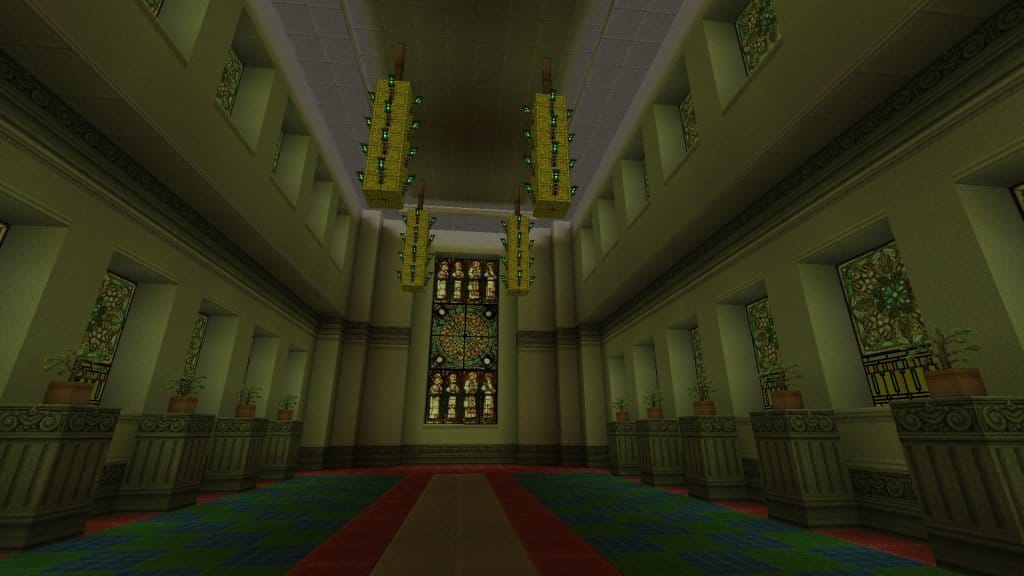
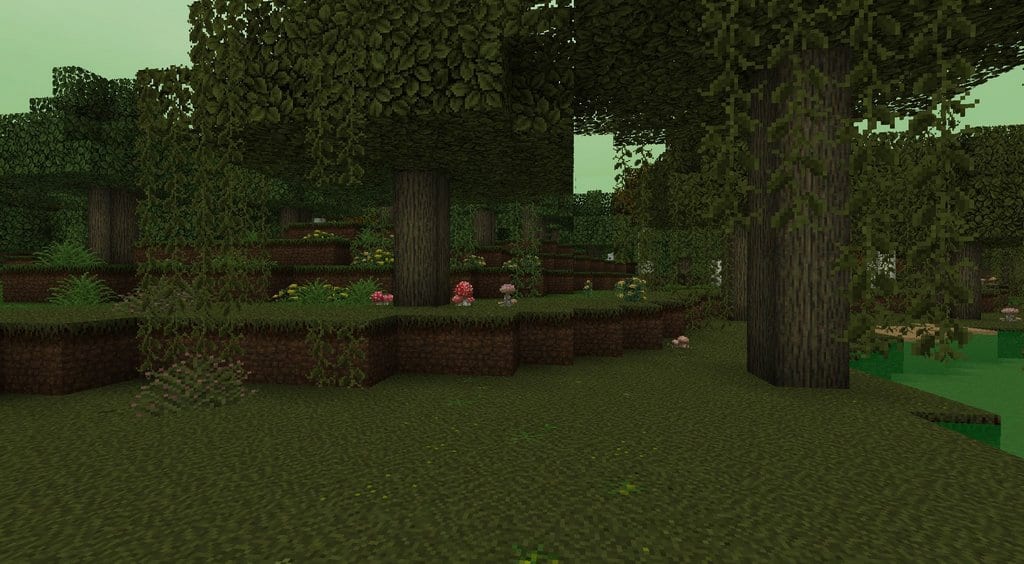
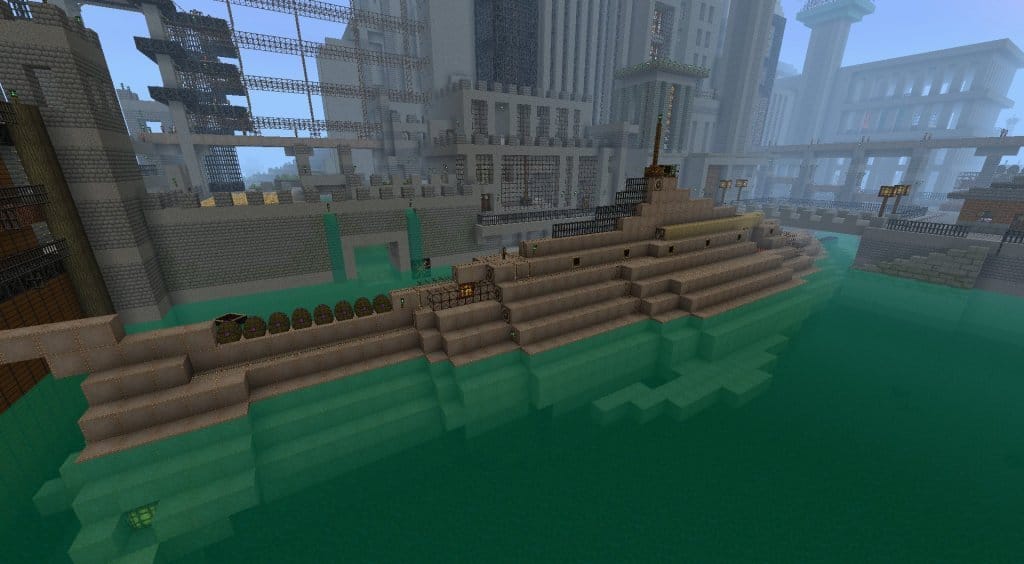
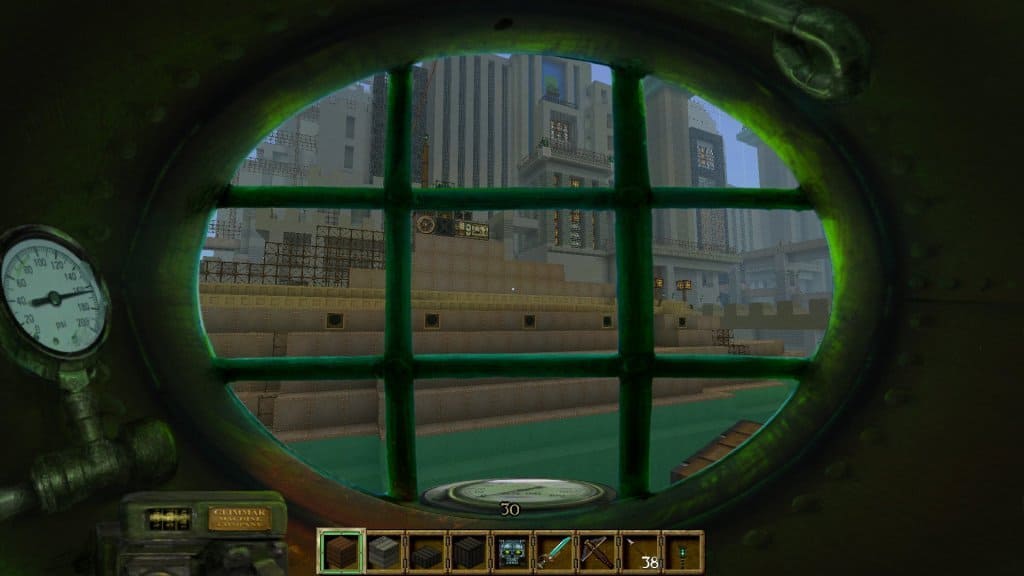
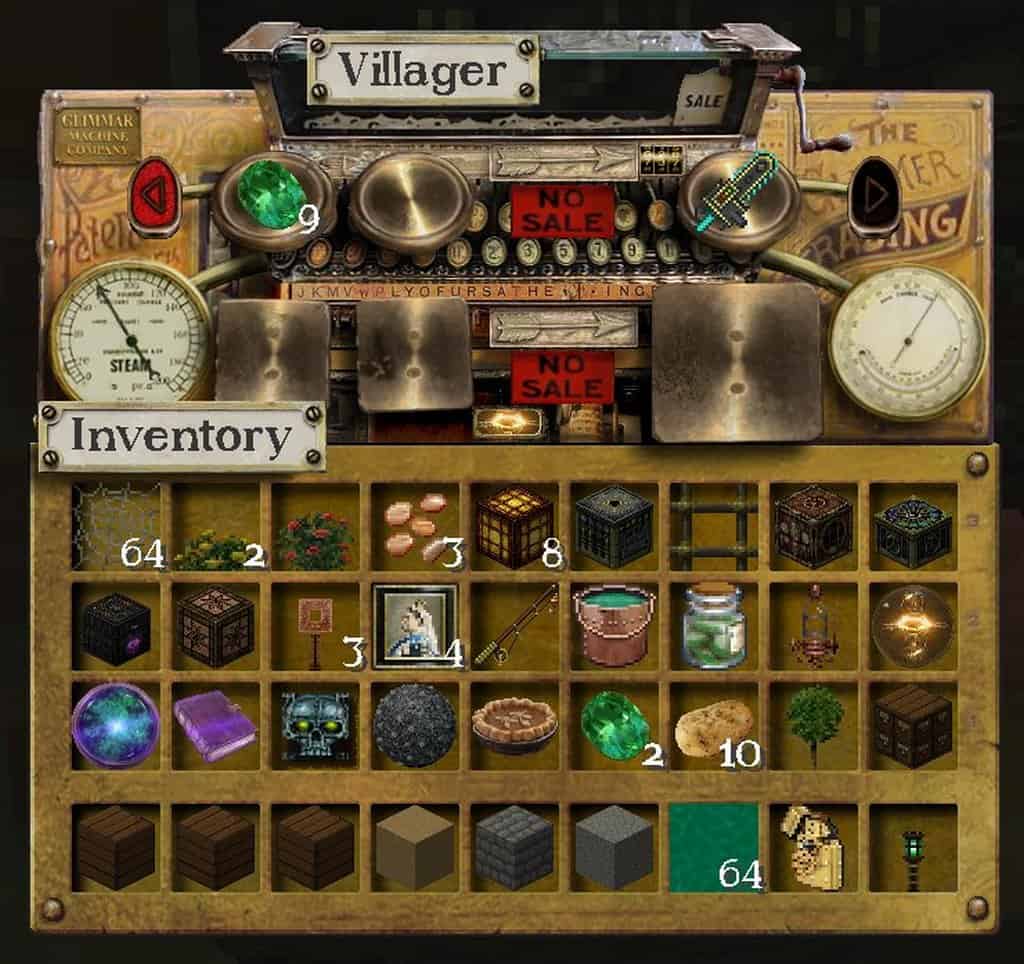
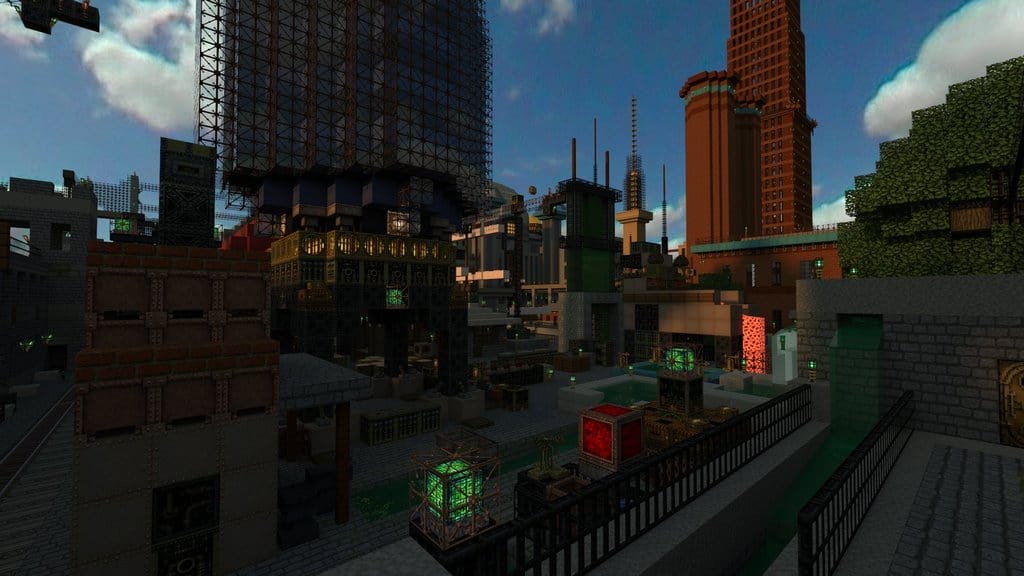
I was completely blown away when I tested The Glimmar’s Steampunk resource pack, which was originally developed for Minecraft version 1.4 and remains one of the most outstanding and widely known texture packs in the community. Even though it was solely created for Minecraft 1.4 back in the day, I love how it has now been redesigned so that it is compatible with virtually all subsequent Minecraft versions. The most commendable feature of this pack, in my experience, is that despite being around for more than eight years, it is still being updated every now and then. Yes, this is an older resource pack, but it is crafted with incredible quality. Before recently, the Glimmar’s Steampunk pack was relatively dormant until the creators gave it a huge boost by updating it to become compatible with virtually all Minecraft versions, including version 1.13, which completely eliminates any challenges users might face when trying to use it. I found that Glimmar’s Steampunk offers a wonderful mixture of sci-fi and Victorian styles paired with a darkly themed color palette. While this style might appear a bit disorganized or unappealing when you just think about it on paper, I can assure you that this choice of art styles complements each other brilliantly and helps create truly spectacular and gorgeous visuals.
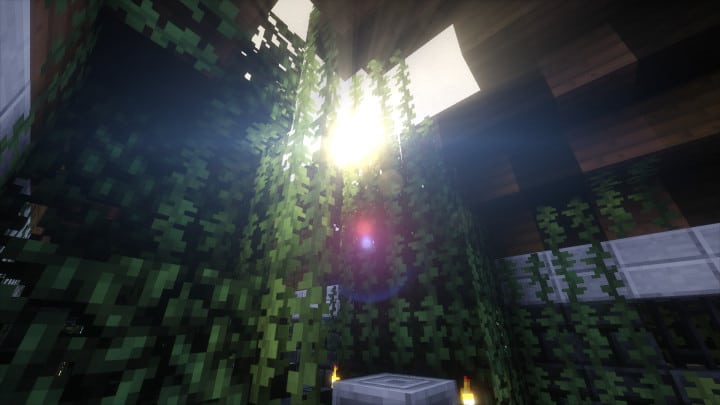
I should note that after applying the Glimmar’s Steampunk resource pack to your Minecraft world, you might have to learn the textures over again and get used to them because of all the unique changes associated with the pack. However, this is honestly not a big deal at all; after playing with it for a little while, you will easily figure it out and feel completely comfortable using it again. To get the absolute most out of your Glimmar’s Steampunk experience, I strongly recommend that you use it alongside Optifine. Optifine gives you access to numerous extra features such as special mob animations, better lighting, connected textures, and even animated guns! The features available when you use Optifine are simply much greater than what you get when running the Glimmar’s resource pack alone. Finally, please keep in mind that due to the x64 resolution of this pack, the PC you run it on must be above average to enable you to run it smoothly without any frame rate related issues.
Glimmar’s Steampunk should be compatible with all of these Minecraft versions: 1.13.2 – 1.13.1 – 1.13 – 1.12.2 – 1.12 – 1.11.2 – 1.11 – 1.10.2 – 1.10 – 1.9.4 – 1.9 – 1.8.9 – 1.8.8 – 1.8.1 – 1.8.6 – 1.8 – 1.7.10 – 1.7.9 – 1.7.4 – 1.7 – 1.6.4 – 1.6.2
Screenshots

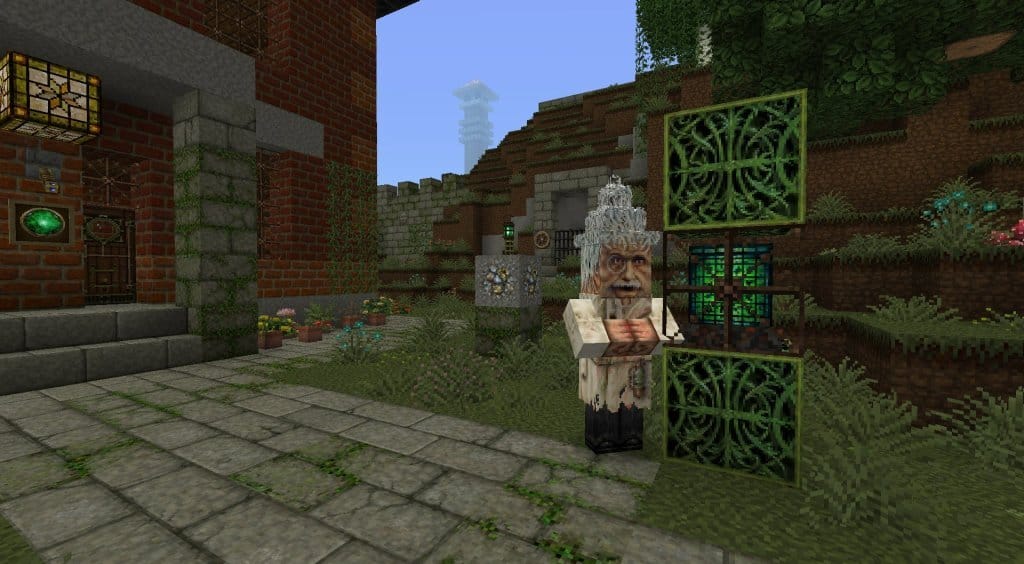
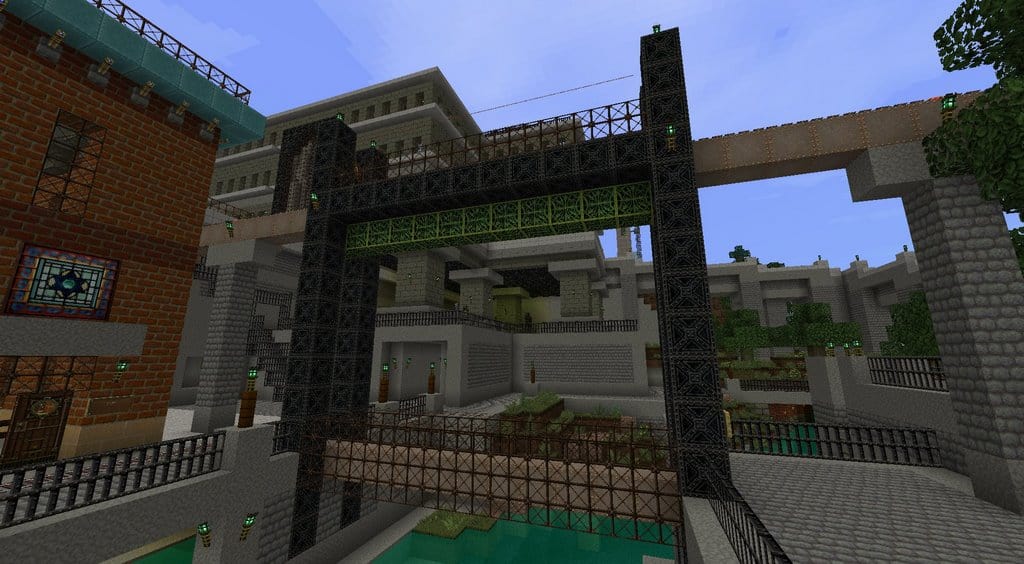
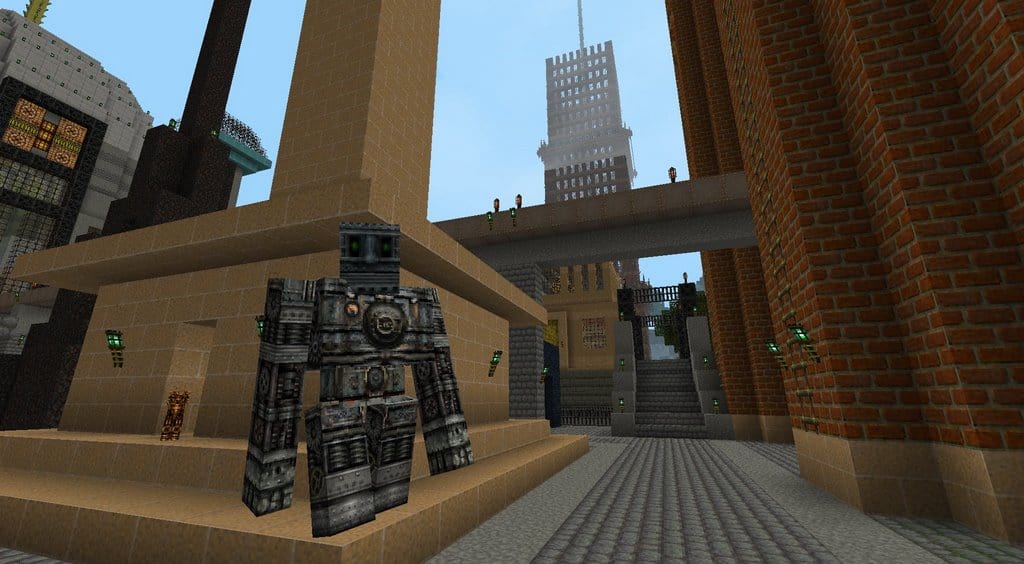
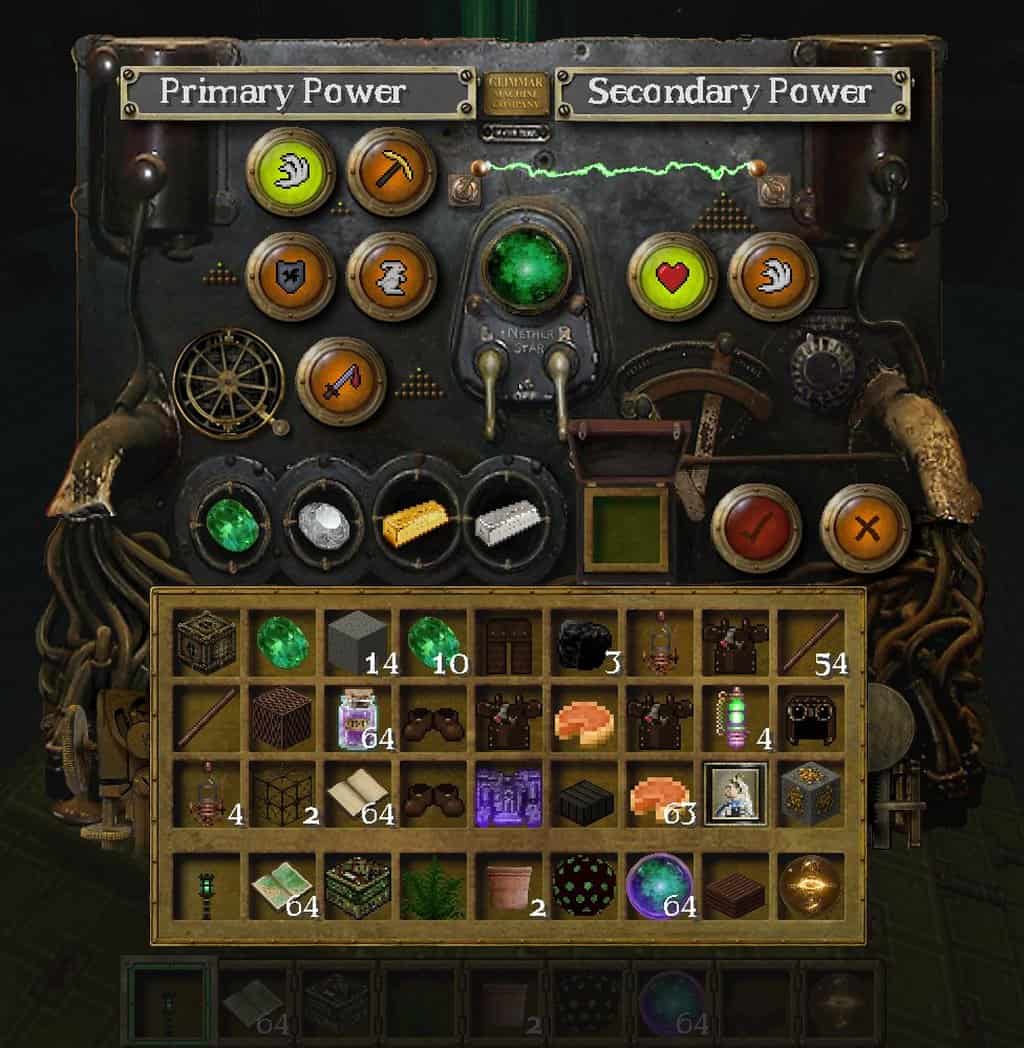
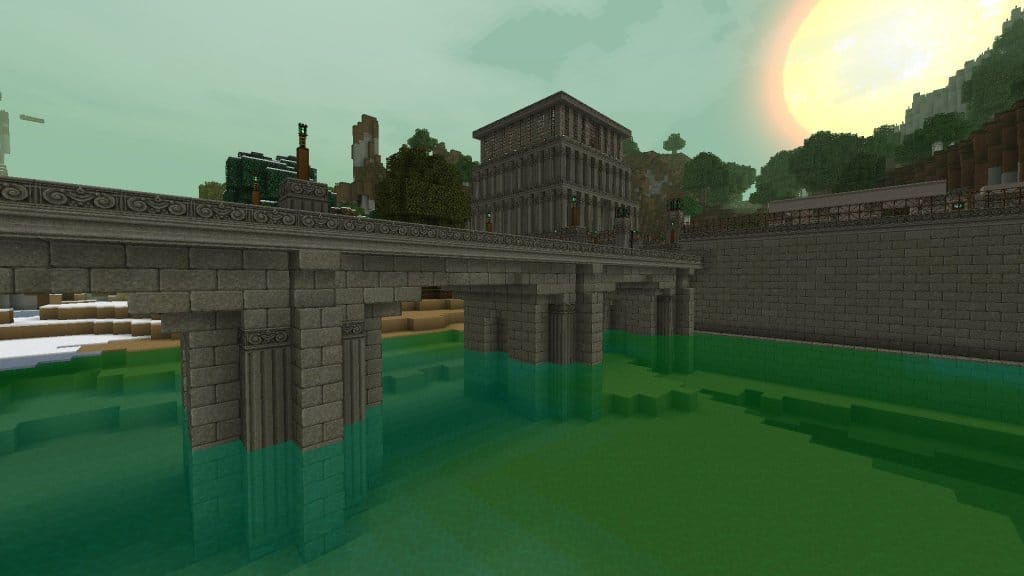
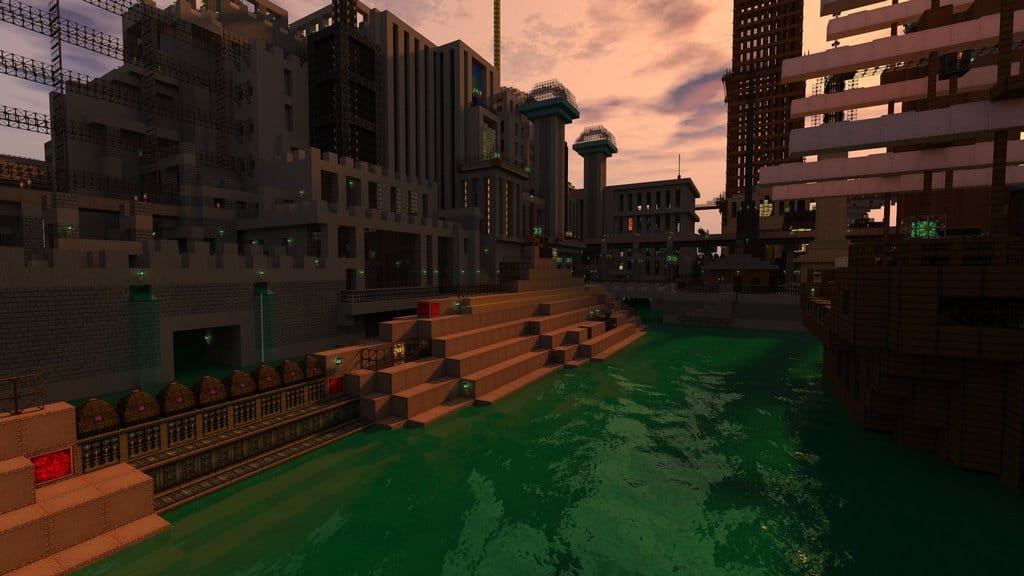
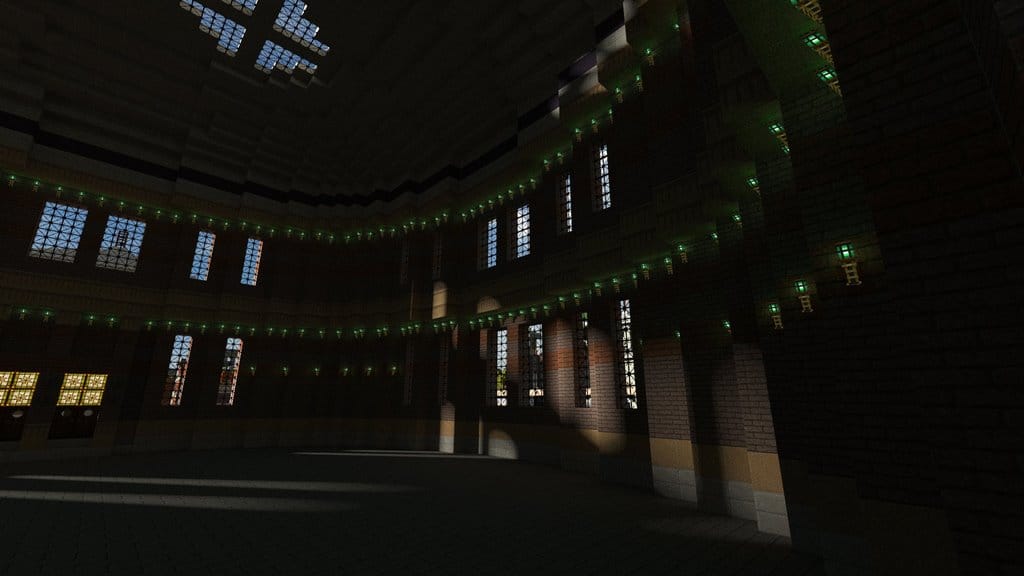
How to Install Texture Pack (Simple 10 Steps)
- Download OptiFine: Most of the texture packs and shaders need OptiFine. That’s why, first download and install OptiFine for the version of Minecraft you want to play.
- Download the Texture Pack: Get the texture pack you want from the download section. Choose the version that works with your Minecraft and your PC’s performance.
- Open Minecraft Launcher: Start Minecraft using the official game launcher — or even TLauncher, if you use that.
- Go to Options: From the main menu, click on the “Options” button.
- Open Resource Packs: Inside Options, click on “Resource Packs…”.
- Open the Resource Pack Folder: Click on “Open Resource Pack Folder” — this will open a folder named “resourcepacks”.
- Move the Pack File: Copy or move the .zip file you downloaded into that “resourcepacks” folder. (Don’t unzip the file — Minecraft uses it as-is!)
- Go Back and Refresh: Close the folder and click “Done”, then go back into “Resource Packs…” again.
- Activate the Pack: You’ll see the pack on the left side. Hover over it and click the arrow to move it to the right (active side).
Tip: If you get a message that the pack is for a different version, just click “Yes” — it usually works fine. - Click Done and Enjoy: Click “Done” again. Now your pack is ready to use in-game. It’s that easy!
Credits
Glimmar is the original creator and owner of Glimmar’s Steampunk Resource Pack. We do not claim ownership of this content nor do we host modified files. All rights remain with the original author, and we strongly encourage supporting Glimmar by downloading from official sources and checking out their official project pages.
Download Links
Java Edition
Download Instructions
Curseforge: download starts automatically after a few seconds;
Mediafire: click the big blue button with the text “DOWNLOAD”;
Google Drive: in the top right corner you will see a small download icon (down arrow), click it and the download should start;