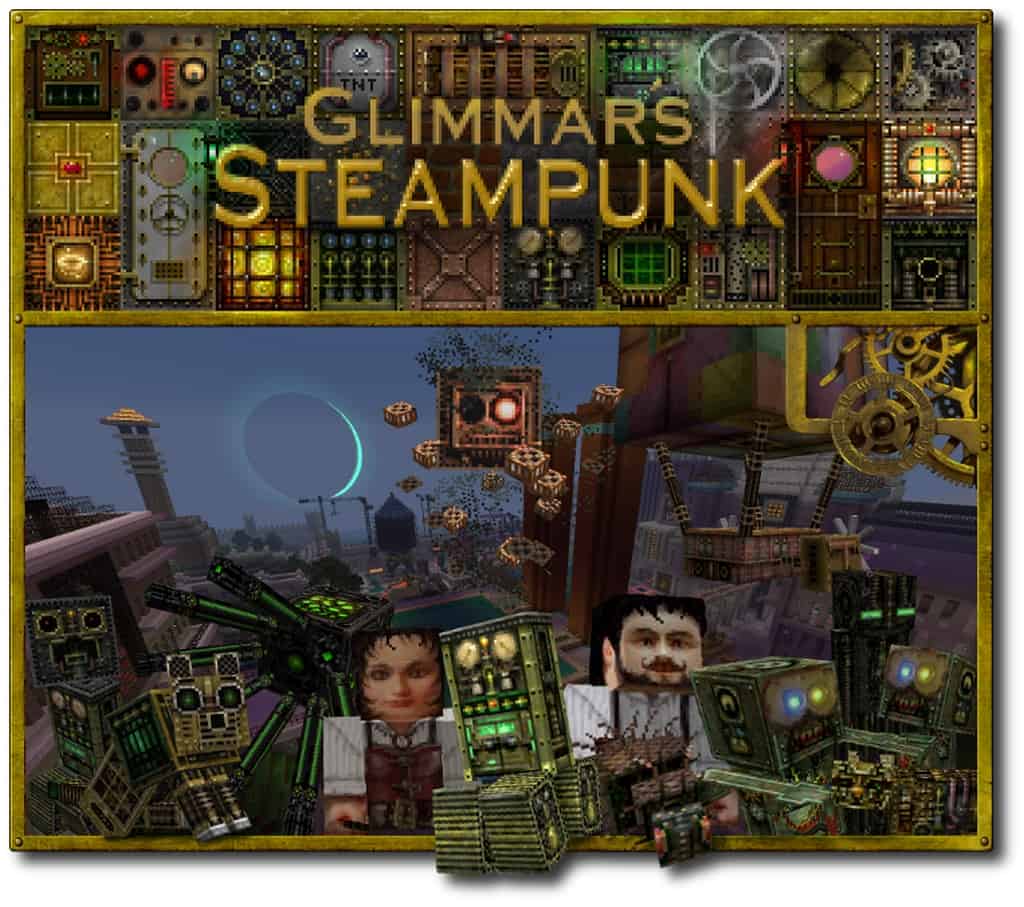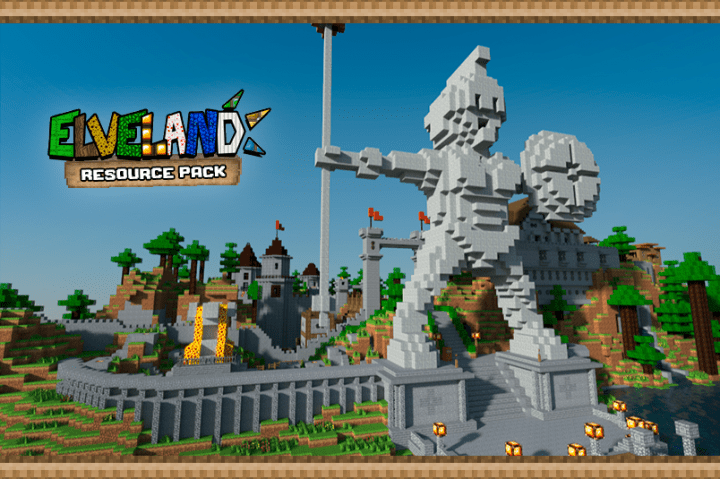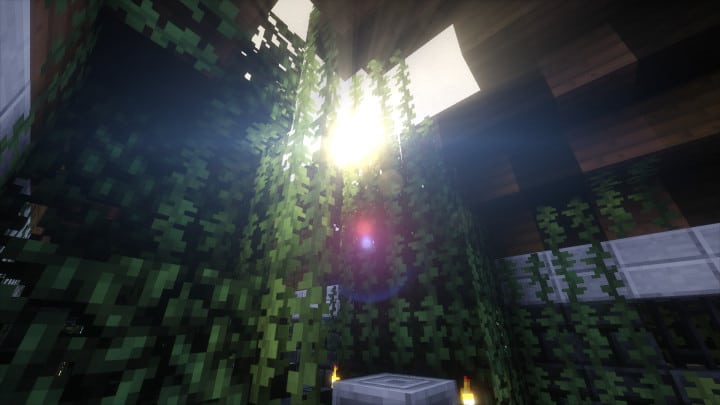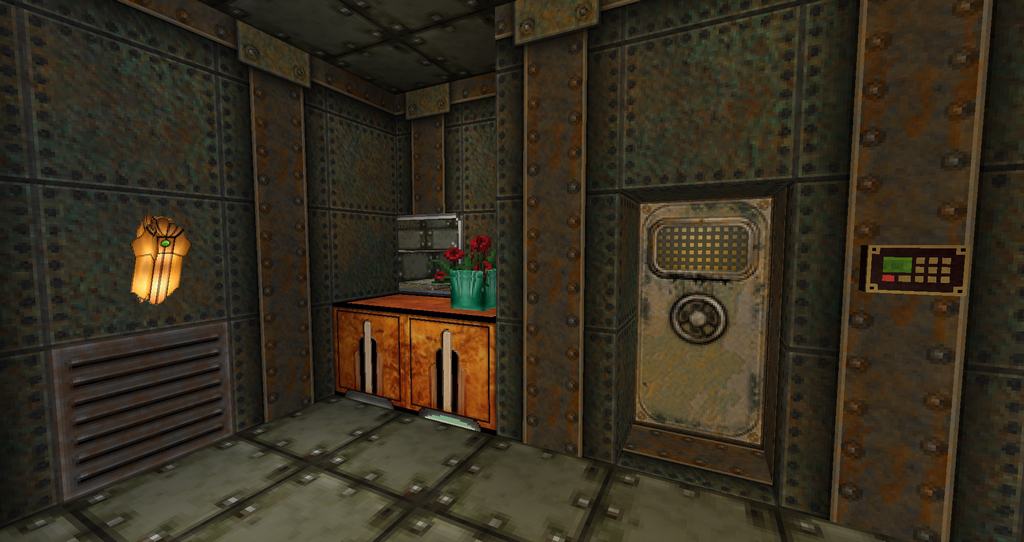
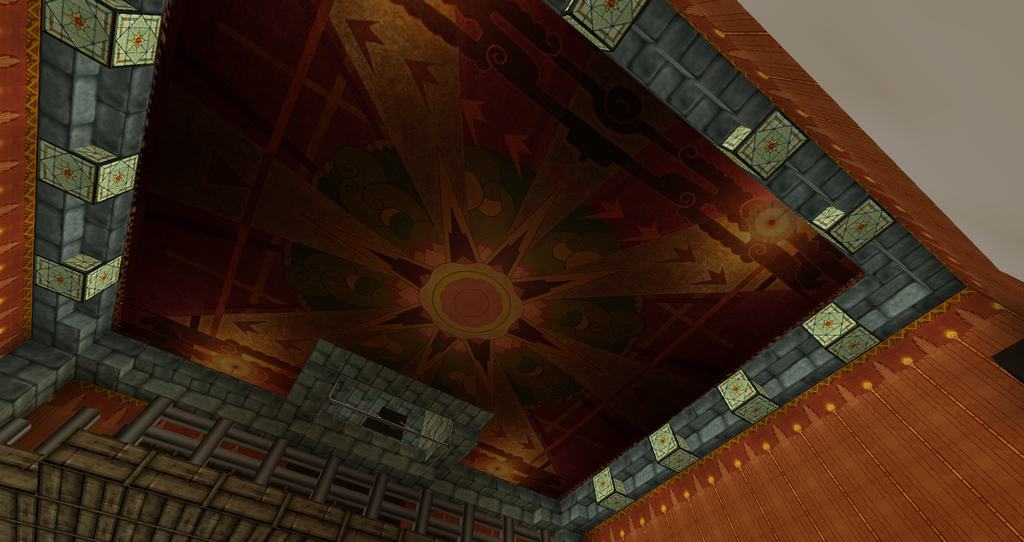
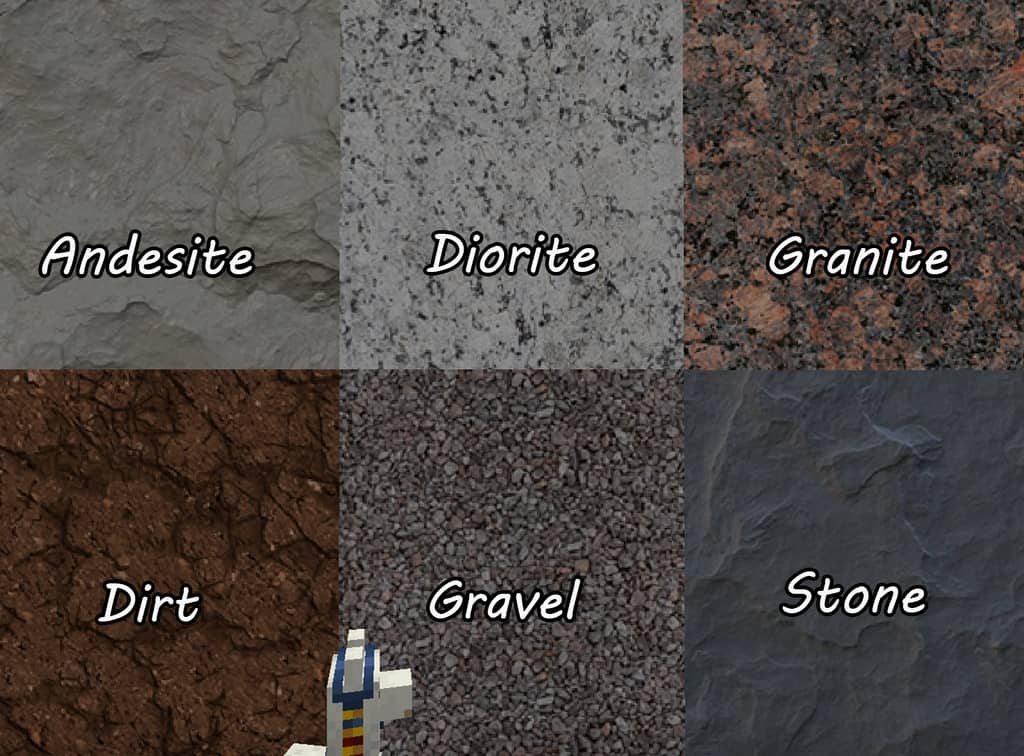
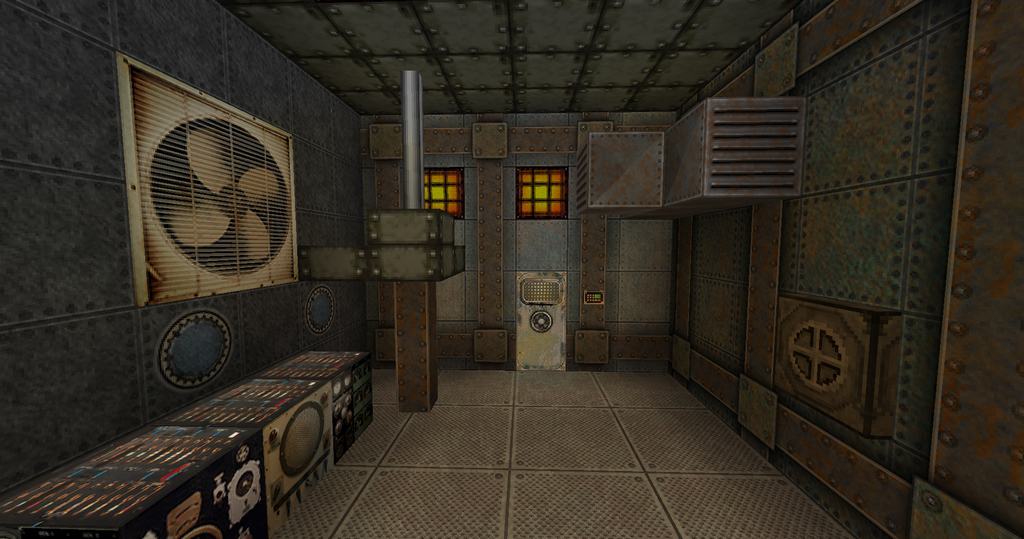
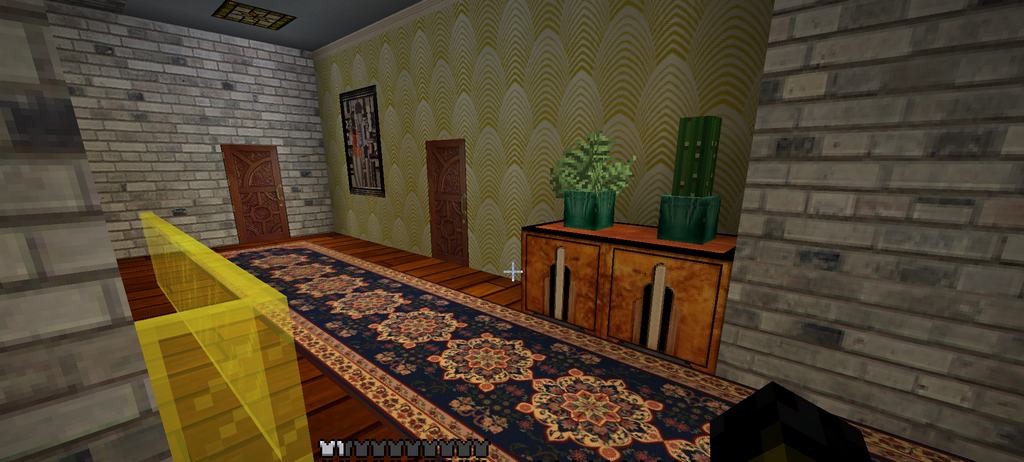
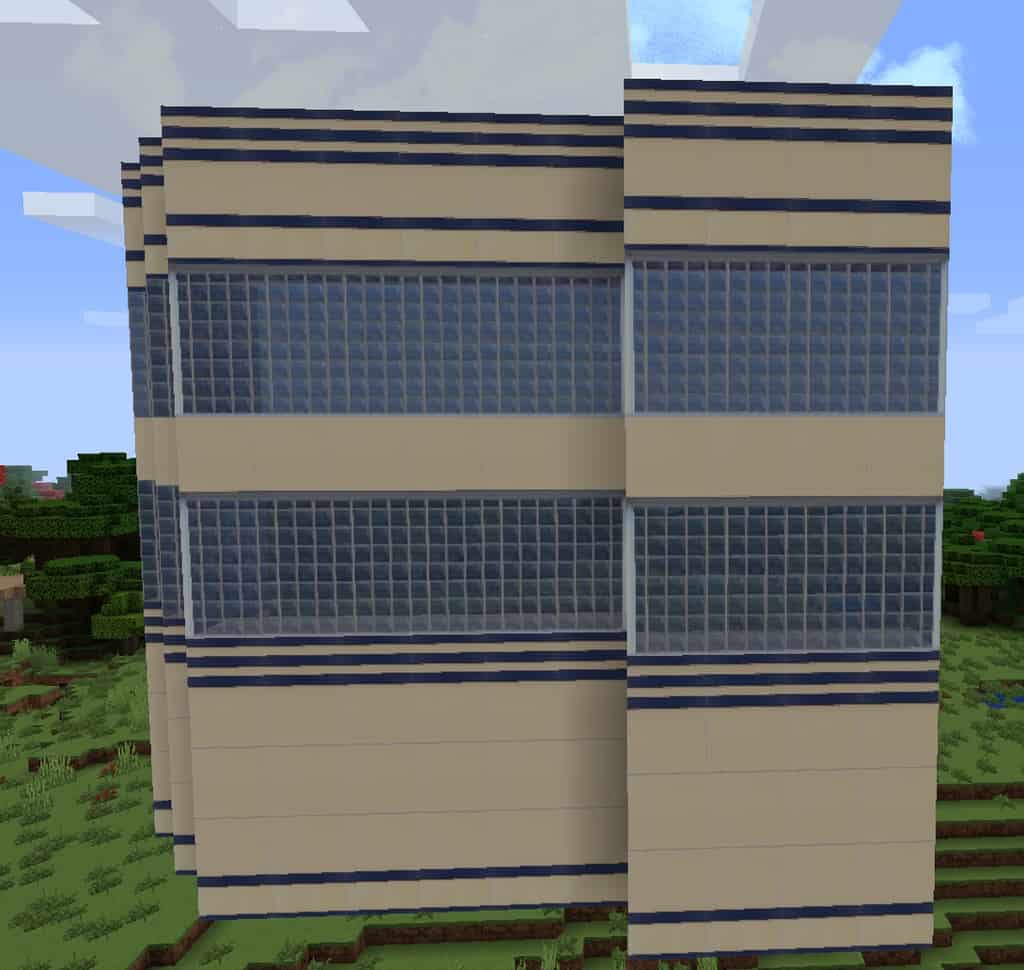
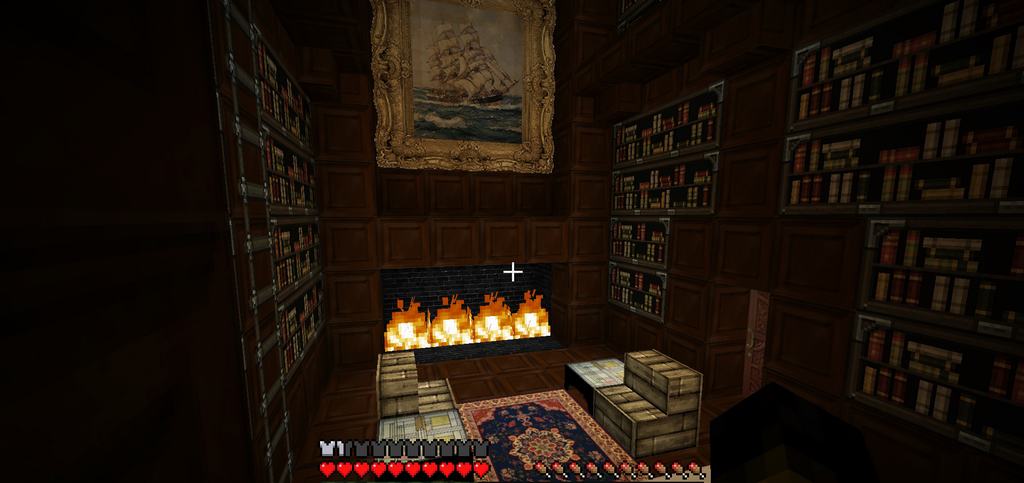
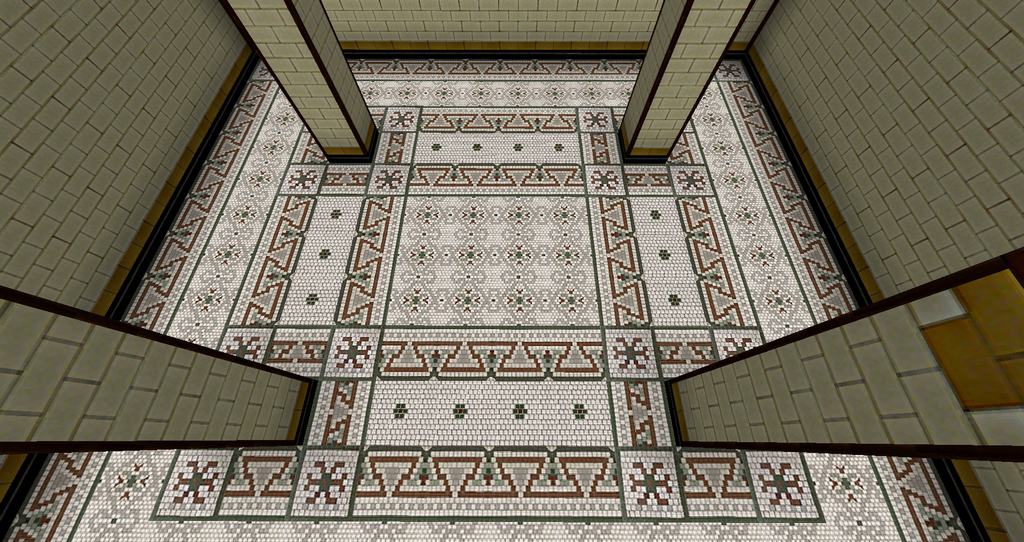
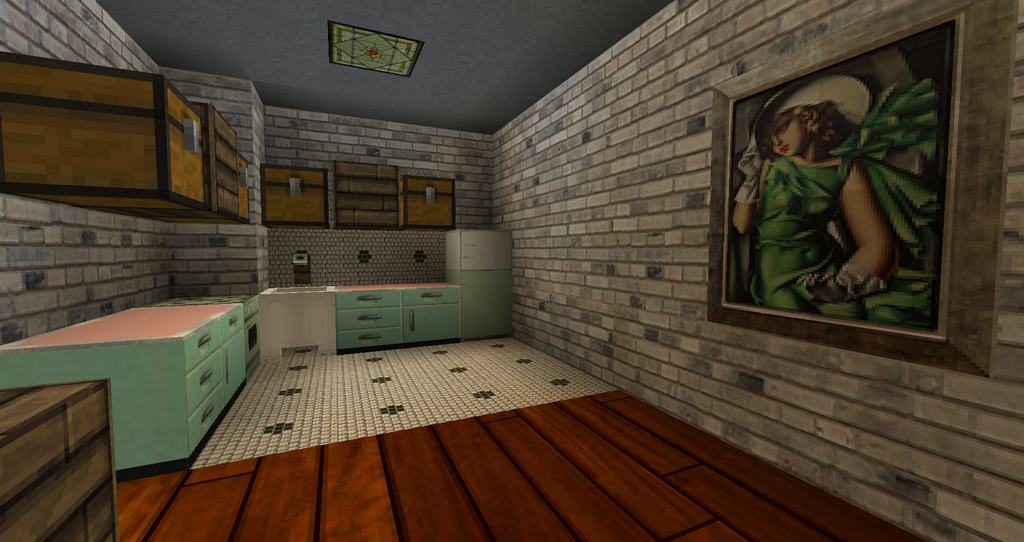
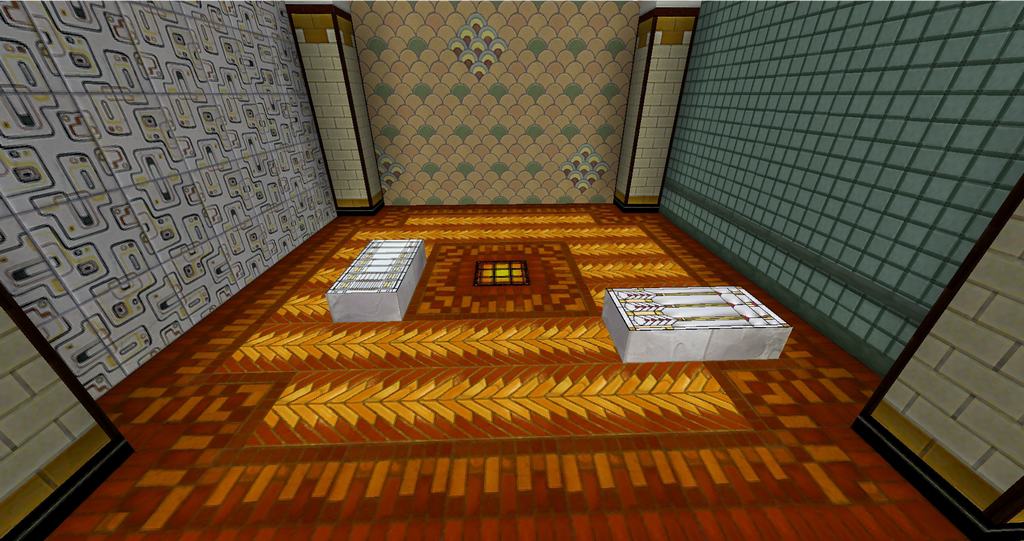
I am so excited to talk about Ozzy’s Deep Sea Deco resource pack because the author has explicitly designed it to provide an incredible steampunk type of look to Minecraft! When I tested it out, I immediately noticed how the pack’s style and theme feel heavily inspired by the Bioshock series. Bioshock or steampunk fans can instantly spot the amazing similarities between them. The talented author OzzyKP actually made this resource pack based on the customized map of Aquain, an underwater city, and it truly provides a much better appearance through that custom map. Using this resource pack, you can easily make fantastic structures below the water level or above the land that are completely comparable to lively yet wonderfully old cities of the fifties. In the author’s own words, they tried to provide a realistic appearance to Minecraft with this resource pack while still keeping everything wonderfully unique. It is definitely not like those resource packs which claim to be real but just have granular looks in boring brown and gray shades. Instead, the resource pack provides gorgeous textures in a crisp 64×64 resolution almost everywhere, while also mixing in other detailed resolutions like 32×32 and even 128×128. I love how Ozzy’s Deep Sea Deco resource pack has successfully given Minecraft an entirely different look by changing almost every original texture in the game!
I was so fascinated to learn that the imagery of the futuristic view of the 1950s, the fantasy of Steampunk, and the movement of Art Deco heavily inspired the author throughout the creation process. While the author has left a few textures unchanged, even classic blocks like wooden planks have received an enhanced appearance with a fantastic boost in texture resolution. Keep in mind that it is still in a preliminary stage, so the number of blocks whose texture the author has changed is still relatively low, but what is there is already breathtaking. I was so impressed to see that the author has extensively used the CTM technique alongside others to provide maximum novelty to every single texture type. When you carefully observe the sides of blocks, including their top and bottom sides, you can tell the author completely overhauled their textures with immense care. Theoretically speaking, this provides the author enough leeway to include several texture types even if they have limited and particular uses. I am certain that whenever the pack finally reaches its completion stage, it will easily be amongst the best resource packs ever crafted for Minecraft. Even though the resource pack has not reached completion yet, it has already finished texture renovation for a very decent percentage, meaning you can easily play and enjoy this resource pack right now without any problems at all!
Ozzy’s Deep Sea Deco should be compatible with all of these Minecraft versions: 1.21.11 – 1.21.10 – 1.21.9 – 1.21.8 – 1.21.7 – 1.21.6 – 1.21.5 – 1.21.4 – 1.21.3 – 1.21.2 – 1.21.1 – 1.21 – 1.20.6 – 1.20.5 – 1.20.4 – 1.20.3 – 1.20.2 – 1.20.1 – 1.20 – 1.19.4 – 1.19.3 – 1.19.2 – 1.19.1 – 1.19 – 1.16.5 – 1.16.4 – 1.16.3 – 1.16.2 – 1.16.1 – 1.16 – 1.15.2 – 1.15.1 – 1.15
Screenshots




How to Install Texture Pack (Simple 10 Steps)
- Download OptiFine: Most of the texture packs and shaders need OptiFine. That’s why, first download and install OptiFine for the version of Minecraft you want to play.
- Download the Texture Pack: Get the texture pack you want from the download section. Choose the version that works with your Minecraft and your PC’s performance.
- Open Minecraft Launcher: Start Minecraft using the official game launcher — or even TLauncher, if you use that.
- Go to Options: From the main menu, click on the “Options” button.
- Open Resource Packs: Inside Options, click on “Resource Packs…”.
- Open the Resource Pack Folder: Click on “Open Resource Pack Folder” — this will open a folder named “resourcepacks”.
- Move the Pack File: Copy or move the .zip file you downloaded into that “resourcepacks” folder. (Don’t unzip the file — Minecraft uses it as-is!)
- Go Back and Refresh: Close the folder and click “Done”, then go back into “Resource Packs…” again.
- Activate the Pack: You’ll see the pack on the left side. Hover over it and click the arrow to move it to the right (active side).
Tip: If you get a message that the pack is for a different version, just click “Yes” — it usually works fine. - Click Done and Enjoy: Click “Done” again. Now your pack is ready to use in-game. It’s that easy!
Credits
This resource pack was created by Ozzy_KP. We do not claim ownership of this content and do not host modified versions of these files. All rights belong to the original author. We strongly recommend visiting the official download links to support the creator.
Download Links
Java Edition
Download Instructions
Curseforge: download starts automatically after a few seconds;
Mediafire: click the big blue button with the text “DOWNLOAD”;
Google Drive: in the top right corner you will see a small download icon (down arrow), click it and the download should start;