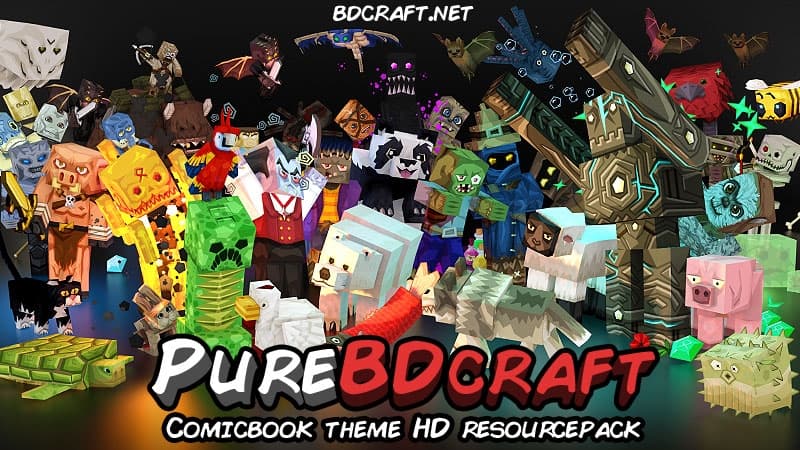
Sphax PureBDCraft is easily one of the absolute coolest comic-design-based resource packs available for Minecraft to this day! It pulls in a massive amount of downloads every single day, cementing its place as one of the most popular packs right now. You can choose from a huge variety of resolutions, ranging all the way from the classic x16 version up to the stunning x512 version, bringing massive visual improvements as you climb higher up the scale. We personally decided to focus on the x128 version because we consider this specific resolution to be the sweet spot for the average player, keeping everything looking shiny and beautiful without ever feeling overwhelming visually. To be fair, if you are playing on a fairly old computer, the x128 version might give you some performance hiccups, but thankfully there are lower resolutions available that still look incredible and that we are certain you will love just as much.
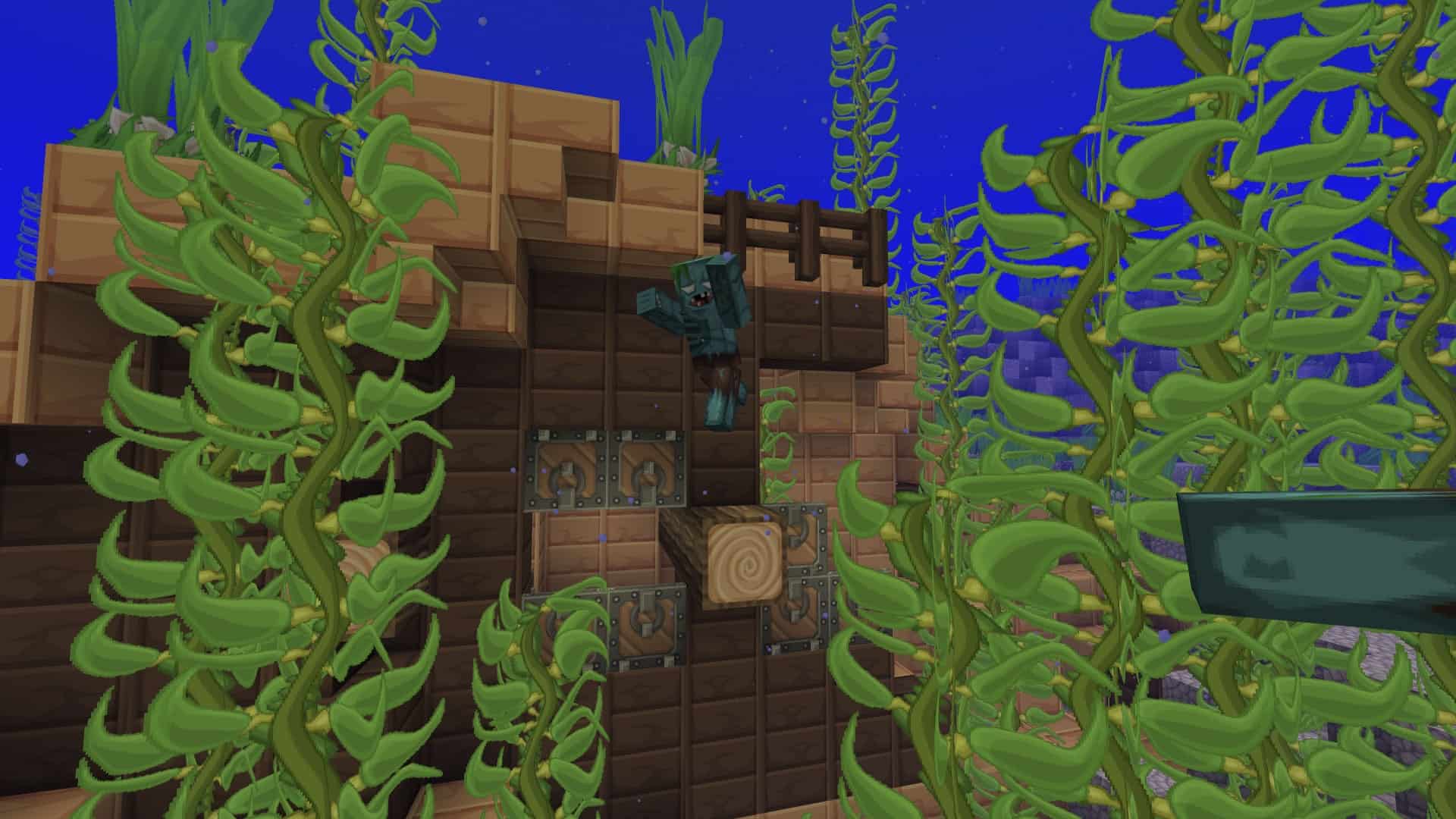
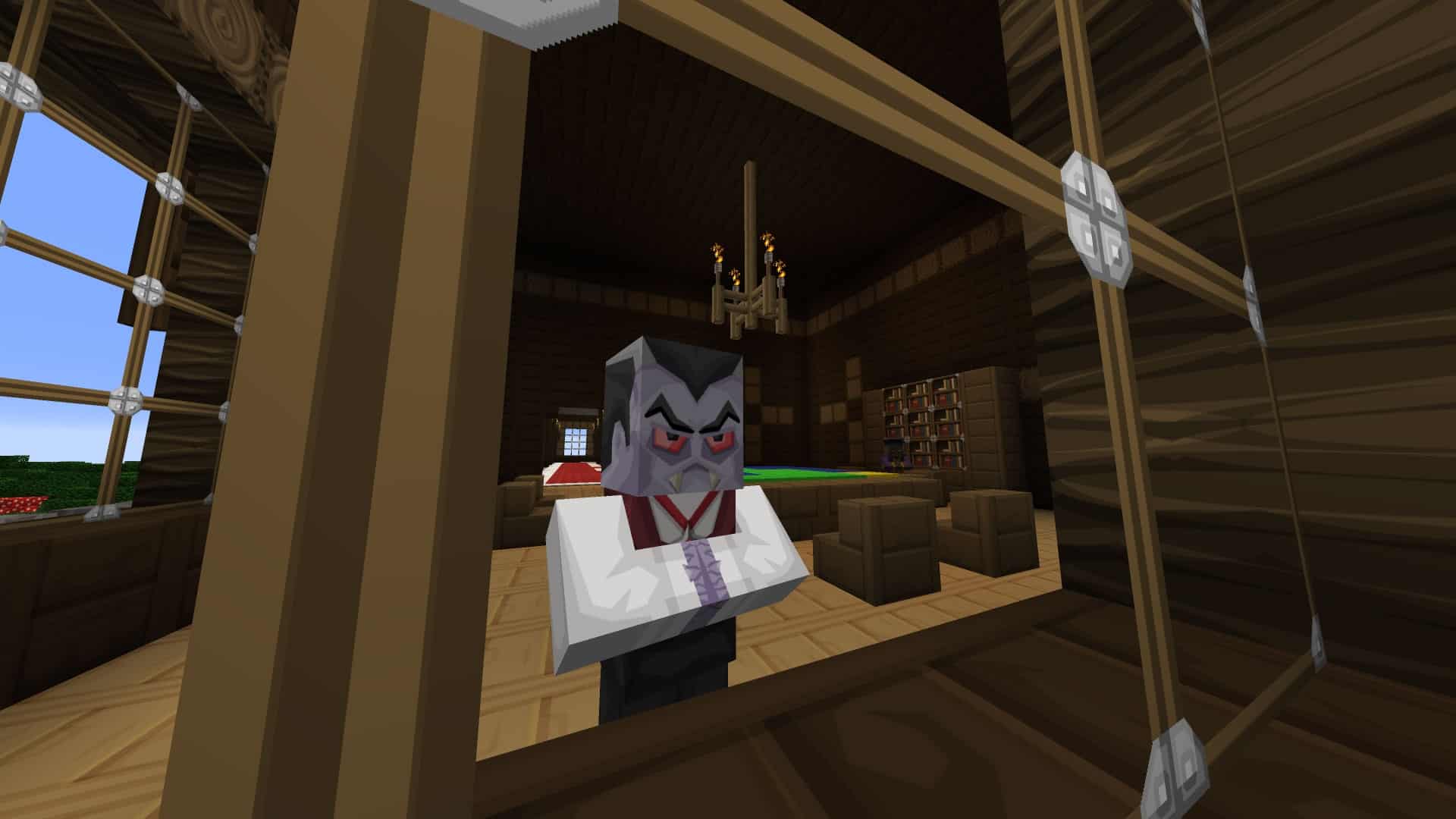
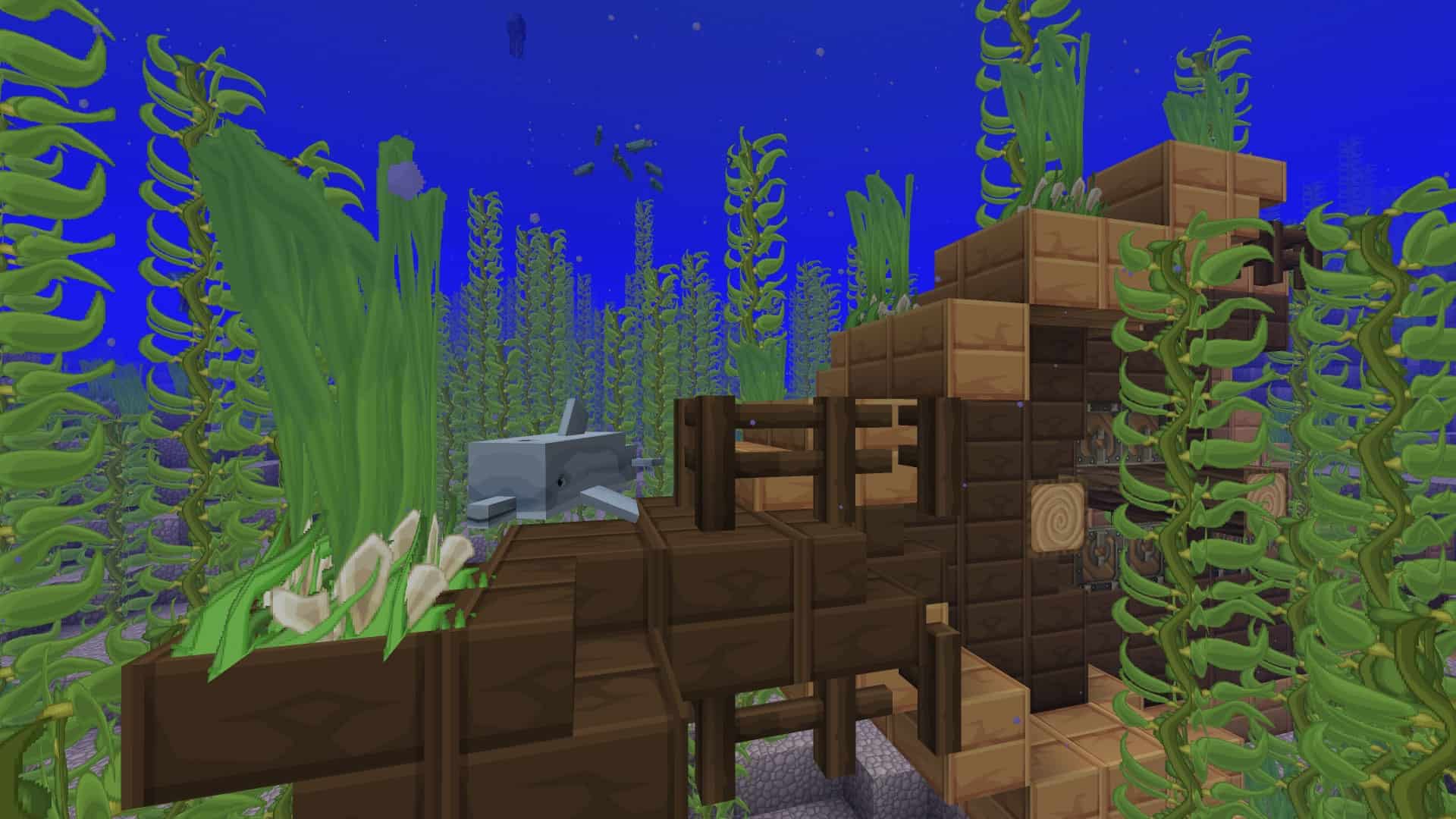
The textures have been lovingly designed to support the newest game versions, working seamlessly in 1.14 and all recent releases. This resource pack puts a massive focus on delivering a bright, shiny, and gorgeous design where a warm yellowish tone clearly predominates across blocks and textures—so much so that even ordinary cobblestone and its variants feature a subtle golden touch. One of the greatest things about the Sphax resource pack is that it completely overhauls every single texture into something entirely unique, reflecting the incredible amount of hard work the original creator poured into it. It might not be the most minimalist or cleanest resource pack out there, but it definitely succeeds in giving Minecraft a fresh, vibrant, and lively look all over again. Plus, if you pair it with the More 3D items add-on, you get amazing enhanced 3D models for equipment like axes, swords, arrows, and much more. Running this addon does require a somewhat capable computer, but if your rig can handle it, you are guaranteed to fall in love with how it looks.
Sphax PureBDCraft should be compatible with all of these Minecraft versions: 1.21.11 – 1.21.10 – 1.21.8 – 1.21.7 – 1.21.6 – 1.21.5 – 1.21.4 – 1.21.3 – 1.21.2 – 1.21.1 – 1.21 – 1.20.6 – 1.20.5 – 1.20.4 – 1.20.3 – 1.20.2 – 1.20.1 – 1.20 – 1.19.4 – 1.19.3 – 1.19.2 – 1.19.1 – 1.19 – 1.18.2 – 1.18.1 – 1.18 – 1.17.1 – 1.17 – 1.16.5 – 1.16.4 – 1.16.3 – 1.16.2 – 1.16.1 – 1.16 – 1.15.2 – 1.15.1 – 1.15 – 1.14.4 – 1.14.3 – 1.14.2 – 1.14 – 1.13.2 – 1.13.1 – 1.13 – 1.12.2 – 1.12 – 1.11.2 – 1.11 – 1.10.2 – 1.10 – 1.9.4 – 1.9 – 1.8.9 – 1.8.8 – 1.8.1 – 1.8.6 – 1.8 – 1.7.10 – 1.7.9 – 1.7.4 – 1.7 – 1.6.4 – 1.6.2 – Bedrock Edition – PE
Screenshots

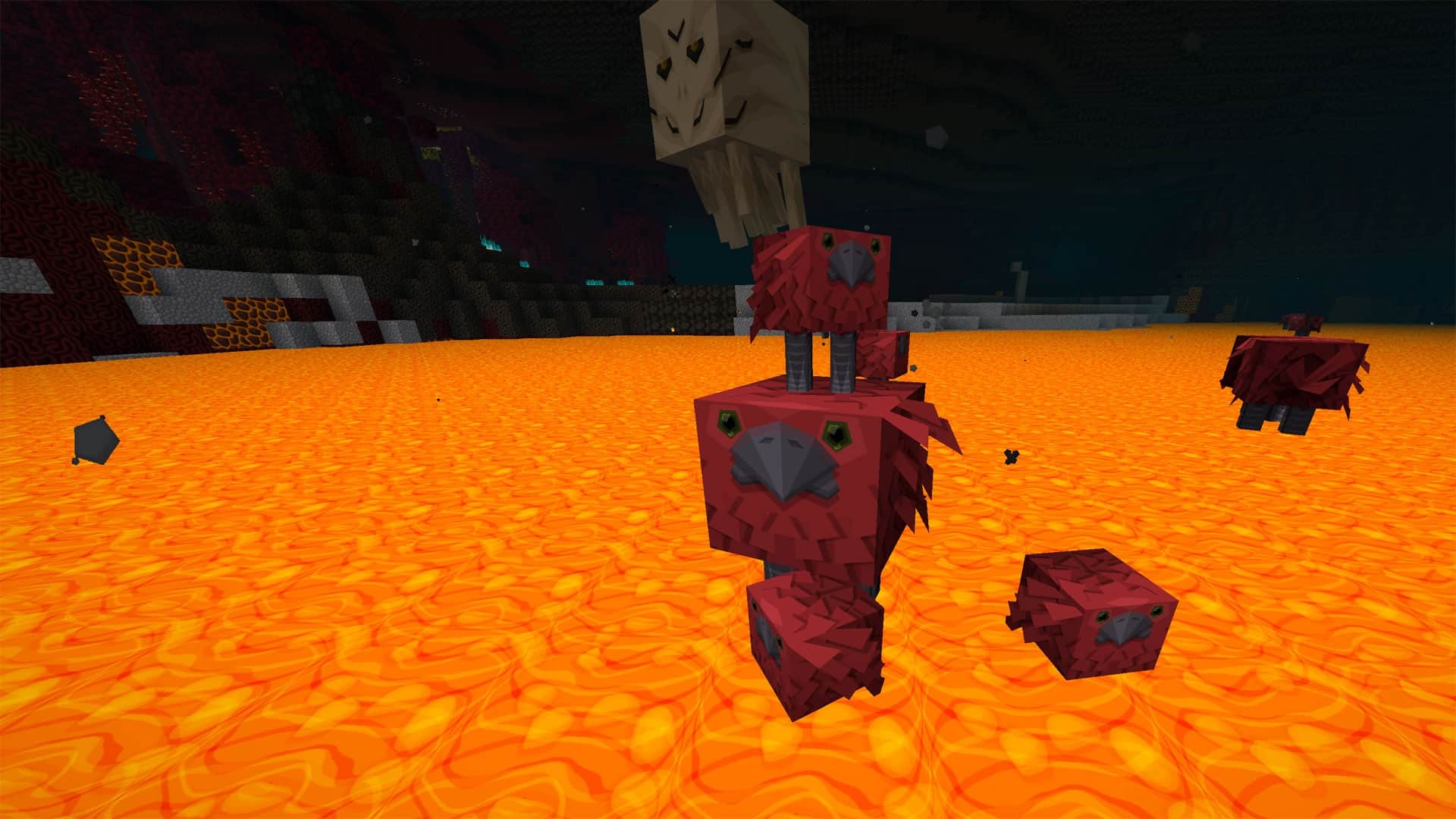
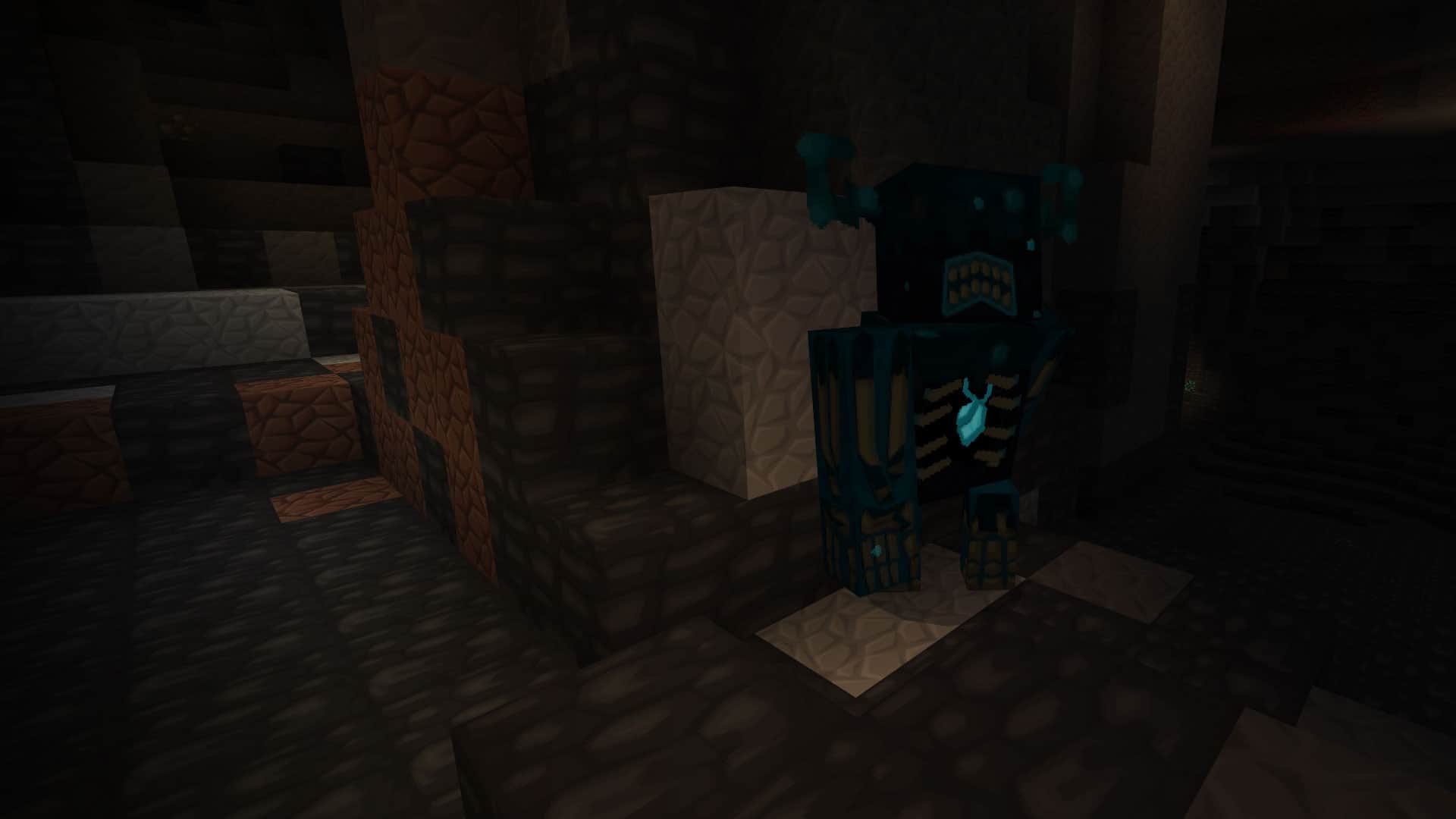
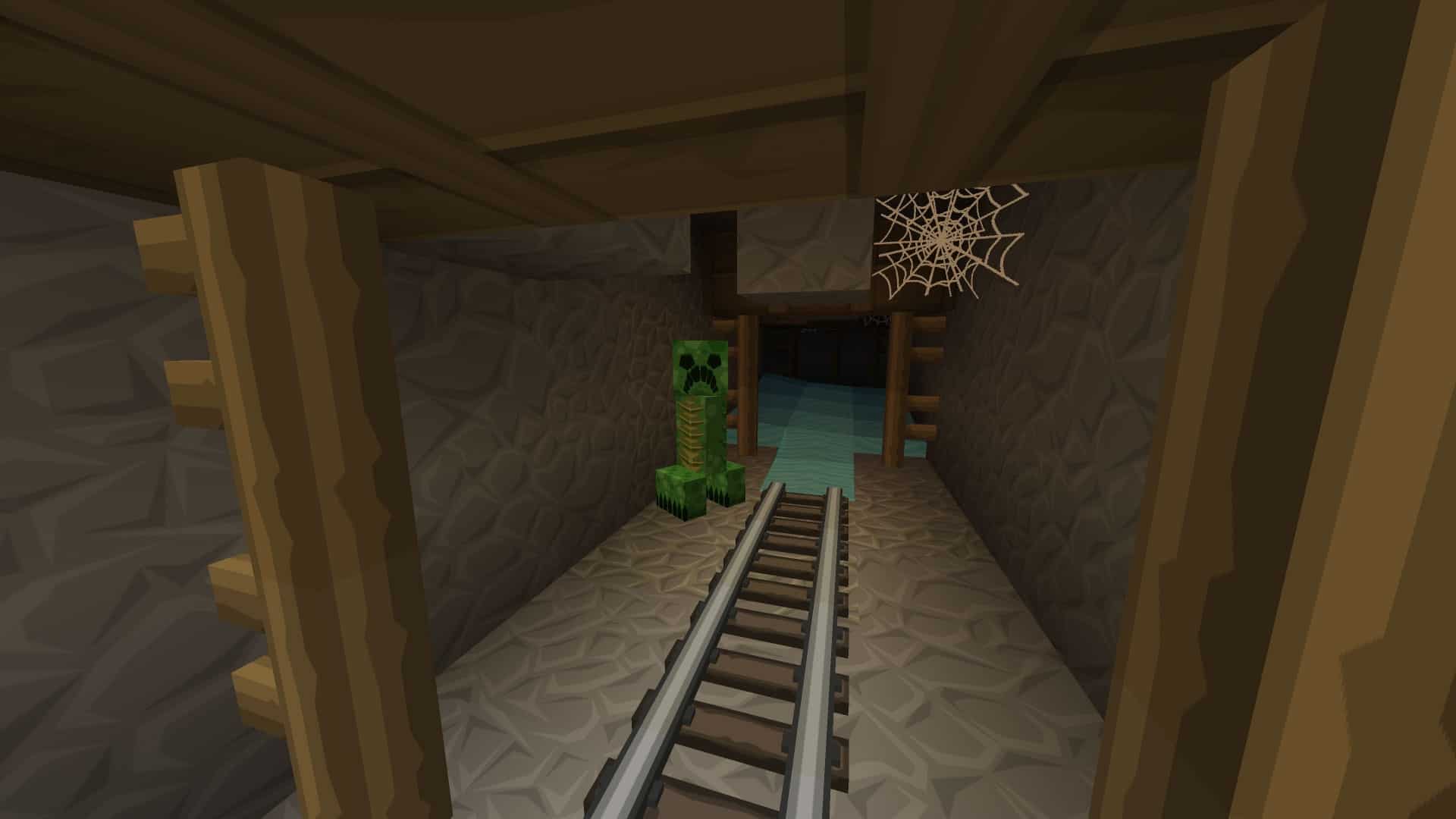
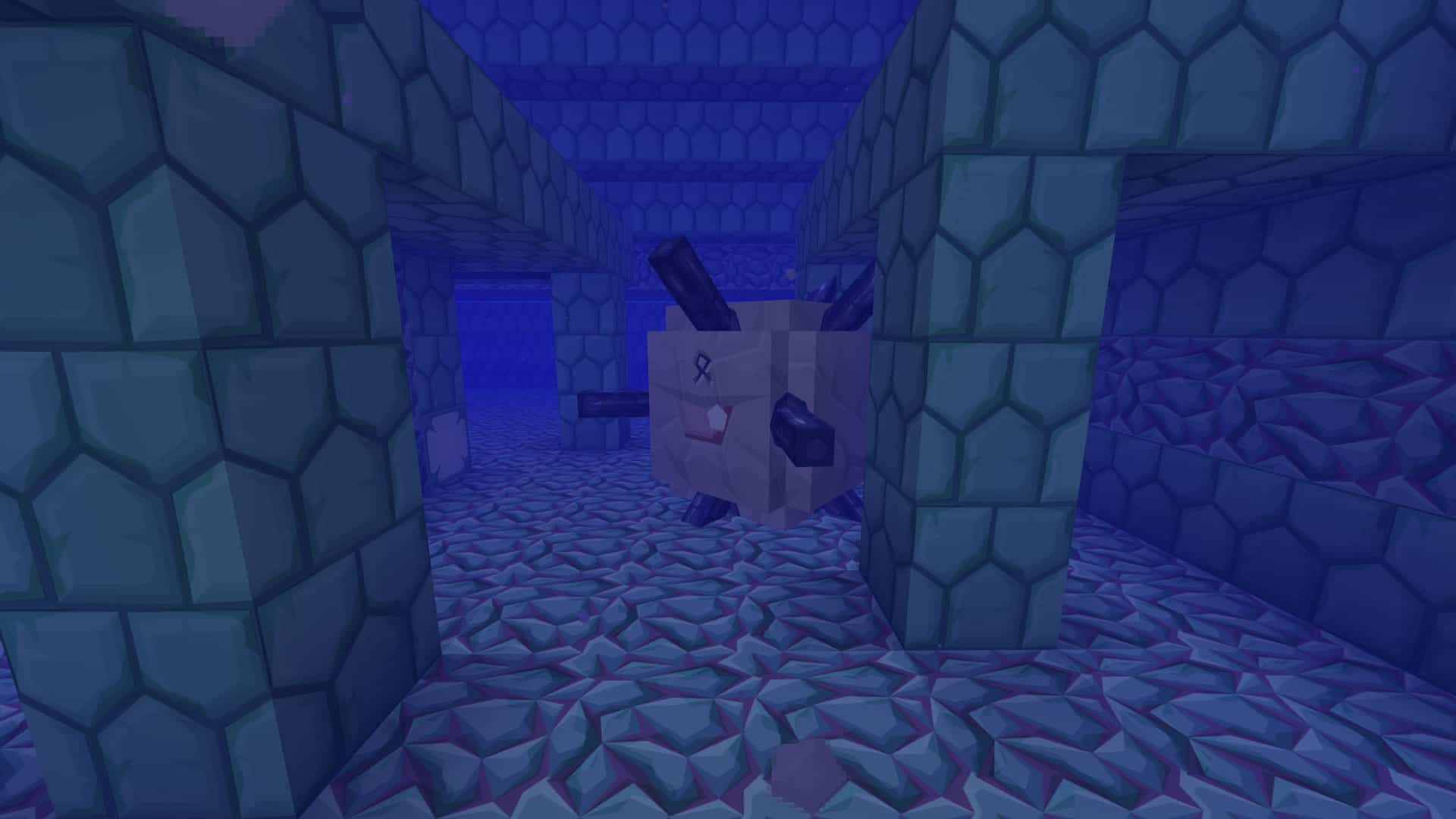

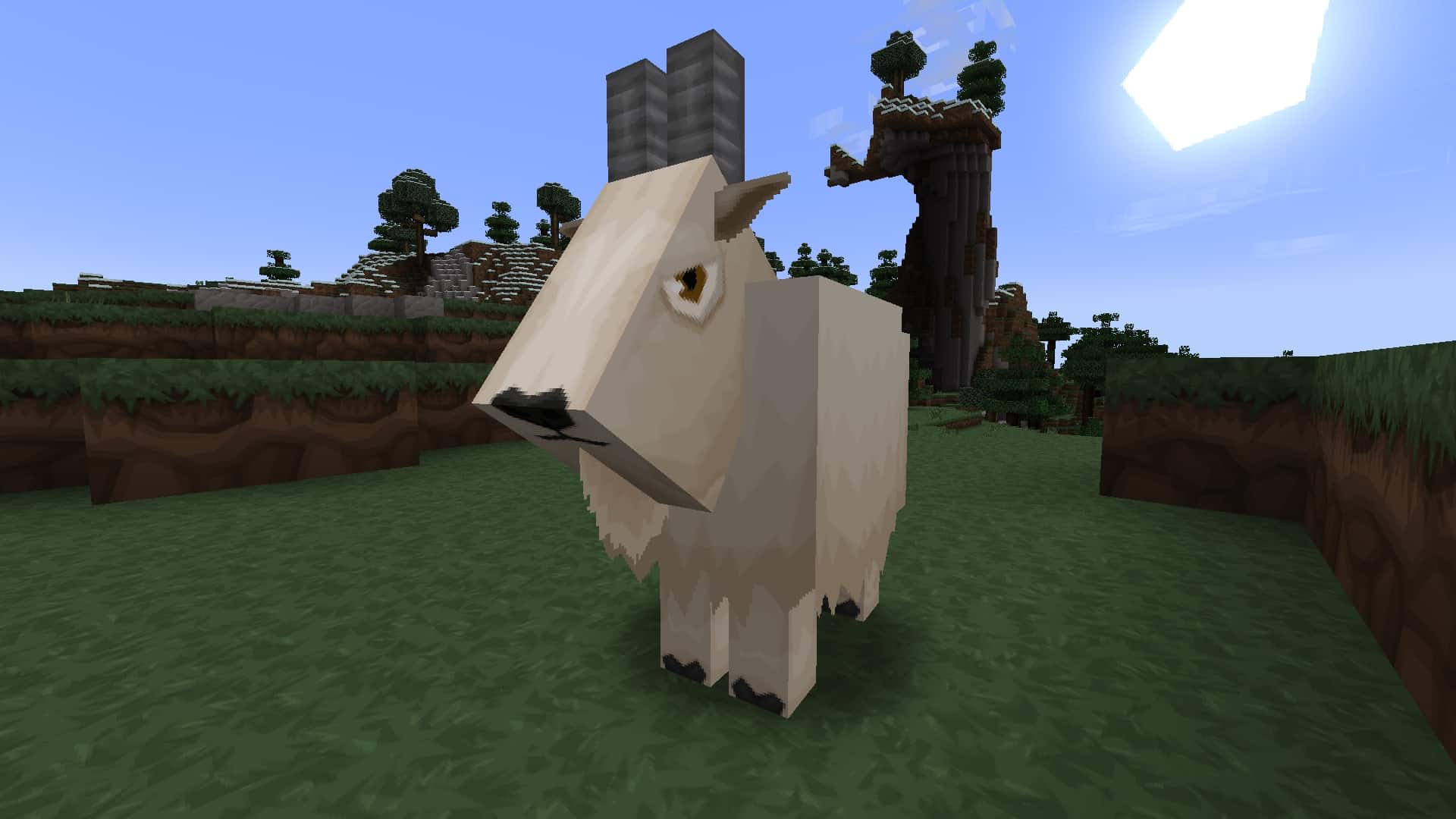
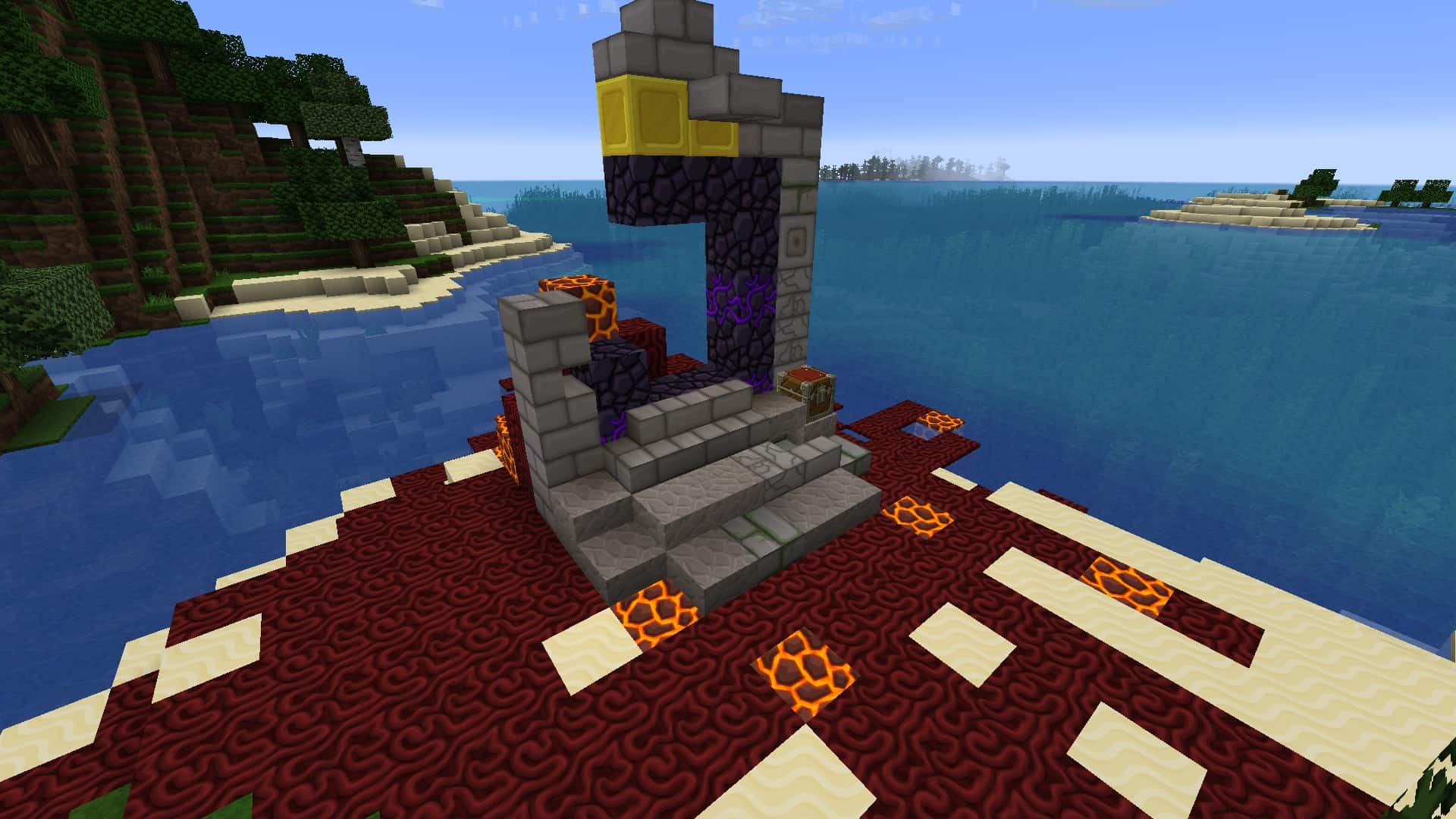
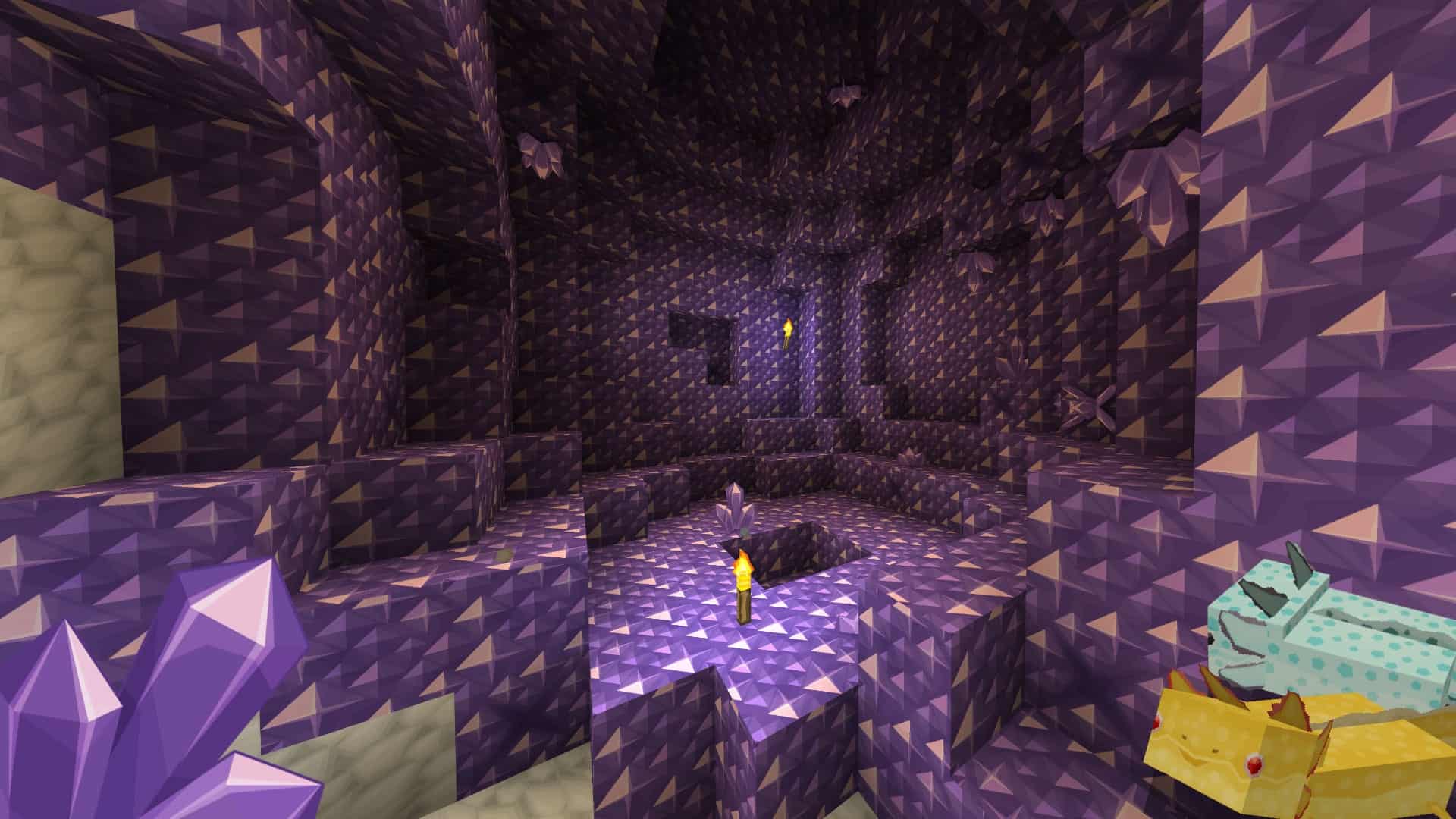

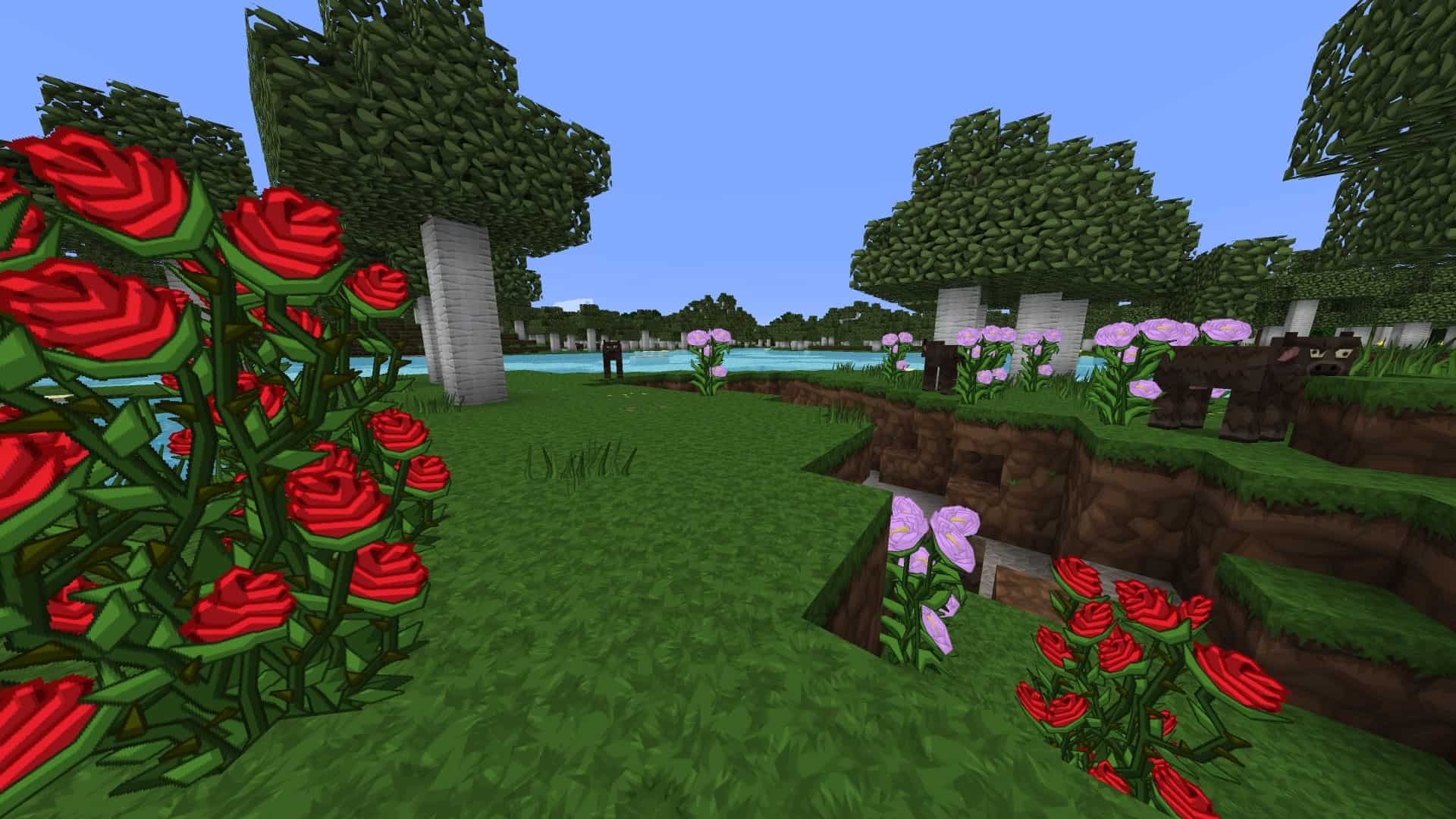
How to Install Texture Pack (Simple 10 Steps)
- Download OptiFine: Most of the texture packs and shaders need OptiFine. That’s why, first download and install OptiFine for the version of Minecraft you want to play.
- Download the Texture Pack: Get the texture pack you want from the download section. Choose the version that works with your Minecraft and your PC’s performance.
- Open Minecraft Launcher: Start Minecraft using the official game launcher — or even TLauncher, if you use that.
- Go to Options: From the main menu, click on the “Options” button.
- Open Resource Packs: Inside Options, click on “Resource Packs…”.
- Open the Resource Pack Folder: Click on “Open Resource Pack Folder” — this will open a folder named “resourcepacks”.
- Move the Pack File: Copy or move the .zip file you downloaded into that “resourcepacks” folder. (Don’t unzip the file — Minecraft uses it as-is!)
- Go Back and Refresh: Close the folder and click “Done”, then go back into “Resource Packs…” again.
- Activate the Pack: You’ll see the pack on the left side. Hover over it and click the arrow to move it to the right (active side).
Tip: If you get a message that the pack is for a different version, just click “Yes” — it usually works fine. - Click Done and Enjoy: Click “Done” again. Now your pack is ready to use in-game. It’s that easy!
Credits
Sphax PureBDCraft was created by Sphax. We do not own, host, or modify this resource pack. All rights belong to the original creator. We strongly recommend supporting the author by downloading the pack through their official channels.
Download Links
Java Edition
- Official Website Download
- Better Leaves Addon
- Connected Textures & Transition Addon
- Noteblock Addon
- Damaged Items Addon
- Extra OptiFine (ExOF) Addon
- Tech Addon
- 3D Items Addon
- 3D Blocks Addon
- Flat UI Addon
Bedrock Edition
Download Instructions
Curseforge: download starts automatically after a few seconds;
Mediafire: click the big blue button with the text “DOWNLOAD”;
Google Drive: in the top right corner you will see a small download icon (down arrow), click it and the download should start;


