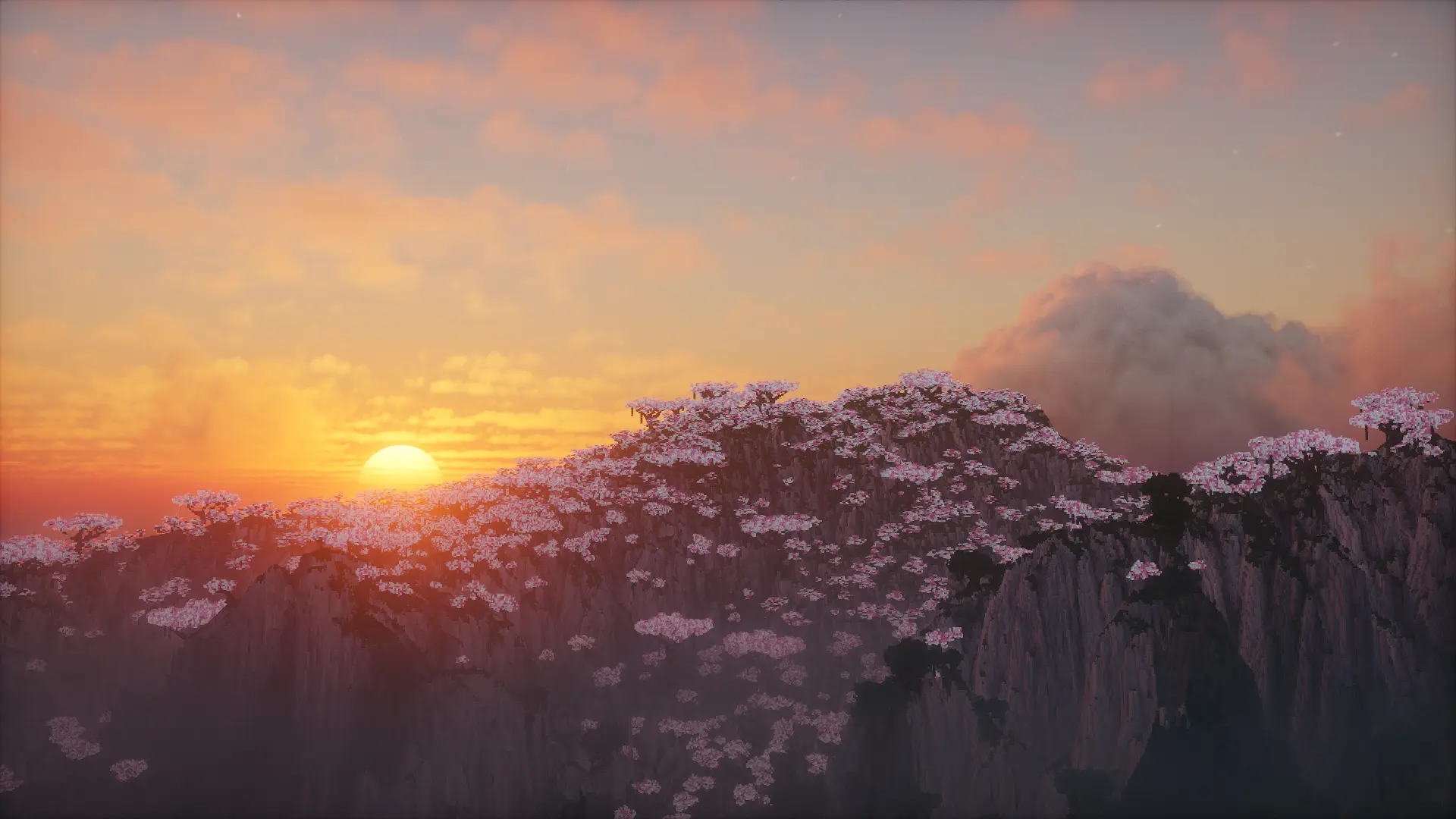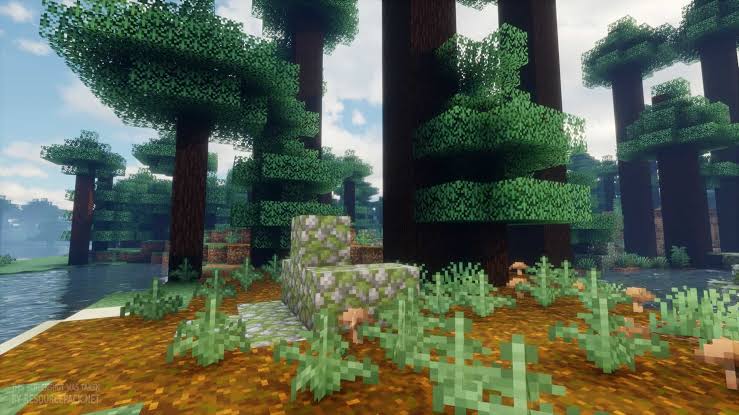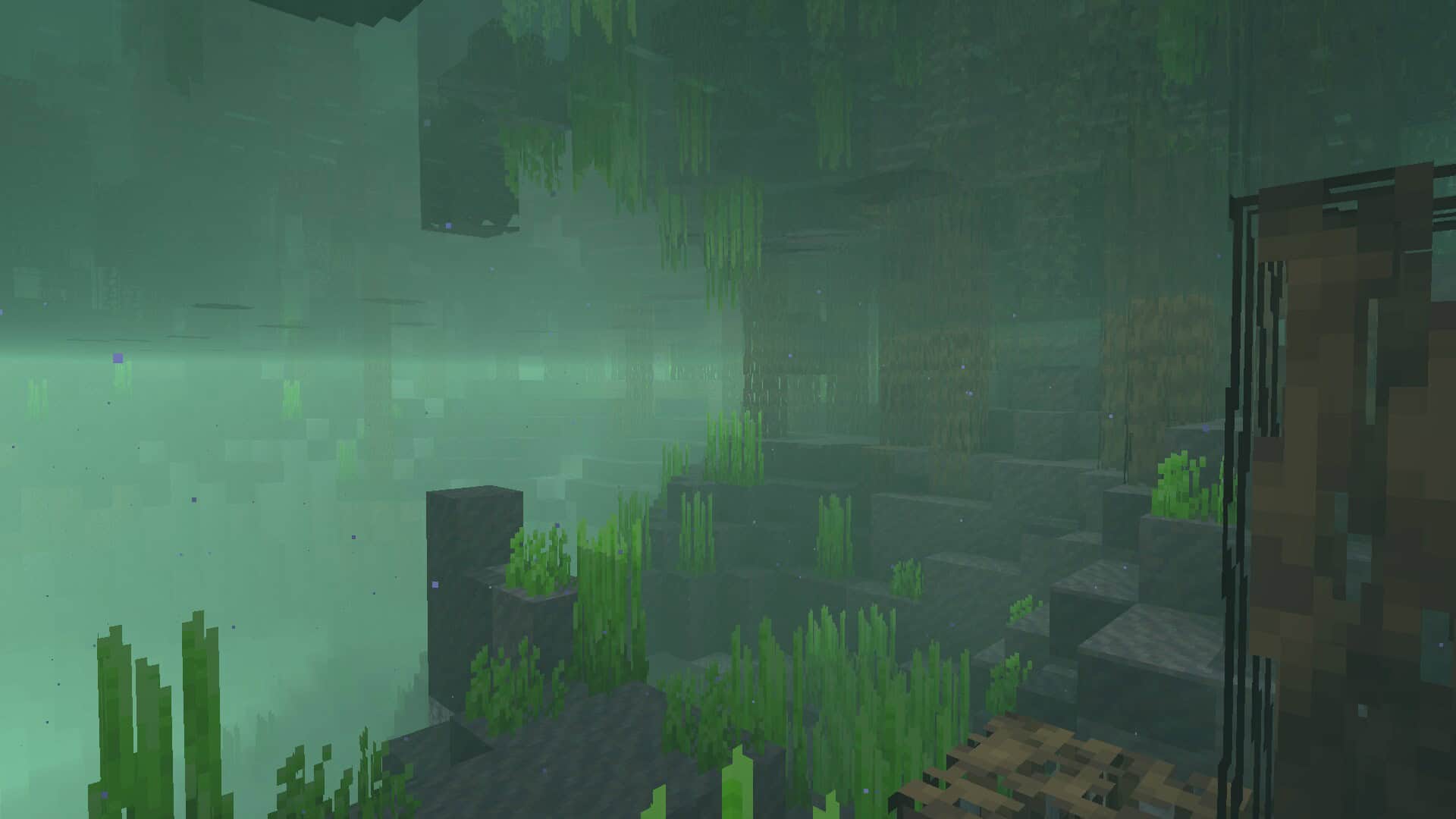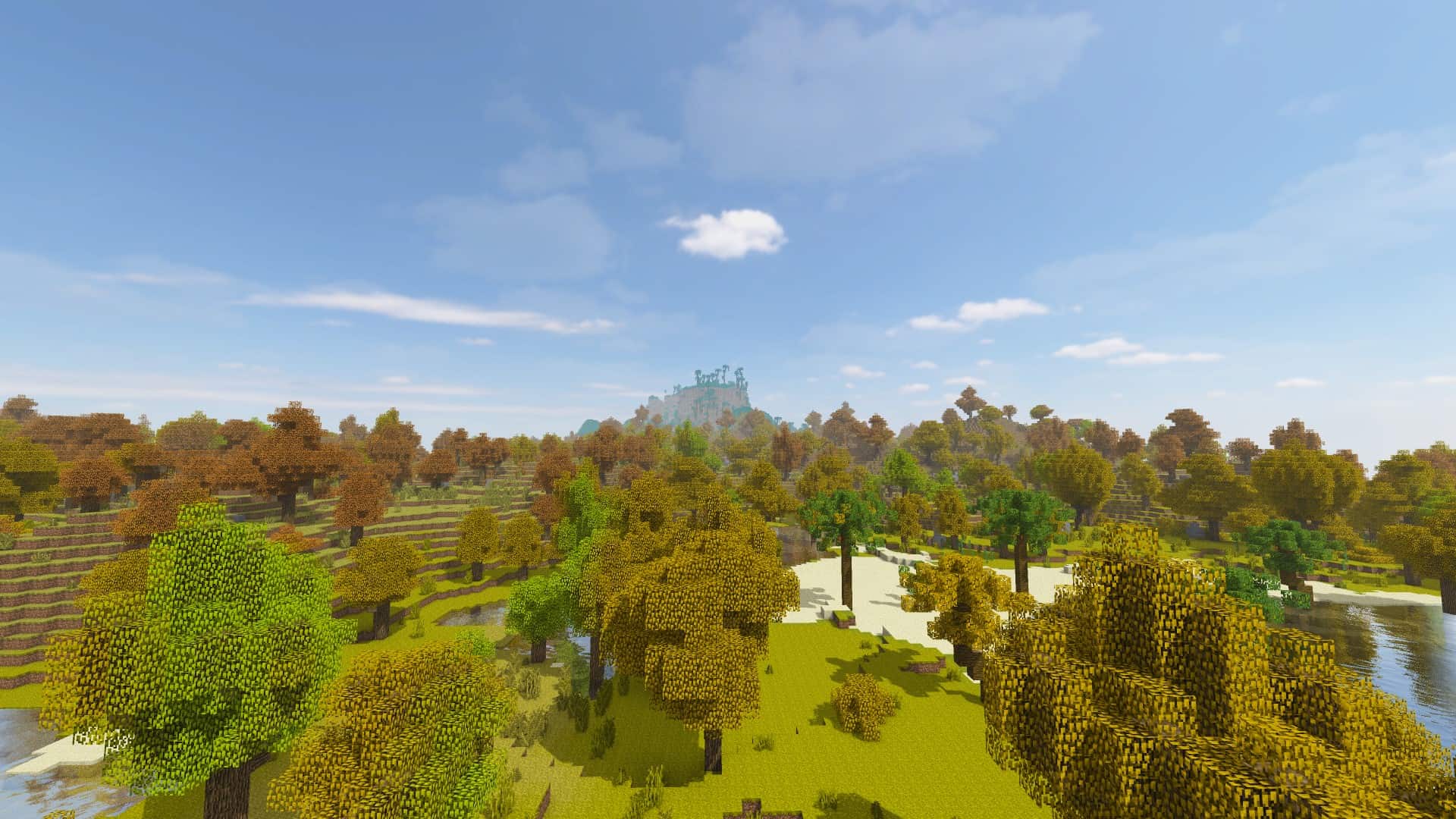
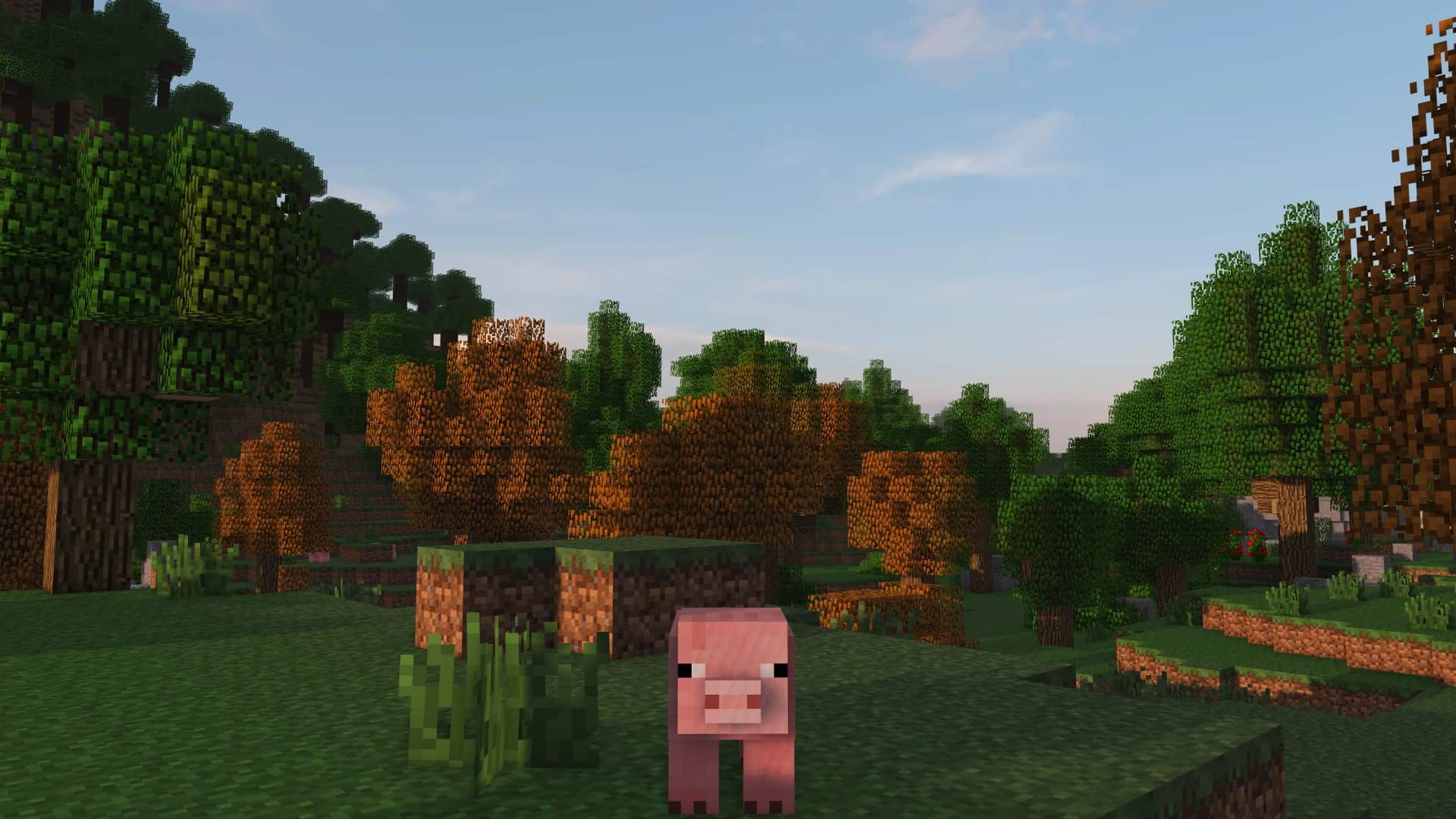
SORA Shaders is an incredible new shader pack designed to profoundly enhance your Minecraft gaming experience! When I tested it out, I realized that struggling to find a good, reliable shader pack used to be the norm, but we now have stellar options like SORA Shaders that are both dependable and gorgeous. Heavily inspired by Project Luma, SORA Shaders incorporates many beloved elements from that pack while expertly tuning them to deliver vastly improved performance. On top of that, it introduces entirely brand-new features and unique ideas, making this shader pack wonderfully distinct and wildly popular. SORA Shaders usually functions as an add-on, setting it wonderfully apart from other standard shader packs. This means it is not built to completely rewrite existing features, but rather to simply elevate them and polish your vanilla Minecraft experience. It is a subtle yet breathtaking addition to the game that significantly boosts your world immersion through striking visual enhancements without ever going overboard with excessive visual changes or fabricating an overly picturesque atmosphere. Minecraft is inherently simple by design, and SORA Shaders deeply honors this timeless simplicity and style by giving lighting, shadows, and overall graphics a fantastic boost without stripping away the core charm that makes Minecraft so dear to us all. When you combine all these tiny, thoughtful changes, it creates an absolutely amazing gameplay experience. SORA Shaders also borrows fantastic enhancements seen in other legendary shader packs like BSL Shaders and SEUS Renewed, making your entire world feel noticeably more realistic, the environment much more natural, and the game infinitely more beautiful. The single most impressive change I noticed is how it makes water crystal clear, which completely elevates the immersion. The water overhaul includes stunning real-time reflections, gorgeous caustics, and incredible wave animations that come together to craft the most realistic lakes and rivers I have ever laid eyes on in Minecraft. Players have been clamoring for realistic water changes in Minecraft for ages, and SORA Shaders delivers this brilliantly. Regardless of whether water physics are your primary concern, it is definitely worth trying out just to witness how stunning it looks in motion. The ultimate goal of SORA Shaders is to provide a wide variety of Minecraft gamers with a shader pack that perfectly complements their unique playstyle. It has rightly been predicted to become a absolute household name within the Minecraft community due to its innovative features and deeply impactful adjustments.
Many previous shader packs unfortunately fall short of user expectations or offer visuals that, while initially stunning, wear out their welcome after a while and become a visual nuisance. In contrast, I found SORA Shaders to be both remarkably stunning and wonderfully appealing in the long run, granting you access to enhanced graphics that stand worlds ahead of its competitors. Its exceptionally high rating within the community proves that SORA Shaders is an acclaimed and reliable pack for your daily gaming sessions. Created and released in 2020 by squeakypistonmc, SORA Shaders feels explosive, unique, and deeply refreshing, giving players a fantastic firsthand experience with next-level lighting. So many shaders overpromise and underdeliver, but SORA Shaders does the exact opposite. This shader pack is practically legendary, having proudly racked up well over 750 thousand downloads despite its 2020 release. It has all the potential to comfortably unseat older, more established shaders. While older packs certainly have their own merits, SORA Shaders equips players with modern ingenuity and an abundance of original, unseen features that you can fully uncover once it is properly installed. Your Minecraft world will honestly feel forever changed by SORA Shaders. Its primary goal is letting players experience something wonderfully fresh, helping you build a world that both looks and feels authentically alive, making it the ideal shader pack if that is the vibe you are going for. SORA Shaders ultimately revolutionizes your graphics. Great adventures deserve to be forged through great tools and striking visuals, and SORA provides the latter in spades. Honestly, your world will feel far less immersive without the brilliant upgrades of a proper shader like this one. SORA Shaders makes achieving the ultimate Minecraft experience effortless, pushing far beyond the standard vanilla look. Upon installing it, you will immediately discover dynamic shadows, incredibly realistic lighting, vastly improved graphics, volumetric clouds, and so much more. This truly is just the tip of a massive iceberg, and SORA Shaders has so much more incredible content waiting for you to discover.
SORA Shaders should be compatible with all of these Minecraft versions: 26.2 – 26.1.2 – 26.1.1 – 26.1 – 1.21.11 – 1.21.10 – 1.21.9 – 1.21.8 – 1.21.7 – 1.21.6 – 1.21.5 – 1.21.4 – 1.21.3 – 1.21.2 – 1.21.1 – 1.21 – 1.20.6 – 1.20.5 – 1.20.4 – 1.20.3 – 1.20.2 – 1.20.1 – 1.20 – 1.19.4 – 1.19.3 – 1.19.2 – 1.19.1 – 1.19 – 1.18.2 – 1.18.1 – 1.18 – 1.17.1 – 1.17 – 1.16.5 – 1.16.4 – 1.16.3 – 1.16.2 – 1.16.1 – 1.16 – 1.15.2 – 1.15.1 – 1.15 – 1.14.4 – 1.14.3 – 1.14.2 – 1.14 – 1.13.2 – 1.13.1 – 1.13 – 1.12.2 – 1.12
Screenshots
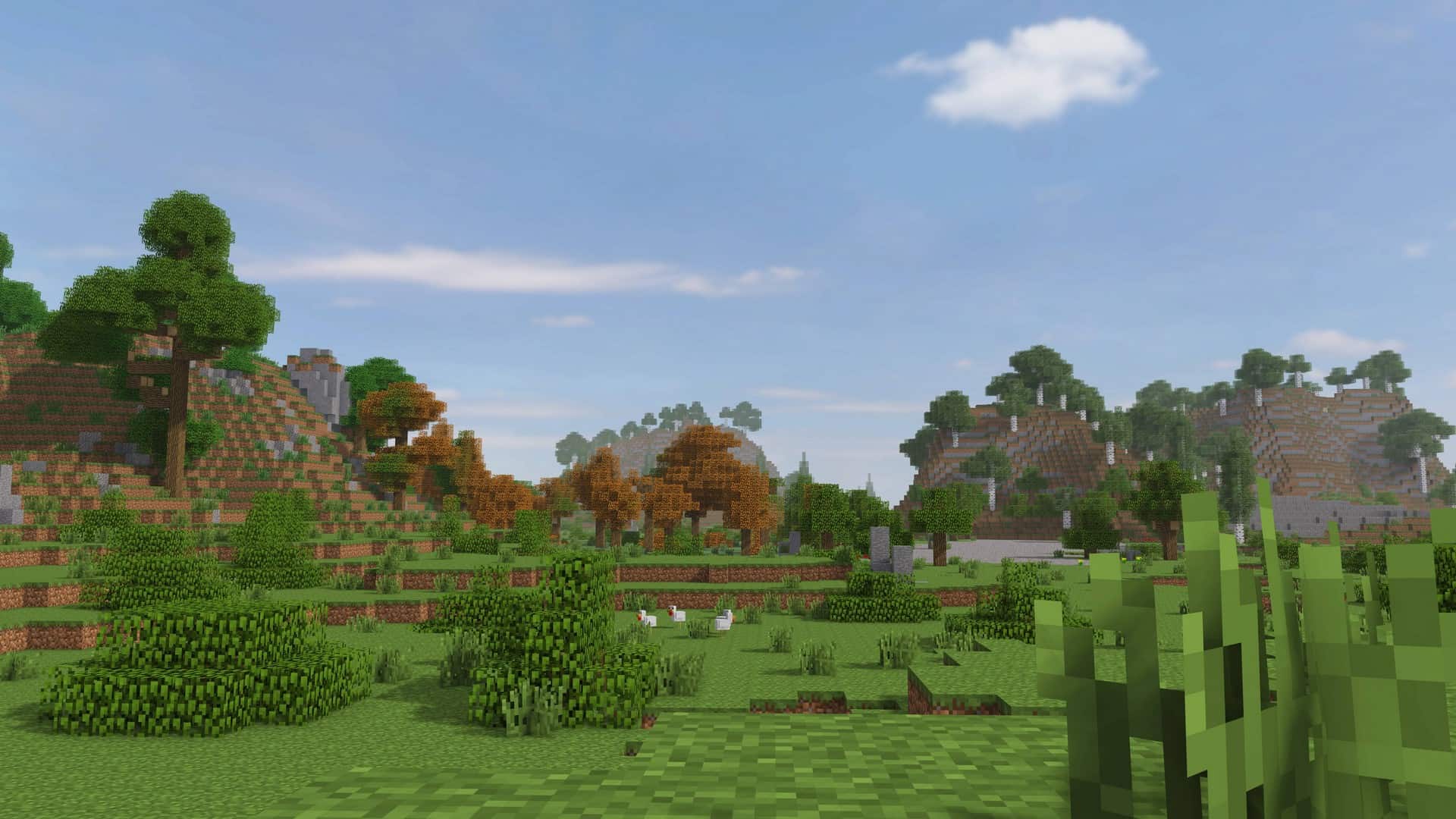
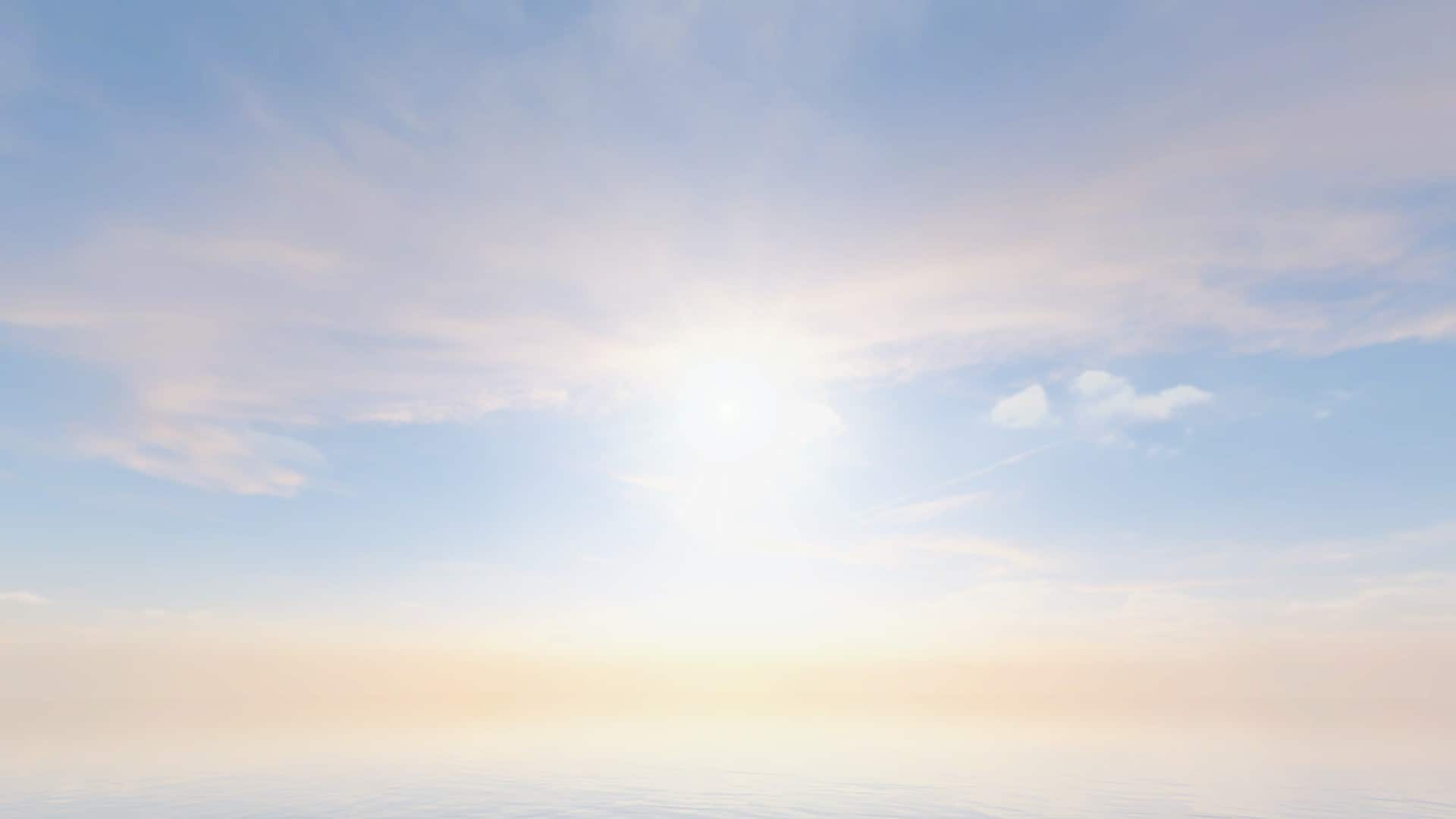
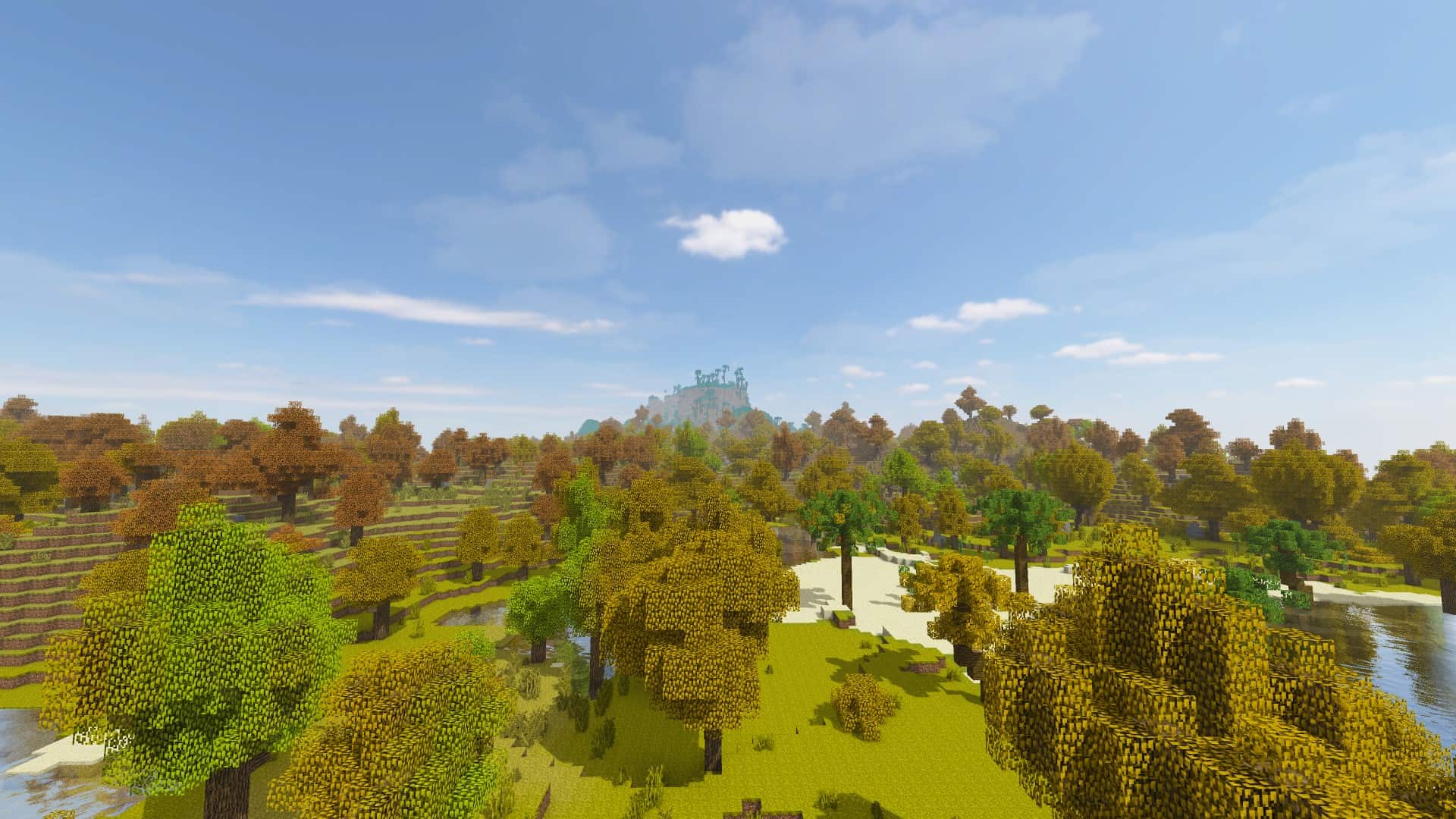
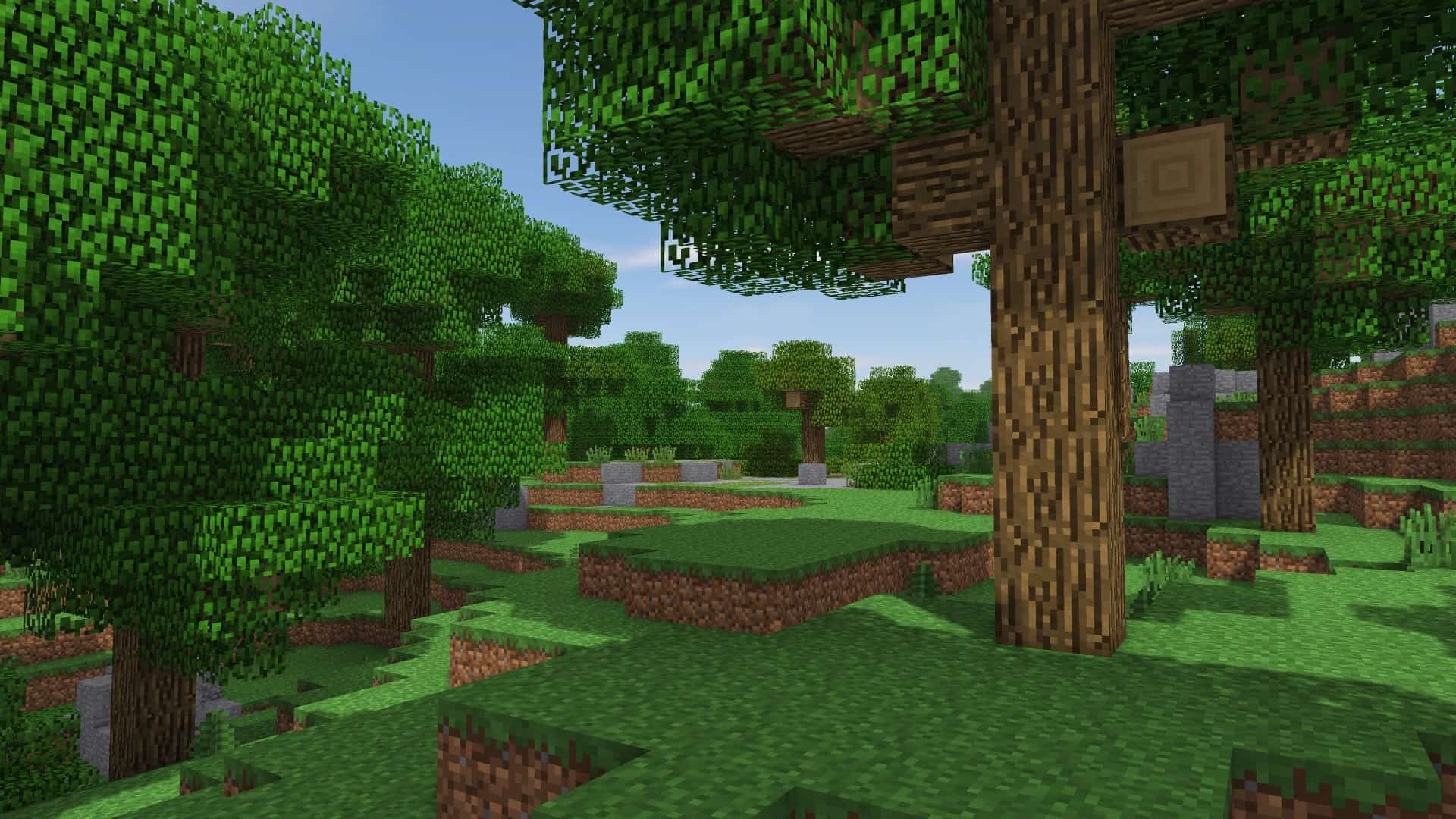
How to Install Shader Pack (Simple and Easy 7 Steps)
- Install Minecraft: Make sure to have Minecraft on your PC.
- Set the Game Version: Open the Minecraft Launcher, go to the “Installations” tab, click “New Installation”, choose the version you want to play, and click “Create”.
- Install OptiFine or Iris: Download and install OptiFine or Iris (we recommend Iris for better performance).
- To download Iris, click here.
- To download OptiFine, click here.
- Launch with the Shader Mod: Open the Minecraft Launcher again and select the OptiFine or Iris profile you installed.
- Download the Shader Pack: Download the shader pack (.zip file) from the download section below. (Don’t unzip it!)
- Open the Shaderpacks Folder:
- For OptiFine: Go to Options > Video Settings > Shaders > Shaders Folder
- For Iris: Go to Options > Video Settings > Shader Packs > Open Shader Pack Folder
- Add and Activate the Shader Pack: Move the downloaded .zip file into the shaderpacks folder. Then go back to the game, select the shader pack from the list, and click “Done” to activate it.
Credits
SORA Shaders was originally created and developed by squeakypistonmc. We do not claim ownership of this shader pack, nor do we host modified versions of the original files. All rights, intellectual property, and updates remain with the original creator. We strongly encourage players to support squeakypistonmc by downloading the shader pack exclusively from the official creator-approved links.
Download Links
Java Edition
Download Instructions
Curseforge: download starts automatically after a few seconds;
Mediafire: click the big blue button with the text “DOWNLOAD”;
Google Drive: in the top right corner you will see a small download icon (down arrow), click it and the download should start;