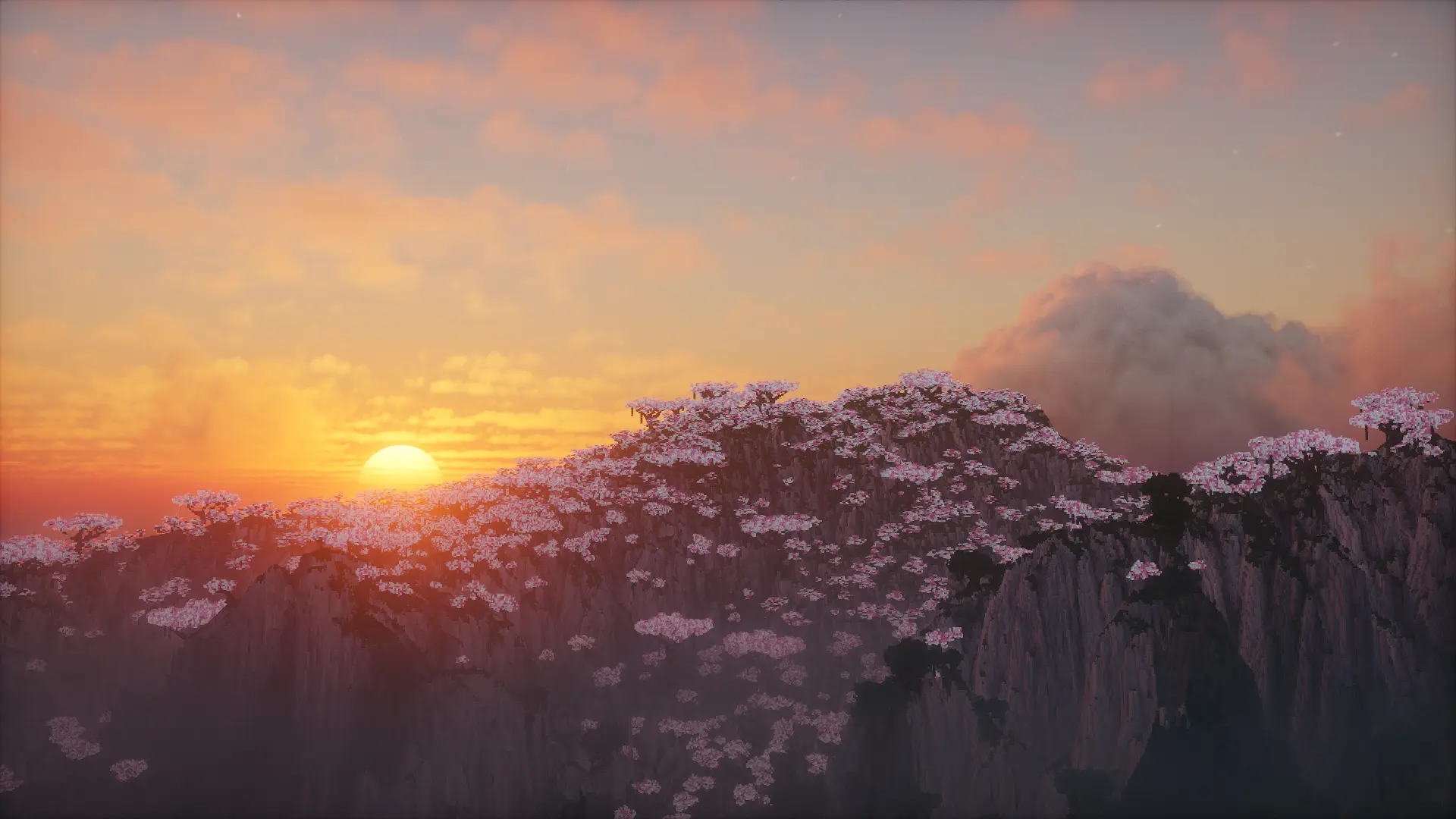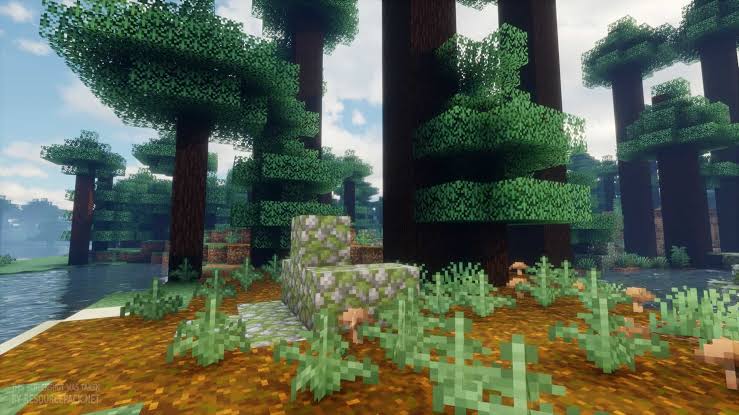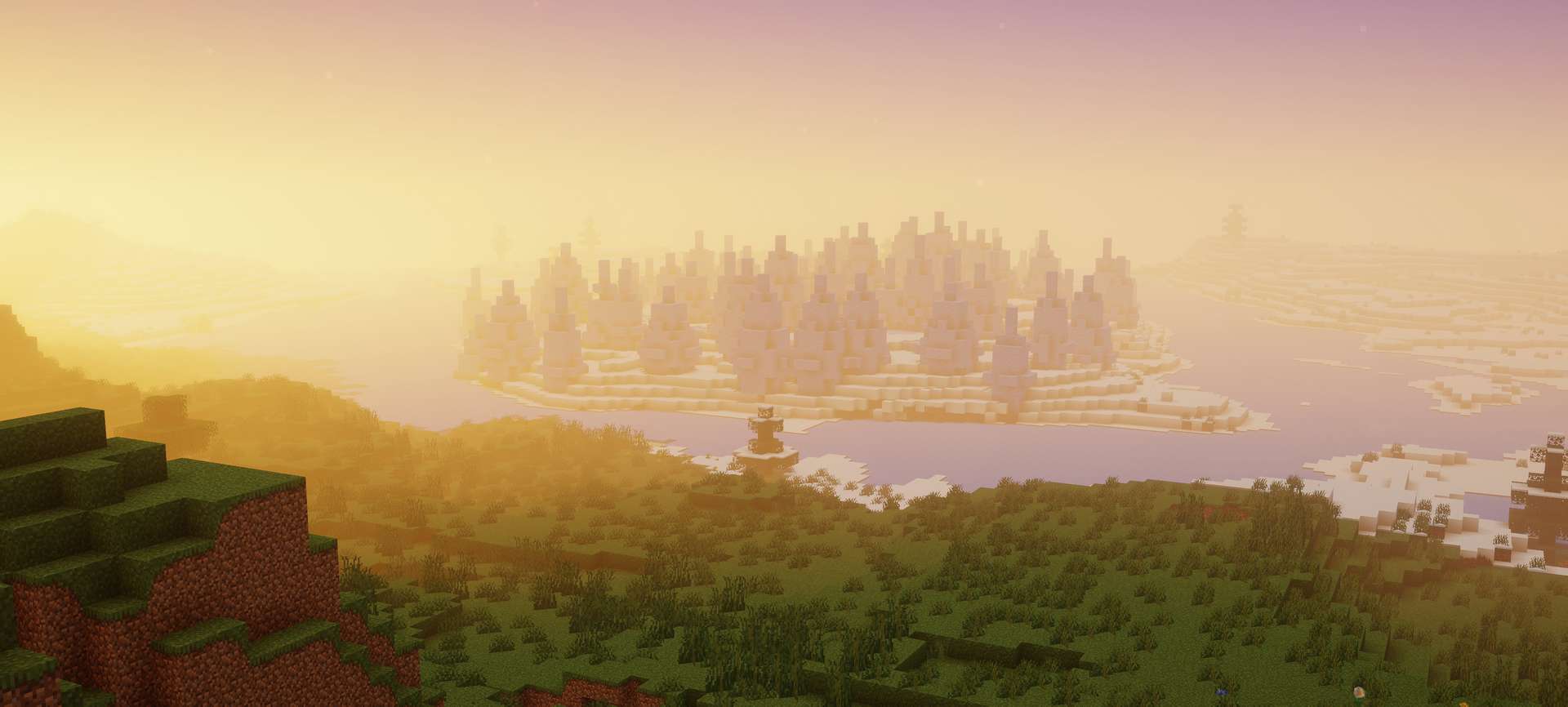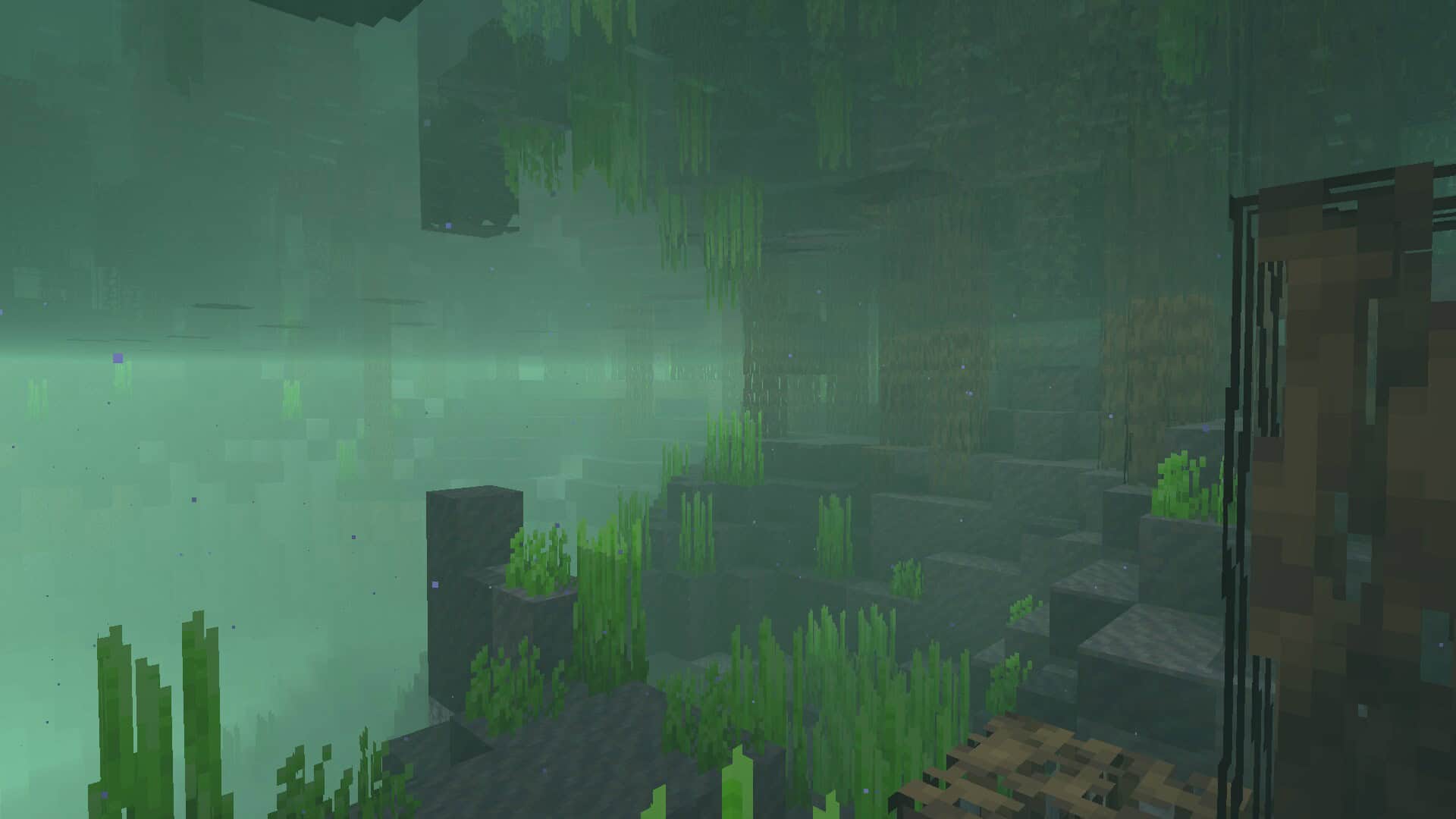
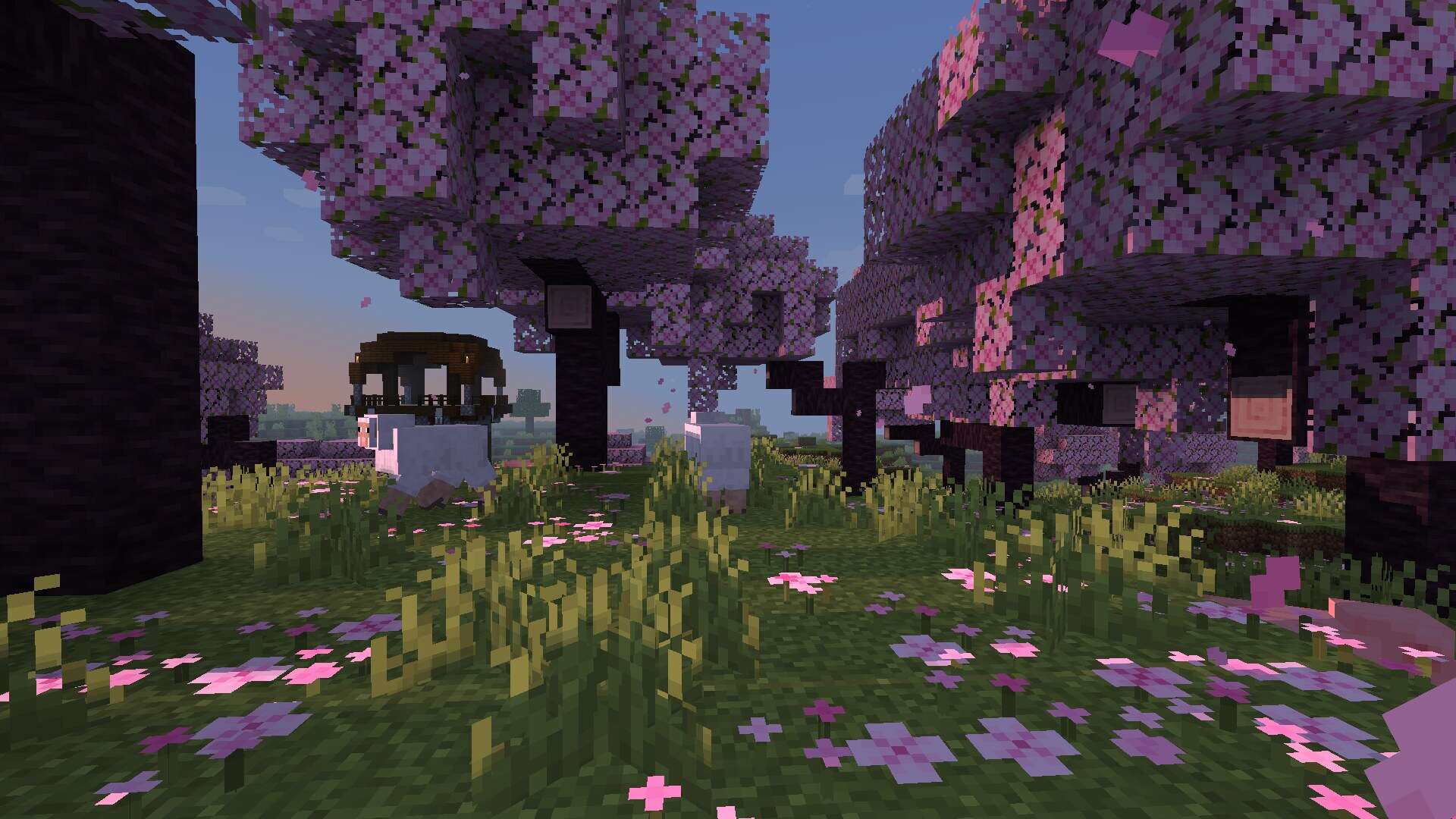
Minecraft has been around for years and it never seems to lose its charm, and now with Miniature Shaders it gains yet another layer of freshness. The reason is simple. It is not just a game, it is a creative platform that players expand and reshape every single day. The developers keep updating it and on top of that the community never stops surprising with new ideas. Mods, resource packs and shader packs are constantly being made and each of them can completely transform the way the game looks and feels. Some introduce realism, some introduce fantasy, others focus on optimization, but all of them exist because Minecraft gives players the freedom to experiment. Among these countless projects stands one interesting shader pack called Miniature Shader. The name itself already hints at what you can expect. It is about keeping things small, light and simple without losing the essence of Minecraft. Shaders in general are known for pushing hardware to its limits. They add lighting effects, shadows, reflections and atmospheres that make the blocky world feel more alive. The trade off is that many shader packs require powerful systems. Not everyone has a high end computer, and that is where Miniature Shaders make their mark. They are designed to deliver subtle upgrades without overwhelming the player’s machine. The pack takes into account those who just want a touch of realism but cannot or do not want to run heavy shader projects. In practice this means you can still get better looking water, smoother lighting and gentle shadows while your computer stays cool and responsive. One of the biggest strengths of Miniature shader pack is that it respects the vanilla look. Some shaders completely transform the game into something else, which is impressive but also risks taking away what makes Minecraft feel like Minecraft. Miniature Shaders do the opposite. They highlight what is already there instead of reinventing it. You will notice shadows that are blocky yet pleasing, sunlight that filters through leaves in a soft way and reflections on the water that are present but not distracting. This careful balance keeps the game friendly and recognizable. Players who value the original style but want just a touch more atmosphere will find this approach refreshing. Water in Minecraft has always been iconic. With Miniature Shaders the water becomes slightly more reflective and realistic while still keeping a cubic soul. Do not expect mirror like lakes or hyper realistic oceans, instead expect a gentle shimmer that enhances the environment without stealing the show. This design choice fits perfectly with the idea of being miniature. It does not overwhelm the player, it simply improves what is already there.
Sunlight is treated in the same way. You get beams that break through trees and light up the terrain in a soft manner. It adds warmth and dimension but never becomes blinding. For long building sessions or hours of exploration this subtlety is a blessing because it enhances immersion without causing visual fatigue. Shadows deserve a mention too. While they are not as complex or dynamic as in the heavy packs, they synchronize beautifully with the vanilla style. Their blocky nature feels intentional rather than limiting. For many players this is a big win because it reinforces the identity of Minecraft rather than trying to mask it. This is where Miniature Shaders gain respect. They are not trying to be the most realistic or the most advanced. They are trying to be accessible, comfortable and true to the game. Another point worth highlighting is how beginner friendly the pack is. New players often want to try shaders but find themselves discouraged because most popular ones demand too much power. Miniature shaders lower the entry barrier. Anyone with modest hardware can install them, see improvements and start experimenting. It makes the shader world less intimidating and more inviting. From there, if players want to explore more advanced packs later they can, but many will be perfectly happy staying with the miniature touch. Pairing these shaders with the right resource pack also makes a difference. Faithful 32x for example doubles the resolution of default textures while keeping their style intact. When combined with Miniature Shaders you get crisp visuals, subtle shadows and gentle reflections all working together. The result feels like a polished version of vanilla rather than a complete overhaul. For players with very limited hardware there is also Potato Shaders which are another option, but Miniature Shaders strike a sweet balance between looks and performance. At the end of the day Minecraft thrives because it welcomes both minimalists and maximalists. Some players love heavy realistic shader packs that demand top tier machines, others want something lighter that still enriches the experience. Miniature Shaders prove that you do not need the most advanced features to improve atmosphere. Sometimes less is more, and when less is done well it can make your world feel warmer, cozier and more alive. For anyone searching for shaders that enhance without overwhelming, that respect the original while offering small upgrades and that run smoothly on modest setups, Miniature Shaders are absolutely worth a try.
Miniature Shader should be compatible with all of these Minecraft versions: 26.2 – 26.1.2 – 26.1.1 – 26.1 – 1.21.11 – 1.21.10 – 1.21.9 – 1.21.8 – 1.21.7 – 1.21.6 – 1.21.5 – 1.21.4 – 1.21.3 – 1.21.2 – 1.21.1 – 1.21 – 1.20.6 – 1.20.5 – 1.20.4 – 1.20.3 – 1.20.2 – 1.20.1 – 1.20 – 1.19.4 – 1.19.3 – 1.19.2 – 1.19.1 – 1.19 – 1.18.2 – 1.18.1 – 1.18 – 1.17.1 – 1.17 – 1.16.5 – 1.16.4 – 1.16.3 – 1.16.2 – 1.16.1 – 1.16 – 1.15.2 – 1.15.1 – 1.15 – 1.14.4 – 1.14.3 – 1.14.2 – 1.14 – 1.13.2 – 1.13.1 – 1.13 – 1.12.2 – 1.12 – 1.11.2 – 1.11 – 1.10.2 – 1.10 – 1.9.4 – 1.9 – 1.8.9 – 1.8.8 – 1.8.6 – 1.8.1 – 1.8 – 1.7.10 – 1.7.9 – 1.7.4 – 1.7
Screenshots
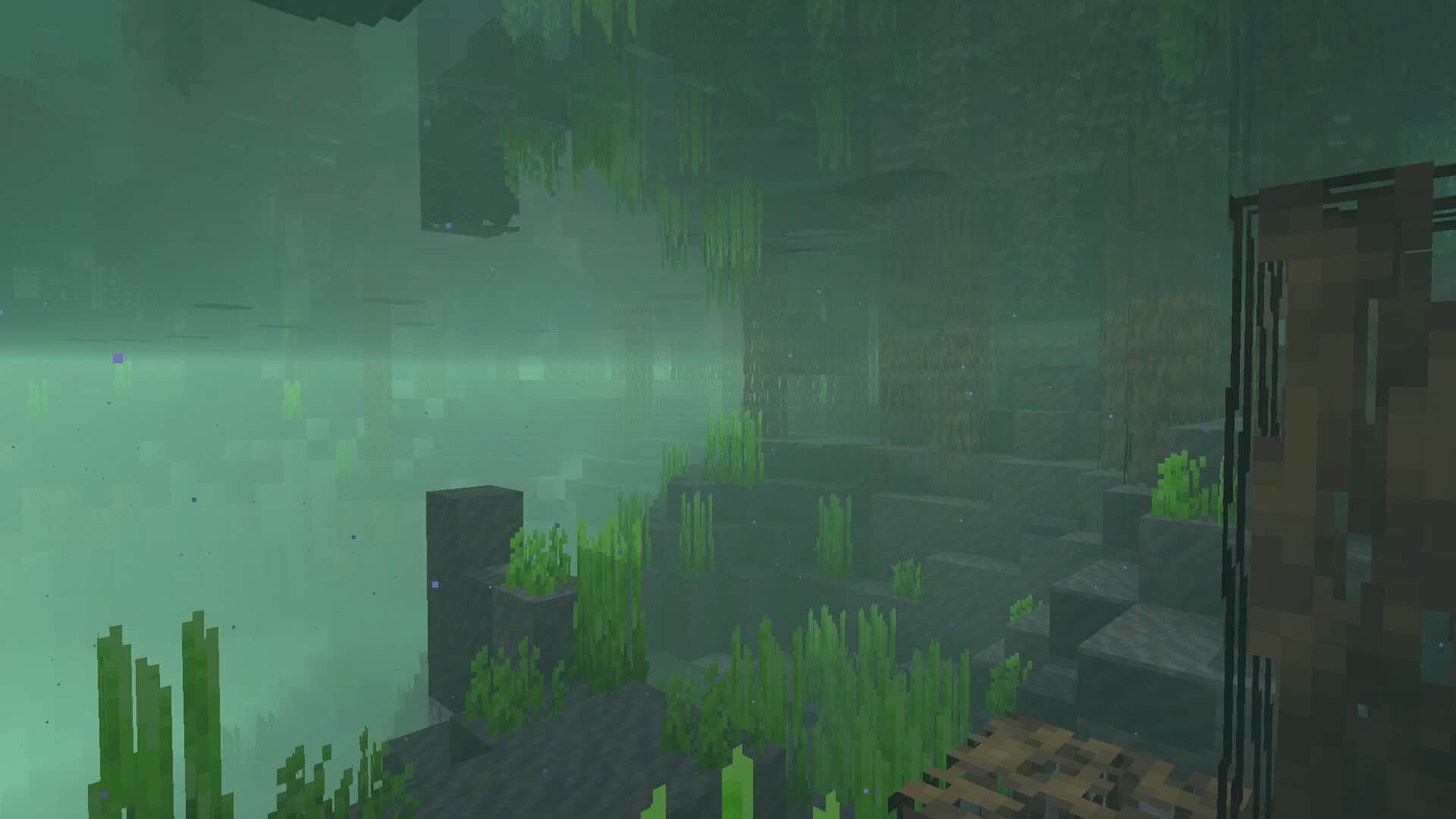
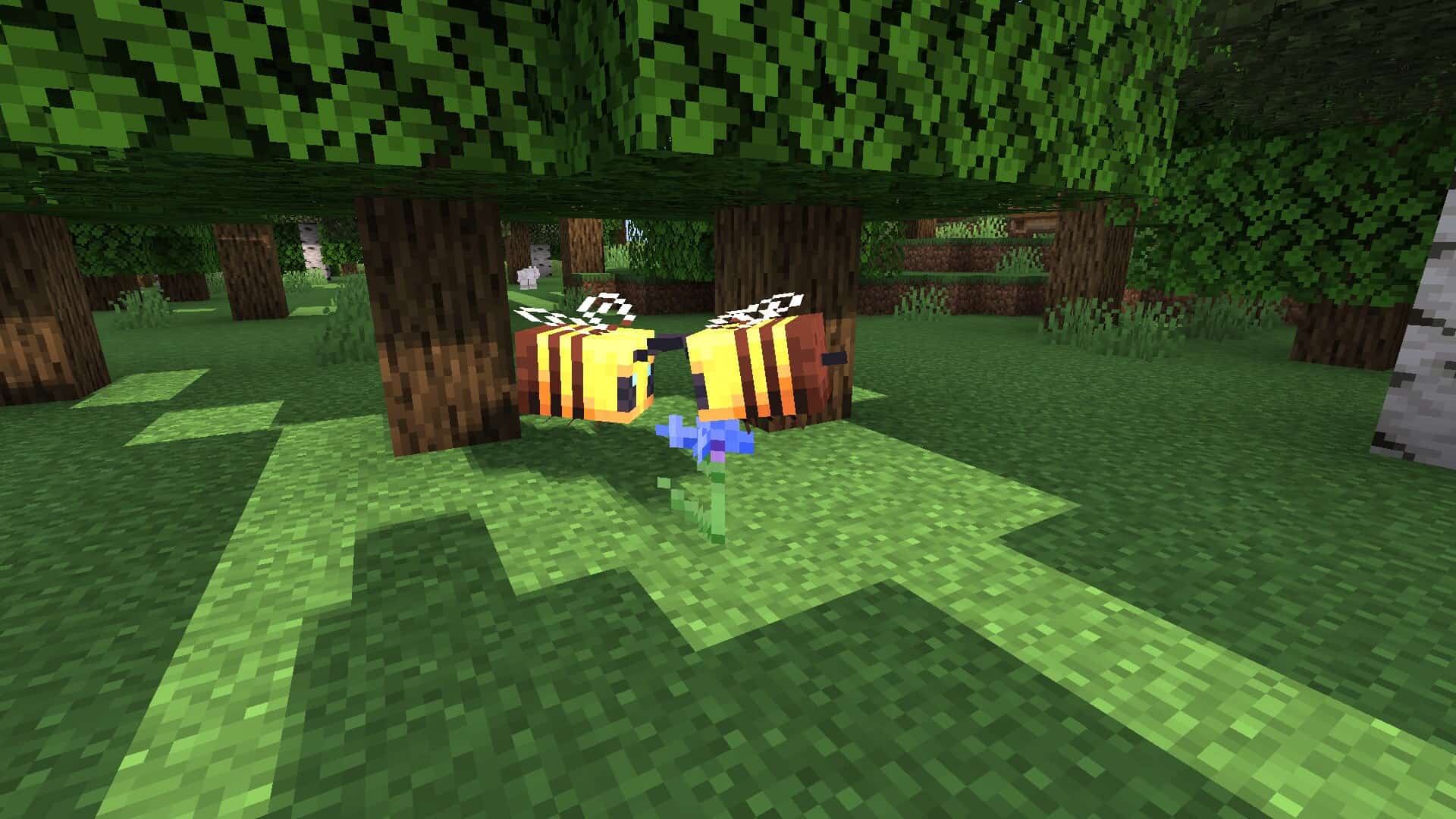
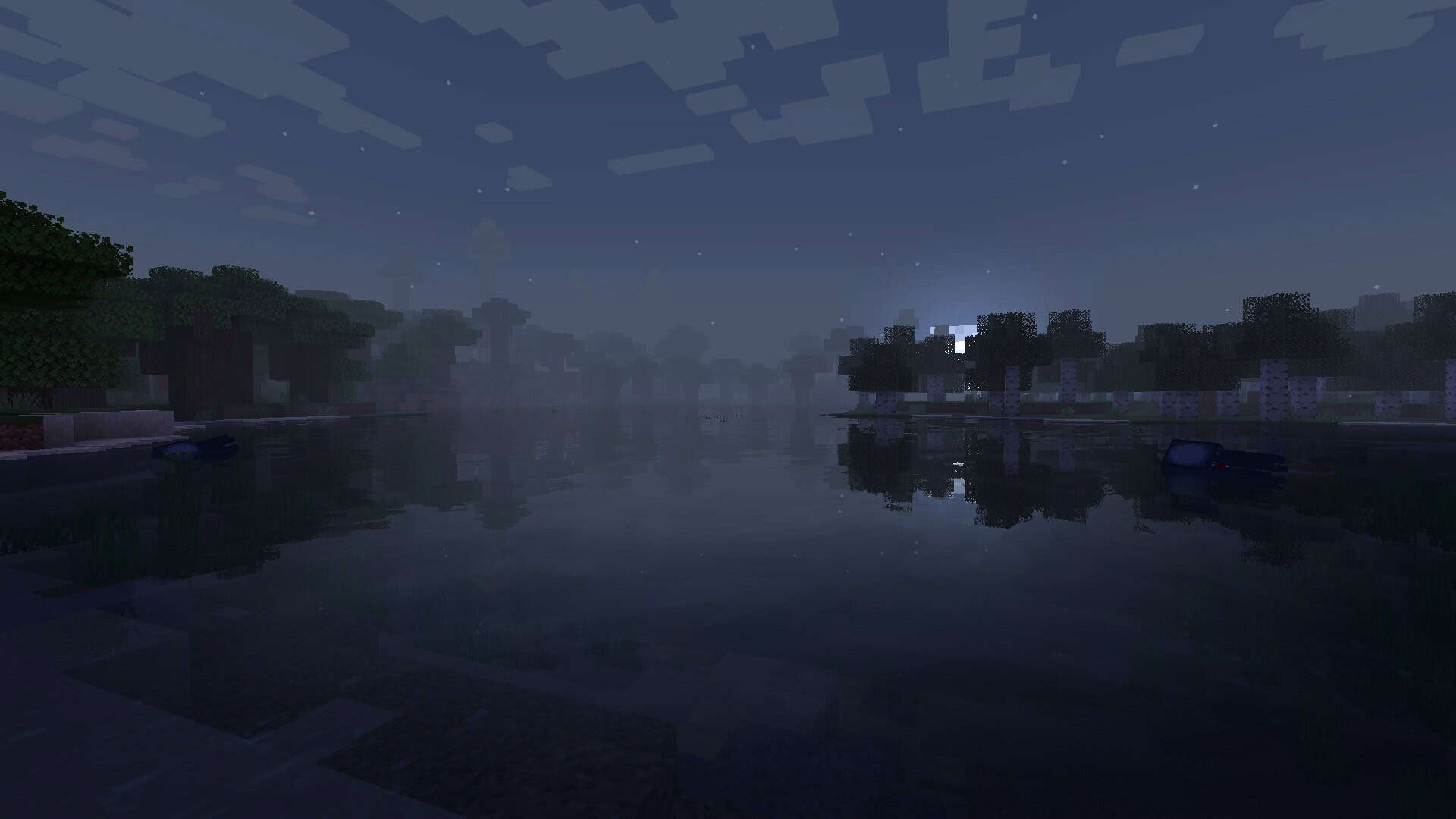

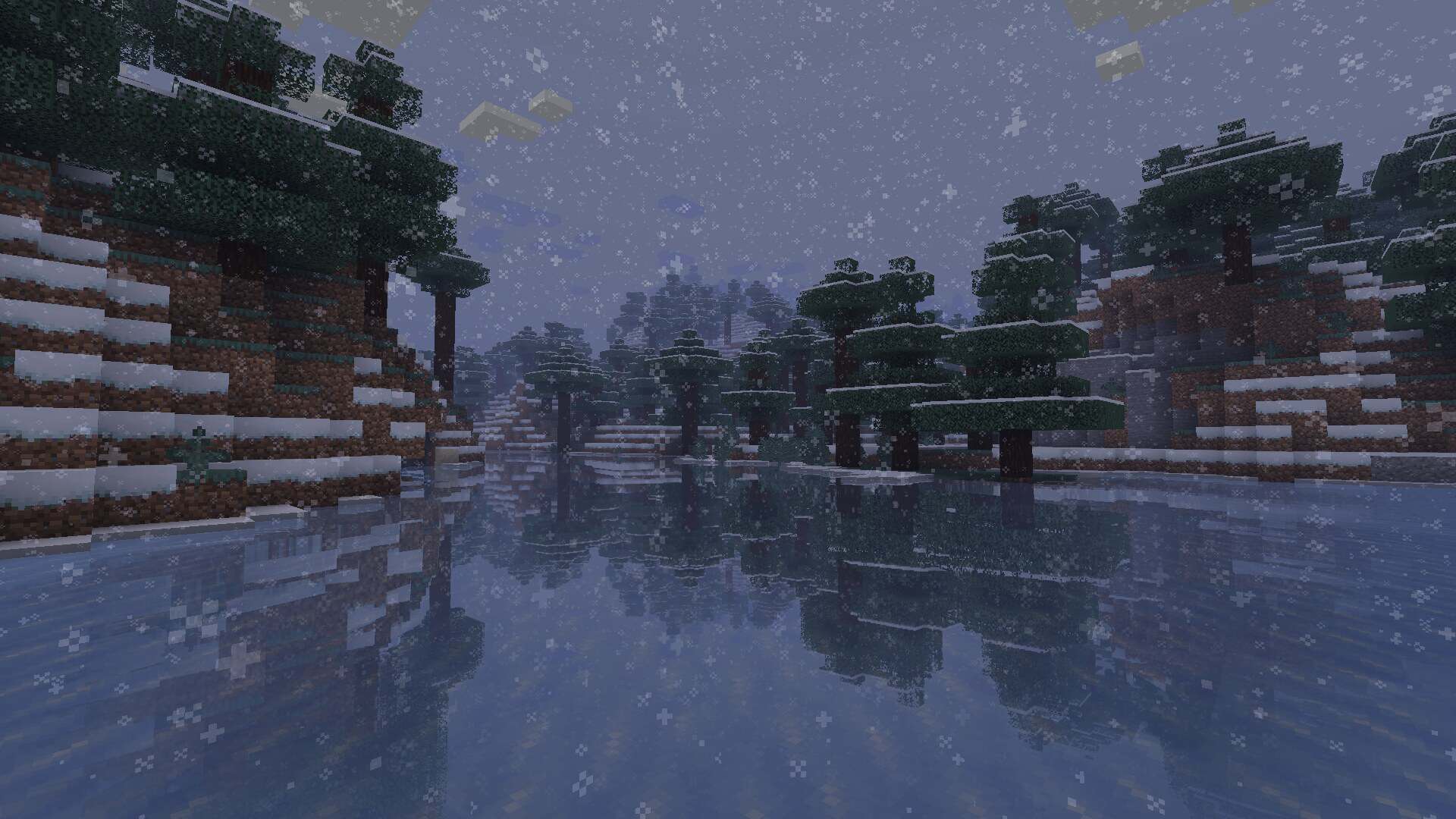
How to Install Shader Pack (Simple and Easy 7 Steps)
- Install Minecraft: Make sure to have Minecraft on your PC.
- Set the Game Version: Open the Minecraft Launcher, go to the “Installations” tab, click “New Installation”, choose the version you want to play, and click “Create”.
- Install OptiFine or Iris: Download and install OptiFine or Iris (we recommend Iris for better performance).
- To download Iris, click here.
- To download OptiFine, click here.
- Launch with the Shader Mod: Open the Minecraft Launcher again and select the OptiFine or Iris profile you installed.
- Download the Shader Pack: Download the shader pack (.zip file) from the download section below. (Don’t unzip it!)
- Open the Shaderpacks Folder:
- For OptiFine: Go to Options > Video Settings > Shaders > Shaders Folder
- For Iris: Go to Options > Video Settings > Shader Packs > Open Shader Pack Folder
- Add and Activate the Shader Pack: Move the downloaded .zip file into the shaderpacks folder. Then go back to the game, select the shader pack from the list, and click “Done” to activate it.
Credits
This shader pack was originally created by ukrech. We do not claim ownership of this content, nor do we host or modify the original files. All rights remain with the original creator, and we encourage you to support ukrech by downloading directly from their official sources.
Download Instructions
Curseforge: download starts automatically after a few seconds;
Mediafire: click the big blue button with the text “DOWNLOAD”;
Google Drive: in the top right corner you will see a small download icon (down arrow), click it and the download should start;