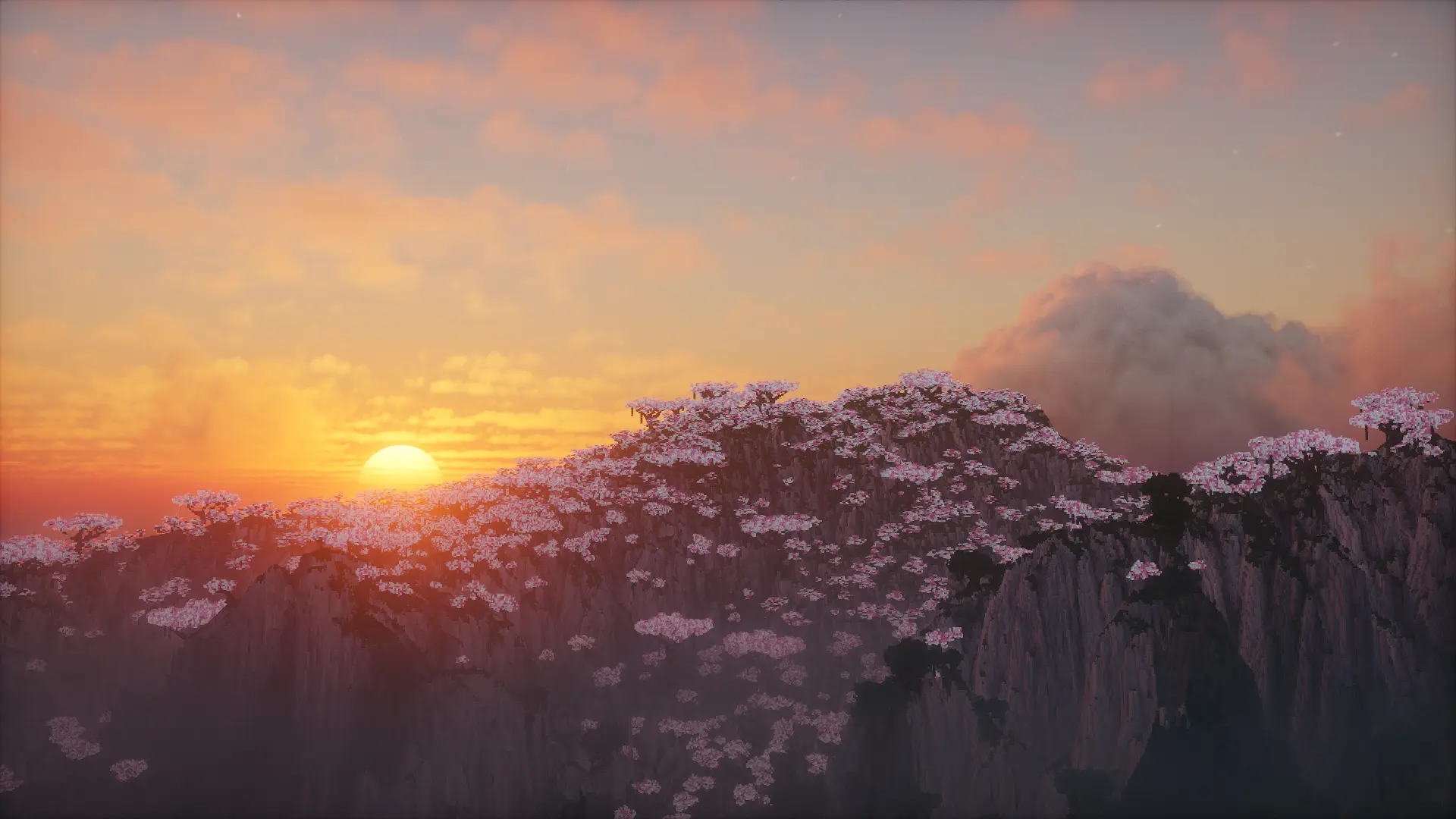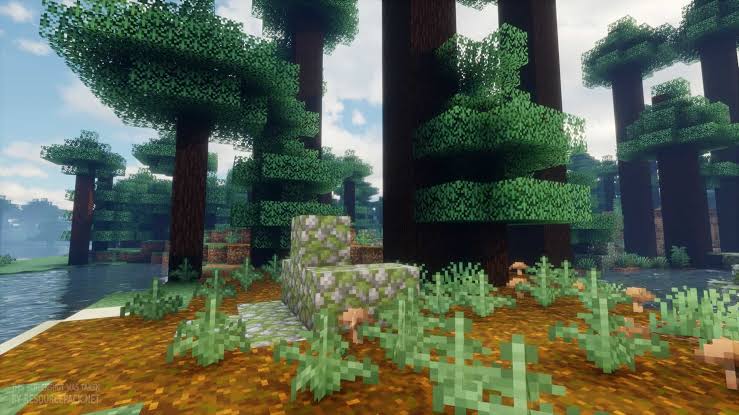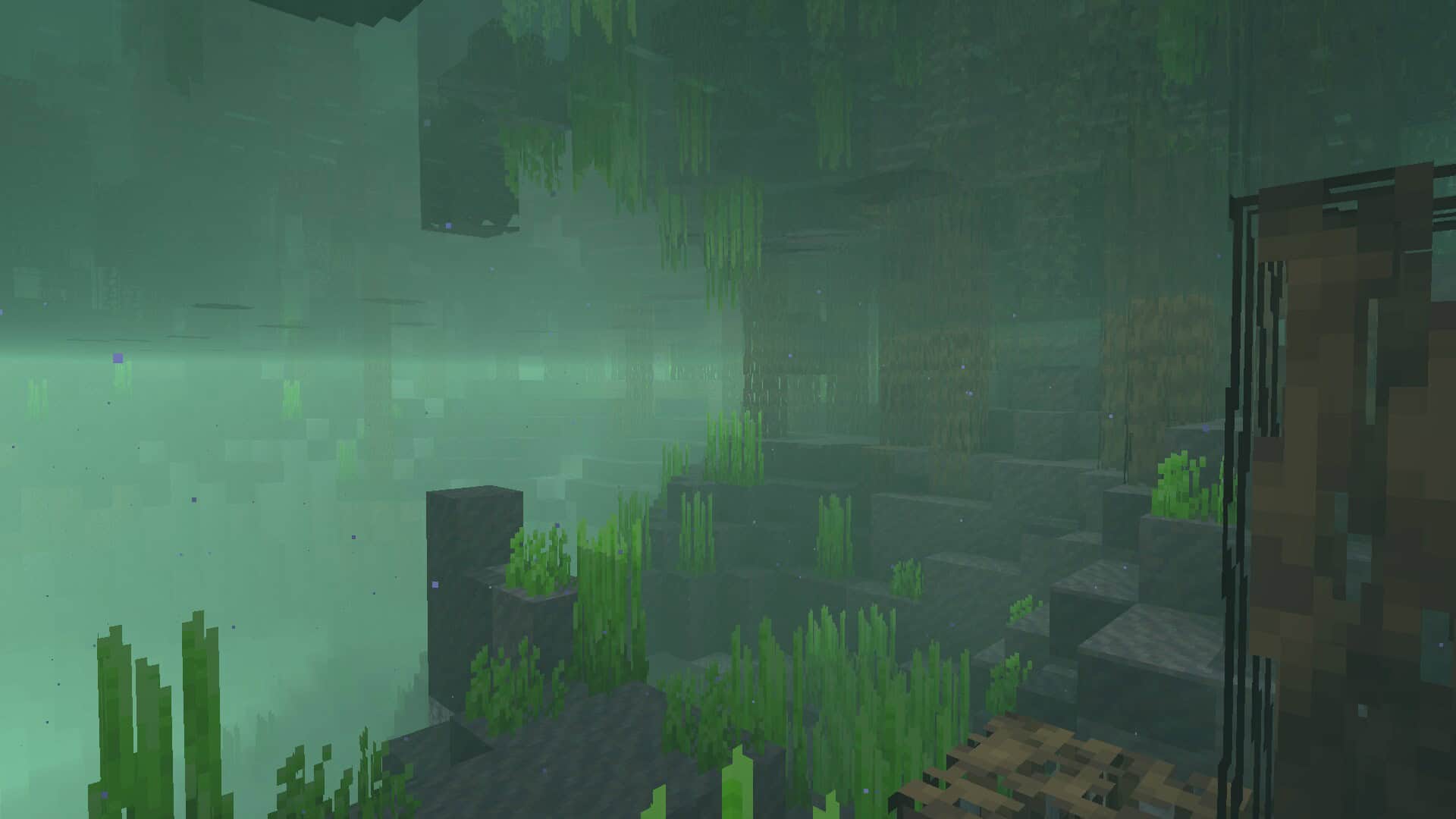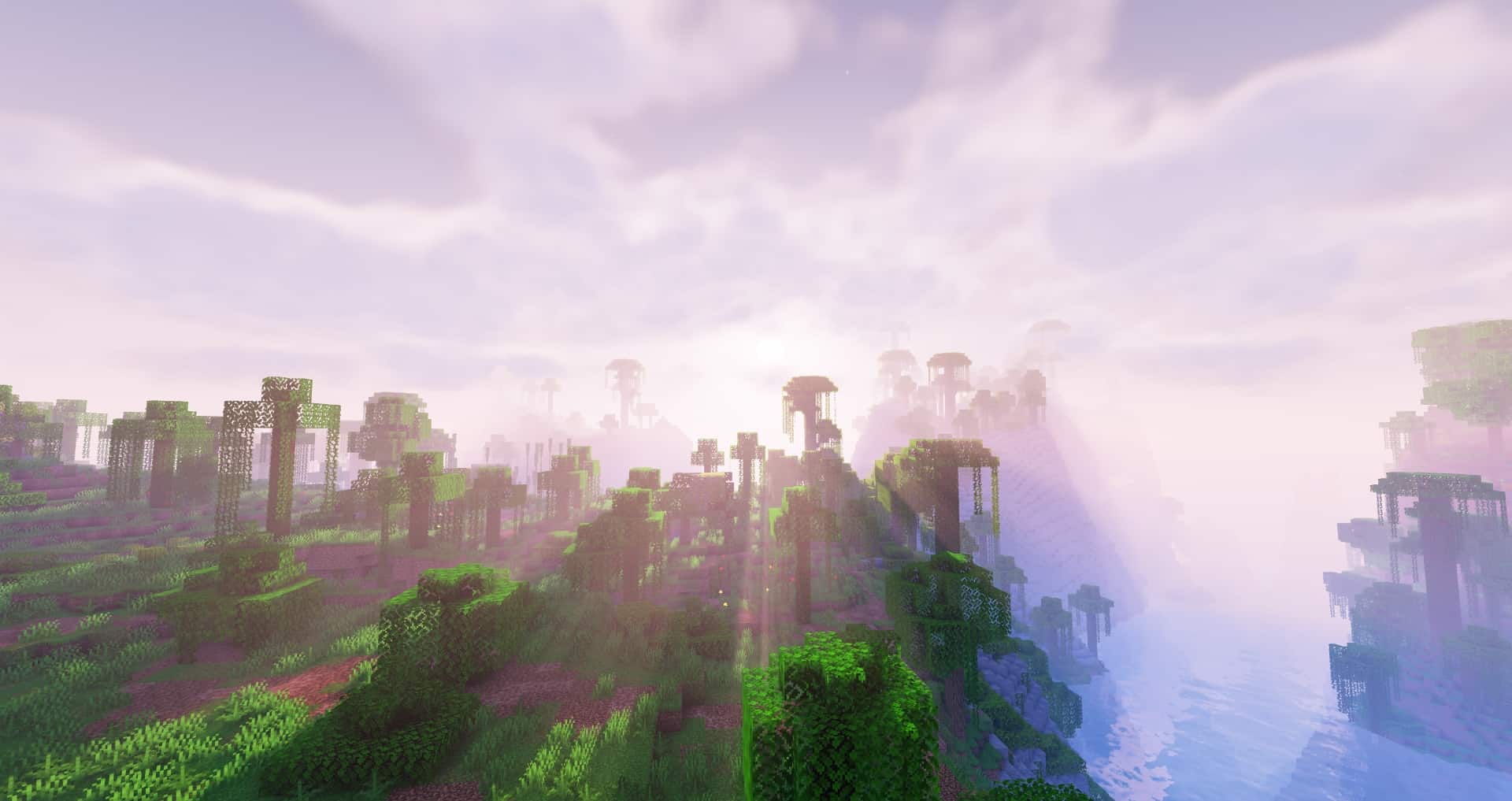
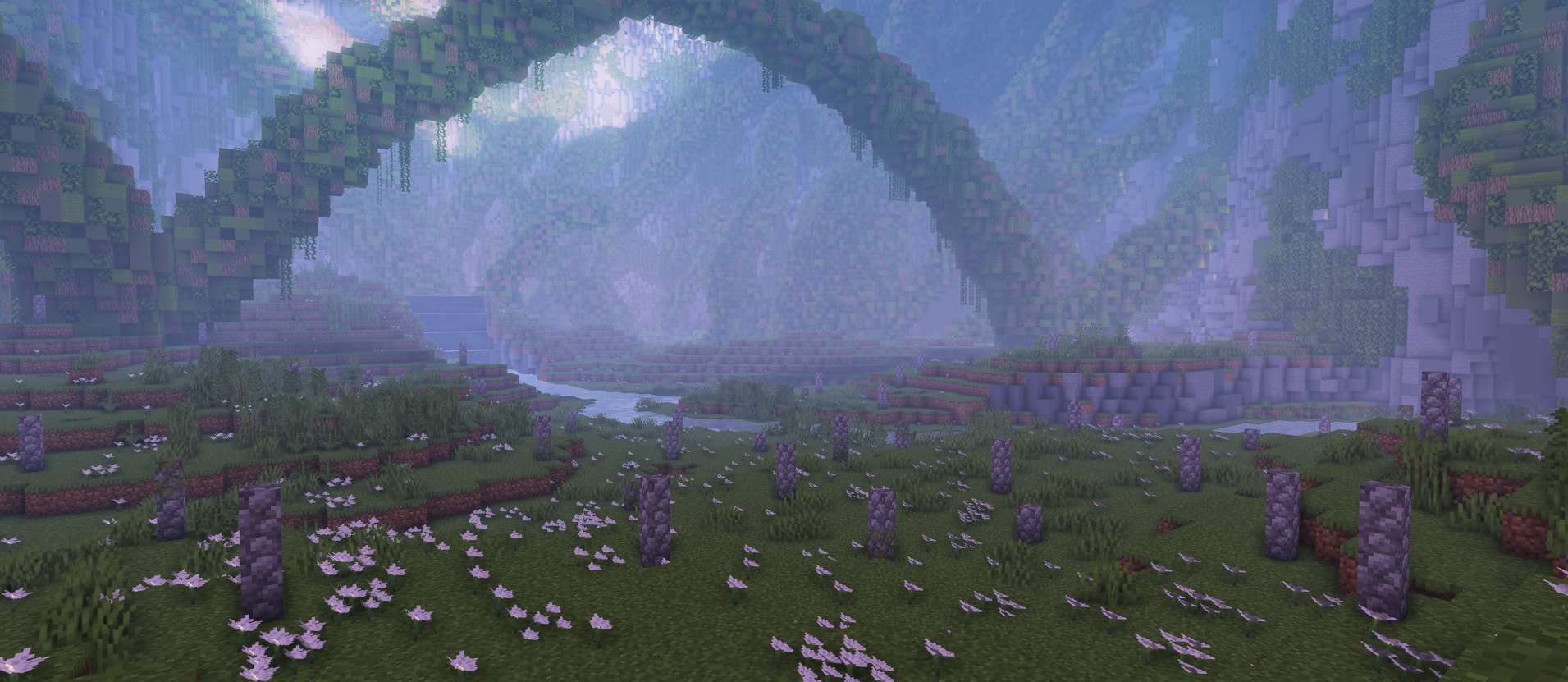
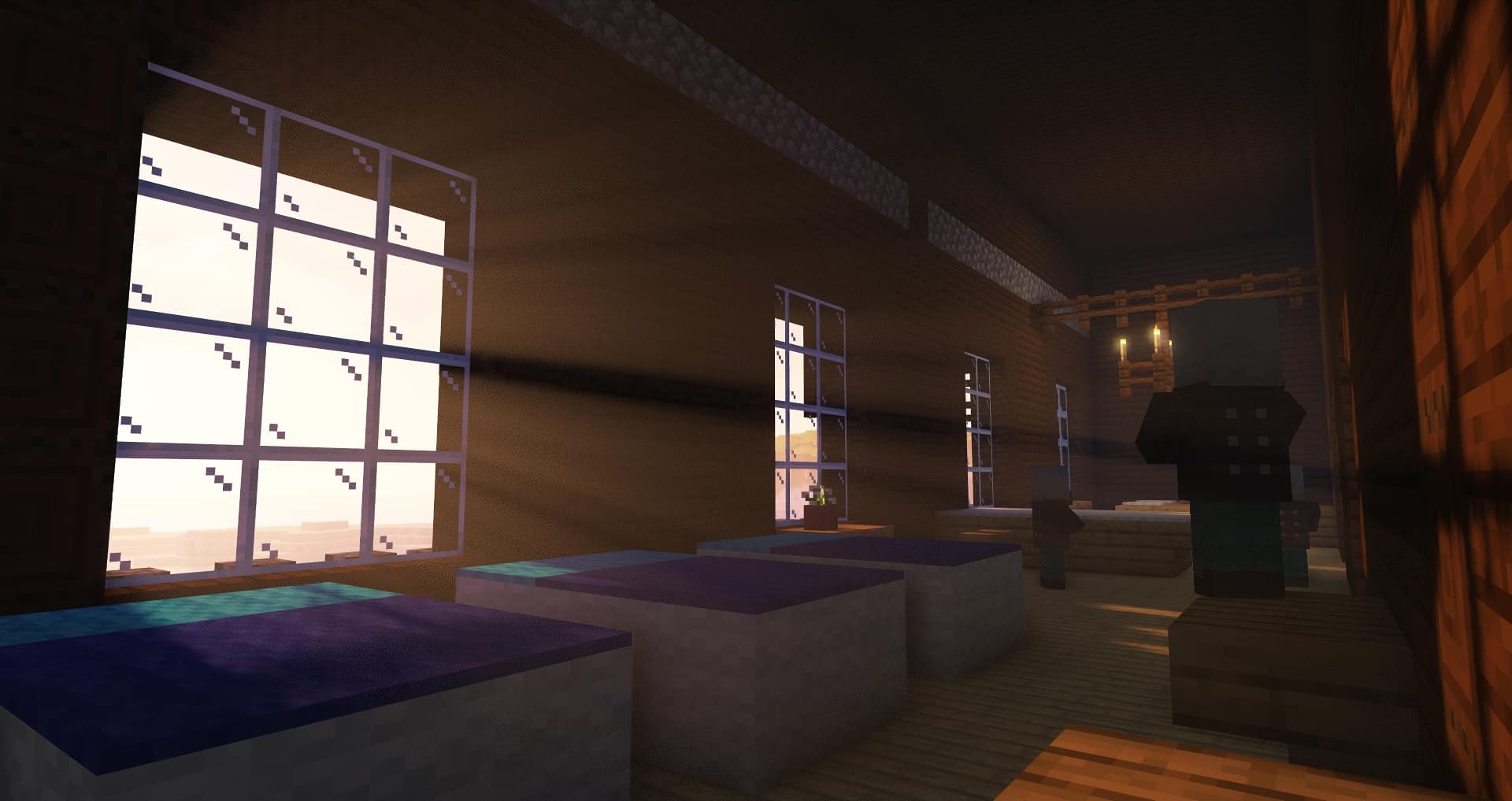
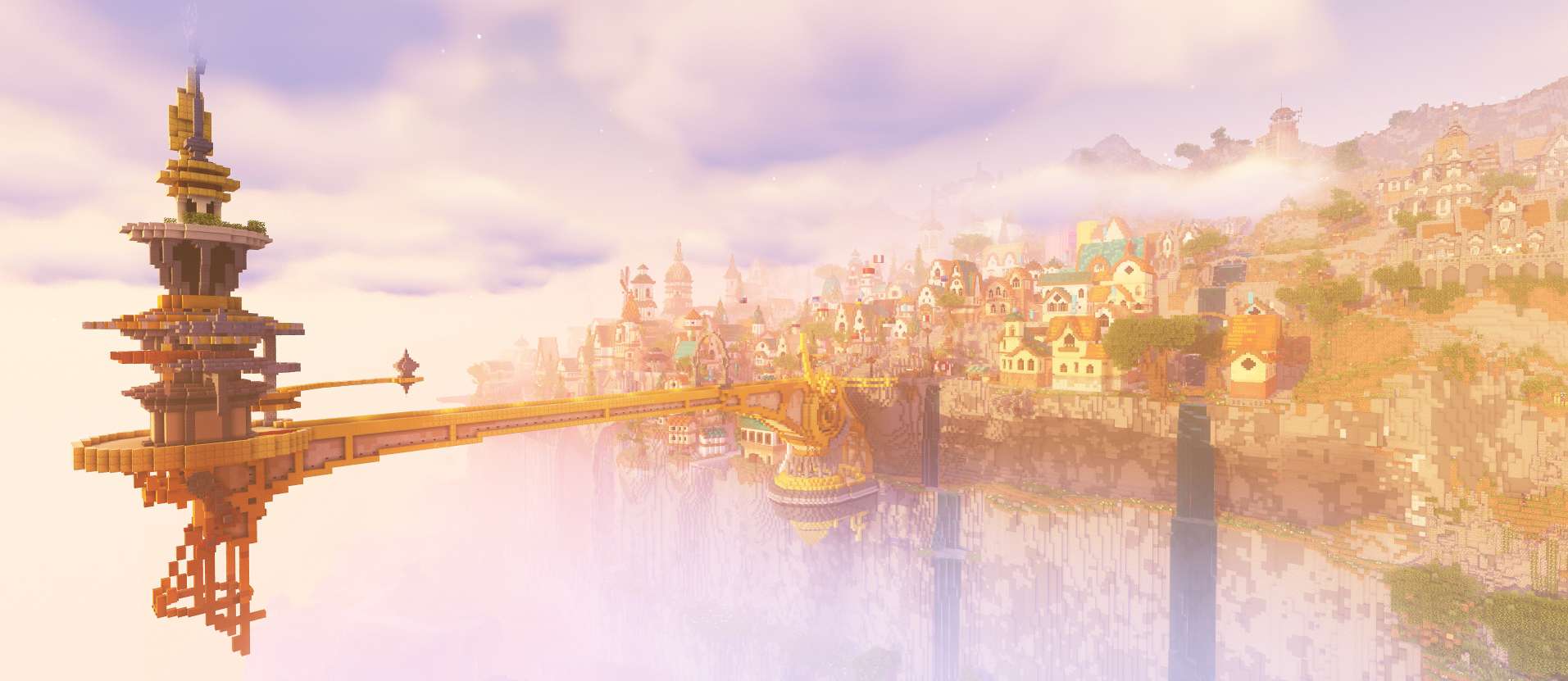
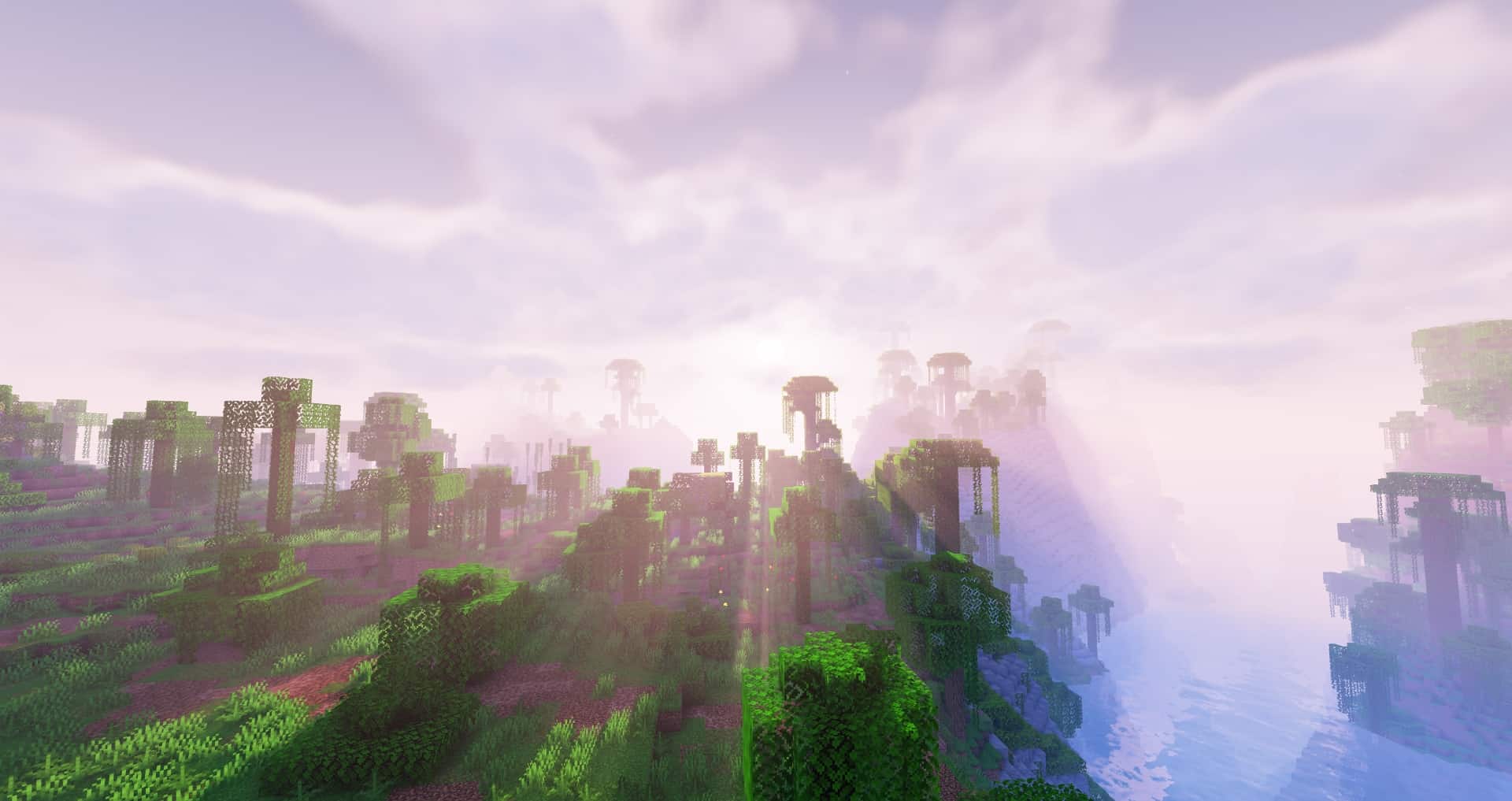
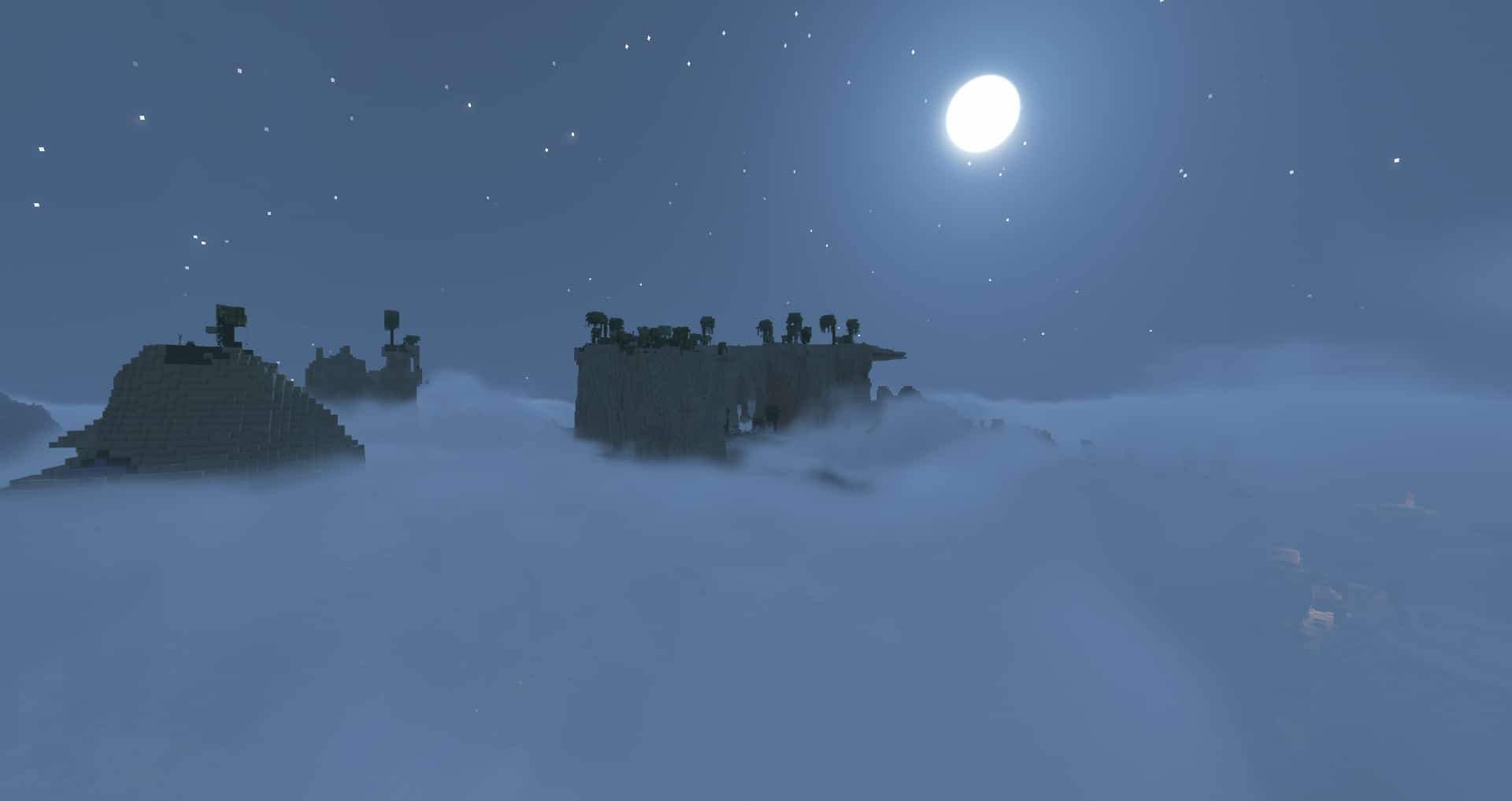
Solas Shaders is an incredible shader pack designed to elevate Minecraft’s blocky visuals to the absolute next level. Players who truly enjoy realism or fantasy will be eager to try this shader pack since it adds stunning aesthetics to vanilla Minecraft that fits both of those themes seamlessly. It also blends beautifully with resource packs, meaning that Solas Shaders for Minecraft can be used alongside your favorite textures to take your gaming experience to new heights. I found it to be a fantastic choice if you have tried other shaders before and were consistently disappointed by lowered frames per second. Although it still requires a suitable device to run correctly, Solas Shaders for Minecraft is happily on the lower end of being demanding when it comes to shader packs. It’s genuinely impressive how little it’ll affect your framerate, given the sheer plethora of features and visual improvements this shader pack will add to vanilla Minecraft. Since vanilla Minecraft’s textures are designed for cubes, the visuals of an unmodded game can sometimes feel flat or simple. Some people love this classic aesthetic, but Solas Shaders for Minecraft exists for players who crave something much more immersive. Many shaders suffer from peter panning, which is when shadows fail to connect to objects and create a floating effect, along with shadow light leaking, where light shines in areas shadows should occupy. I was thrilled to find that Solas Shaders completely avoids both of these problems, meaning you can enjoy your Minecraft world without any of those annoying visual issues. What Solas Shaders for Minecraft does come equipped with are breathtaking 3D volumetric clouds! They look hyper-realistic without tanking your frames per second, plus they brilliantly refuse to leak into closed spaces within caves or mountains. These 3D volumetric clouds are wonderfully complemented by striking light rays, giving everything a jaw-dropping effect. The water flows naturally, which will seriously spice up anything from a small pond to the entire ocean. Atmospheric fog perfectly matches moody swamp biomes, while also making serene lakes and seaside towns look much more intriguing. The global illumination and fast-colored lighting ensure that your whole Minecraft world looks as good as possible in as little time as possible. In fact, the Solas Shader for Minecraft is the first pack to achieve light bouncing and super fast per-block colored lighting.
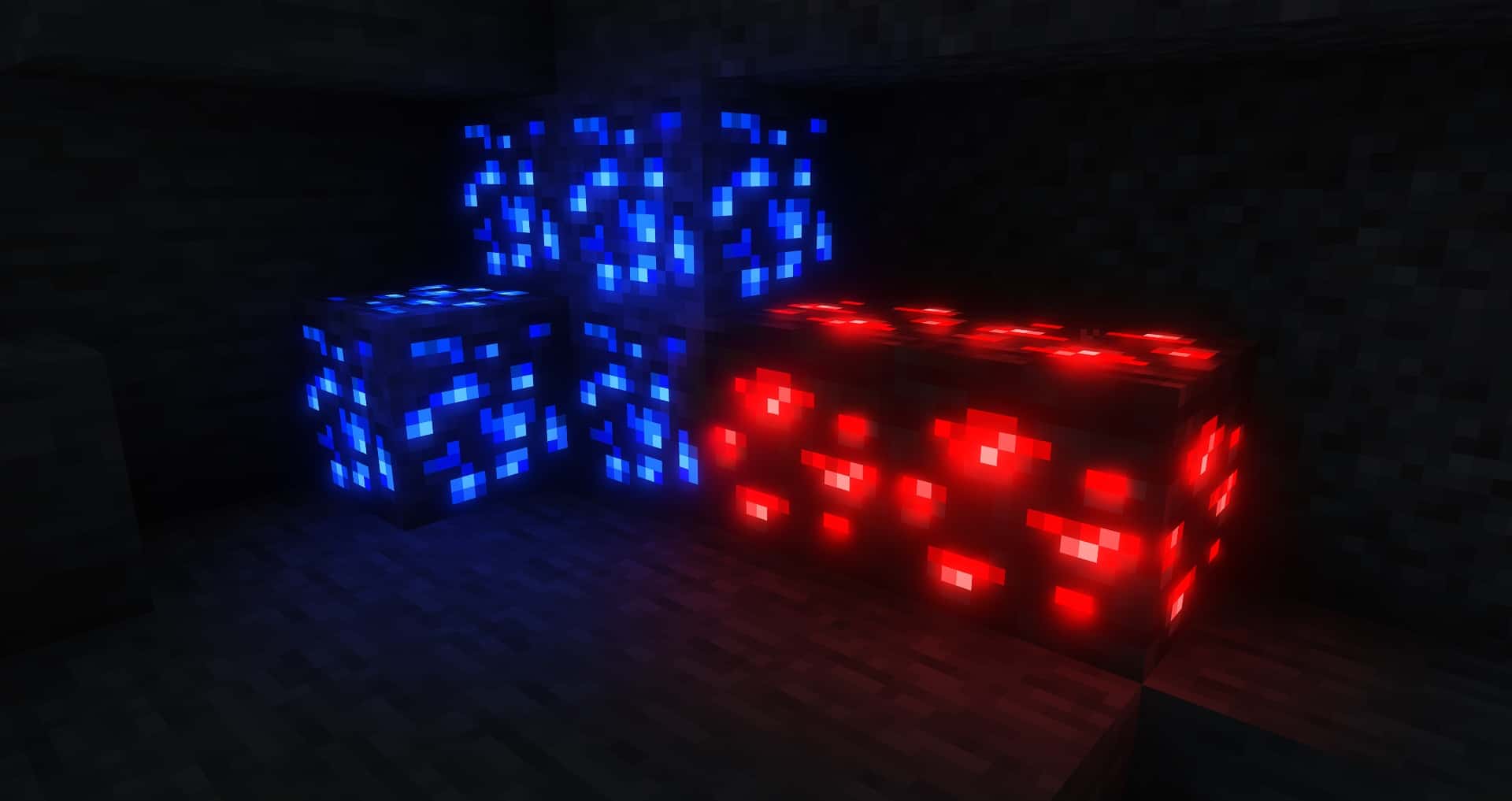
There are all sorts of fancy sky effects that are deeply awe-inspiring to behold. Just imagine seeing the mesmerizing Aurora Borealis shimmering above an ice biome, the stunning Milky Way arching above your boat as you sail across the sea at night, a gorgeous Ender Nebula as you traverse the End dimension, or a terrifying Ender Vortex swirling in the distance. These are only a few of the many fancy sky effects Solas Shaders for Minecraft will add to your game. As if it needed anything else, Minecraft Solas Shaders also comes packed with several cinematic post effects like chromatic aberration, TAA, FXAA, bloom, and an adjustable, flexible tonemap. Finally, this shader pack also includes an Integrated PBR resource pack featuring custom reflective and emissive blocks. Speaking of blocks, the effects that Solas Shaders adds to items, mobs, and blocks are some of the most genuinely enjoyable details in the entire game. Imagine running through a field of waving grass at dusk, watching the bright sun slowly set behind the moving clouds as they flow around a tall mountain, and seeing the ground slowly light up with glowing flowers. Minor item effects like glowing flora will brighten the landscape and tempt players to come outside at night, but you must beware of the hostile mobs. Skeletons and Endermen will now feature glowing eyes, which makes them both noticeably more terrifying and much easier to spot. It’s hard to do these visual effects justice in words, and you will simply have to experience it for yourself once you explore the pack after downloading it. The enchanting Solas Shaders for Minecraft is available in multiple languages, which makes it easily accessible to Minecraft players around the globe. Its highly customizable options are conveniently available in English, Chinese, French, Russian, and Spanish. The incredible accessibility and sheer quality are just a few reasons why Solas Shaders for Minecraft has earned over 20,000 downloads on CurseForge, an official website meant for downloading mods for a variety of games. Its last update on November 24th of 2022 shows that the creator was recently hard at work on this shader pack and will likely continue to make improvements in the future as they release newer versions.
Solas Shaders should be compatible with all of these Minecraft versions: 26.2 – 26.1.2 – 26.1.1 – 26.1 – 1.21.11 – 1.21.10 – 1.21.9 – 1.21.8 – 1.21.7 – 1.21.6 – 1.21.5 – 1.21.4 – 1.21.3 – 1.21.2 – 1.21.1 – 1.21 – 1.20.6 – 1.20.5 – 1.20.4 – 1.20.3 – 1.20.2 – 1.20.1 – 1.20 – 1.19.4 – 1.19.3 – 1.19.2 – 1.19.1 – 1.19 – 1.18.2 – 1.18.1 – 1.18 – 1.17.1 – 1.17 – 1.16.5 – 1.16.4 – 1.16.3 – 1.16.2 – 1.16.1 – 1.16
Screenshots
How to Install Shader Pack (Simple and Easy 7 Steps)
- Install Minecraft: Make sure to have Minecraft on your PC.
- Set the Game Version: Open the Minecraft Launcher, go to the “Installations” tab, click “New Installation”, choose the version you want to play, and click “Create”.
- Install OptiFine or Iris: Download and install OptiFine or Iris (we recommend Iris for better performance).
- To download Iris, click here.
- To download OptiFine, click here.
- Launch with the Shader Mod: Open the Minecraft Launcher again and select the OptiFine or Iris profile you installed.
- Download the Shader Pack: Download the shader pack (.zip file) from the download section below. (Don’t unzip it!)
- Open the Shaderpacks Folder:
- For OptiFine: Go to Options > Video Settings > Shaders > Shaders Folder
- For Iris: Go to Options > Video Settings > Shader Packs > Open Shader Pack Folder
- Add and Activate the Shader Pack: Move the downloaded .zip file into the shaderpacks folder. Then go back to the game, select the shader pack from the list, and click “Done” to activate it.
Credits
Credits: Developed by Septonious. We do not claim ownership of this content. All rights belong to the original author. We encourage you to visit the official creator platforms to support their ongoing work.
Download Instructions
Curseforge: download starts automatically after a few seconds;
Mediafire: click the big blue button with the text “DOWNLOAD”;
Google Drive: in the top right corner you will see a small download icon (down arrow), click it and the download should start;