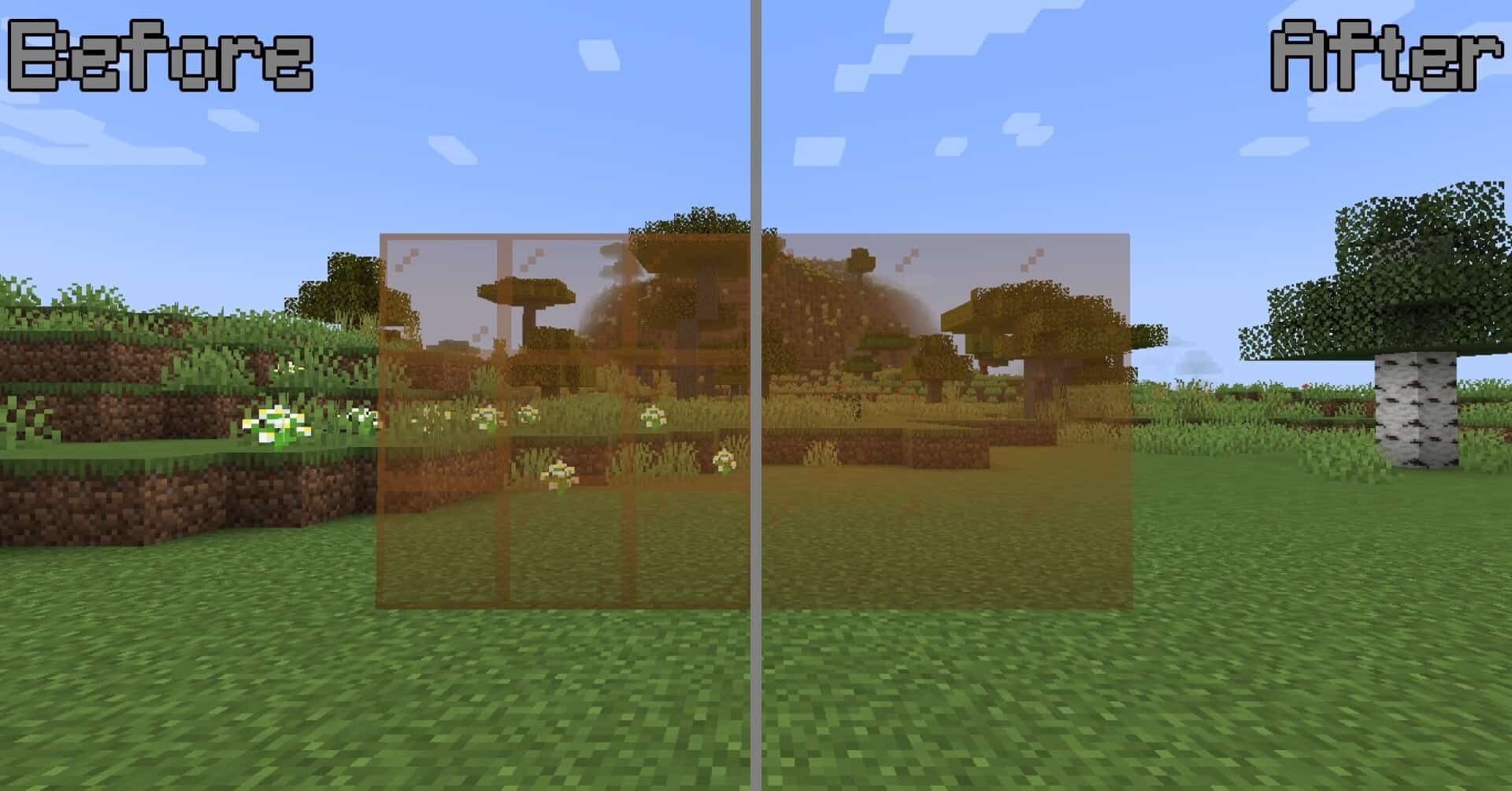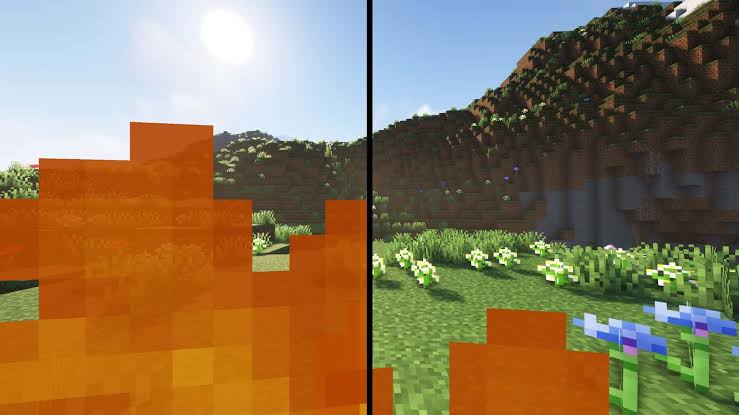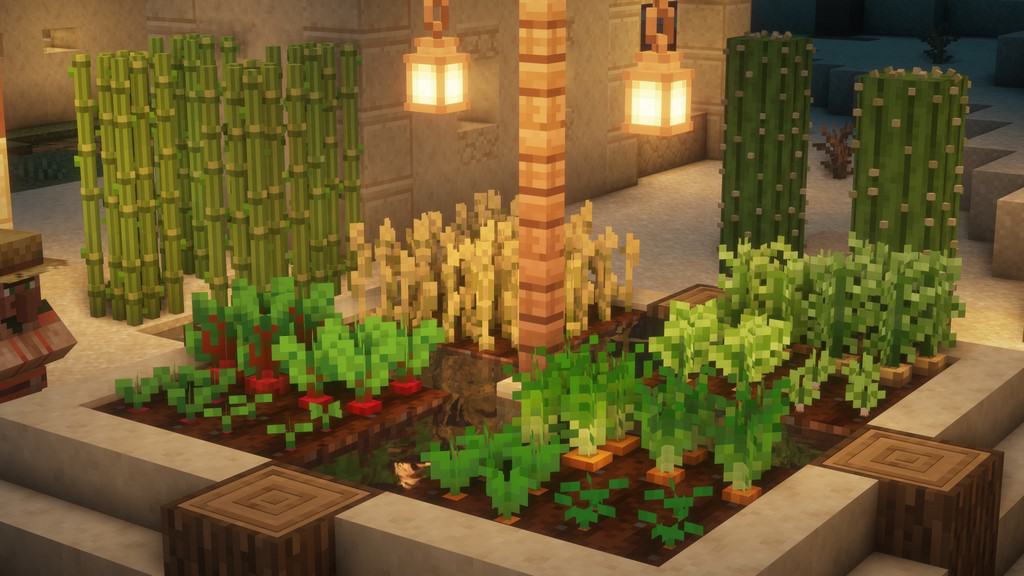
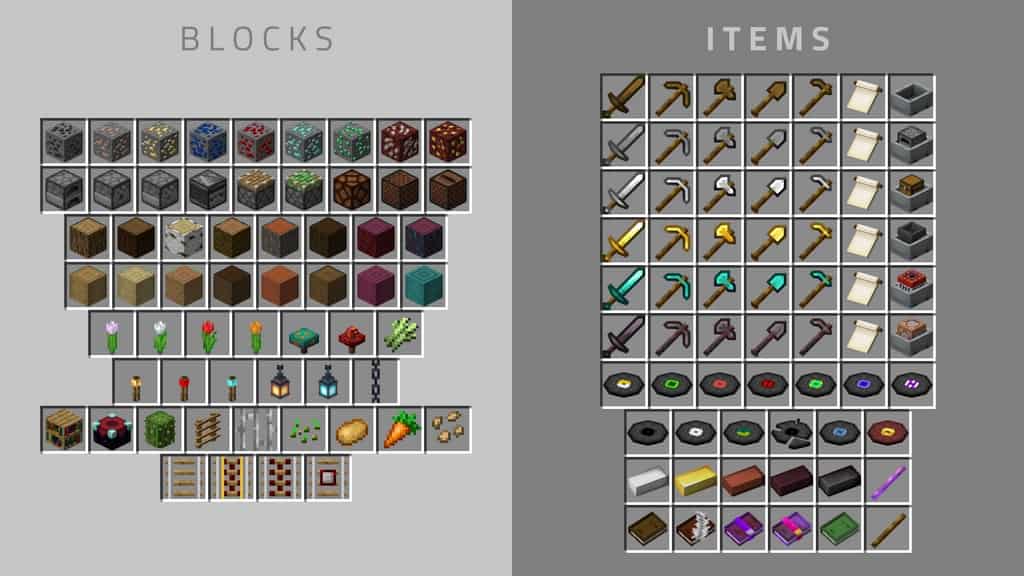
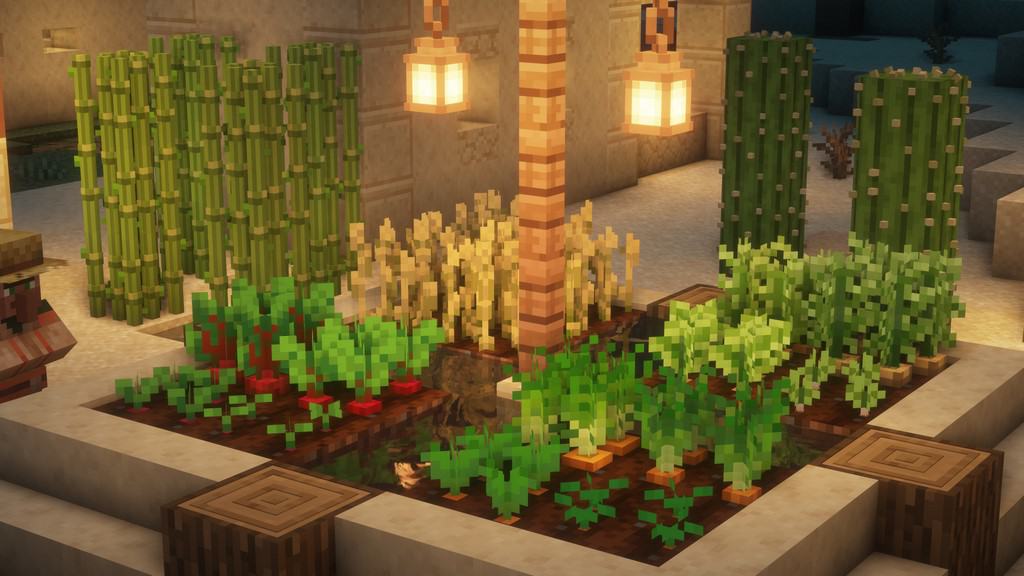
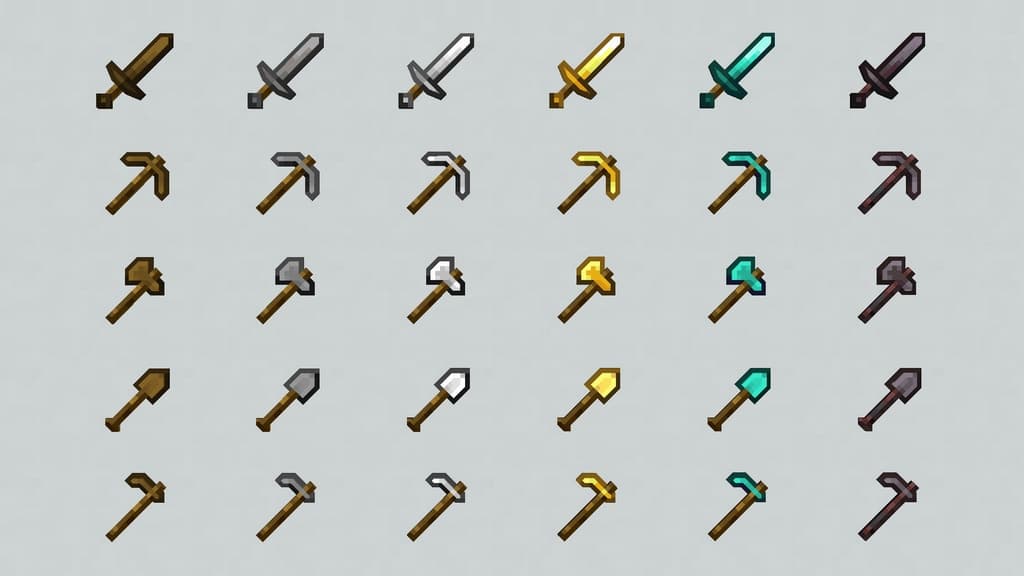
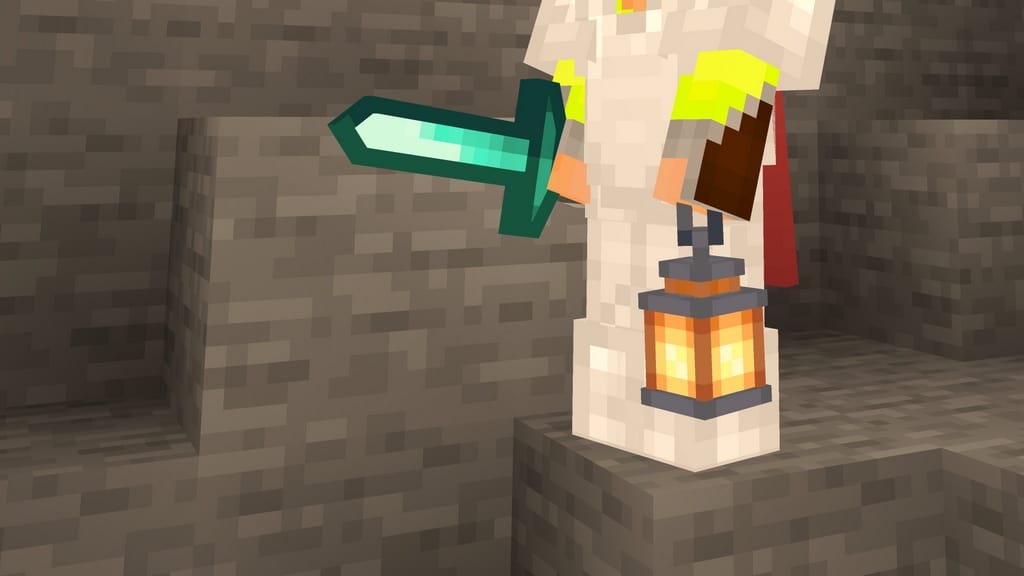
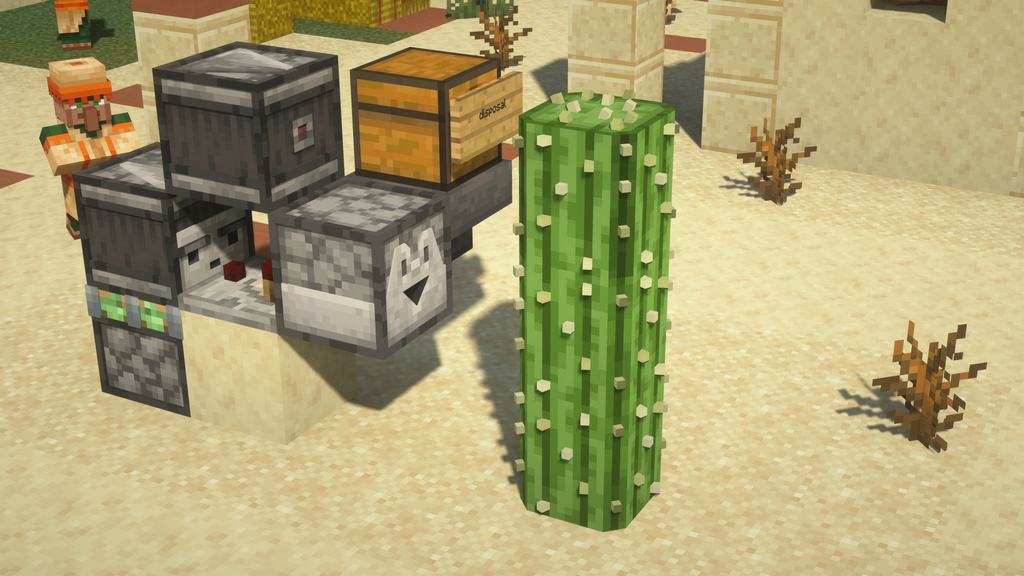
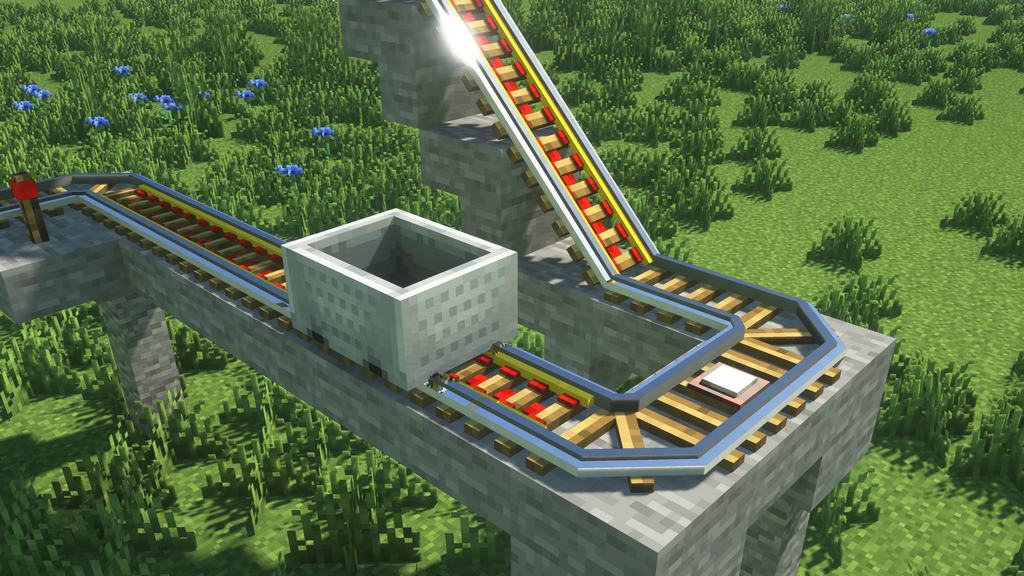
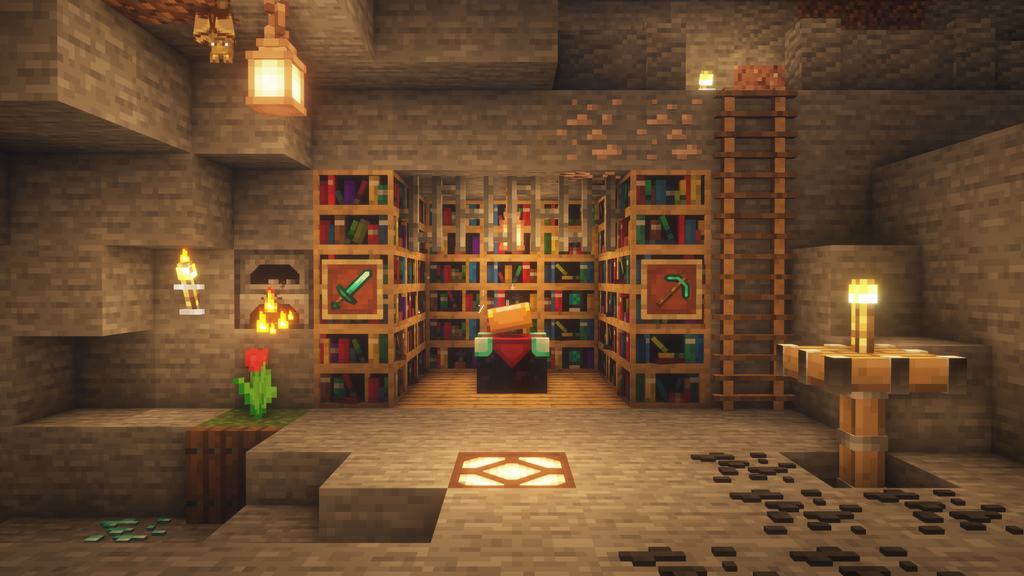
As the name implies, the Slight Depth 3D resource pack contains many textures featuring three-dimensional craftwork. When I tested it out, I noticed the author has carefully crafted a range of 3D texture surfaces to let gamers enjoy wonderful 3D models and elements. Resource packs with 3D work have historically faced both successes and failures. On the one hand, we have excellently crafted, beautiful 3D models that look highly attractive and feature a hefty amount of 3D detailing in them. On the other hand, many resource packs fail to make a mark because the quality of their 3D elements is quite substandard. Luckily, this resource pack is undoubtedly amongst the best 3D resource packs I have ever used. If you are someone on the lookout for a texture pack that can introduce several fantastic 3D elements into the game, then you must try using this particular pack. It successfully raises an elusive level of deepness by adding simple but effective 3D models while maintaining the classic touch of the Minecraft world. The Slight Depth resource pack has smartly avoided making every single entity and object into a 3D model, unlike other famous packs that often overdo it.
However, this resource pack has maintained a delicate balance between the classic Minecraft looks and the ultra detailing of 3D models. The Slight Depth 3D texture pack has adjusted the depth carefully and has truly become an authentic add-on for Minecraft in my gameplay experience. Within a short period after its introduction, the resource pack has already touched the mark of ten thousand downloads, which indirectly reflects its fantastic quality. When we look at the detailing, the author has made every individual model excellent, backed by classic game color combinations to enhance visual appeal. It comes with a resolution of 16×16 for its 3D textures. Because it stays on par with the vanilla game resolution, I experienced zero performance problems while using it. Even if your system runs on obsolete hardware and is of the lower-end type, this resource pack will run smoothly without any issues. While it has not yet reached its final completion stage, you can already find plenty of great 3D content and have a lot of fun playing with it. I highly recommend checking out this 3D resource pack and sharing your own views on it!
Slight Depth [3D] should be compatible with all of these Minecraft versions: 1.16.5 – 1.16.4 – 1.16.3 – 1.16.2 – 1.16.1 – 1.16 – 1.15.2 – 1.15.1 – 1.15 – 1.14.4 – 1.14.3 – 1.14.2 – 1.14 – 1.13.2 – 1.13.1 – 1.13 – 1.12.2 – 1.12 – 1.11.2 – 1.11 – 1.10.2 – 1.10 – 1.9.4 – 1.9
Screenshots
How to Install Texture Pack (Simple 10 Steps)
- Download OptiFine: Most of the texture packs and shaders need OptiFine. That’s why, first download and install OptiFine for the version of Minecraft you want to play.
- Download the Texture Pack: Get the texture pack you want from the download section. Choose the version that works with your Minecraft and your PC’s performance.
- Open Minecraft Launcher: Start Minecraft using the official game launcher — or even TLauncher, if you use that.
- Go to Options: From the main menu, click on the “Options” button.
- Open Resource Packs: Inside Options, click on “Resource Packs…”.
- Open the Resource Pack Folder: Click on “Open Resource Pack Folder” — this will open a folder named “resourcepacks”.
- Move the Pack File: Copy or move the .zip file you downloaded into that “resourcepacks” folder. (Don’t unzip the file — Minecraft uses it as-is!)
- Go Back and Refresh: Close the folder and click “Done”, then go back into “Resource Packs…” again.
- Activate the Pack: You’ll see the pack on the left side. Hover over it and click the arrow to move it to the right (active side).
Tip: If you get a message that the pack is for a different version, just click “Yes” — it usually works fine. - Click Done and Enjoy: Click “Done” again. Now your pack is ready to use in-game. It’s that easy!
Credits
Credits to dommy54 for creating the Slight Depth 3D Resource Pack. We do not own or modify this resource pack, and we fully respect the original creator’s work. We encourage all players to visit the official download sources to support the author.
Download Instructions
Curseforge: download starts automatically after a few seconds;
Mediafire: click the big blue button with the text “DOWNLOAD”;
Google Drive: in the top right corner you will see a small download icon (down arrow), click it and the download should start;