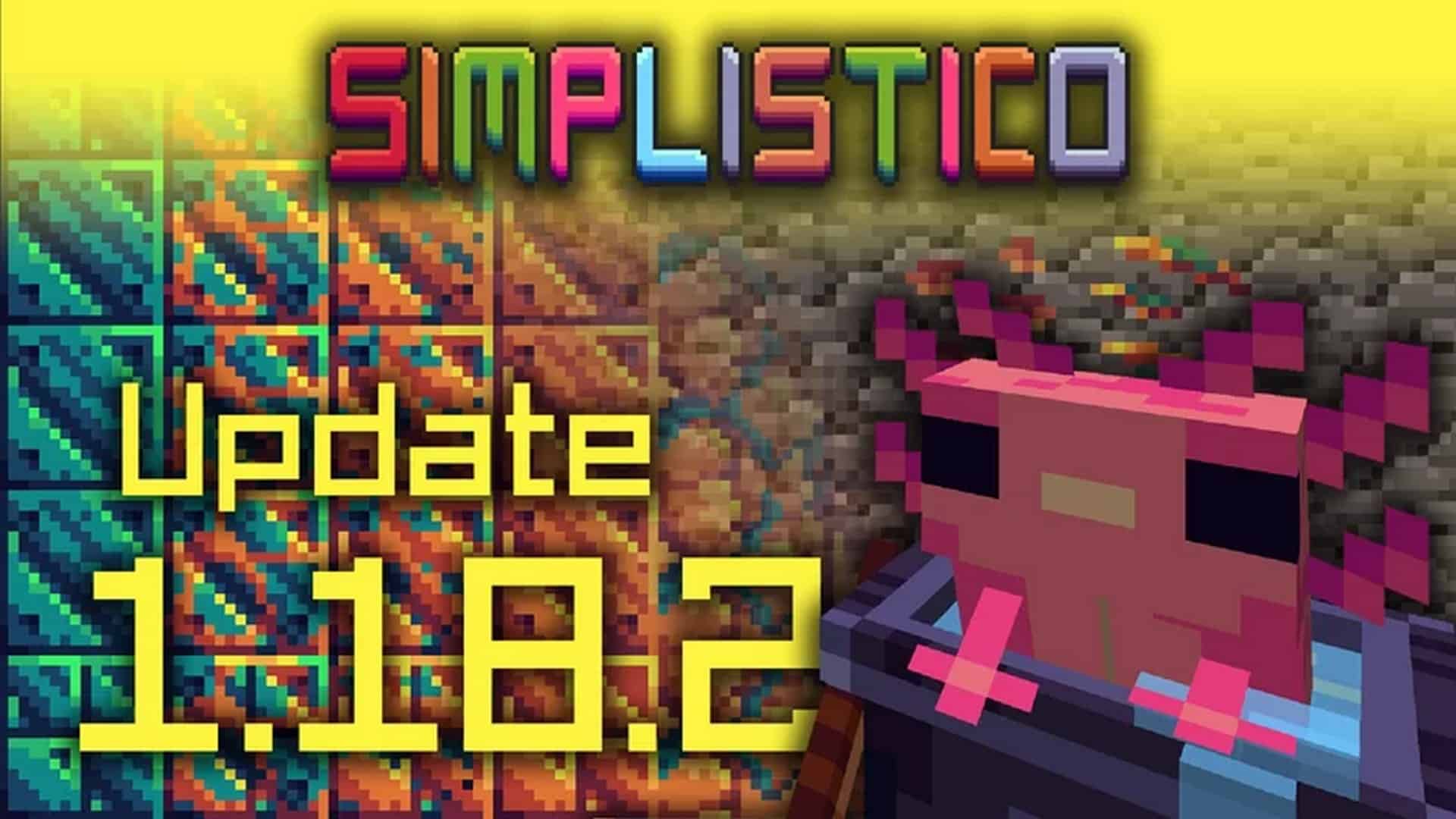
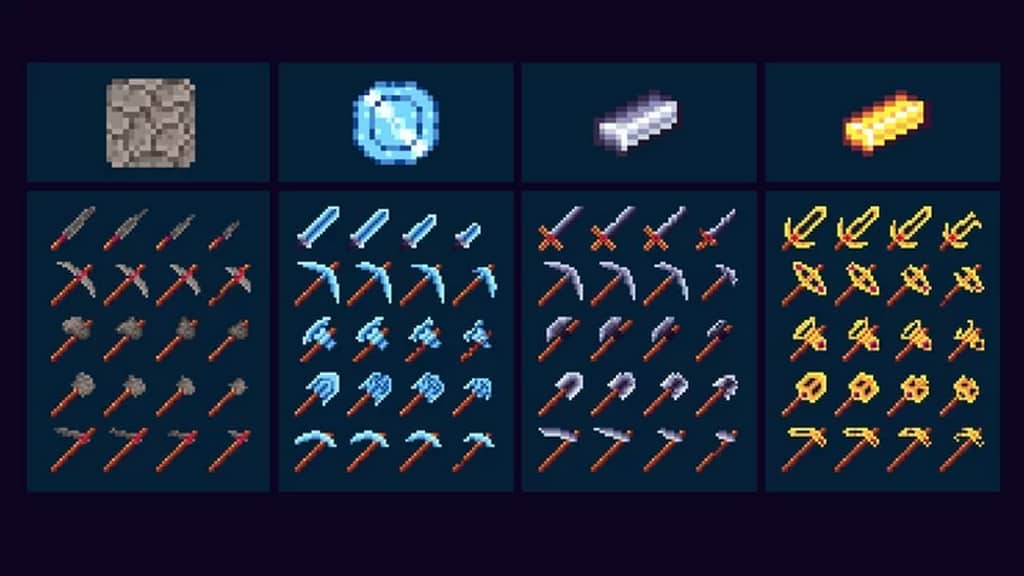
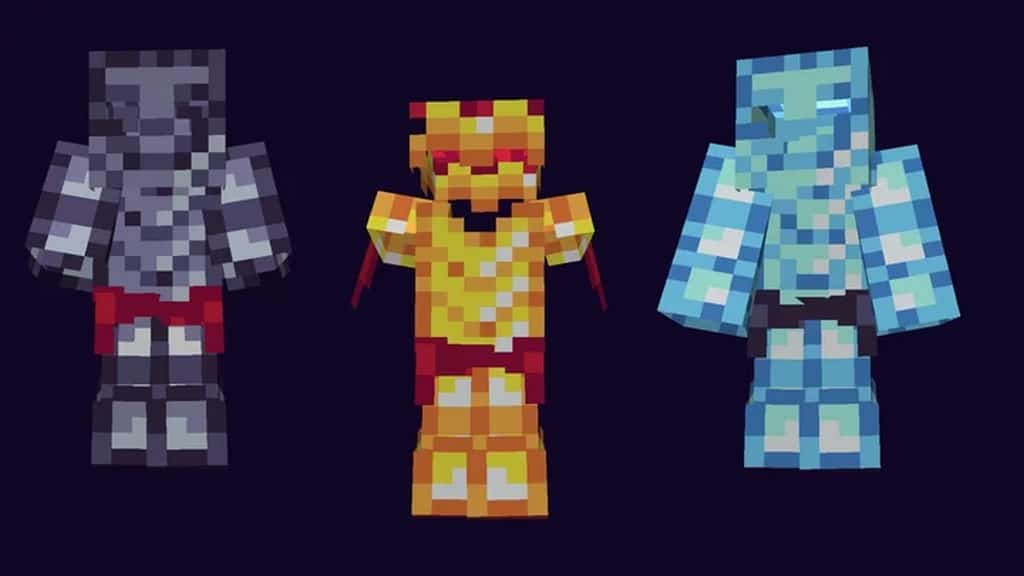
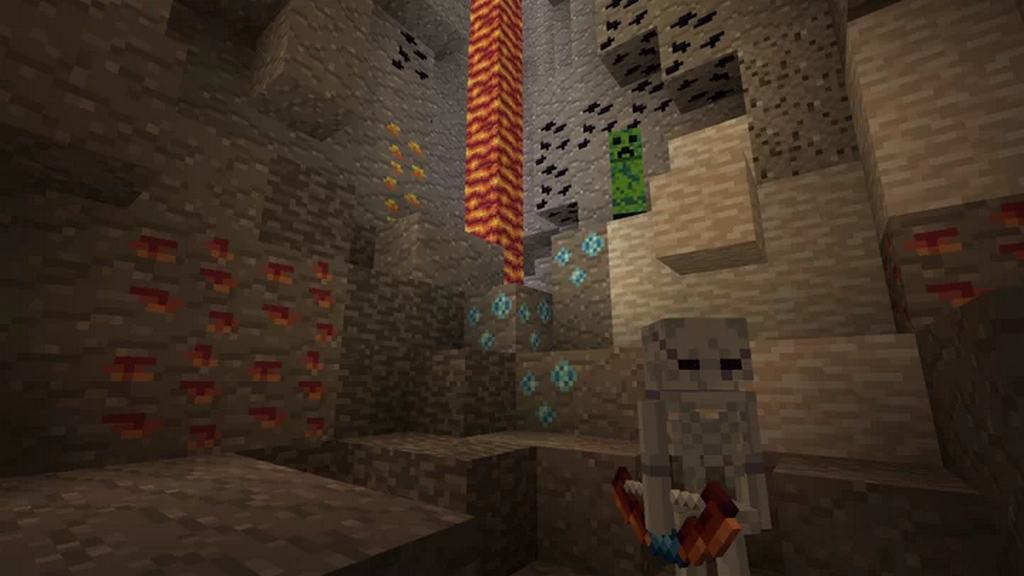
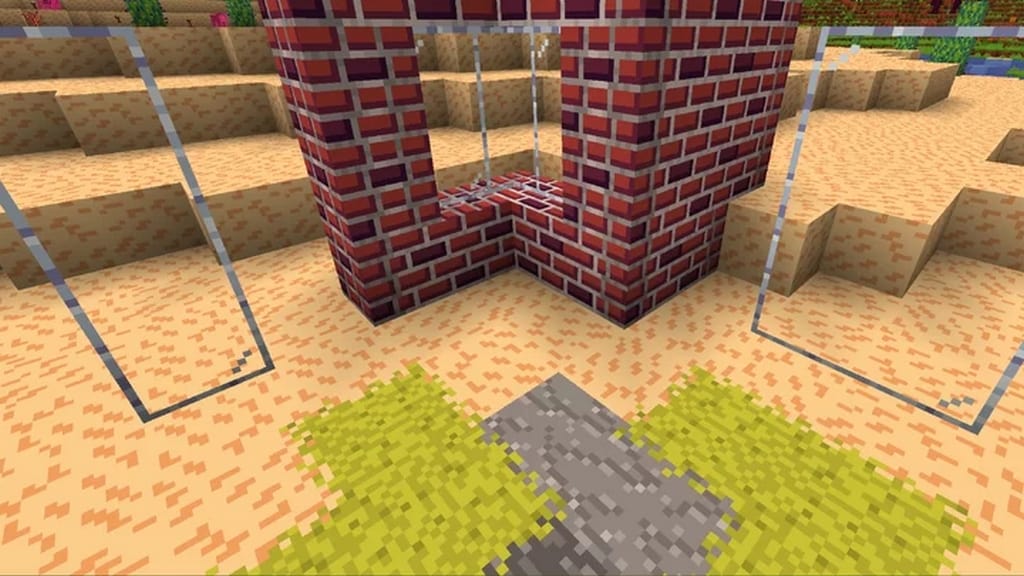
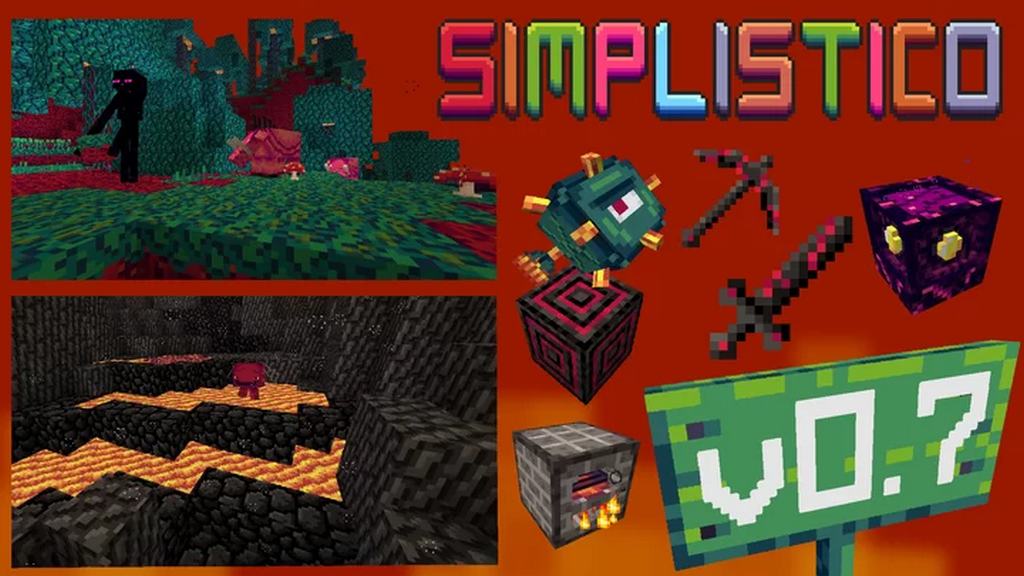
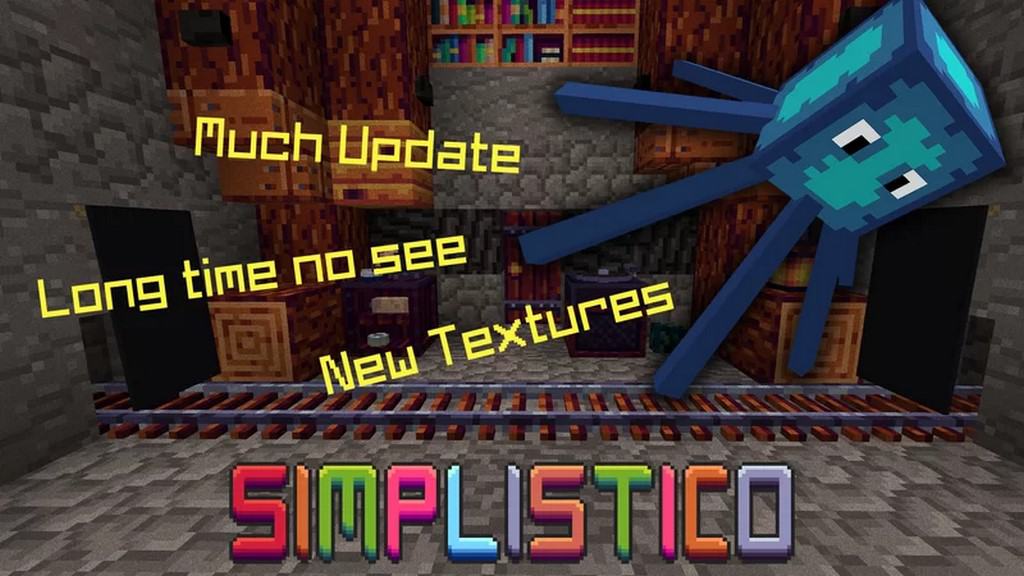
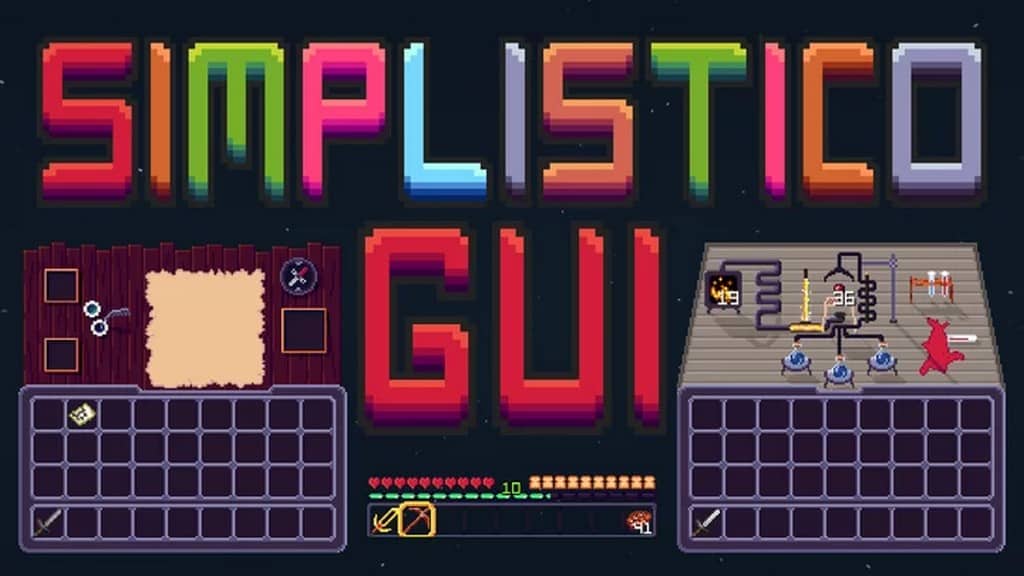
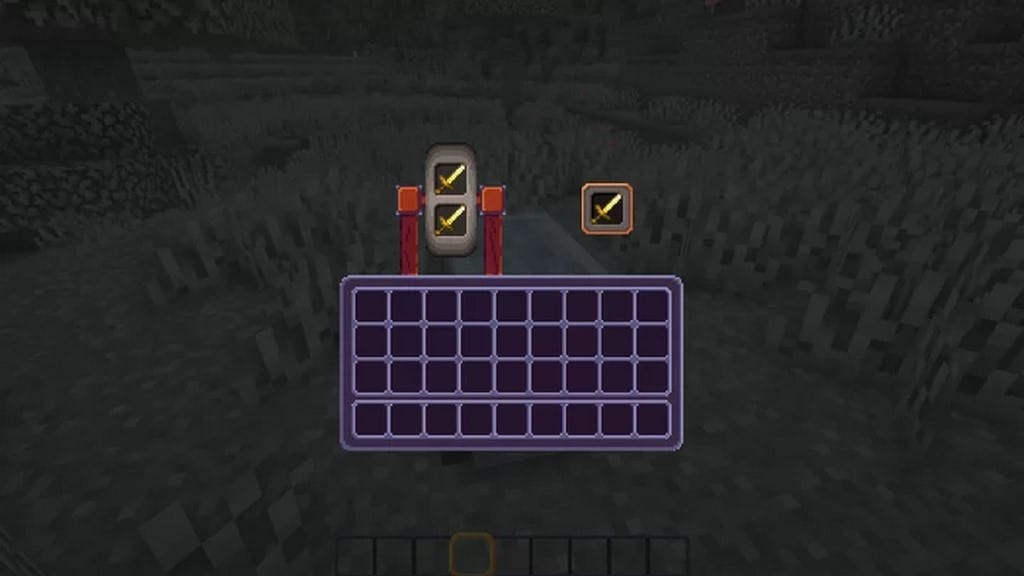
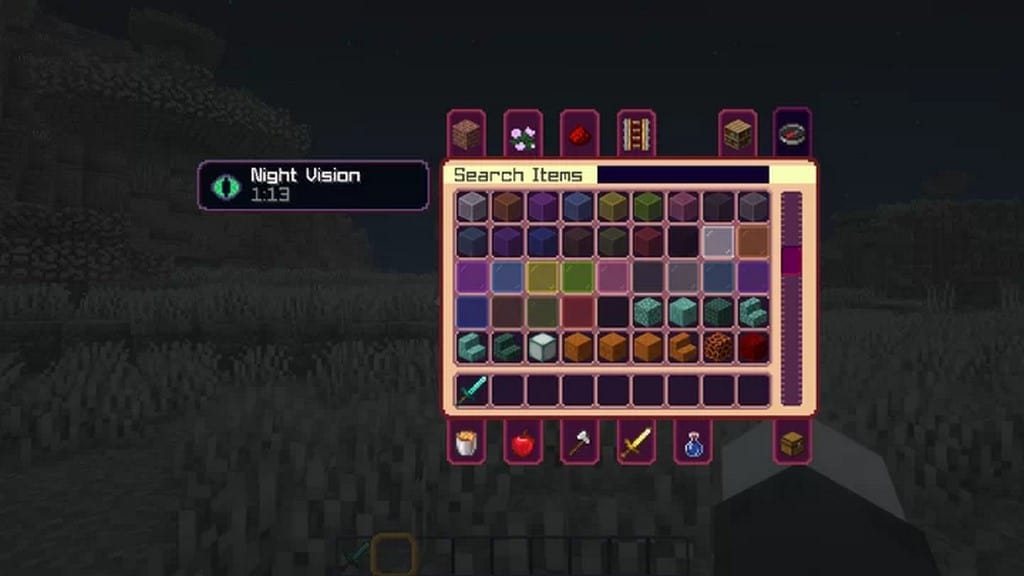
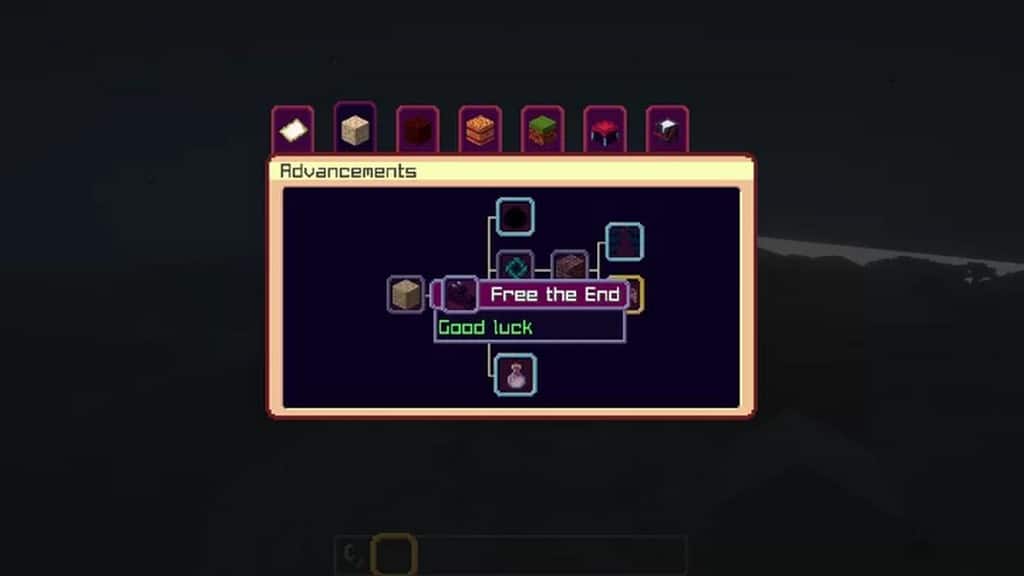
The Simplistico resource pack is genuinely ideal if you prefer a nice, clean, simple, and elegant look for the Minecraft game. We tested this texture pack and found it to be one of the absolute best recommendations that will make your game visuals wonderfully simple yet beautiful. Having been released only a few months ago, it has already reached thousands of downloads by now, which clearly indicates that users are definitely liking and preferring the special simple textures of the Simplistico resource pack. In this context, please note that many of the resource packs released years ago still haven’t achieved thousands of downloads, so accomplishing this milestone within such a short period of time means the pack is rapidly gaining popularity and acceptance among players.
The community of players who have already used this Minecraft resource pack has not yet complained about anything, and neither did we during our playthroughs. If you are looking for a simple, smooth, and straightforward look for your game and want to avoid too many complex textures, the Simplistico resource pack will be very apt for you. There is another great benefit of using it, as this pack comes with a 16×16 resolution. Since many players may not have a high-end gaming system, and if you are running on a low-end setup, you should definitely avoid heavy and complex resource packs that put too much pressure on your hardware. Instead, we strongly recommend using a nice resource pack like Simplistico, which despite its low resolution offers extremely great visuals that you will surely like while keeping game performance quite good without causing any load to your system resources. So, hurry up and try it today!
Simplistico should be compatible with all of these Minecraft versions: 1.18.2 – 1.18.1 – 1.18 – 1.17.1 – 1.17 – 1.16.5 – 1.16.4 – 1.16.3 – 1.16.2 – 1.16.1 – 1.16 – 1.15.2 – 1.15.1 – 1.15 – 1.14.4 – 1.14.3 – 1.14.2 – 1.14
Screenshots

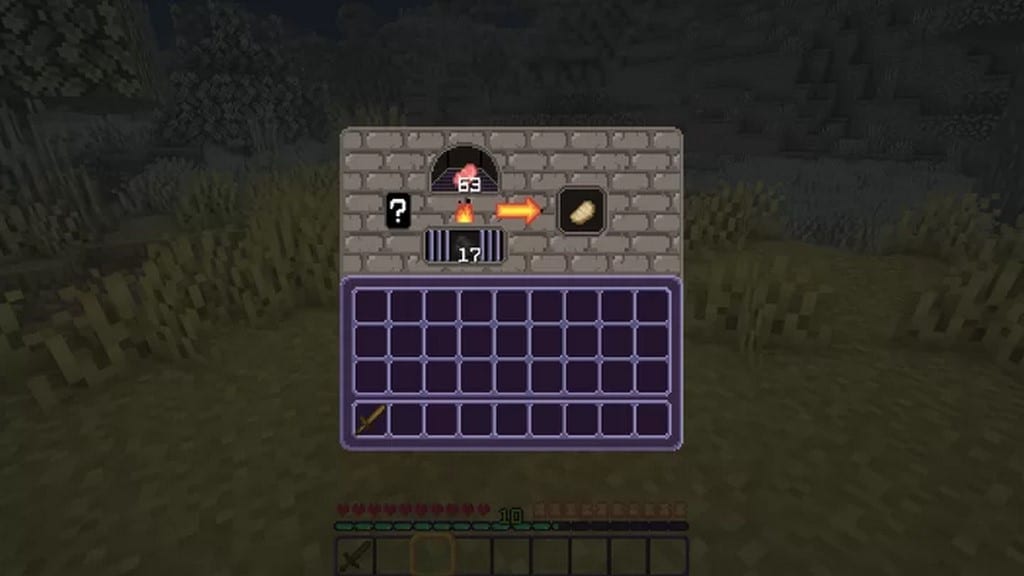
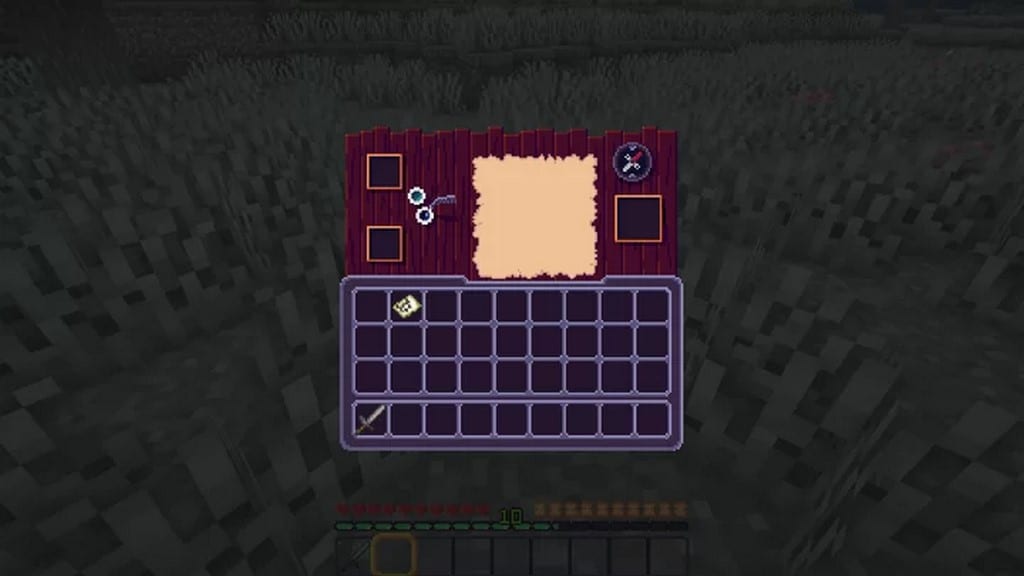
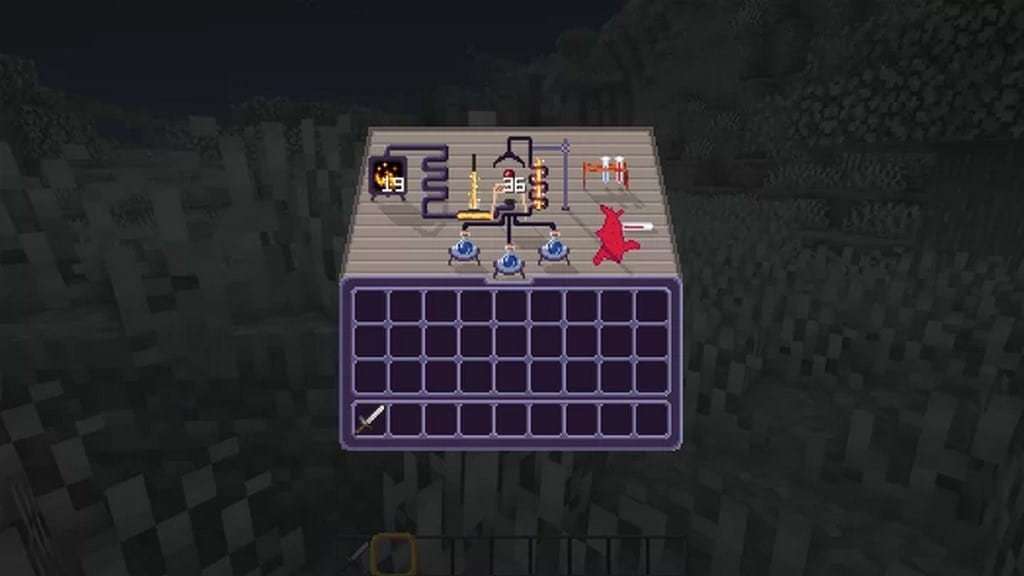
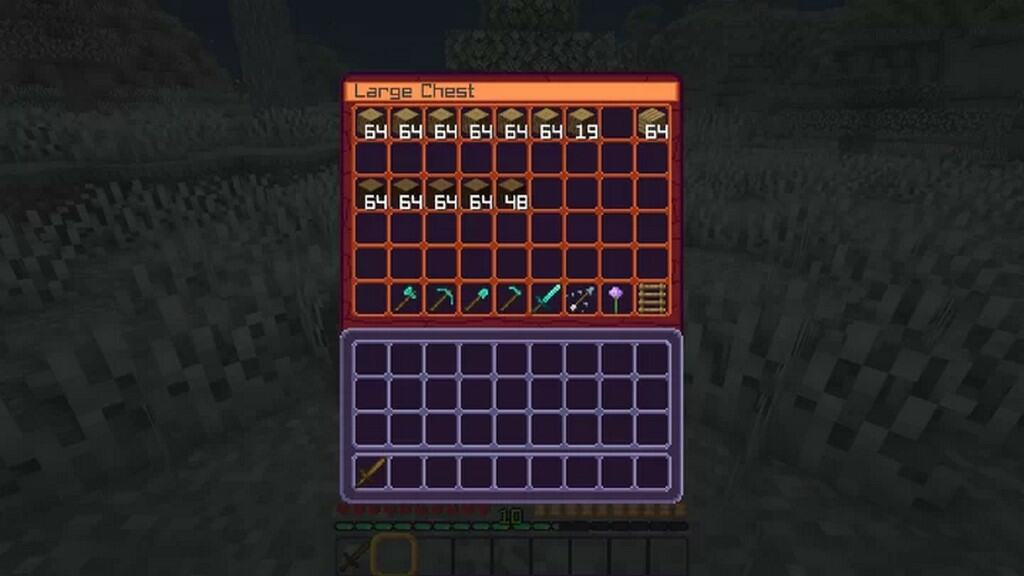


How to Install Texture Pack (Simple 10 Steps)
- Download OptiFine: Most of the texture packs and shaders need OptiFine. That’s why, first download and install OptiFine for the version of Minecraft you want to play.
- Download the Texture Pack: Get the texture pack you want from the download section. Choose the version that works with your Minecraft and your PC’s performance.
- Open Minecraft Launcher: Start Minecraft using the official game launcher — or even TLauncher, if you use that.
- Go to Options: From the main menu, click on the “Options” button.
- Open Resource Packs: Inside Options, click on “Resource Packs…”.
- Open the Resource Pack Folder: Click on “Open Resource Pack Folder” — this will open a folder named “resourcepacks”.
- Move the Pack File: Copy or move the .zip file you downloaded into that “resourcepacks” folder. (Don’t unzip the file — Minecraft uses it as-is!)
- Go Back and Refresh: Close the folder and click “Done”, then go back into “Resource Packs…” again.
- Activate the Pack: You’ll see the pack on the left side. Hover over it and click the arrow to move it to the right (active side).
Tip: If you get a message that the pack is for a different version, just click “Yes” — it usually works fine. - Click Done and Enjoy: Click “Done” again. Now your pack is ready to use in-game. It’s that easy!
Credits
This resource pack was created by Comper. We do not own or modify this content. All rights belong to the original creator. We encourage you to support Comper by visiting the official source links.
Download Links
Java Edition
Download Instructions
Curseforge: download starts automatically after a few seconds;
Mediafire: click the big blue button with the text “DOWNLOAD”;
Google Drive: in the top right corner you will see a small download icon (down arrow), click it and the download should start;


