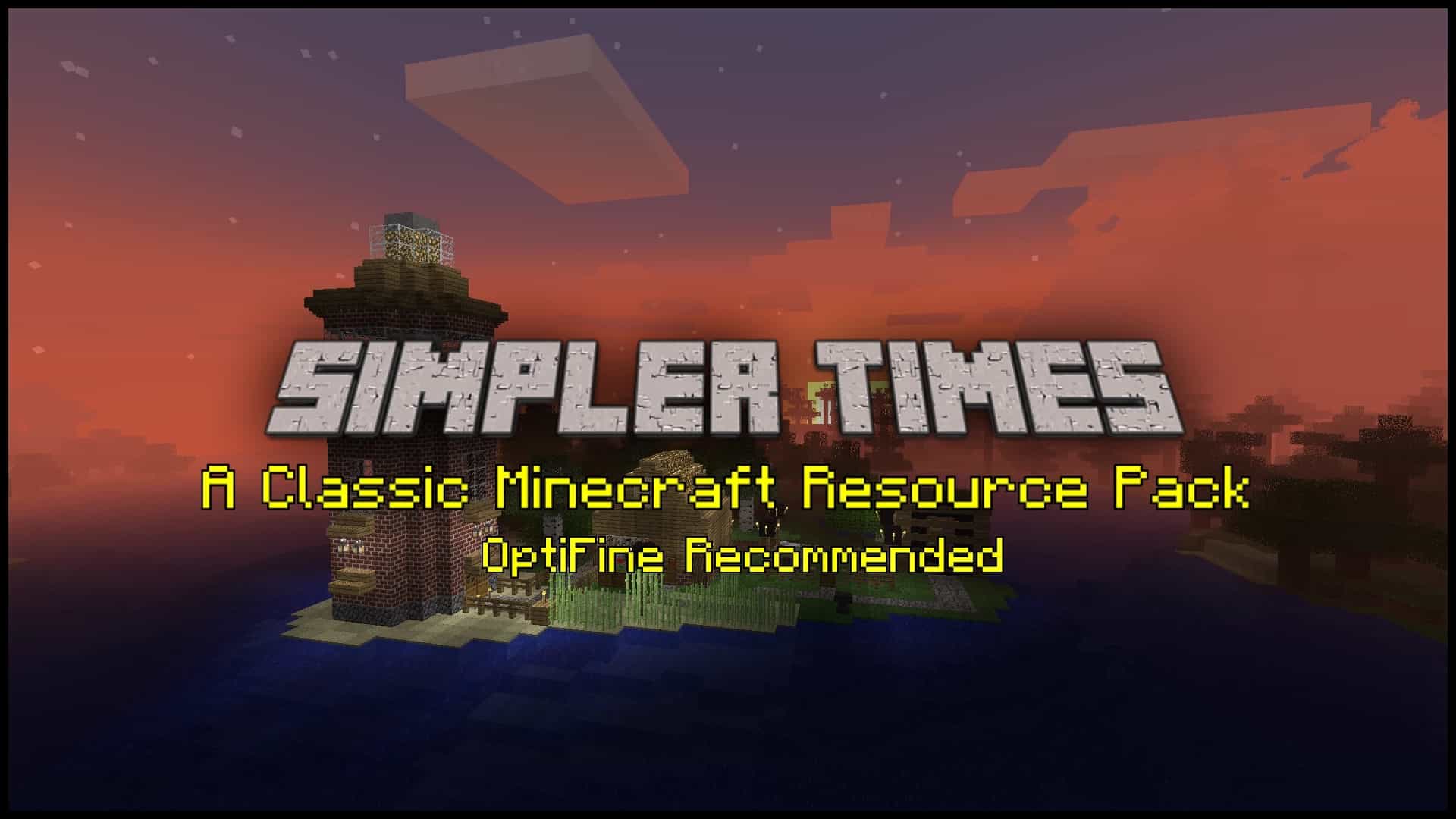
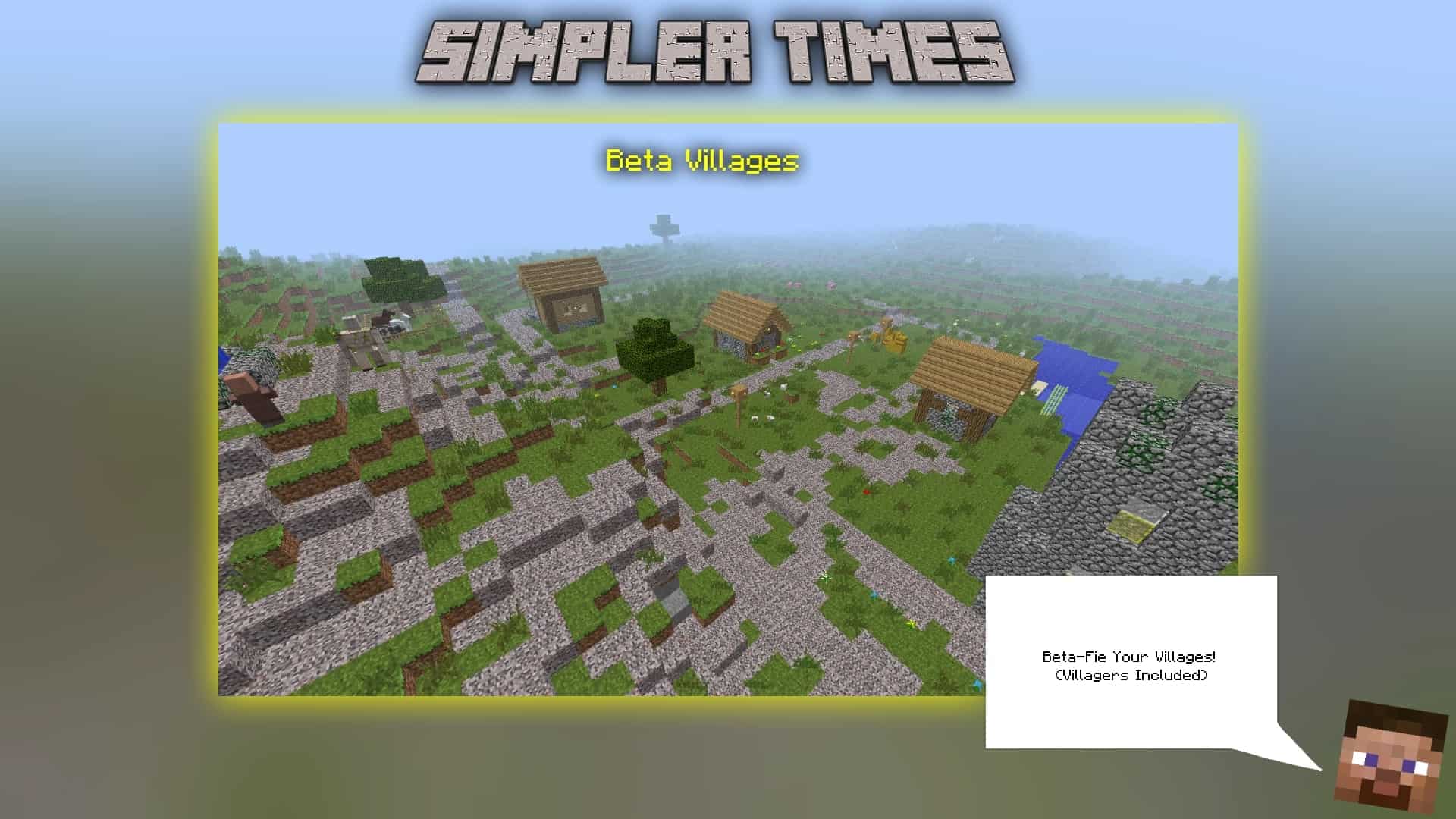
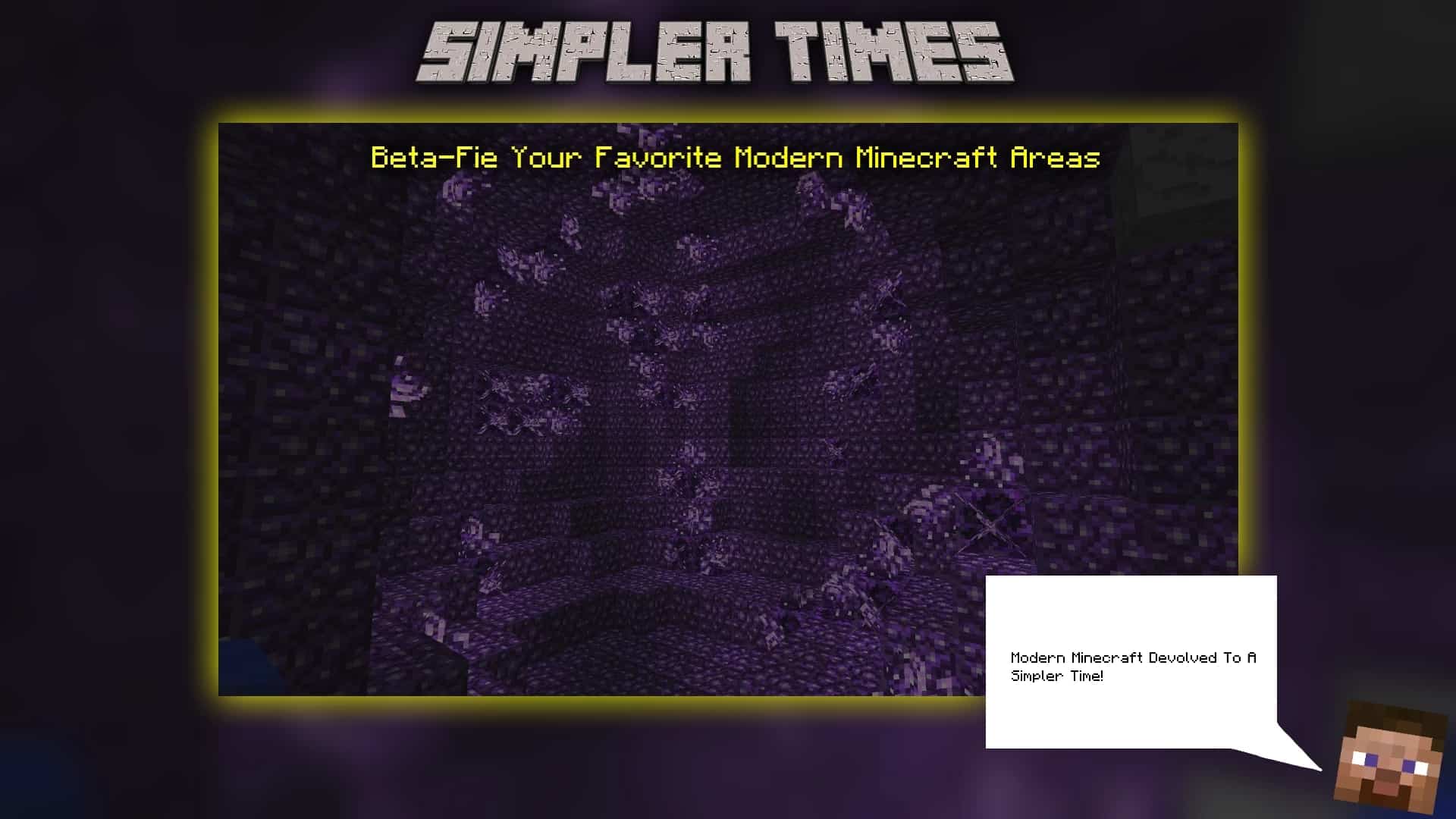
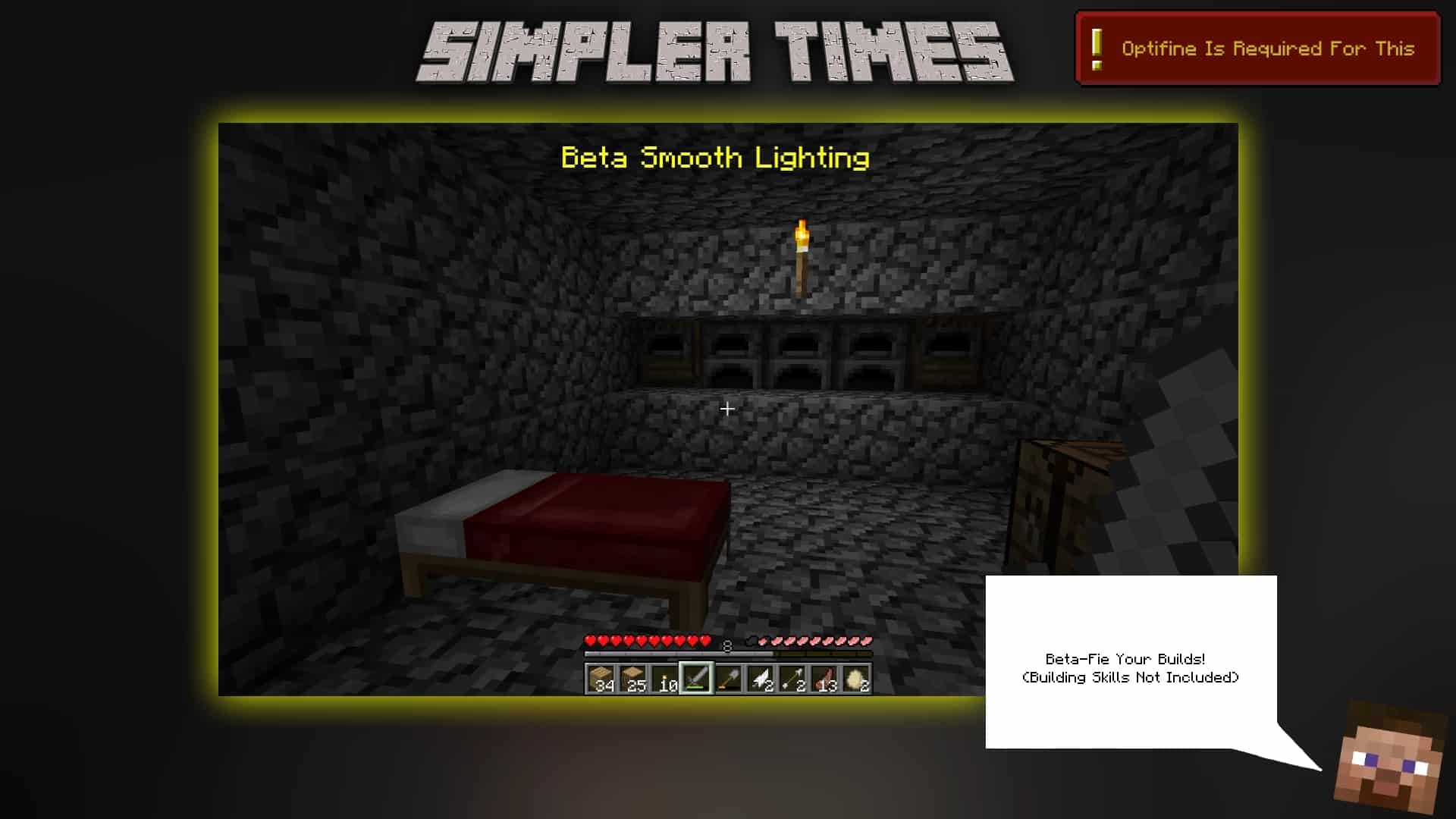
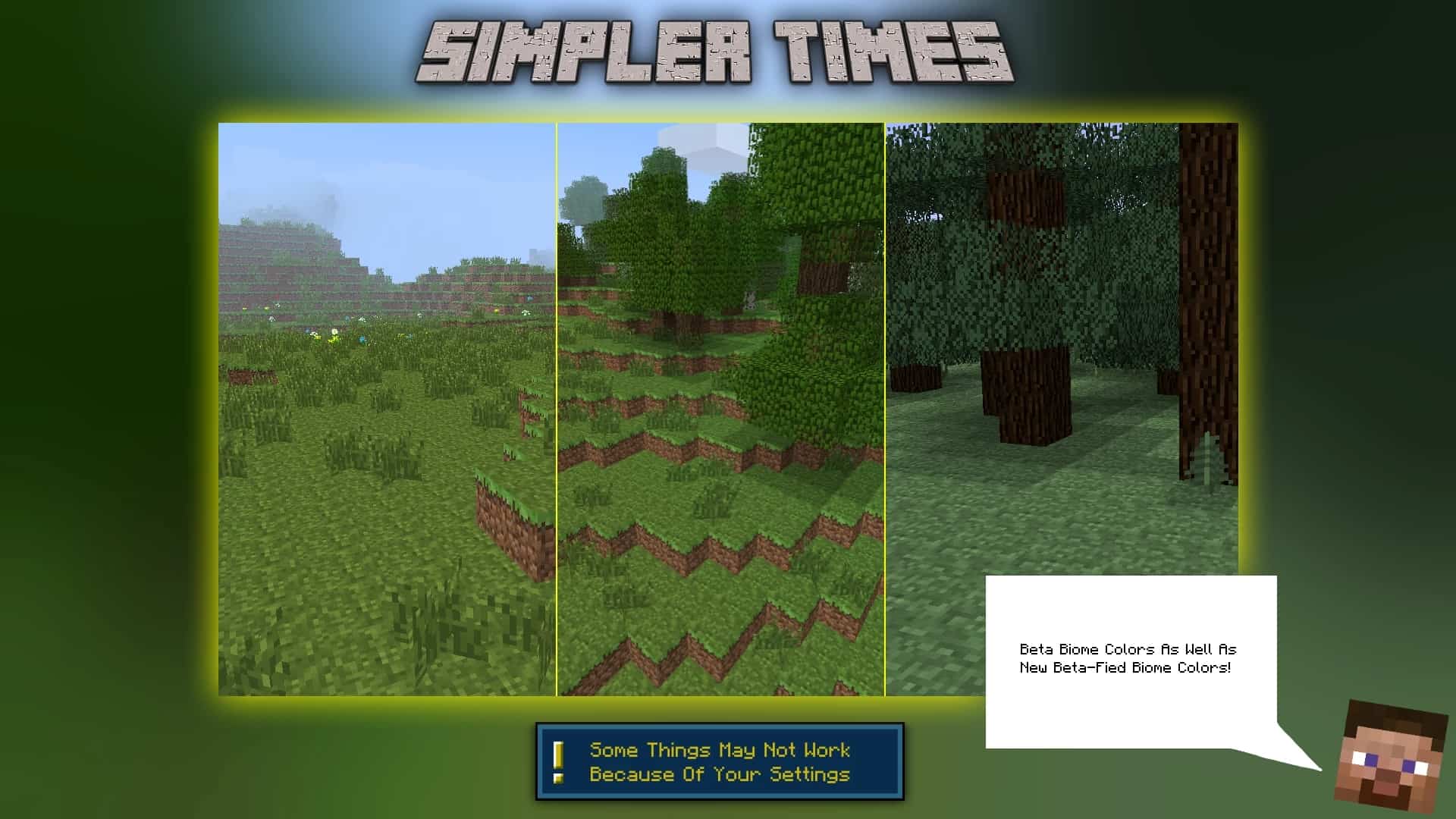
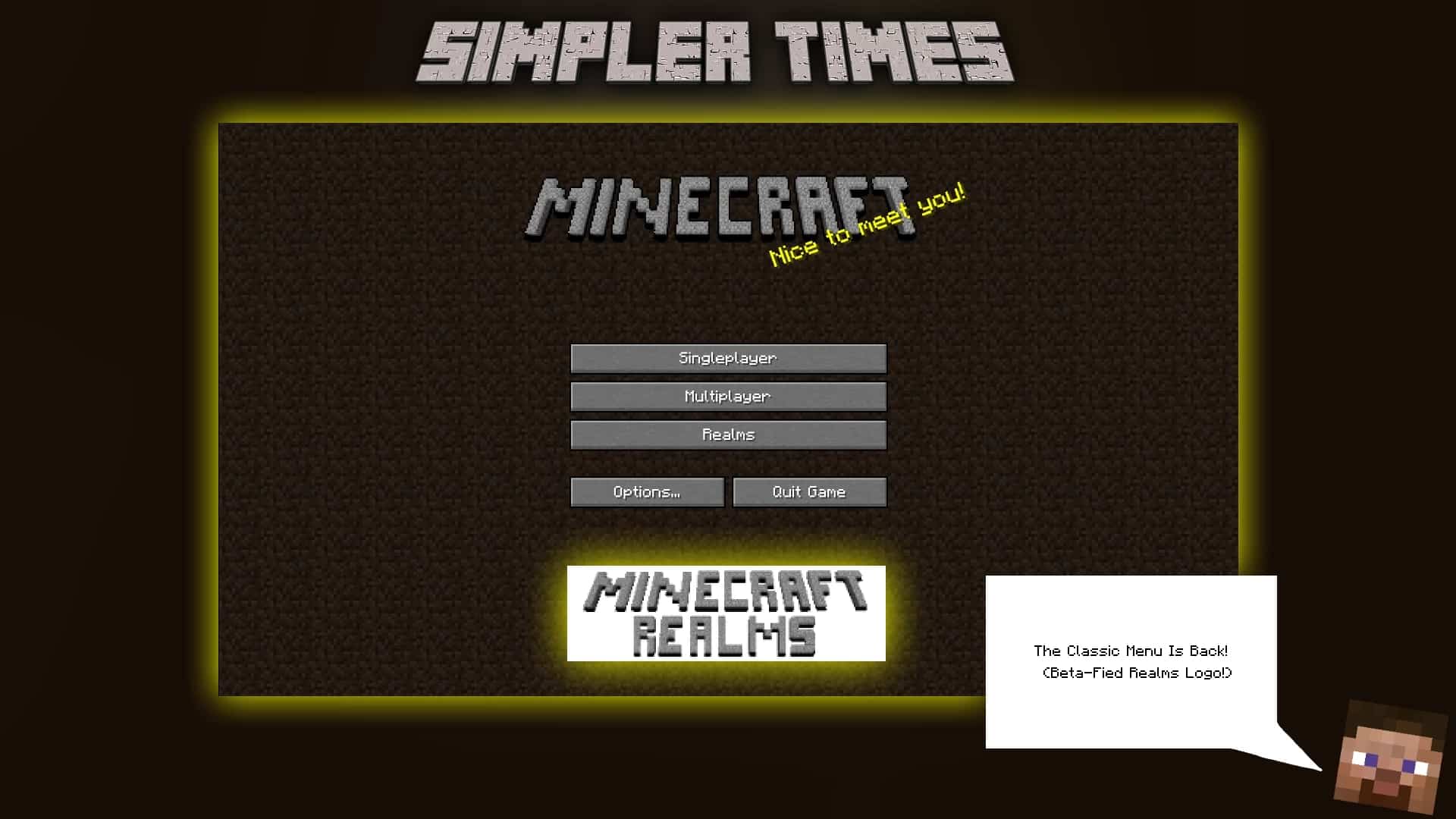
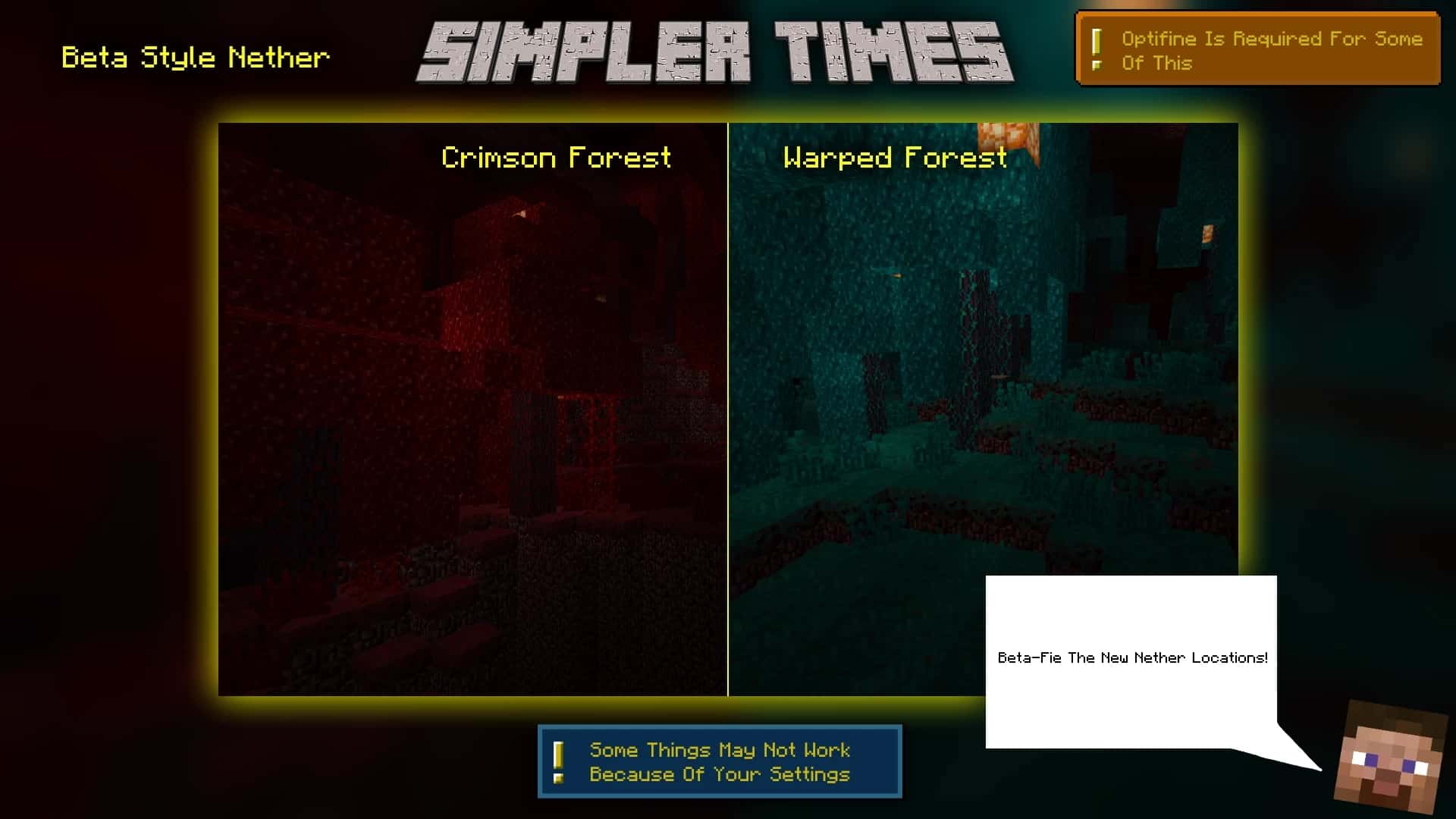
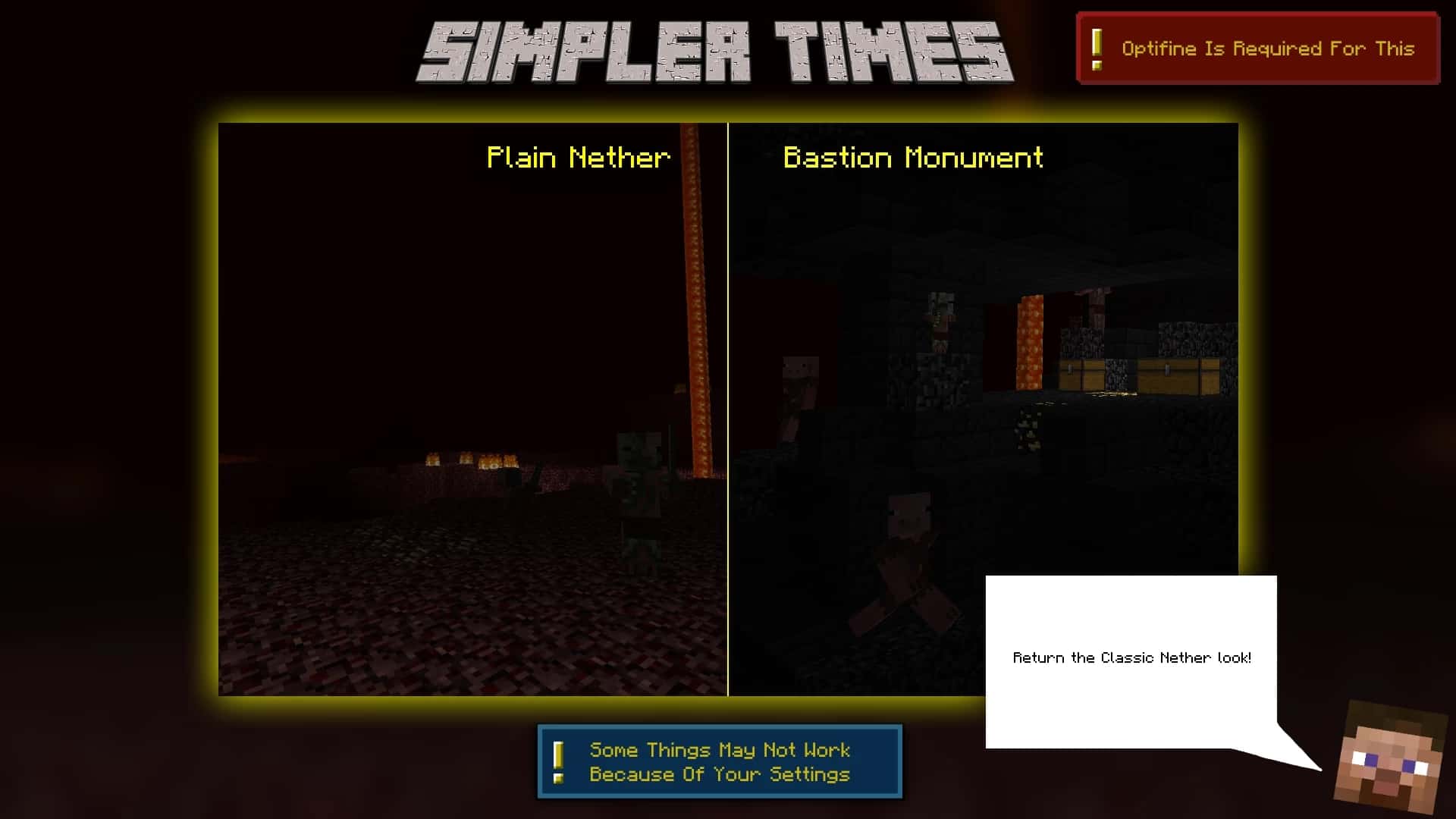
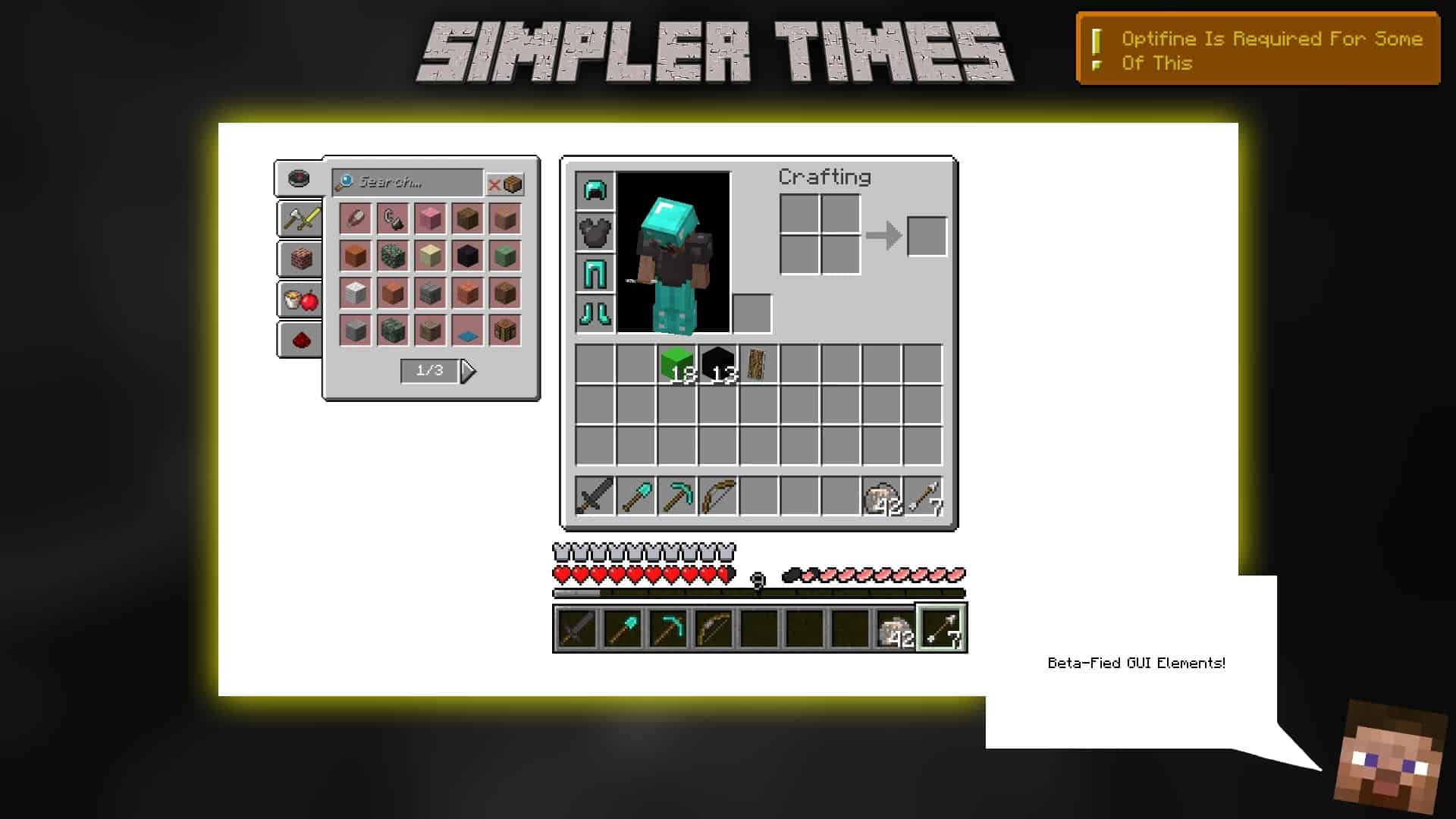
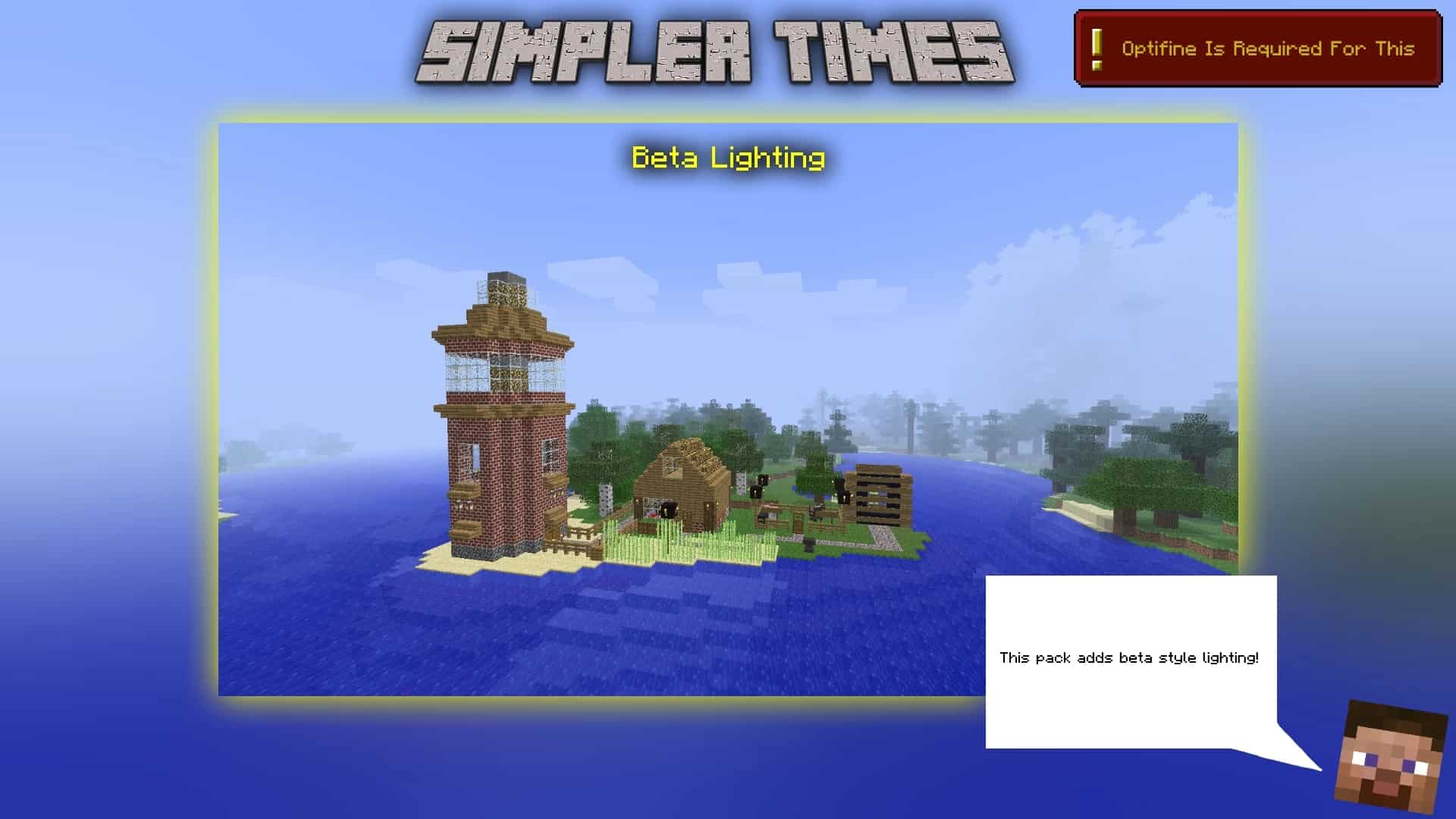
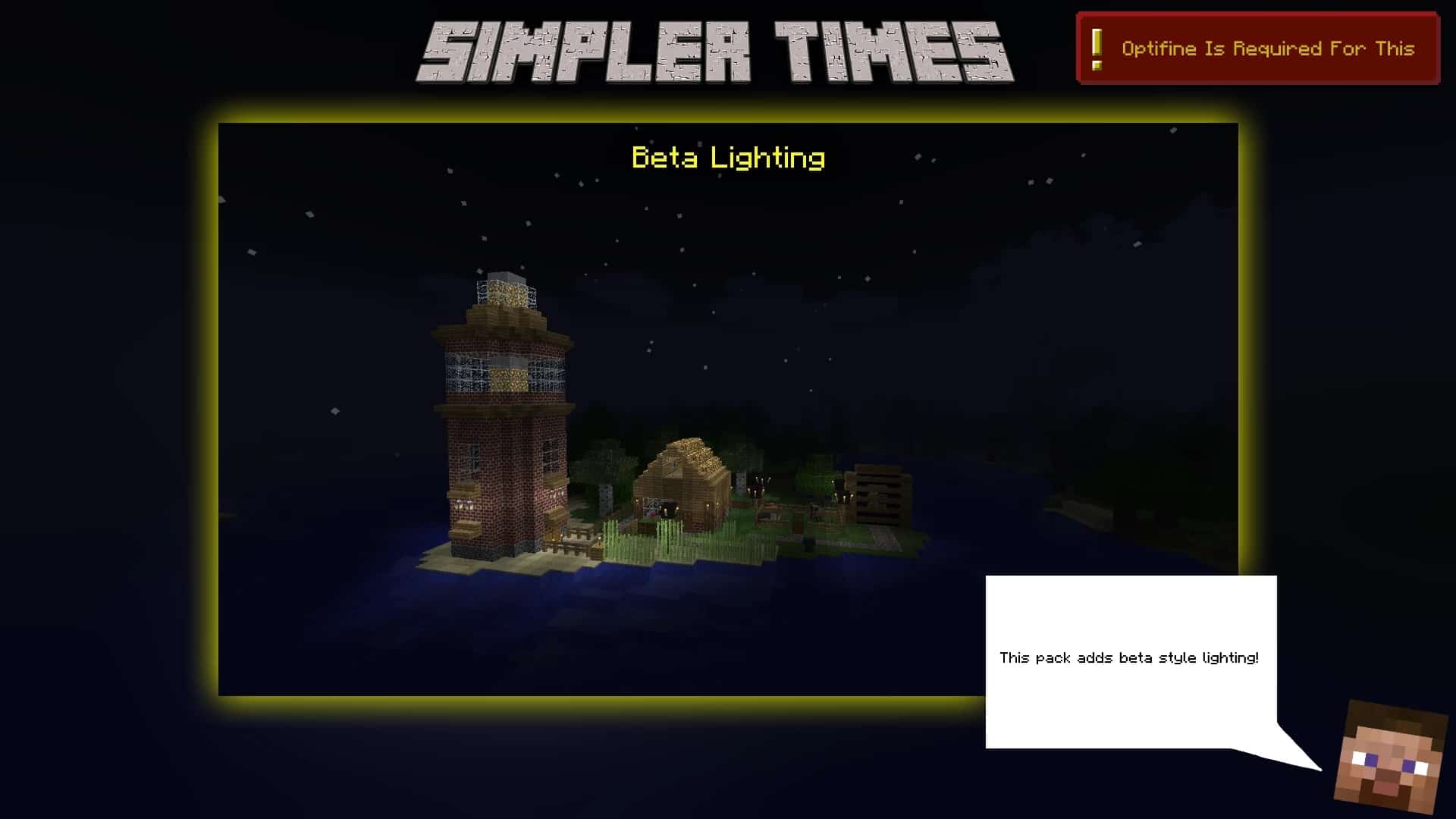
New and innovative things don’t have to introduce anything spectacular to be attractive to players, and the Simpler Times resource pack is a brilliant testament to that. If you were to compare the beta versions of Minecraft with the modern ones, you’d probably think that it wasn’t even the same game. Simpler Times truly lives up to its name by bringing back the old, grainy textures and the moody atmosphere of those legendary beta and alpha days, turning back the time machine to give newer players a fantastic look into the past. If you were to ask veteran players what they think about the current state of the game, many would happily argue that it’s immeasurably better than it was in the early days. However, some still deeply prefer that old-school look, which the Simpler Times texture pack manages to almost perfectly replicate. You can load the pack immediately into vanilla Minecraft, though certain features definitely require Optifine in order to work completely as intended. The very first time you enter a world with this pack active, you’ll be greeted by the wonderfully traditional smooth lighting that was once Minecraft’s trademark. The charming reddish hues of the sunsets and the bright blues of the mornings are gloriously brought back. The textures themselves are wonderfully much simpler. Netherrack and cobblestone look much more rustic and structured, which works extremely well with the lighting. Even modern Minecraft areas like crimson forests and bastions are cleverly “betafied” and blend in seamlessly with the rest of the traditional textures. The Simpler Times resource pack also reintroduces the classic GUI, which you will notice immediately after accessing your inventory. All of the item and block labels and names are restored to their old look. Once you reach the End, you’ll instantly notice that the sky has been modified to match its original appearance. You might honestly wonder how traditional textures from the alpha and beta manage to blend so nicely with some of the newest blocks introduced into the game, but the developer smartly thought of that as well. All of the new textures are modified to a certain extent, drawing direct inspiration from those original grainy textures.
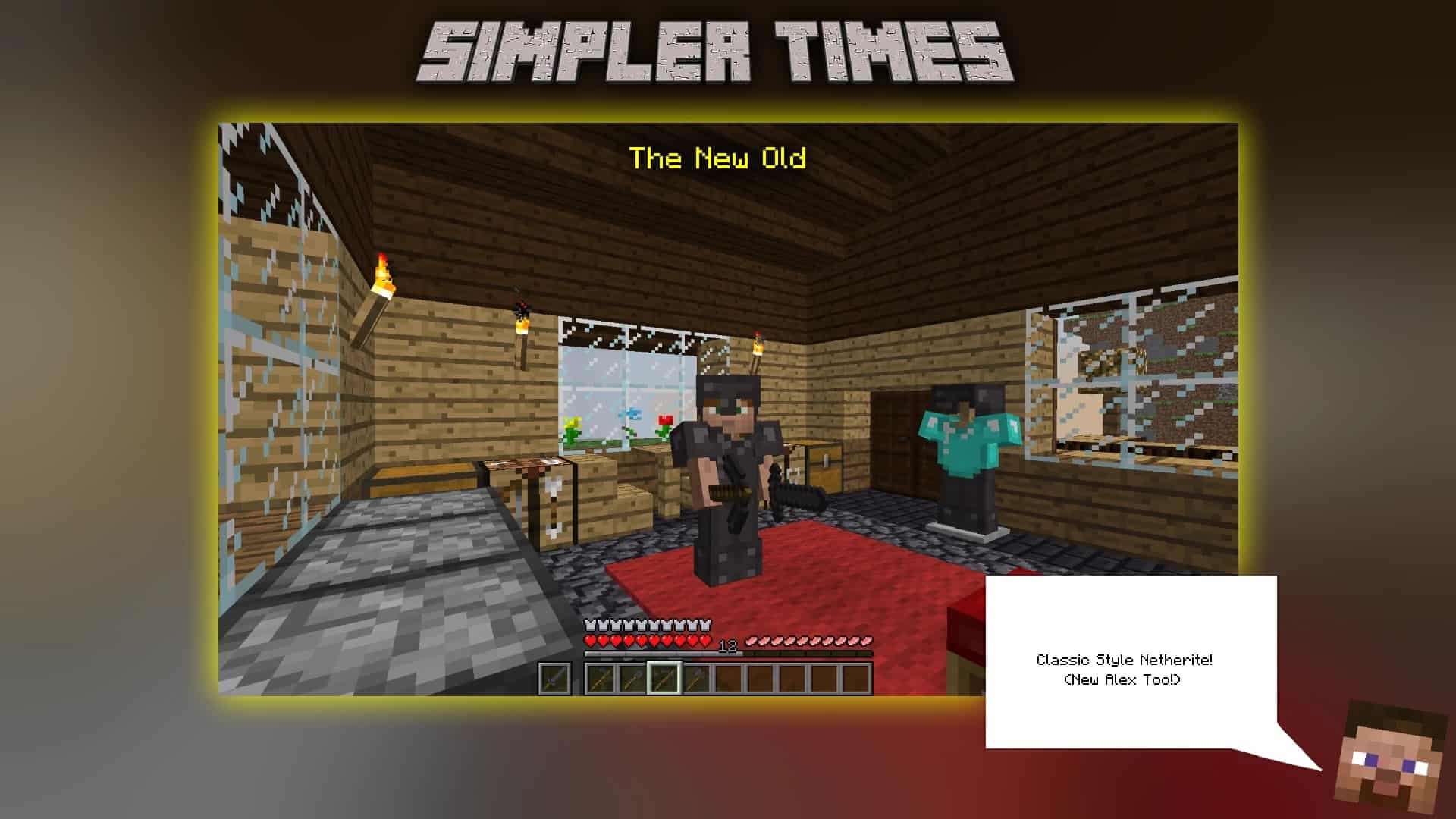
This delightful change can be easily noticed on the armor. When you compare diamond and netherite, it’s super easy to see that they share very similar outlines and that both models share the exact same foundation. The same can genuinely be said for the tools—you’ll immediately spot that long-established pixelated look every old-school player is intimately familiar with. But that’s certainly not all! If you’ve been around the community for a long time, you surely know that almost all of the sounds have changed throughout various updates. Simpler Times is one of those rare, wonderful packs that brings back those beloved old sounds. Villagers, animals, mobs, and even the classic sound of Steve taking damage are precisely the same as they were in the earliest versions of the game. Thankfully, these extensive changes shouldn’t worry you at all, because the pack does not affect the core game mechanics in the slightest. The combat system and all PvE elements remain completely up-to-date with the latest versions of the game, keeping only the visual and audial changes intact. The pack also features another massive highlight, which is the implementation of CITs. Custom Item Texture (CIT for short) is a unique feature of resource packs that allows modifications of models or textures for specific items, typically implemented through particular properties such as renamed items. In the Simpler Times resource pack, for instance, changing the name of an emerald to “Ruby” using an anvil will magically change its texture. There are around 10 different CITs available, each featuring its own unique name and appearance. As far as the technical requirements and the resolution of the pack go, they are as lightweight as possible. Since the textures are basically “transported” straight from Minecraft’s alpha and beta versions, all of the models are kept at a clean 16×16 resolution. This means that there will be absolutely no negative impact on performance, regardless of how high-end or low-end your hardware might be. In fact, you might even notice a slight increase in your frame rates if you didn’t have Optifine previously installed, since a few of the pack’s features heavily rely on it. To get the absolute most out of your experience, you should definitely follow the recommended Optifine settings that the developer has outlined on the official Simpler Times release page. There are different releases of the pack available to suit Minecraft versions 1.16 through 1.19, making it a fantastic addition to your collection.
Simpler Times should be compatible with all of these Minecraft versions: 1.19.4 – 1.19.3 – 1.19.2 – 1.19.1 – 1.19 – 1.18.2 – 1.18.1 – 1.18 – 1.17.1 – 1.17 – 1.16.5 – 1.16.4 – 1.16.3 – 1.16.2 – 1.16.1 – 1.16
Screenshots


How to Install Texture Pack (Simple 10 Steps)
- Download OptiFine: Most of the texture packs and shaders need OptiFine. That’s why, first download and install OptiFine for the version of Minecraft you want to play.
- Download the Texture Pack: Get the texture pack you want from the download section. Choose the version that works with your Minecraft and your PC’s performance.
- Open Minecraft Launcher: Start Minecraft using the official game launcher — or even TLauncher, if you use that.
- Go to Options: From the main menu, click on the “Options” button.
- Open Resource Packs: Inside Options, click on “Resource Packs…”.
- Open the Resource Pack Folder: Click on “Open Resource Pack Folder” — this will open a folder named “resourcepacks”.
- Move the Pack File: Copy or move the .zip file you downloaded into that “resourcepacks” folder. (Don’t unzip the file — Minecraft uses it as-is!)
- Go Back and Refresh: Close the folder and click “Done”, then go back into “Resource Packs…” again.
- Activate the Pack: You’ll see the pack on the left side. Hover over it and click the arrow to move it to the right (active side).
Tip: If you get a message that the pack is for a different version, just click “Yes” — it usually works fine. - Click Done and Enjoy: Click “Done” again. Now your pack is ready to use in-game. It’s that easy!
Credits
Creator: swigly. This content was originally created by swigly. We do not claim ownership of this modification, nor do we host modified files on our servers. All rights and intellectual property remain with the original creator. We strongly encourage players to visit the official creator links to download the pack and support their ongoing work.
Download Links
Java Edition
- [16x] Minecraft 1.19.x – 1.16.x Resource Pack
- Ancient Times Add-on
- Beta-Fier Add-on
- Black Outlines Add-on
- Consistency Add-on
- Emissive Ores Add-on
- Green Ender Add-on
- MOAR Nostalgia Add-on
- No Enchantments Add-on
- Old Ores Add-on
- Picture Perfect Beds Add-on
- Picture Perfect Blocks Add-on
- Picture Perfect Emissive Ores Add-on
- Picture Perfect GUI Elements Add-on
- Remove Grass Add-on
- Slim Steve Add-on
Download Instructions
Curseforge: download starts automatically after a few seconds;
Mediafire: click the big blue button with the text “DOWNLOAD”;
Google Drive: in the top right corner you will see a small download icon (down arrow), click it and the download should start;


