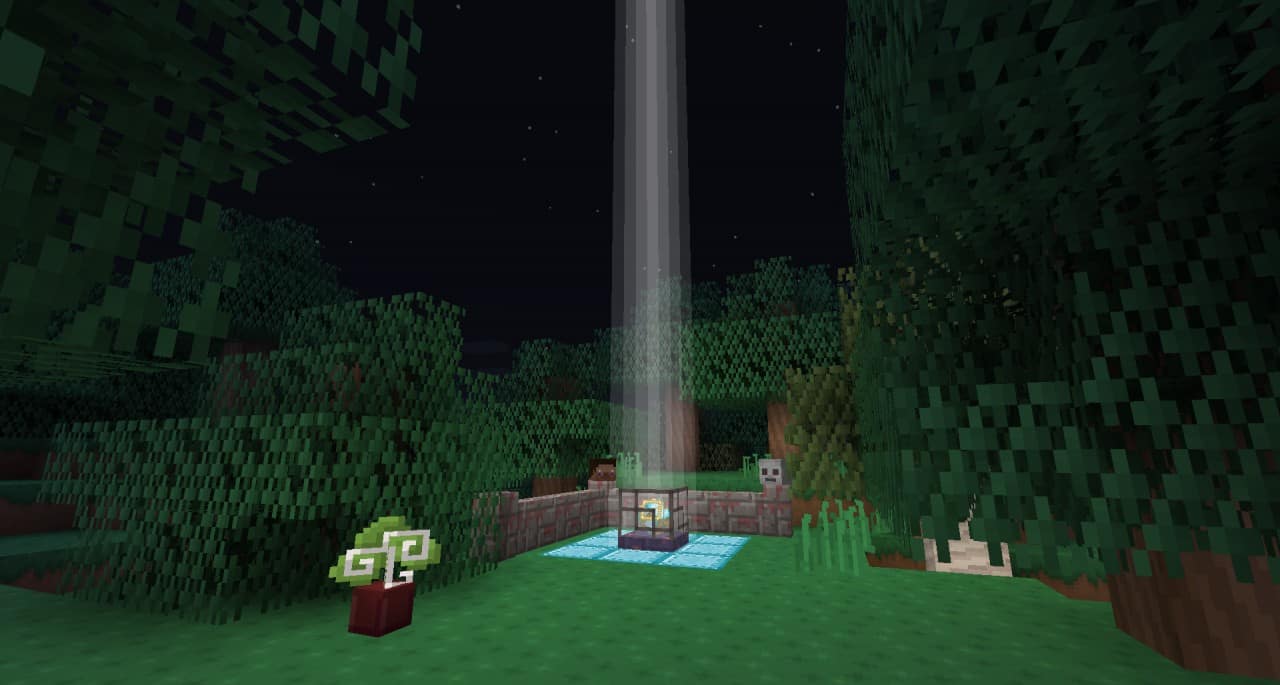
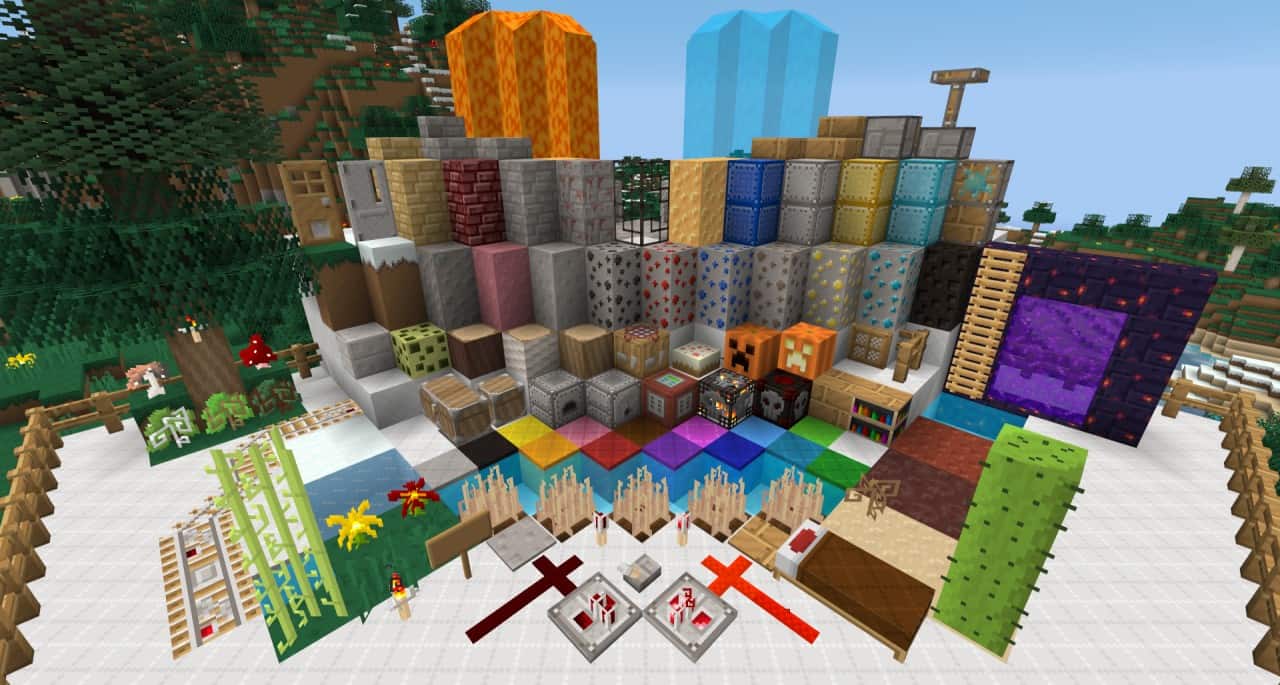
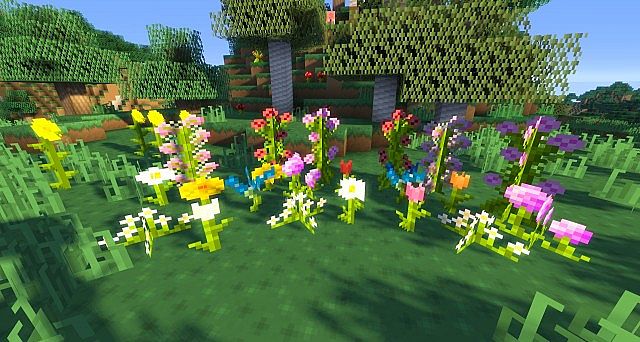
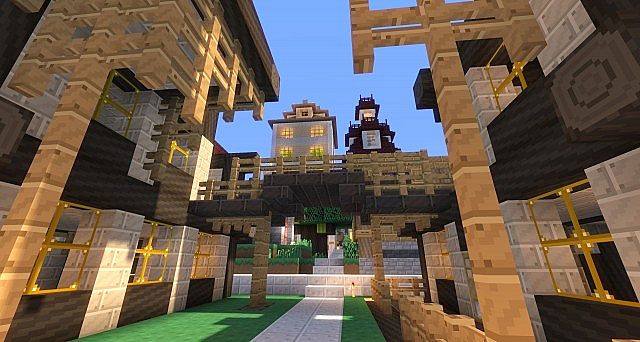
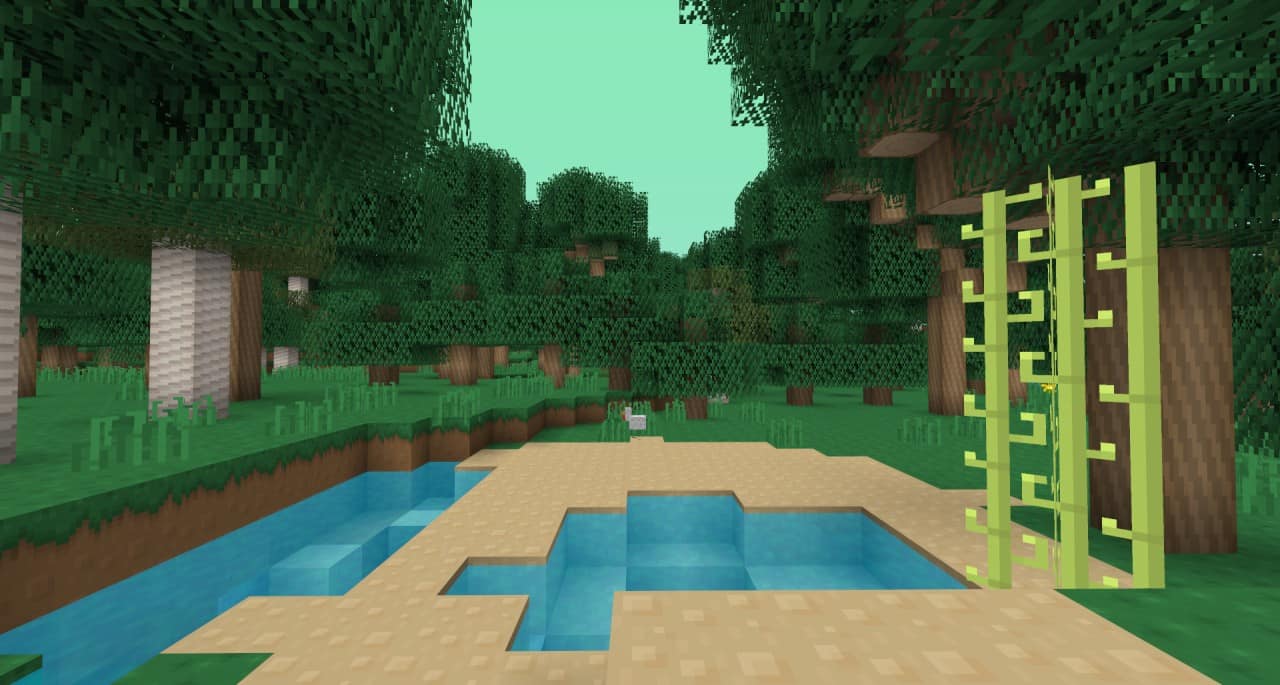
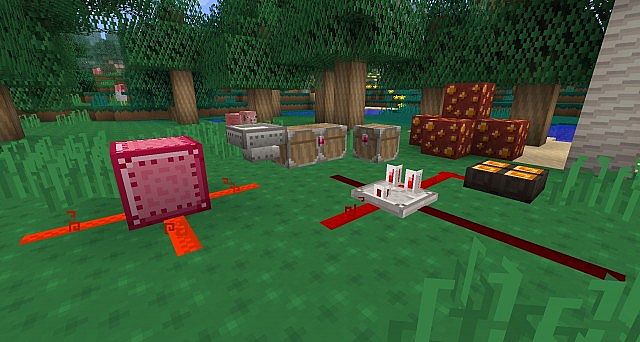
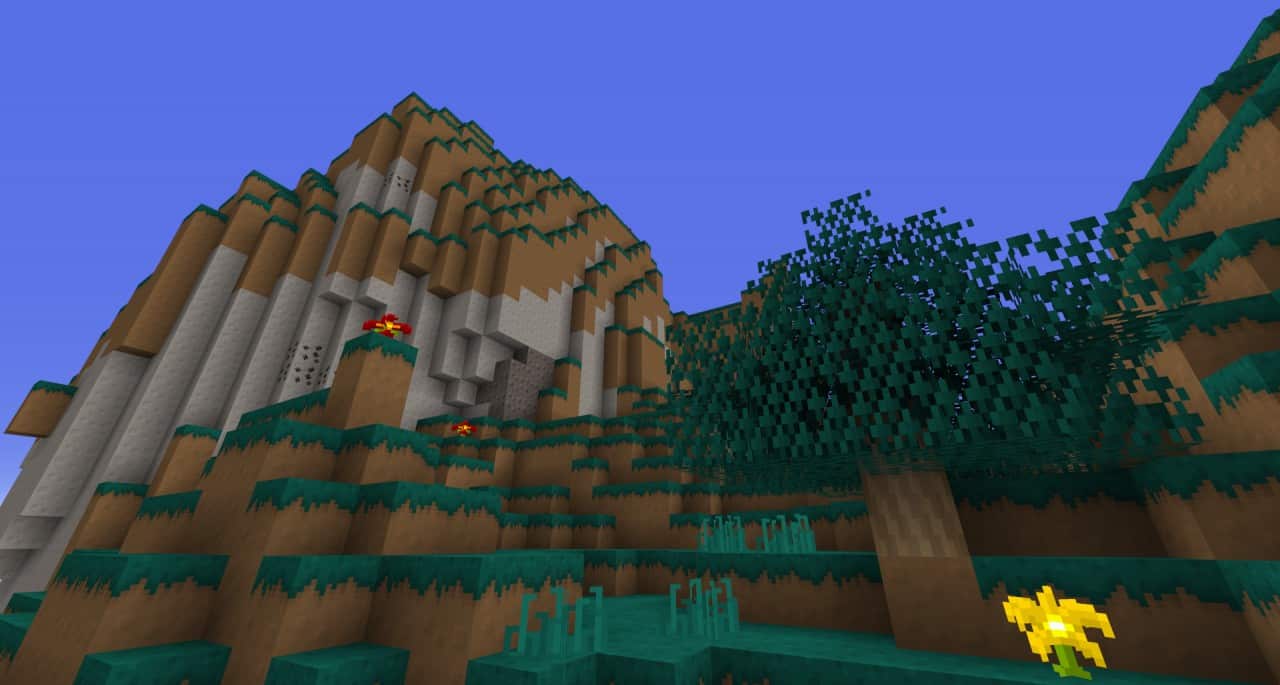
We tested out the Sandy Dreams resource pack and found that it brilliantly tries to maintain the standard graphics of Minecraft while updating its general look with low-res textures and animations. This pack is truly excellent for those with simple computer requirements, as the whole kit comes with a lightweight 16x resolution that runs smoothly. Minecraft players who use this texture pack will find that Sandy Dreams provides a very retro feel to their gameplay, making it something that vintage gamers would be extremely attracted to try out for themselves. However, keep in mind that some textures in the pack look very similar to vanilla Minecraft, so you should definitely not expect an entire texture overhaul if you are looking for a complete visual transformation.
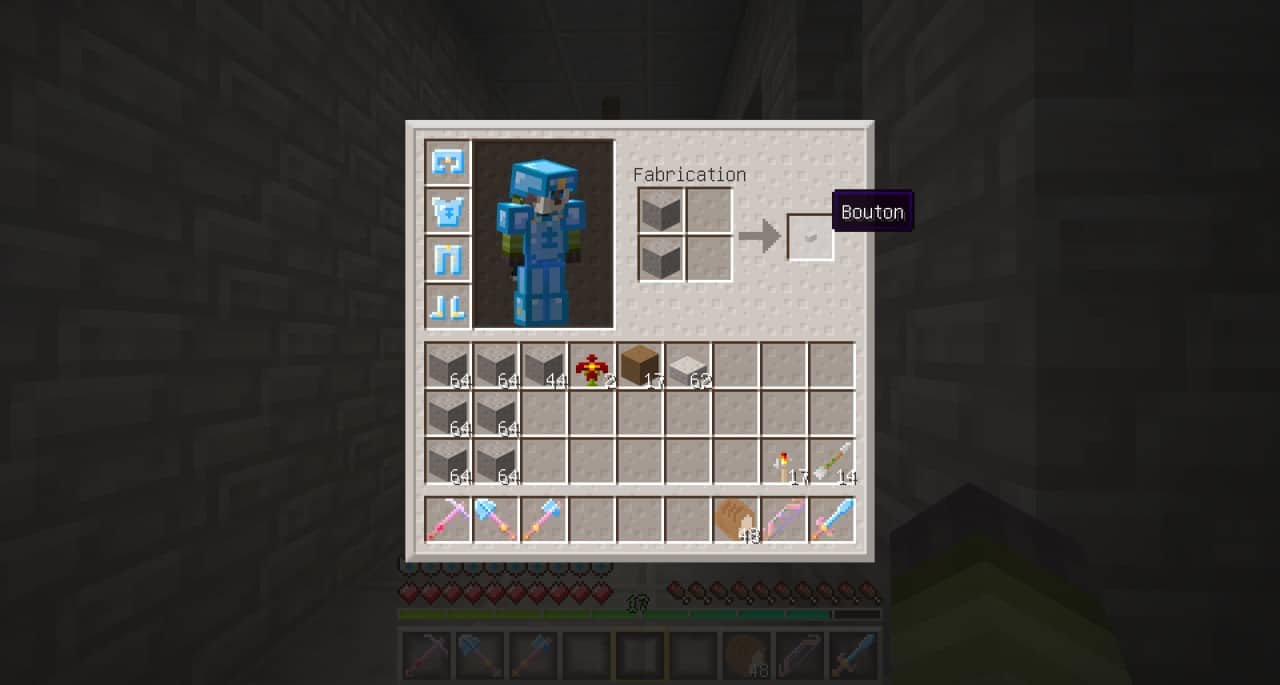
The GUI is slightly changed as well, though not entirely overhauled, keeping navigation familiar yet fresh. This texture pack is widely available for most Minecraft versions, which makes it very accessible. There was a thoughtful overhaul to all textures that provide washed-out colors in a more straightforward resolution, offering a genuinely refreshing take for players. Retrovoxels originally created the Sandy Dreams resource pack specifically for players who wanted simpler textures than what you would find in standard versions of Minecraft. We would especially recommend getting this pack if you want to play Minecraft with an extra retro feel, or if your system simply cannot handle high-resolution Minecraft resource packs.
Sandy Dreams should be compatible with all of these Minecraft versions: 1.9.4 – 1.9 – 1.8.9 – 1.8.8 – 1.8.1 – 1.8.6 – 1.8
Screenshots
How to Install Texture Pack (Simple 10 Steps)
- Download OptiFine: Most of the texture packs and shaders need OptiFine. That’s why, first download and install OptiFine for the version of Minecraft you want to play.
- Download the Texture Pack: Get the texture pack you want from the download section. Choose the version that works with your Minecraft and your PC’s performance.
- Open Minecraft Launcher: Start Minecraft using the official game launcher — or even TLauncher, if you use that.
- Go to Options: From the main menu, click on the “Options” button.
- Open Resource Packs: Inside Options, click on “Resource Packs…”.
- Open the Resource Pack Folder: Click on “Open Resource Pack Folder” — this will open a folder named “resourcepacks”.
- Move the Pack File: Copy or move the .zip file you downloaded into that “resourcepacks” folder. (Don’t unzip the file — Minecraft uses it as-is!)
- Go Back and Refresh: Close the folder and click “Done”, then go back into “Resource Packs…” again.
- Activate the Pack: You’ll see the pack on the left side. Hover over it and click the arrow to move it to the right (active side).
Tip: If you get a message that the pack is for a different version, just click “Yes” — it usually works fine. - Click Done and Enjoy: Click “Done” again. Now your pack is ready to use in-game. It’s that easy!
Credits
This resource pack was originally created by FelixTheBunny and developed by Retrovoxels. We do not claim ownership of this content and do not modify any files. All rights and credits belong to the original creators. We strongly encourage you to support the creators by downloading the pack from their official links.
Download Instructions
Curseforge: download starts automatically after a few seconds;
Mediafire: click the big blue button with the text “DOWNLOAD”;
Google Drive: in the top right corner you will see a small download icon (down arrow), click it and the download should start;


